


-

Amazon 1
-

About Aura Displays 6
-

Marketing 6
-

My Account 12
-

General terms and conditions 6
-

My Order(s) 18
-

B2B / Sales / Bulk Orders 9
-

Shipping 9
-

Products 3
-
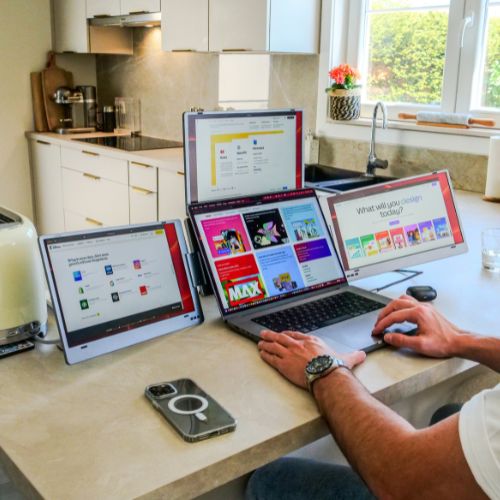
Triple Boost 14" Pro 23
-
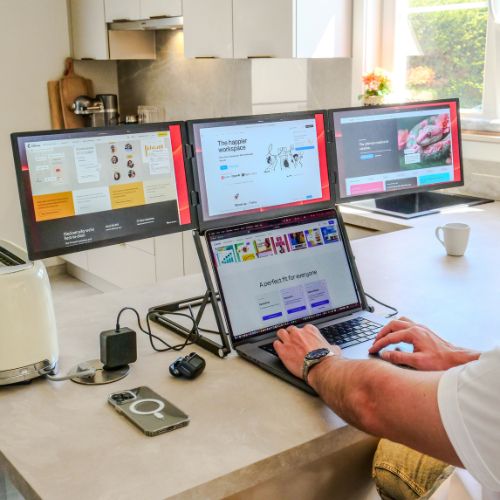
Triple Aero 15.6" Pro Max 20
-
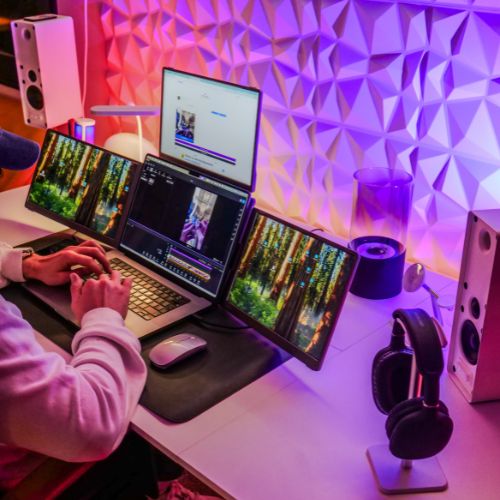
Triple Go (Gen 2) 19
-
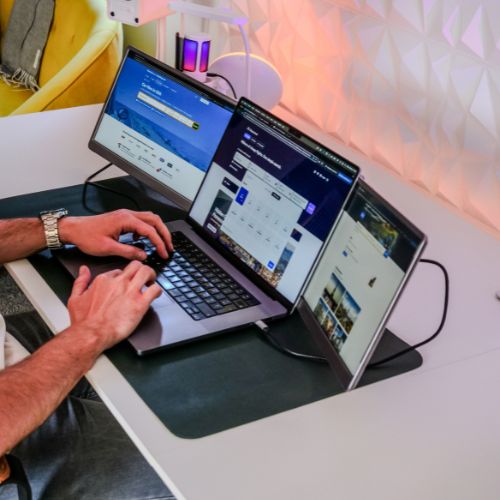
Dual Play (Gen 2) 18
-
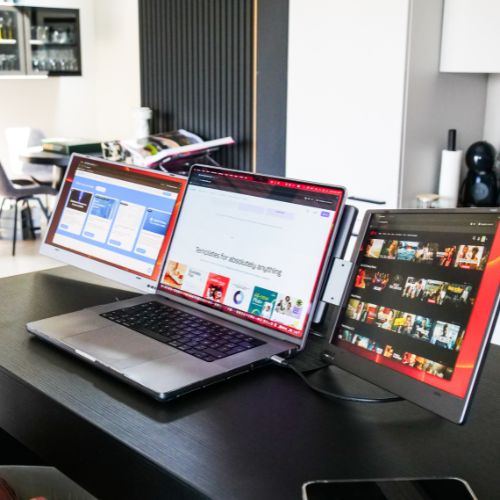
Dual Boost Pro (Gen 3) 23
-

Dual Boost 15.6" Pro Max (Gen 3) 24
-
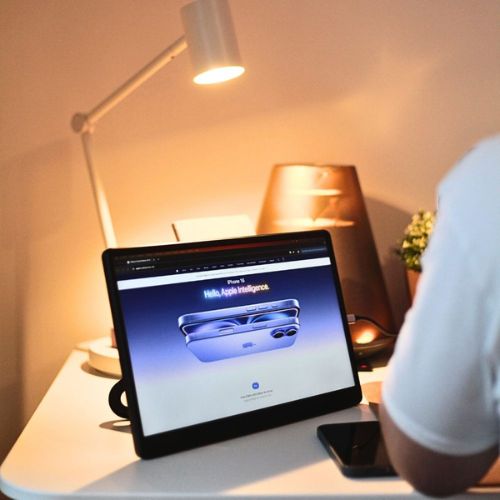
Single Boost 15.6" (Gen 2) 18
-
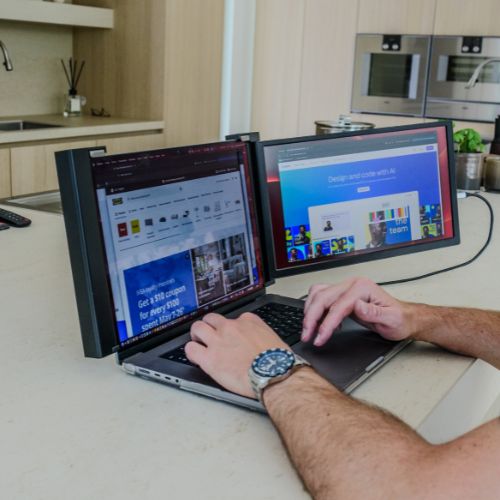
Single Play (Gen 2) 18
-
-

Returns 6
Can I use my portable monitor with two laptops running different operating systems?


Will my AURA portable monitor work if I use two laptops with different operating systems?
Yes — absolutely. AURA portable monitors are designed to seamlessly switch between devices, including laptops running different operating systems like Windows, macOS, Linux, or even Android-based systems.
Please make sure to check your specific model’s compatibility first on this page: https://aura-displays.com/pages/technical-specifications. Once there, select your model and scroll up to the “OS compatibility” section.
Each time you connect your monitor to a new laptop, your screen layout (such as the monitor placement or mirroring mode) is configured through your device’s settings. The great news? Your configuration for each laptop is saved independently — so there’s no need to reconfigure your setup every time you switch.
Many of our customers regularly use the same (single/dual/triple) monitor across a Windows laptop and a MacBook, for example. Once set up, the monitor will remember how it was last used on each device, making transitions quick and hassle-free.
Whether you’re working across platforms or sharing the monitor between work and personal laptops, you’re in good hands — AURA monitors are built for flexibility and cross-compatibility.


