


When you start searching for ways to add more working space to your laptop, you quickly notice there is a meaningful difference between a Dual Monitor Extender for Laptop and a regular Portable Monitor for Laptop. At first, they may look similar, but the way each one changes your workflow feels entirely different once you experience them in real use.
How Does a Regular Portable Monitor Works in Daily Tasks?
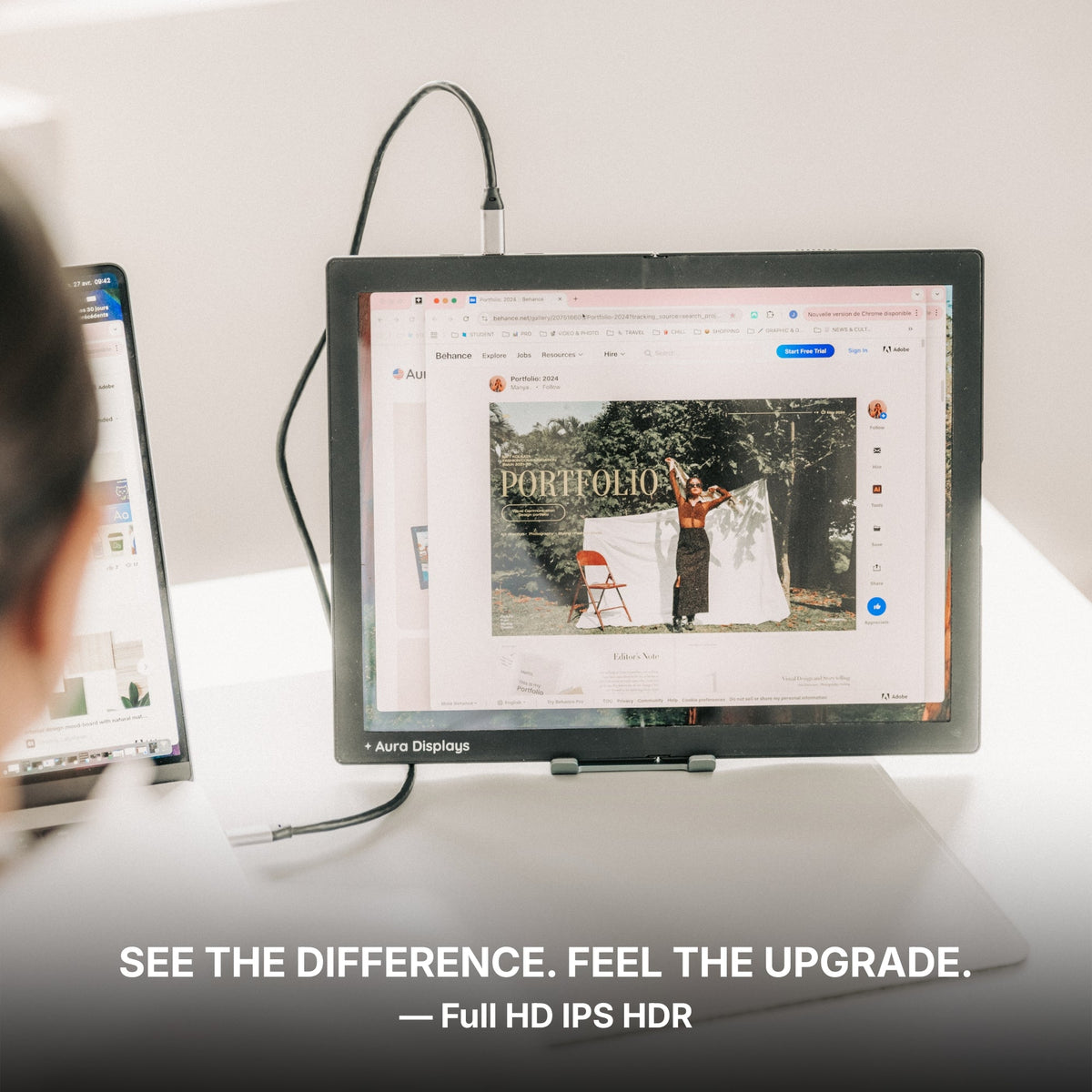
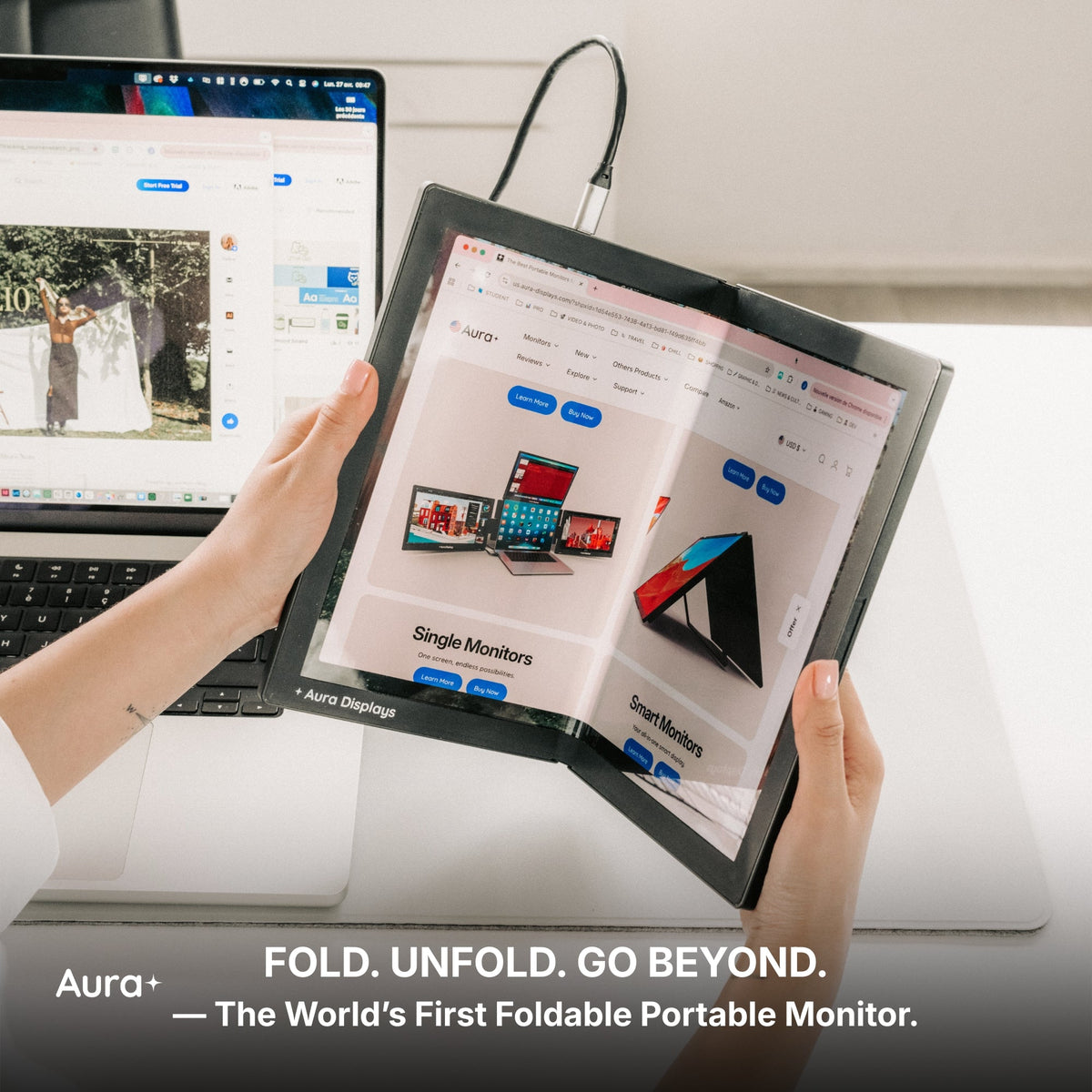
A standard portable display gives you one extra screen, usually connected with a single cable. It acts as an extended workspace where you can keep meeting windows, documents, tutorials, or reference pages visible while your main task stays on the laptop.
If you often follow step-by-step videos, attend virtual classes, or handle simple office work, this setup feels natural. It mirrors the experience of using a traditional monitor, just lighter, slimmer, and easier to take with you anywhere.
You simply place it beside your laptop, adjust the angle, and continue working. No major changes to your routine. It is practical, simple, and perfect for basic multitasking on the go. Many users also find a Laptop Screen Extender helpful for creating a larger visual workspace without adding bulk.
Why a Dual Monitor Extender Feels Completely Different from a Regular Monitor ?
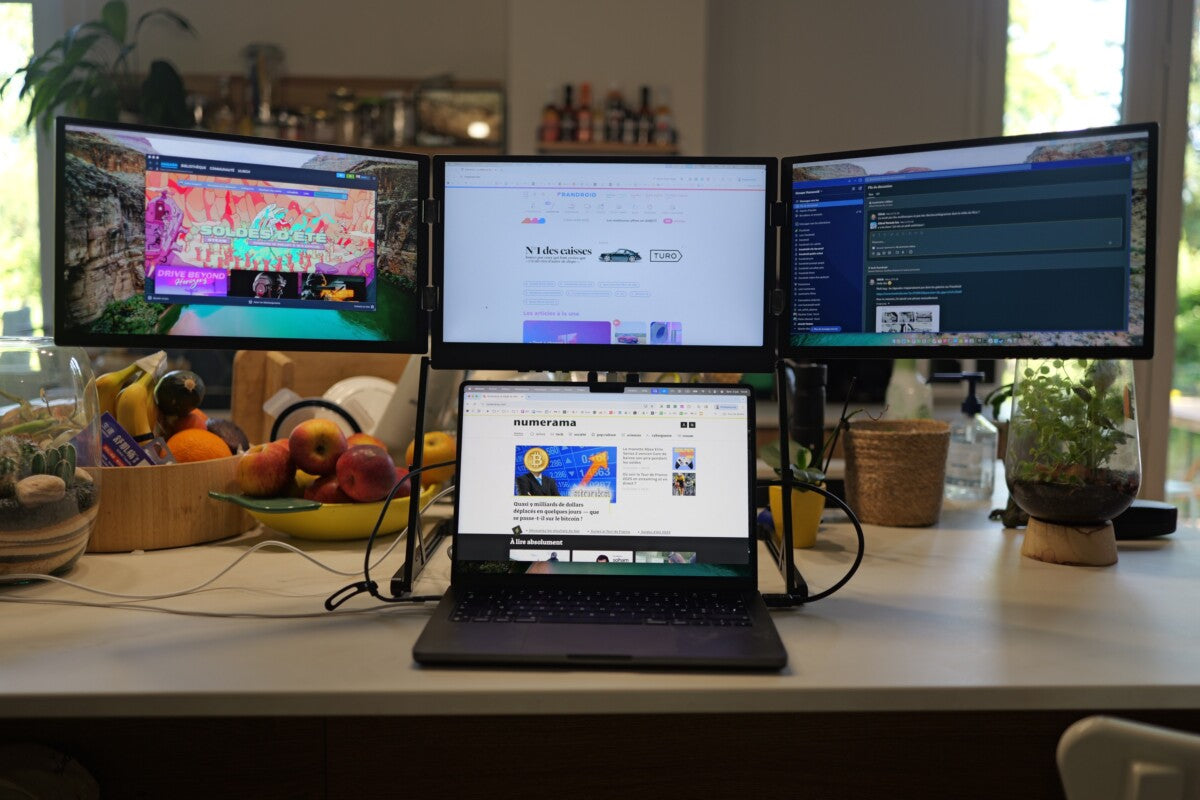
A dual extender adds two side screens to your laptop, creating a compact three-panel workspace. Instead of spreading everything across just one extra monitor, you now have three separate areas for your apps, tools, and research.
In many structured workflows, a regular Portable Monitor for Laptop can feel limiting because it only offers one new area, while a dual extender gives you multiple zones for apps, communication, and reference material.
This setup is especially useful when you want communication on one side, your main work centered on the laptop, and references or data on the other side. There is no juggling windows or shuffling overlapping tabs. Each application has its own place, and you move through your tasks with fewer interruptions.
Professionals who work with large spreadsheets, dashboards, or creative tools often appreciate the stability and structure this layout provides throughout the day. Advanced setups, like a Triple Screen Laptop Extender, take this even further by offering three high-quality panels for multitasking, research, and content creation simultaneously.
Dual Extender vs. Portable Monitor
When comparing a portable monitor to a dual extender, there are several key differences to consider. A portable monitor gives you one extra display, which is great for light office tasks, reading, calls, entertainment, and note-taking. It reduces some window switching but still requires occasional rearranging, and its thin, light design makes it easy to travel with.
A dual extender, on the other hand, adds two folding side screens, creating a three-panel layout designed for high-volume workflows that require multiple apps open at once. It keeps all essential apps visible simultaneously with minimal need to switch, and while still compact, it is slightly heavier due to the two screens and durable hinges. The dual extender is ideal for remote workers, analysts, coders, editors, designers, traders, and anyone handling layered digital tasks, whereas the portable monitor suits students, travelers, remote learners, and casual multitaskers.
When a Single Portable Monitor Is the More Practical Choice
There are many situations where one extra screen is all you need. If you work in cafés, shared spaces, airplane trays, or other tight environments, a single display keeps your workflow simple and lightweight.
You get an extra room without changing the way you are used to working. For browsing, research, writing drafts, attending meetings, or watching training content, one additional screen provides plenty of comfort and clarity.
When a Dual Monitor Extender Gives You a Clear Advantage
If your day involves switching between email, creative tools, spreadsheets, research tabs, and video calls, a dual extender organizes your entire digital world into clean, separate sections.
Many professionals who use a Dual Monitor Extender for Laptop notice a faster, more stable workflow because everything stays visible without reshuffling windows. Using a Laptop Screen Extender or a Triple Screen Laptop Extender can further improve this setup, allowing dedicated zones for multiple apps without losing focus. You stay focused because:
-
nothing stacks
-
nothing hides
-
and your tools remain organized
For people who manage multiple programs or frequently work across tasks, it creates a small “workstation feel” even when traveling. Solutions from Aura Displays support this workflow style with durable hinges, bright screens, and smooth setup without complicated steps.
Choosing the Best Option for Your Workflow
Both options serve a purpose, but they are designed to match different working styles and productivity needs. If your workload is light and you only need extra screen space occasionally, a portable monitor is sufficient to handle tasks such as browsing, document editing, or attending video calls.
It keeps your setup simple, lightweight, and easy to carry between locations. However, if your tasks are more demanding, involve multiple applications, or require constant visibility of several tools at once, a dual extender from Aura Displays is the better choice. It provides a larger, organized workspace with dedicated areas for communication, reference material, and active projects, allowing you to work efficiently without constantly rearranging windows.
For anyone managing complex workflows, handling large datasets, or multitasking extensively, a dual extender can transform your laptop into a highly functional mini workstation that keeps up with your pace and helps you stay focused throughout the day.



Share: