


In today's mobile-first world, productivity doesn't have to be tied to a desk.
Professionals, creatives, and gamers are all seeking ways to work smarter and more flexibly.
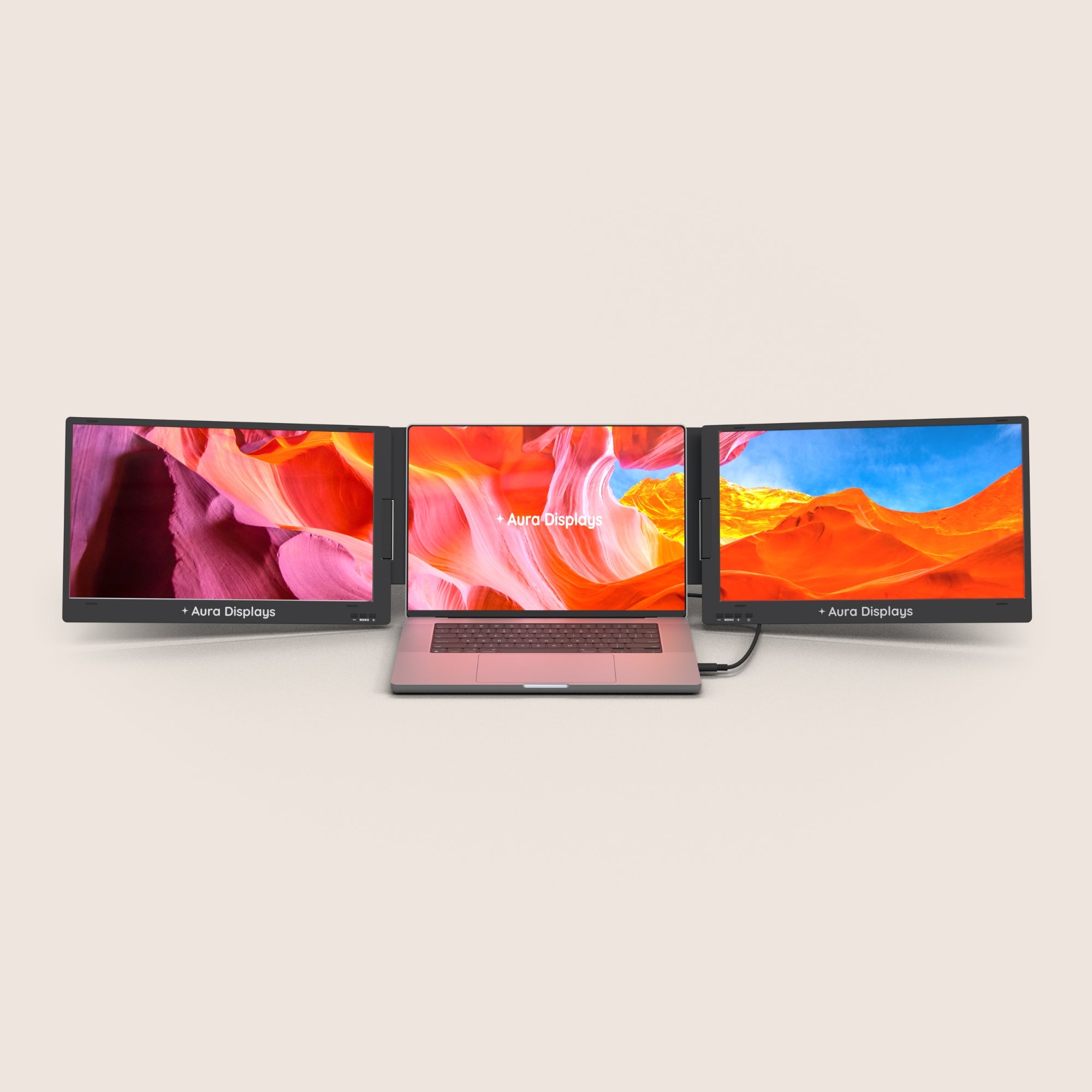
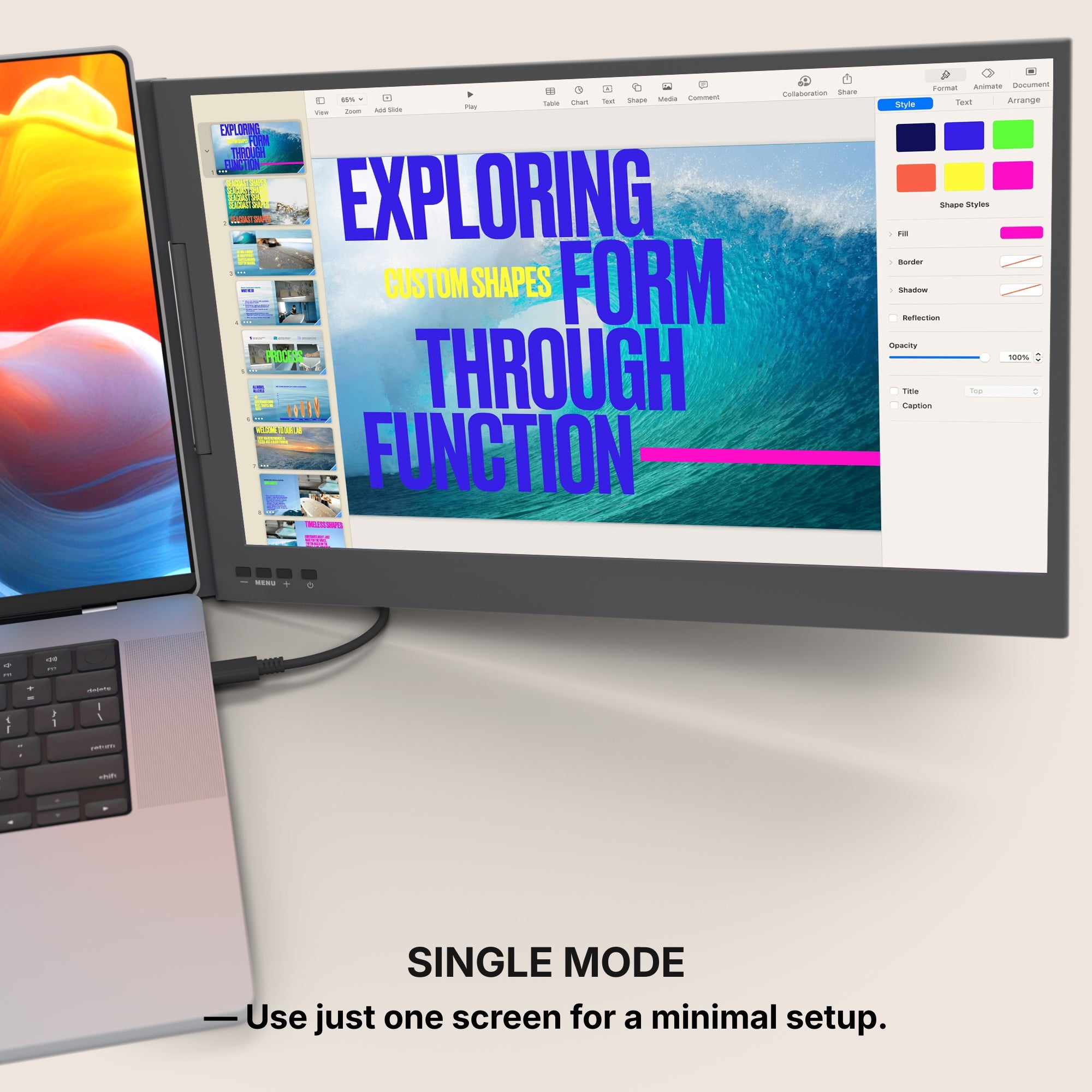
One device rising in popularity is the portable monitor for laptop, offering a seamless way to expand screen space without sacrificing mobility.
What Is a Portable Laptop Monitor?
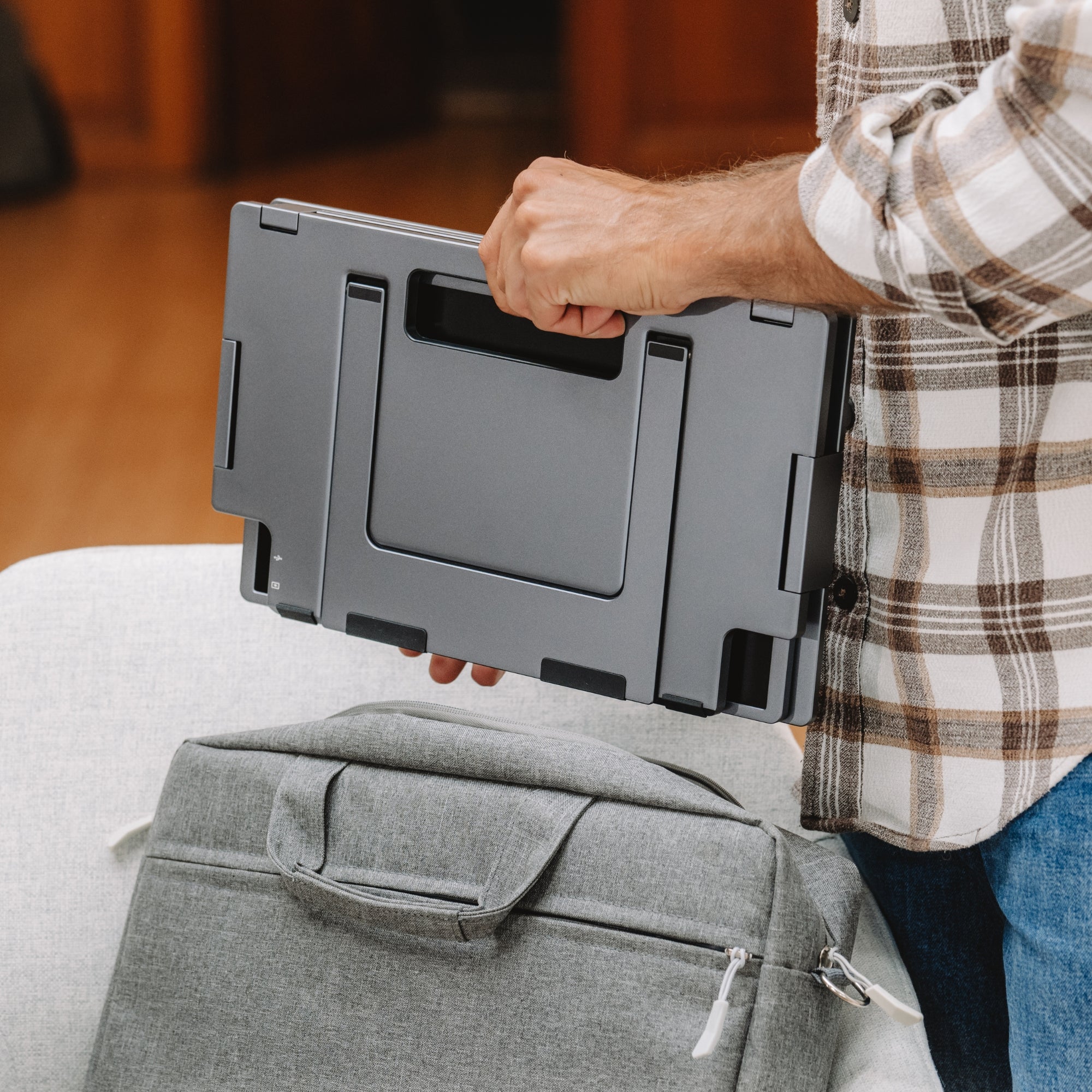
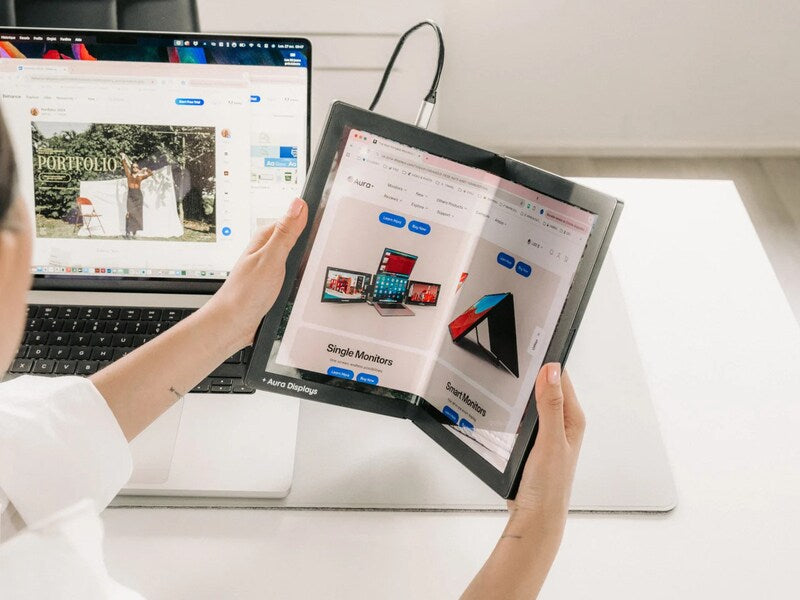
A portable laptop monitor is a lightweight external screen designed for easy travel and quick setup.
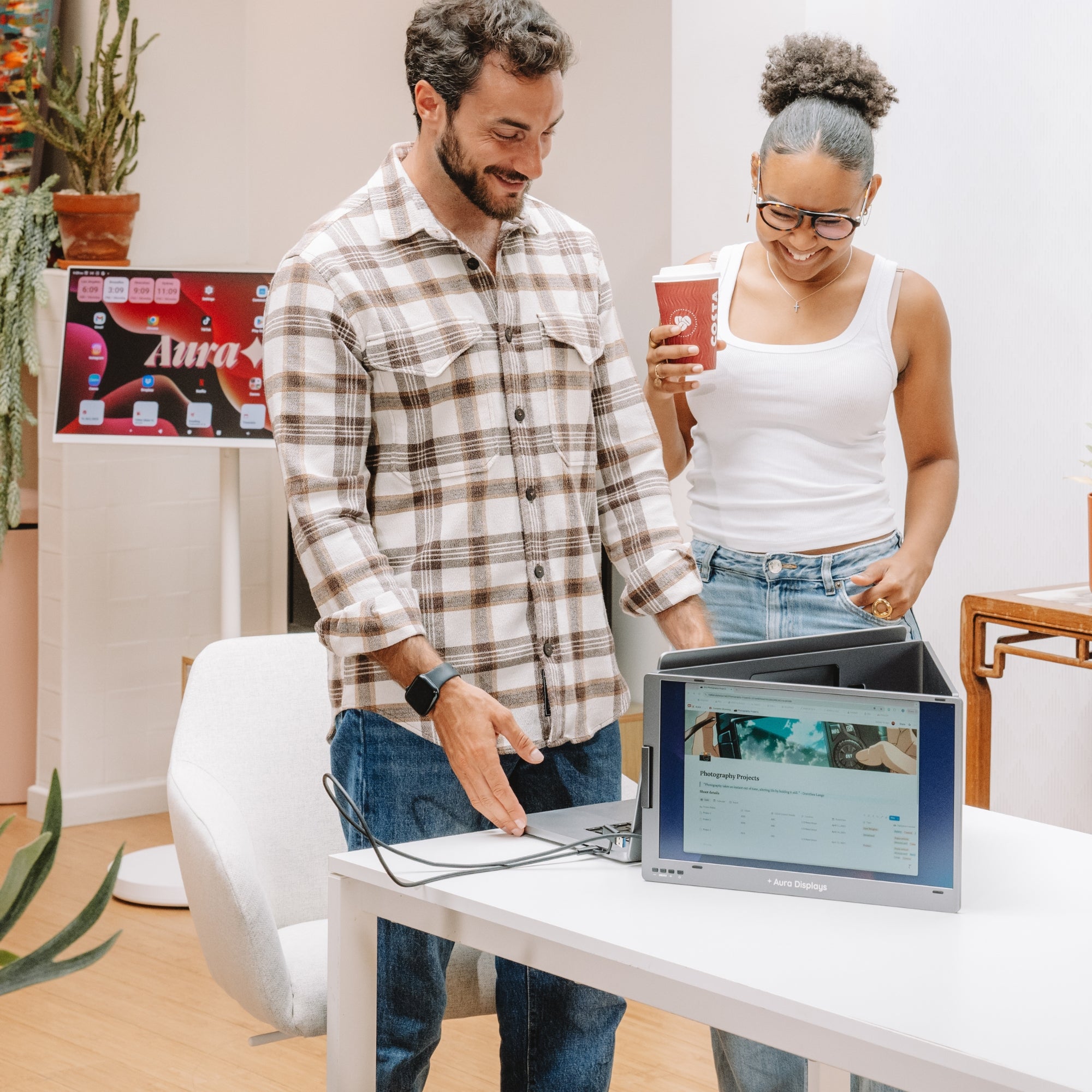
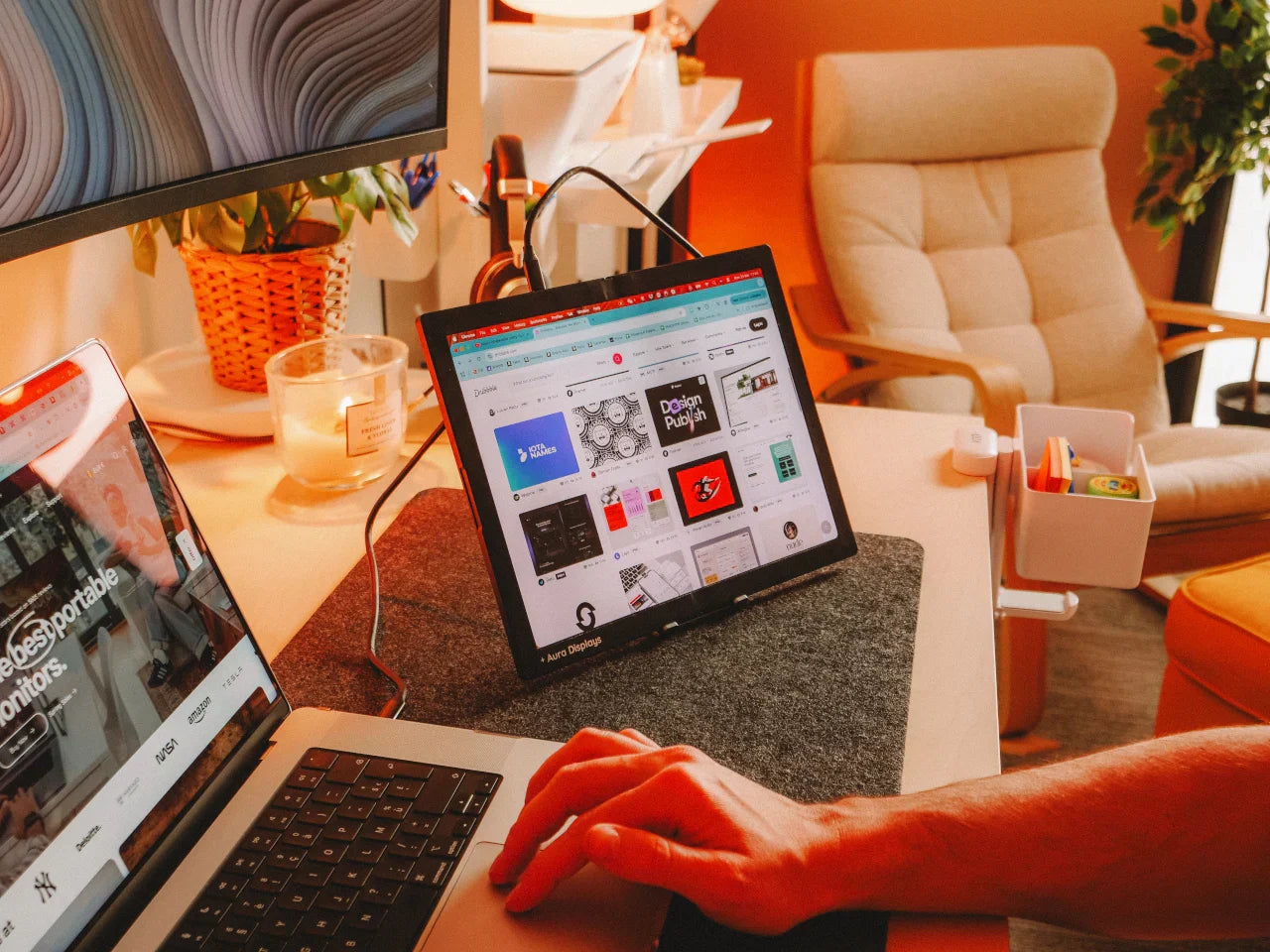
These monitors connect directly to your laptop, providing an additional workspace wherever you go.
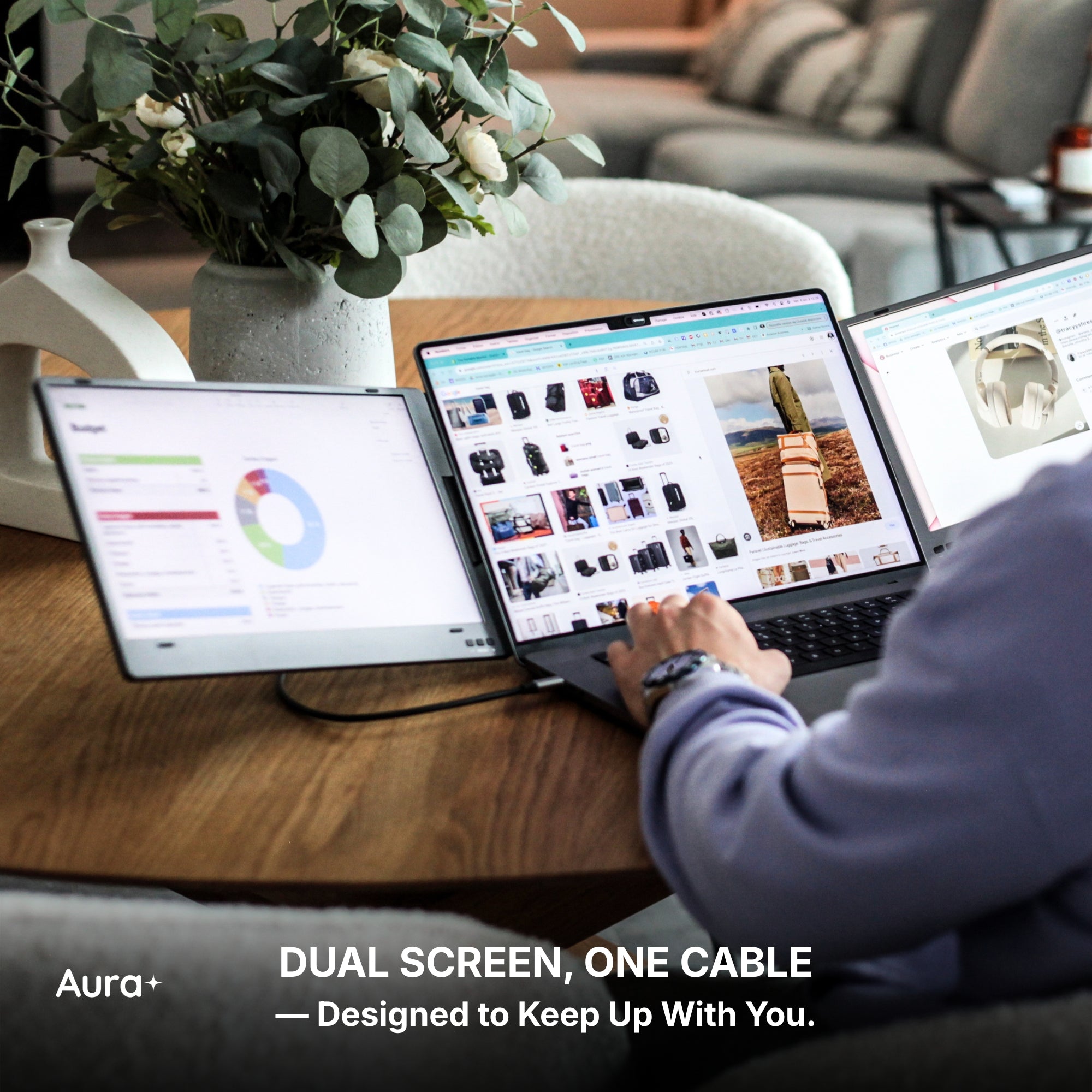
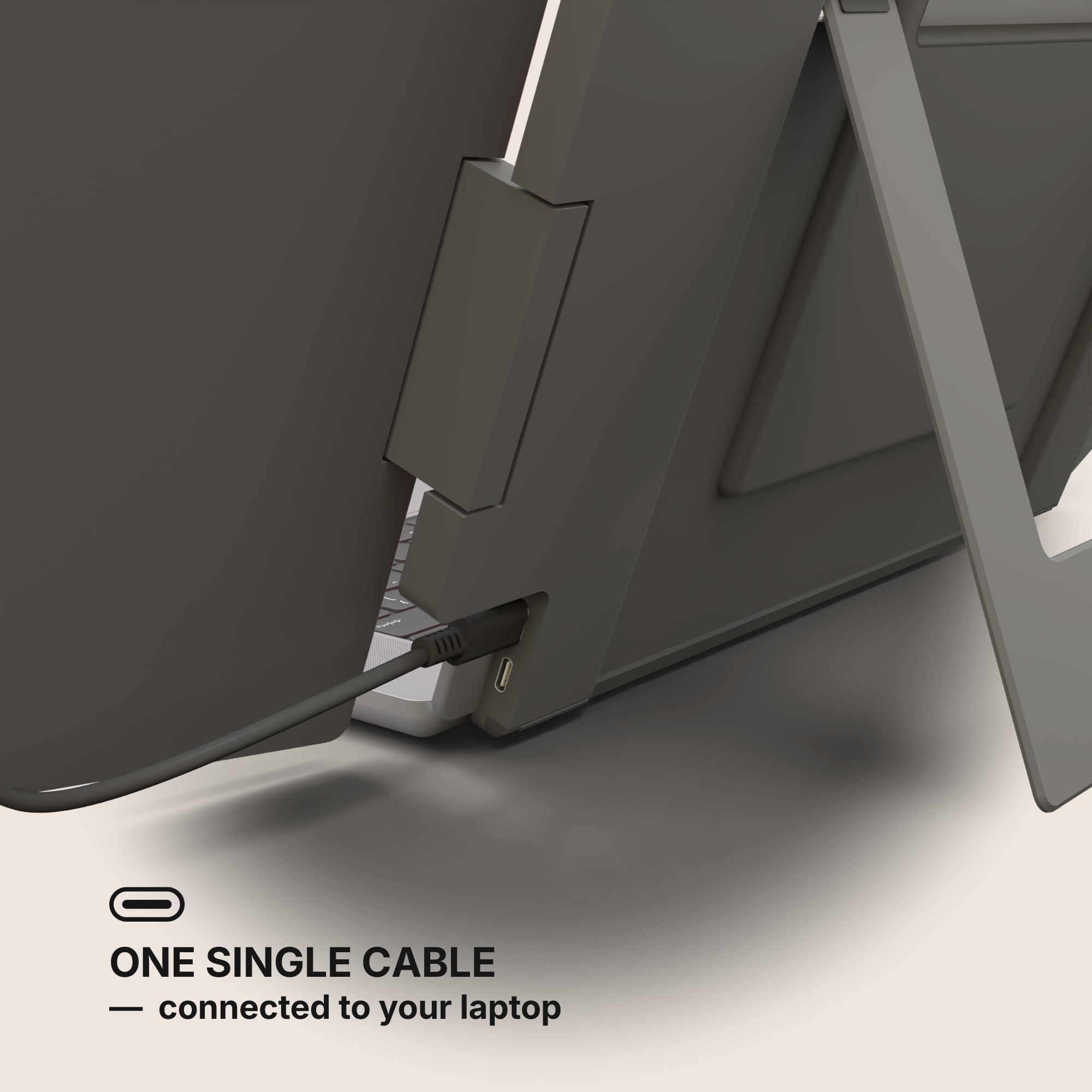
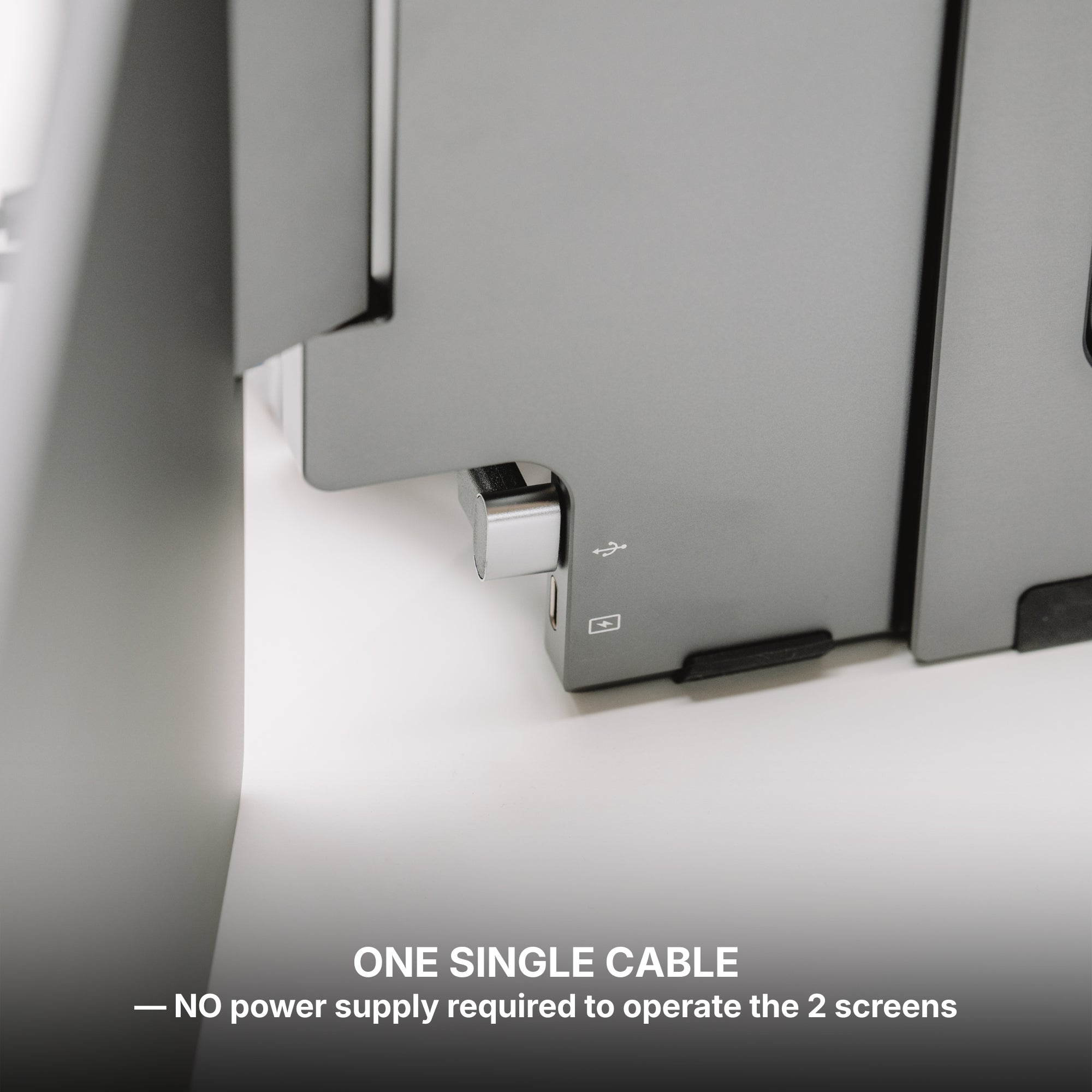
Unlike traditional desktop monitors, they are thin, compact, and often powered through a single USB-C cable.
This makes them ideal for digital nomads, students, remote workers, and anyone who needs more screen real estate on the go.
Key Advantages to Expect
Let’s explore the standout benefits of using a portable monitor with your laptop:
-
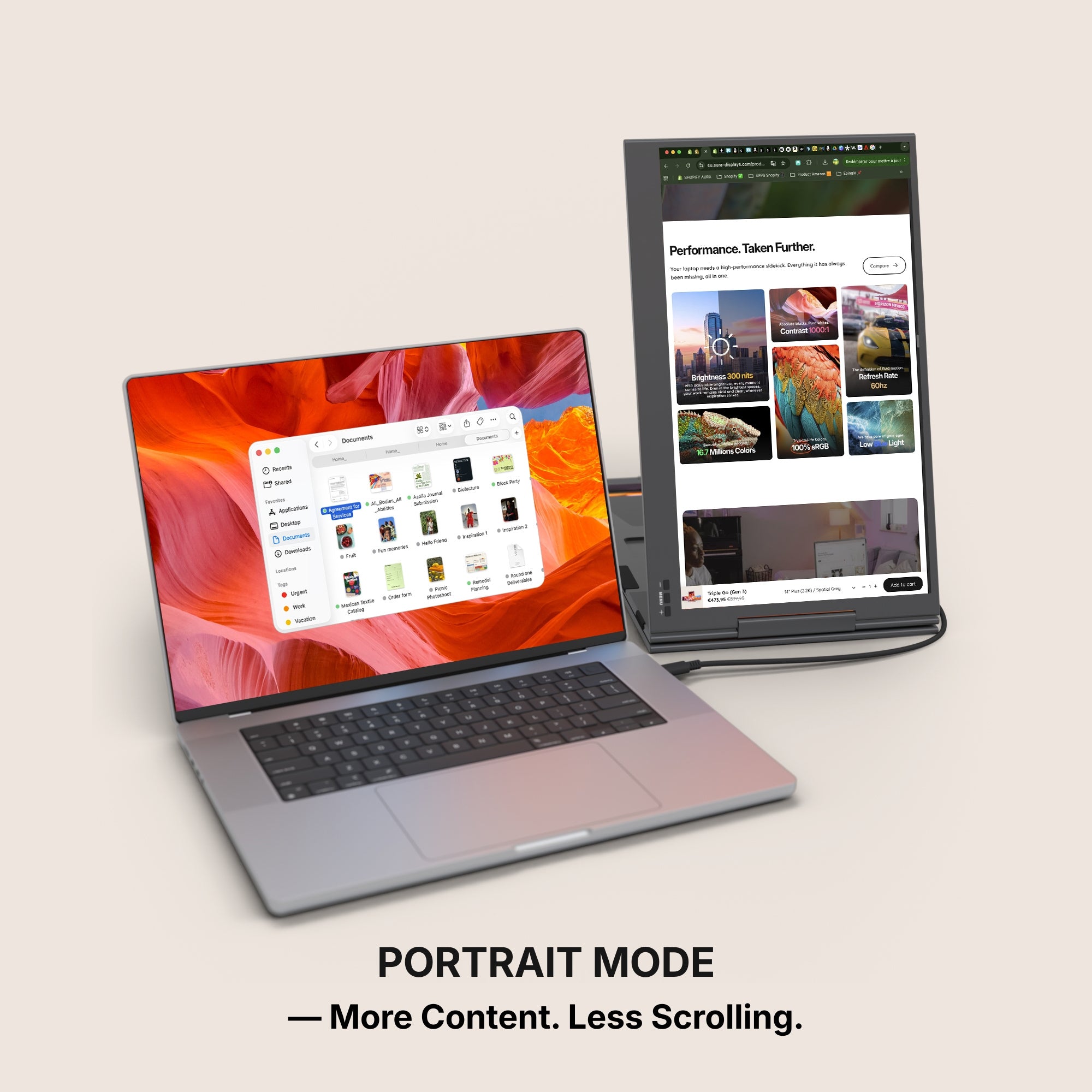
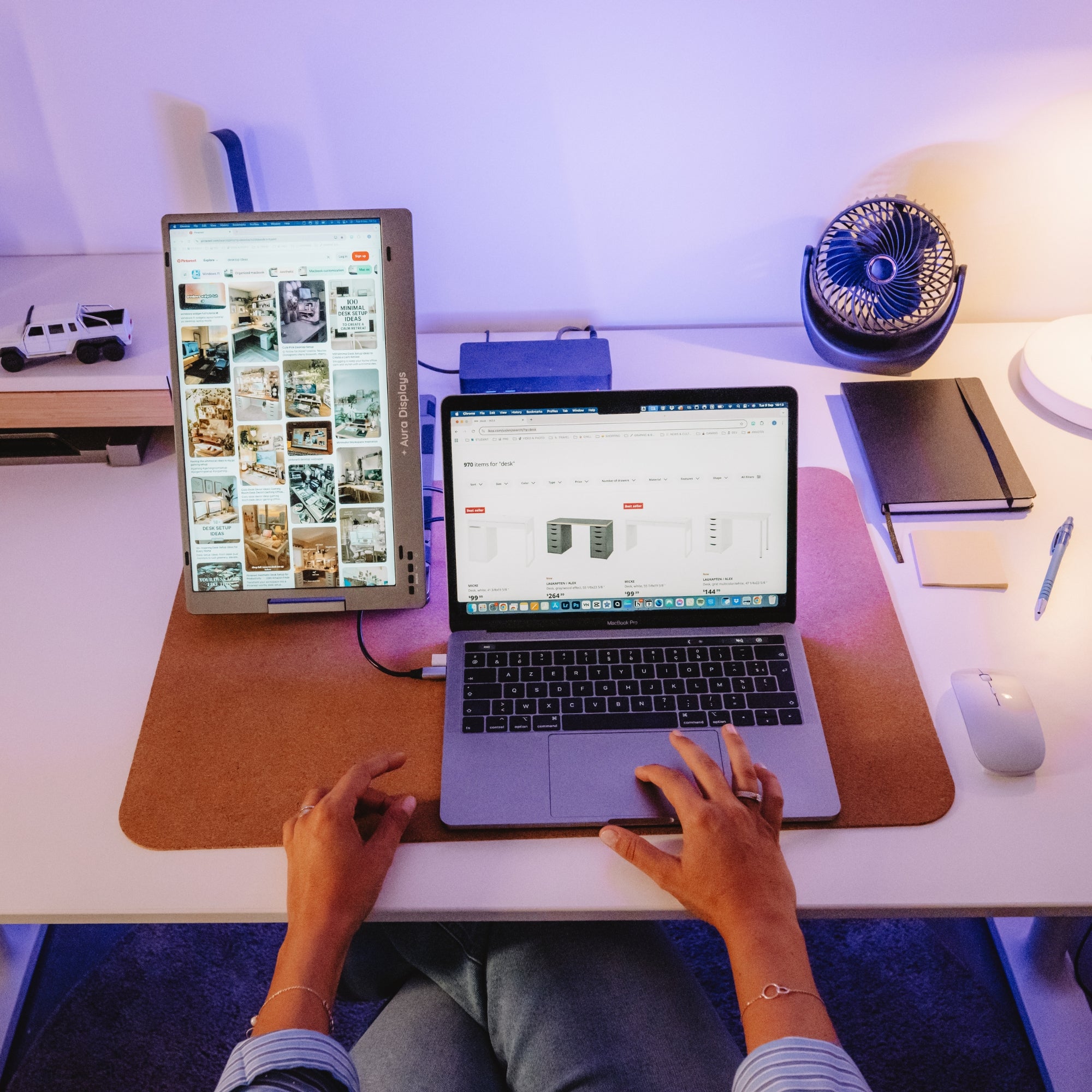
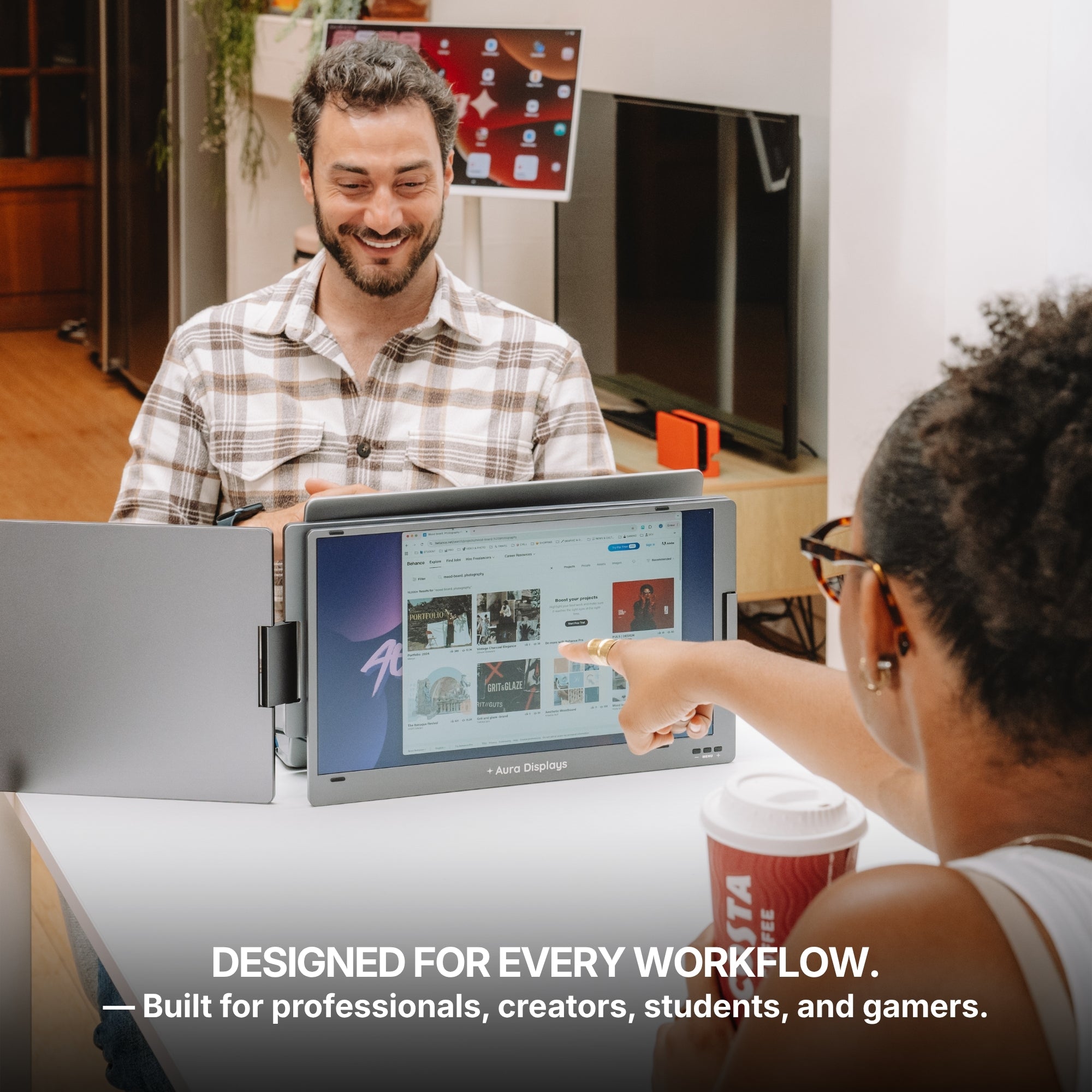
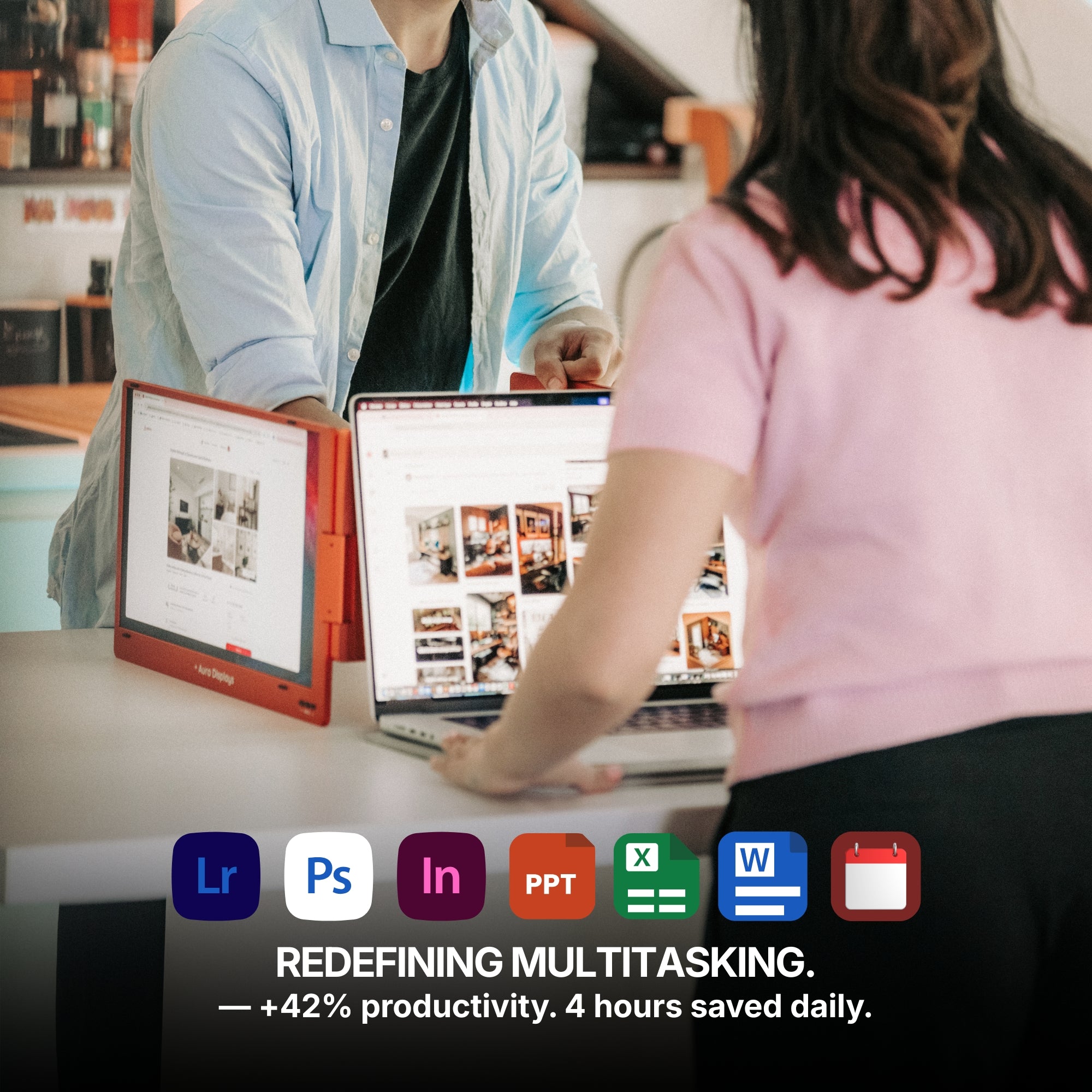
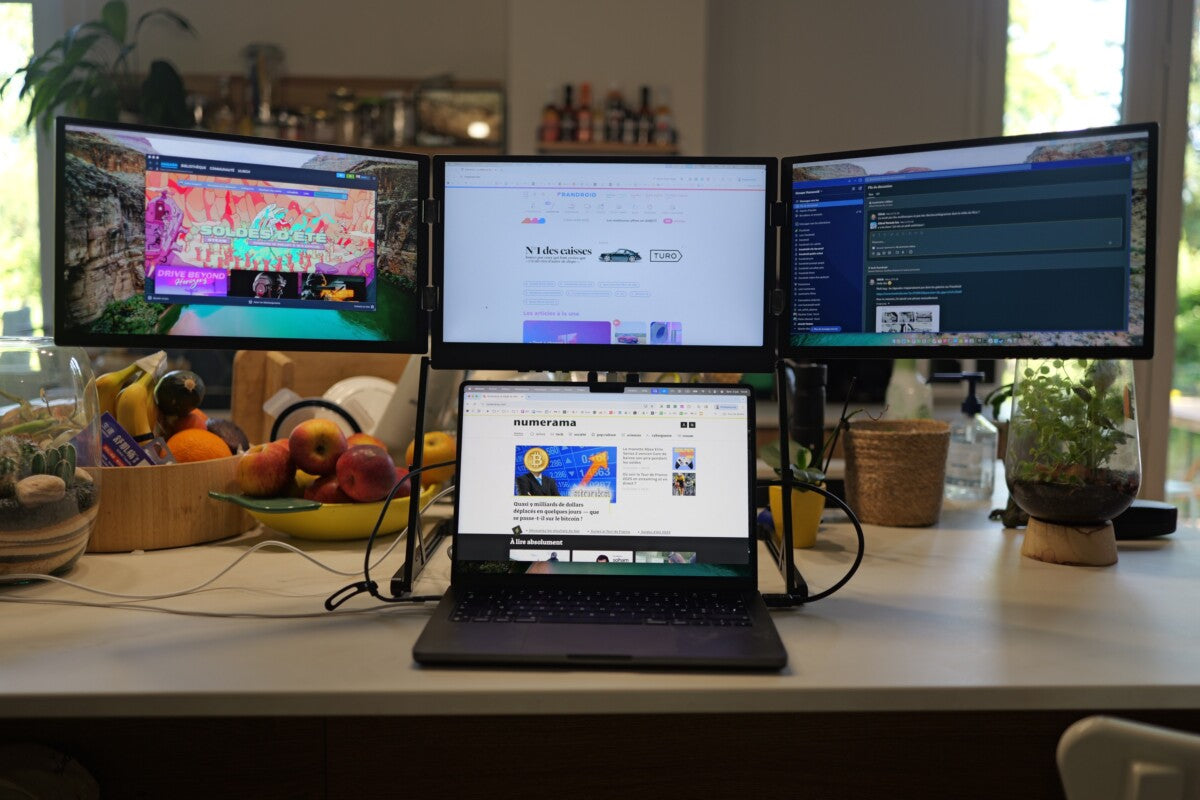
Boosted productivity with side-by-side multitasking
-
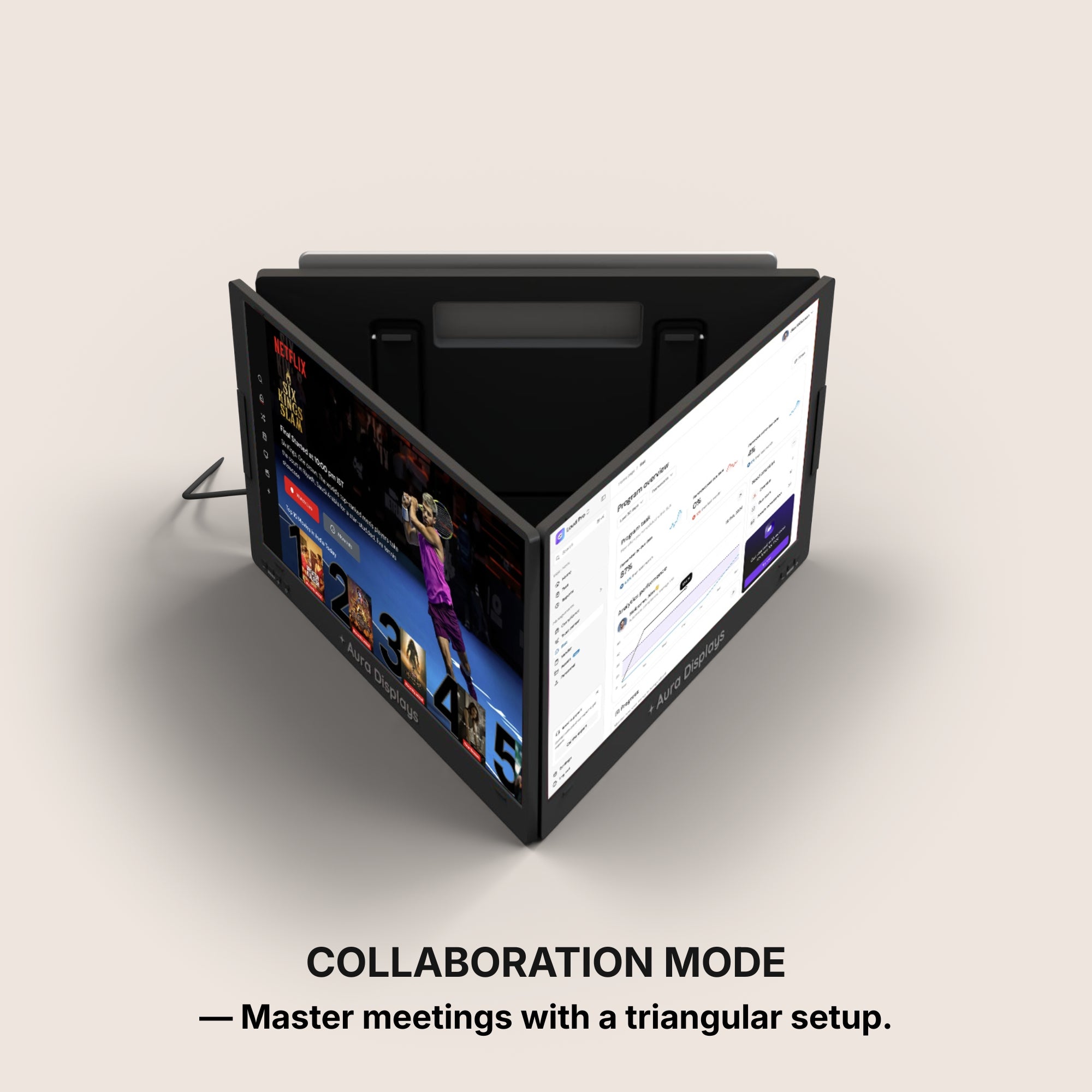
Improved collaboration by sharing your second screen in meetings
-
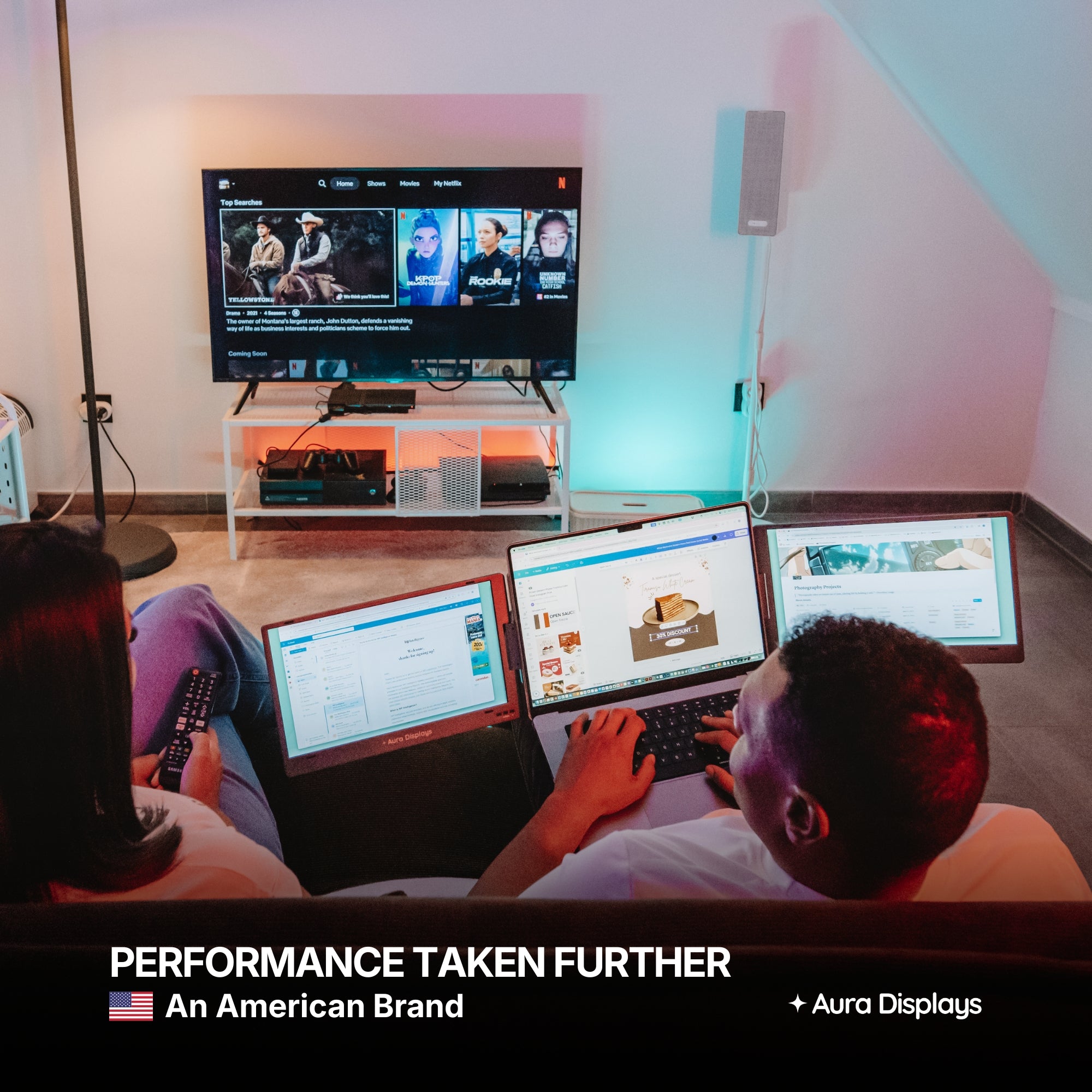
Enhanced entertainment through dual-display streaming or gaming
-
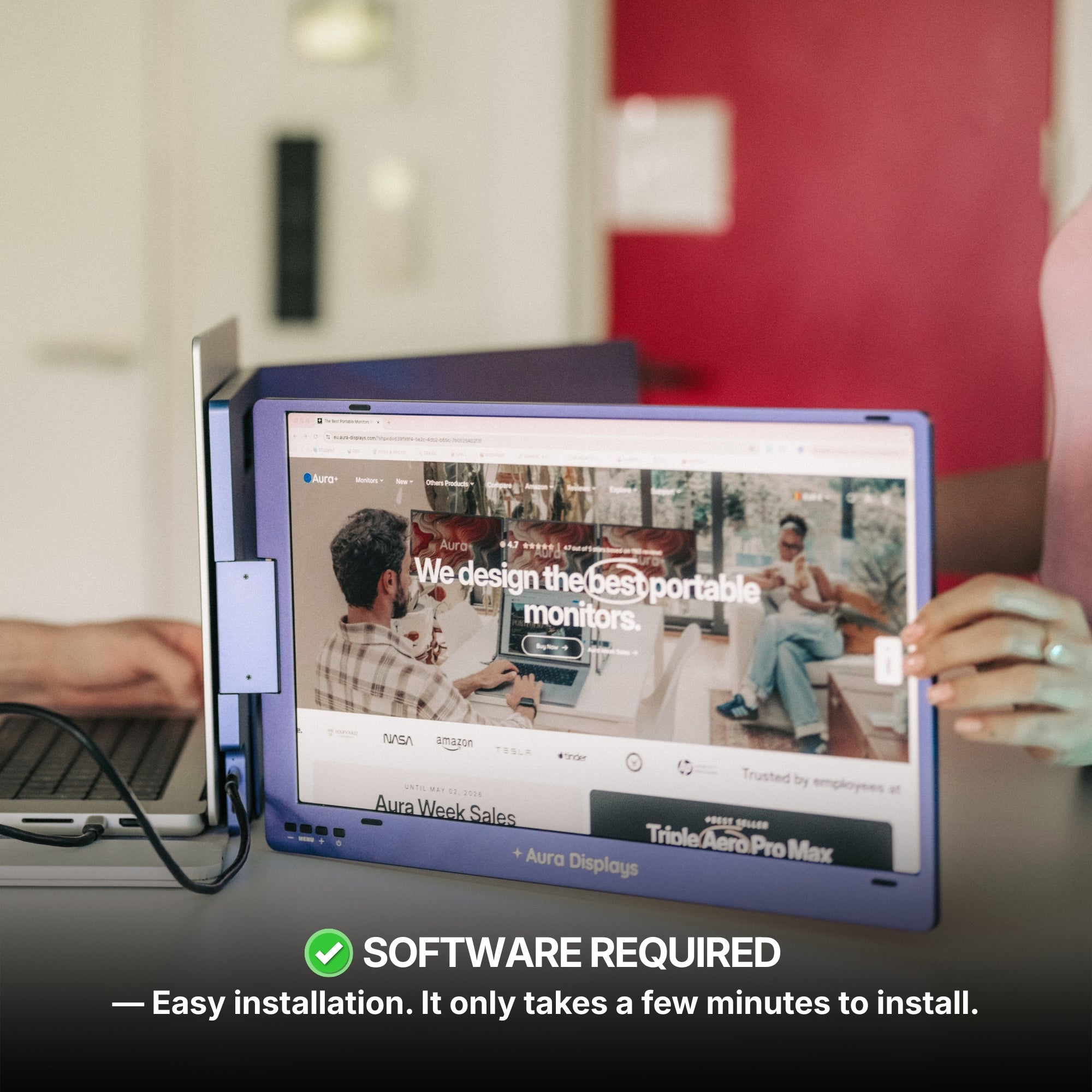
Minimal setup — plug-and-play simplicity, no tech headaches
Ideal Use Cases for Portable Laptop Monitors
While anyone can benefit from extra screen space, certain professionals and use cases make the most out of this portable tool.
1. Remote Workers & Freelancers
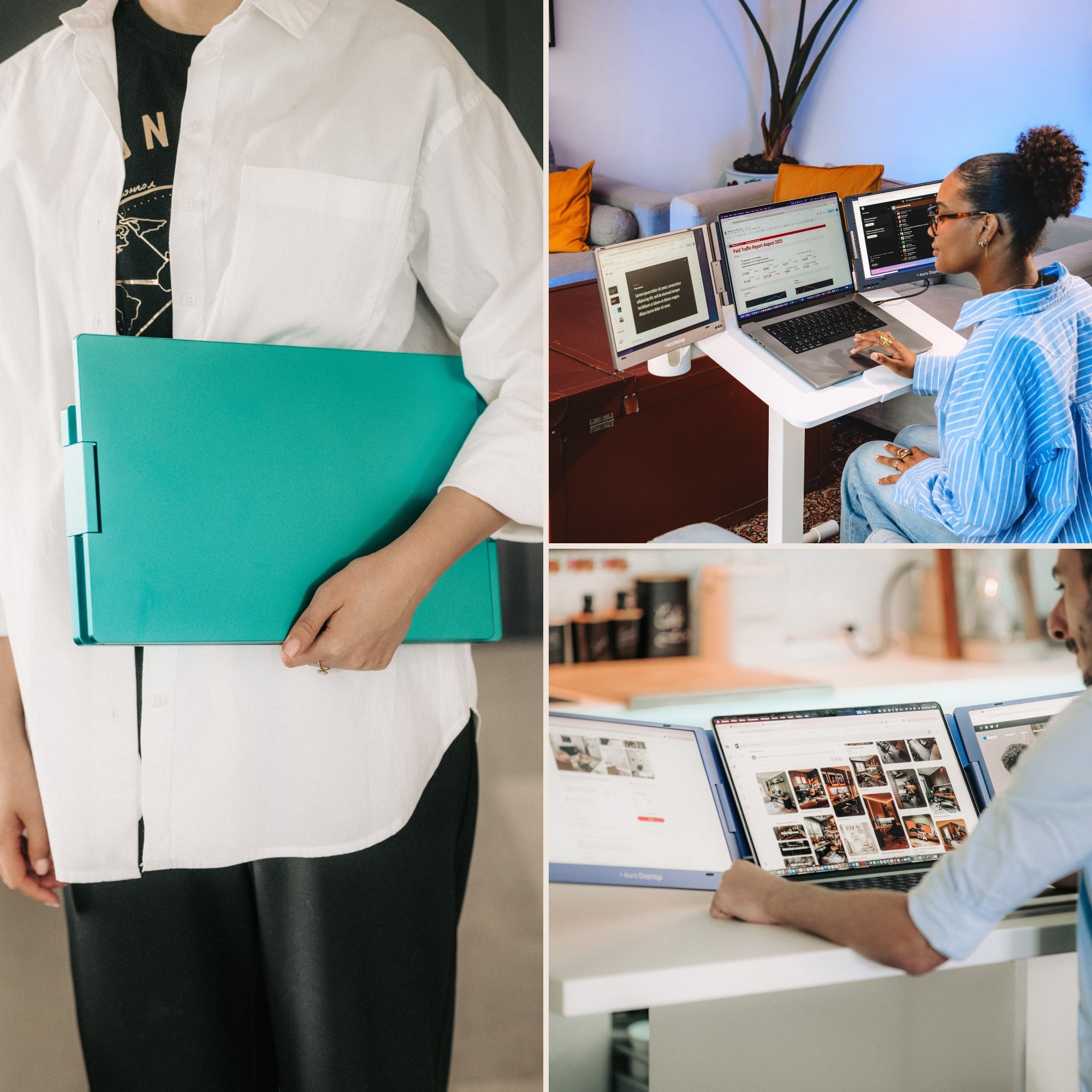
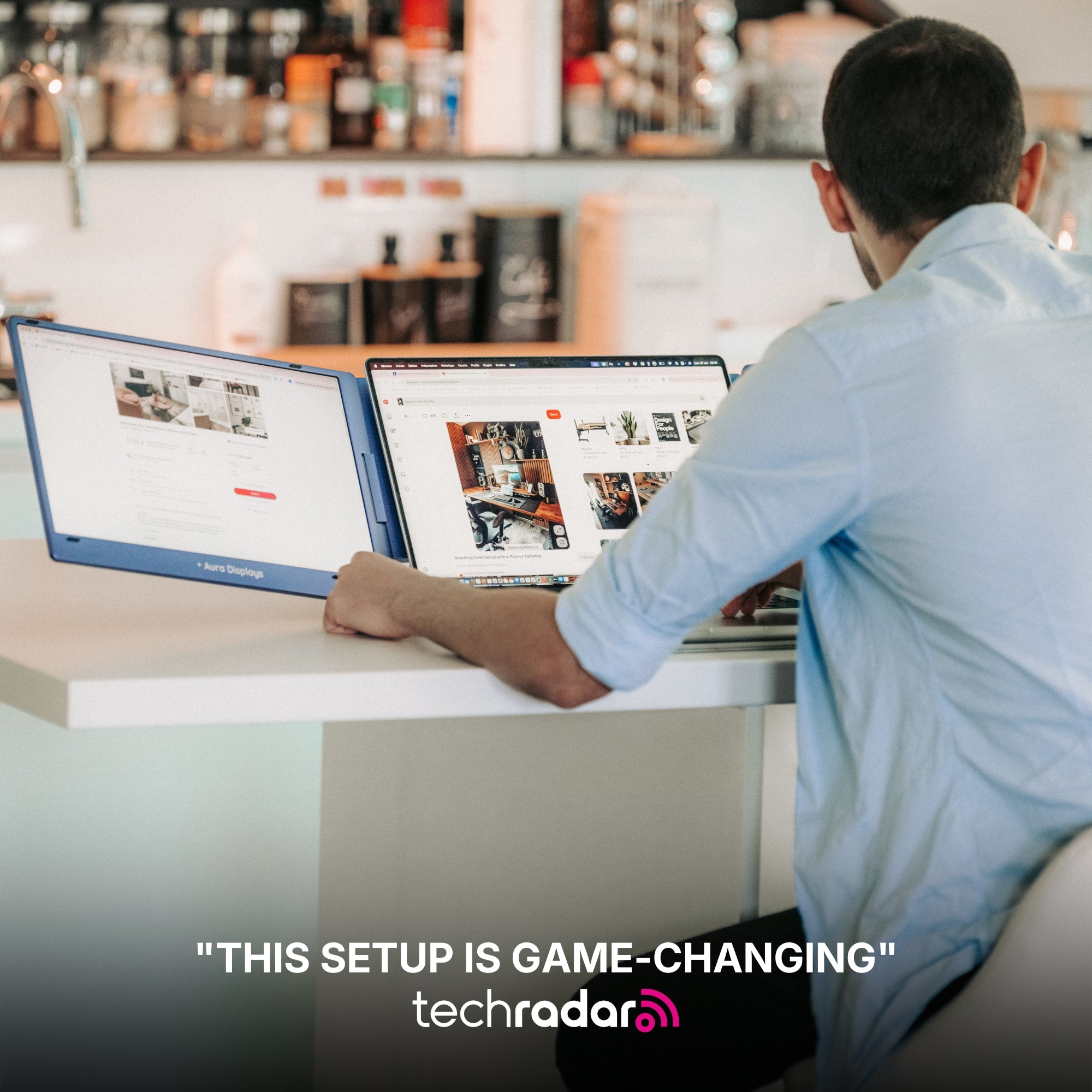
For remote workers and freelancers, every surface becomes a workspace.
Whether you’re working from a café or an Airbnb, a second screen keeps your workflow efficient.
You can attend a virtual meeting on one screen while referencing documents or notes on the other.
2. Creative Professionals
Designers, editors, and illustrators often juggle multiple software tools at once.
With a dual-screen setup, it’s easy to keep tool palettes and timelines separate from the main canvas.
This leads to cleaner, faster, and more intuitive creative processes.
3. Business Travelers
Need to present or review reports while traveling?
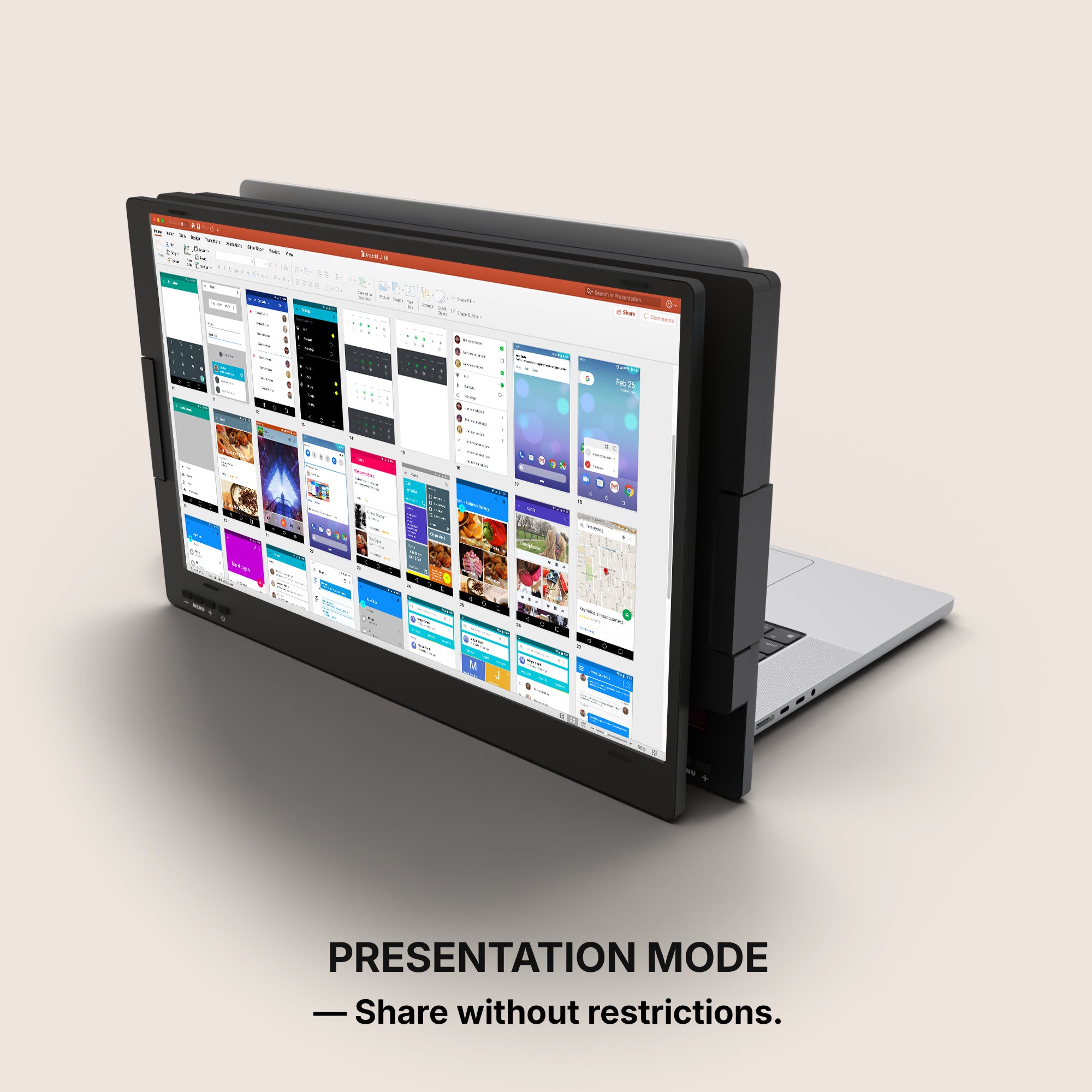
A portable monitor allows for quick presentation setups in hotel rooms, lounges, or even airports.
It’s a lightweight alternative to bulky desktop gear. For more info Click here
Features That Make a Difference
Not all portable monitors offer the same quality or experience.
When choosing a model for your laptop, keep an eye out for the following specs:
Display Quality
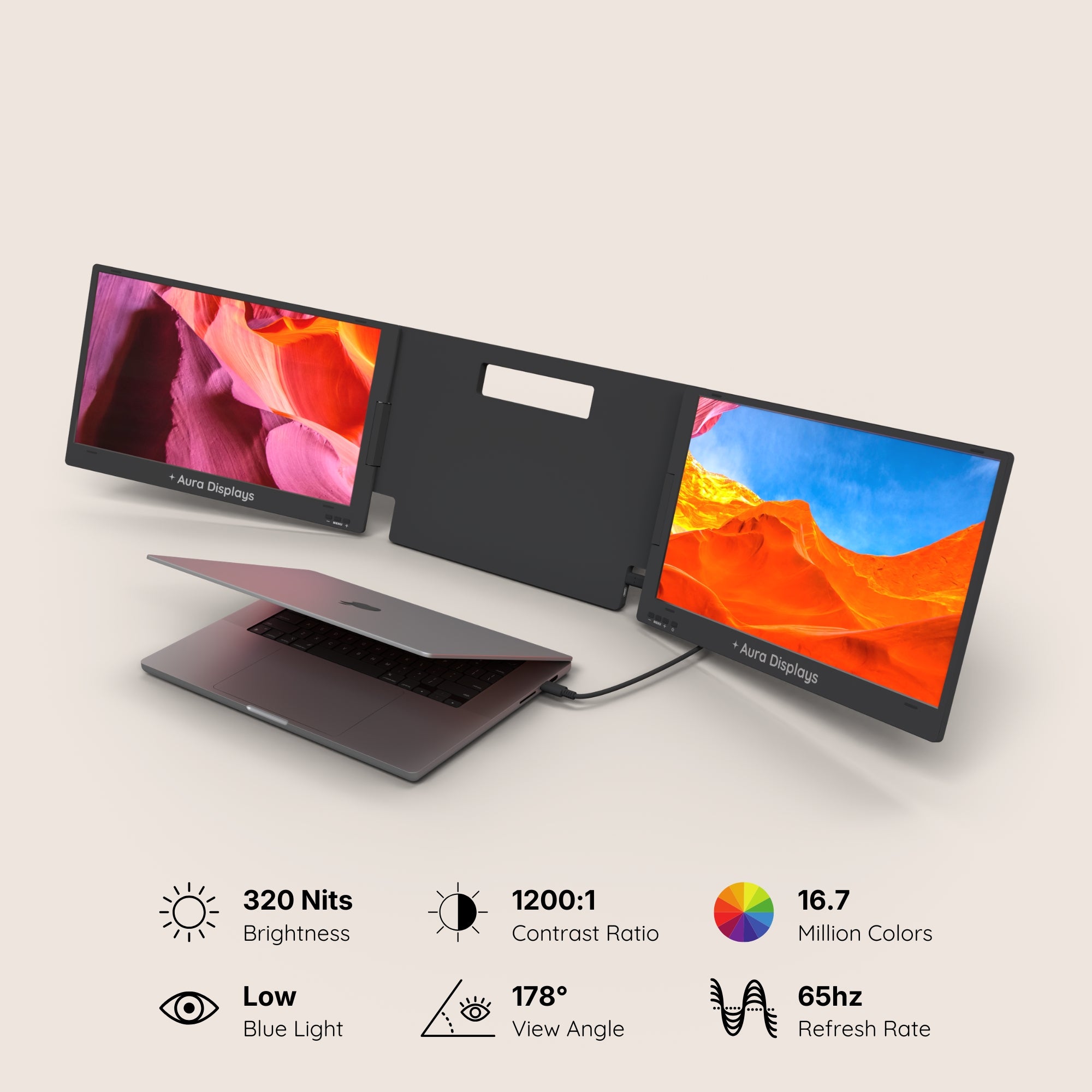
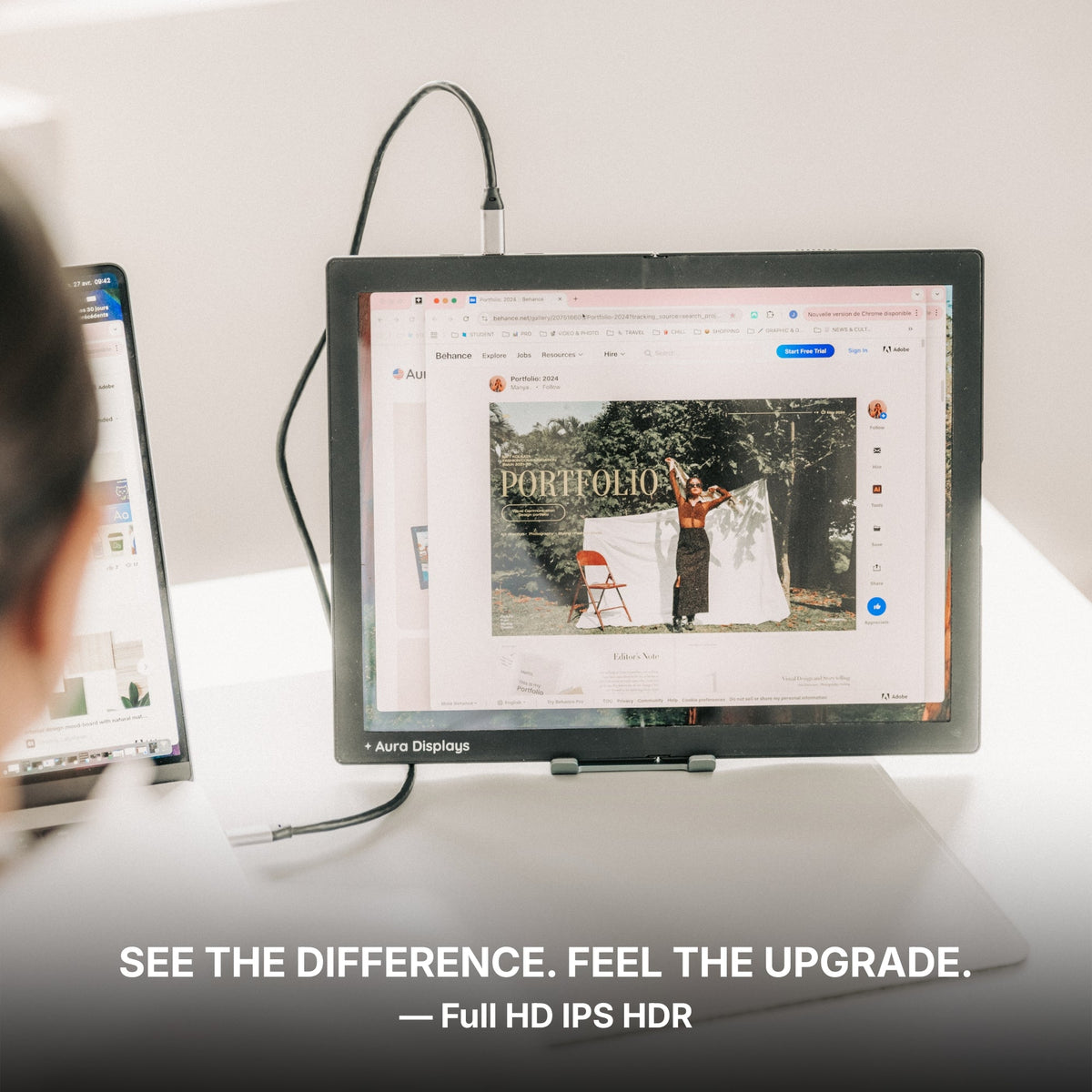
You want visuals that are crisp and accurate, especially if your work involves graphics or video.
-
Resolution: Full HD (1080p) is standard, but 4K options exist for those seeking extra clarity
-
Panel Type: IPS panels provide better color reproduction and wider viewing angles
-
Refresh Rate: 60Hz is common, but higher rates are preferred for gaming or animation
Portability & Build
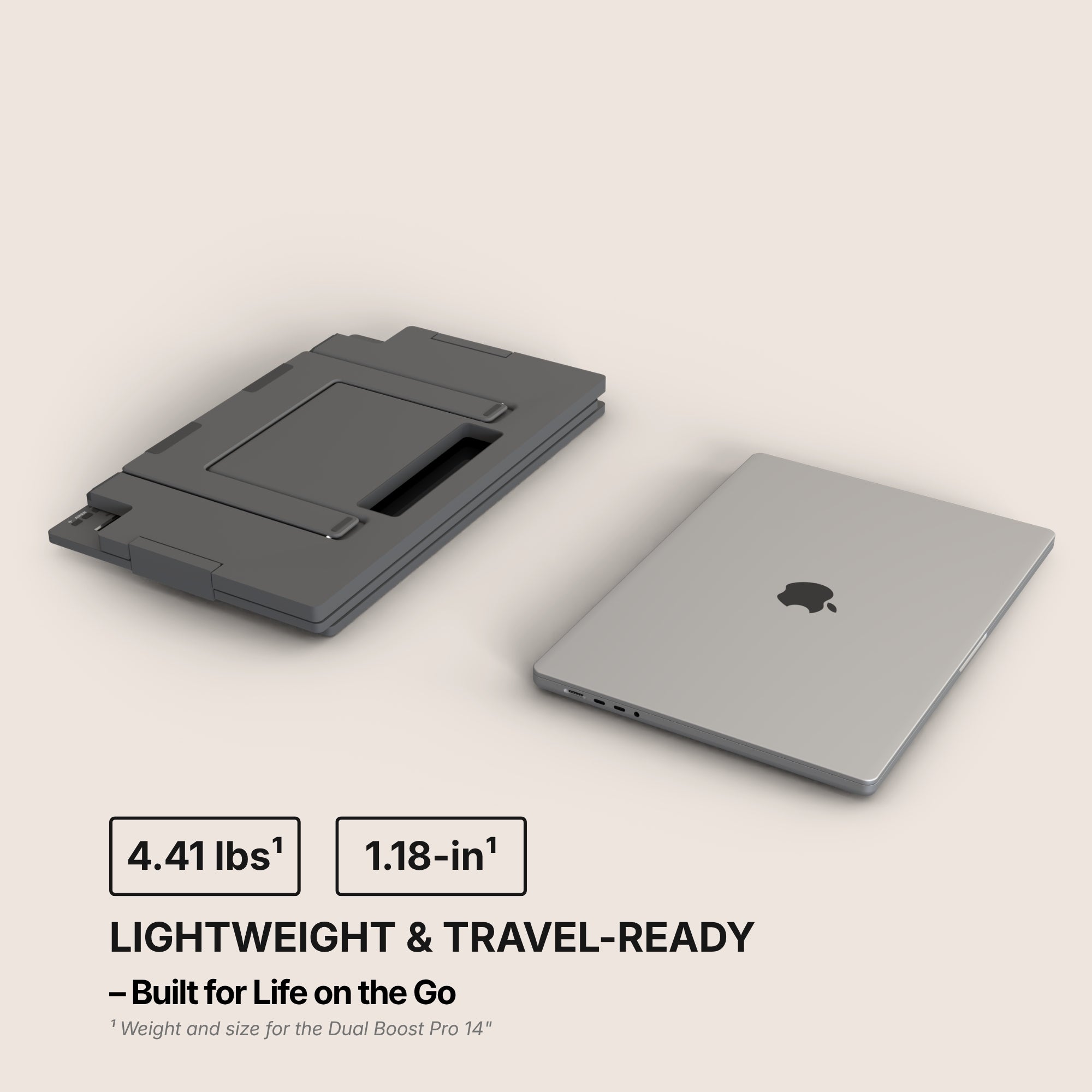
Since you’ll be carrying the device often, form factor and materials matter.
-
Slim profiles under 1 inch thick
-
Weight under 2 lbs for comfortable portability
-
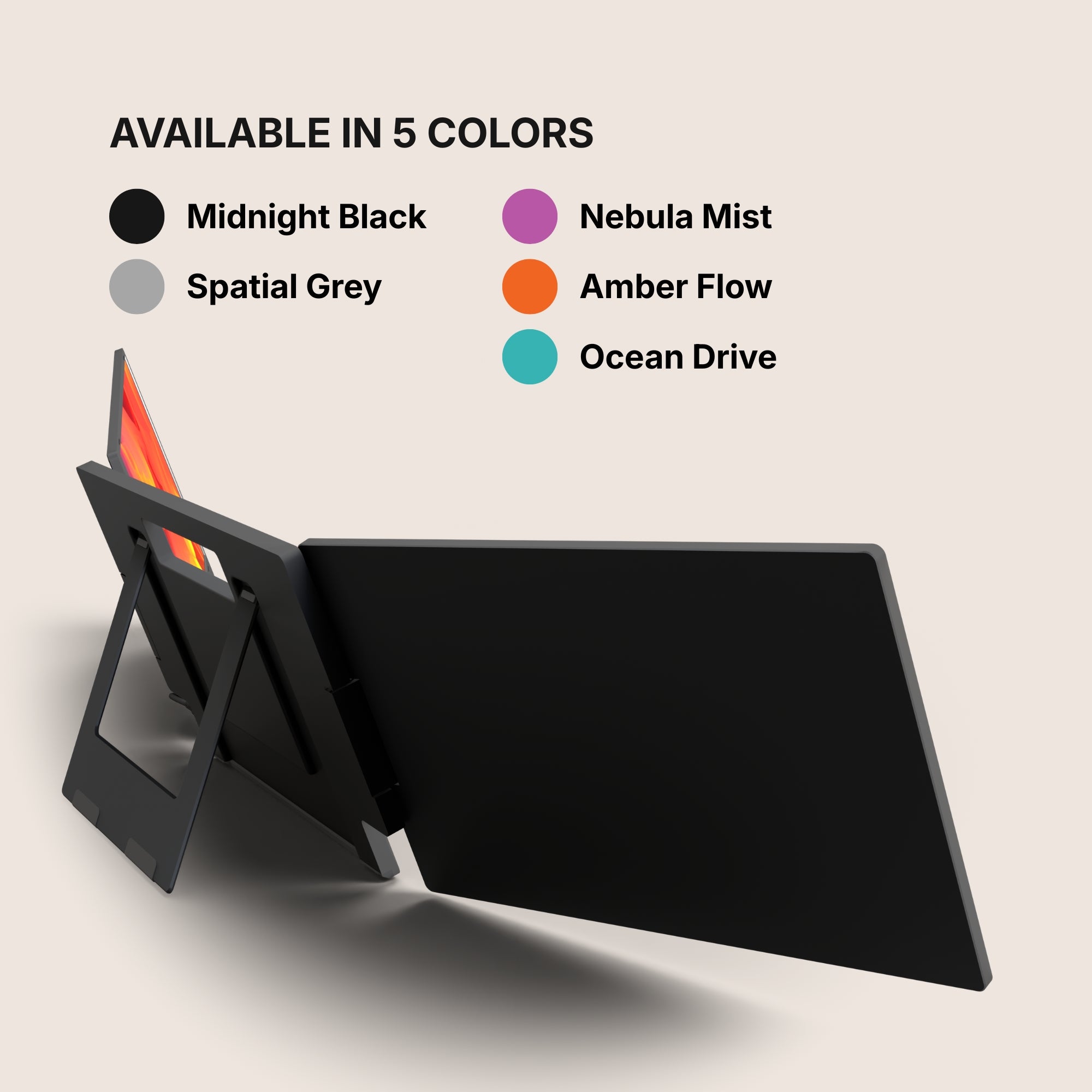
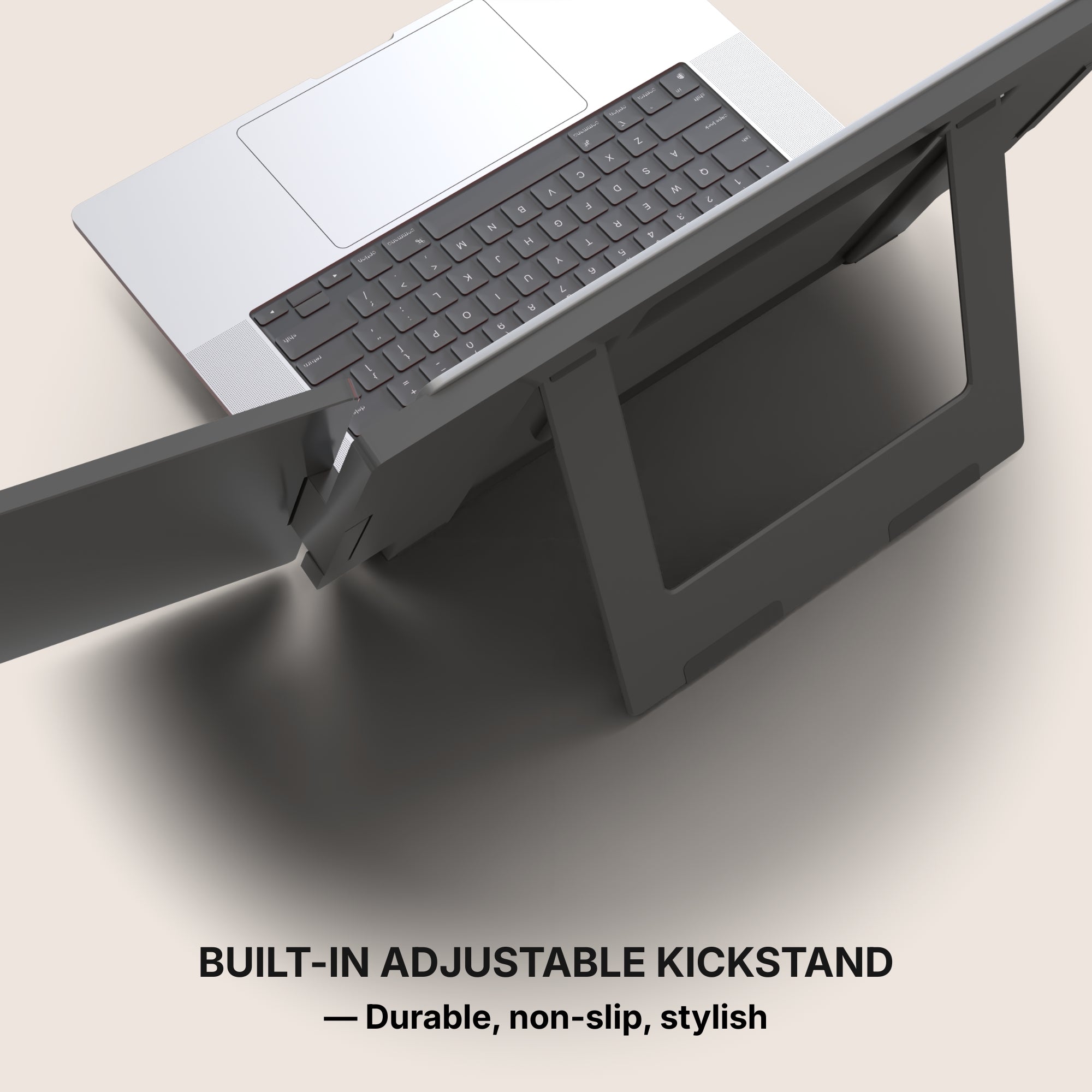
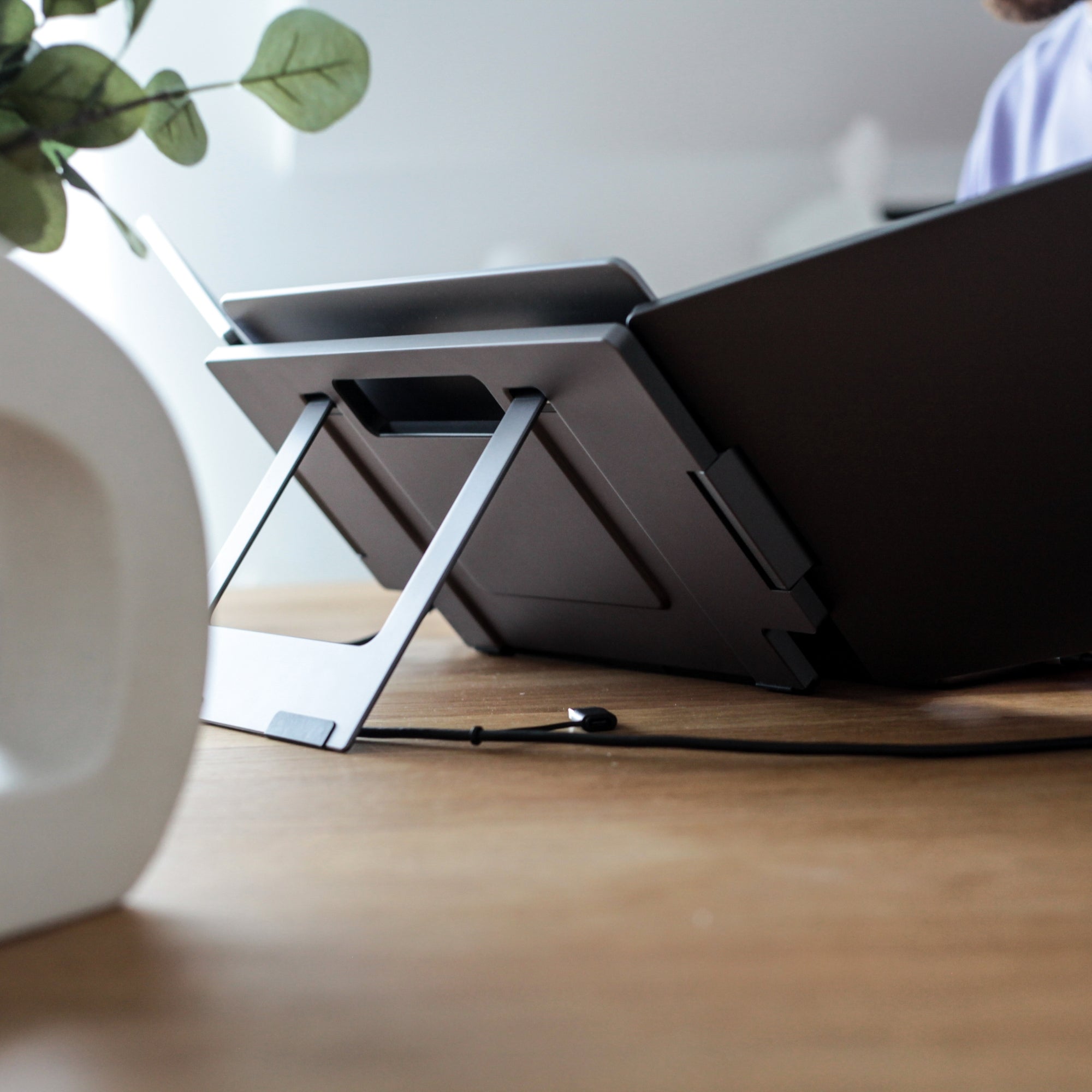
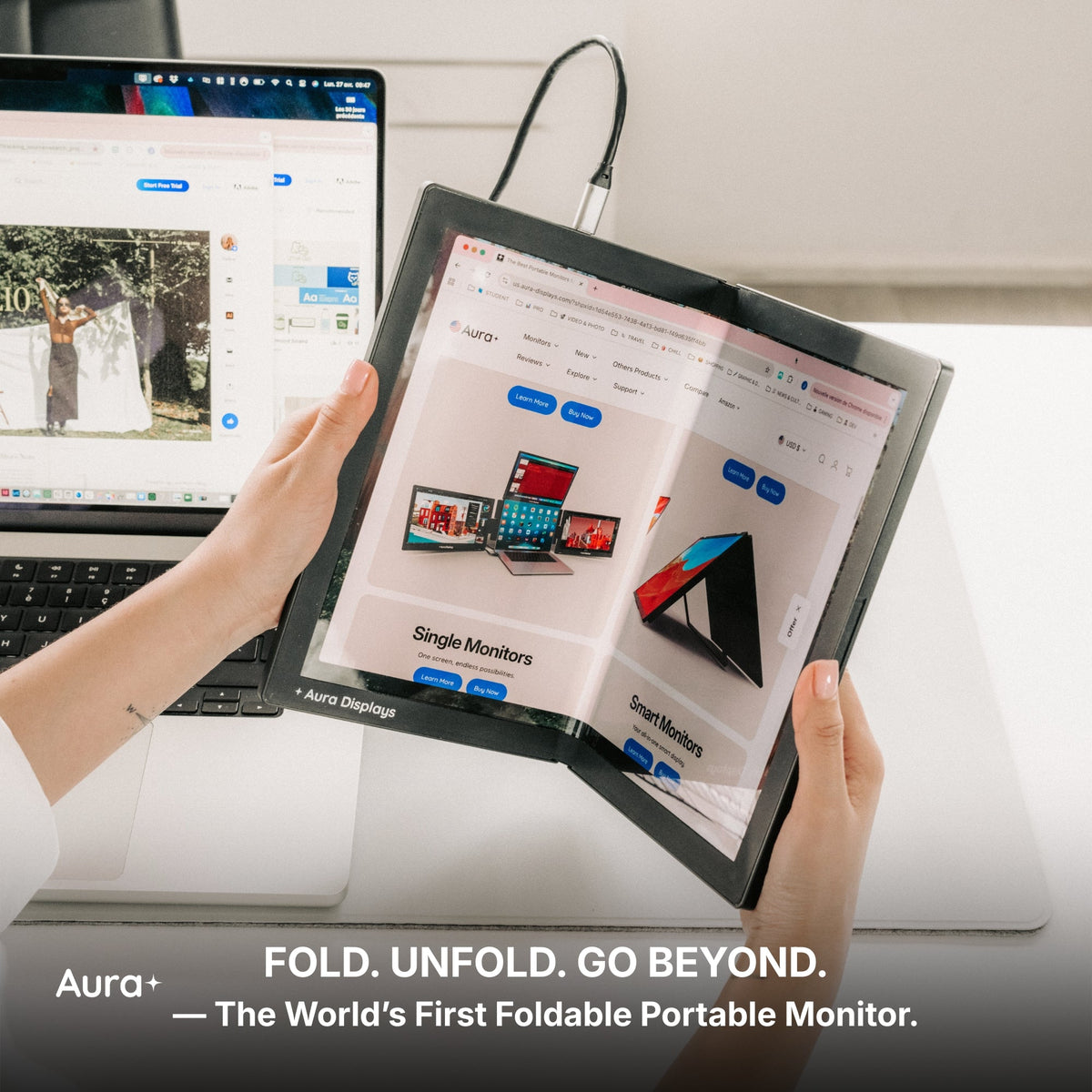
Protective covers or foldable stands for travel ease
Connectivity Options
Versatile connectivity ensures your monitor will pair with multiple devices.
-
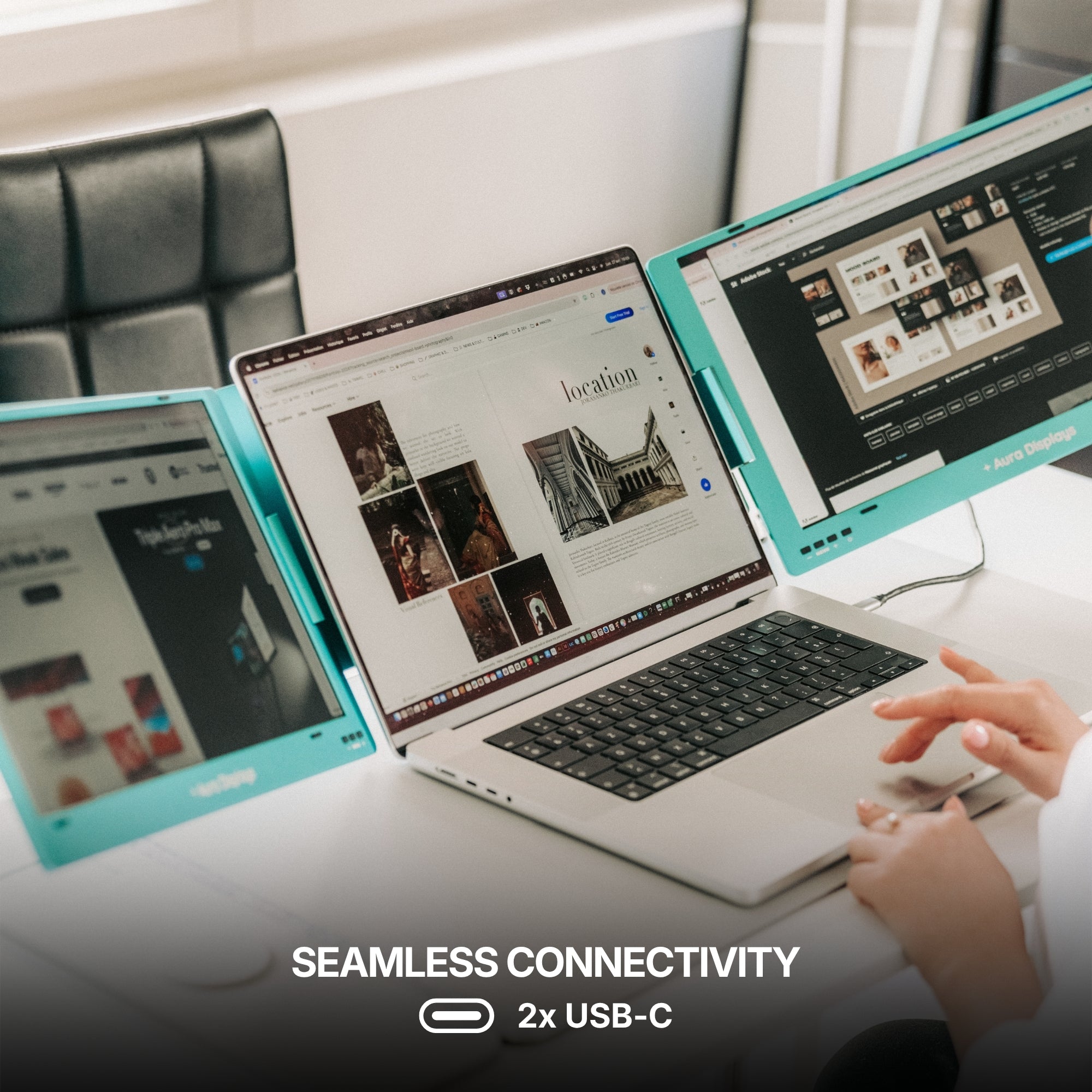
USB-C: Ideal for power and display in one cable
-
HDMI: Essential for gaming consoles and older laptops
-
Plug-and-play: No drivers or downloads required on most modern systems
Set Up and Go: Tips for First-Time Users
Once you’ve picked your monitor, getting started is straightforward.
Here are a few tips to make setup even smoother:
-
Check cable compatibility: Use the provided USB-C or HDMI cable for best results
-
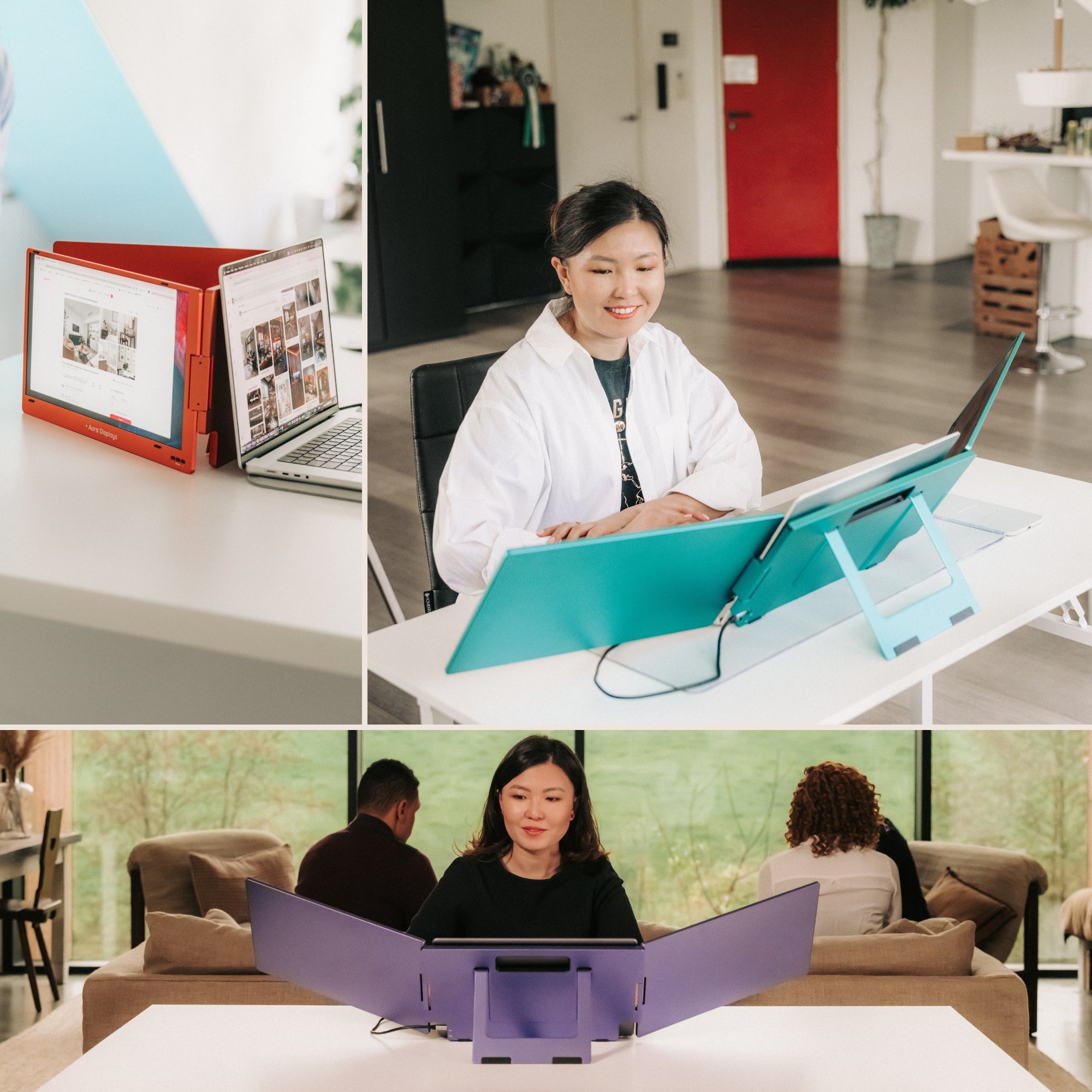
Use built-in stands or invest in a foldable stand for ergonomic angles
-
Adjust brightness depending on your environment (indoor vs. outdoor use)
-
Enable display extension in your system settings to take full advantage of both screens
Ways to Use It Beyond Work
Although many use a portable laptop monitor for work, it has plenty of leisure applications too.
It’s not just a productivity tool — it’s also a smart entertainment and lifestyle upgrade.
Gaming
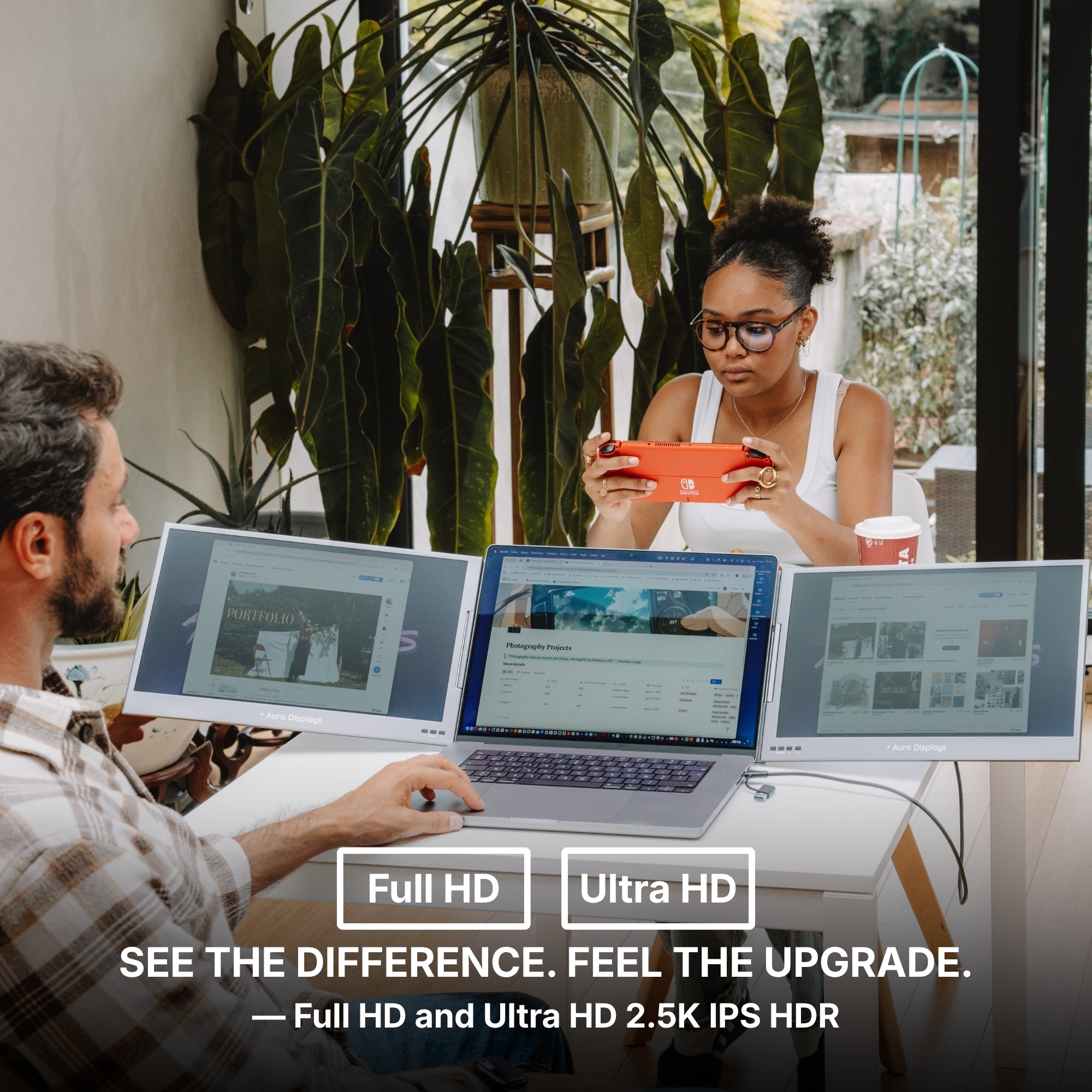
Pair your portable monitor with a Nintendo Switch, PlayStation, or Xbox for a bigger screen experience.
It’s ideal for hotel gaming sessions or multiplayer setups with friends.
Streaming
Watch your favorite series on one screen while browsing or working on the other.
Perfect for multitaskers who like background entertainment without pausing productivity.
Learning
Online learners and students can keep lectures on one display and class notes on the other.
It makes studying more interactive and less disruptive than tab-switching.
Why Aura Displays Is a Go-To for Portable Monitors
At Aura Displays, we understand the need for tech that keeps up with modern work and play.
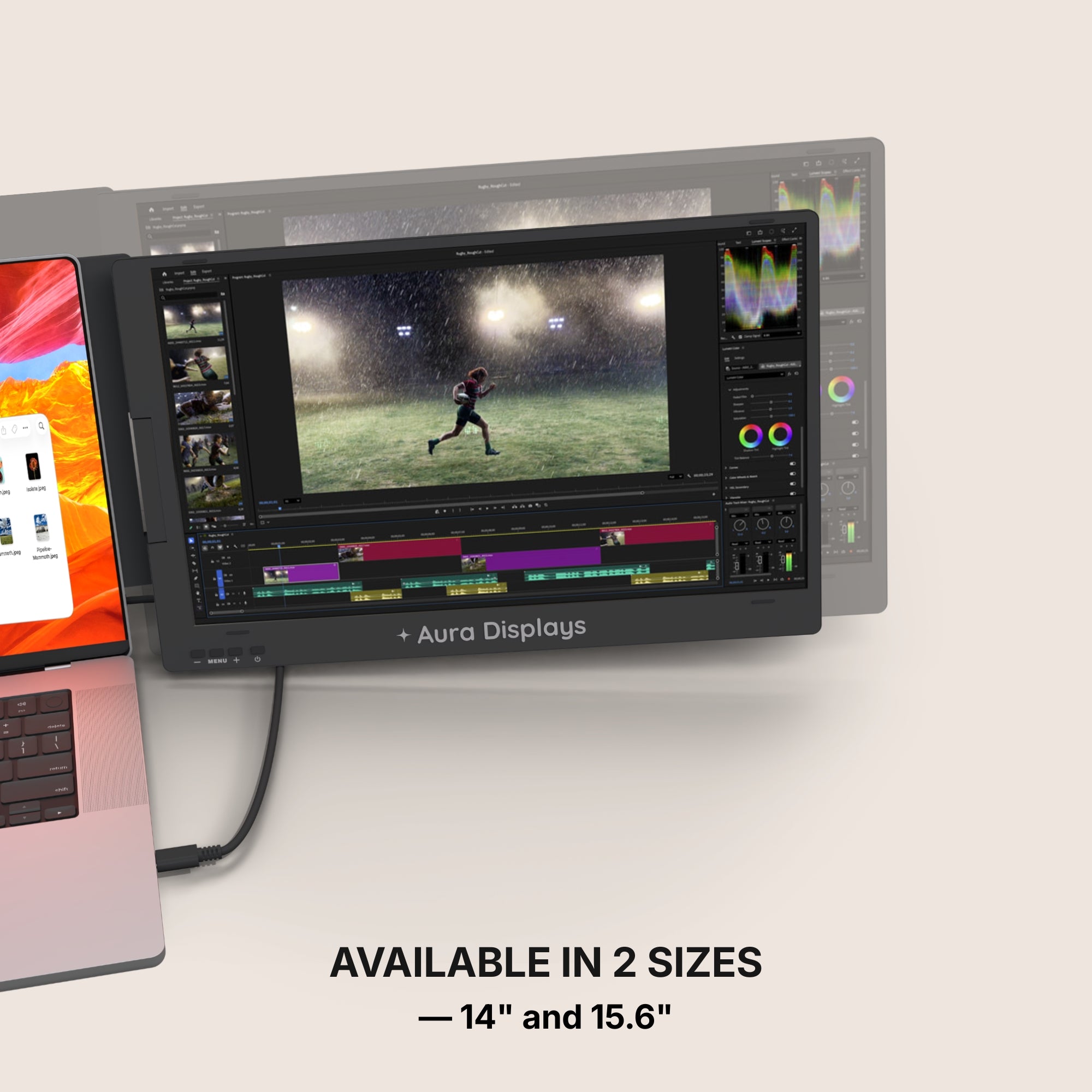
That’s why our portable monitors are engineered to deliver top-tier visuals, lightweight convenience, and unbeatable versatility.
Explore options that include:
-
Ultra-slim bezels for a premium display experience
-
Anti-glare screens for better visibility in bright settings
-
Integrated speakers so you don’t need to pack extra gear
-
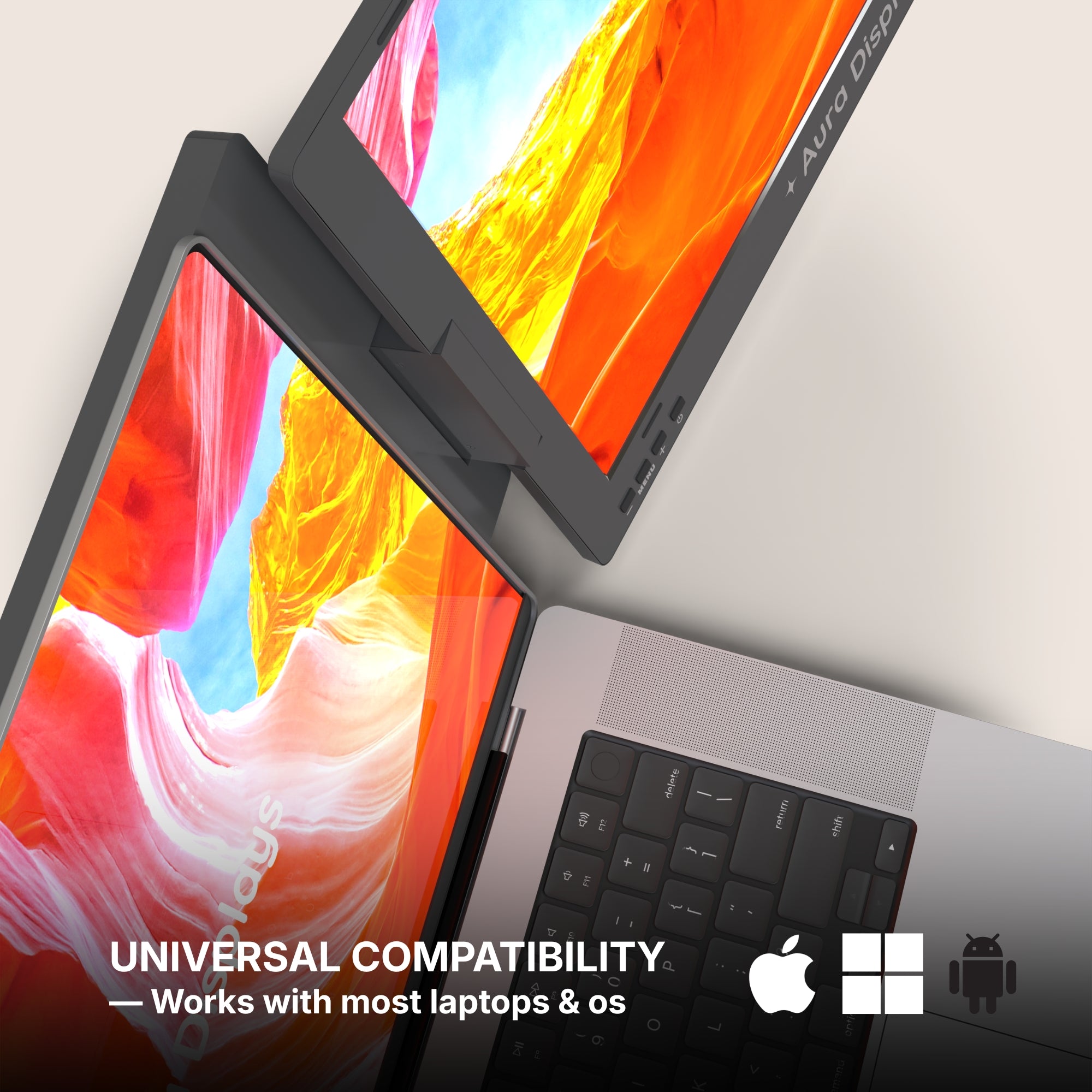
Wide compatibility across Windows, macOS, and Android devices
Whether you’re crafting your dream remote office or enhancing your laptop setup at home, our monitors are designed to adapt.







Share: