


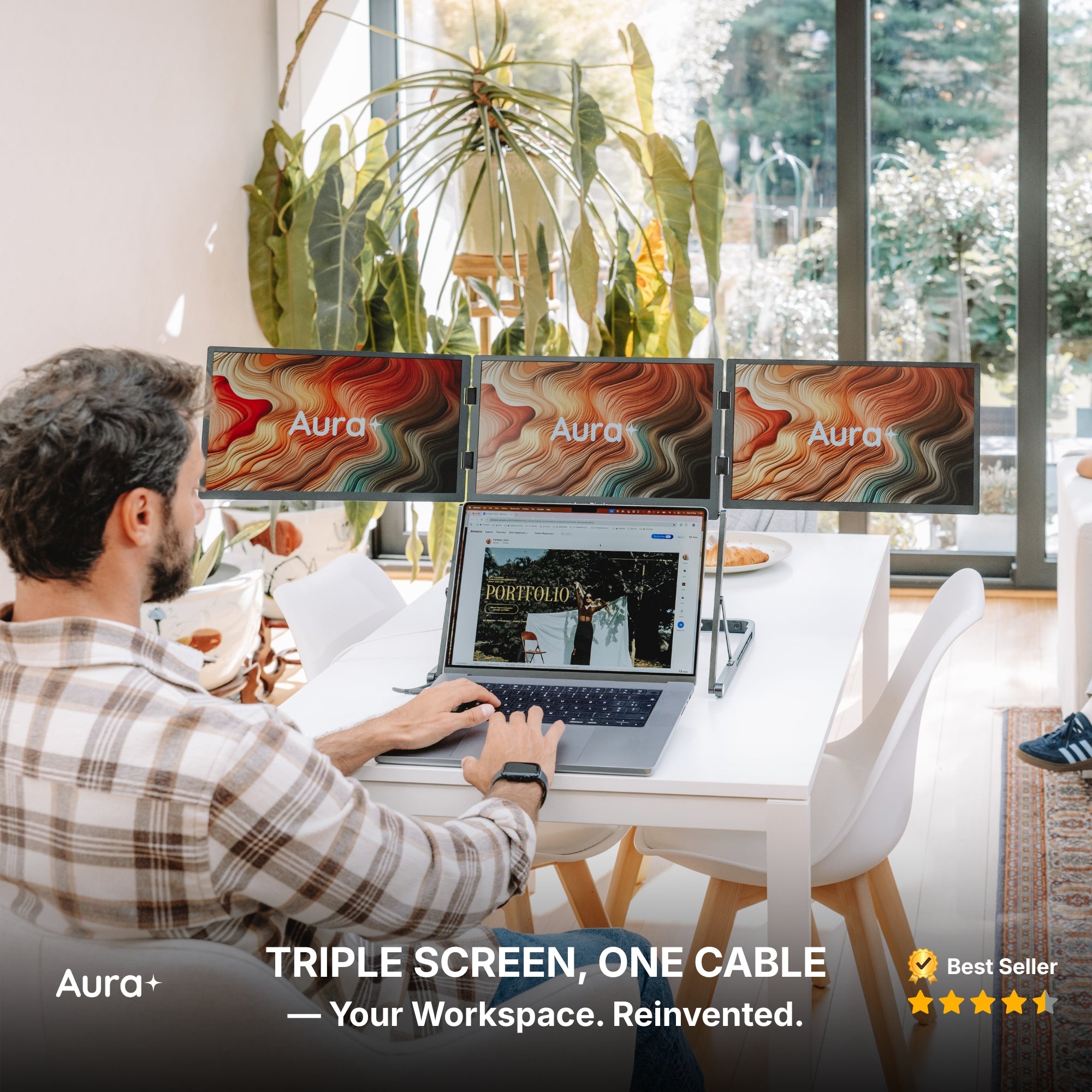
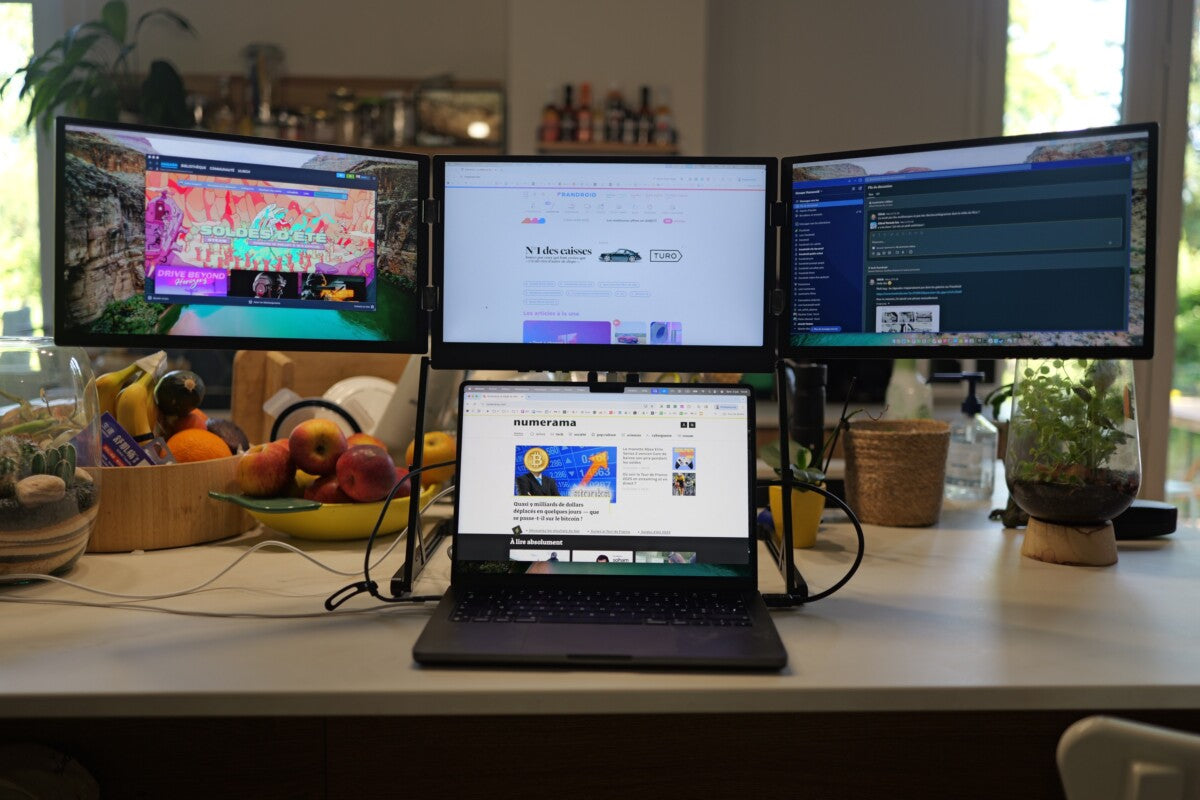
As the remote work revolution continues to evolve, professionals, creators, and gamers are looking for tools that maximize efficiency without sacrificing flexibility. A Triple Portable Monitor for Laptop is one such solution that’s catching the attention of serious multitaskers.
Why Multiscreen Setups Are Gaining Ground
In the past, multitasking meant tab-switching and window-juggling. But today’s users expect more. A triple screen setup offers uninterrupted access to multiple apps, dashboards, or content streams all at once. It’s not just a luxury; for many, it’s becoming a core productivity asset.
If you're already using a Portable Monitor for Laptop, you’ve likely experienced how just one extra screen can transform your workflow. Expanding to three takes that a step further, giving you a full command center on the go.
Who Really Benefits from Triple Monitors?
It’s not just gamers or coders who see a payoff. Here’s how different types of users are leveraging the upgrade:
Content Creators
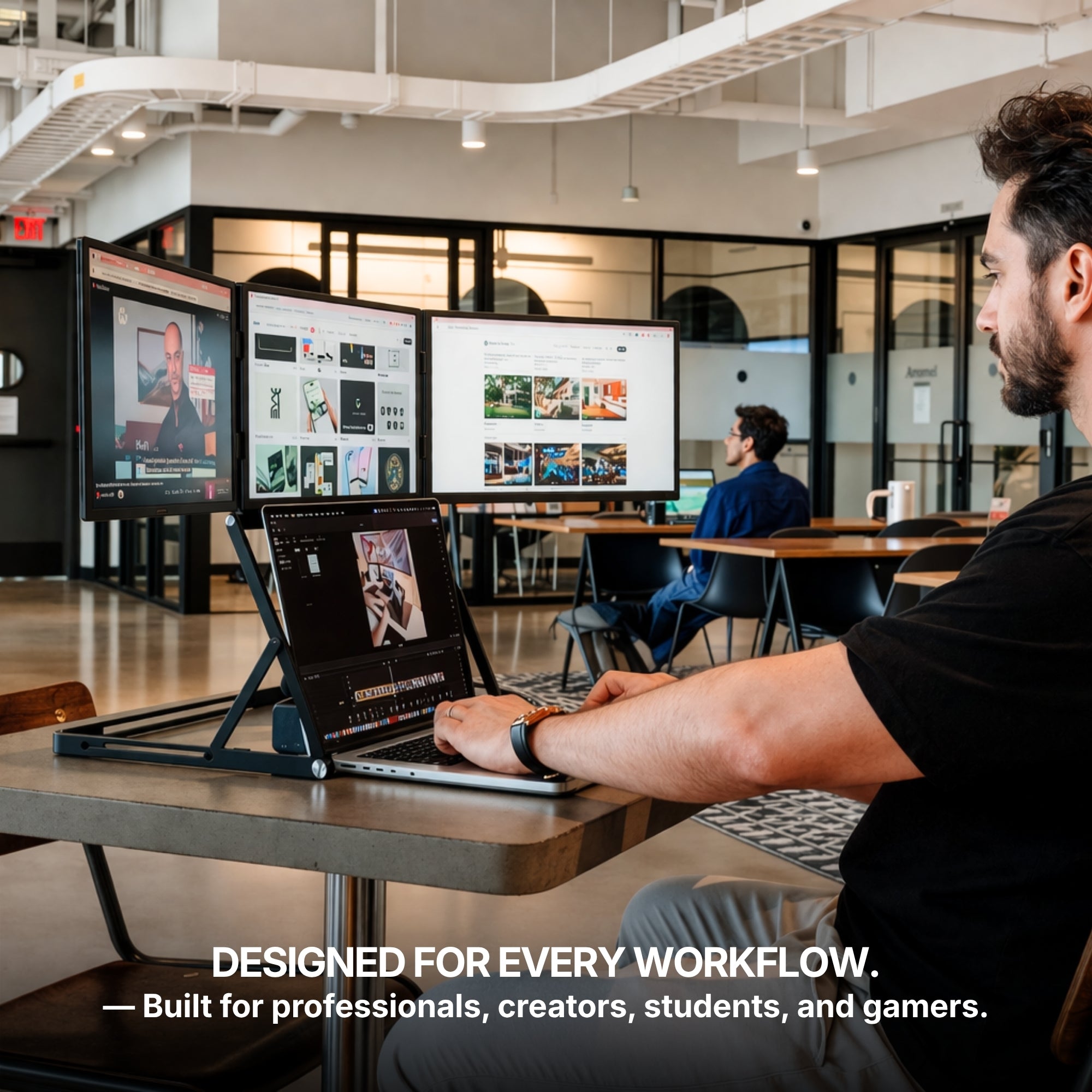
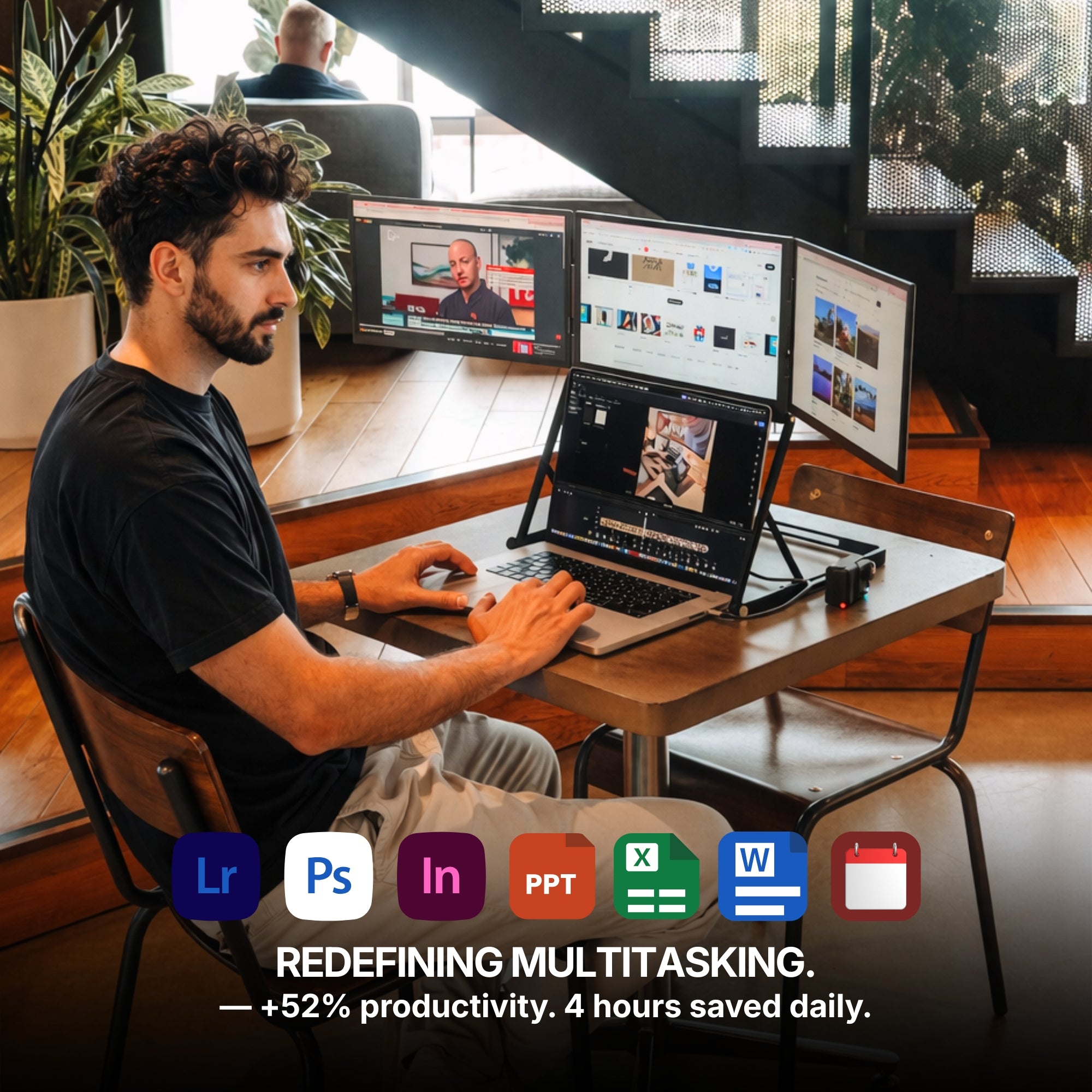
Video editors can preview footage, manage timelines, and access effects menus simultaneously. Graphic designers can work on artwork while referencing mood boards and client briefs—all without minimizing anything.
Finance & Data Professionals
Spreadsheets, financial dashboards, and real-time stock tickers need space. This monitor setup offers breathing room to analyze without constantly rearranging windows.
Remote Workers & Project Managers
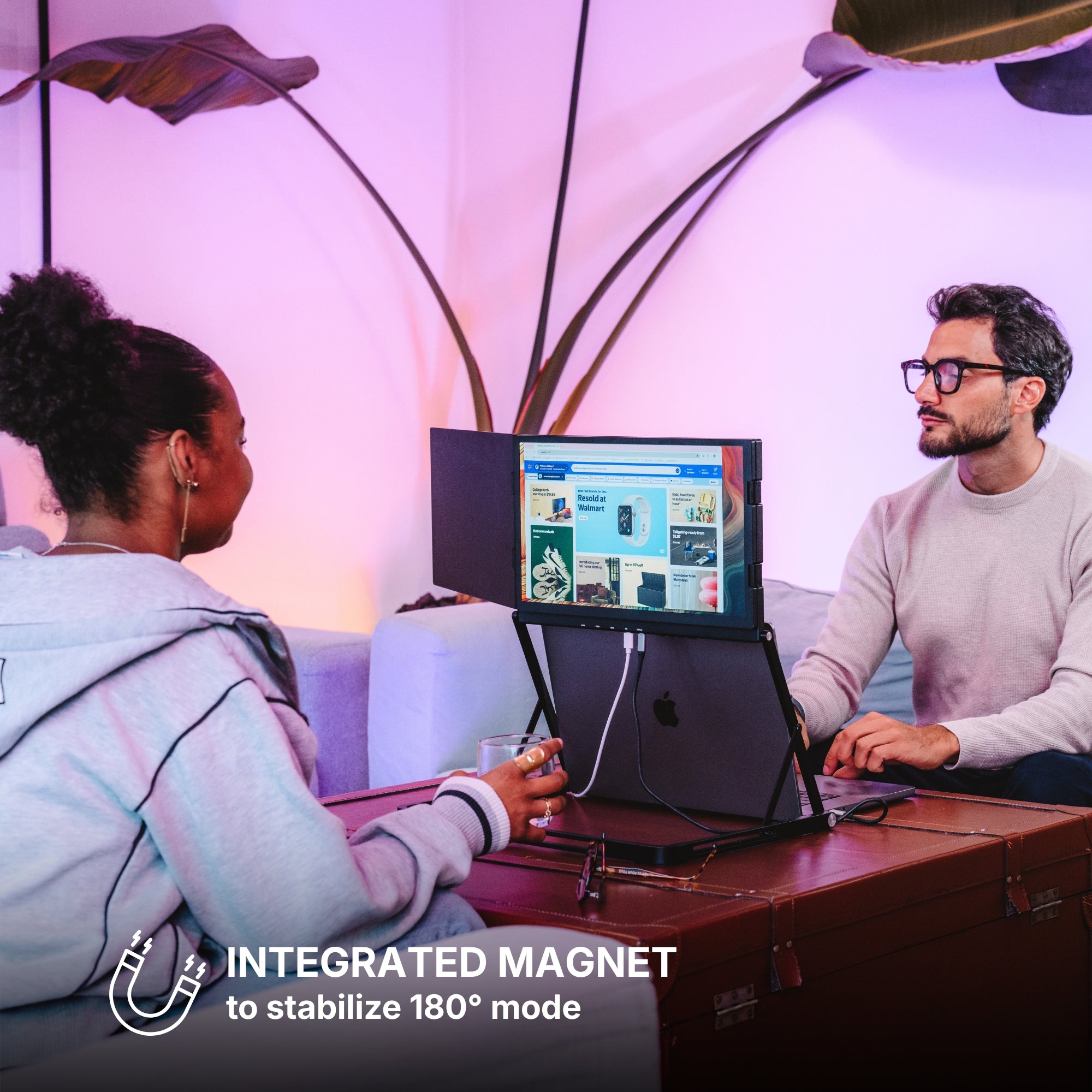
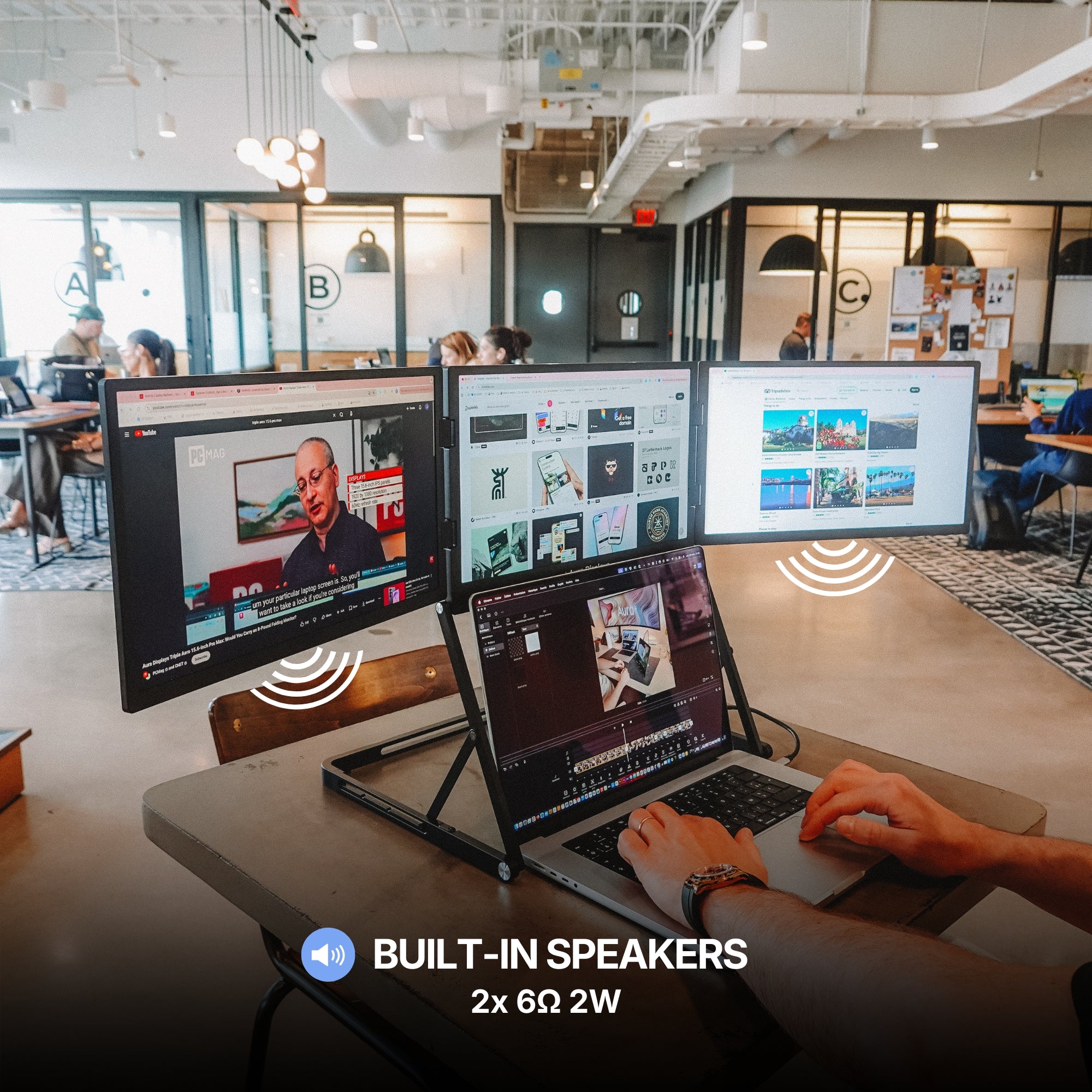
Imagine hosting a Zoom call on one screen, reviewing a presentation on the second, and managing a task board like Asana or Trello on the third. That’s real multitasking—without the mental tax.

From Dual to Triple: What’s the Difference?
You might wonder whether moving from a Dual Monitor Extender for Laptop to a triple monitor setup is worth the extra investment. It depends on your workflow. A dual setup offers a significant leap from a single screen but once you're used to two, that third screen can quickly become essential.
For example, streamers may need one screen for OBS, another for the game, and a third for live chat. Developers often want their IDE, browser, and documentation visible at once. That additional display streamlines the entire experience.
Portability Isn’t a Trade-Off
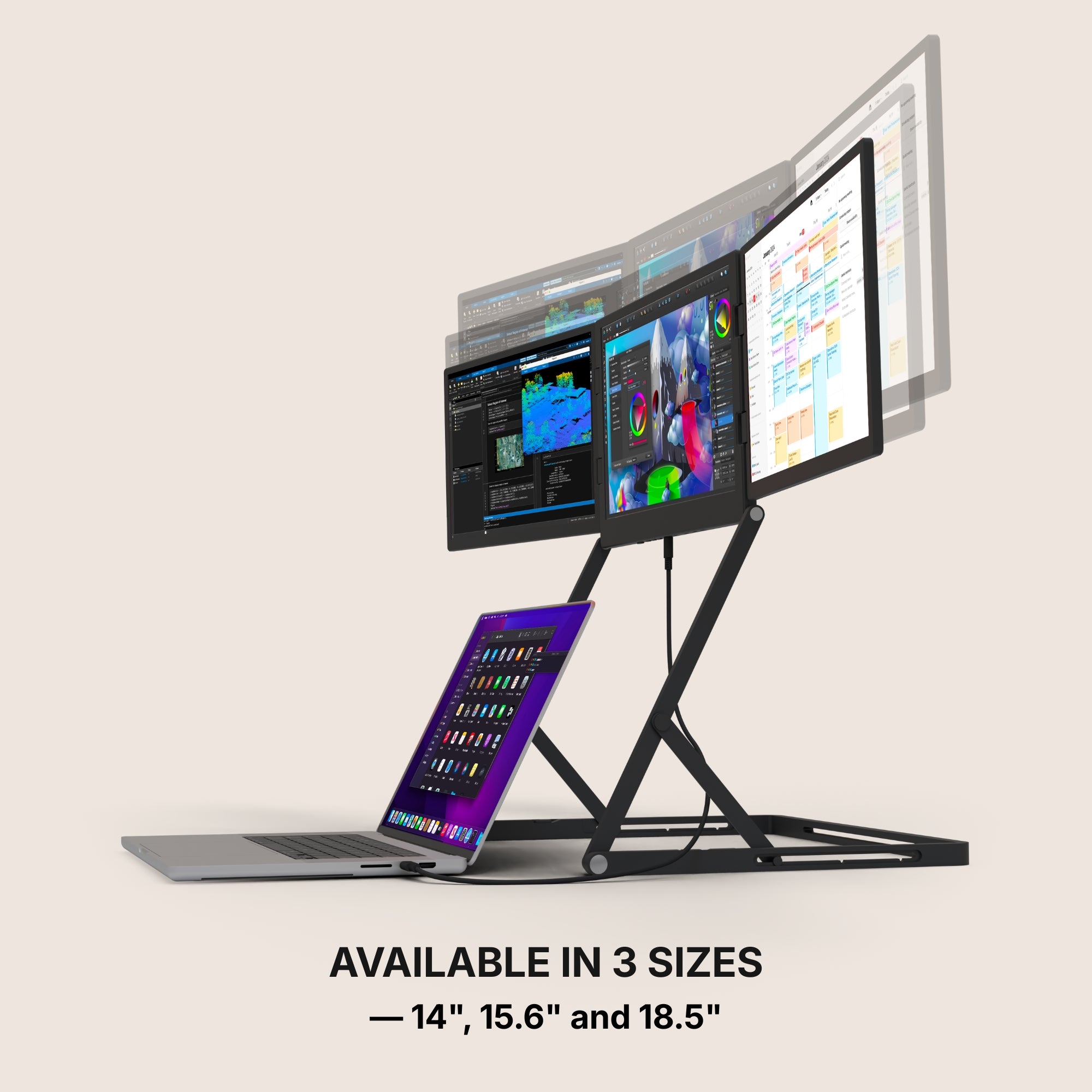
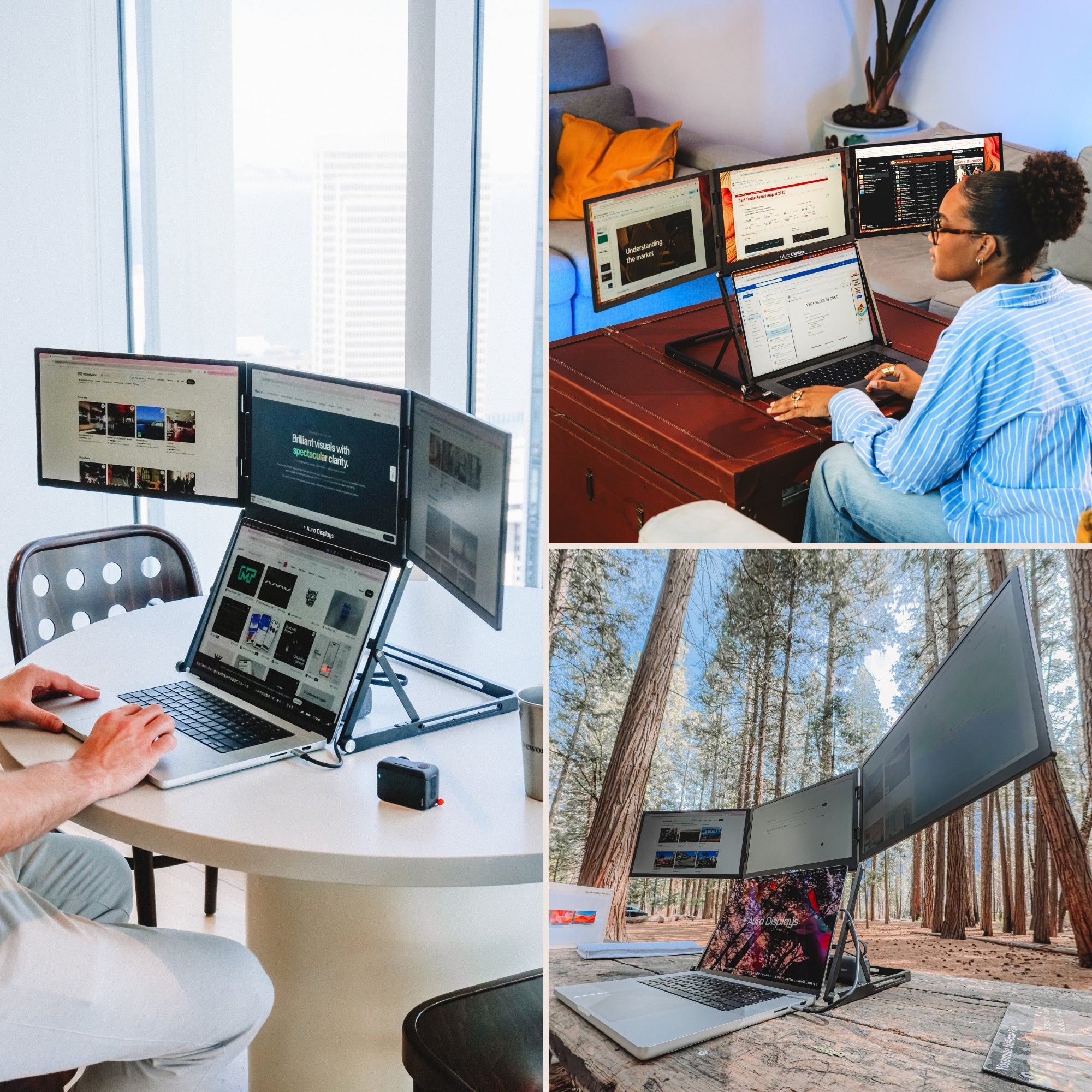
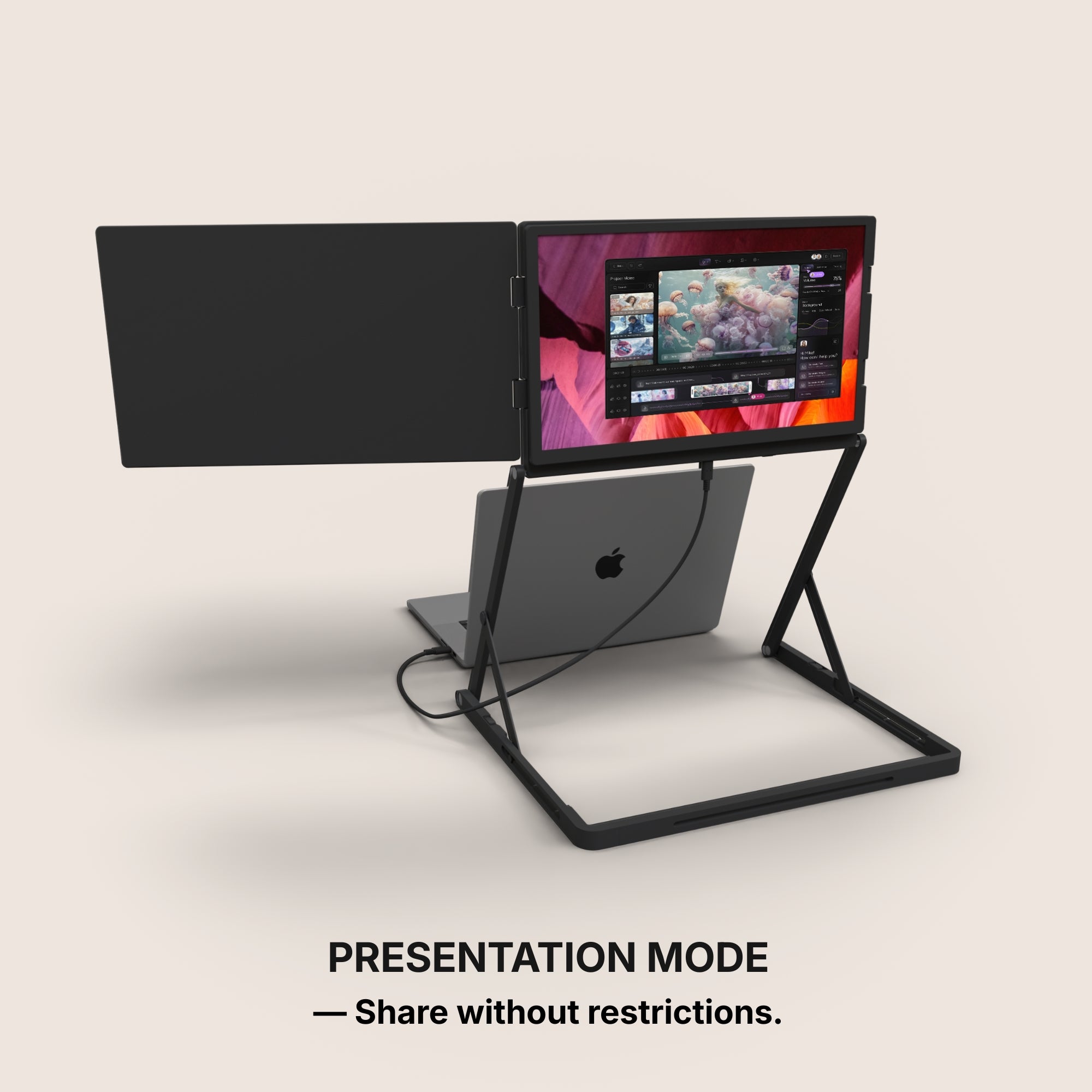
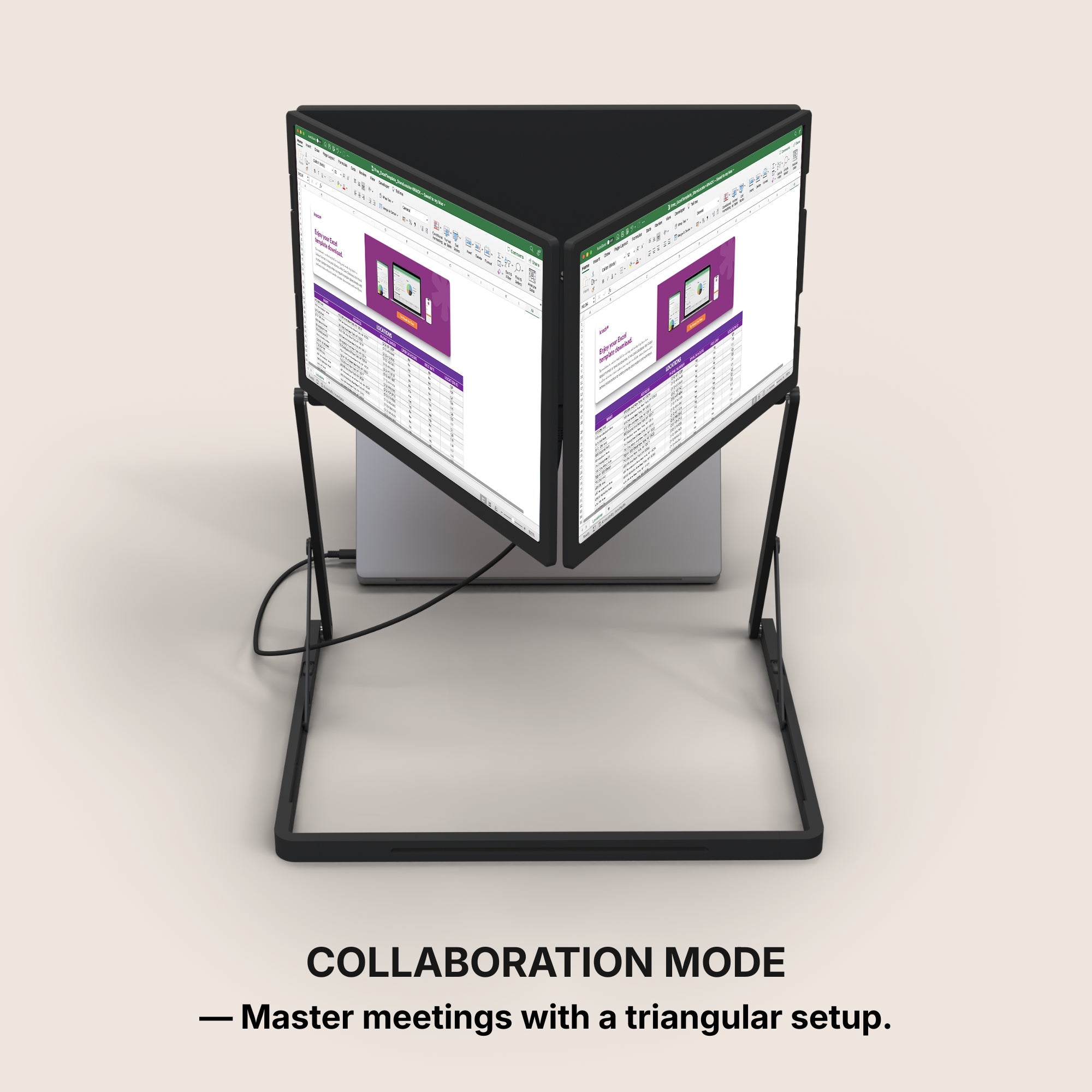
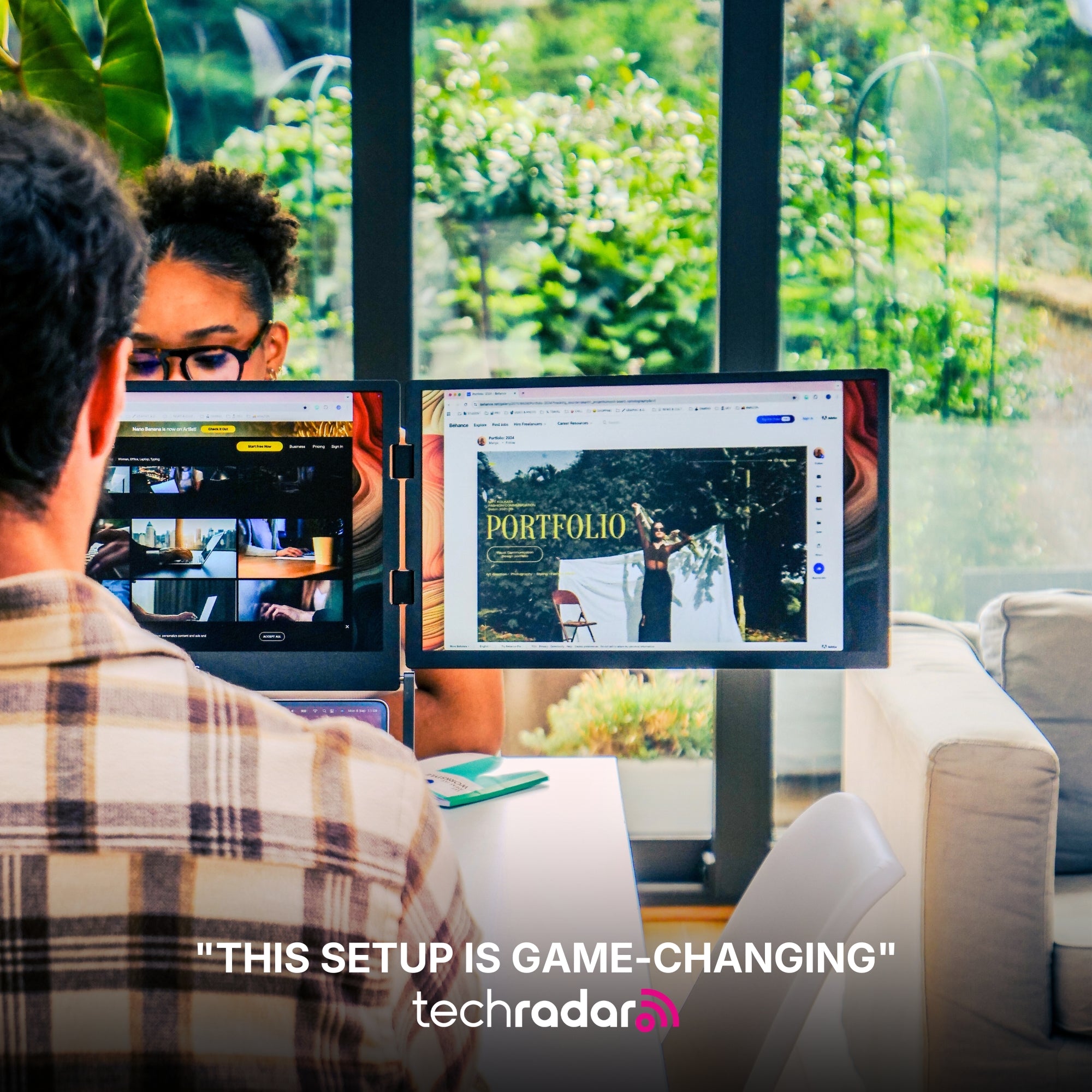
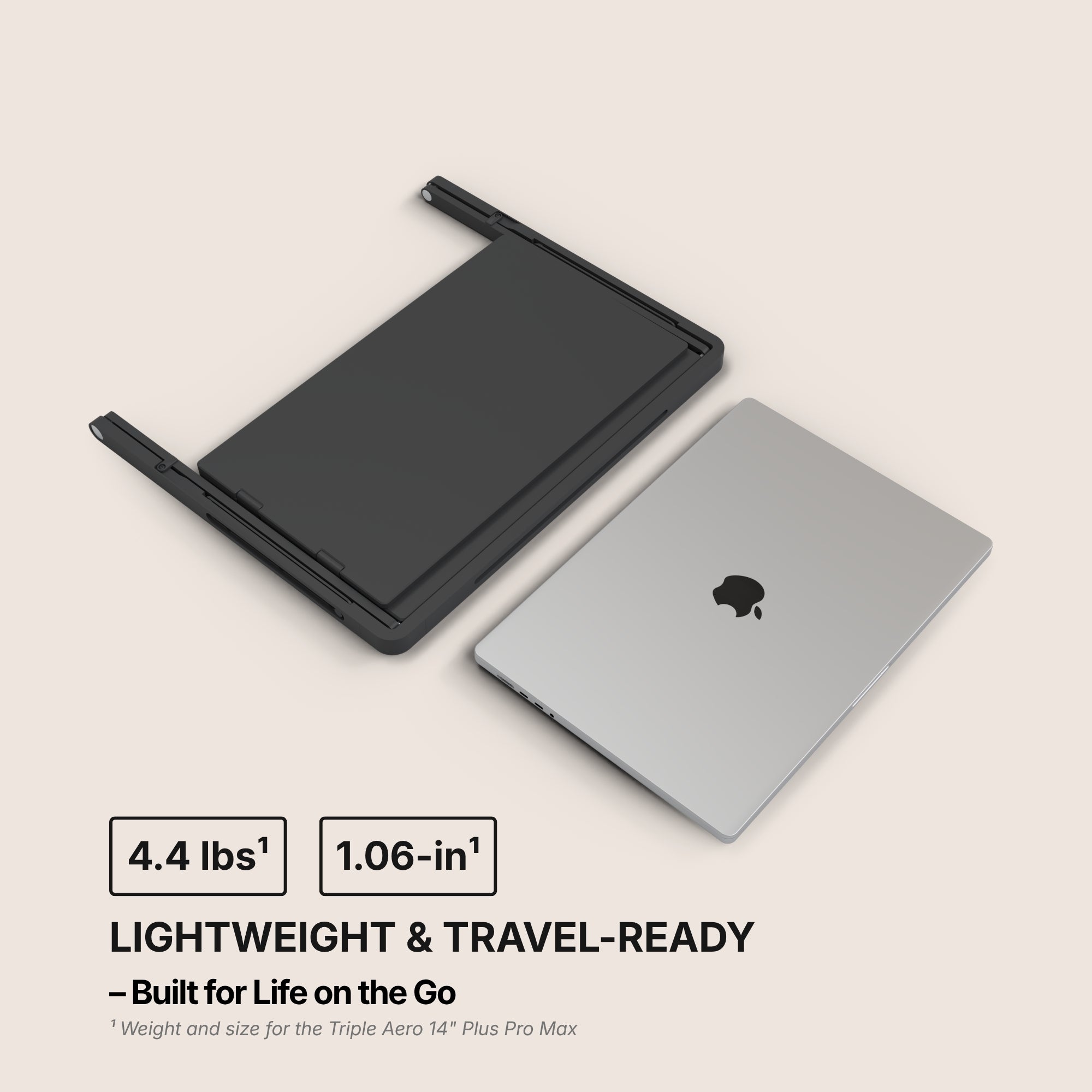
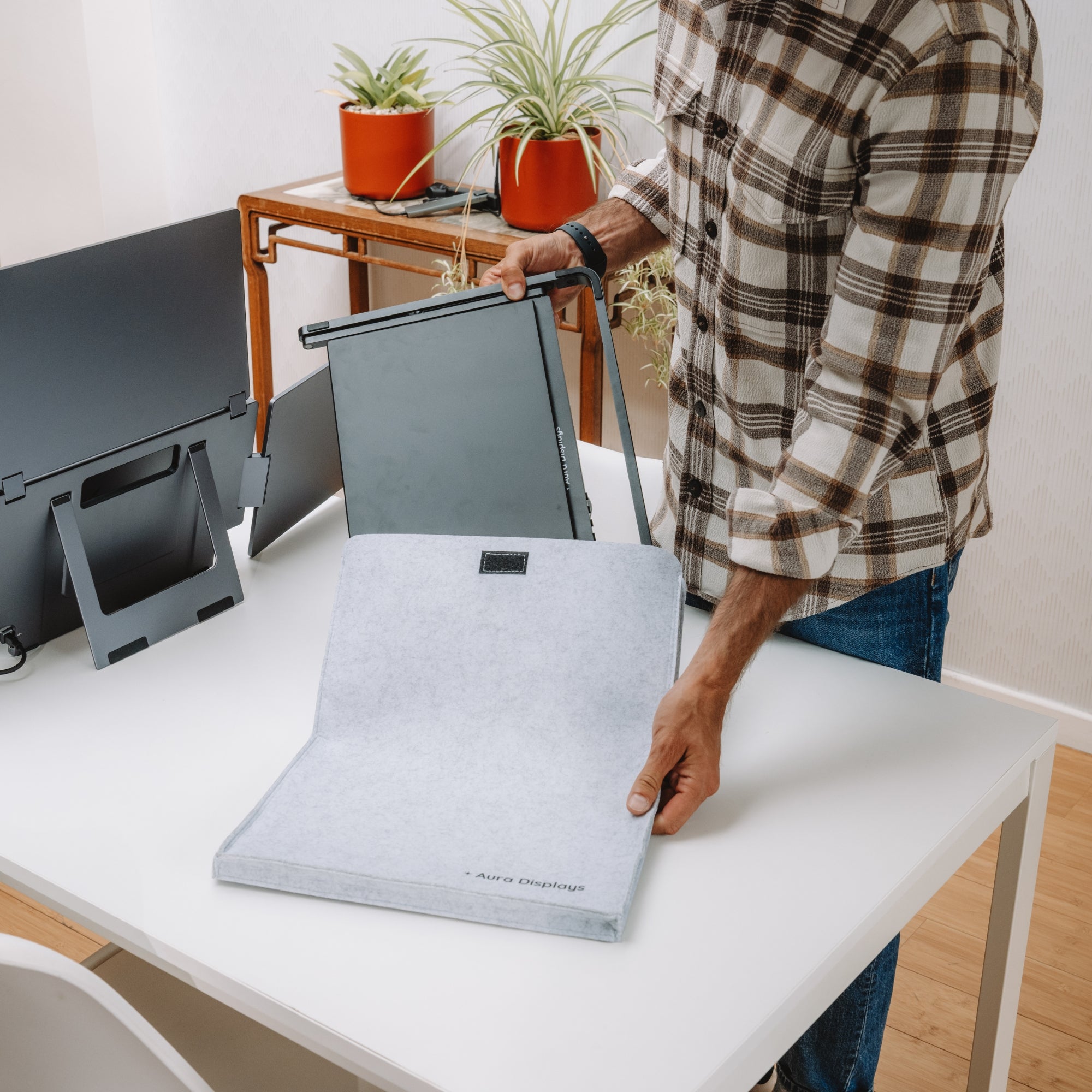
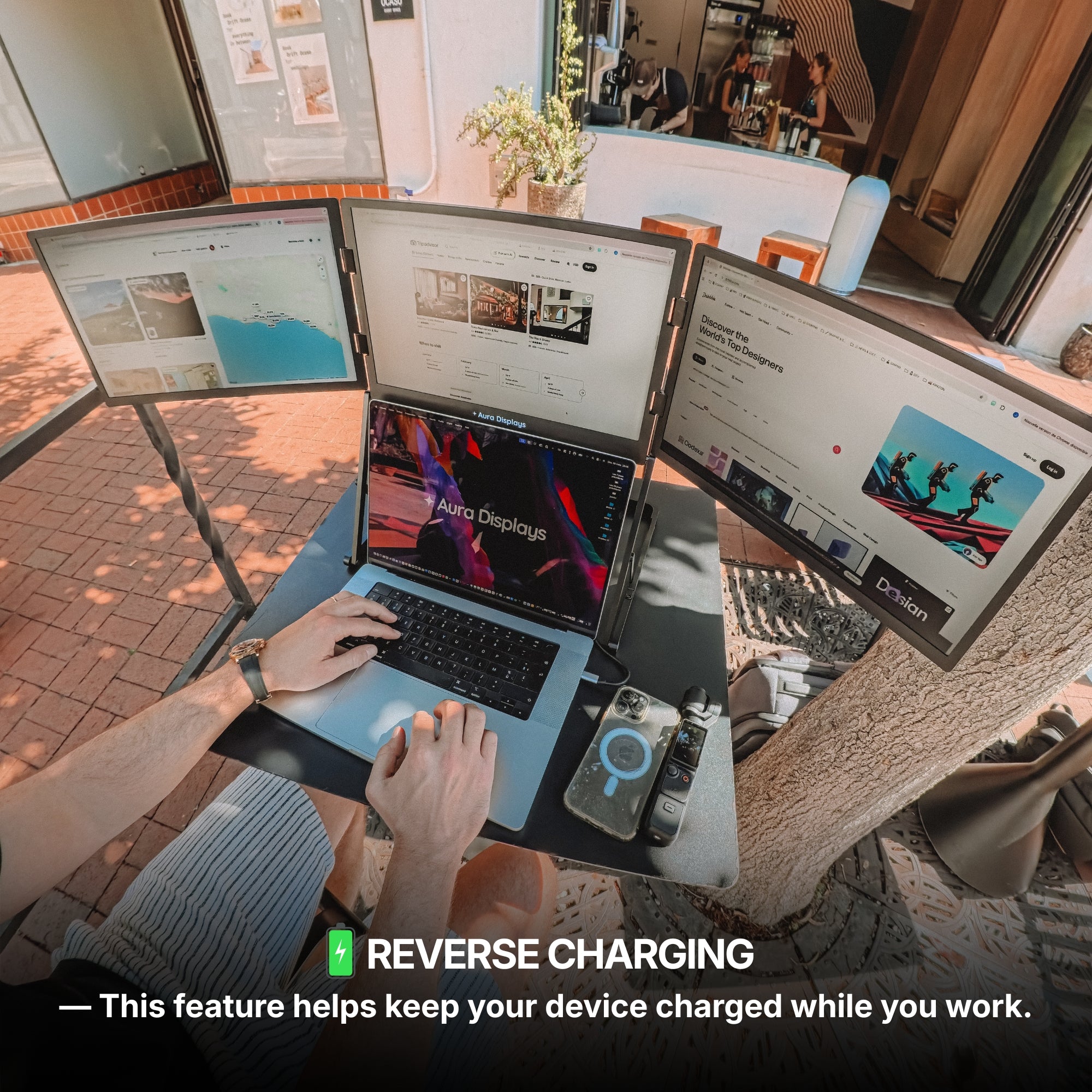
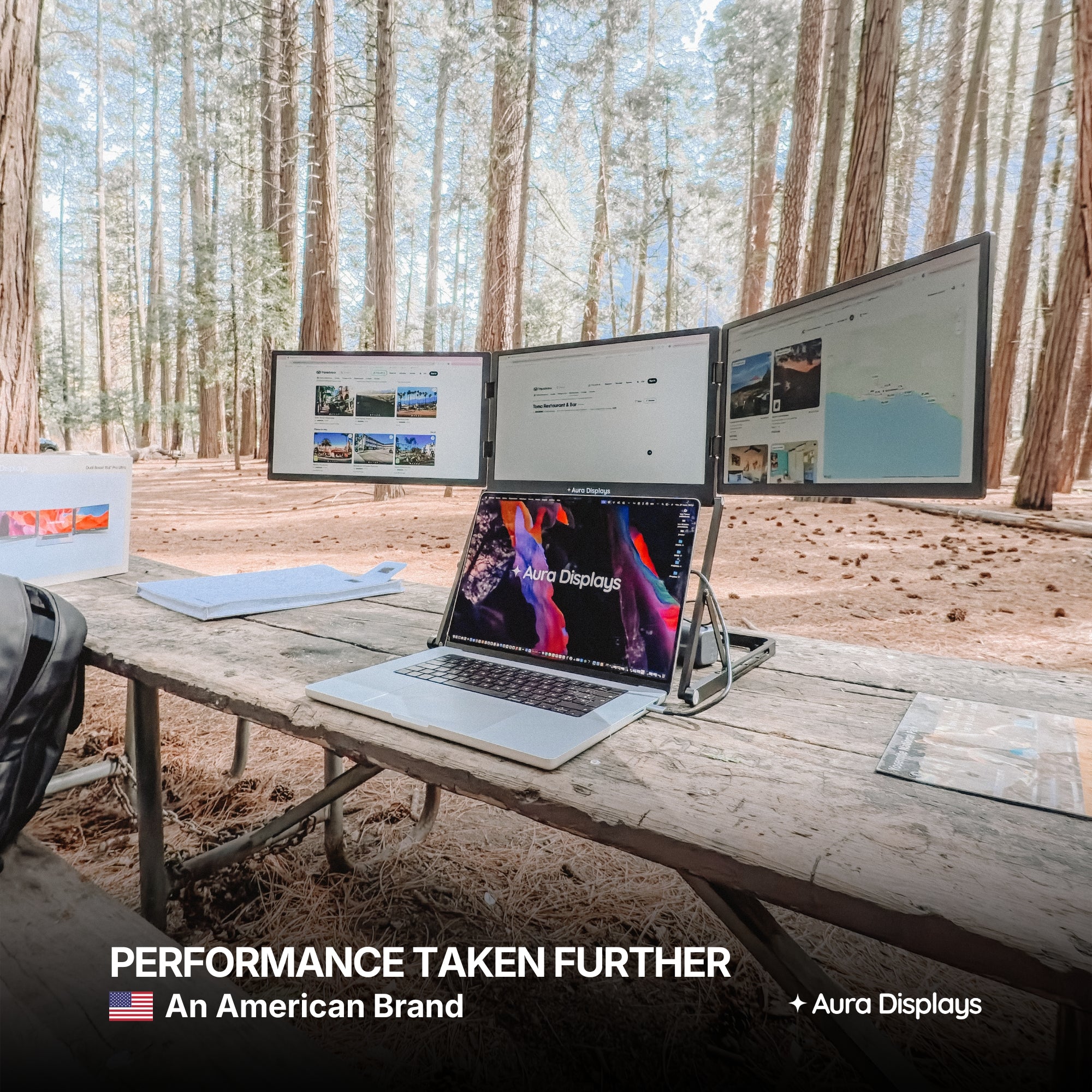
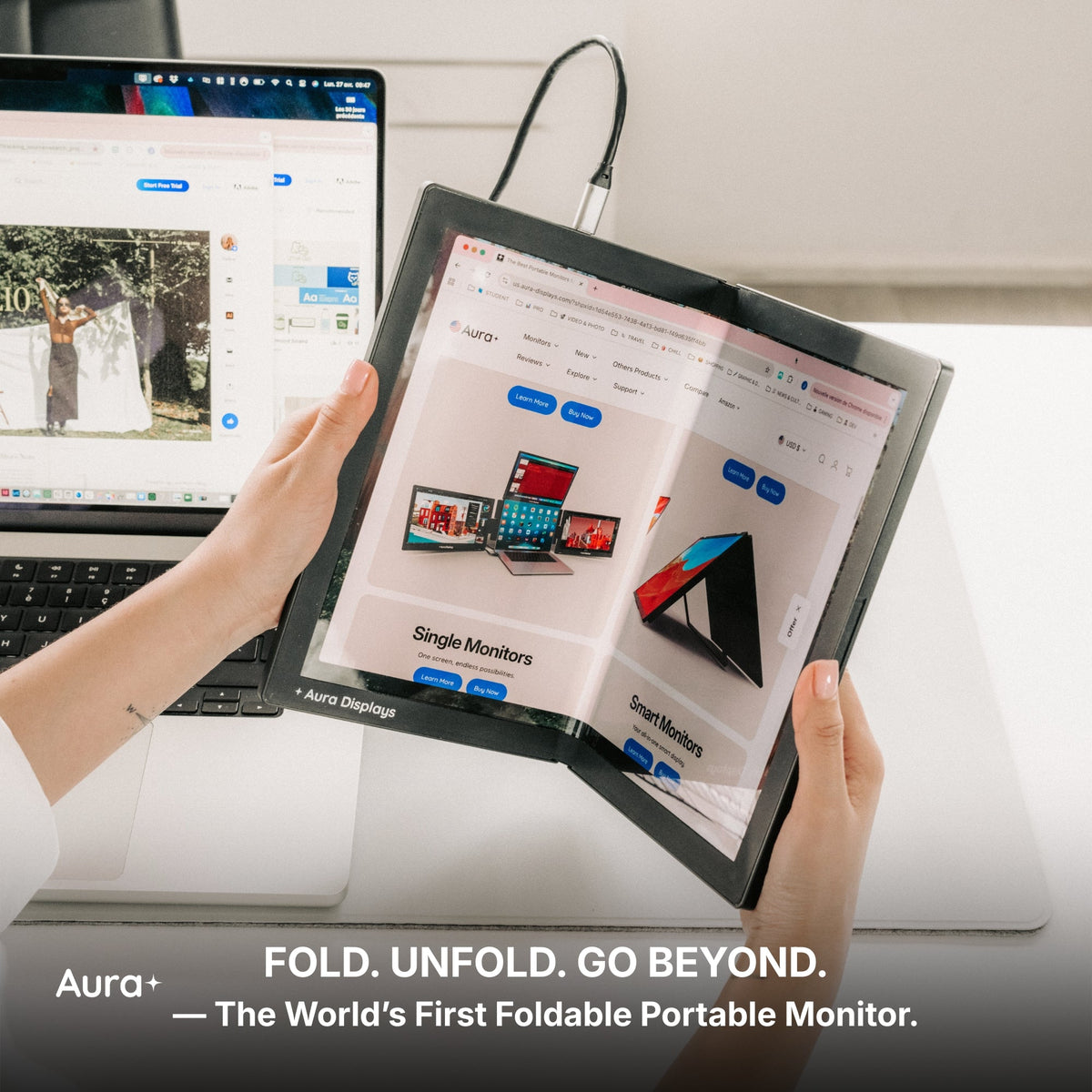
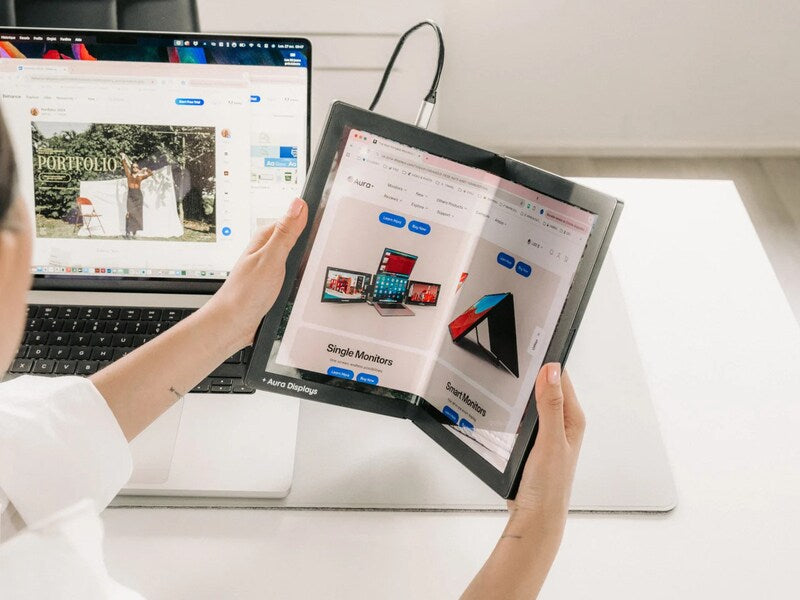
A common misconception is that triple monitor setups are bulky or impractical for travel. In reality, modern extenders—like those offered by Aura Displays—are compact, foldable, and designed for mobility.
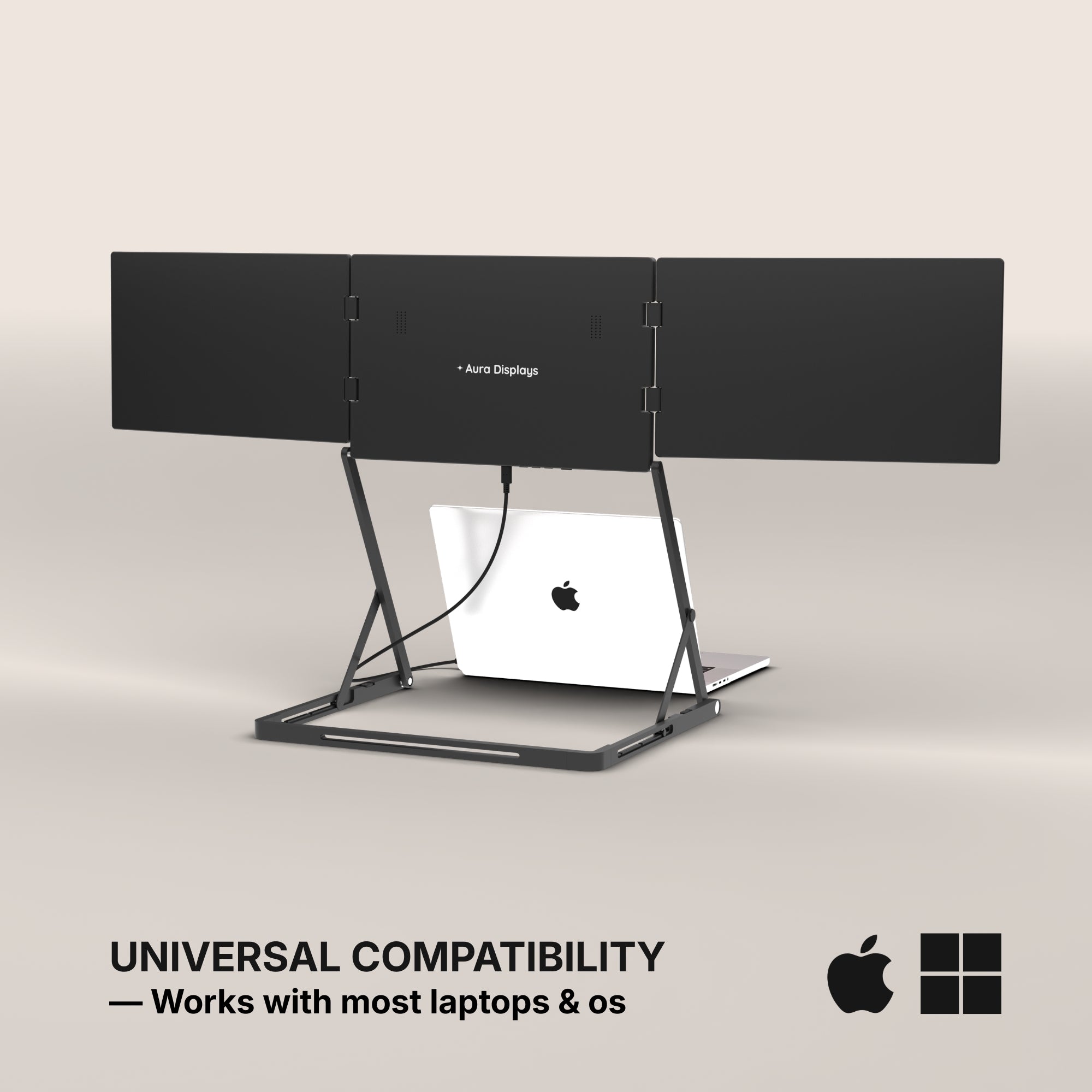
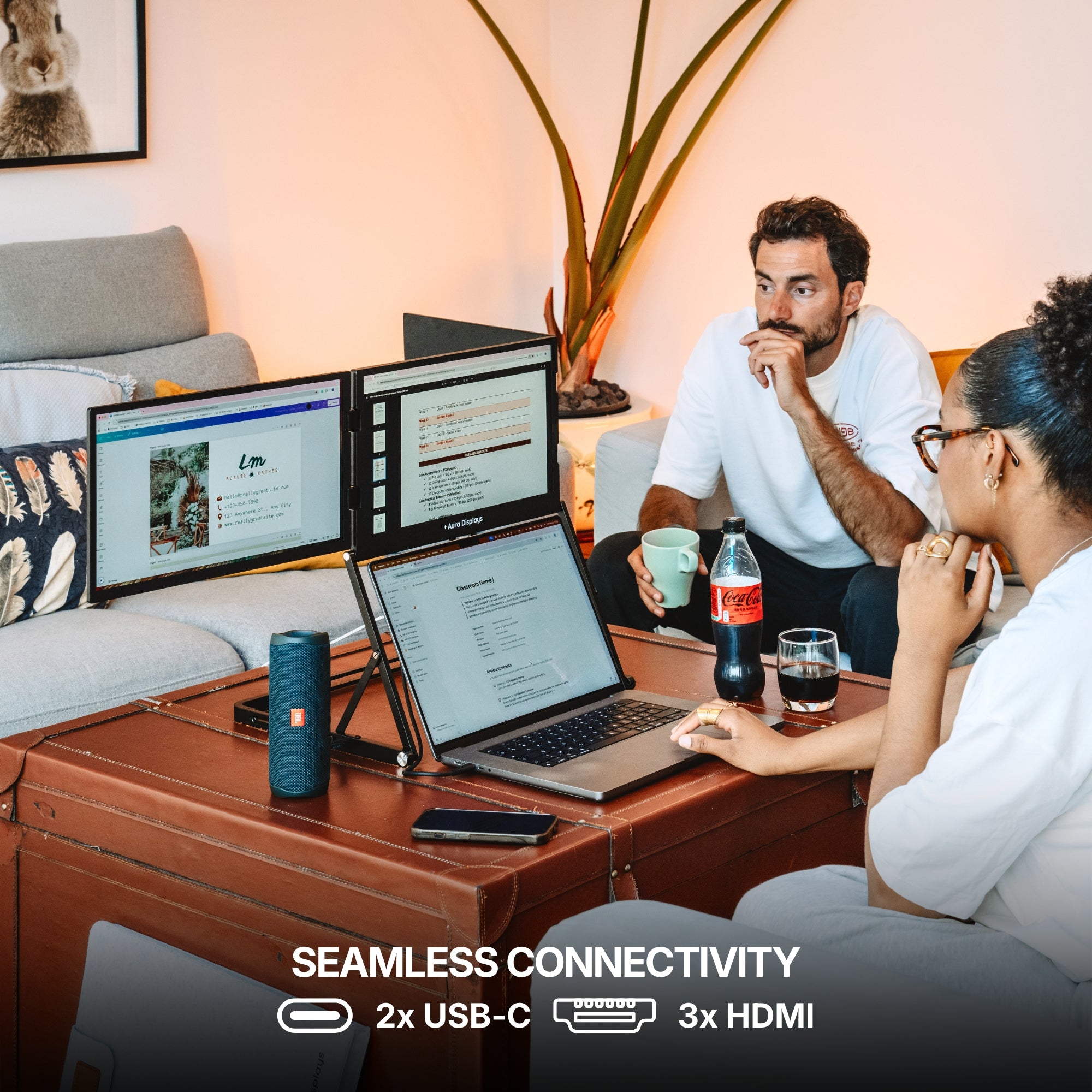
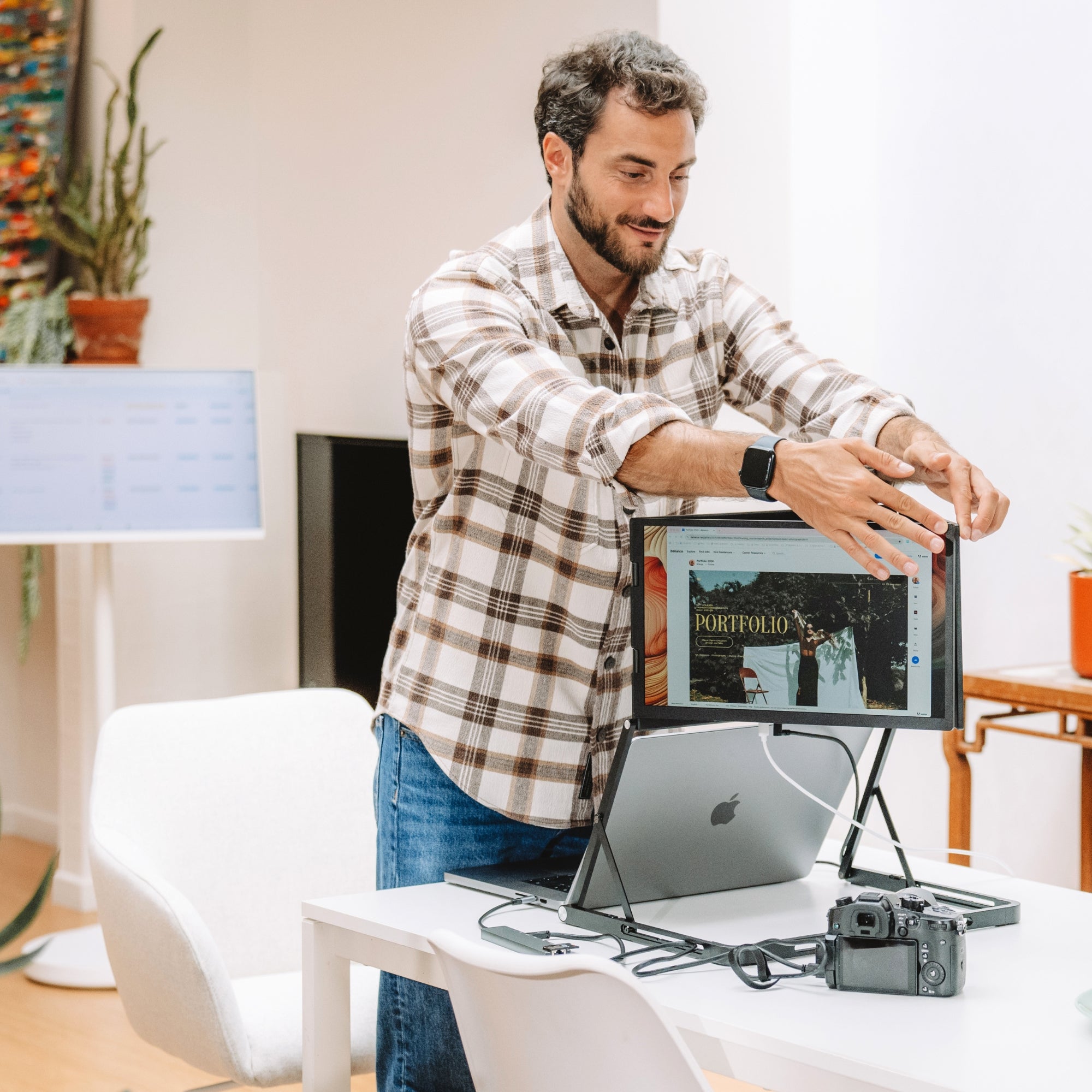
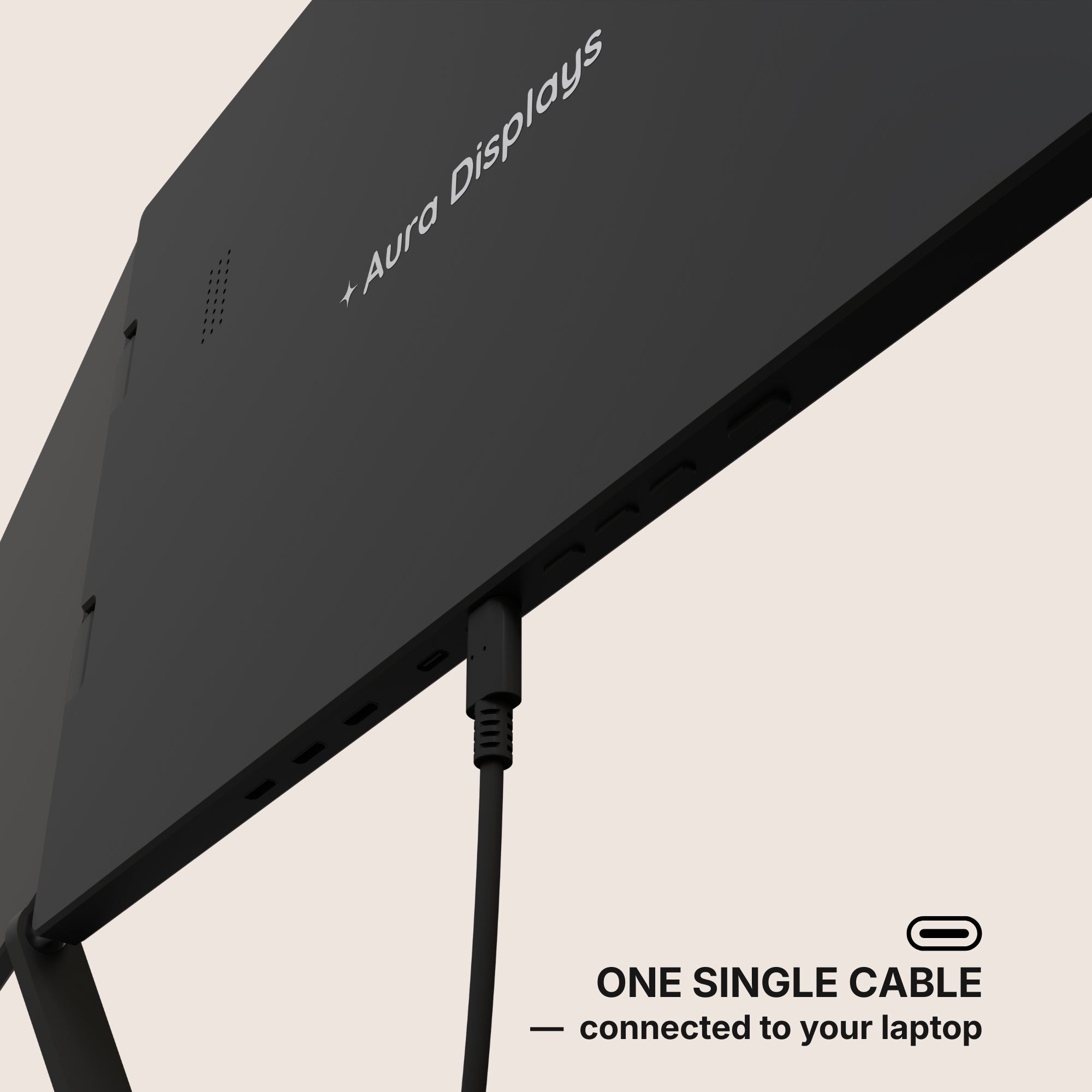
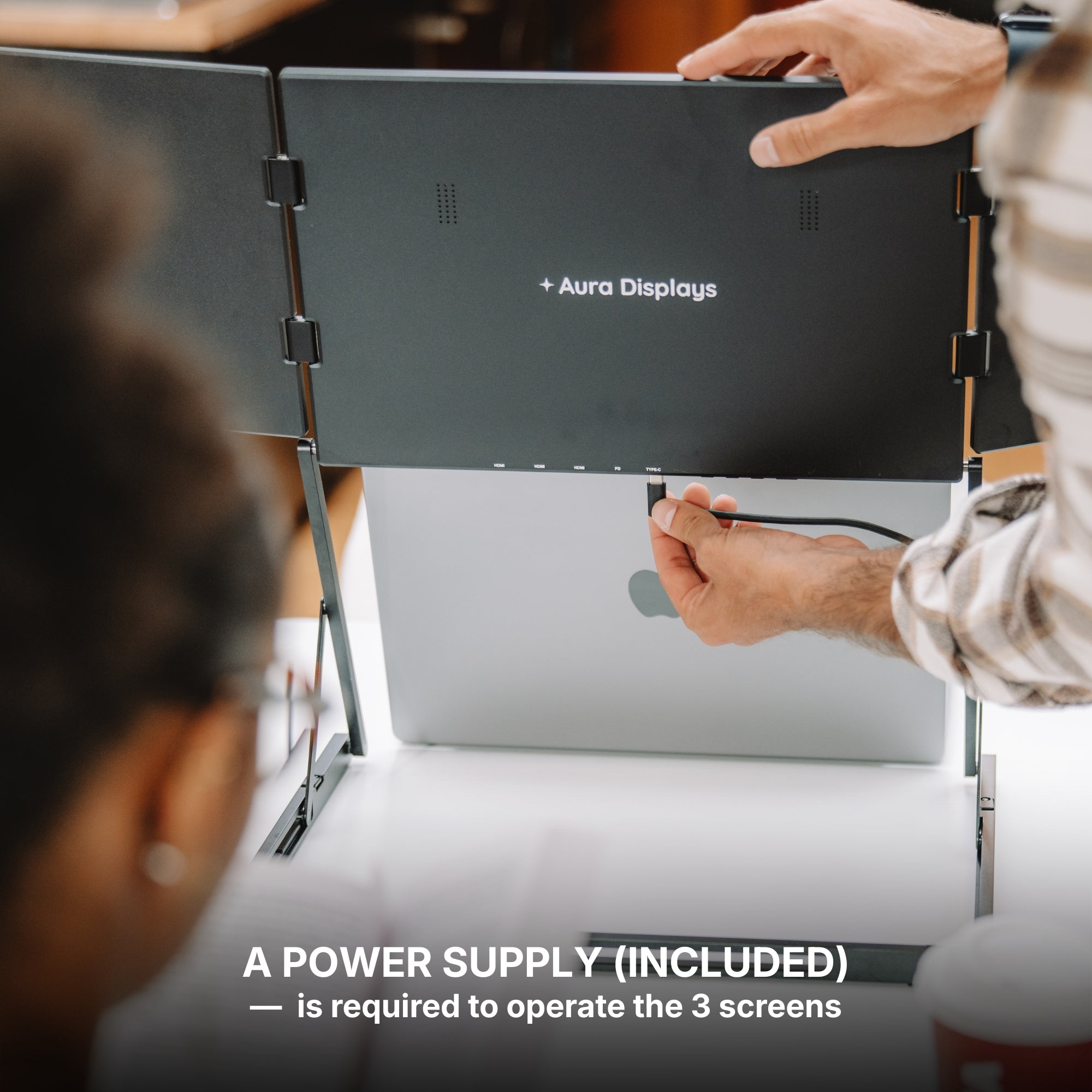
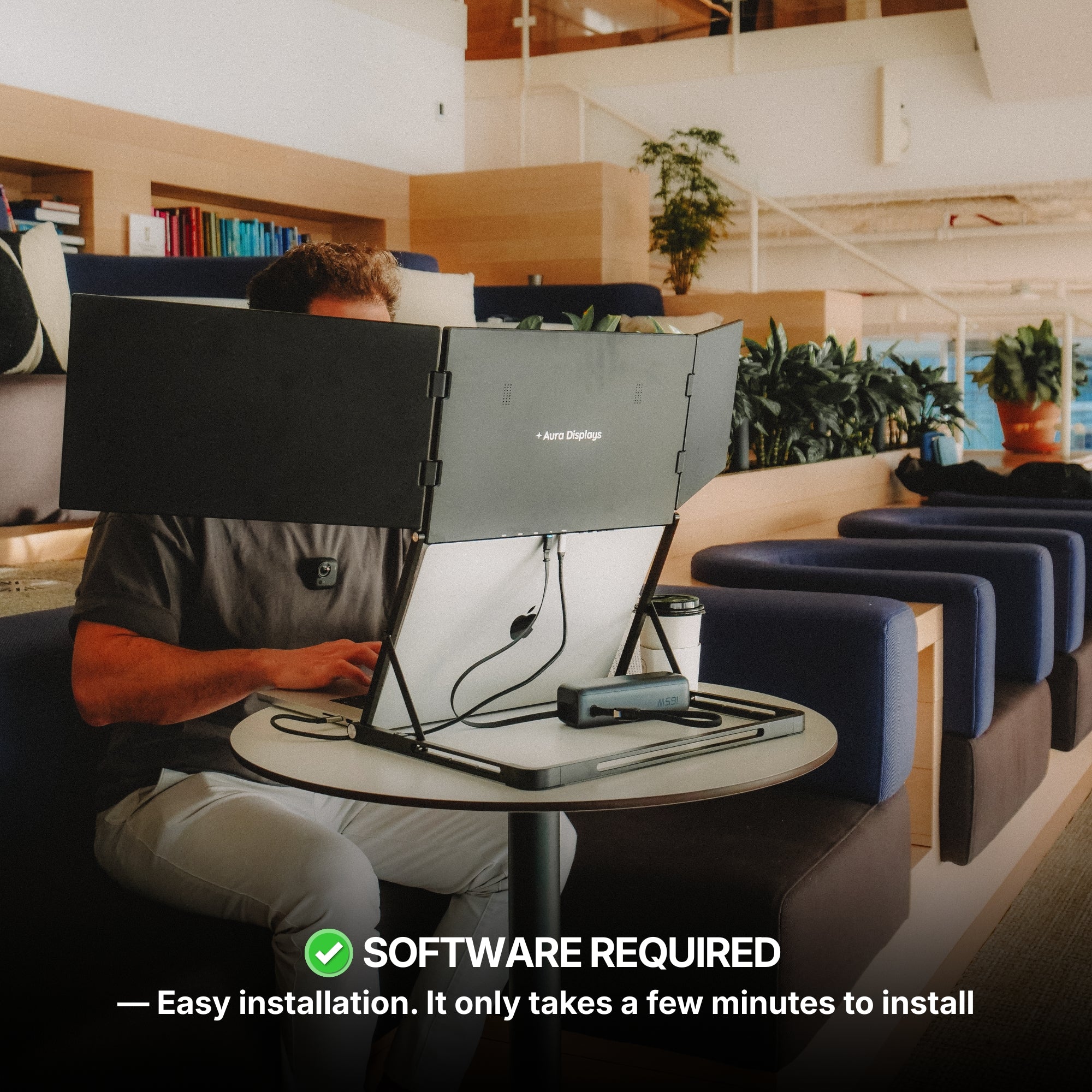
We’ve engineered our monitors to attach seamlessly to most laptops using minimal hardware. They’re lightweight, USB-C or HDMI powered, and don’t require a complicated installation.
Tech Specs That Matter
Before diving in, it’s important to understand the specs that make or break your setup:
-
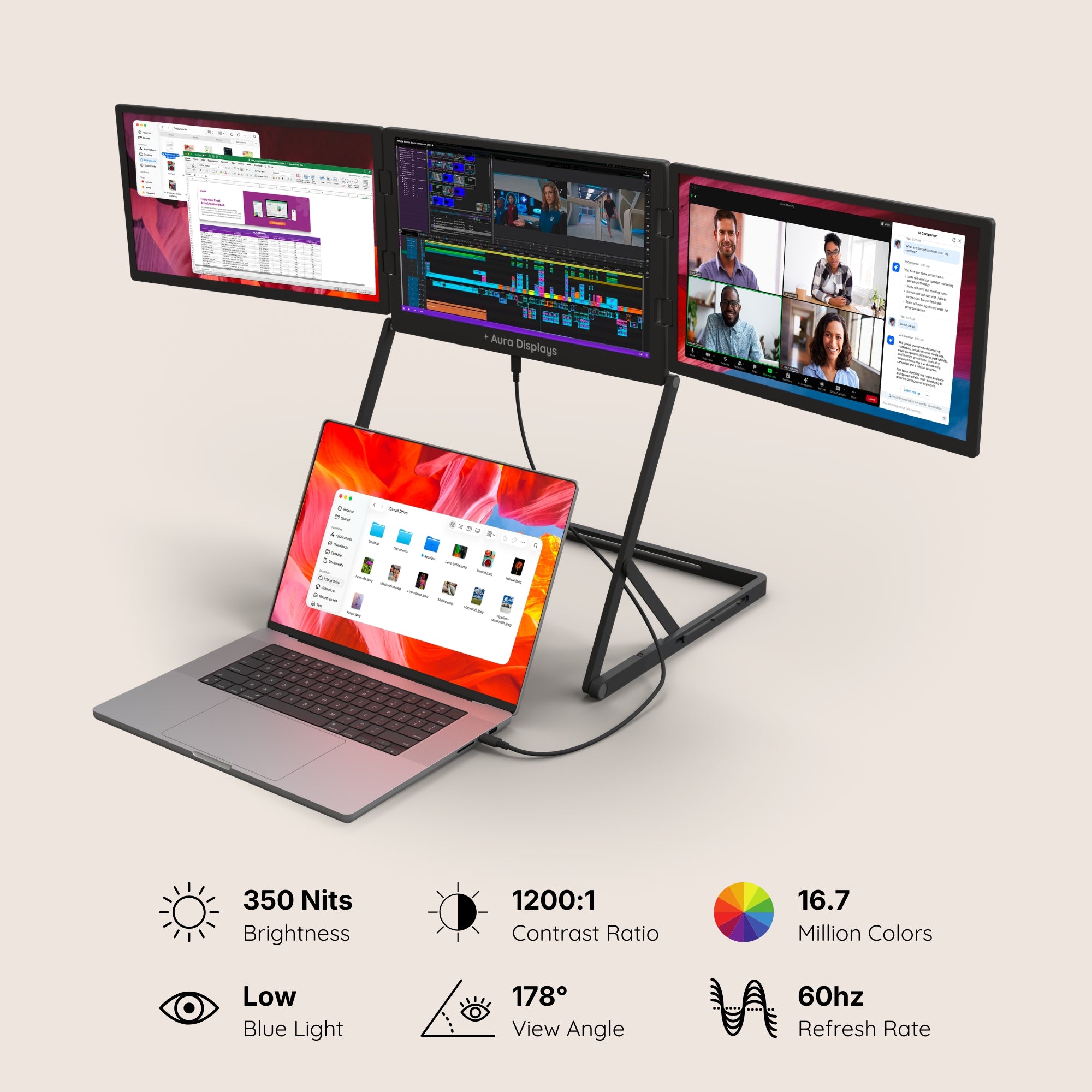
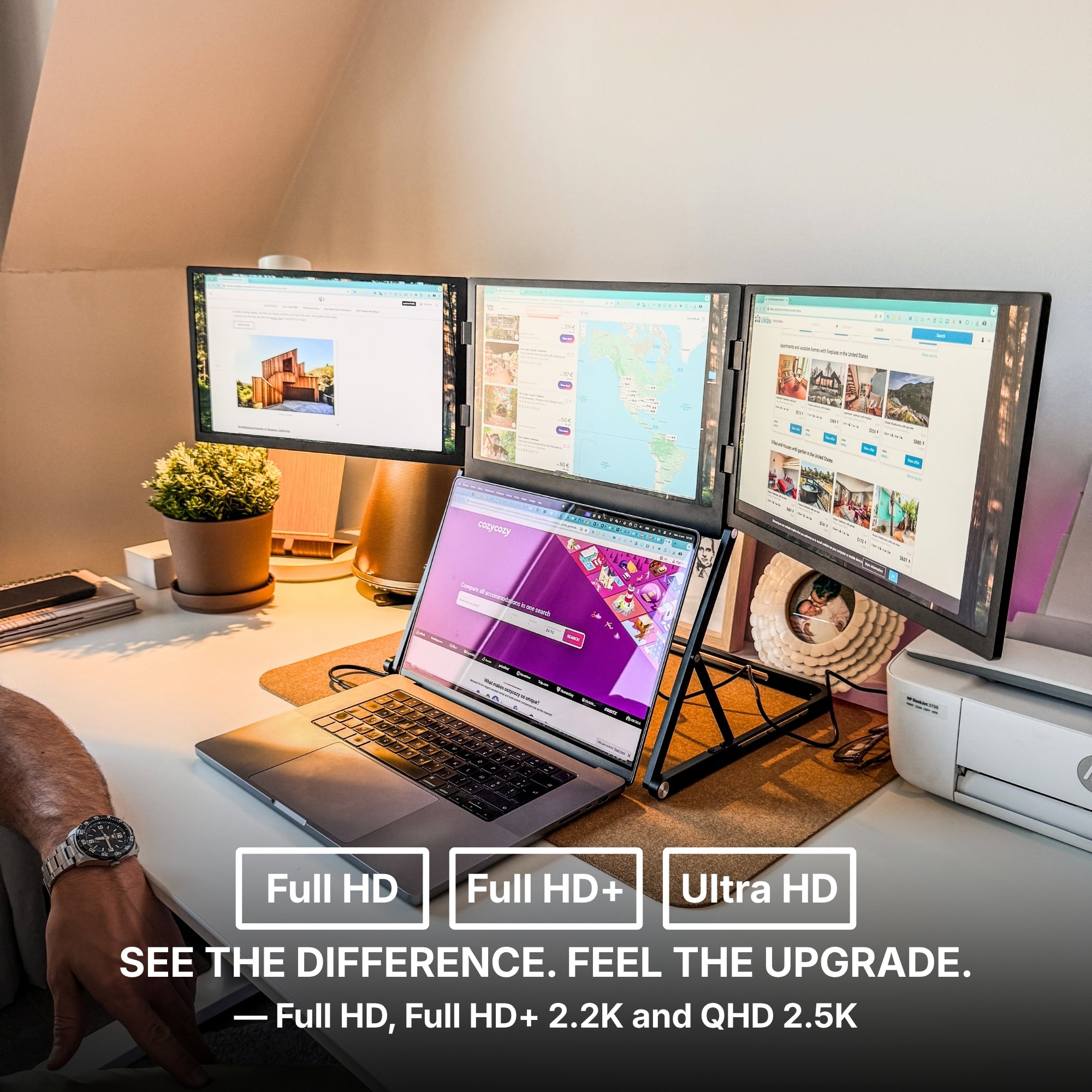
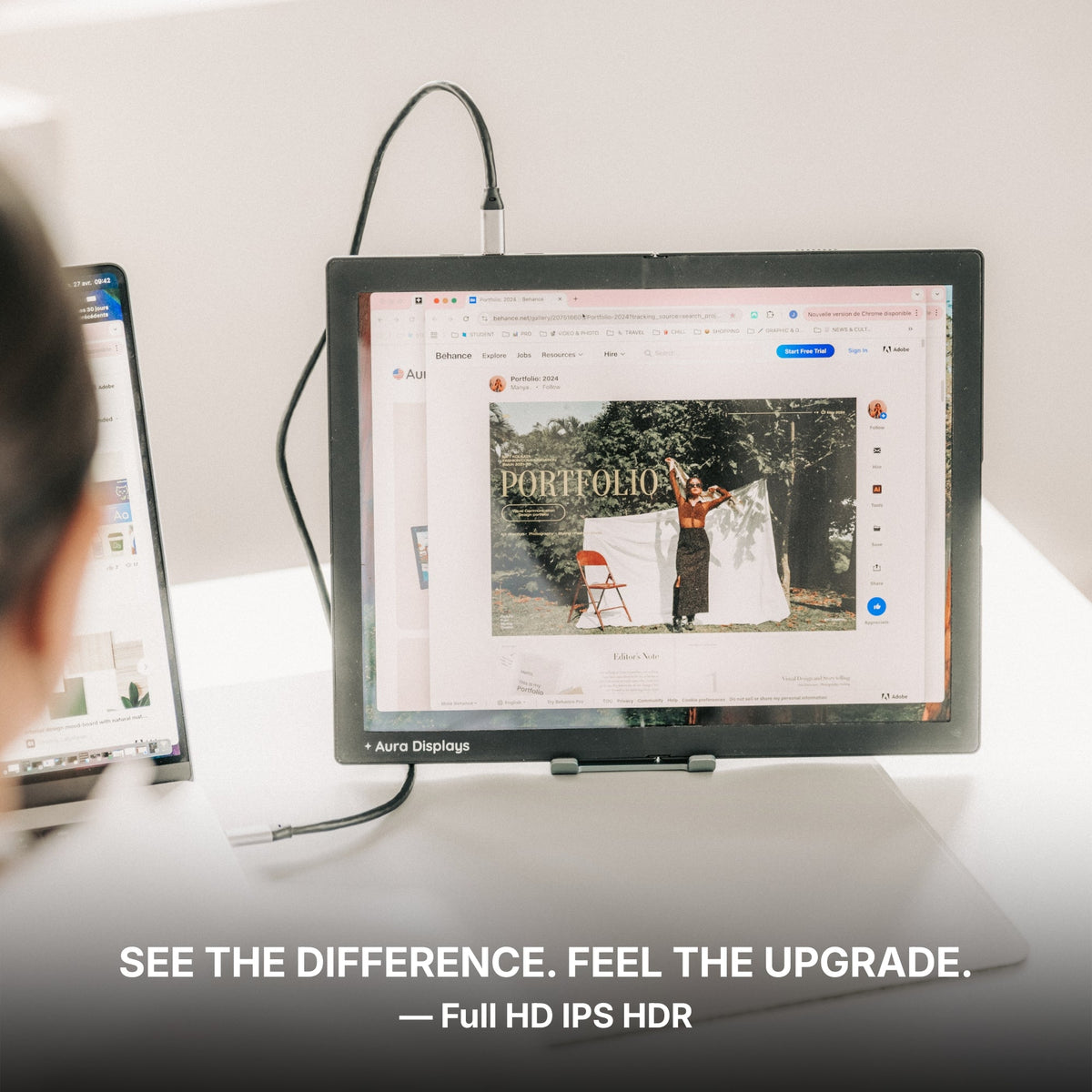
Resolution: Go for Full HD (1920x1080) minimum for crisp visuals across all three screens.
-
Refresh Rate: At least 60Hz for office use; gamers may want 120Hz or higher.
-
Brightness: Look for 220–300 nits for good visibility in different environments.
-
Build Quality: Choose lightweight materials with strong hinges and stable clamps.
-
Connectivity: USB-C is ideal, but HDMI or DisplayPort options are useful too.
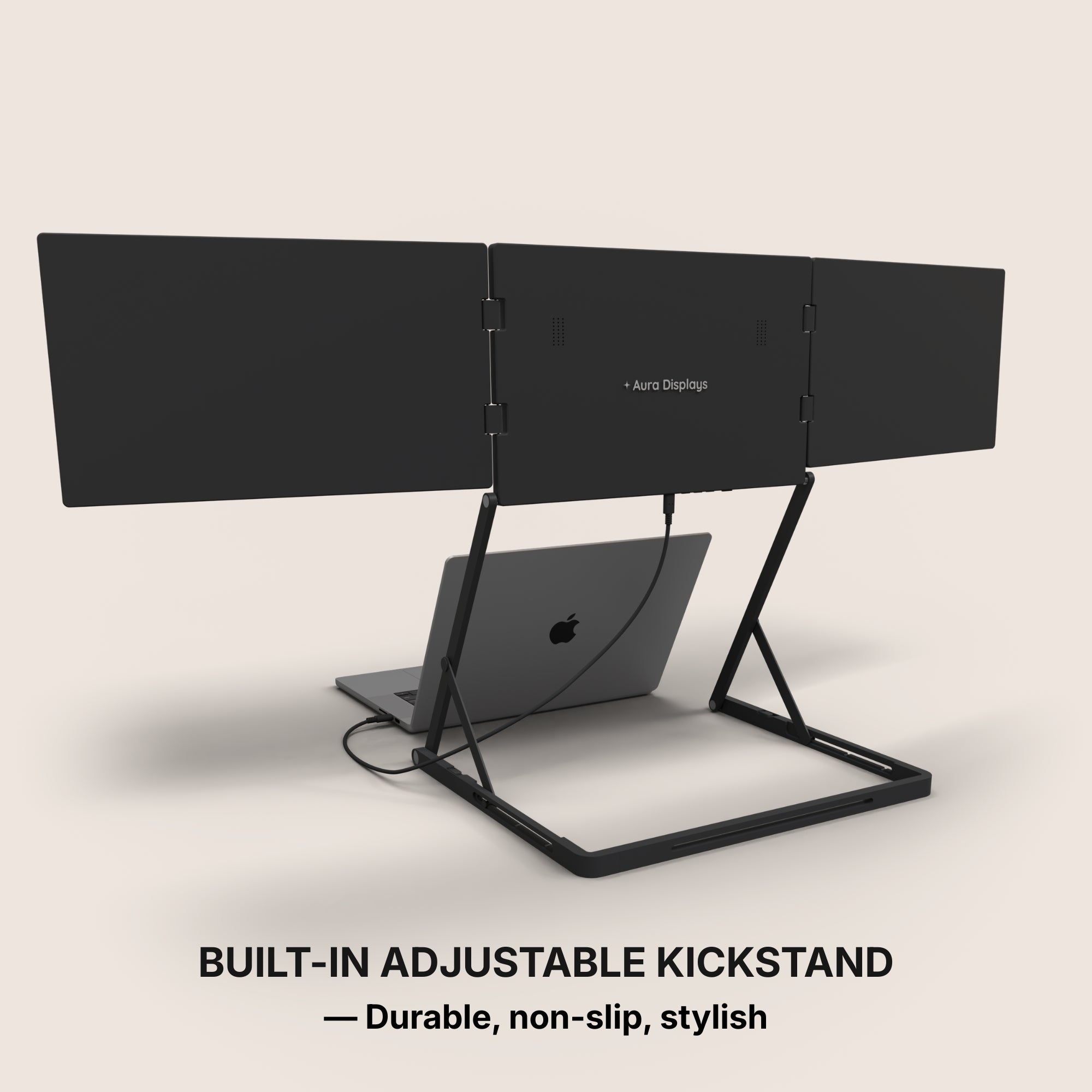
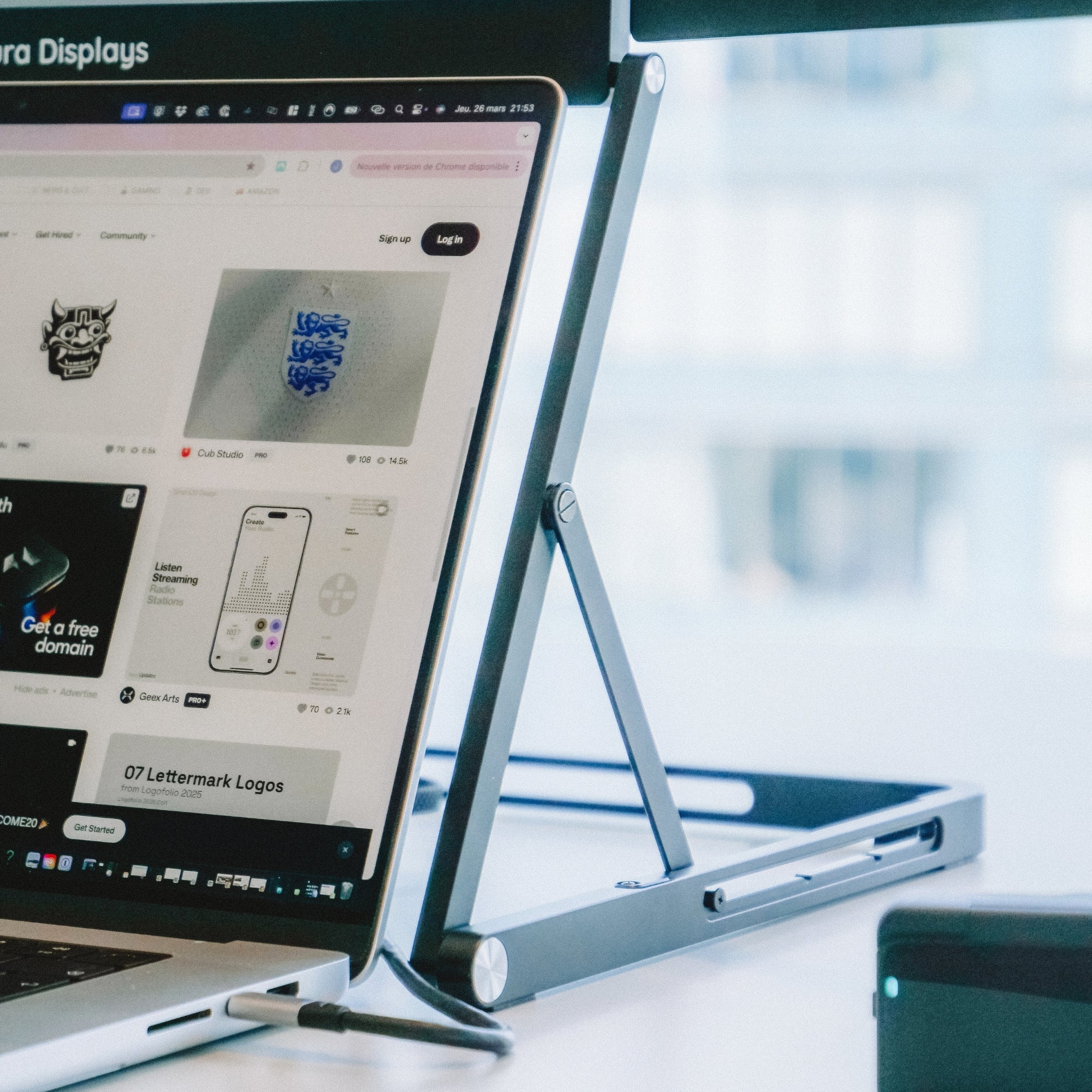
Aura Displays offers configurations optimized for plug-and-play functionality with both Windows and macOS systems. Most of this screen kits come with built-in stands and adjustable angles to create a smooth, ergonomic experience.

Real-Life Example: A Mobile Powerhouse
Take Zoe, a freelance UX designer based in Bangalore. She travels frequently and works out of co-working spaces. Using this, she reviews wireframes, takes client calls, and tracks real-time collaboration in Figma—all at the same time. Before adopting this setup, she was constantly alt-tabbing and resizing windows, often missing small details or losing track of changes.
Now, her screen layout mimics a high-end studio setup, but everything fits in one backpack.
Gaming on a Triple Monitor Setup
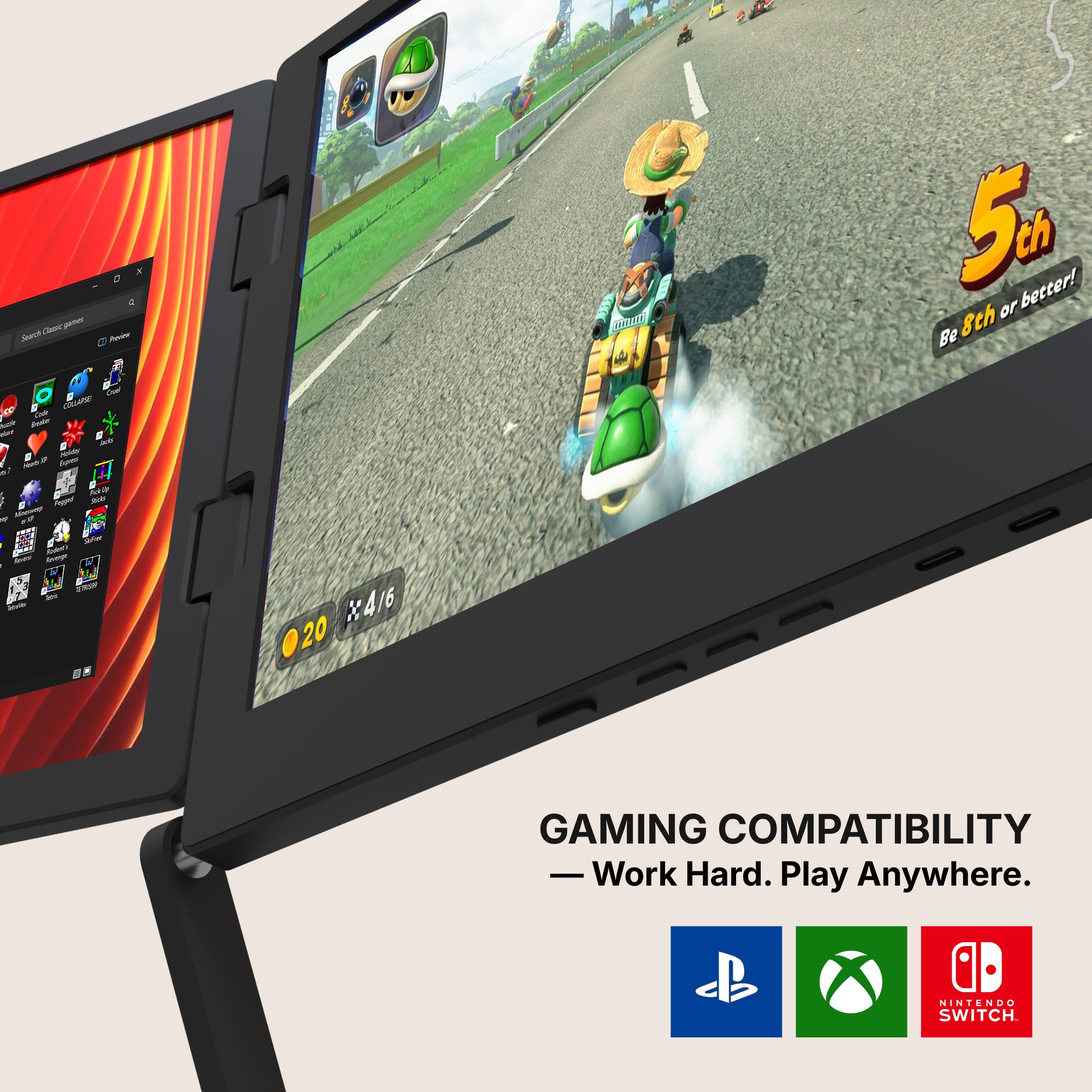
While office productivity is a huge win, gamers also benefit. Connecting three screens enhances immersion, especially in racing sims, strategy games, and stream management.
That’s where pairing your laptop with the Best Portable Gaming Monitor makes all the difference. Add in low-lag response times and color-accurate panels, and you’ve got a setup that’s tournament-ready wherever you are.
Setup Tips for a Seamless Experience
To get the most from your new workspace, keep these in mind:
-
Check Your Laptop’s GPU: Some laptops can handle three displays, others may need external adapters.
-
Update Your Drivers: Ensure all graphics and display drivers are current.
-
Use a Stand or Docking Station: For added comfort and cable management.
-
Test in Advance: Try setting up at home before using it in a live work session or gaming match.
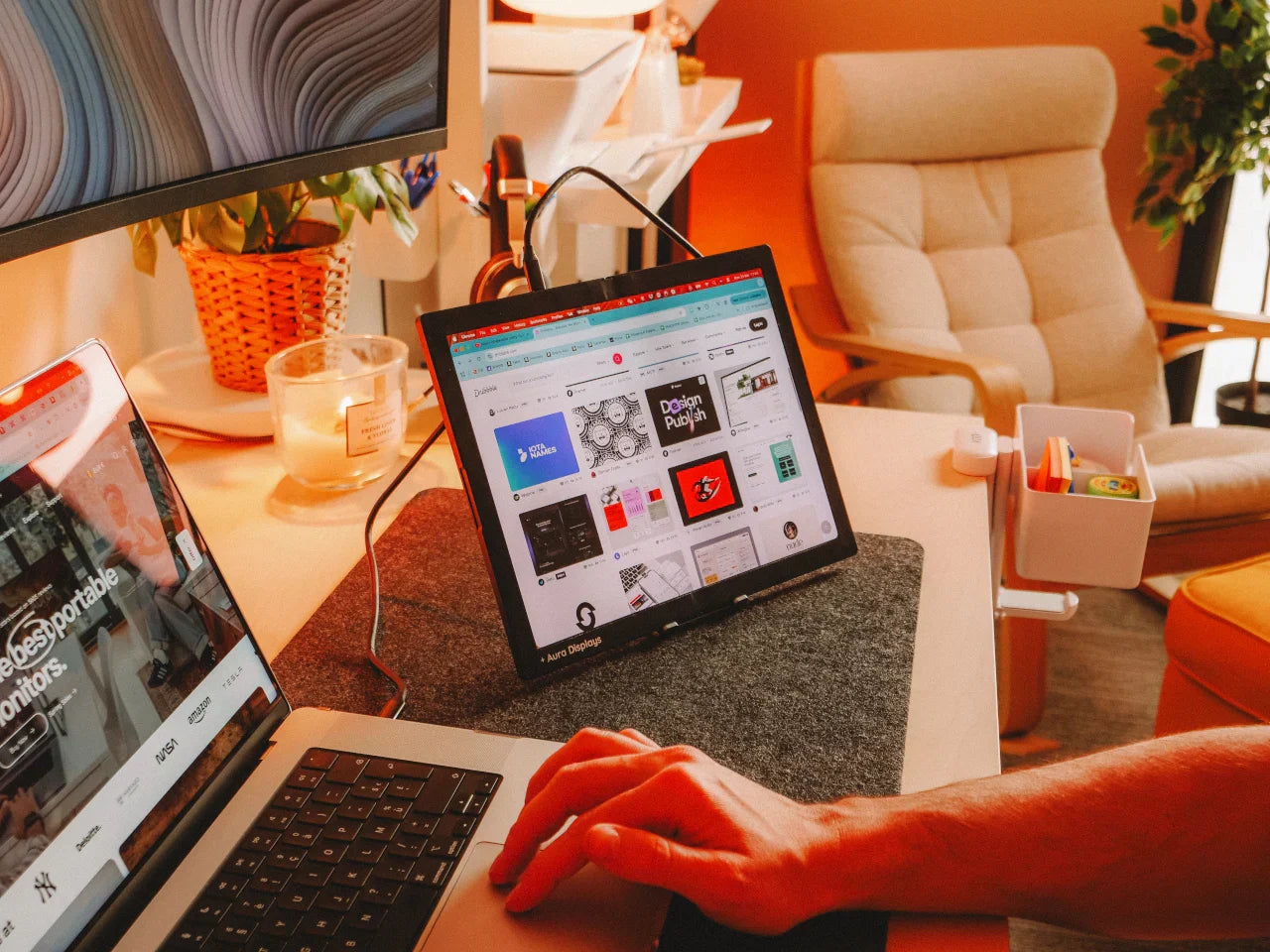
Aura Displays’ customer support team can help you match the right model to your laptop’s specs. Check out real user setups on our feed

Should You Make the Jump?
The answer depends on your workflow, travel habits, and the kind of work you do. But if you’ve already embraced dual monitors and still find yourself needing more space or more speed a third screen might be the game-changer.
There’s also a mental benefit: less time spent toggling equals more time thinking. In today’s world of constant input and high output expectations, that extra screen isn’t just practical it’s empowering.
Whether you’re managing a business, editing your next YouTube video, or building the next big app, this setup gives you the real estate and responsiveness to work at your best.
For anyone who wants to stay light without limiting their vision, it’s more than worth it.










Share: