


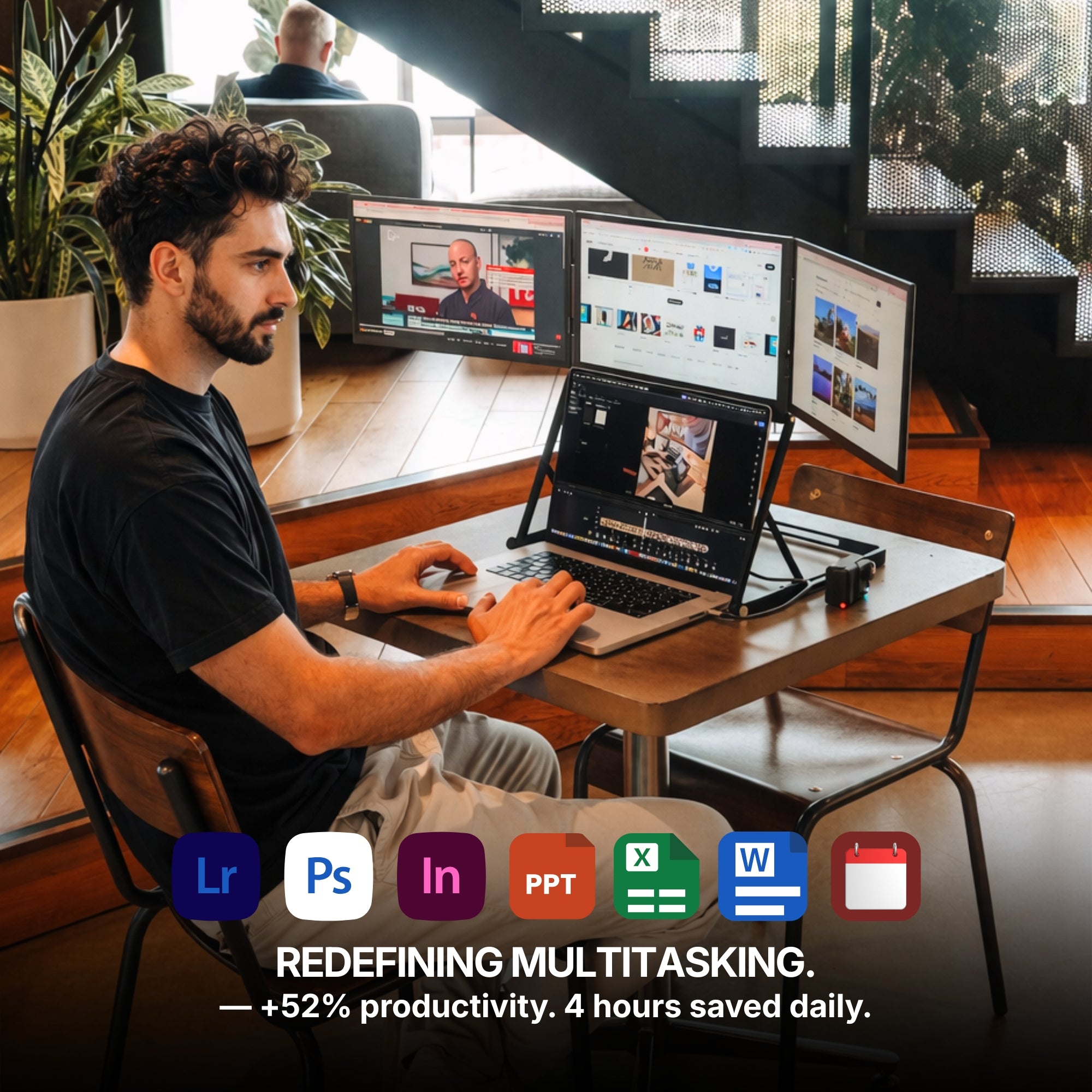
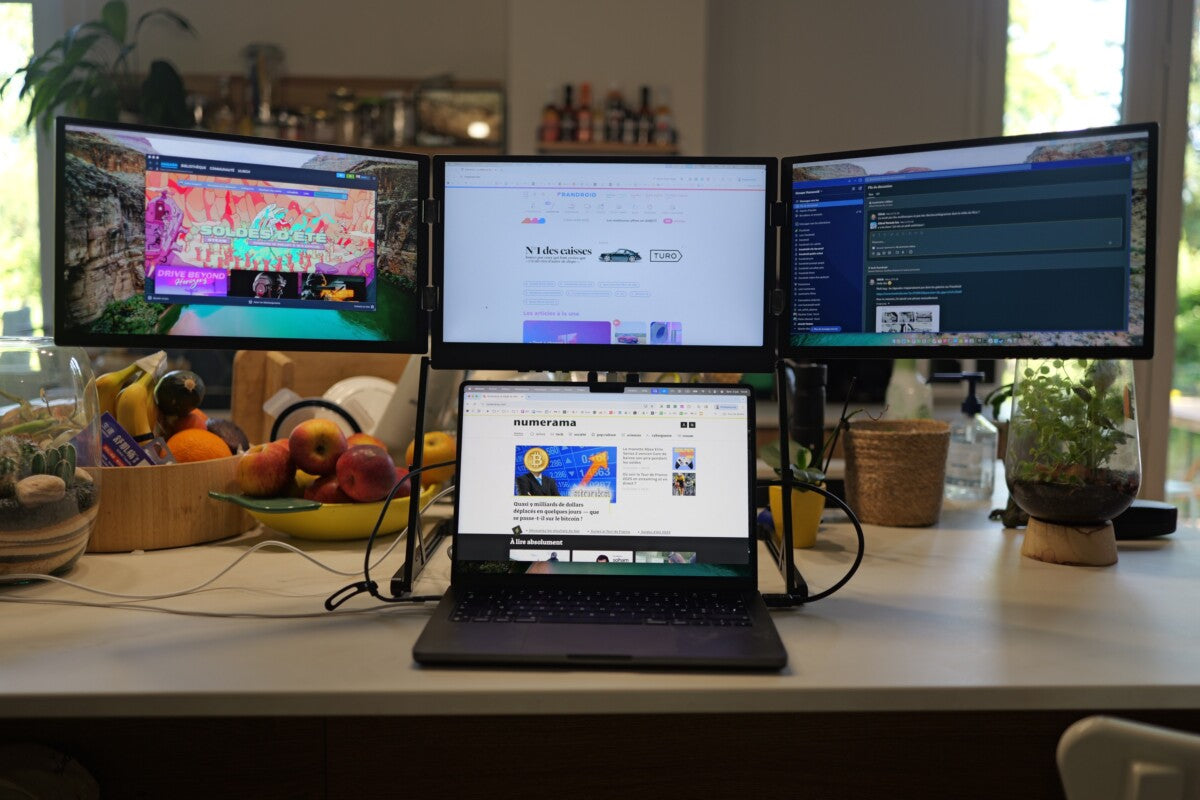
If you've ever tried juggling multiple tasks on a single laptop screen, you know the struggle. A Triple Portable Monitor for Laptop changes that by expanding your display space dramatically without the bulk of a desktop setup. For professionals who rely on multitasking, this kind of upgrade can reshape how you work.
Remote workers, creatives, coders, and even gamers are embracing this setup to maximize efficiency without sacrificing mobility.
Why Screen Real Estate Matters More Than Ever
In the age of hybrid work and digital nomadism, flexibility is everything. Yet despite faster processors and smarter software, most laptop users are still constrained by a single 13- to 16-inch screen.
That’s where the appeal of a Portable Monitor for Laptop comes into play. Adding one (or in this case, two) extra displays makes it easier to:
-
Compare documents side by side
-
Keep communication tools visible while working
-
Run simultaneous apps without toggling between tabs
-
Present while keeping notes or analytics in view
The key difference between a regular portable monitor and a triple setup? You're not just getting more space you're building a full workstation that fits in your backpack.

The Rise of Multi-Screen Laptops
Triple monitors were once exclusive to full-fledged office setups or hardcore gaming rigs. Now, with advances in display tech and lightweight design, they’re fully portable. Using a Dual Monitor Extender for Laptop already boosts productivity, but going triple takes things to a whole new level.
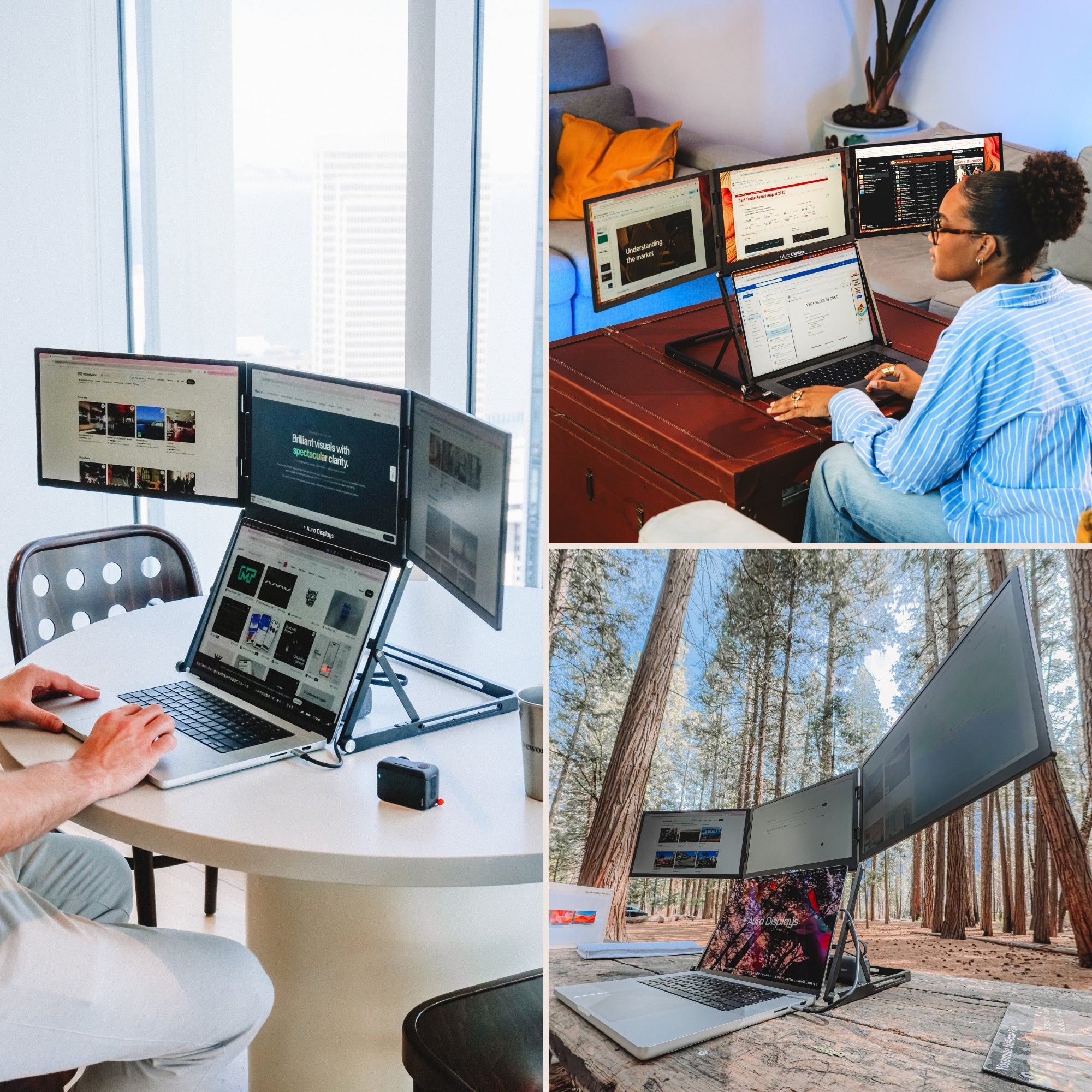
Imagine having your email on the left, your main work document in the center, and reference material or data on the right. There’s no need to minimize windows or flip through cluttered tabs. The flow is faster. The fatigue is lower. The results are better.
Who Benefits Most From a Triple Screen Setup?
While nearly anyone can find value in a wider visual workspace, certain users will get the most out of it:
-
Developers: Code in one window, preview in another, debug in the third
-
Digital Marketers: Run Google Ads, social dashboards, and reports at once
-
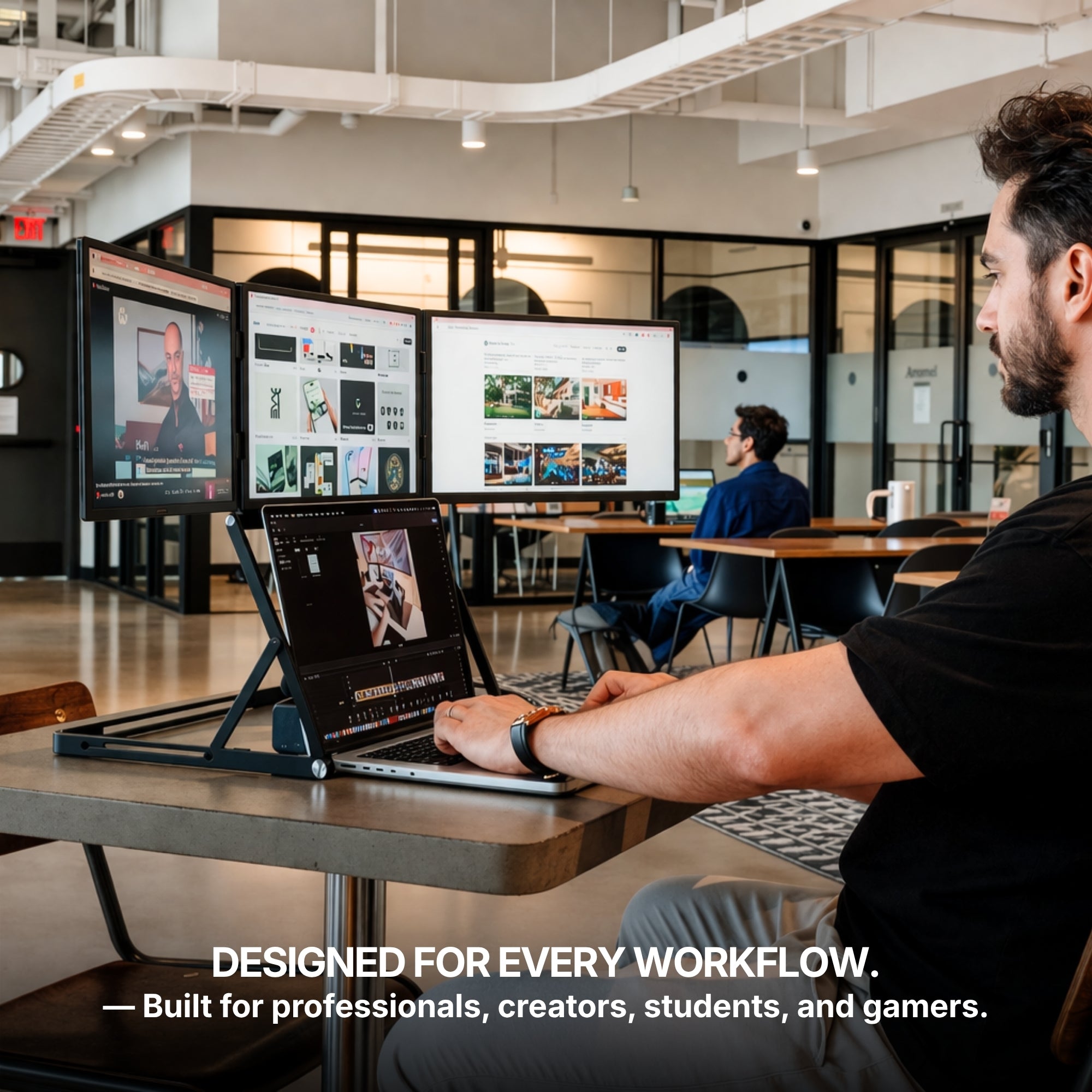
Video Editors: Timeline on one screen, preview pane on another, file browser on the third
-
Financial Analysts: View live data, Excel sheets, and graphs side-by-side
Even students are using these setups for research and note-taking simultaneously, especially in fast-paced academic environments.

Portability Without Compromise
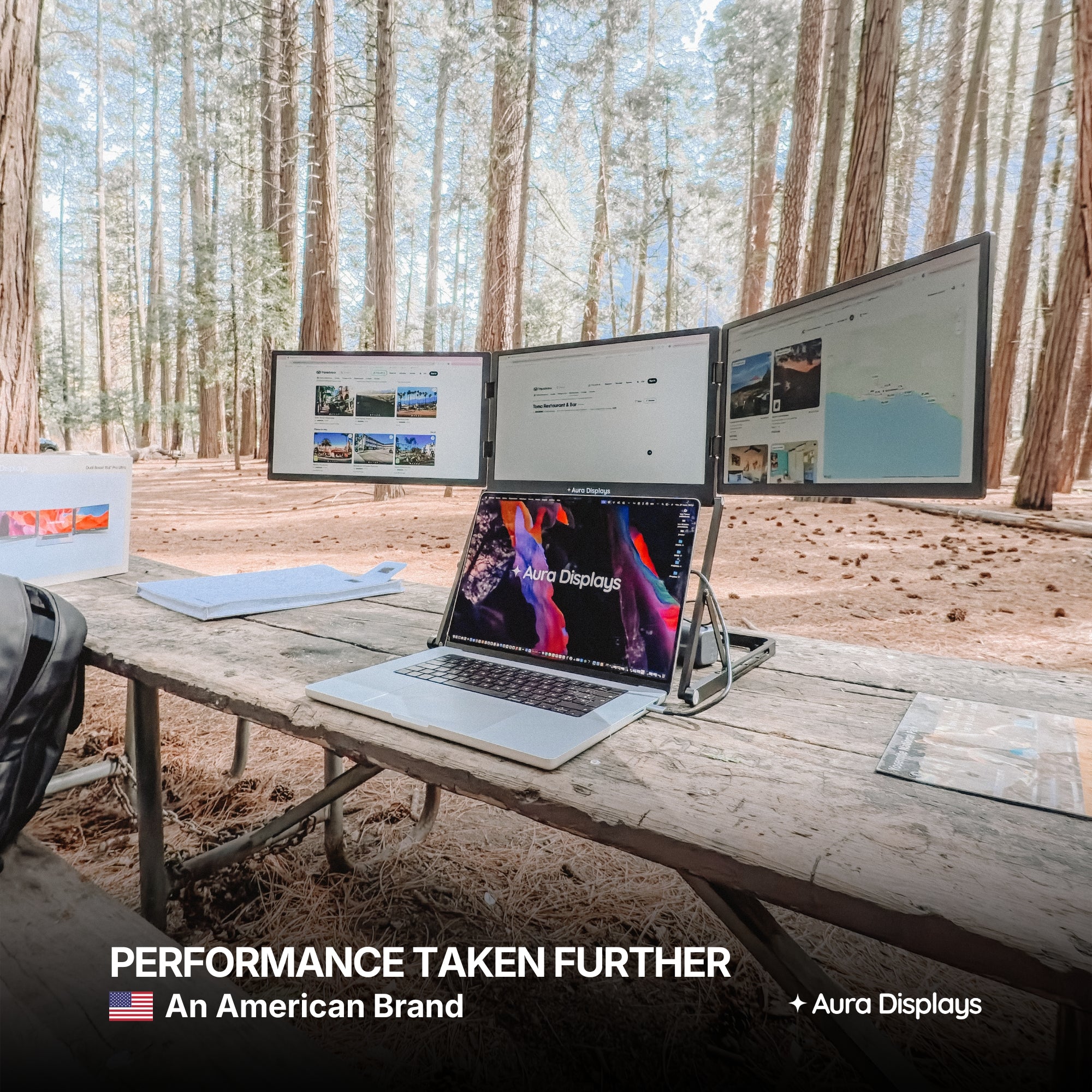
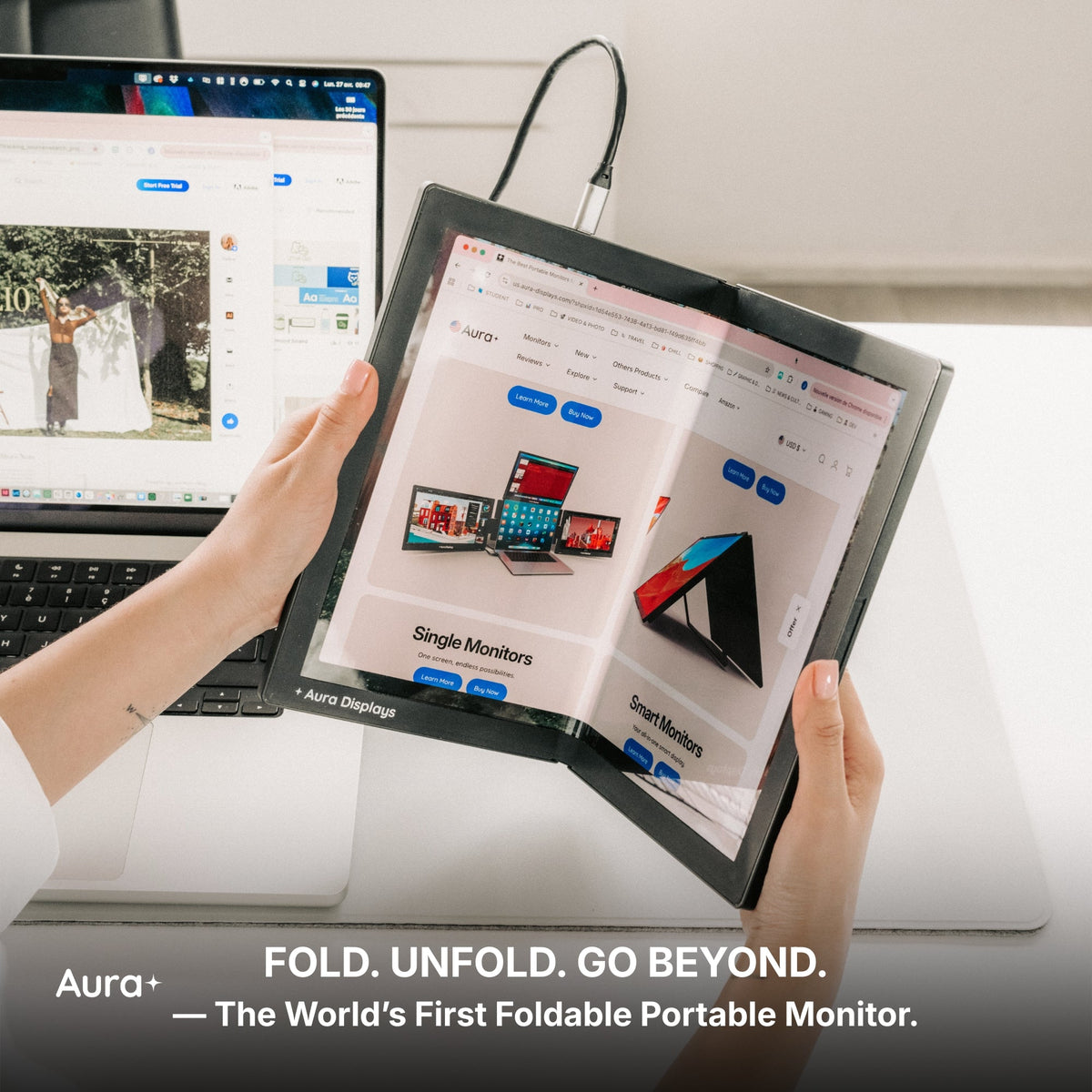
A common concern is whether a triple monitor setup adds too much bulk. Surprisingly, it doesn’t. High-quality options like those from Aura Displays are designed for compact efficiency.
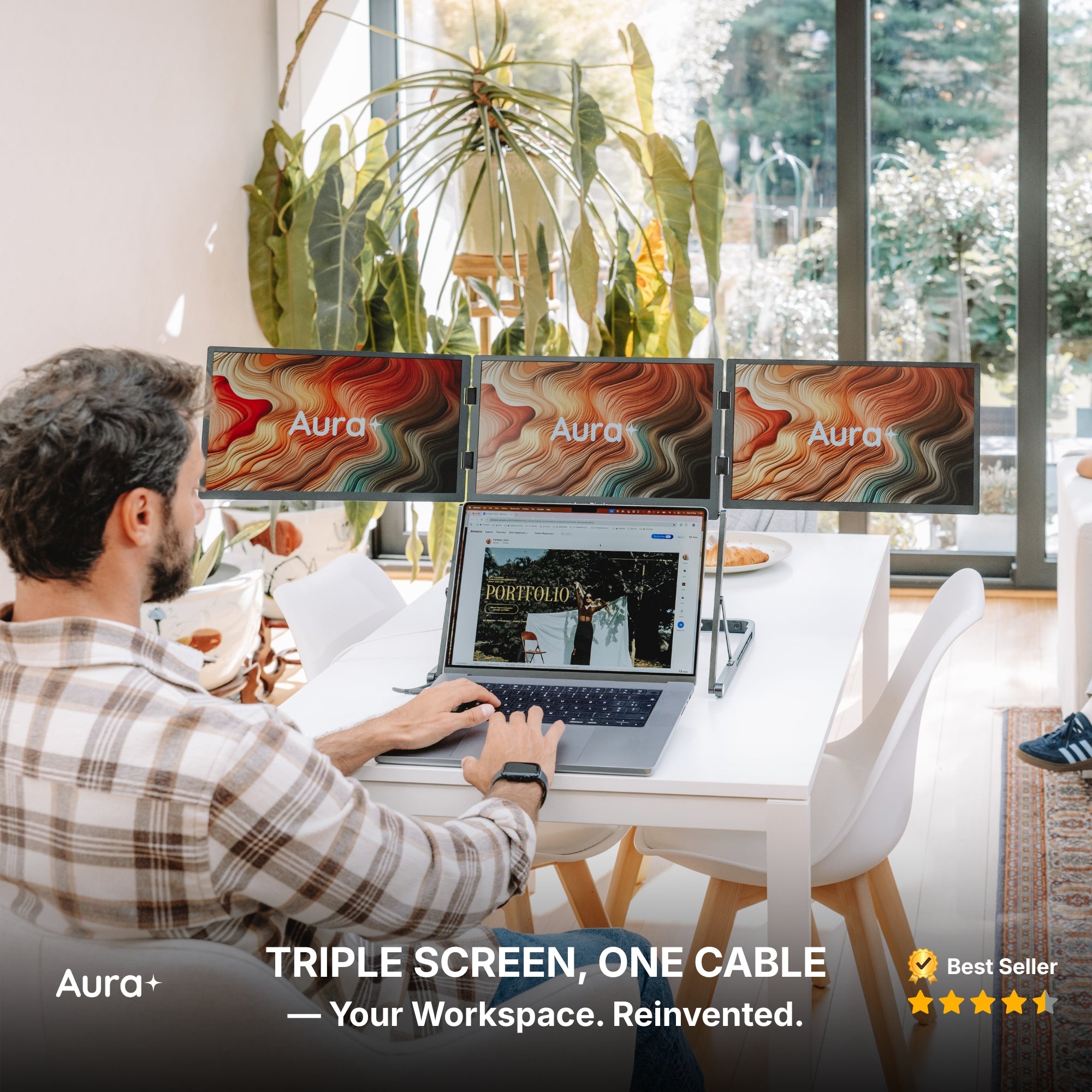
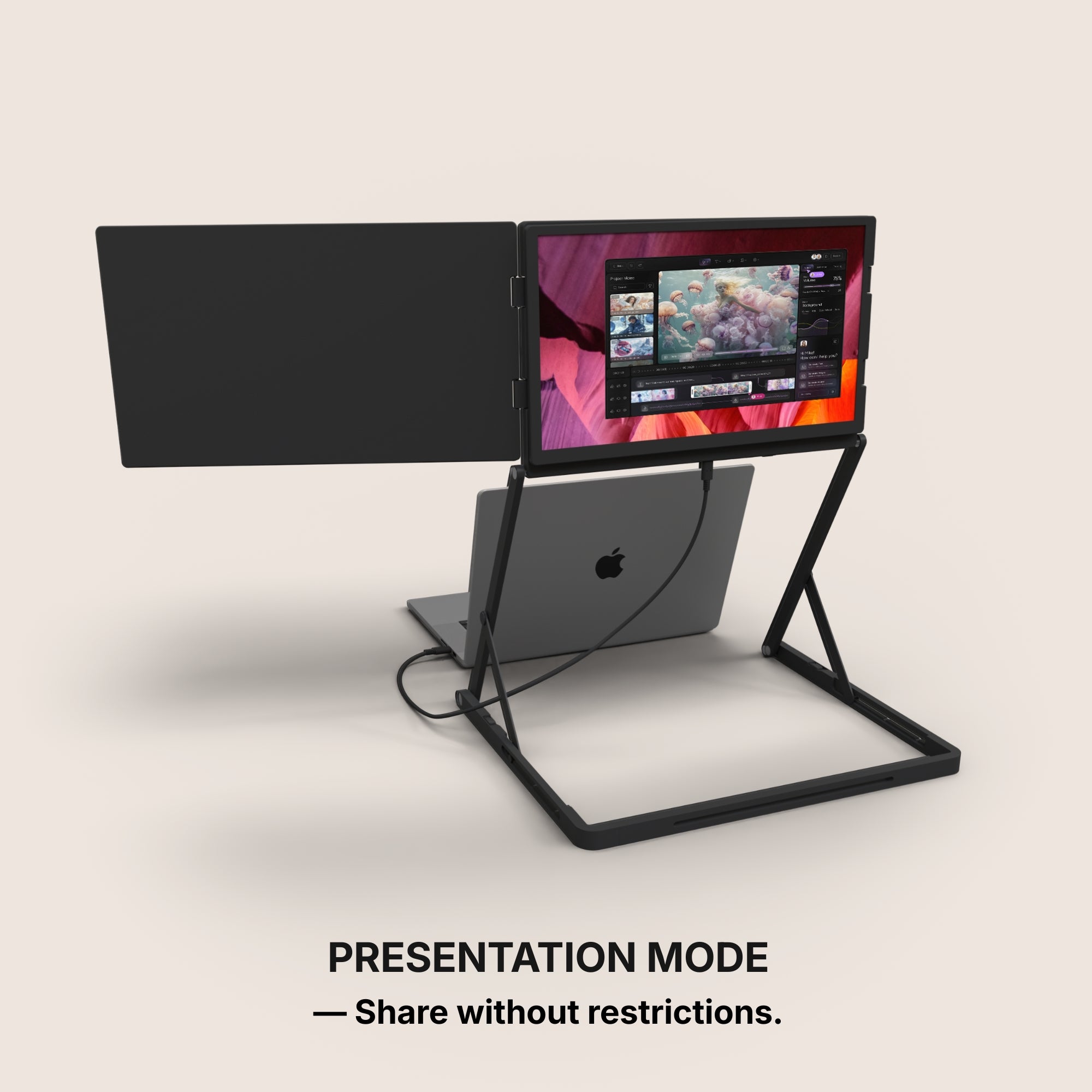
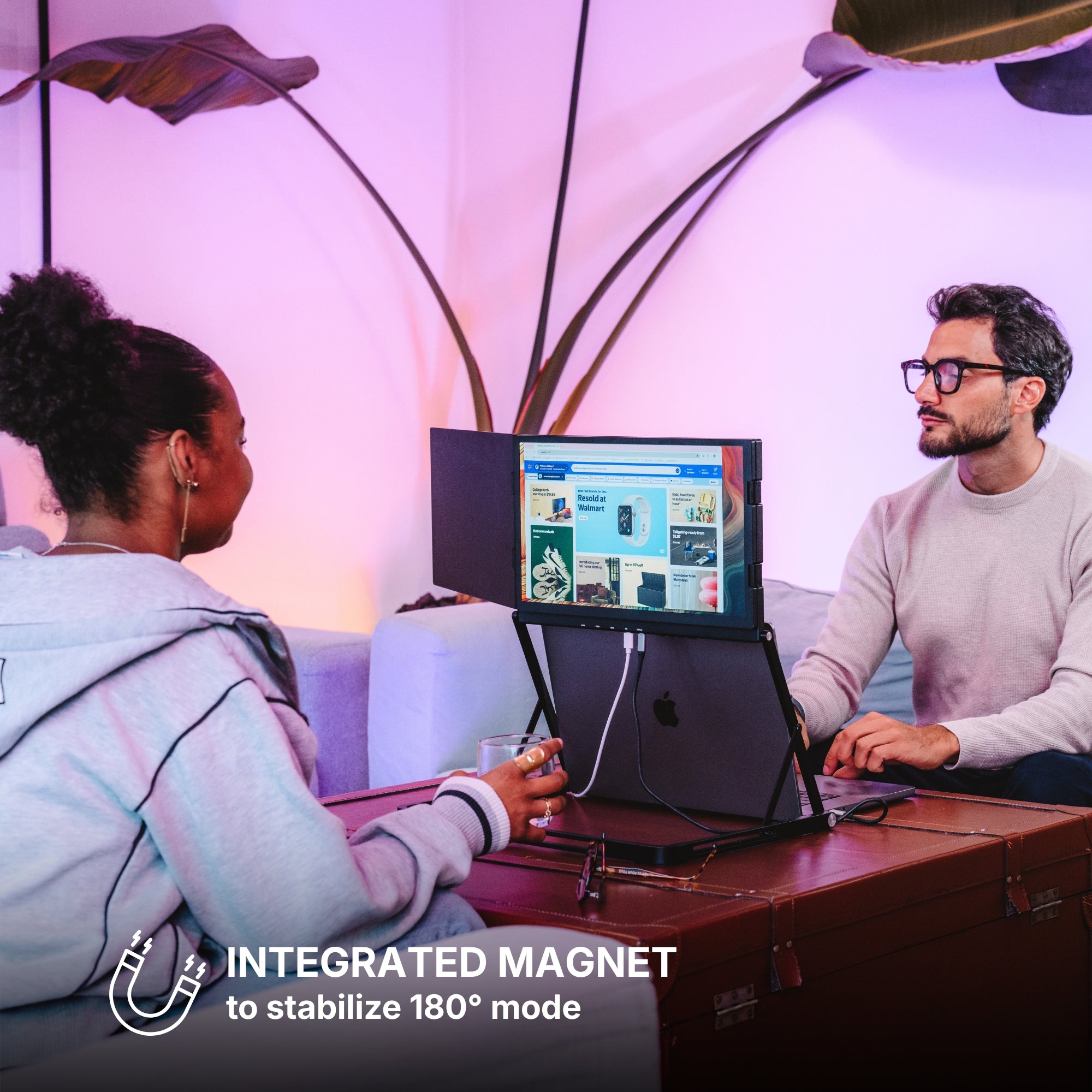
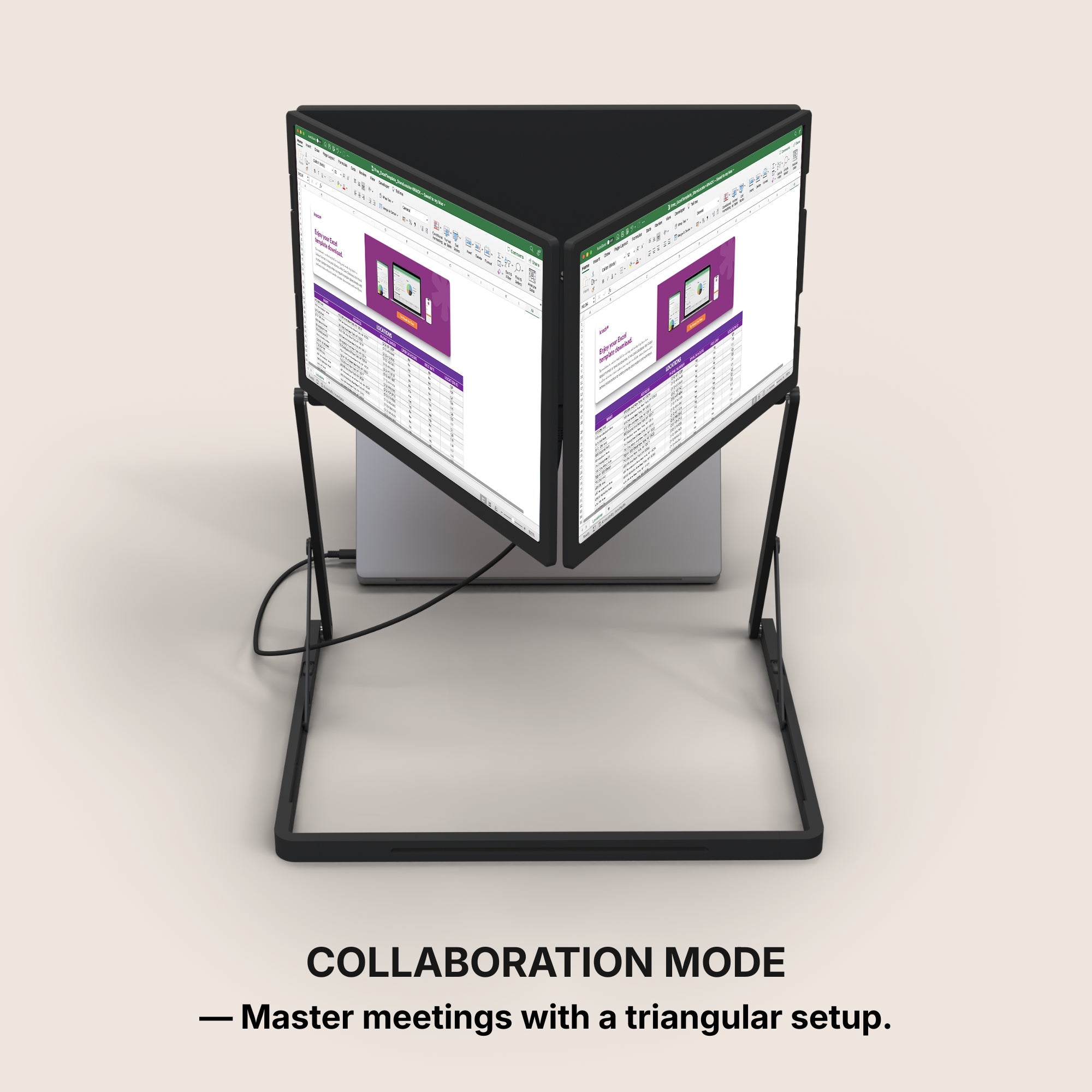
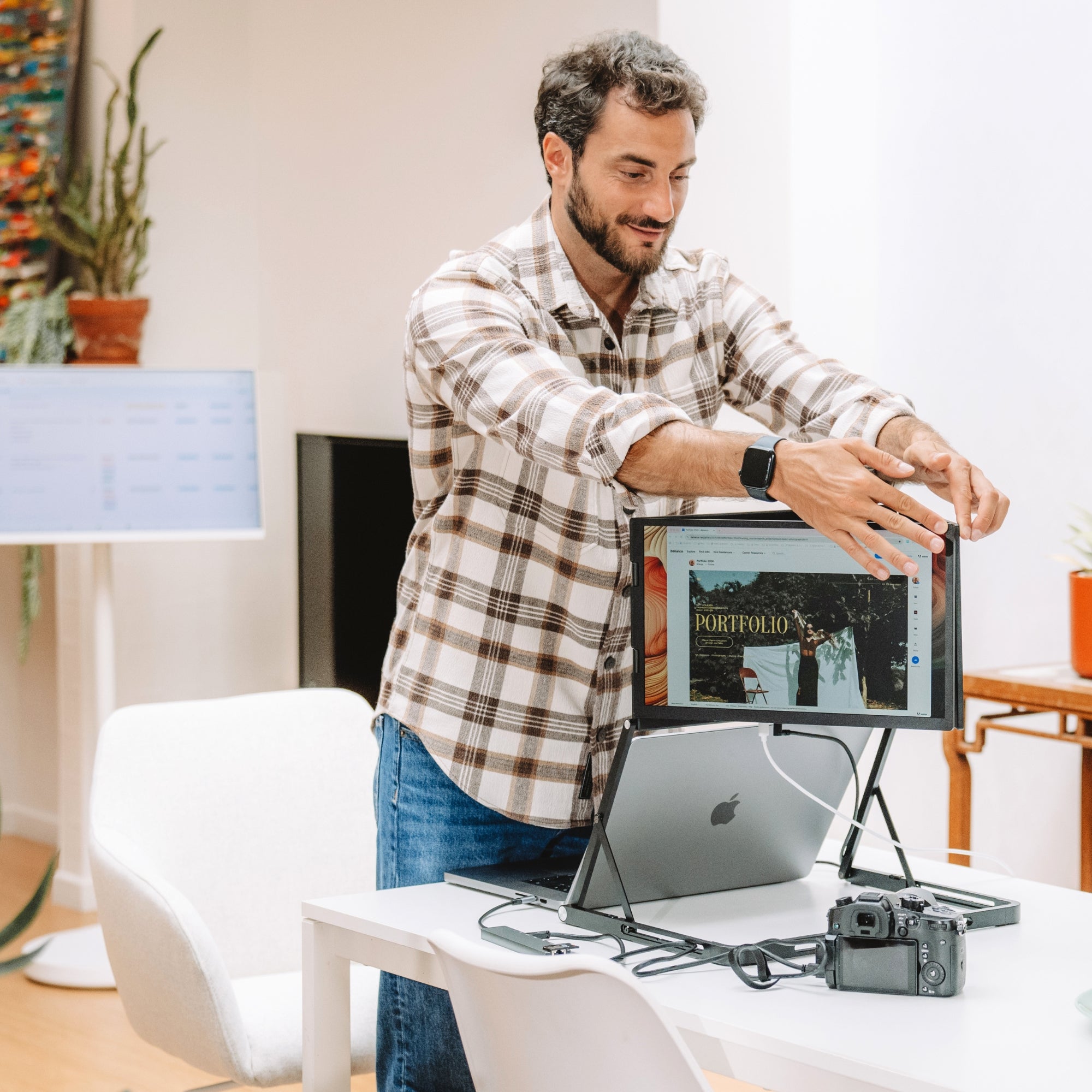
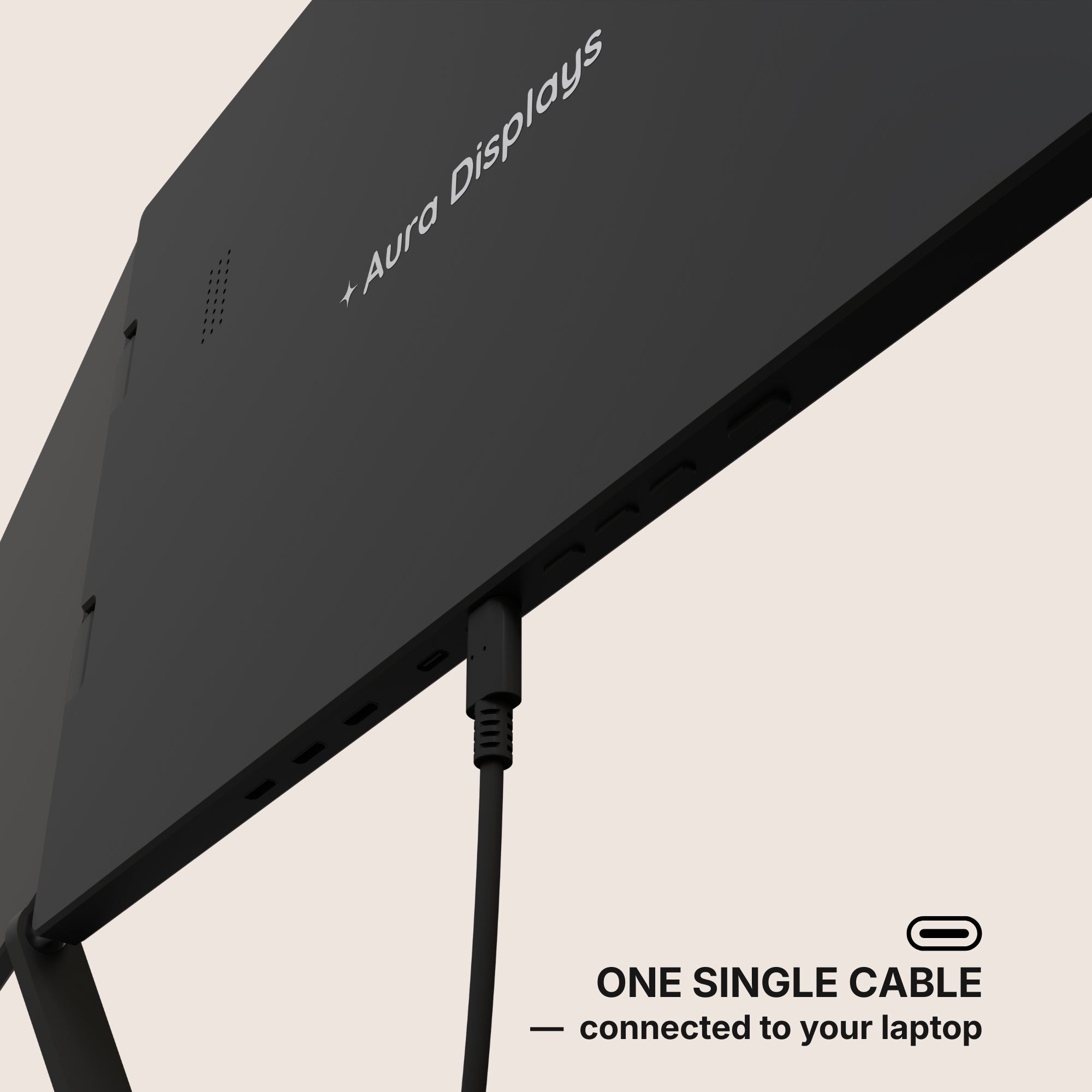
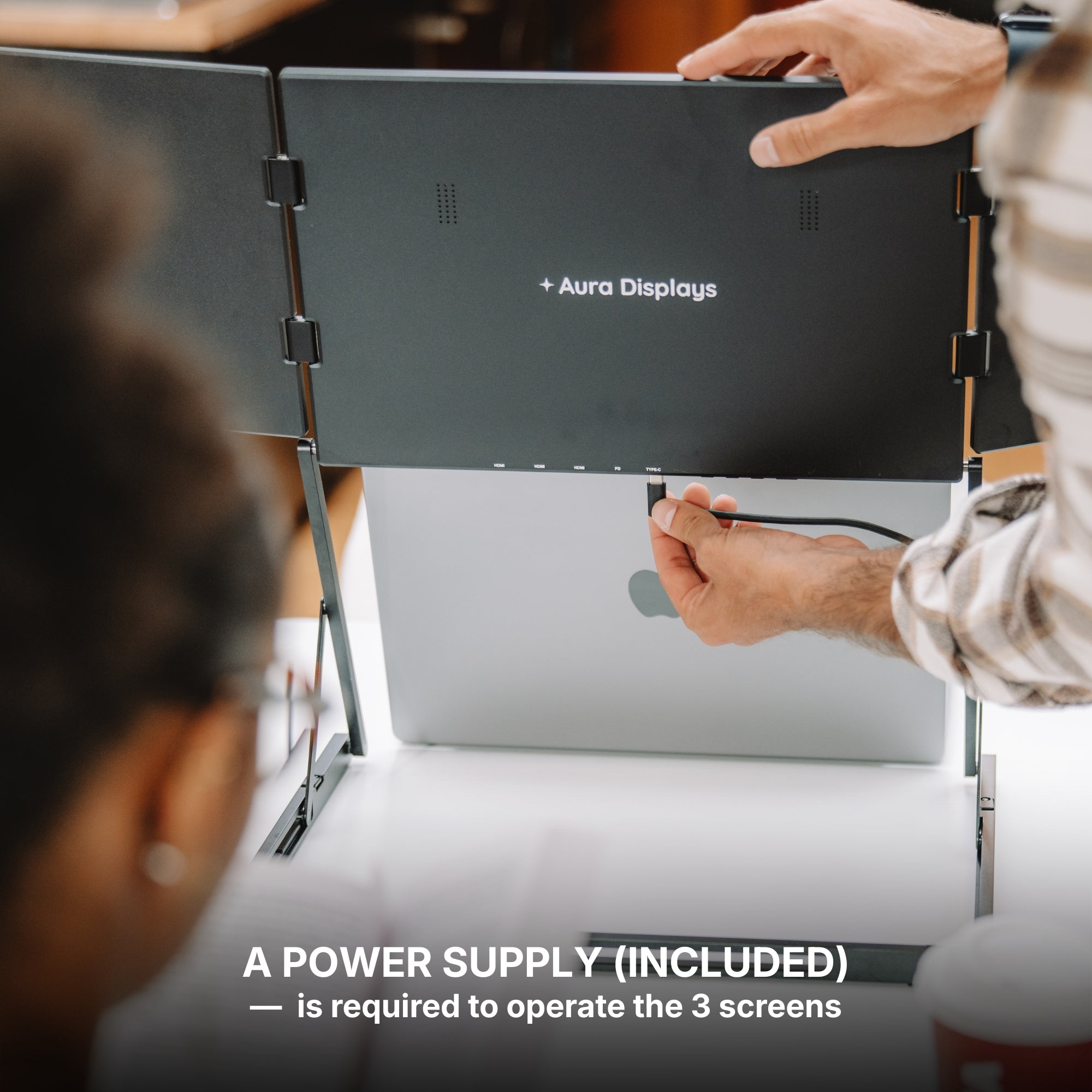
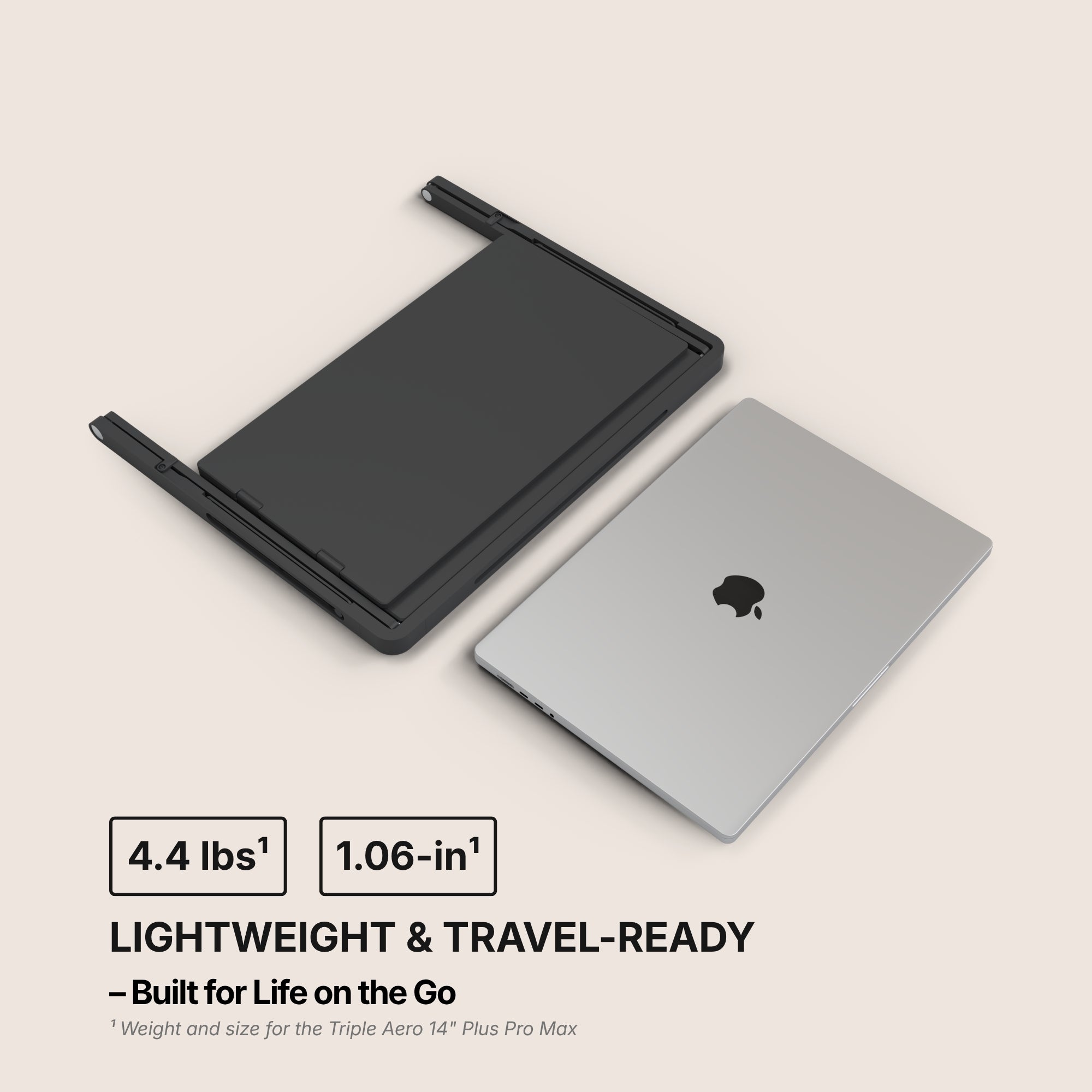
Each monitor is lightweight, folds flat, and connects via a single USB-C or HDMI cable. Setup takes less than a minute. Whether you're working from a coffee shop, hotel, or coworking space, you can have your three-screen command center ready to go.
Some models even feature:
-
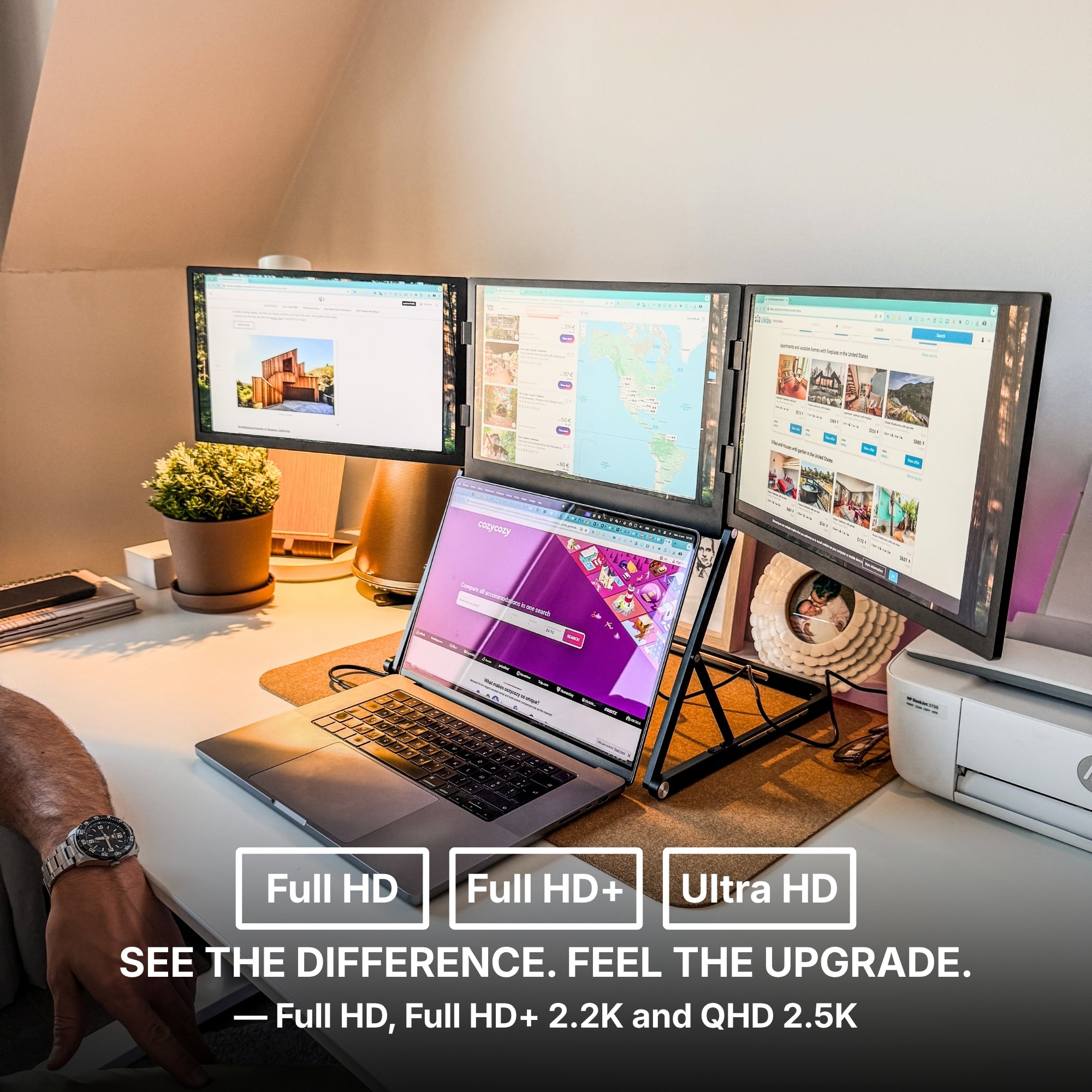
1080p full HD displays
-
Anti-glare screens for different lighting conditions
-
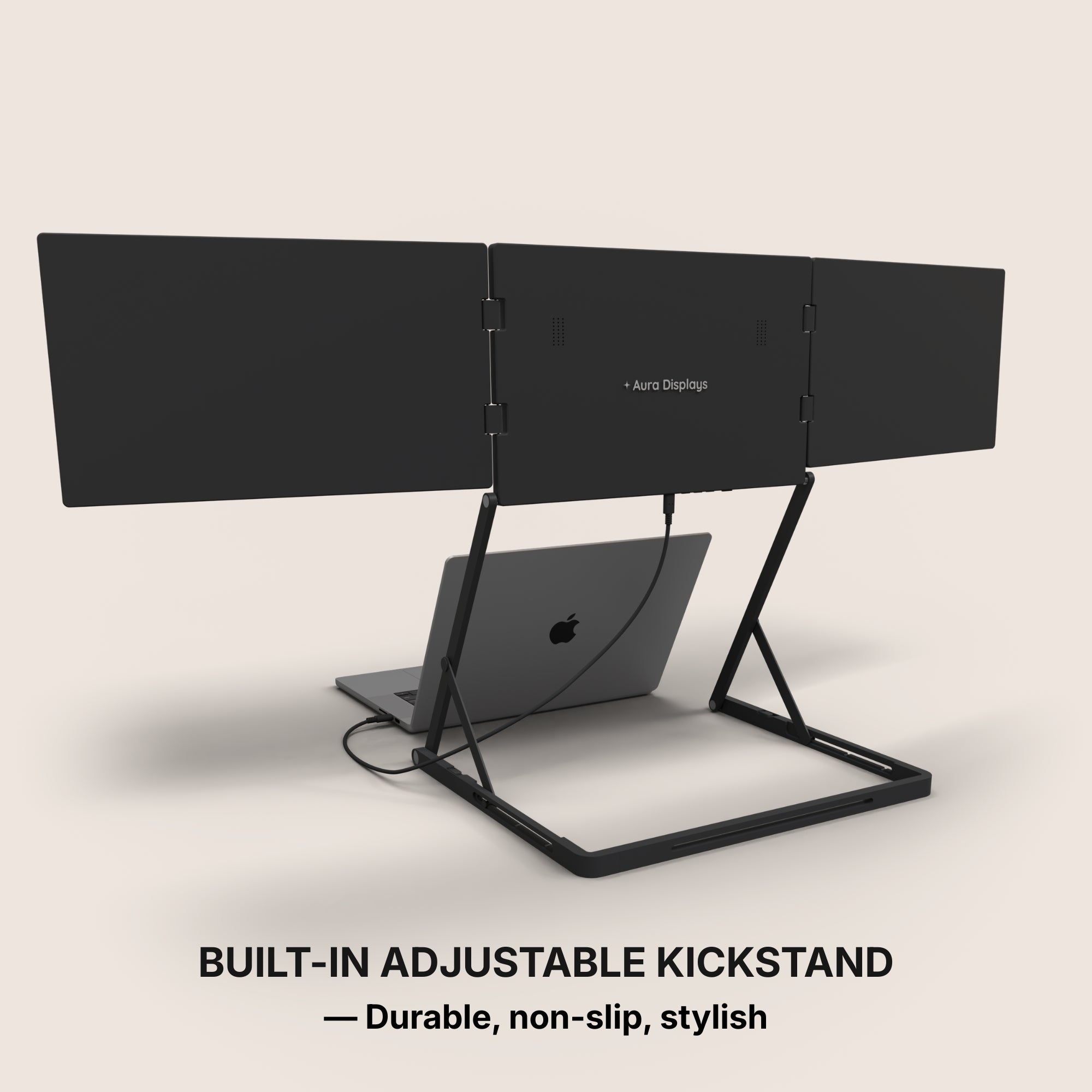
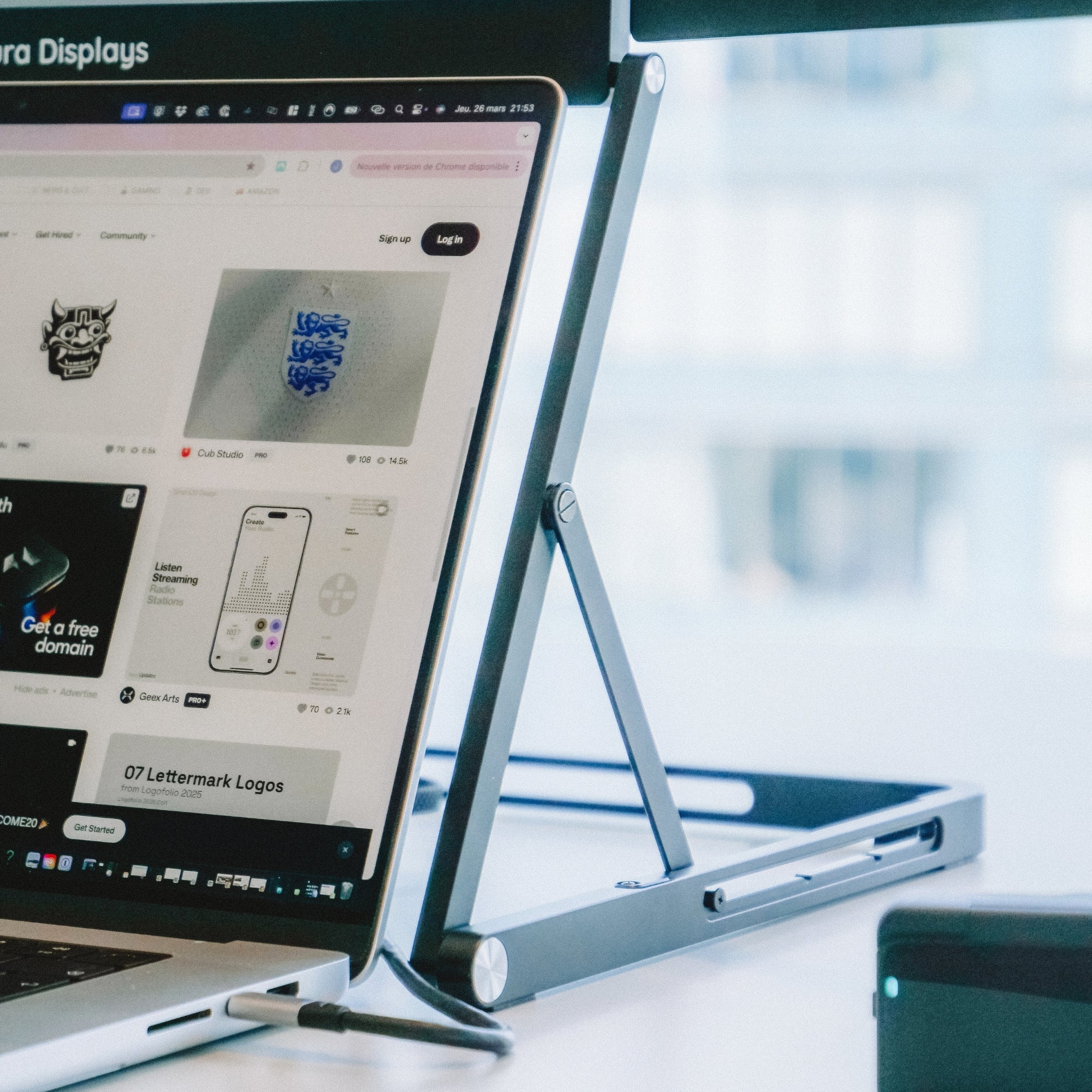
Adjustable stands or mounts
-
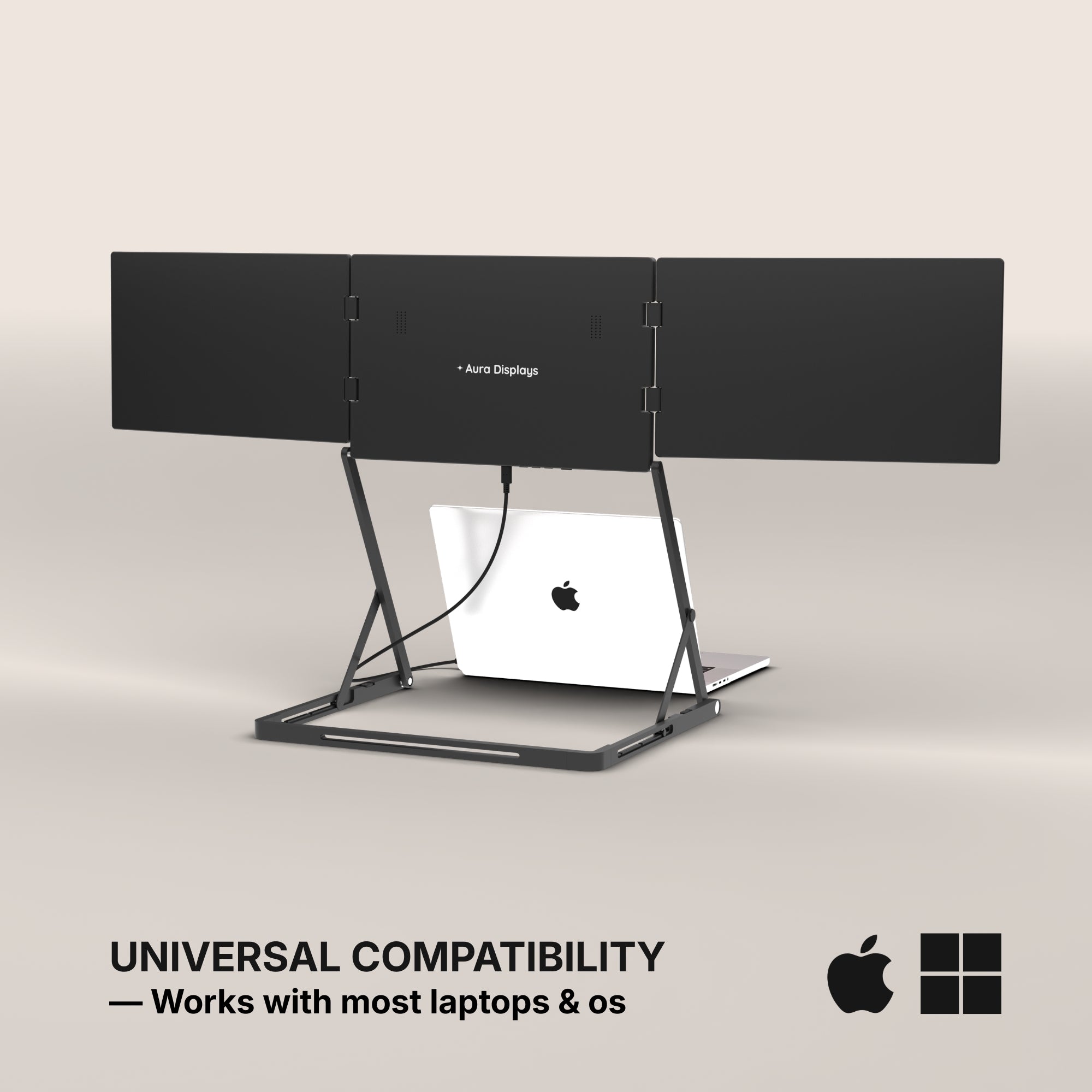
Plug-and-play compatibility with macOS, Windows, and Linux
Real-World Use Case: Creative Professionals
Consider Alex, a UX designer who works remotely and frequently travels between cities for client meetings. Before switching to a triple display, he often struggled to keep up with Slack messages, Figma designs, and client briefs all at once.
Now with this, Alex uses one screen for the design platform, one for client feedback, and one for communication. The result? Faster design iterations, clearer feedback cycles, and far less mental fatigue.
His workspace travels with him from hotel desks to airport lounges without ever feeling like a downgrade.
Enhanced Productivity for Gamers and Streamers
While most think of portable monitors as business tools, they’re also game-changers for streamers and gamers.
For example, a gamer using a Dual Monitor Extender for Laptop might play on the main screen while using the second for Discord or OBS. But with a triple setup, you can keep gameplay in the center, live chat on one side, and performance metrics on the other. It’s an all-in-one solution for creators who broadcast from anywhere.
This flexibility is key especially as platforms like Twitch and YouTube evolve for mobile creators. Check out how our users stream on the go via Instagram.
Setup Simplicity and Compatibility
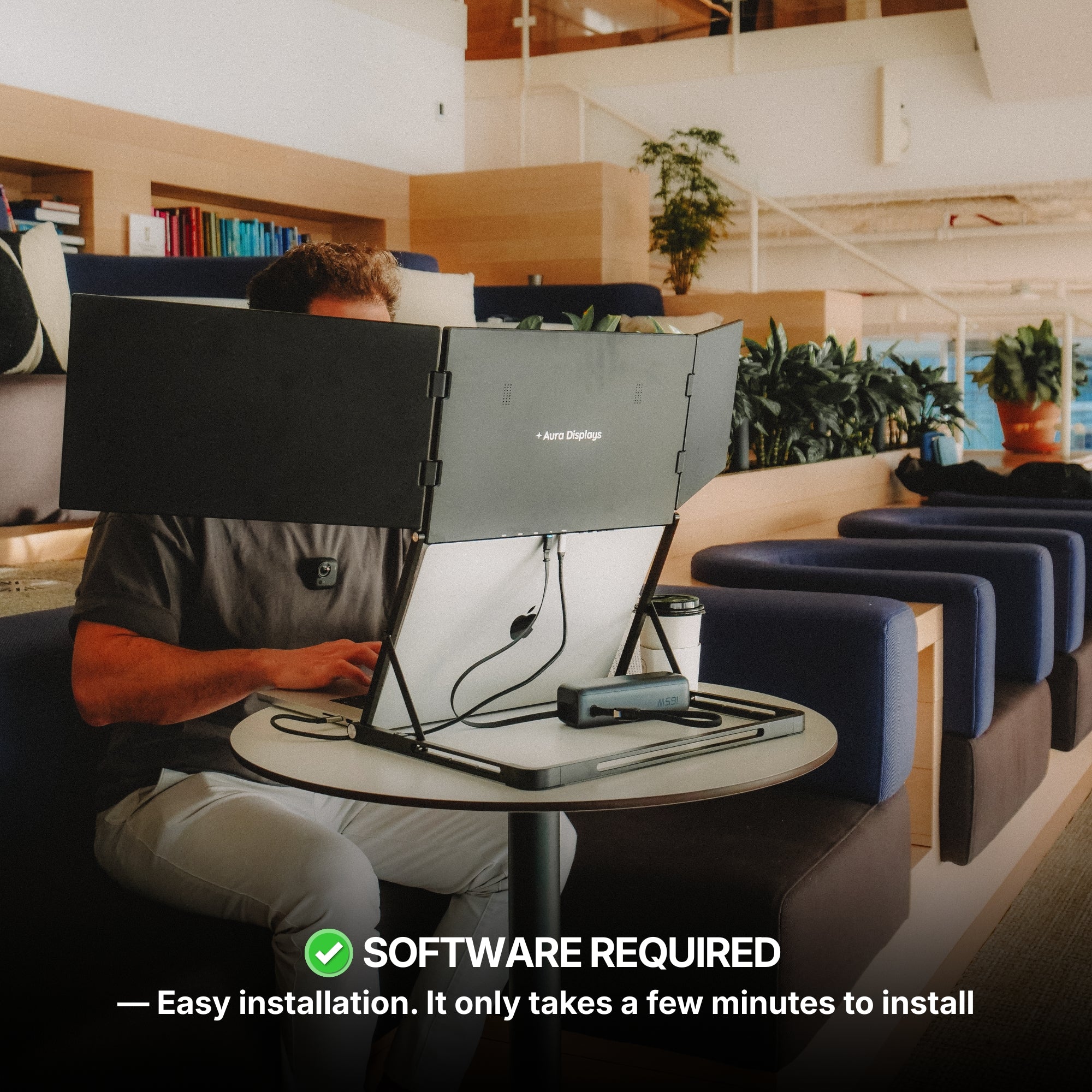
No one wants to waste time installing software or troubleshooting drivers. The best portable displays offer plug-and-play functionality. Many Aura Displays monitors support:
-
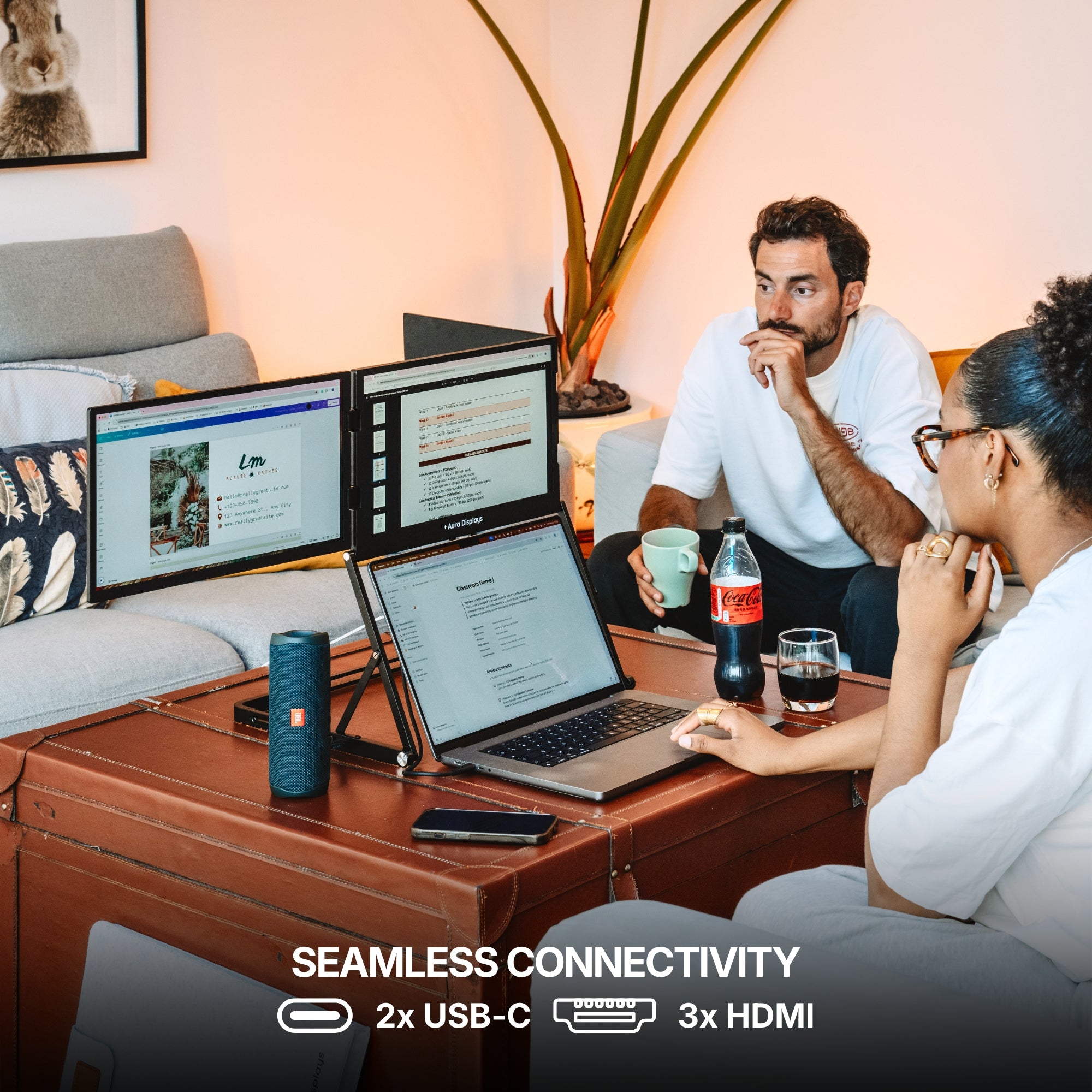
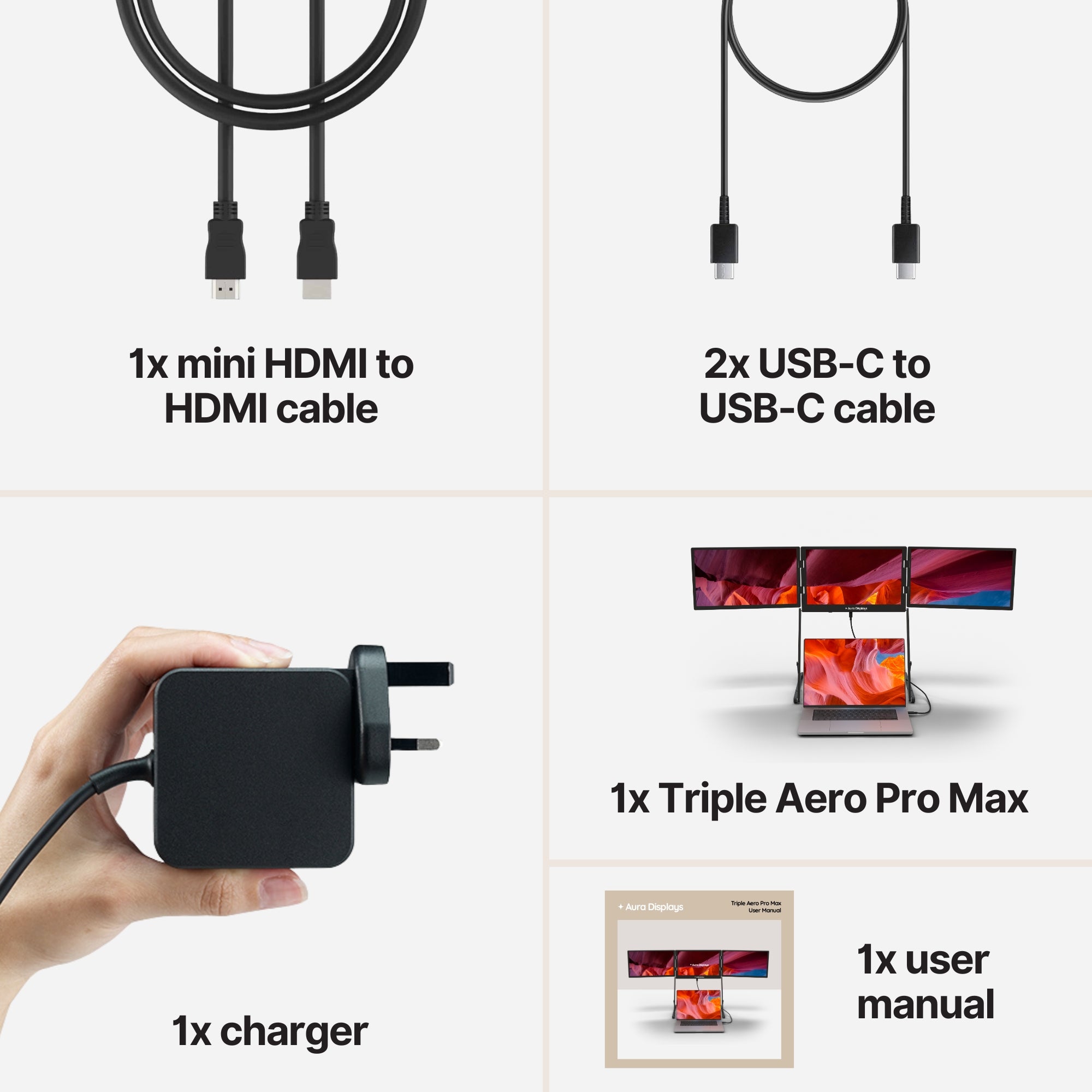
USB-C and mini HDMI input
-
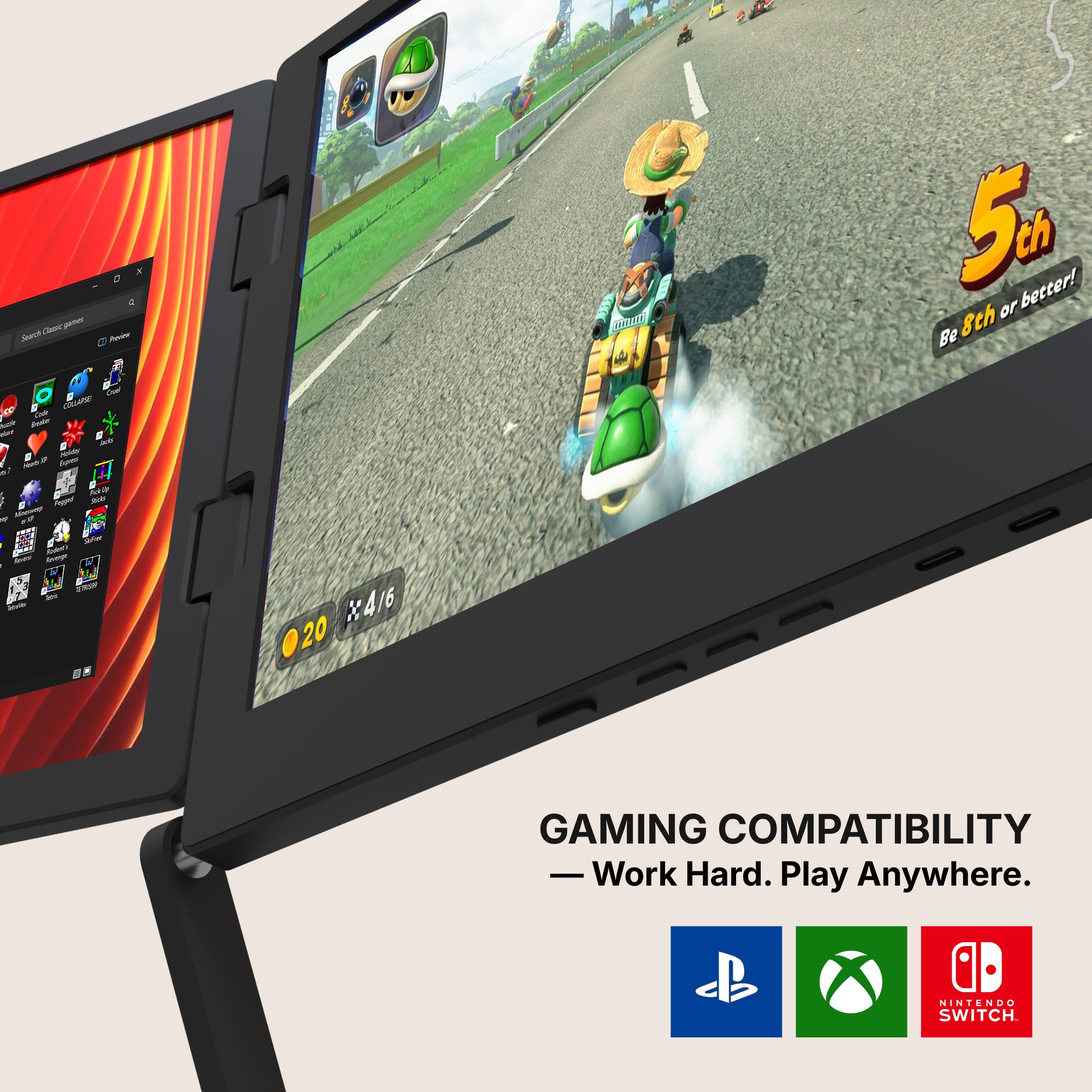
Compatibility with laptops, gaming consoles, and smartphones
-
Daisy-chain configuration for seamless triple-screen use
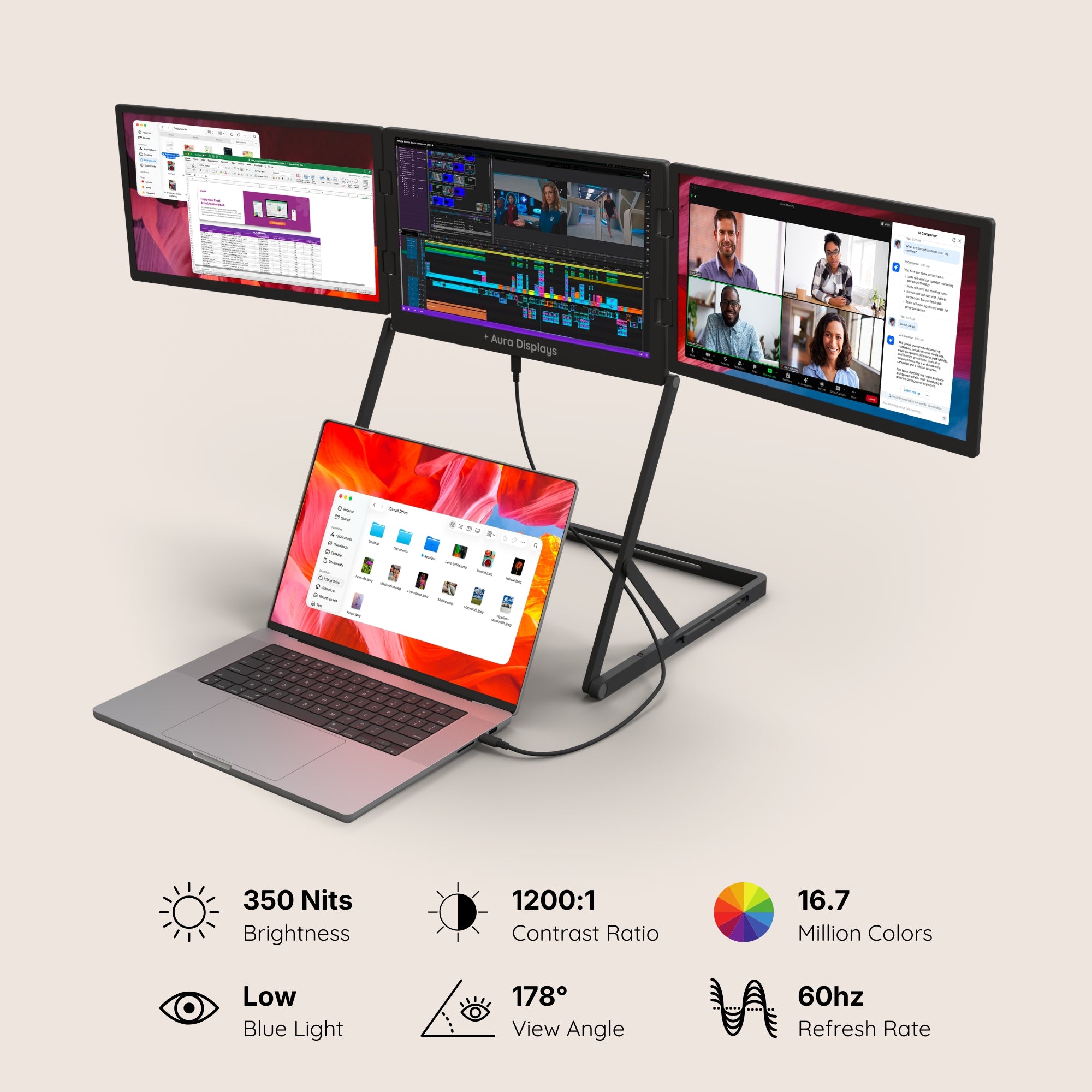
With built-in features like blue light filters and adjustable brightness, you can stay comfortable during long work or gaming sessions.
What Makes Aura Displays Stand Out
At Aura Displays, we specialize in building high-performance portable monitors that balance power, portability, and aesthetics.
Whether you need a single Portable Monitor for Laptop or a full triple extender system, our products are tailored for professionals and gamers alike. Here’s what sets us apart:
-
Ultra-slim profiles with edge-to-edge display
-
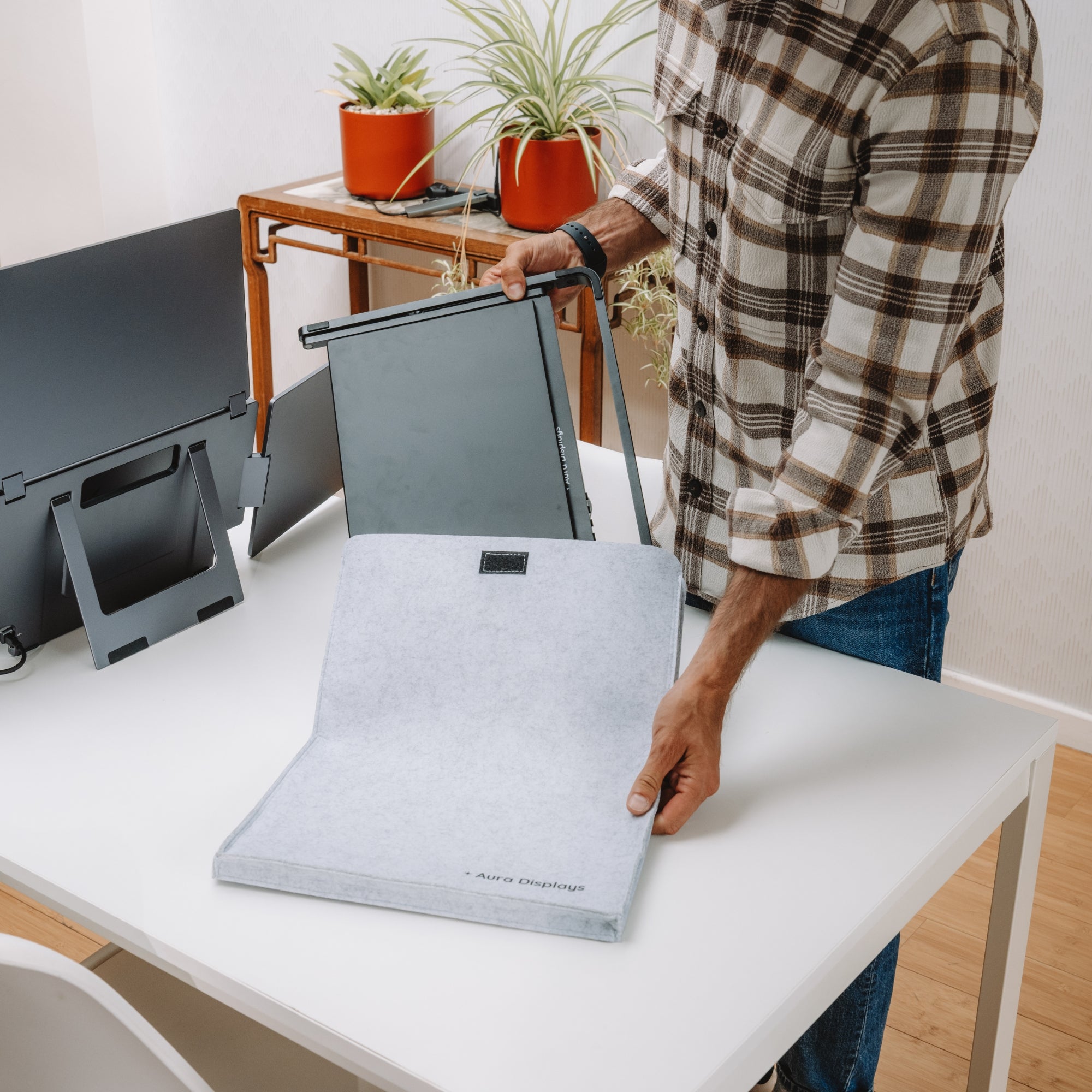
Protective travel cases included
-
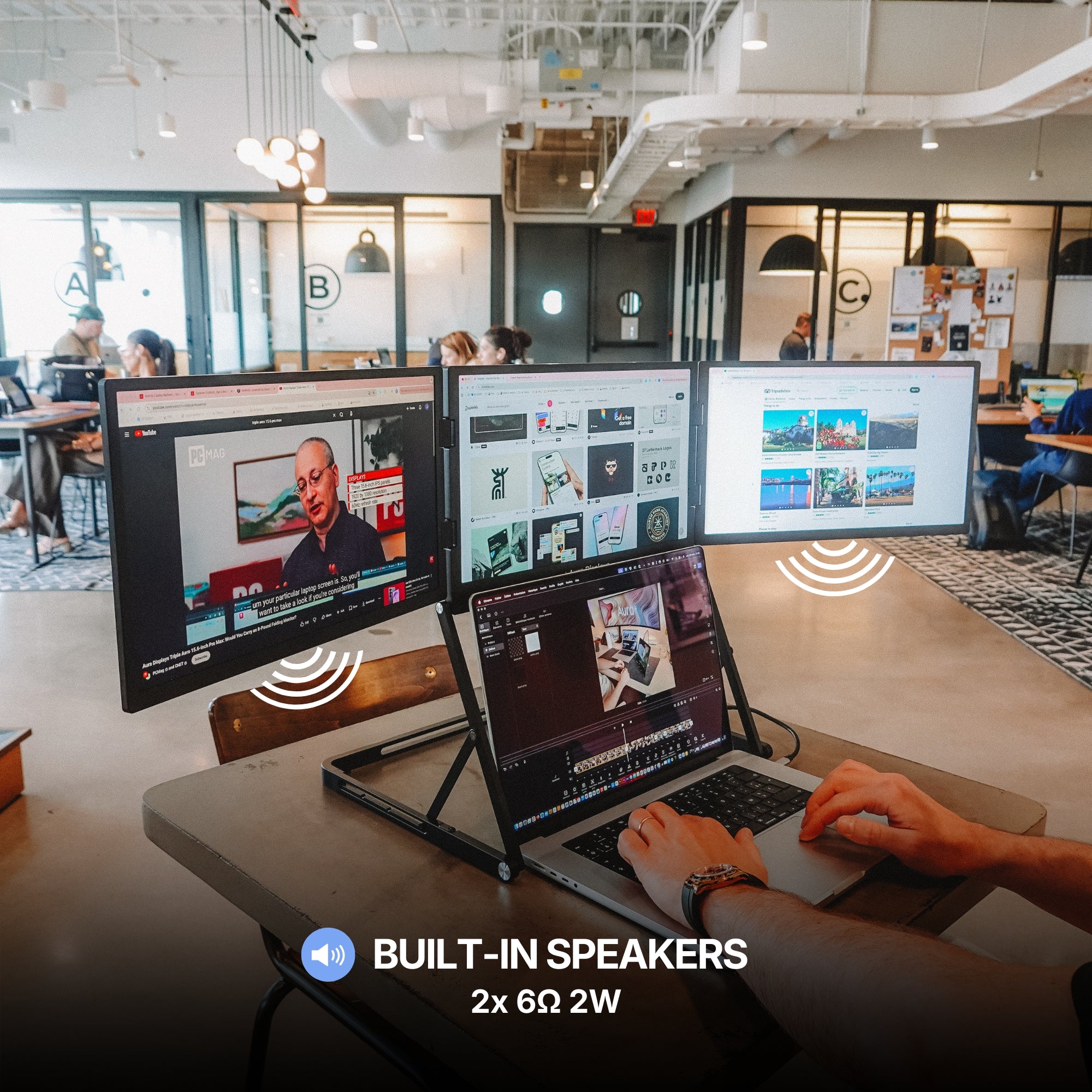
Built-in speakers and optional touchscreen features
-
Support for both landscape and portrait modes
Each unit is tested for durability and optimized for modern workflows. Plus, our customer support ensures a smooth experience from checkout to setup.

Final Takeaway
The way we work, create, and play has changed. Efficiency isn’t about cramming everything onto one screen anymore it’s about expanding your workspace to match your ambition.
A triple screen setup delivers that expansion without tethering you to a desk. For modern professionals who are constantly on the move, this isn’t just an upgrade. It’s a smart investment in doing more with less friction.









Share: