


When your laptop serves as your main workstation for coding, designing, writing, or analyzing data, you quickly realize how limiting that tiny screen can be. That is why more professionals are upgrading to a top external monitor for laptop setups this year, transforming the way they get work done.
The Productivity Gap: Laptop Screen vs. Real-Work Demands
Imagine you are juggling a dozen tabs, a spreadsheet, your code editor, and a video call all immediately. On a typical 13"–15" laptop display, you spend most of your time constantly Alt-tabbing or reshuffling windows. That disrupts your flow and consumes productivity.
Recent data shows that notebook users who pair their device with an external monitor report feeling far more productive; in one survey, 68% of such users felt empowered to accomplish tasks compared to only 38% who stuck with just the laptop screen.
That clear difference shows why more professionals now view external monitors not just as a “nice-to-have,” but as essential tools for getting real work done.
Real-World Benefits That Professionals Actually Notice
● More Space Means Less Context Switching
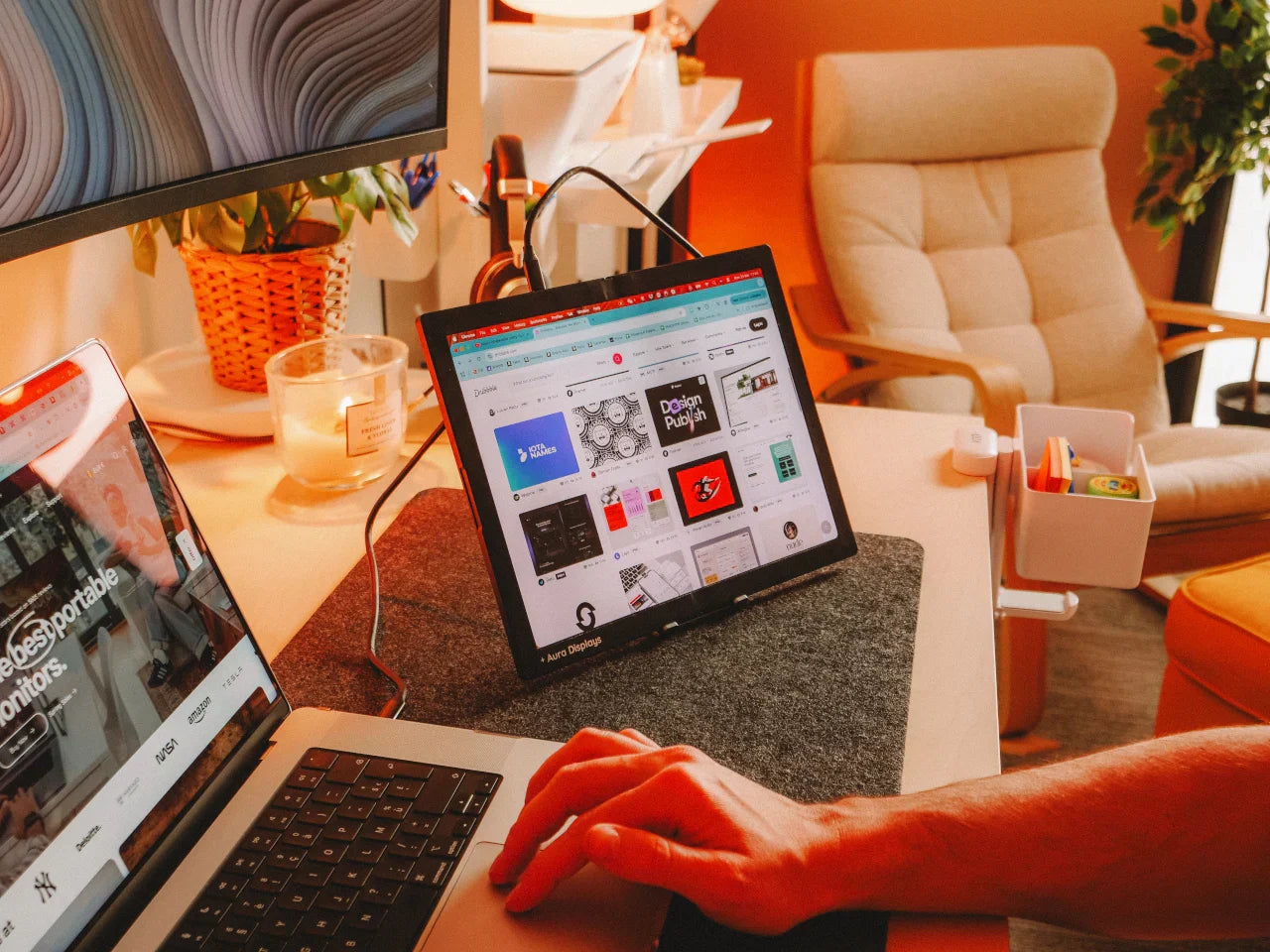
With an external display, you can spread windows out: reference documentation on one side, code or design tools on another, and email or chat on the third. This reduces mental load and keeps everything visible at a glance. Many designers and analysts find these features especially useful when comparing data, editing visual content, or managing multiple dashboards simultaneously. This is also where a Portable Monitor for a laptop becomes especially handy when you want extra space without a heavy setup.
● Improved Comfort and Reduced Strain
Working long hours on a cramped laptop screen can cause eye fatigue, neck strain, and posture issues. A well-positioned external monitor helps you maintain a more ergonomic posture, especially if it is height-adjustable or paired with a laptop stand. Actually, external monitors are recommended for better ergonomics in many long-term work routines this year.
● Better Visual Quality and Workflow Precision
For creative photographers, video editors, UI/UX designers, color accuracy, screen brightness, and viewing angles matter a lot. External monitors often offer wider viewing angles, fuller color gamut, and more screen real estate, which is critical when you are fine-tuning visuals or reviewing content.
What Modern Professionals Want and How Solutions Have Evolved?
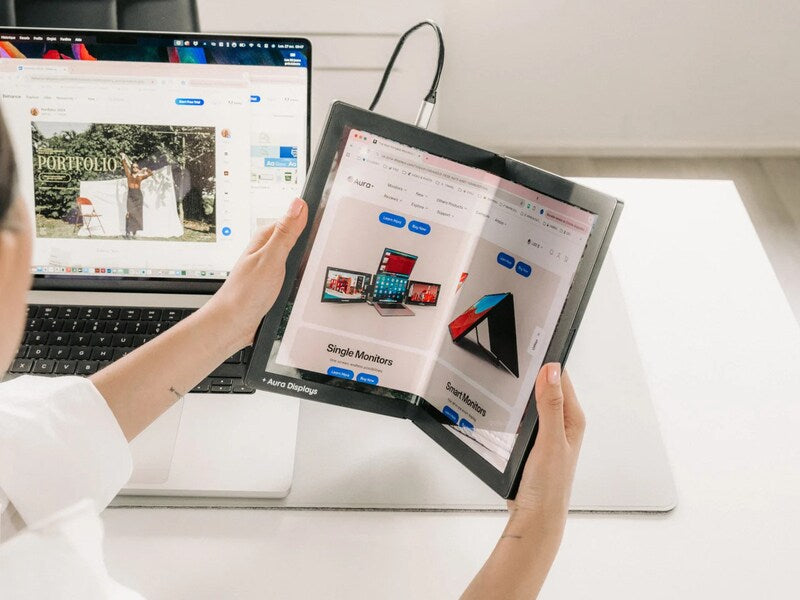
Traditional external monitors fixed to a desk are fine, but they lack flexibility. Professionals on the move or those who switch between home and coworking spaces started demanding something better. That is where new-generation portable displays step in.
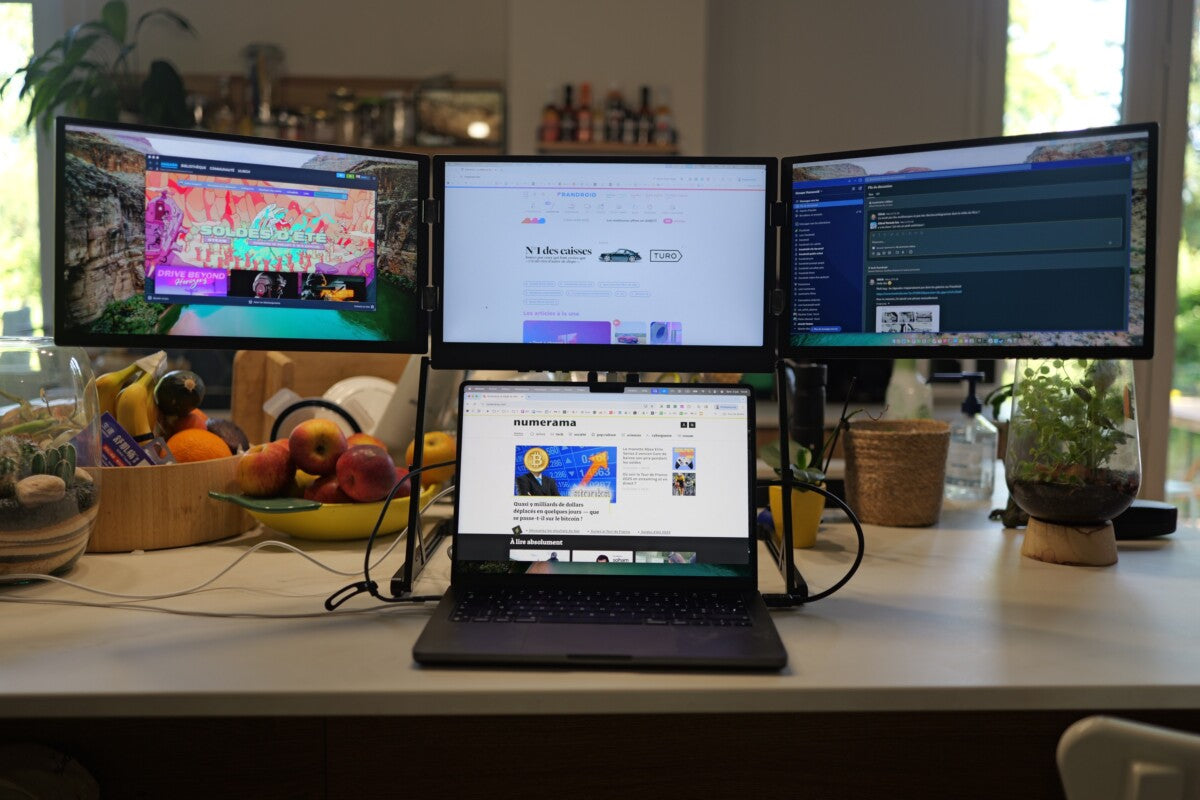
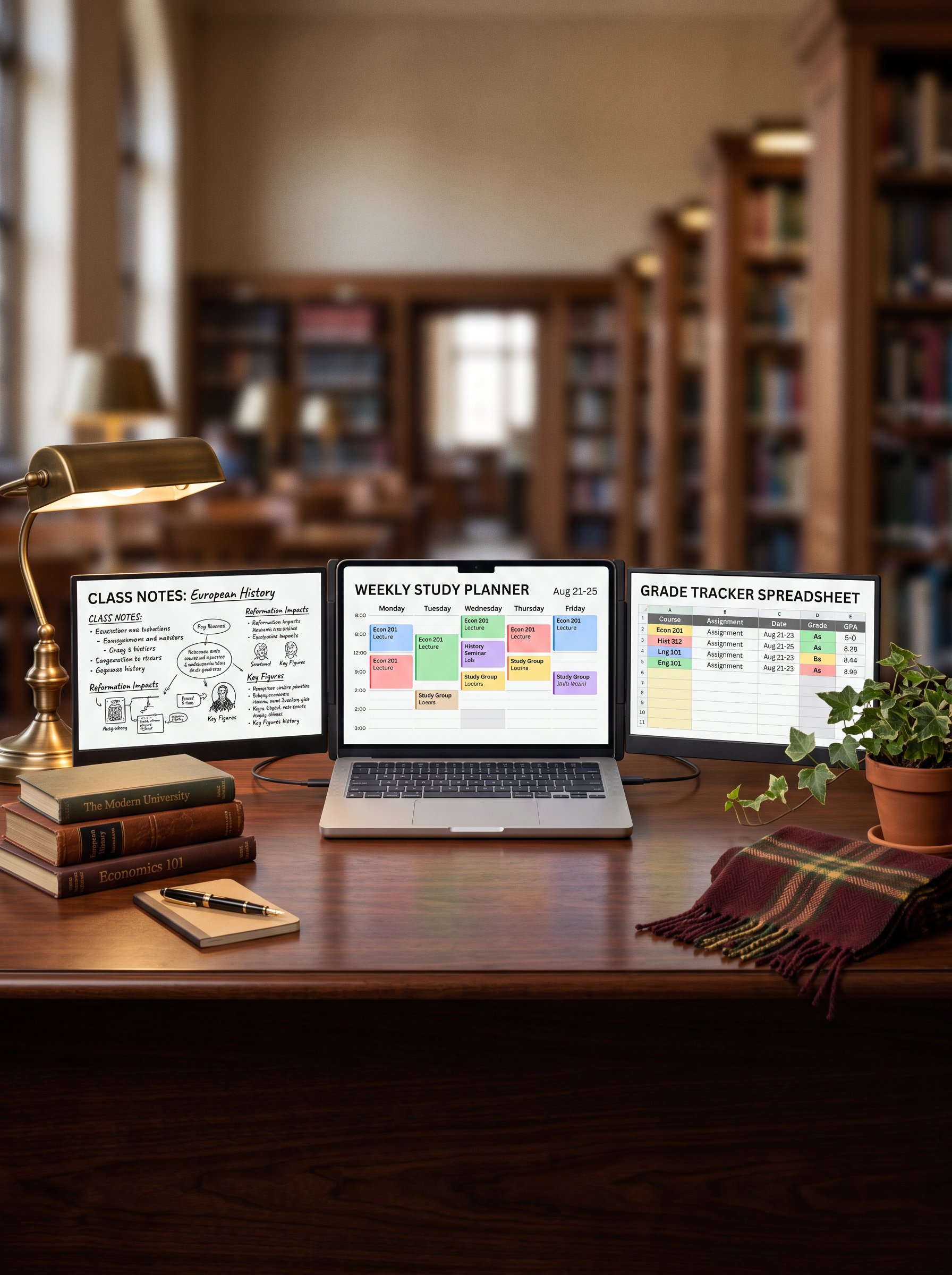
For example, Aura Displays now offers foldable, portable multi-monitor setups that address portability without sacrificing productivity. Their latest model, the Triple Aero 15.6 Pro Max, features three Full-HD screens that fold up neatly, letting you carry a full “ultra-wide workstation” right in your laptop bag.
Similarly, the Triple Boost 14 Pro expands a regular laptop into a four-screen setup (your laptop plus three additional panels) using a single USB-C connection, keeping your workflow flexible, powerful, and mobile. Many users appreciate how such systems can function like a dual monitor extender for a laptop, giving you more screen space without a complicated setup.
These innovations are especially appealing to freelancers, remote workers, traders, and anyone who switches work locations but still wants a desktop-like setup without lugging around bulky gear.
When the Laptop Alone Does Not Cut It
-
Tight deadlines with multitasking: When you need to juggle several apps like spreadsheets, communication tools, and design software simultaneously, a single screen becomes a bottleneck.
-
Creative or detailed visual work: Editing photos, designing layouts, and reviewing content, these tasks benefit from larger, color-accurate screens.
-
Frequent switching between tasks: Constantly Alt-Tabbing wastes time. A multiscreen arrangement keeps everything visible and accessible.
-
Hybrid or mobile work lifestyle: If you shift between home, office, or coworking spaces, a portable external monitor lets you maintain consistency in your setup without sacrificing portability.
Why Does This Shift Matters for Professionals?
In today’s work environment, where remote work, hybrid teams, and demanding workflows are increasingly common, professionals are recognizing that a laptop alone often is not enough. Adding an external display, especially a modern, portable, multi-panel one, stops being a luxury and becomes a smart upgrade.
If you are serious about your work setup, whether for coding, design, finance, or content creation, adding a high-quality external monitor setup could be the small change that delivers noticeable gains in comfort, efficiency, and focus. With Aura Displays, you can take multiple screens wherever you go, enjoying the power of a full desktop setup without the bulk.
You might find that once you try it, you wonder how you ever worked without it, and you might never go back to a solitary laptop screen again.




Share: