


The National Retail Federation put 2026 back-to-college spending at $103.5 billion, the first time the category has cleared $100 billion, with K-12 spending at $43.3 billion, up from $39.4 billion last year (NRF, July 17, 2026). Electronics is the largest single category for college shoppers.
Some of that money will be well spent. Some of it will be in a drawer by October. We sell portable screens, and we'd still rather you skipped one than bought the wrong one — so here are three situations where a second screen isn't worth it.
1. Your desk is shallower than about 24 inches
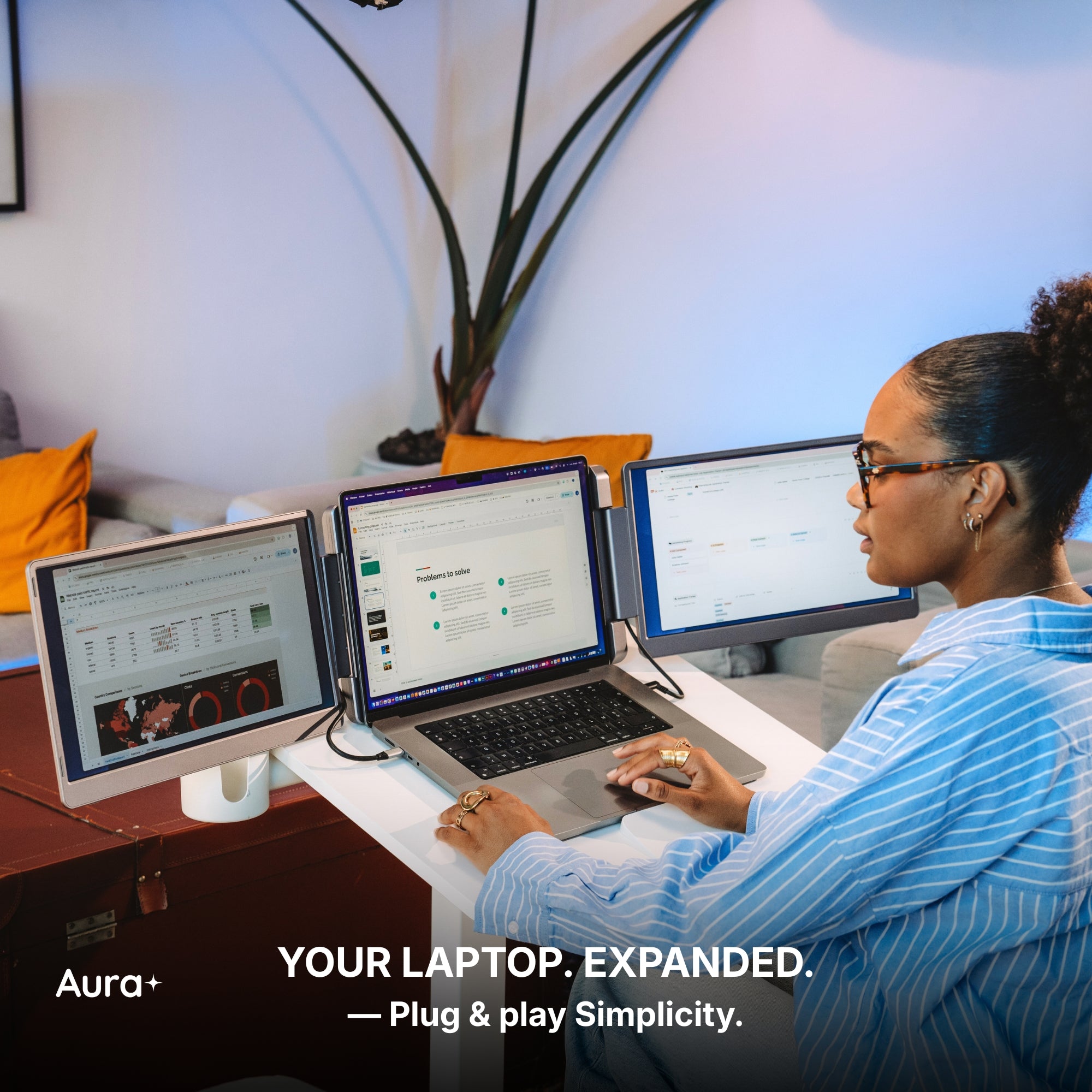
This is the one that catches people out, and it costs nothing to check. Go measure the depth of your desk from the front edge to the wall. Dorm desks and small apartment desks are frequently 20 to 22 inches, and a laptop already eats about 10 of them. Add a side-mounted panel and your eyes end up roughly 16 inches from the screen for eight hours a day. That's not a productivity setup, that's a headache. If you're under 24 inches, either fix the desk first or buy a single larger panel you can sit behind the laptop instead of beside it.
2. You live in one full-screen app
A second screen pays you back when you're reading one thing and writing another. If your day is a single full-screen application — one document, one design file, one game — with email checked between tasks, the second panel becomes a place to leave a chat window open. It looks like a workstation and functions like a distraction. Be honest about which one you are before spending $300.
3. You have one usable USB-C port and a laptop you can't modify
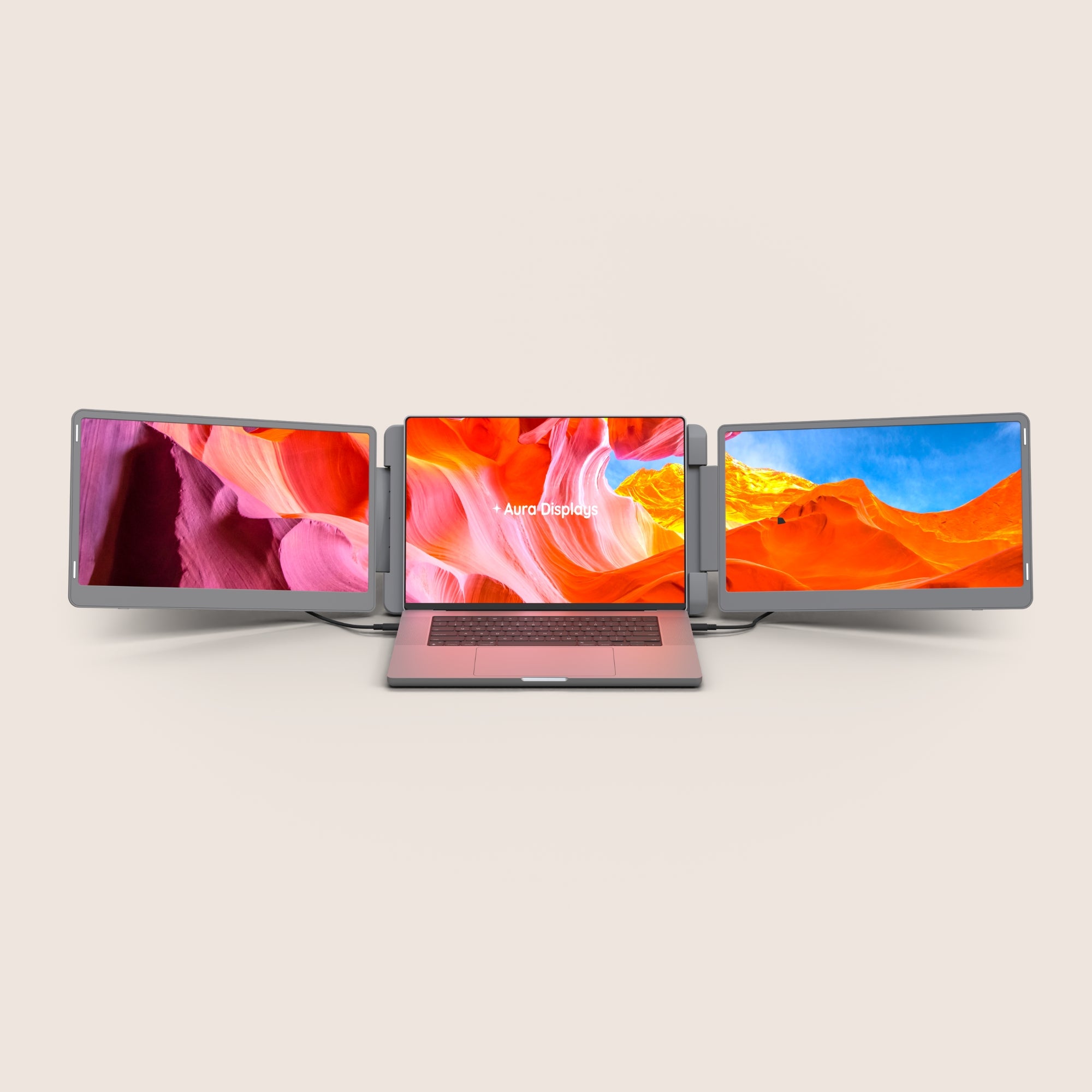
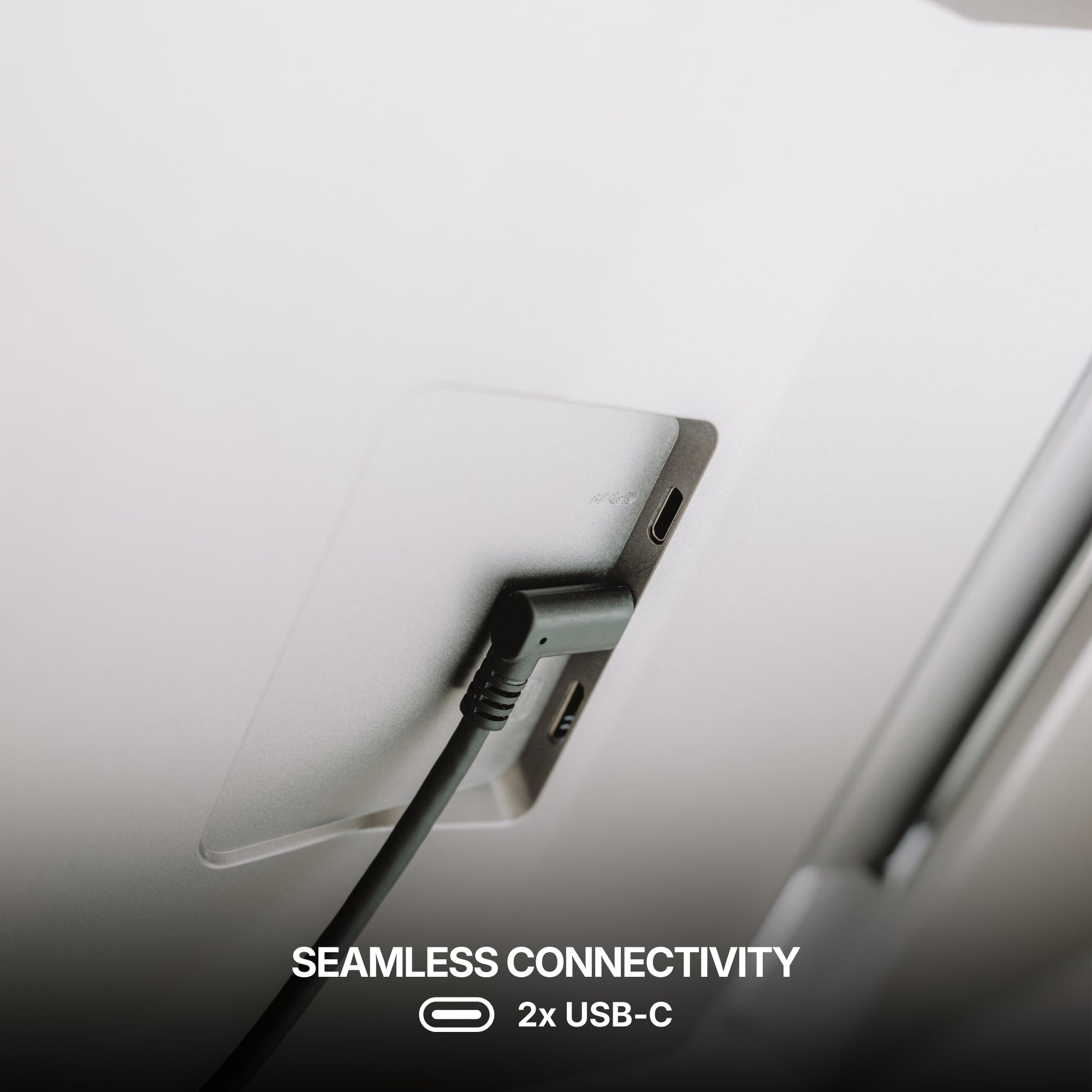
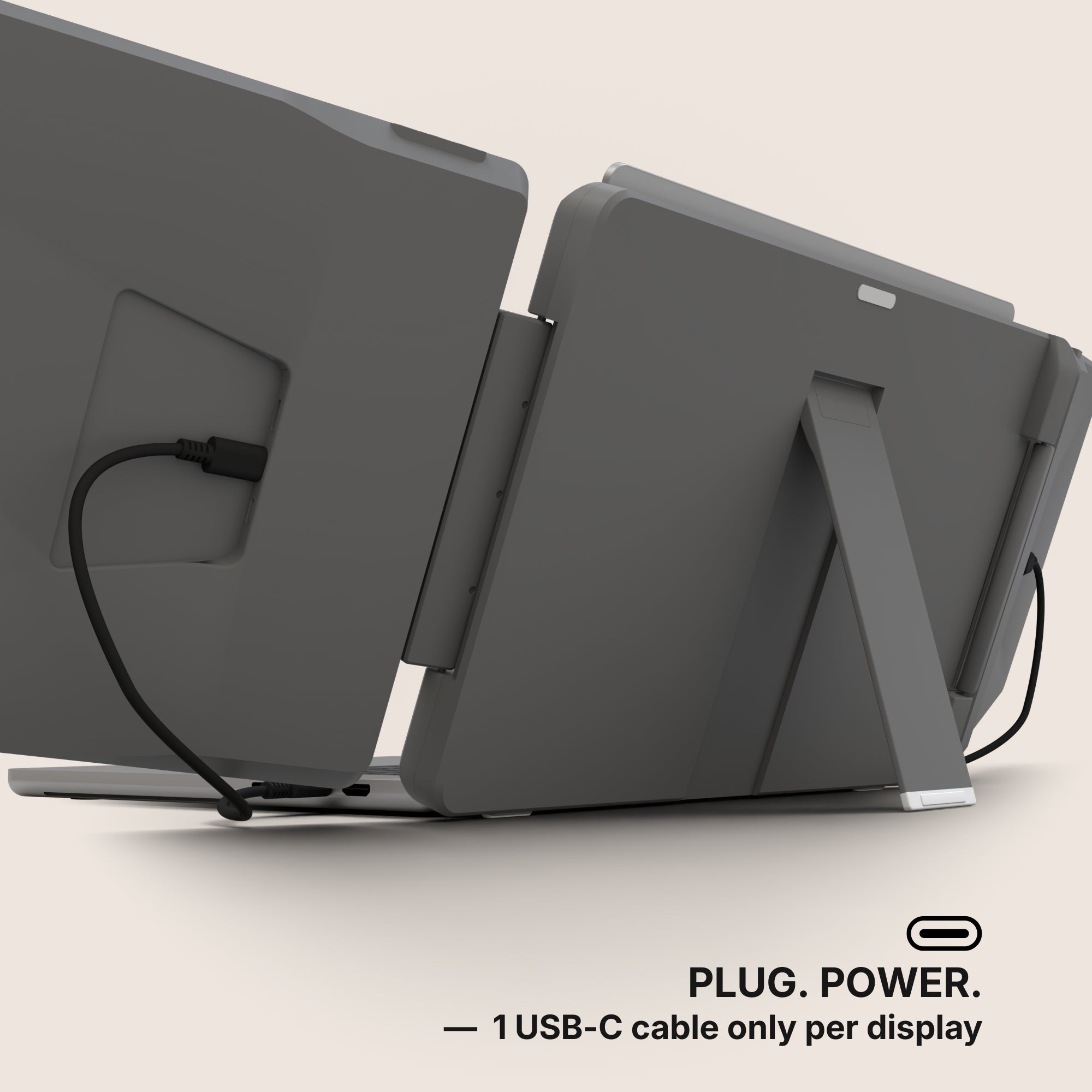
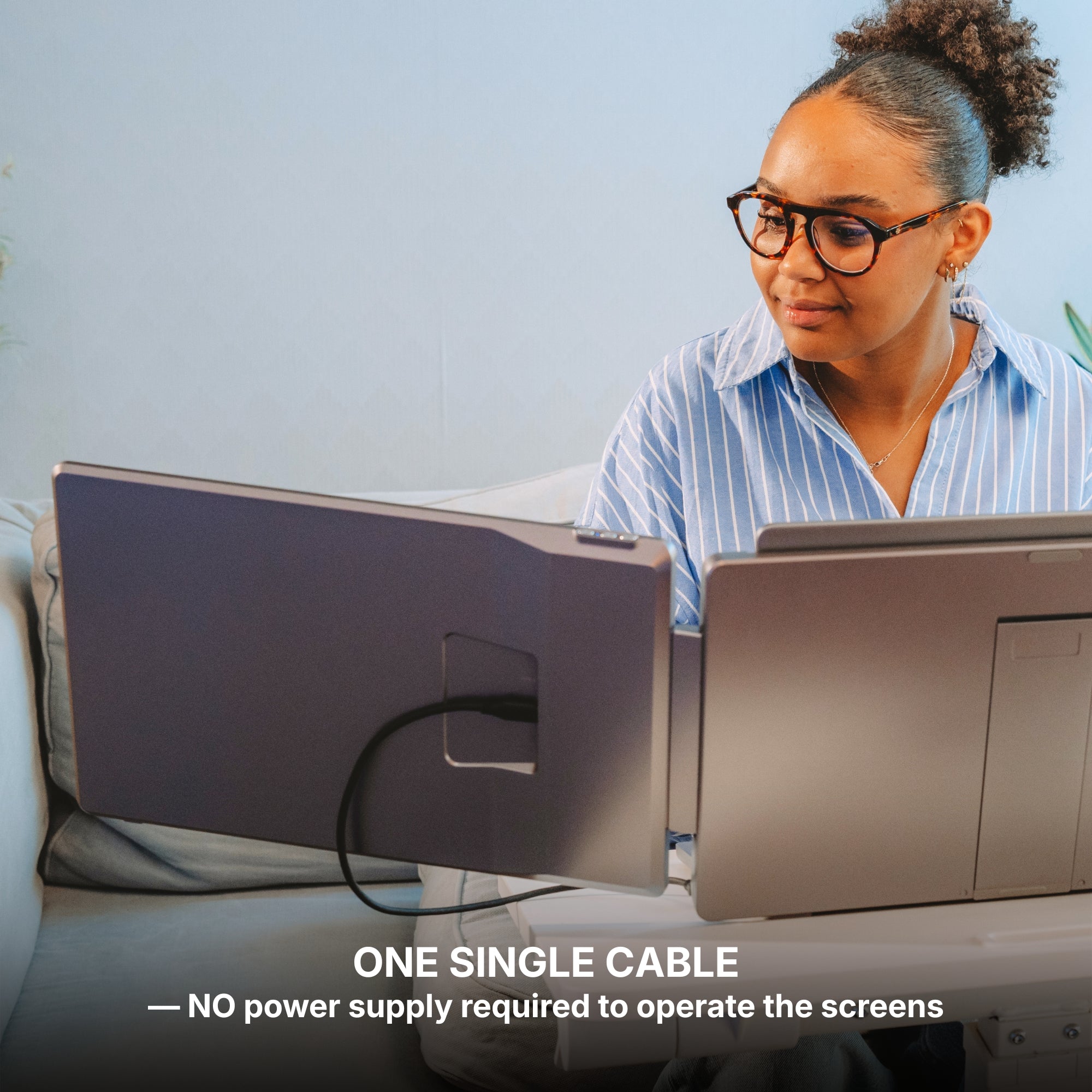
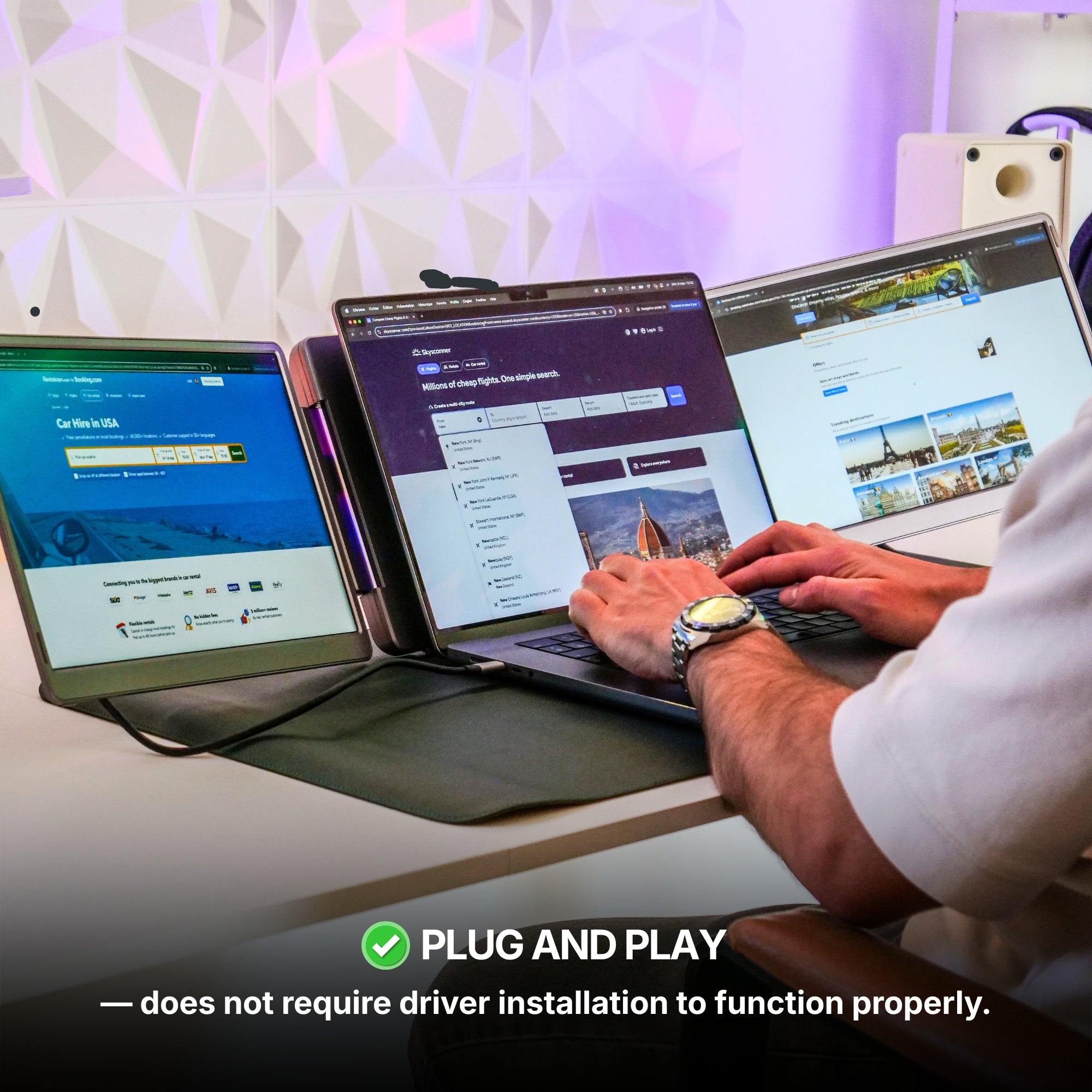
Portable extenders run over USB-C. If your laptop has one usable port and you need it for charging, you're adding a hub to the bill and a cable to the desk. Worse, on some Windows configurations a multi-panel extender needs a DisplayLink driver installed, and school-issued or work-issued laptops are often locked down against exactly that. Confirm you can install software on the machine before you order. And plan on shorter unplugged runtime either way — a powered panel draws from the same battery your laptop does.
When a second screen genuinely pays
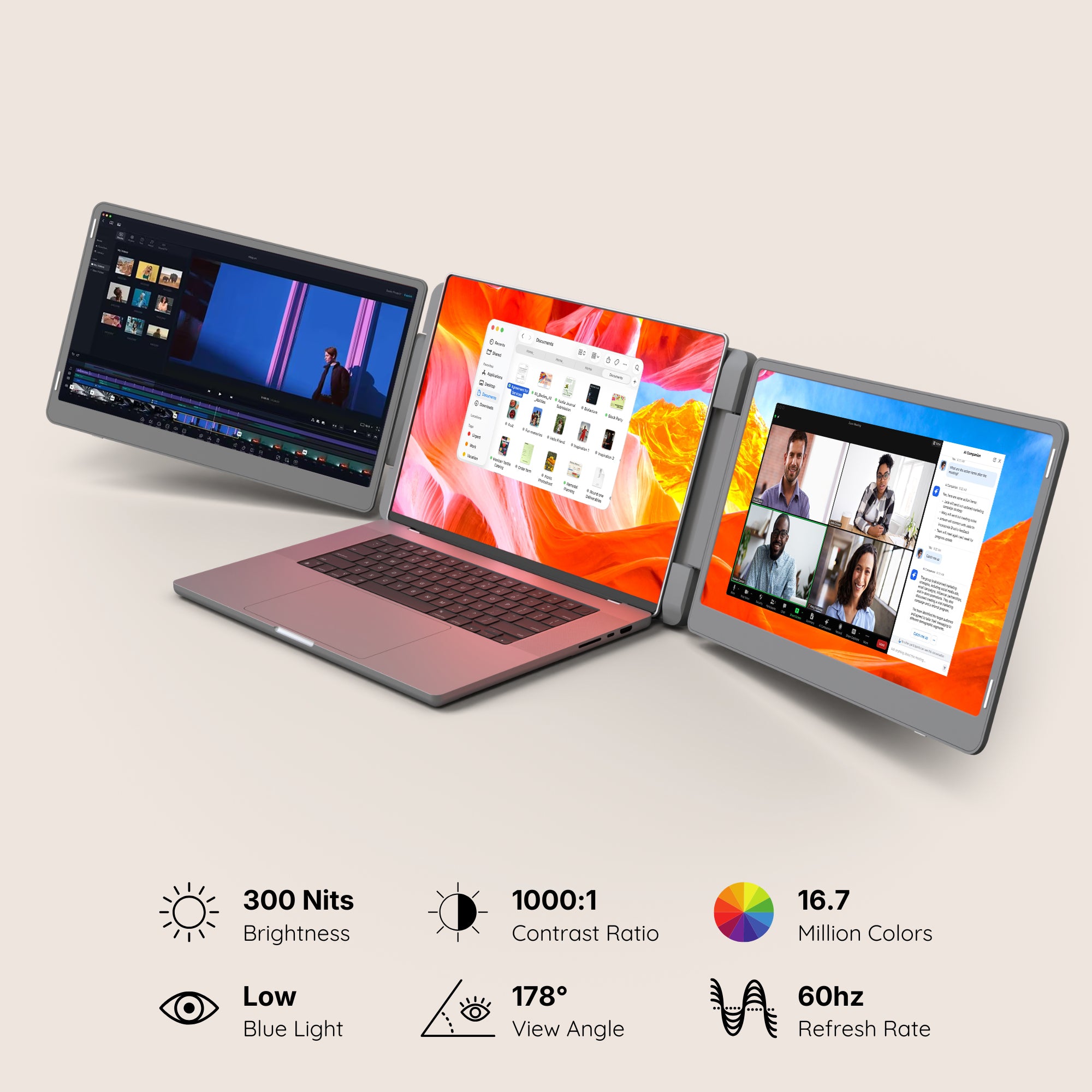
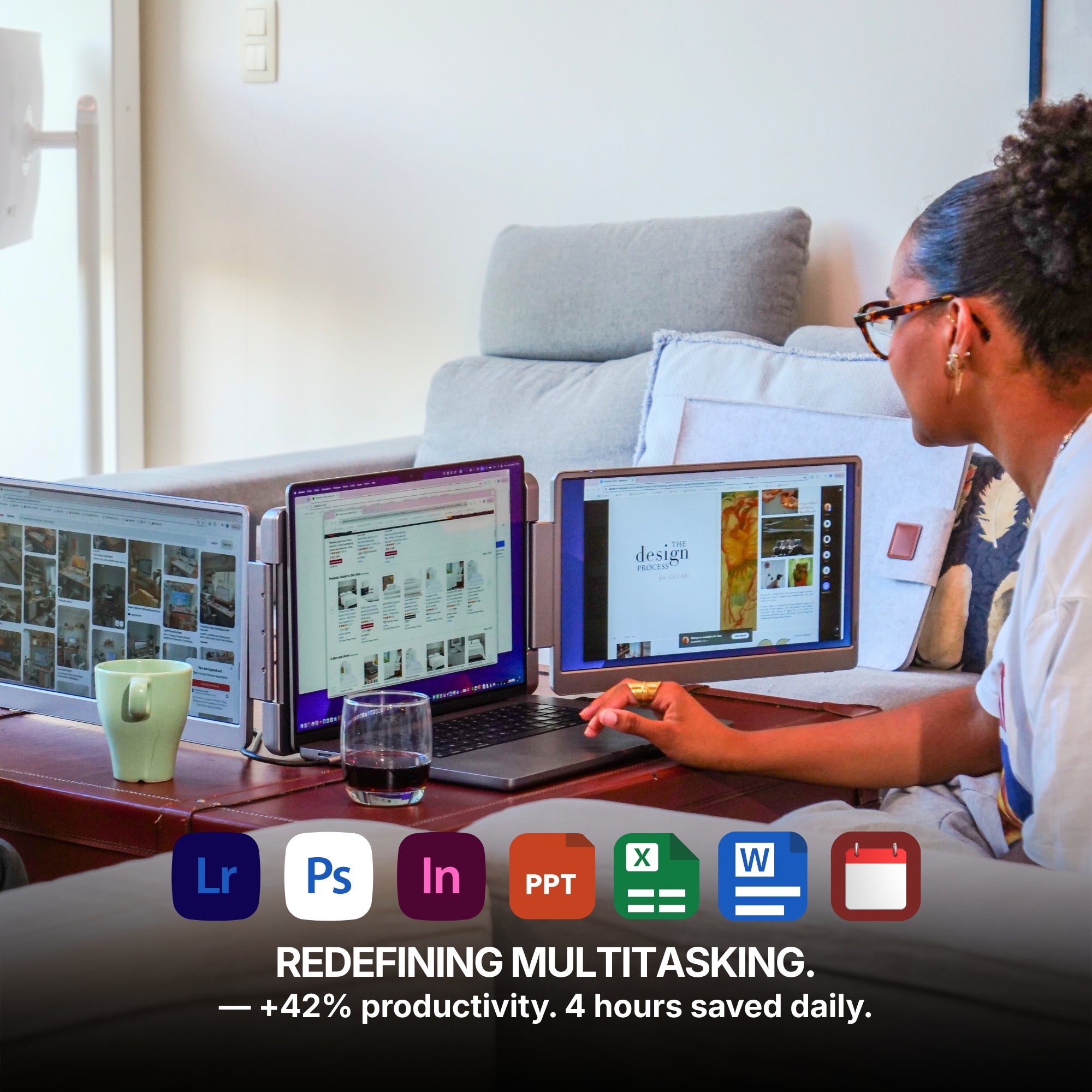
Lecture slides on one screen and notes on the other. A spreadsheet beside the source document instead of alt-tabbing between them. A video timeline with the preview somewhere it isn't covering the timeline. Research with three tabs visible at once. If that's your semester, the return shows up in the first week, and it doesn't require the biggest setup on the page.
- Single Play — $289. One extra panel. If you're not sure a multi-screen setup suits you, start here and find out cheaply.
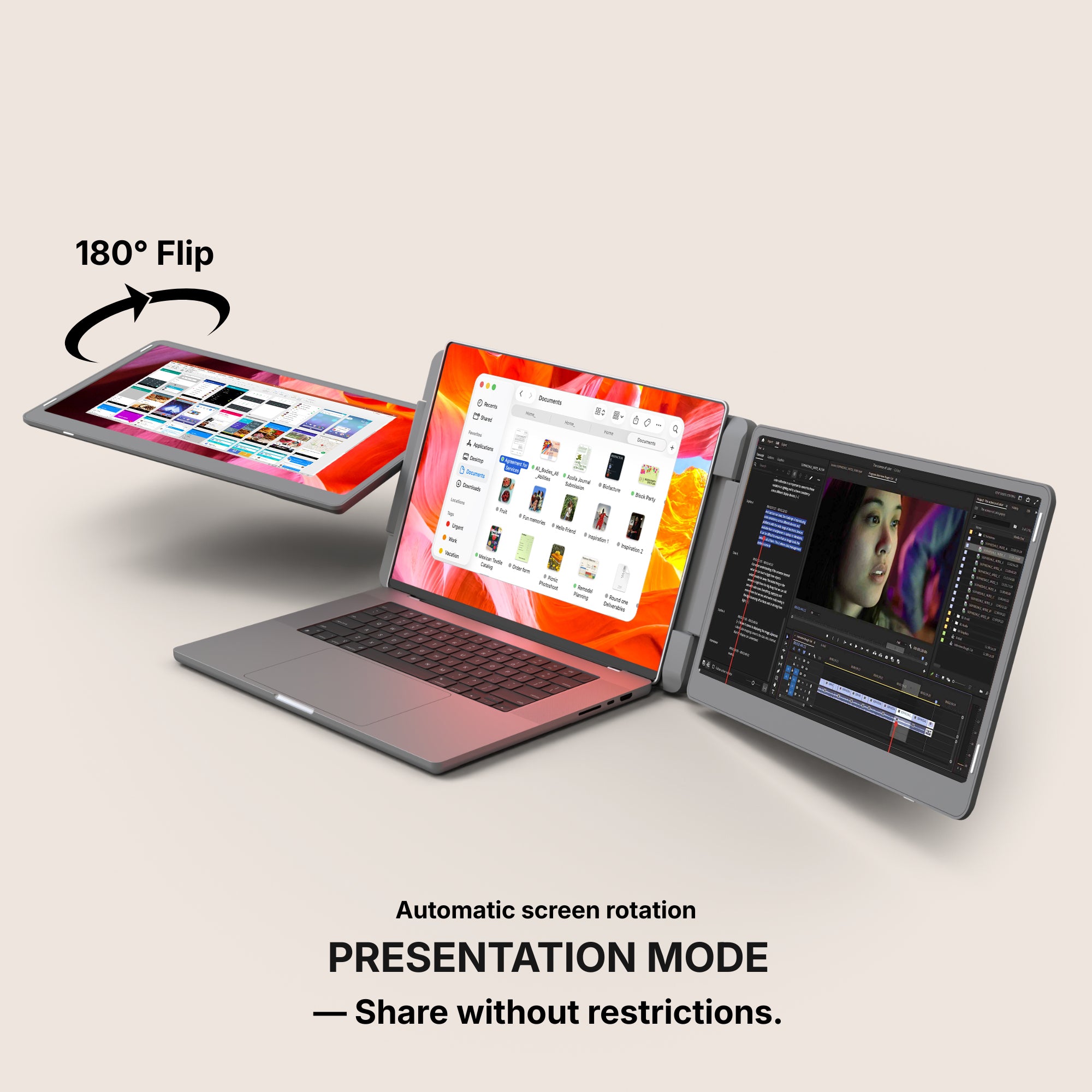
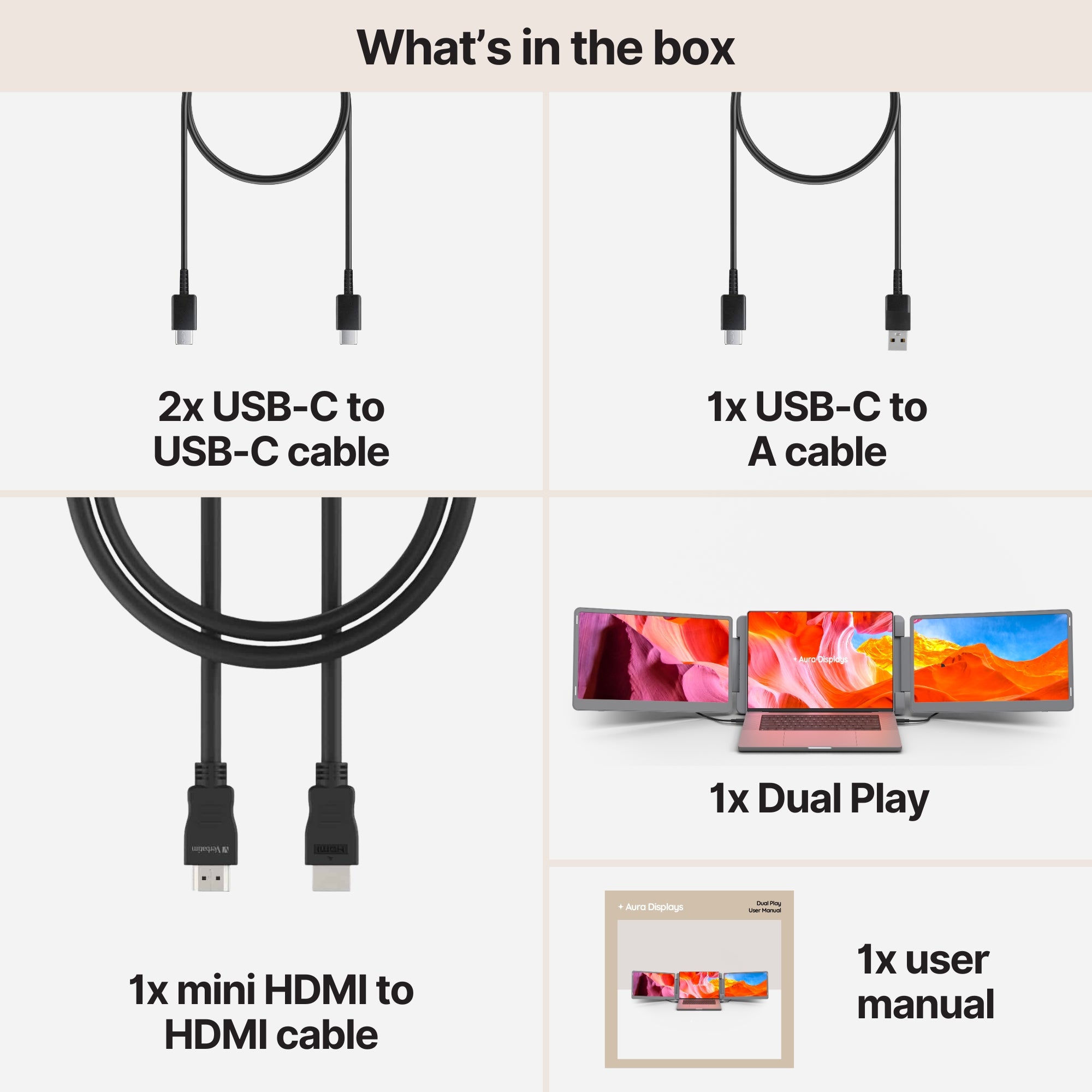
- Dual Play — $369. The setup we'd pick for most students: two panels, reasonable weight, no fuss.
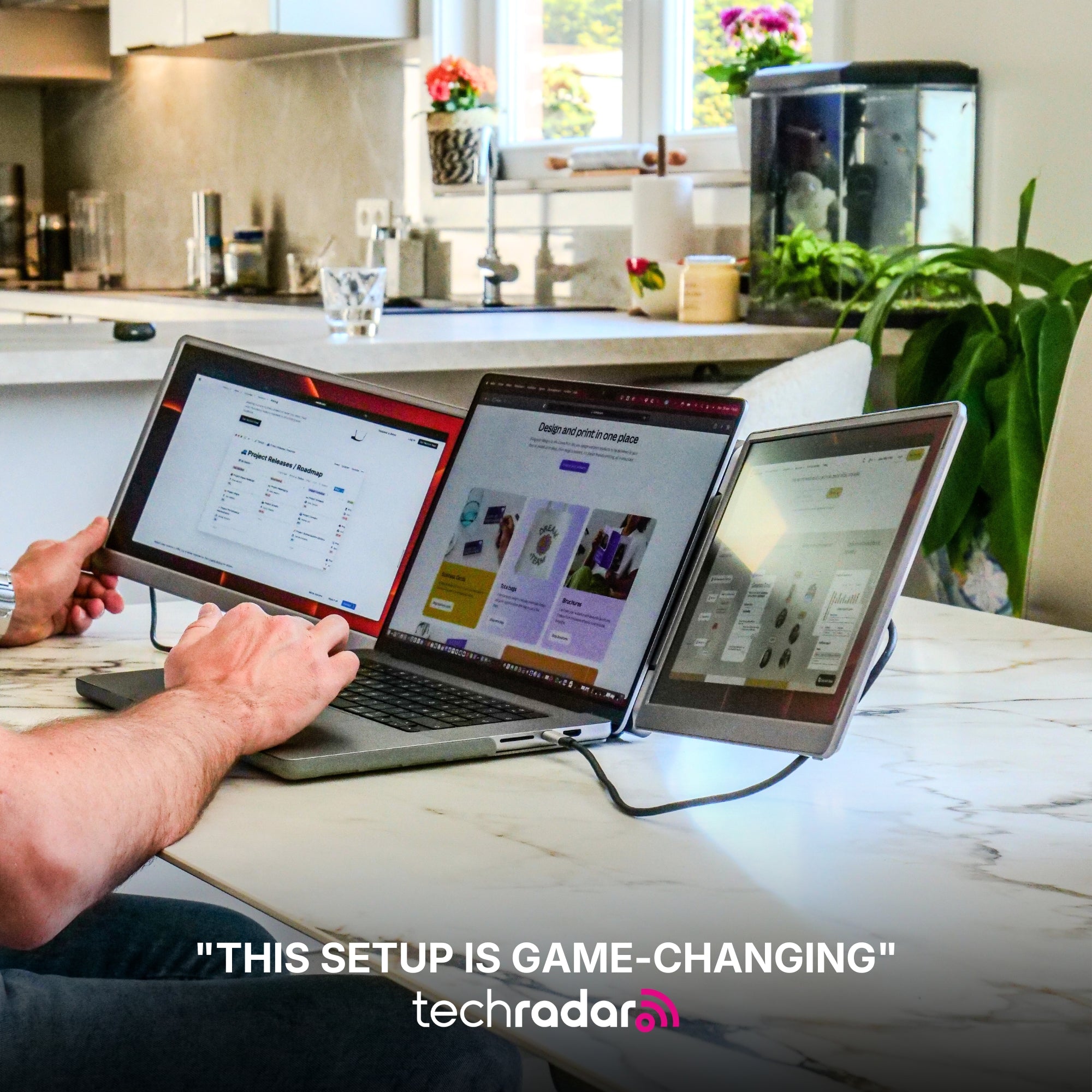
- Dual Boost Pro (Gen 4) — $399. Brighter panels, worth the difference if you work near a window or in a bright library.
The part the spec sheets skip: weight
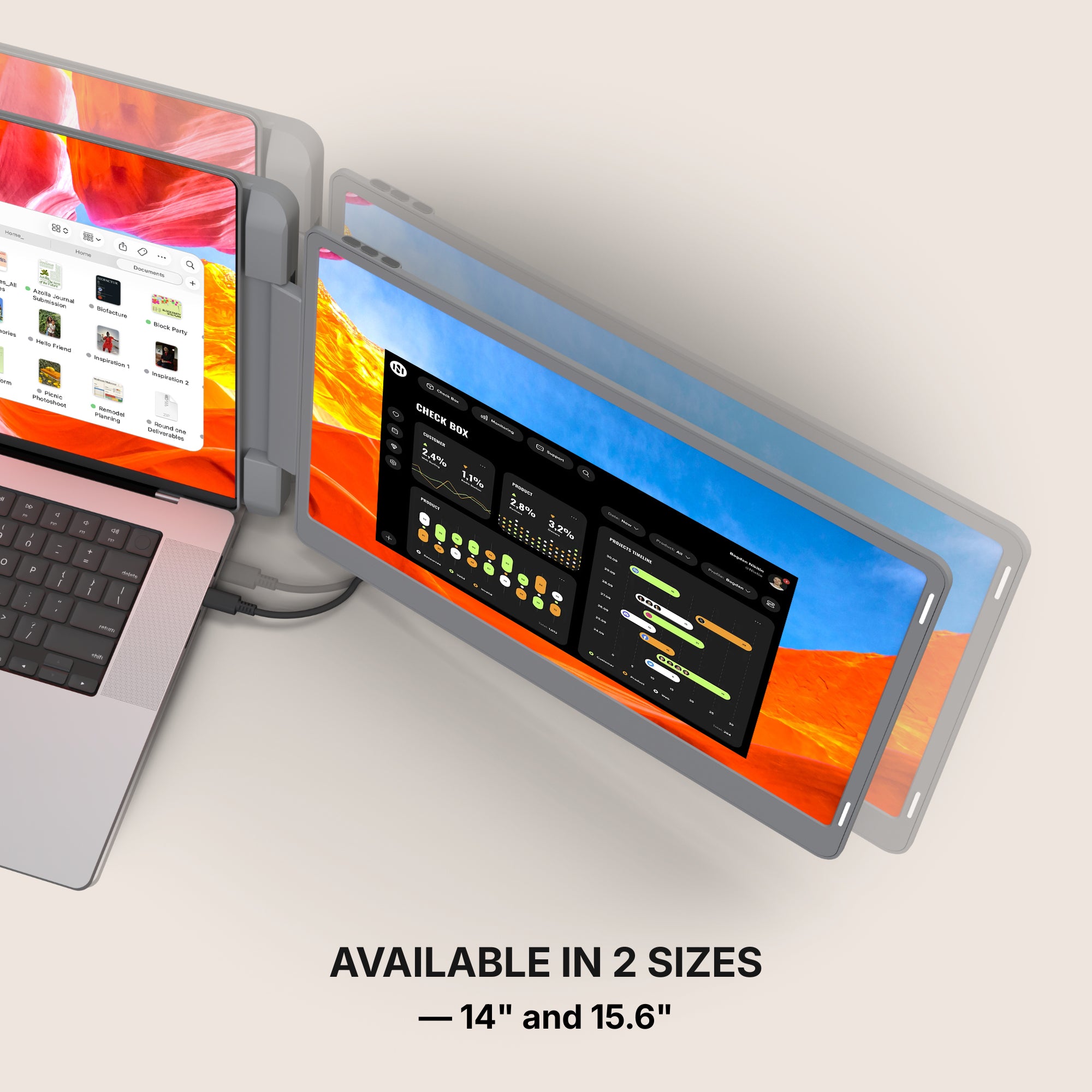
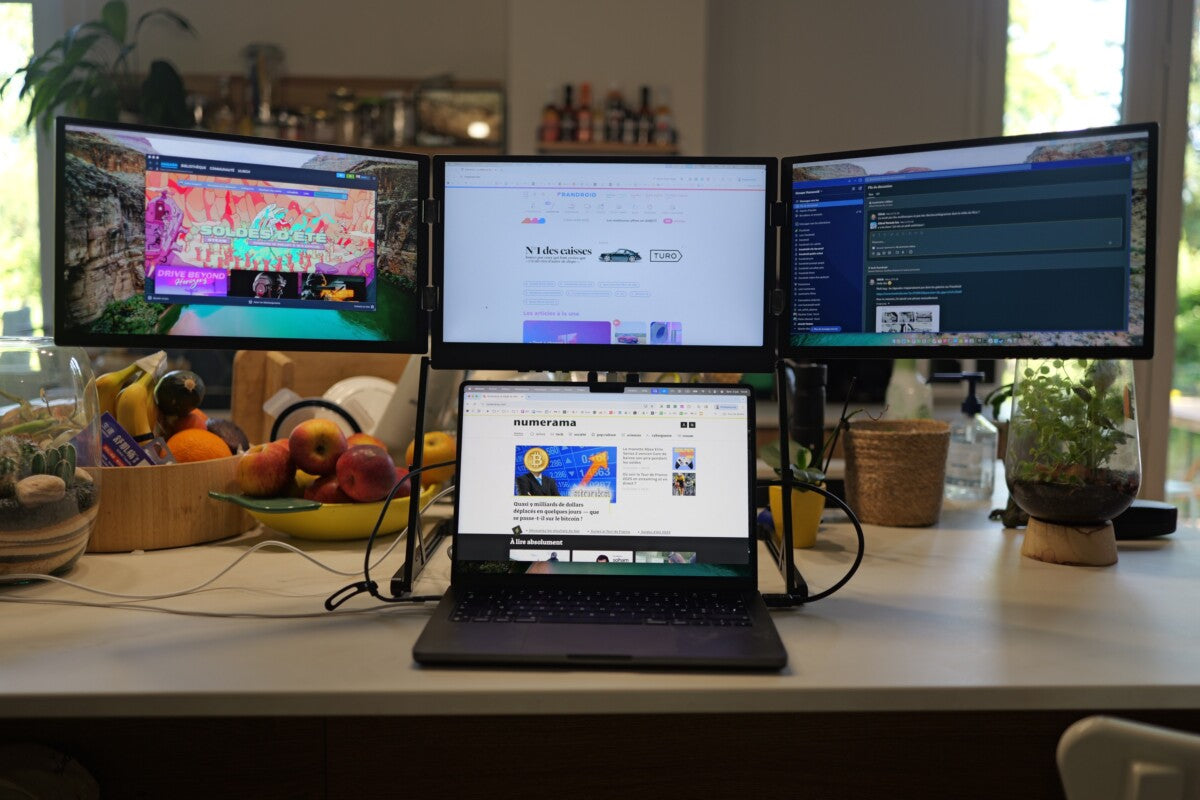
Every panel you add is weight in your bag between classes. Students who carry their setup every day are consistently happier with a dual than a triple; students whose laptop lives on one desk can go bigger without noticing. Decide which you are, then pick.
On waiting for a deal
NRF found that roughly 46% of shoppers who hadn't finished were holding out for better prices. That's a reasonable instinct in a category with real discounting seasons. Just know the trade: our more popular configurations are the hardest to keep in stock, and a discount on something that's gone isn't a saving. If a setup is right for your desk and your workflow today, waiting mostly buys you uncertainty.
Measure first, buy second
Desk depth in inches, usable USB-C ports, and whether you can install a driver. Three numbers, five minutes, and they'll tell you more than any review will — including ours.




















Share: