








Dual Go Max 15.6” (Full HD)
Two 15.6" screens on their own stand.
Before you buy
- Plug & Play, no driverPlug it in and it works. No install, no admin rights.
- No power outlet neededRuns from your laptop's USB-C port. No adapter to carry.
- Fits laptops 10"–17"Works with Windows, macOS, Android and iOS.Check compatibility in 30 s →
- Weighs 4.19 lb (1.9 kg)Folded: 15.31 × 9.21 × 1.56 in (389 × 234 × 39.6 mm). Fits in a standard laptop backpack.See lighter models →


Included free with your order
You save $99.98-
 Tempered Glass Screen Protector2x 15.6" / 16:9
$0.00
$54.99 -
 Hub USB 8-in-1 87W PD
$0.00
$44.99


Added to your cart automatically with your monitor.
Overview
Overview
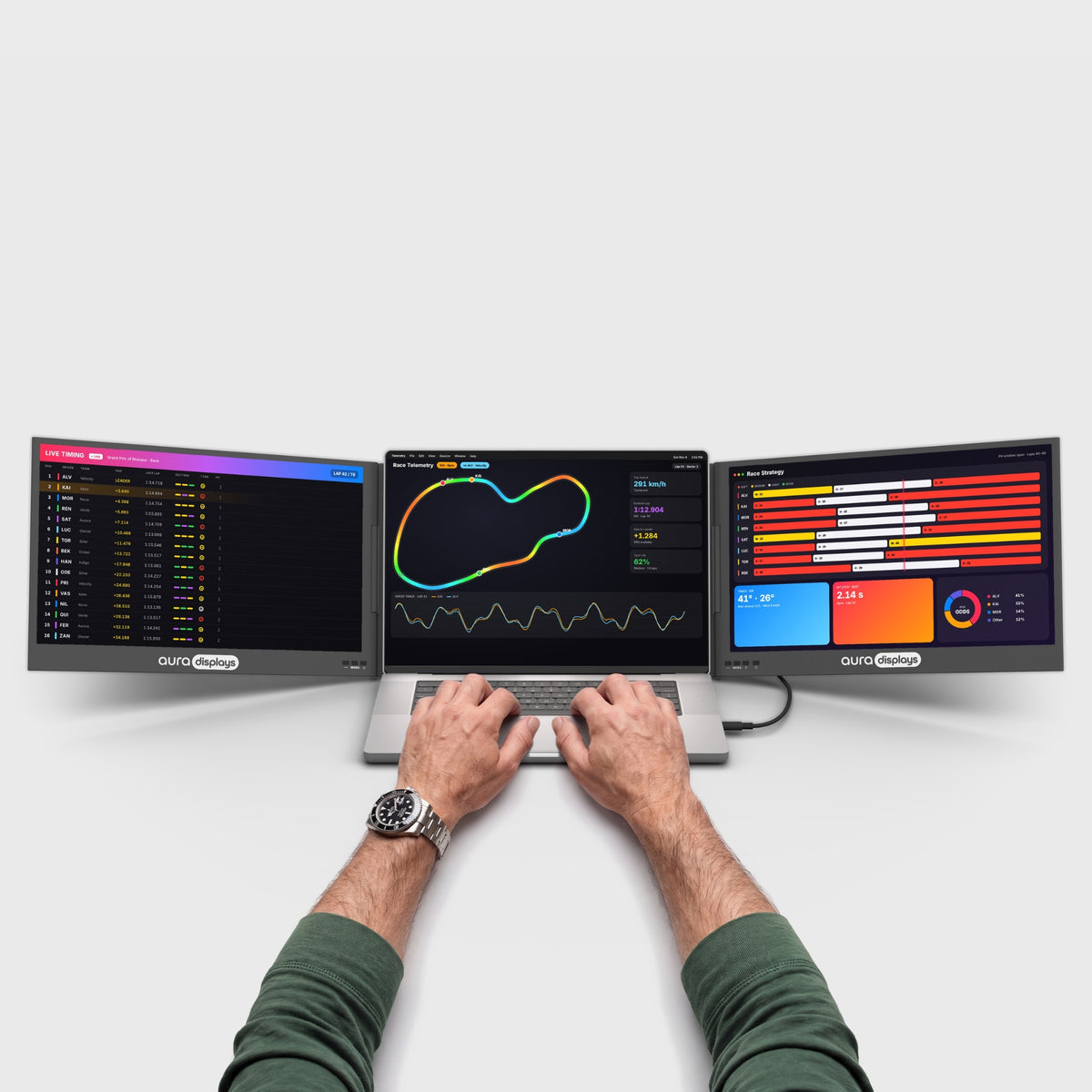
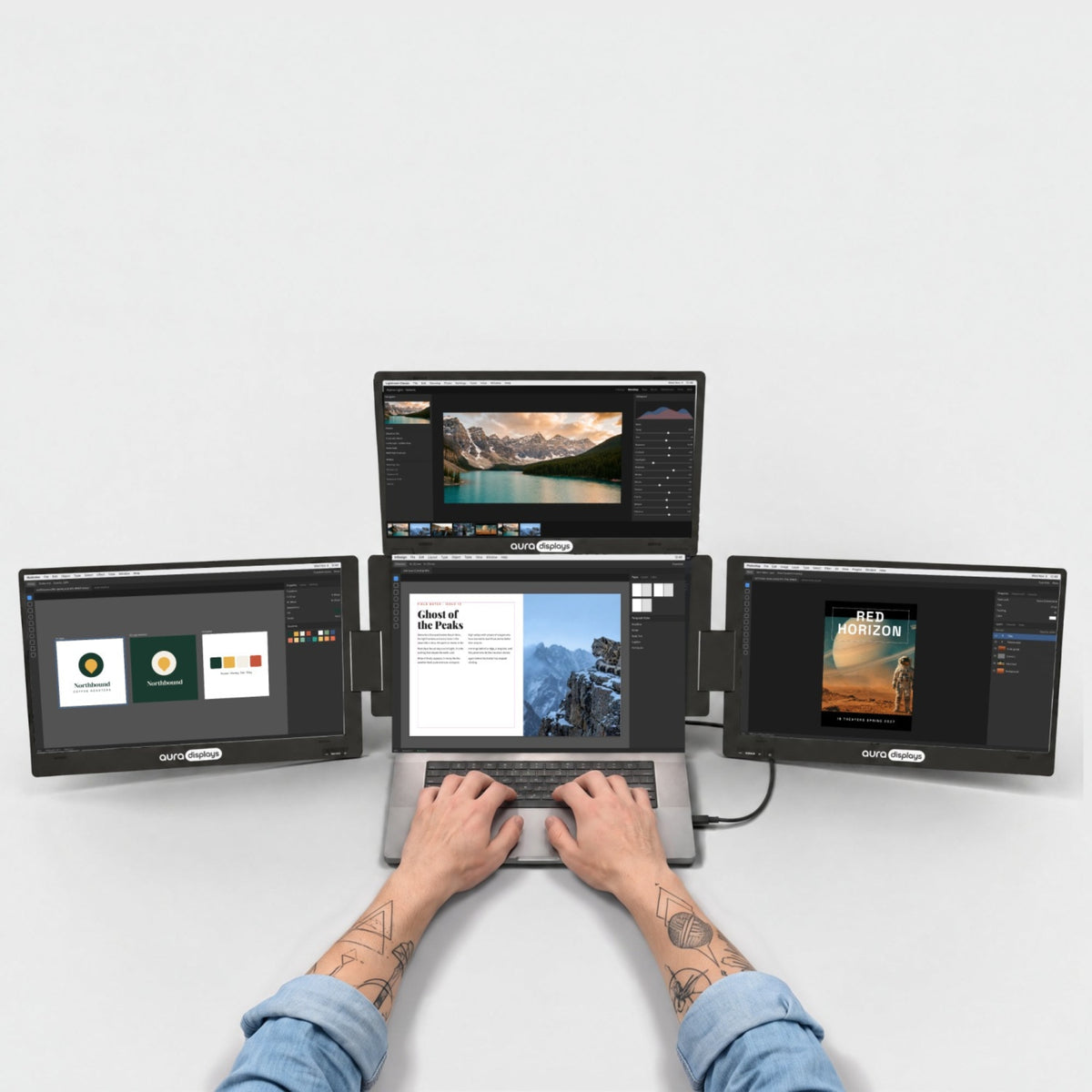
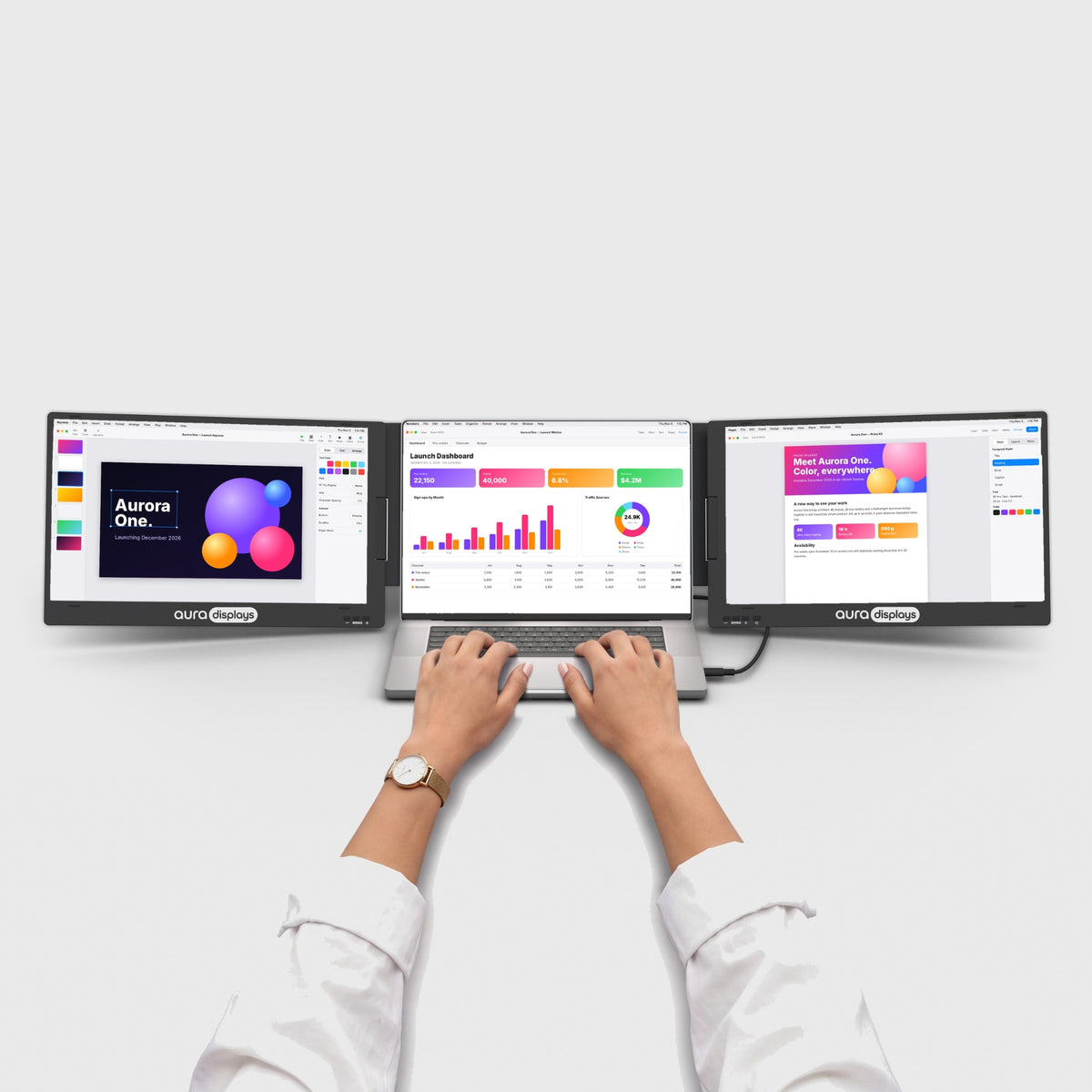
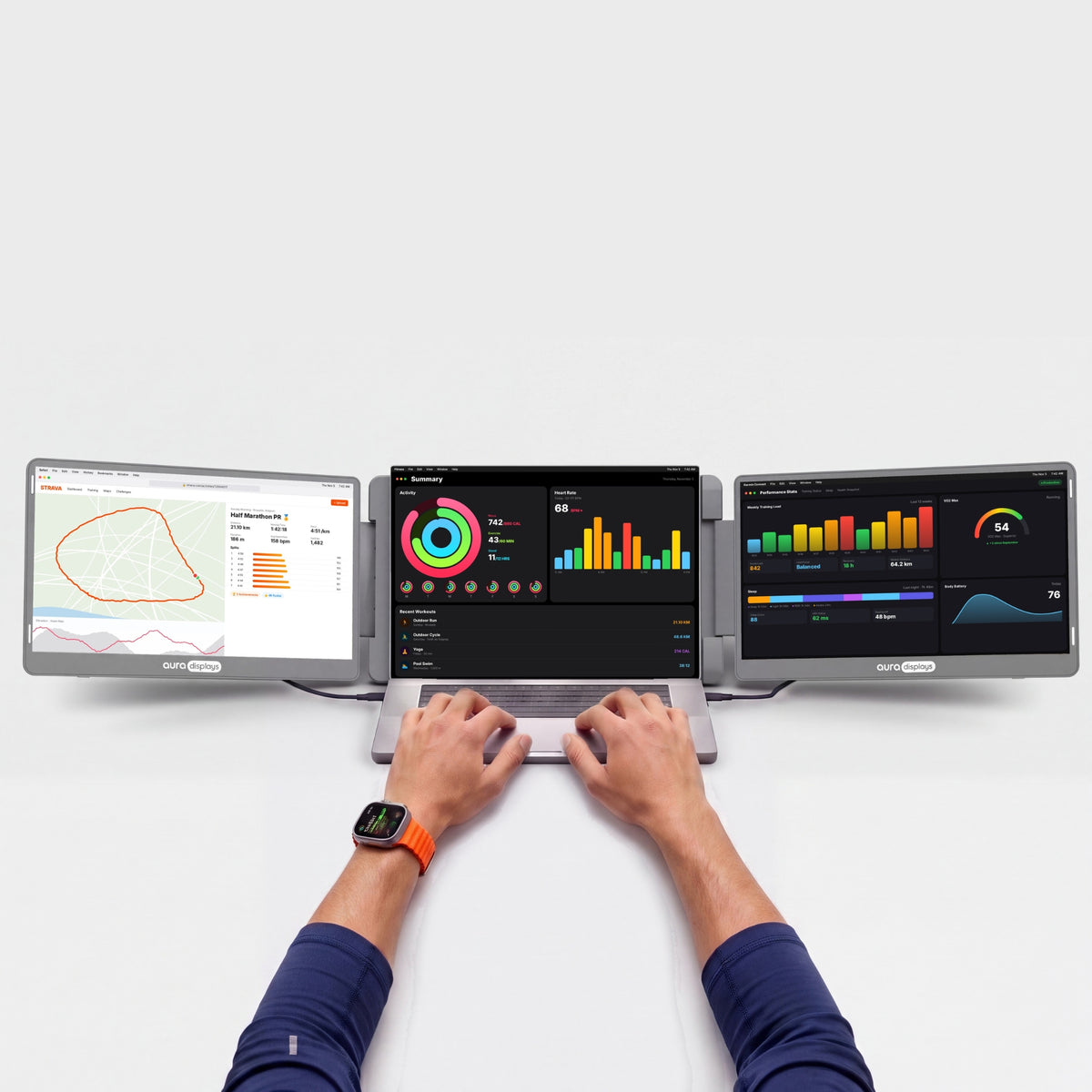
Two 15.6" Full HD screens that sit beside your laptop on their own stand, so nothing clips onto your laptop's lid. The biggest screens in the Dual Go range, with room to spread out spreadsheets, timelines and long documents. Folded, the screens face inward for protection, and the whole setup slips into a standard laptop backpack. Fits laptops from 10" to 17". Each screen connects with its own cable, so your laptop needs two video outputs: two USB-C ports with video, one USB-C and one HDMI, or two HDMI. Over USB-C, it runs on your laptop's power, so there's no power adapter to carry. Over HDMI, plug the included USB power cable into your laptop or any charger of 15W or more. All the cables are in the box. The left screen rotates up to 245° and the right one up to 205°, for panoramic or portrait setups, or turn one around to show the person across from you. The built-in kickstand adjusts to the angle you want. Matte IPS panels with a low blue light mode keep long days comfortable. Plug and play, with no software to install. Works with macOS, Windows and Android, and mirrors your iPhone on one screen.
What's in the box
What's in the box
- 1x Dual Go Max 15.6” (Full HD)
- 2x USB-C to USB-C cable, video & power (60 cm)
- 1x USB-C cable with USB-A adapter, power (90 cm)
- 1x Mini HDMI to HDMI cable (90 cm)
- 1x User manual
Drivers & user guide
Drivers & user guide
Plug & Play. No driver to install: plug in the cable and it turns on.
Shipping, returns & warranty
Shipping, returns & warranty
Shipping. Orders leave our warehouse within 1–3 business days and arrive in 5 to 8 days on average. This can vary with stock and destination: the up-to-date delivery estimate for this product is always shown on this page, just above the Add to cart button. Free shipping on orders over $100. For the US, the EU, the UK and Australia, taxes and duties are included: nothing to pay on delivery. The delivery time shown is an estimate based on our previous shipments and current stock.
Where’s my order? Track your delivery in real time with your order number and email.
14-day free returns. Not the right fit? Return or exchange it free within 14 days of delivery: open the box, test it, and send it back complete in its original packaging with a prepaid label. We refund as soon as the carrier scans your parcel. Full conditions in our return policy.
1-year warranty. If your monitor is faulty, send us a photo or video; we repair or replace it free of charge. EU customers also benefit from the 2-year legal guarantee. See the warranty section of our return policy.
Questions before or after you buy? hello@aura-displays.com · +1 (213) 845-0774 · Real people, daily 9 am–4 pm ET.
A note on our visuals: 3D renders are for illustration and may differ slightly from the actual product. All verified details are in the tech specs at the bottom of this page.

Why you’ll love it.


Before


After


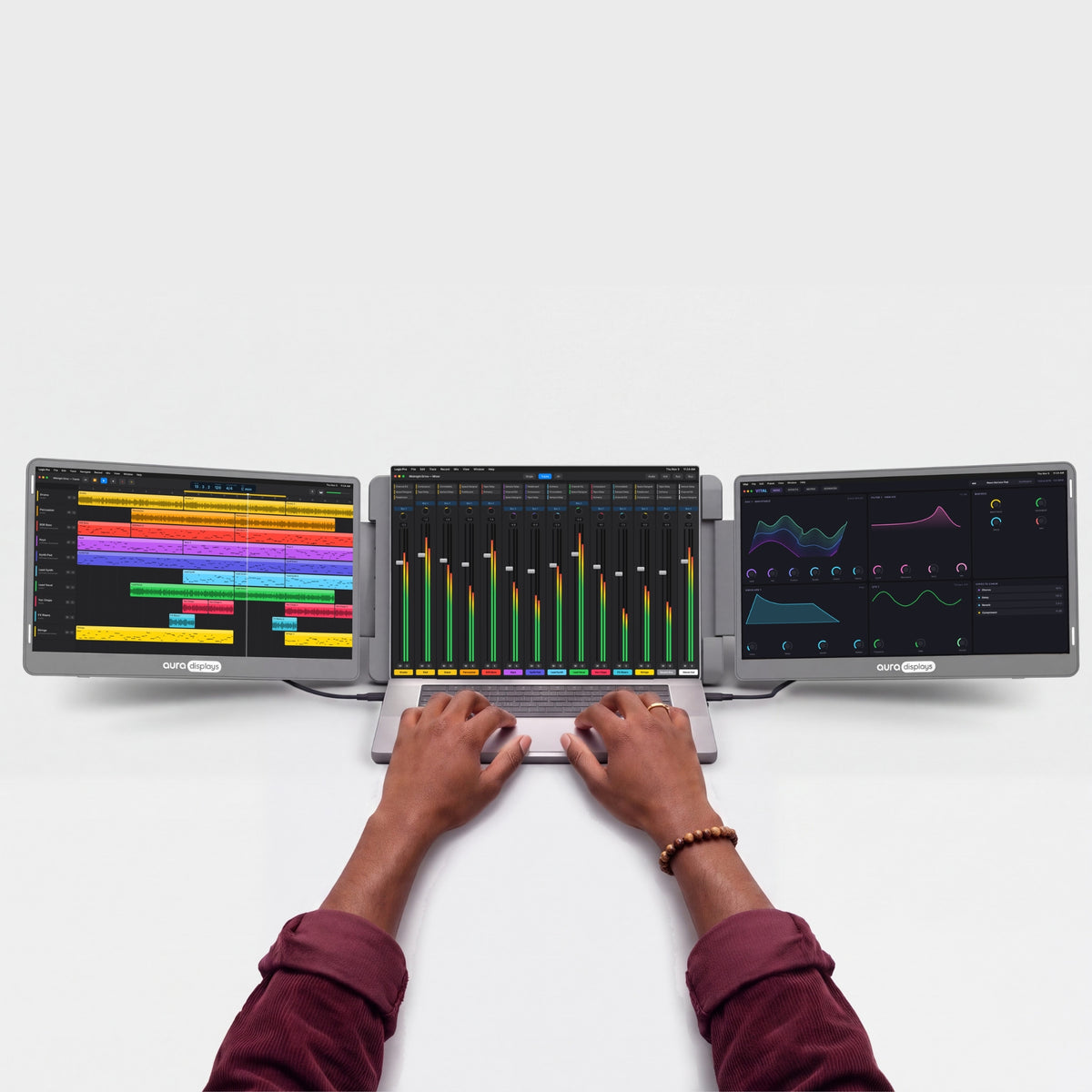
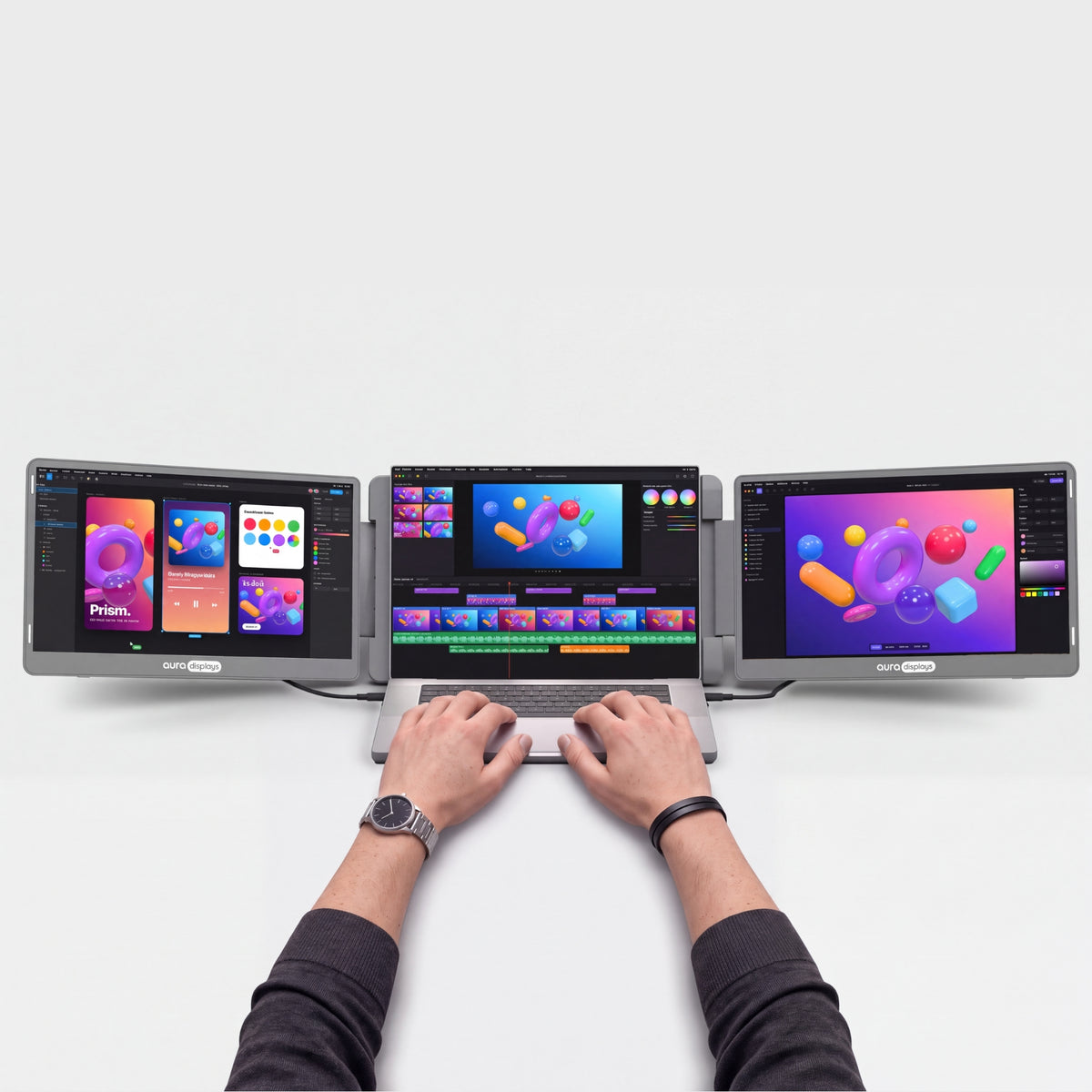
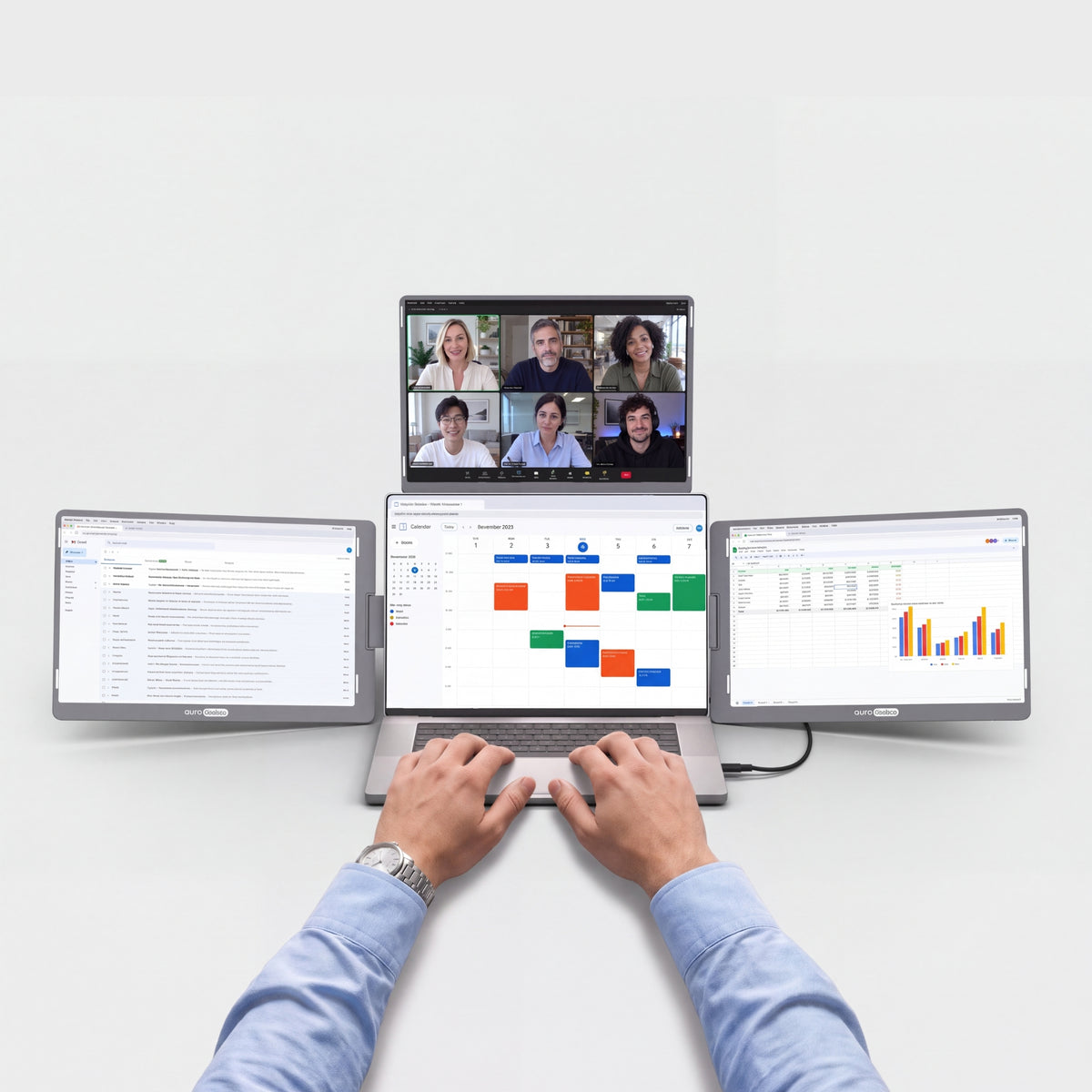
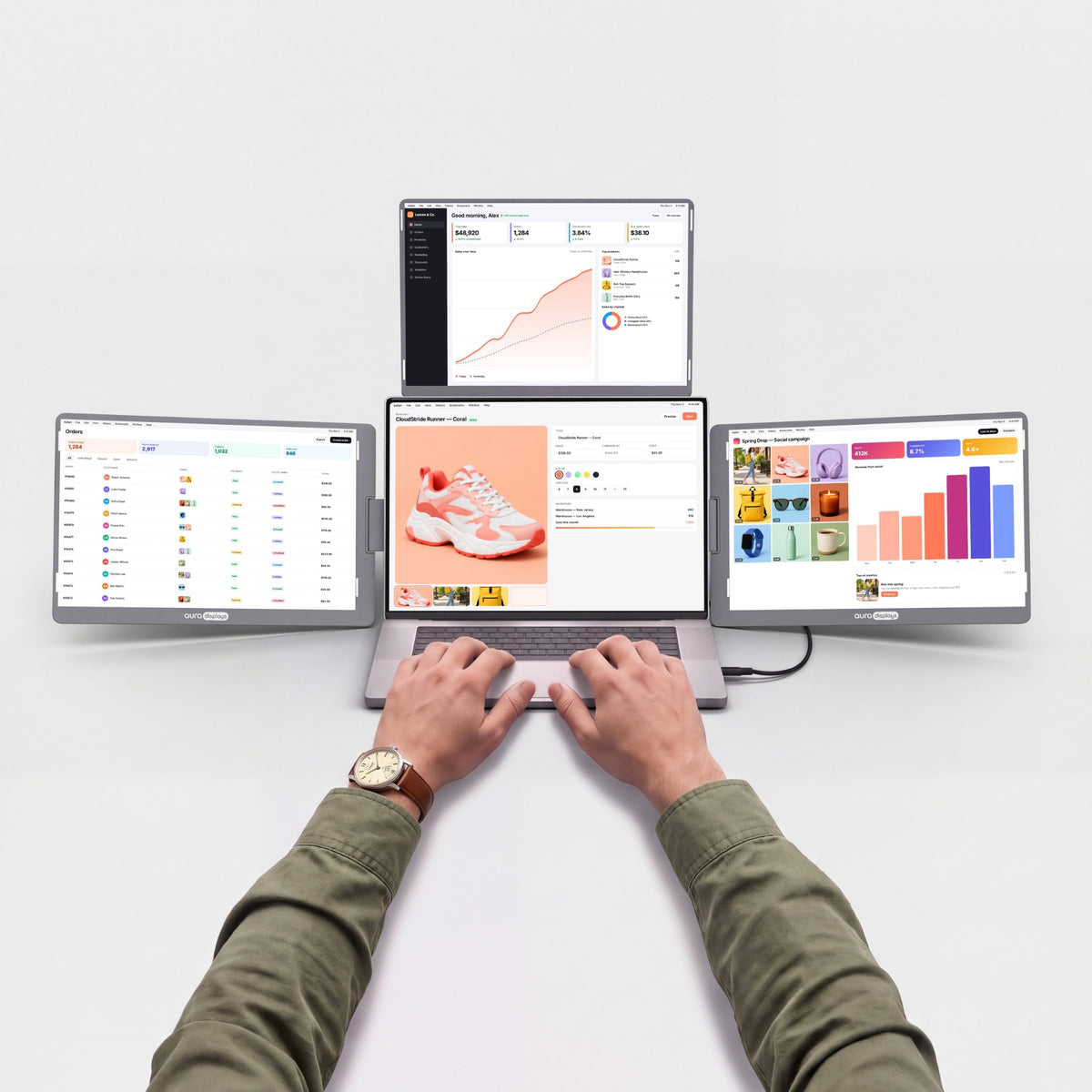
Two screens. One wide workspace.
Unfold the Dual Go Max 15.6" next to your laptop for one wide workspace. To present, turn a screen around toward the person across the table.


Your laptop was never meant to work alone.
Two more screens turn any desk into a real workspace.

When the workday ends, the screens fold back in and your table is a table again.

Your notes, your team chat and your video call, all in view at once. No more switching tabs. Just a morning that actually gets things done.

Turn a screen around to show your work to the person across the table. Review a design or walk through photos together, with no need to turn your laptop around.
Sharp, bright, true to life.
Crisp detail for every line of code, every photo and every spreadsheet. Accurate colors, comfortable brightness and smooth motion, from your first email to your last edit of the day.


Standard


Eye care


HDR
High dynamic range: brighter highlights, deeper shadows, and detail that survives at both ends.

Matte displays
A non-reflective surface that scatters overhead light instead of mirroring it straight back at you.

Low blue light
A built-in eye care mode filters blue light, so long sessions stay comfortable.

178° viewing angles
Colors and contrast stay true from the side, so everyone around the desk sees the same picture.

Built for the way you work.
From home offices to hotel rooms, see how people use Aura to get more done.


Works with what you already own.
MacBook with M1 to M5 chips, Pro and Max included, Windows laptops and phones.
On M1, M2 and M3 MacBooks (non-Pro), an H5T adapter (sold separately) is required.


Your setup, wherever there’s a desk.
Fold it, pack it and set it up again at the next desk. Home, office or hotel room, you get the same multi-screen workspace every time.

4.19 lb · 1.9 kg
Light enough to move from desk to desk.

10" – 17"
Made to match your laptop’s screen size.

Standard laptop backpack
Folds flat for the trip.

Composite
Metal hinges, built to be opened and folded again and again.

Ports and power.
Here's what goes where, and what your laptop needs to drive it.

4x USB-C and 2x mini HDMI on the monitor
Laptop side: 2 video outputs (USB-C or HDMI), one per screen.

Powered by your laptop
No wall outlet needed: the screens run on power from your laptop.
Charges your laptop too
Plug your charger into the monitor: it powers the screens and tops up your laptop at the same time.

No driver needed
Plug it in and it works. Nothing to install, even on a work laptop.
Designed to Do More.
Explore the features that make this monitor smarter, more versatile, and built to elevate the way you work and create.

Each screen is as big as a 15.6" laptop display, in Full HD 1920 × 1080: room for full-size windows side by side.

The screens fold face-in, so they stay protected in your bag.

The stand is built in: set it next to your laptop and adjust the angle. Nothing to assemble, nothing extra to carry.

Drag any window from your laptop to any screen and back. Extend your desktop across all three screens, or mirror one screen to show the same thing twice.

Each screen connects with its own cable: video USB-C, or mini HDMI with the included USB power cable. Use two USB-C ports, or one USB-C and one HDMI port.

No driver to install: plug in the cables and both screens turn on, even on a work laptop. On a MacBook with a base M1, M2 or M3 chip, the second screen needs the H5T adapter (sold separately).

Plug in an iPhone or Android phone with a video USB-C port to mirror it on one screen.

Tilt the screens until they sit right for you.

Plug your laptop charger into the monitor: it powers the screens and tops up your laptop at the same time.


The Go series. Made to leave.
The Go Series is our lighter multi-screen range, with less to carry on the days you work somewhere new. Each screen swivels a full 180°, so you can turn it toward the person opposite without moving the laptop.






Productivity calculator
See what more screen gives you back.
Fewer windows to juggle. More time for the work itself. Adjust the numbers to your week.
Copying between docs, comparing, a call next to your notes, code next to the preview.
Estimates only. Gains from published studies are applied to the share of time you spend working across several windows, and converted conservatively into time saved (a task done 18% more efficiently takes about 15% less time). Your results will depend on your work.
Sources: Wichita State University SURL / IDC for Dell (2015); Fraunhofer IAO OFFICE 21 for Fujitsu Siemens; Jon Peddie Research Multi-Monitor Study (2017, self-reported); University of Utah for NEC (2008); Microsoft Research, Czerwinski et al. (2003); Harvard Business Review (2022).


Is it right for you?
Is the Dual Go Max 15.6” right for you?
Made for you if
- You want to work anywhere, even without a power outlet
- You want plug & play, nothing to install
- Your laptop is between 10" and 17"
- You want two extra screens without a bulky setup
Choose another model if
- You mainly game on console — Compare models
Display
Connectivity & power
Size & weight
Design & features
Warranty & certifications
Your laptop
Operating systems
Other devices
- 1×Dual Go Max 15.6” (Full HD)
- 2×USB-C to USB-C cable, video & power (60 cm)
- 1×USB-C cable with USB-A adapter, power (90 cm)
- 1×Mini HDMI to HDMI cable (90 cm)
- 1×User manual
Plug & Play
How to connect
Two cables, one per screen: 2 video USB-C, or 1 video USB-C + 1 HDMI, or 2 HDMI. No USB-A only laptops.
- Plug & Play, no driverPlug it in and it works. No install, no admin rights.
- No power outlet neededRuns from your laptop’s USB-C port. No adapter to carry.
- Fits laptops 10"–17"Works with Windows, macOS, Android and iOS.Check compatibility in 30 s →
- Weighs 4.19 lb (1.9 kg)Folded: 15.31 × 9.21 × 1.56 in (389 × 234 × 39.6 mm). Fits in a standard laptop backpack.See lighter models →
I work from 3 screens in the office & struggled when wfh with just my laptop screen. Decided to treat myself to this & it's a game changer. So easy to set up & stores away easily. I got free screen protectors with mine but not fitted them yet. You can adjust each screens brightness, colour etc to suit your preference. It was a bit pricey but waiting for a sale & treated myself cause I'm worth it

Hi there!
Thank you so much for taking the time to leave a review for the Dual Go Max 15.6” (Full HD). We're thrilled to hear that it has made working from home easier for you. It's great to know that the screen protectors were an added bonus for you. We hope you continue to enjoy the adjustable features and convenience of our product. Thanks for treating yourself - you definitely deserve it! Have a great day. :)
I like it. Thank you from Saudi Arabia ❤️

Thank you for your positive feedback! We are happy to hear that you are enjoying our Dual Go Max 15.6” (Full HD) product. We appreciate your support from Saudi Arabia ❤️ Have a great day!
It is really useful in the day to day work to have extended displays. I have been using it for a couple of weeks and the quality is good.

Hi Alfredo! Thank you so much for taking the time to leave such a positive review for our Dual Go Max 15.6” (Full HD) product. We're thrilled to hear that it's been a useful addition to your day-to-day work and that you've been enjoying the quality. We appreciate your feedback and hope it continues to serve you well. Thanks for choosing our product!
Really handy for traveling! I used it on a business trip, and it was a lifesaver for organizing my presentations. Setup was easy, and it fit nicely in my laptop bag.

Hi Nguyen! Thank you so much for taking the time to leave a review for our Dual Go Max 15.6” (Full HD). We are thrilled to hear that it was a handy and lifesaving tool for your business trip. We designed it with easy setup and portability in mind, so we're glad to hear it fit nicely in your laptop bag. Thanks again for the positive feedback, we truly appreciate it! Safe travels.
The online process was smooth and easy to follow, and I appreciated the transparency of information on product availability and delivery times.
Thank you for your kind review! We're glad to hear that you had a smooth experience with our online process and that you appreciated the transparency of information. We hope you continue to enjoy our Dual Go Max 15.6” (Full HD) product. Thanks for choosing us!
Excellent product. A little difficult at first setup to find the correct outputs on my Elitebook laptop but once everything plugged in correctly all works well and is a huge improvement in productivity over a single small laptop screen.
Thank you for your positive review of our Dual Go Max 15.6” (Full HD) product! We're happy to hear that you were able to overcome any initial difficulties and that the setup is now working well for you. We appreciate your feedback and are glad to hear that the product has improved your productivity. Happy dual screening!
انا لا ارغب في احباطكم اولا ارى جودة تصنيع وتغليف المنتج جيدة لكن شرح طريقة ربطه غير واضحة بالمرة وحاولت ربط الشاشات باللاب توب لم استطع الا ربط شاشة واحدة ولعل المشكلة لدي انا او من لاب توبي linovo i7
Super convenient
Hi Sheryl! Thank you for leaving a review for our Dual Go Max 15.6” (Full HD). We're thrilled to hear that you find it super convenient. That's exactly what we strive for with our products. Let us know if you ever need any assistance. Happy gaming!
Very Cool and as advertised. I wish it could work on my 17" laptops!
Hi Lisa! We're glad to hear that you're enjoying the Dual Go Max 15.6” (Full HD). We strive to deliver high quality products that live up to their advertised features. We appreciate your feedback and will definitely consider expanding compatibility for 17' laptops in the future. Thank you for choosing our product!
The communication was slow to begin with but once I got in touch with the correct people the process went faster. A little challenging figuring out how to power the monitors but figured that out eventually.
Hi there! Thank you for taking the time to leave a review for our Dual Go Max 15.6” (Full HD) product. We apologize for any delay in communication and are glad to hear that you were able to get in touch with the right people to speed up the process. We are very sorry for the delay but we were in a particular moment due to the strong increase of sales in the month of May. We understand that powering the monitors can be challenging, but we're happy to hear that you were able to figure it out eventually. Please don't hesitate to reach out to us if you need any further assistance. Thank you for choosing our product!
My son uses it for schoolwork, and I use it for work. We fight over it. Probably buying a second one.
Compact and reliable, just what I needed for my small home office setup.
Fantastic tool. Took it on a 2-week business trip and used it in hotel lobbies, cafés, and coworking spaces. It folds neatly and connects with one cable — no stress. Would 100% recommend for remote workers or anyone who switches desks a lot.
I do a lot of photo editing and retouching, and having a second screen to keep my toolbars and extra panels makes a huge difference. I didn’t realize how much screen real estate mattered until I used this. The brightness is good, the colors are solid, and it hasn’t caused me any eye strain even after long sessions. Totally worth it.
Bought it mainly for work but ended up using it for Netflix too. Super versatile and looks great next to my Mac.
I keep my code editor on one screen and live preview on the other. Productivity doubled. Easy to carry, super reliable.
I use this monitor daily with my laptop for video editing and managing emails. It's super versatile and performs well with all my editing software. What surprised me most is how light it is despite feeling premium. The matte finish helps reduce glare, and the cable connection is stable — no screen drops or weird resets like I had with a cheaper model before.
Perfect for students. I use it in the library to keep research open while I type. 100% recommend.
Lightweight, packs flat, and performs like a full-size monitor. I was genuinely surprised at how sturdy it felt for something this thin.
So convenient for managing social media tools and emails at the same time. I used to struggle with tab overload.
Set it up in under 60 seconds and haven’t touched it since. Just works.
I use it in portrait mode for reading long research papers. Life saver.
Great for people who work in spreadsheets all day. I can now view multiple sheets without resizing every tab. Bonus: the colors look nicer than my laptop.
Great companion for mobile workers. I’ve used it on trains, cafés, and at coworking spaces.
Supports vertical mode, which I use for coding. Love that flexibility.
I’m a graphic designer and use this to view client feedback on one side while making live edits. The screen quality is surprisingly sharp and the finish feels premium.
Great color rendering and very little glare. Use it in direct light sometimes with no problem.
Best setup for meetings. I keep Google Meet on one side, my notes on the other. No more Alt+Tab struggle.
I use it to stream movies while keeping my work open on the main screen. It’s honestly the best setup for productivity and chill.
Set-up and support
The questions our team answers most — from the first plug-in to the
day something looks off. If yours isn't here, write to us: a real
person replies.
Only some screens work, or a screen stays black
Only some screens work, or a screen stays black
Each Dual Go screen needs its own video connection to your laptop.
- Check that both screens are connected: one video USB-C cable or one HDMI cable per screen.
- Use a laptop USB-C port that supports video, or an HDMI port — no hub or dock for the first setup.
- MacBook with a base M1, M2 or M3 chip (not Pro or Max)? It drives only one external display: the second screen needs the H5T adapter (sold separately).
- Check that the dark screen is set as an extended display (see the question on screen order).
Still one screen dark? Contact us — it's covered by warranty.
All screens stay black / nothing turns on
All screens stay black / nothing turns on
- Connect the monitor directly to your laptop — no hub or dock.
- Use a USB-C port that carries video (all MacBooks, most recent Windows laptops): a USB-C port for data or charging only shows no picture.
- Over HDMI, also plug the included USB power cable into the screen and into a USB port or charger.
- If your laptop can't supply enough power over USB-C, plug a USB-C charger of 15 W or more into the monitor.
Still nothing? Contact us with a short video of your setup — manufacturing defects are covered for 1 year.
How do I connect it to my laptop?
How do I connect it to my laptop?
Each screen has its own connection. If your laptop has two USB-C ports with video, use the two included USB-C to USB-C cables, one per screen: picture and power go through each cable. You can also connect one screen over HDMI with the included mini HDMI to HDMI cable and USB power cable, and the other over USB-C.
Laptops with only USB-A ports won't work. For the first setup, avoid hubs and docks.
Do I need a driver?
Do I need a driver?
No. Both screens are plug and play on Mac, Windows and Linux (Ubuntu): plug in the cables and they turn on. The only exception is a MacBook with a base M1, M2 or M3 chip: the H5T adapter it needs for the second screen (sold separately) uses the free Silicon Motion app.
Does it work with my MacBook, even a base M1, M2 or M3?
Does it work with my MacBook, even a base M1, M2 or M3?
Yes. With an M1, M2 or M3 Pro or Max chip, or any M4 or M5 MacBook, both screens work with no driver. A MacBook with a base M1, M2 or M3 chip drives only one external display, so only one screen works — unless you add the H5T adapter (sold separately), which uses the free Silicon Motion app. You need macOS 11 Big Sur or newer.
My work laptop doesn’t let me install software
My work laptop doesn’t let me install software
No problem: the Dual Go needs no driver, so it works on managed work laptops. Just plug it in. Only the H5T adapter for base M1, M2 or M3 MacBooks needs an app.
Is it portable? How heavy is it?
Is it portable? How heavy is it?
Yes. It folds into one unit with the screens facing in, about 4.19 lb / 1.9 kg, and fits a standard laptop backpack. Keep it in a sleeve when you travel: the shell scratches more easily than our other models.
How do I fold it without damaging the hinges?
How do I fold it without damaging the hinges?
Open and close the screens one at a time, and never force a hinge past its stop. Keep it in a sleeve or a bag when you carry it.
Where is my screen protector?
Where is my screen protector?
It isn't pre-installed on this model: your tempered glass screen protectors come free with your order, ready to apply whenever you want.
Which laptop sizes does it work with?
Which laptop sizes does it work with?
Laptops from 10" to 17", including 16" MacBook Pro models. The Dual Go stands on its own next to your laptop.
My screens are in the wrong order, or one looks blurry / smaller
My screens are in the wrong order, or one looks blurry / smaller
- Mac: System Settings › Displays › Arrange. Windows: Settings › System › Display.
- Drag the screens to match their real positions.
- Set each Dual Go screen to its native resolution (1920 × 1080) and the same scaling.
Can I watch Netflix or other streaming services?
Can I watch Netflix or other streaming services?
It connects as a standard external display over USB-C or HDMI, with no display driver in between. We haven't tested every streaming service yet: if one stays black, play it on your laptop screen and contact us.


