This site uses cookies for better user experience and analytics.
Back to School Sales until
September 02, 2026
Back to School Sales until
September 02, 2026
Back to School Sales until
September 02, 2026
Back to School Sales until
September 02, 2026
Back to School Sales until
September 02, 2026
Back to School Sales until
September 02, 2026
Back to School Sales until
September 02, 2026
Back to School Sales until
September 02, 2026
Back to School Sales until
September 02, 2026
Back to School Sales until
September 02, 2026
Back to School Sales until
September 02, 2026
Back to School Sales until
September 02, 2026
Back to School Sales until
September 02, 2026
Back to School Sales until
September 02, 2026
Back to School Sales until
September 02, 2026
Back to School Sales until
September 02, 2026
Back to School Sales until
September 02, 2026
Back to School Sales until
September 02, 2026
Back to School Sales until
September 02, 2026
Back to School Sales until
September 02, 2026
Back to School Sales until
September 02, 2026
Back to School Sales until
September 02, 2026
Back to School Sales until
September 02, 2026
Back to School Sales until
September 02, 2026
In stock, ready to ship
593 reviews
Dual Play (Gen 3)
2.5K QHDSave 21%
Sale price$369.00Regular price$469.00
Estimated Shipping Widget will be displayed here!
EMPTY DOM REMOVE PROTECTOR
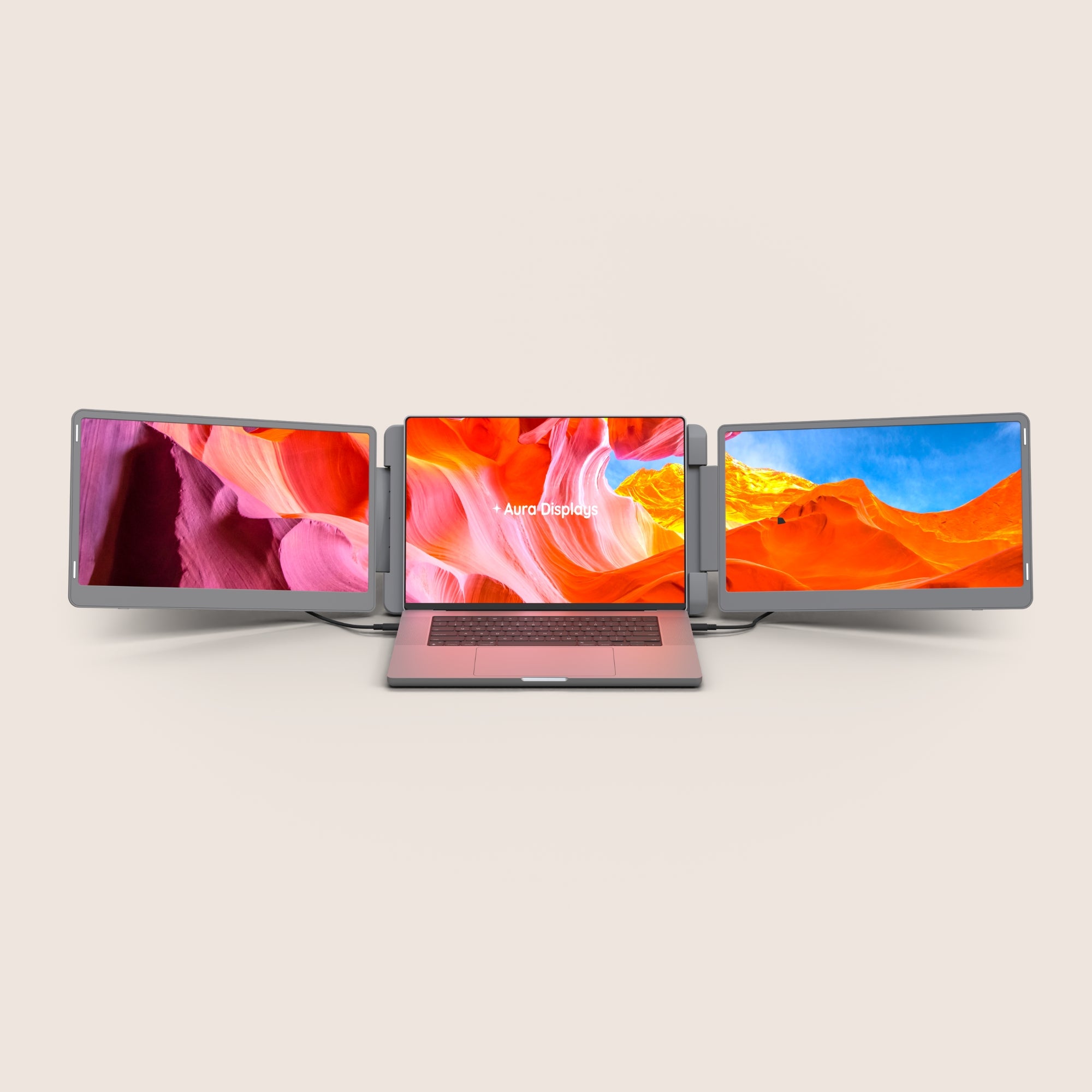
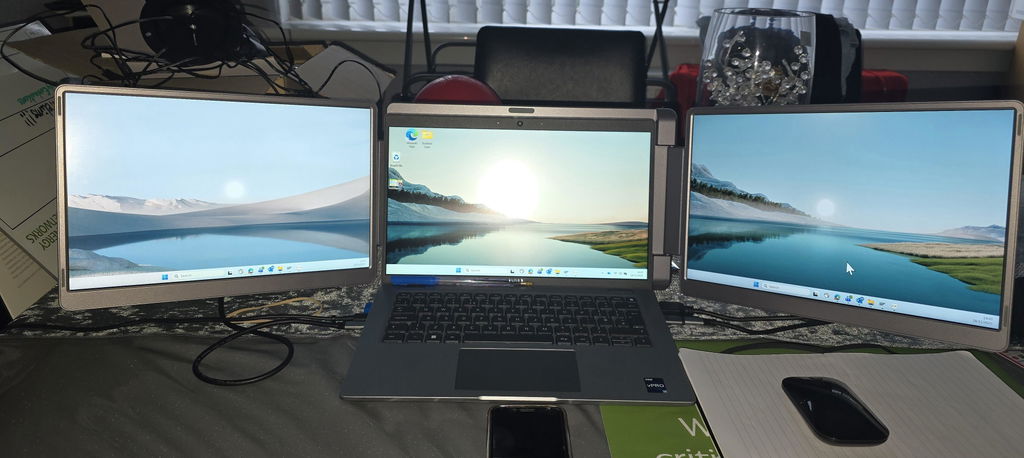
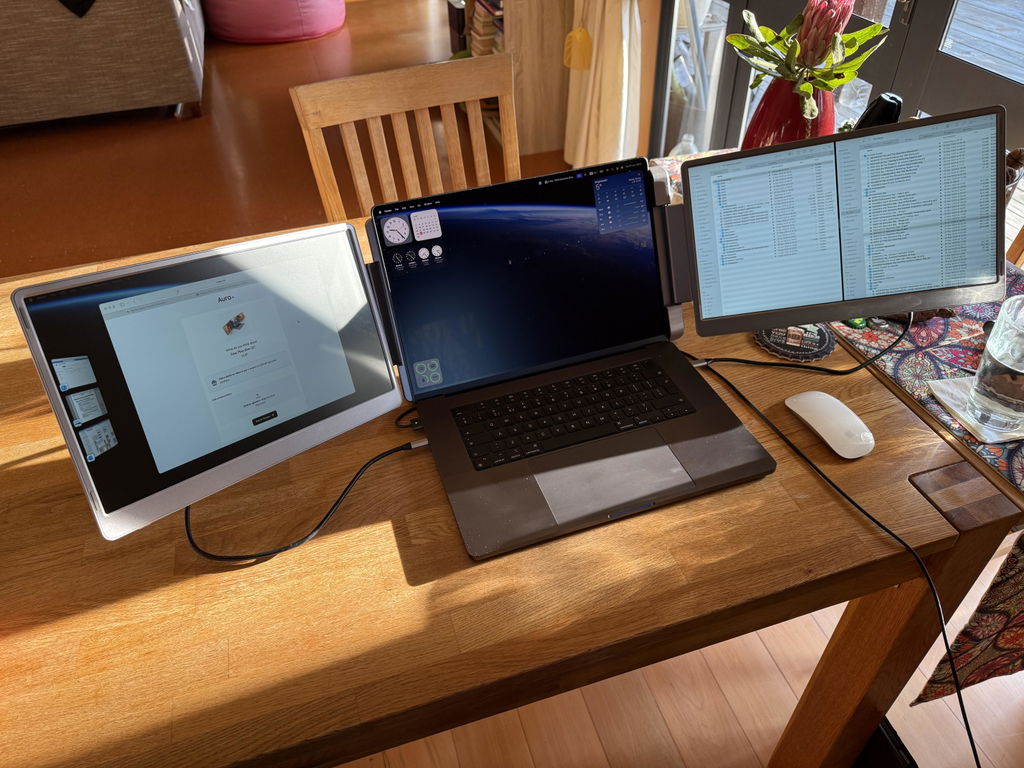
Introducing Dual Play, the most versatile dual-screen extender ever built. Crafted from premium composite materials, it features two anti-glare monitors and an HDMI port for instant, plug-and-play compatibility with virtually any device. The screen smoothly pivots 360 degrees, allowing you to effortlessly share your view for instant collaboration. It is the perfect, portable companion for productivity anywhere.
Display
Screen size:
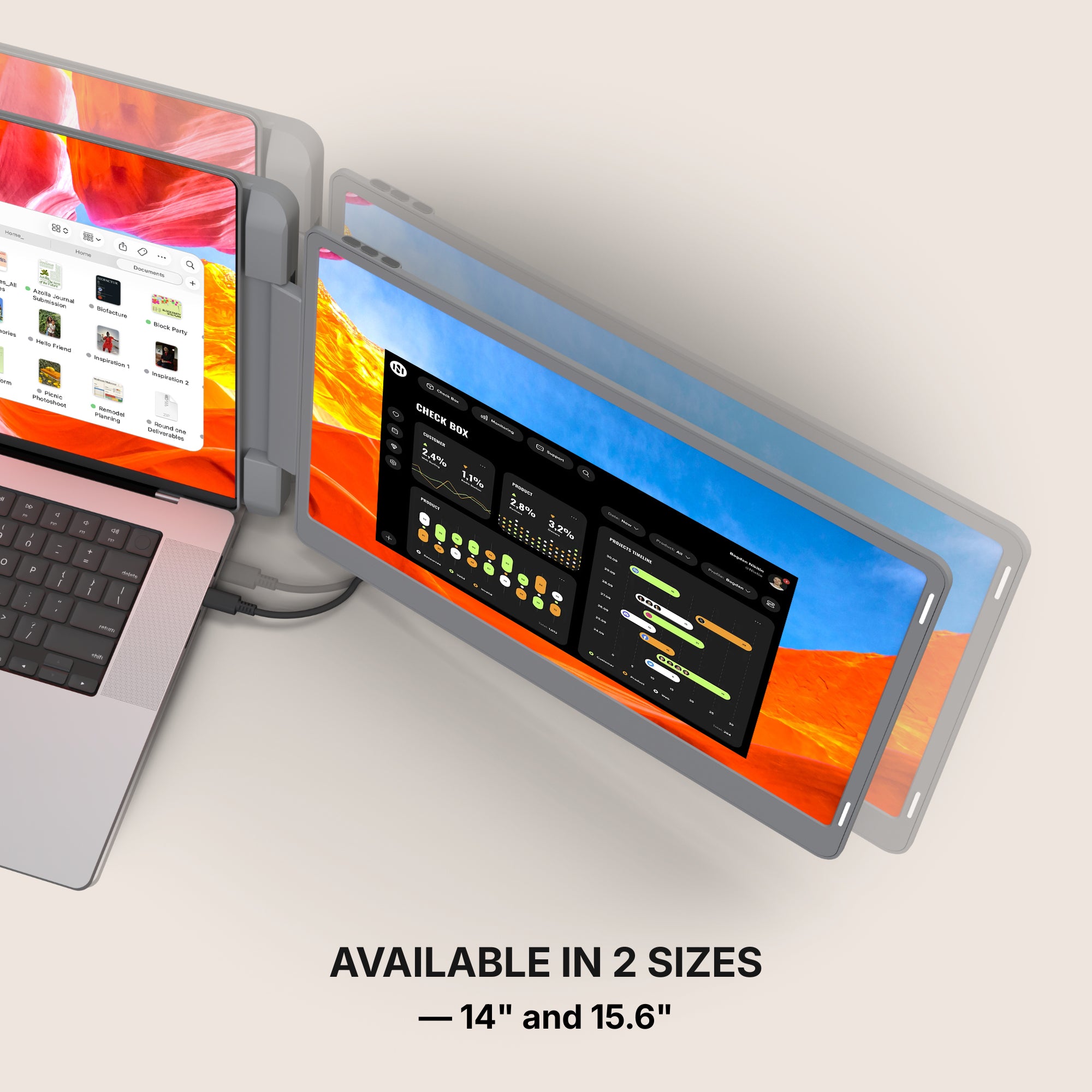
2x 14"
2x 15.6"
Resolution:
1920 x 1080 Full HD
1920 x 1200 Full HD+ 2.2K
2560 x 1440 QHD 2.5K
Aspect ratio:
16:9
16:10
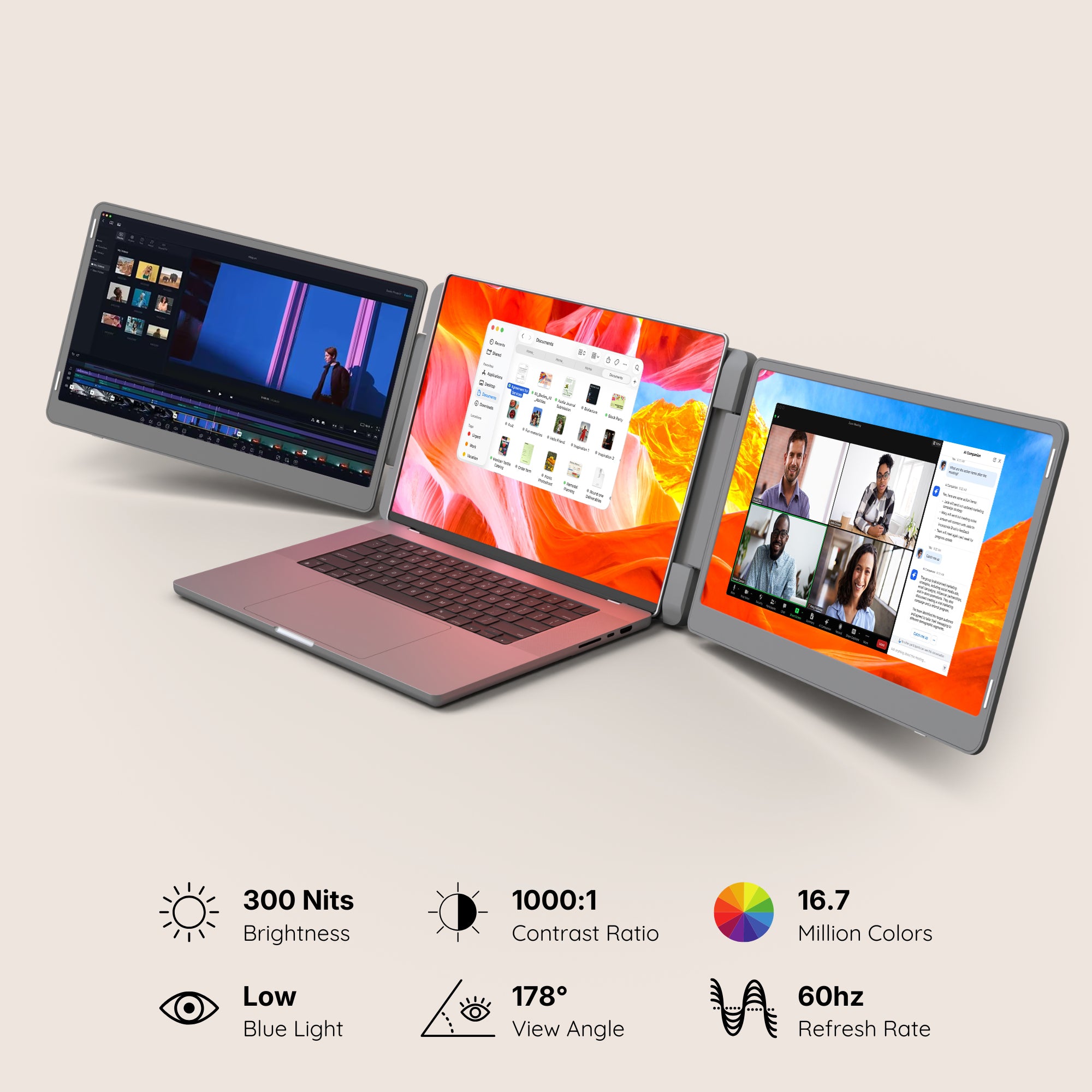
Brightness: 300 Nits
Contrast: 1000:1
Technology: LED IPS Matte
Colors: 16.7 millions colors
72% NTSC
Refresh Rate: 60hz
All technical specifications can be found at the bottom of the page or here.
Connectivity & Compatibility
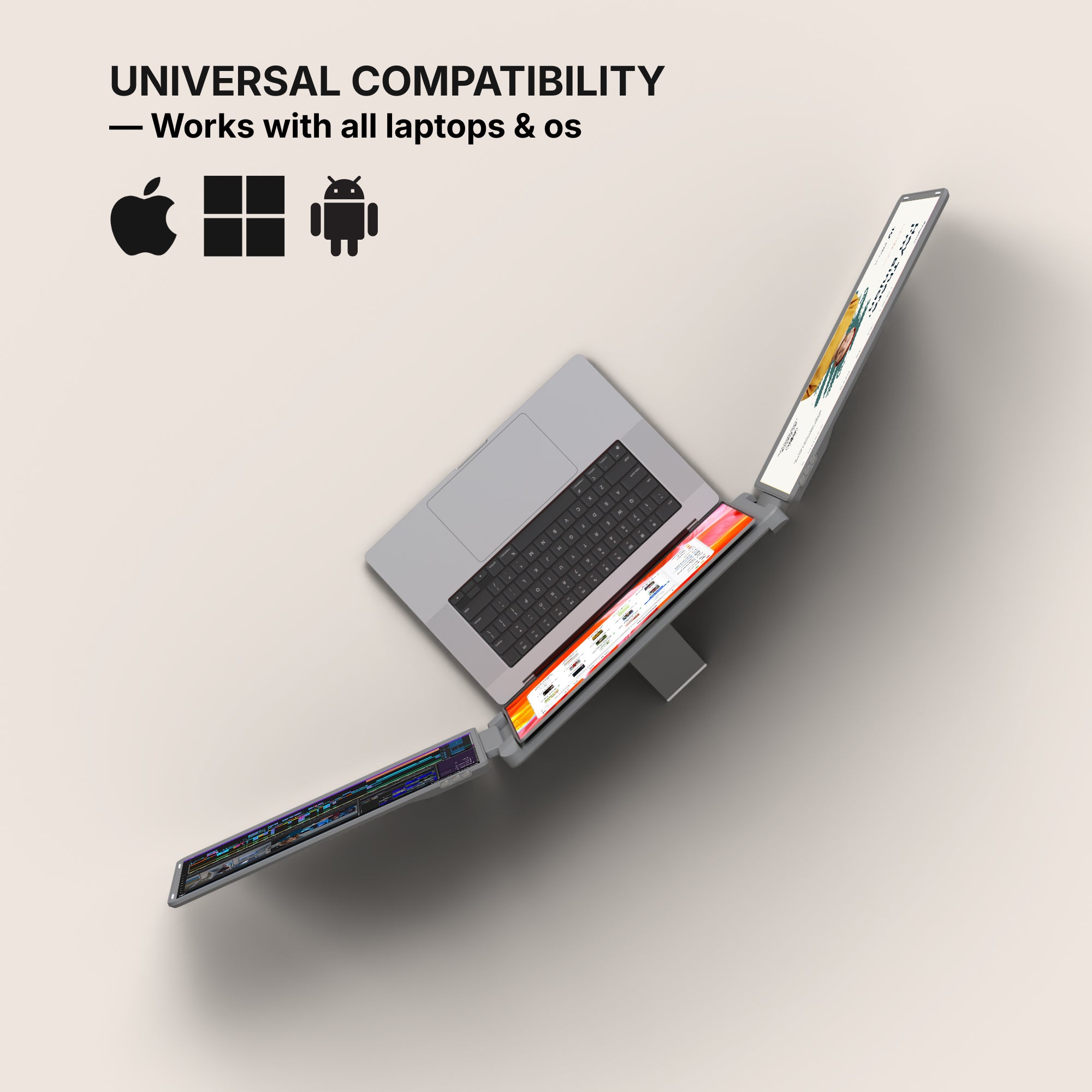
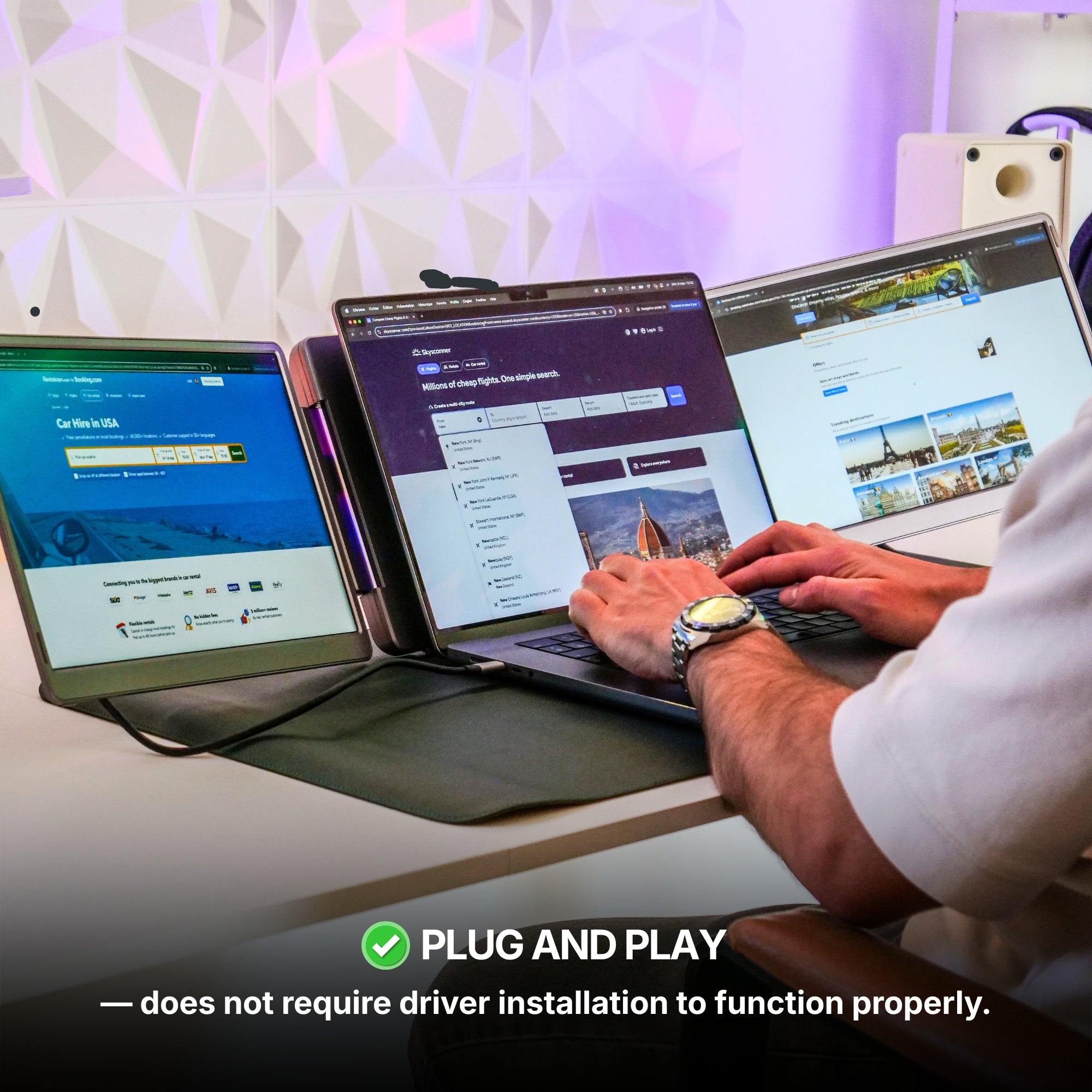
This portable monitor is compatible with virtually any laptop that has a USB port and he does not require driver installation to function properly.
Connectivity:
4x USB-C
2x mini HDMI
Only one USB-C port required (per display)
Operating systems:
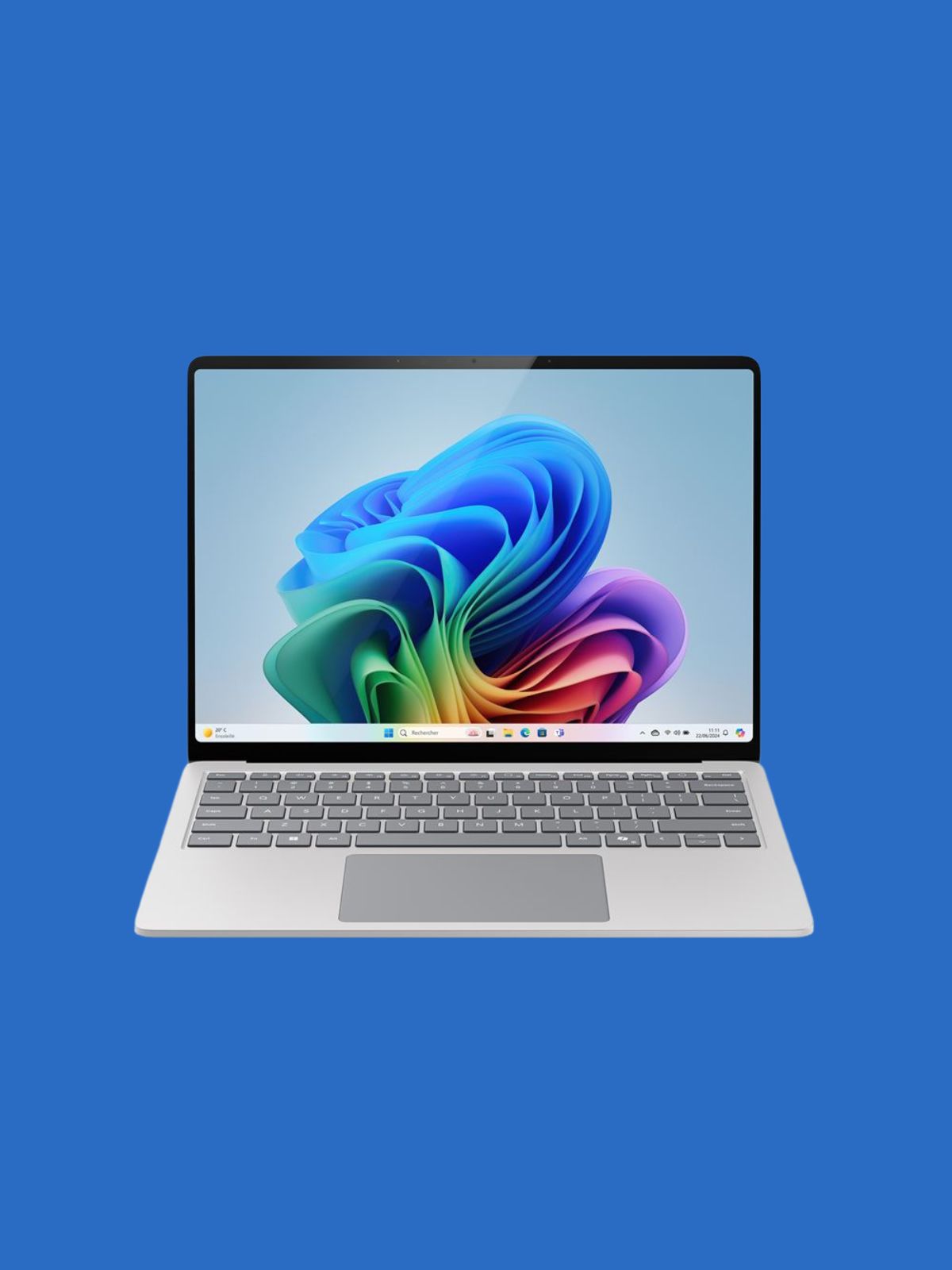
MacOS
Windows
Linux
Android
ChromeBook
Surface
iPhone ( with USB-C port )
iPad ( with USB-C port )
Game consoles
Apple processor
Intel Processor
M1 PRO / M1 MAX
M2 PRO / M2 MAX
M3 PRO / M3 MAX
M4 PRO / M4 MAX
M5 PRO / M5 MAX
and above
Windows version
Windows 11 and above
Windows 10
Windows 8.1
Windows 7
All technical specifications can be found at the bottom of the page or here.
Product Guide and Download
Learn how to to set up, use, and care for Dual Play, and get a comprehensive look at all the product’s features.
This portable monitor does not require driver installation to function properly.
All technical specifications can be found at the bottom of the page or here.
Buy this product and receive free:
Pairs well with
Also available in our Refurbished Program
Our refurbished products are fully inspected, tested, and repackaged to perfection by our technical team, ensuring the same performance and reliability as a brand-new unit.
Enjoy up to 15% off while contributing to a more sustainable tech industry — because extending product life means reducing waste and protecting our planet.
Have questions? Our support team is ready to assist. Contact us anytime, and we’ll respond promptly. Chat available weekdays, 9am to 5pm (CET).
Shipping Information
We proudly ship worldwide to over 100 countries. Enjoy free shipping on orders over $100 during our current promotion.
Delivery typically takes 3-6 days. We partner with trusted carriers like DHL, FedEx, and UPS for a secure, tracked delivery experience.
Track my order
Once your order is dispatched, you’ll receive an email with a tracking number and link. You can track your package directly on the courier's website (DHL, FedEx, UPS, etc.). You’ll also receive a notification once your shipment is out for delivery. If you don’t see tracking details in your inbox, please check your spam folder.
Returns
For purchases made directly through our website, we offer a 14-day return policy from the delivery date. Accessories that come with your portable monitor can be returned, but separately purchased accessories are not included in this policy. If you purchased from another retailer, please contact them for return instructions.
If you decide the product is not for you, we’ll provide a full refund within 14 days, provided the product is unsealed and returned with all items from the original order. Refunds will be processed to the original payment method. Please note, our free return policy does not cover compatibility or driver issues if these were not verified prior to purchase.
Warranty
Every product we offer is backed by a one-year warranty, covering any manufacturing defects. Should you experience any issues within this period, simply reach out to our customer support team, and we’ll assist you with a repair or replacement.
Contact us
Have a question? Reach out via email through our contact form or chat directly with one of our agents.
593 reviews
Highlights.
The Dual Play (Gen 3) is a remarkably immersive, laptop dedicated, portable monitor system, meticulously crafted by Aura Displays ✦
Discover the Dual Play (Gen 3) series, the monitor engineered to deliver productivity wherever you go.
NEW: 14" Ultra
NEW: 14" Ultra
Screen Size: 14"
Resolution: QHD
Brightness: 300 nits
Aspect Ratio: 16:10
Laptop Match: 12" to 16"
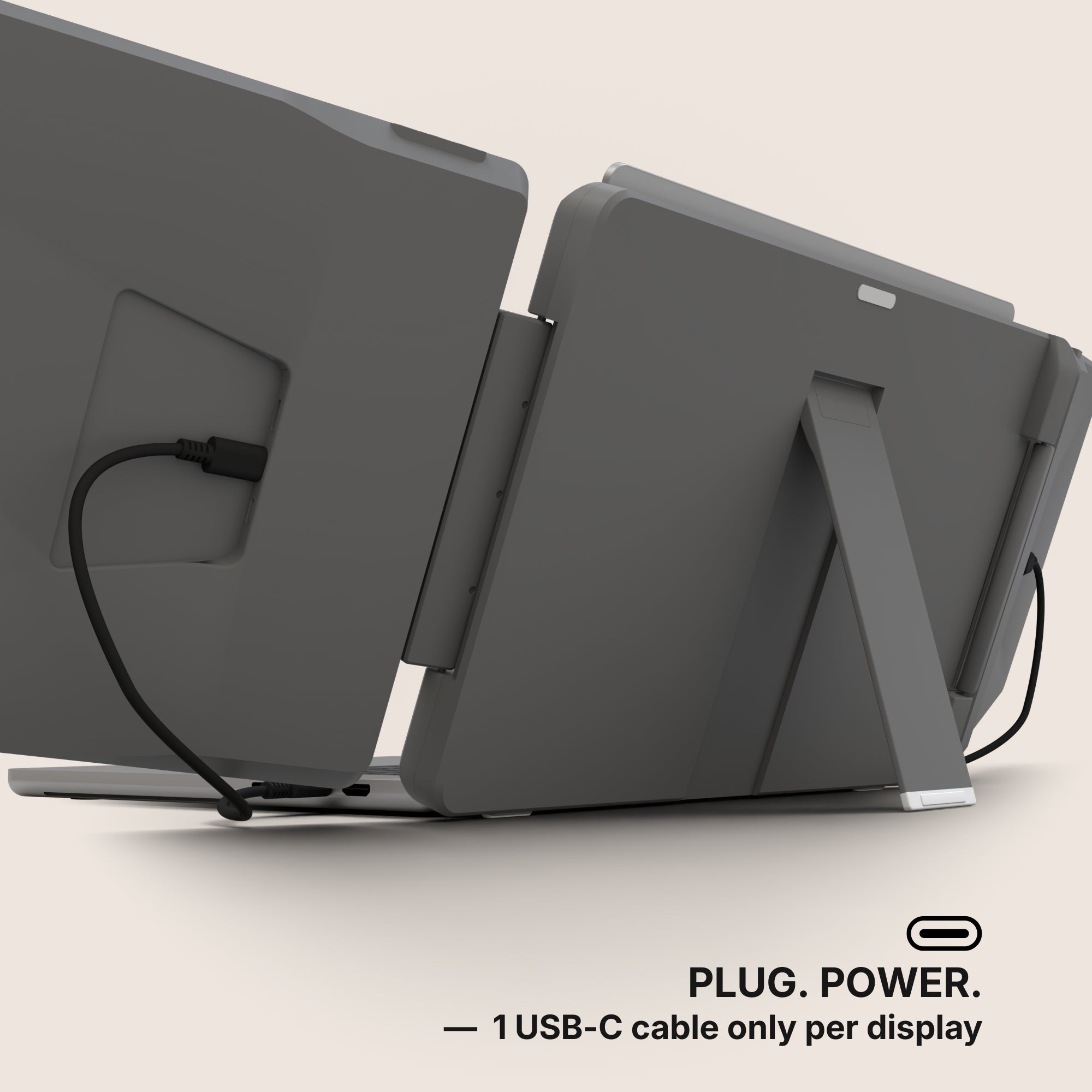
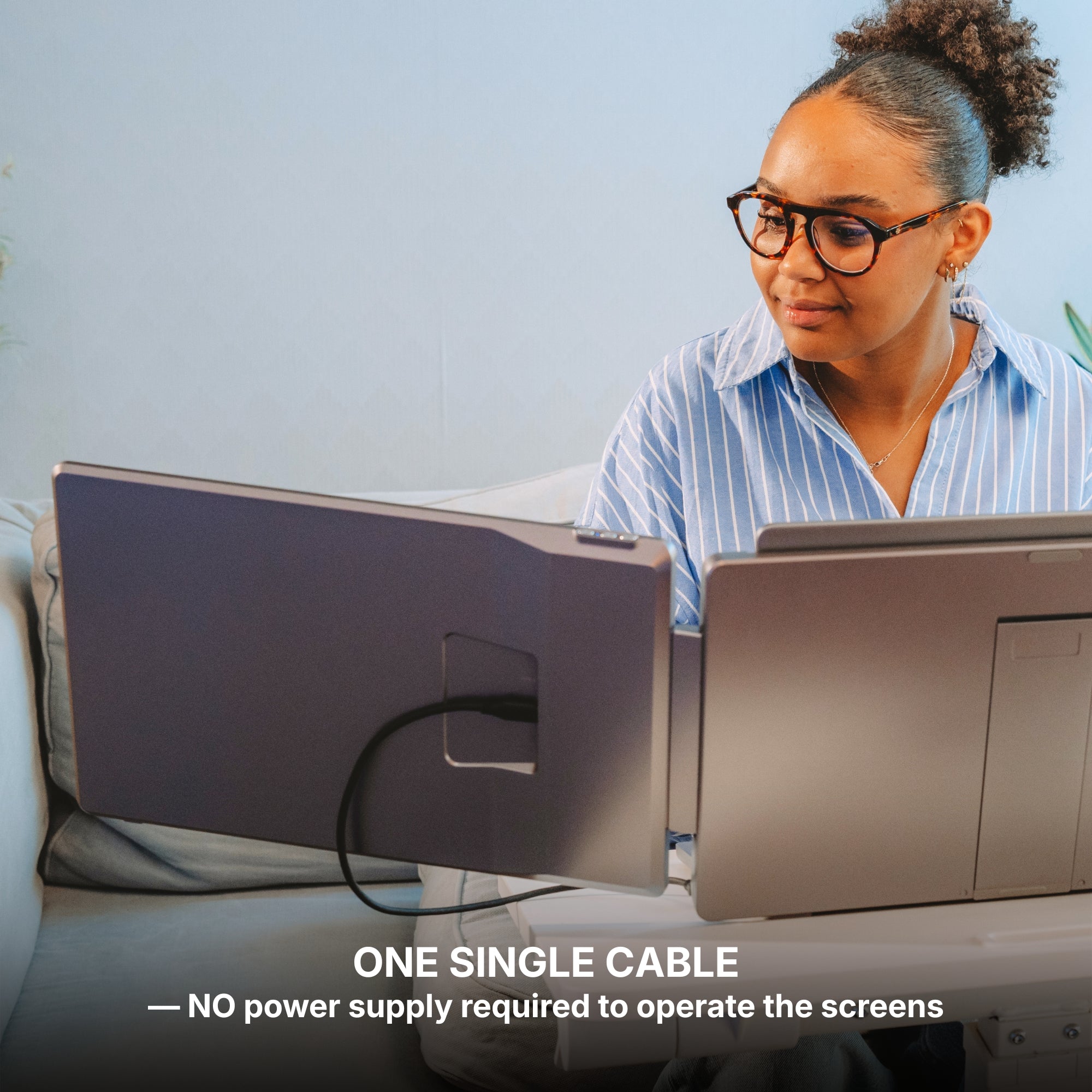
Only one USB-C port required per screen to your laptop. No external power source required.
14" Plus
14" Plus
Screen Size: 14"
Resolution: Full HD+
Brightness: 300 nits
Aspect Ratio: 16:10
Laptop Match: 12" to 16"
Only one USB-C port required per screen to your laptop. No external power source required.
15.6"
15.6"
Resolution: Full HD
Screen Size: 15.6"
Brightness: 300 nits
Aspect Ratio: 16:9
Laptop Match: 12" to 17.3"
Only one USB-C port required per screen to your laptop. No external power source required.
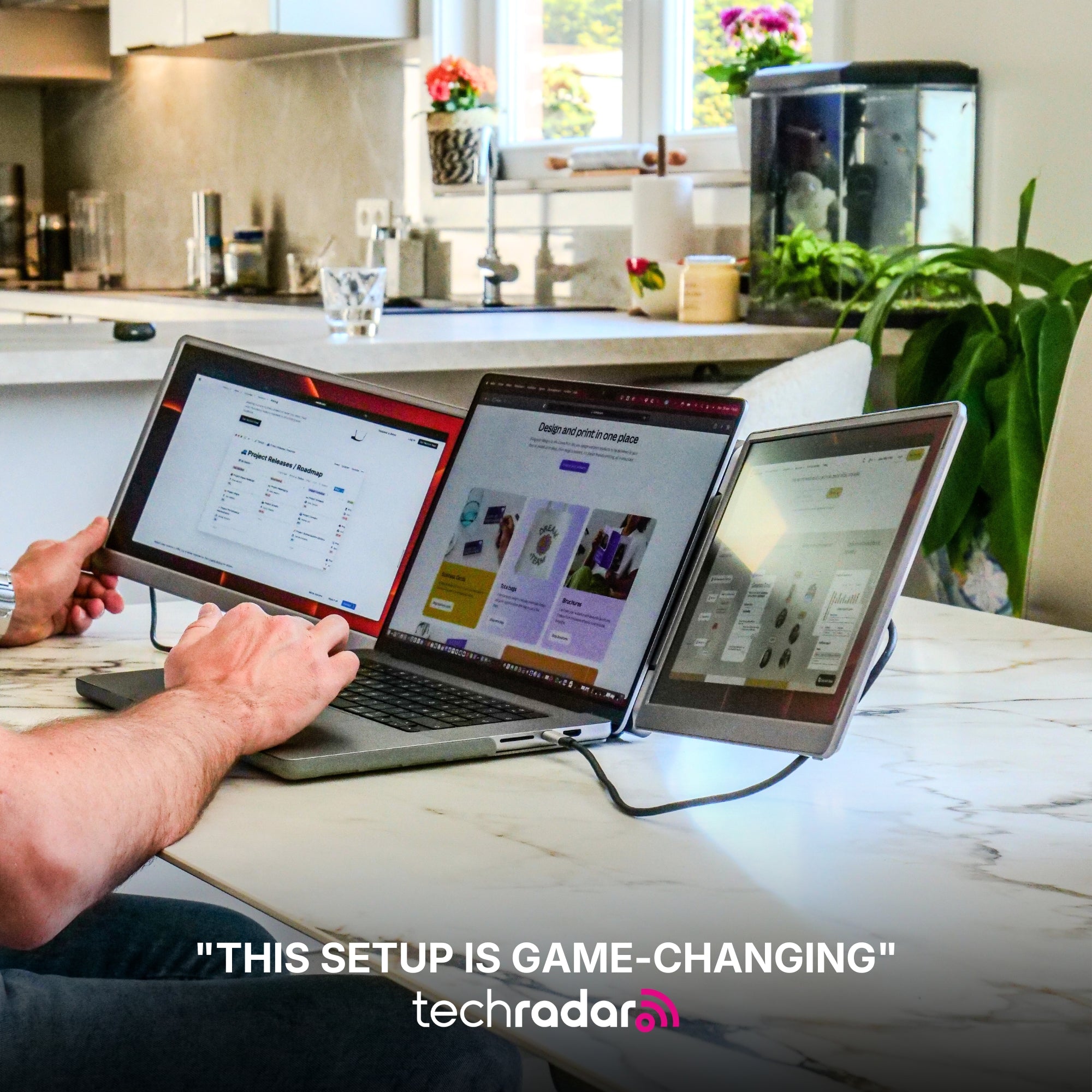
Built to elevate your productivity
Landscape mode
Lose yourself in an immersive view, unlocking expansive display space for maximum productivity, multitasking, and an elevated visual experience.
Automatic screen rotation
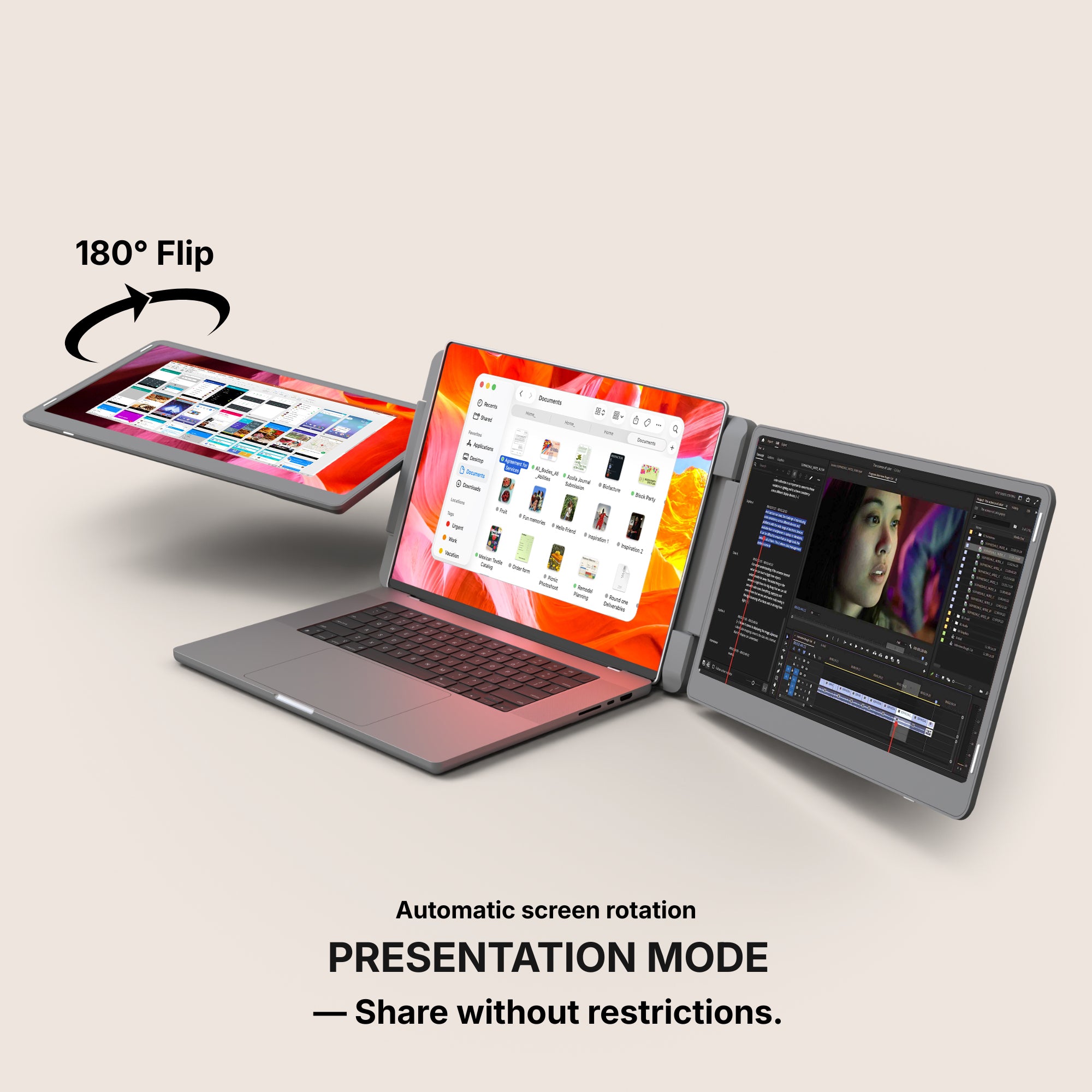
180° Flip
Own the conversation with a full 180° rotation. Effortlessly share your screen and adjust your display for flawless collaboration from any angle.
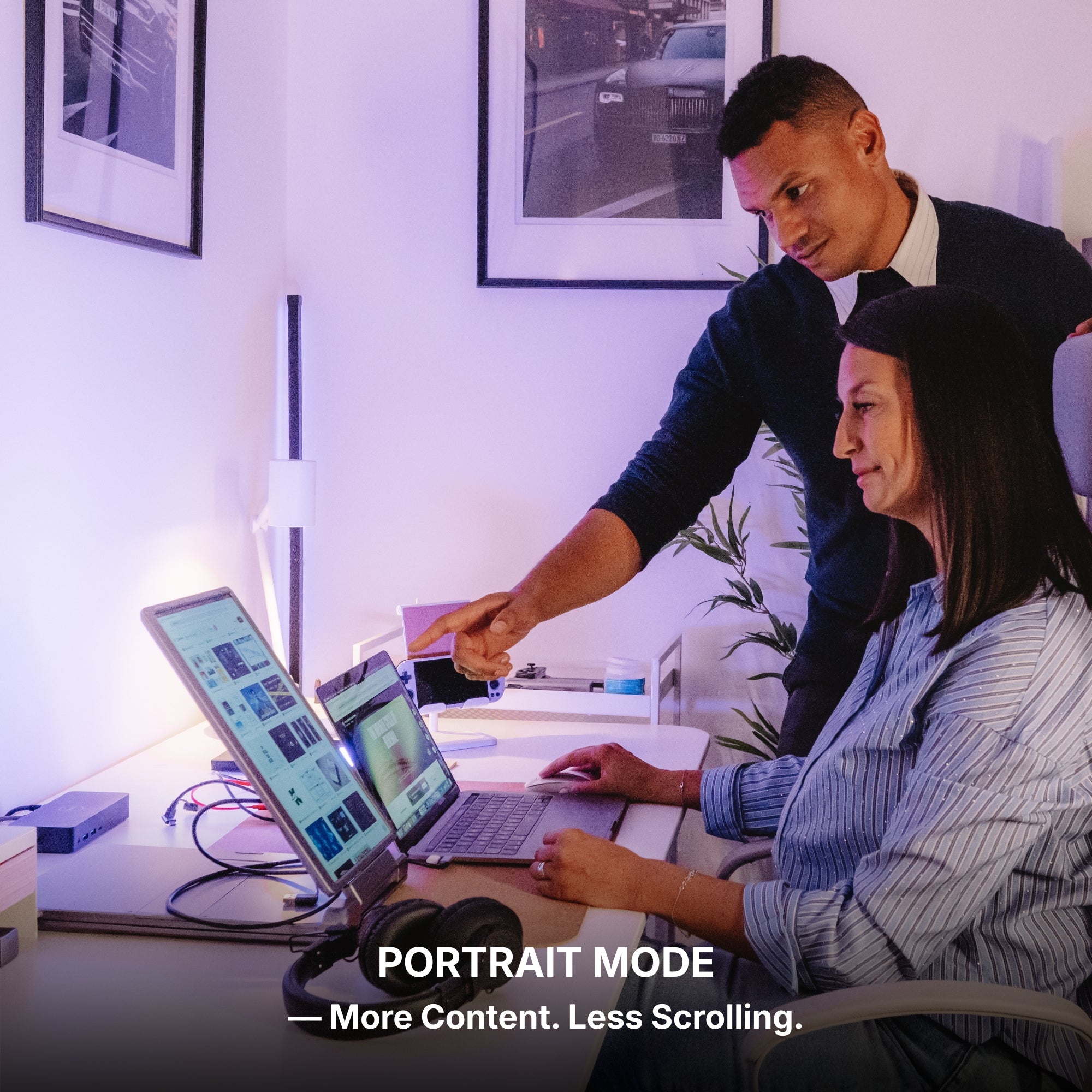
More Content. Less Scrolling.
Portrait mode
Switch to vertical mode for a taller display. Ideal for reading, coding, or viewing long documents, providing a fresh perspective on your workflow.
Work with one screen for simplicity
Single / Dual mode
Use just one or two screens for a minimal setup, or activate the second display to instantly expand your workspace.
Set up in seconds.
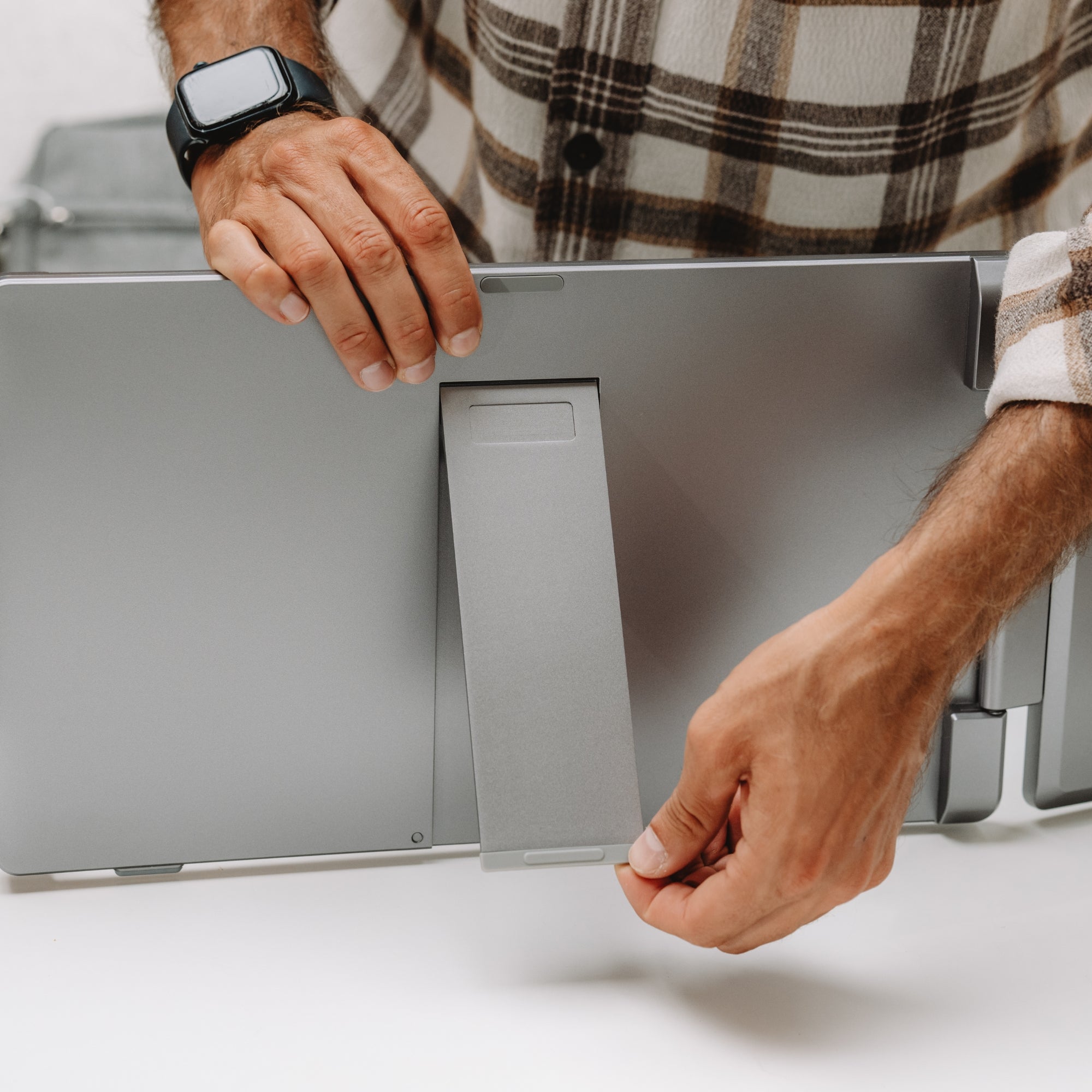
Unfold the stand
Open the screens
Connect it to your laptop via USB-C
You’re ready to work, play, and unwind.
Built to elevate your productivity
Landscape mode
Lose yourself in an immersive view, unlocking expansive display space for maximum productivity, multitasking, and an elevated visual experience.
Automatic screen rotation
180° Flip
Own the conversation with a full 180° rotation. Effortlessly share your screen and adjust your display for flawless collaboration from any angle.
More Content. Less Scrolling.
Portrait mode
Switch to vertical mode for a taller display. Ideal for reading, coding, or viewing long documents, providing a fresh perspective on your workflow.
Work with one screen for simplicity
Single / Dual mode
Use just one or two screens for a minimal setup, or activate the second display to instantly expand your workspace.
Set up in seconds.
Unfold the stand
Open the screens
Connect it to your laptop via USB-C
You’re ready to work, play, and unwind.
Designed to Do More.
Explore the features that make this monitor smarter, more versatile, and built to elevate the way you work and create.
Integrated Stand
The monitor features a built-in stand, allowing you to position it easily and create a stable workspace anywhere. Its integrated design ensures quick setup and convenient use wherever you go.
Effortless Connection
Designed for simplicity, connecting your displays takes just seconds. Plug the cable, power on, and start working immediately.
180° Rotating Display
One of the screens can rotate up to 180°, allowing you to easily share your screen with others or adapt your setup to different situations. With automatic screen rotation, the display instantly adjusts to the correct orientation for a smooth and intuitive experience.
Auto-Rotate Display
When the upper screen is flipped to the back, the display automatically rotates to maintain the correct orientation. This smart feature ensures your content is always perfectly aligned, making it ideal for sharing your screen with others.
Available in Full HD, Full HD+ and QHD.
Brilliant visuals with spectacular clarity.
From bright outdoor spaces to dim studios — without missing a detail.
The stunning IPS HDR display of the Dual Play (Gen 3) delivers up to 300 nits of brightness for excellent visibility even in bright environments, along with a 1000:1 contrast ratio that enhances depth and clarity.
The result: a screen that remains sharp, vibrant, and perfectly readable in virtually any lighting condition.
Performance. Taken Further.
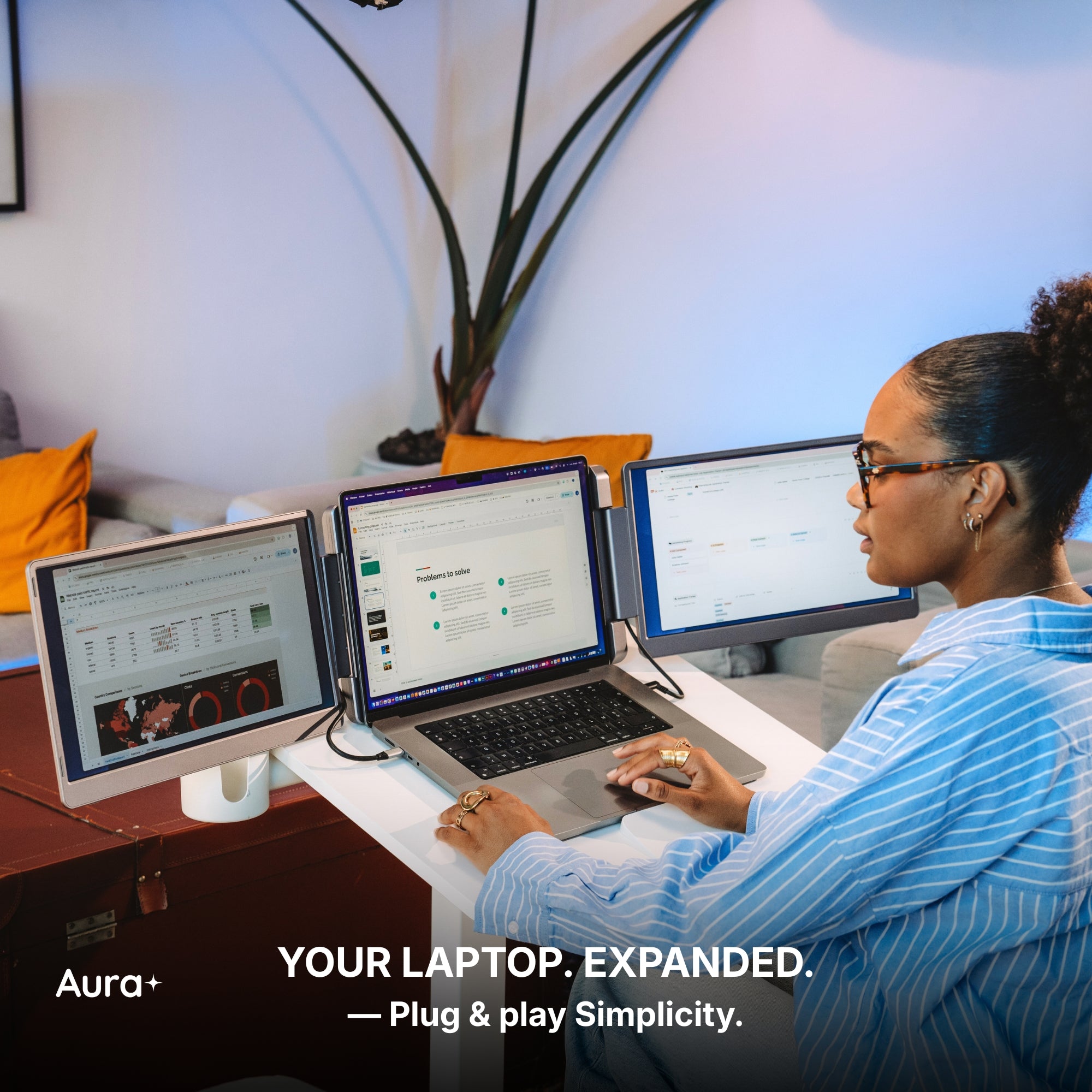
Your laptop needs a high-performance sidekick. Everything it has always been missing, all in one.
Our displays integrate cutting-edge technologies such as HDR and Eye Care, delivering vibrant visuals while helping reduce eye strain during long working sessions.
Our portable monitors are designed to work seamlessly with a wide range of devices. Built for flexibility and ease of use, they integrate effortlessly into your setup, making it simple to expand your workspace wherever you work.
macOS
macOS
MacOS version:
MacOS 26 Tahoe and above
MacOS 15 Sequoia
MacOS 14 Sonoma
MacOS 13 Ventura
MacOS 12 Monterey
MacOS 11 Big Sur
MacOS 10.15 Catalina
MacOS 10.14 Mojave
MacOS 10.13 High Sierra
MacOS 10.12 / 10.11 / 10.10
Apple processor:
Intel Processor
M1 PRO / M1 MAX
M2 PRO / M2 MAX
M3 PRO / M3 MAX
M4 PRO / M4 MAX
and above
Windows
Windows
Windows 11 and above
Windows 10
Windows 8.1
Windows 7
Linux
Linux
Our portable monitors are fully compatible with all Linux distributions. Simply connect your device and start working — no special configuration required. Whether you're using Ubuntu, Debian, Fedora, or any other Linux system, your monitor integrates seamlessly into your setup.
Android
Android
Android 7.1 and above
When connected to an Android smartphone, the monitor will display a mirrored view of your device’s screen. This means the same content shown on your phone will appear on the external display, allowing you to easily share, present, or view your screen on a larger display.
Our portable monitors work with Android devices equipped with a USB-C port that supports video output. Depending on the device, the monitor may also need to be connected to a power supply for proper operation.
Game consoles
Game consoles
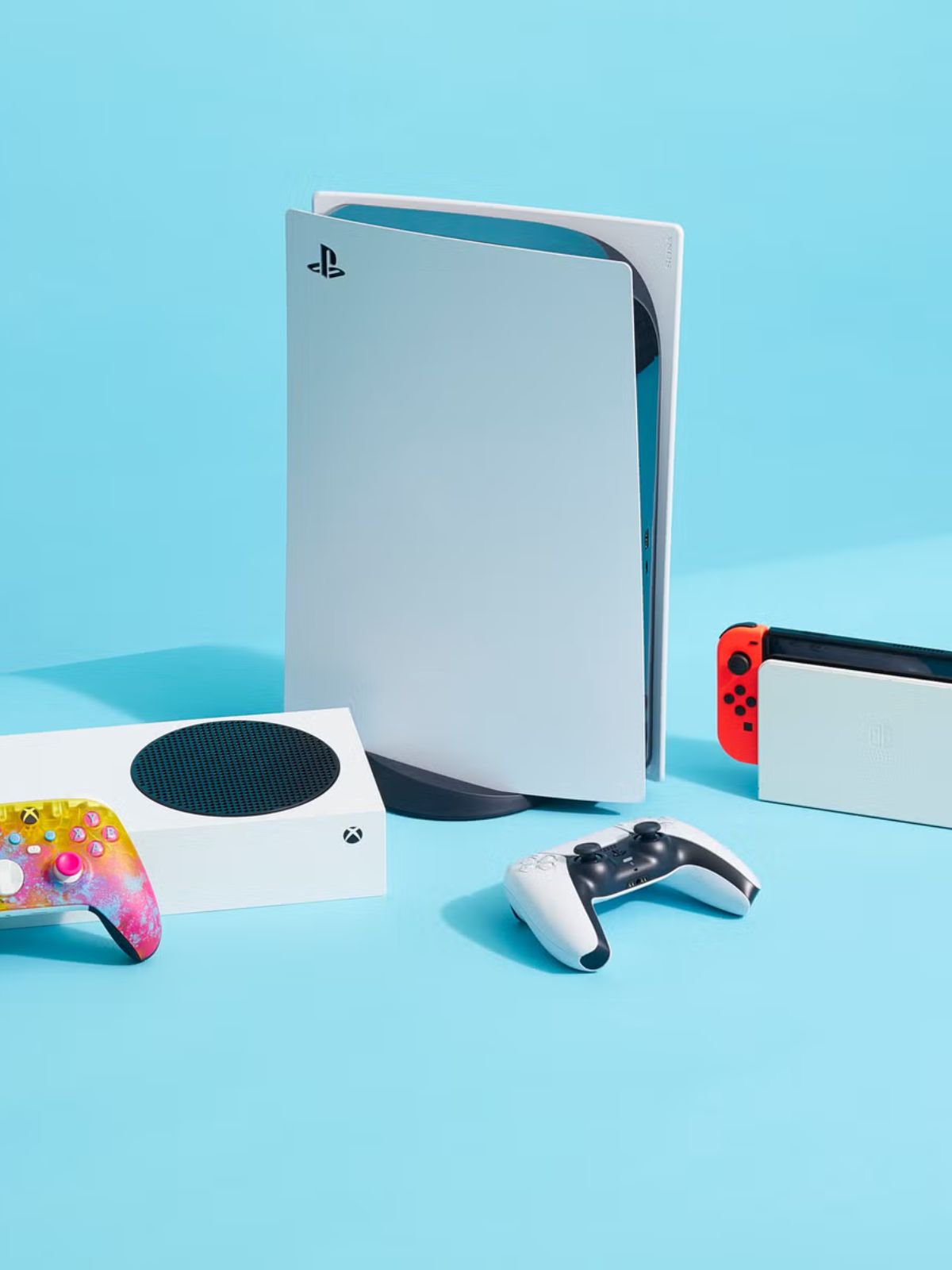
Playstation 5
Playstation 4
Playstation 3
Xbox Series S & X
Xbox One
Nintendo Switch 1
Nintendo Switch 2
All consoles with HDMI connection
The Nintendo Switch 1 and 2 can connect to our portable monitors via USB-C or HDMI.
All other gaming consoles connect via HDMI, ensuring a simple and reliable setup for your gaming sessions.
Depending on the device, the monitor may also need to be connected to a power supply for proper operation.
iPad with USB-C
iPad with USB-C
Our portable monitors work with iPhone and iPad models equipped with a USB-C port. When connected, the display will mirror your device’s screen, allowing you to enjoy your content on a larger display.
Depending on the device, the monitor may also require an external power supply to operate properly.
iPhone with USB-C
iPhone with USB-C
Our portable monitors work with iPhone and iPad models equipped with a USB-C port. When connected, the display will mirror your device’s screen, allowing you to enjoy your content on a larger display.
Depending on the device, the monitor may also require an external power supply to operate properly.
Mac Mini
Mac Mini
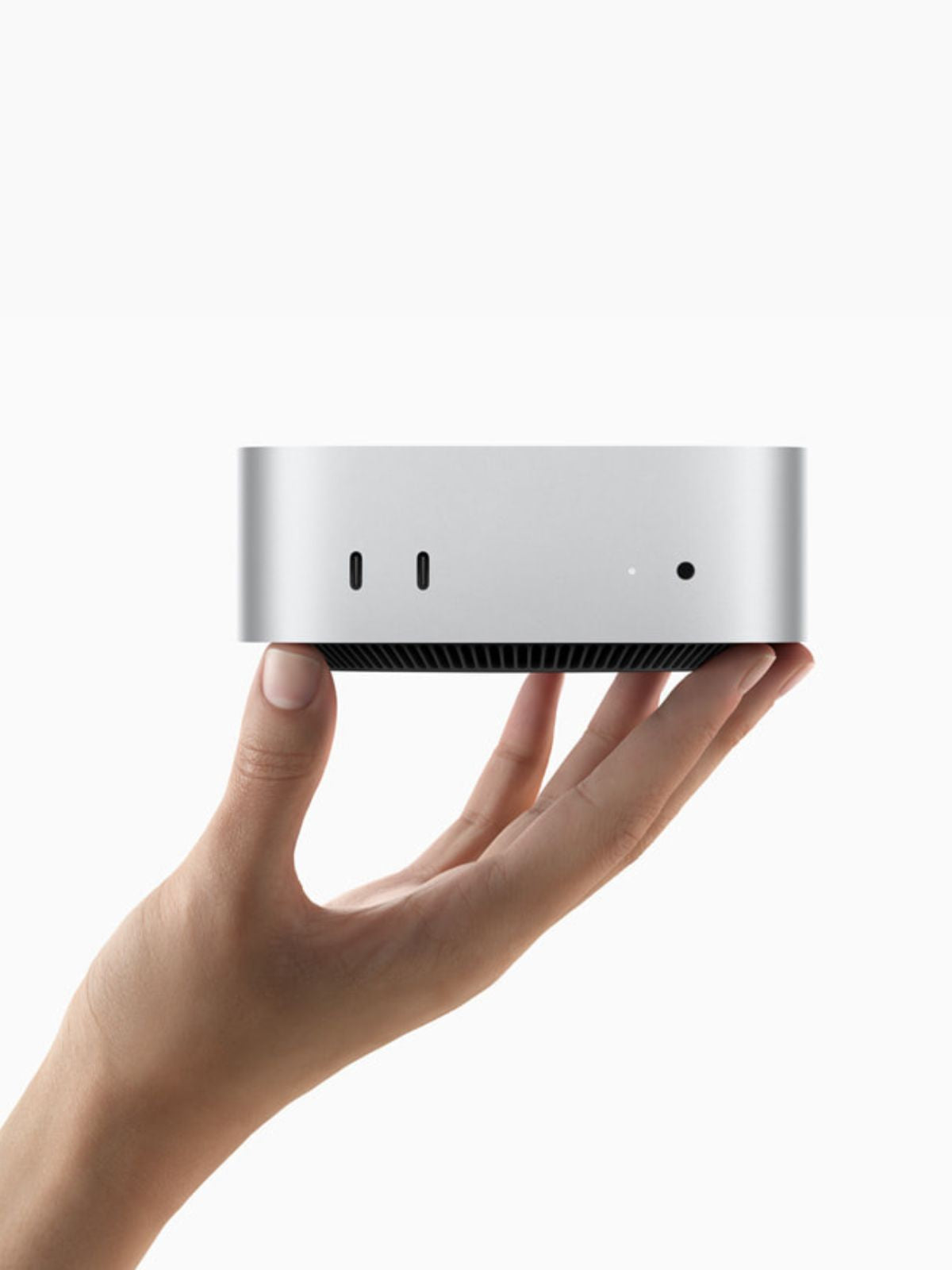
Our portable monitors work seamlessly with the Mac mini. Simply connect the display using USB-C or HDMI to instantly expand your workspace and enjoy a larger, more productive setup.
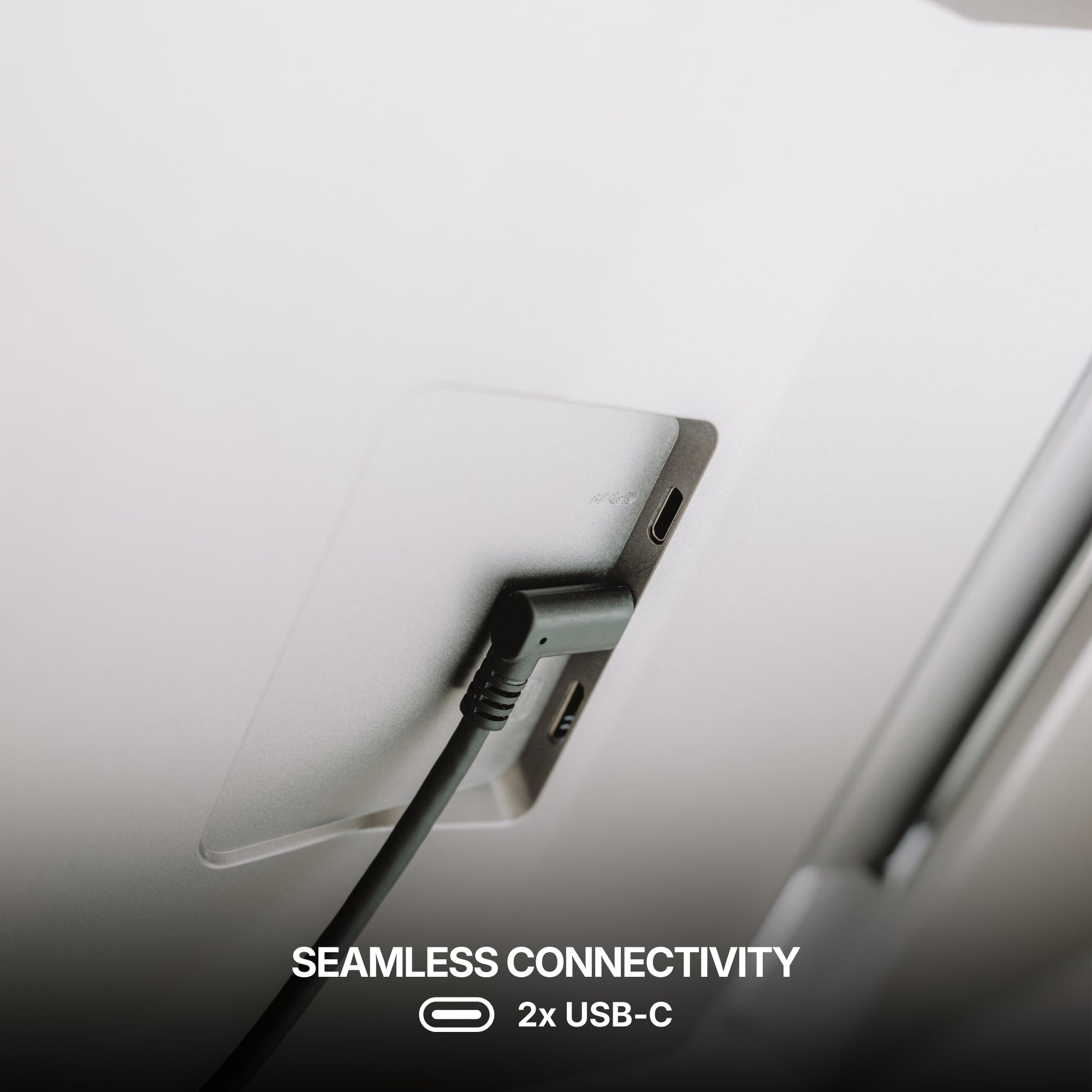
Seamless Connectivity
Powered by advanced connectivity technologies, our portable monitors integrate effortlessly with your devices for a smooth and reliable experience.
Seamless Connectivity
Powered by advanced connectivity technologies, our portable monitors integrate effortlessly with your devices for a smooth and reliable experience.
USB-C
USB-C
One Cable. That’s All.
A single USB-C cable is all it takes to power the display and transmit video at the same time. No complicated setup, no extra cables — just plug in and instantly expand your workspace.
USB 3.0
USB 3.0
USB 3.0 Alternative Connection
If your laptop does not have a USB-C port, the monitors can also be connected using USB 3.0 cables. In this setup, one cable is used to transmit the data signal, while another provides the power needed to operate the screens, ensuring reliable performance even without USB-C.
HDMI
HDMI
HDMI Connection
Each screen can also operate using HDMI — simply connect one HDMI cable per display to transmit the video signal.
Since HDMI only carries the image, the monitor must also be powered separately, either through a USB-C connection or an external power supply.
Mixed Connectivity
It is also possible to use different connections for each screen. One display can be connected via USB-C, while the other operates through HDMI. This flexible setup allows you to adapt easily to the ports available on your device.
Designed for every workflow.
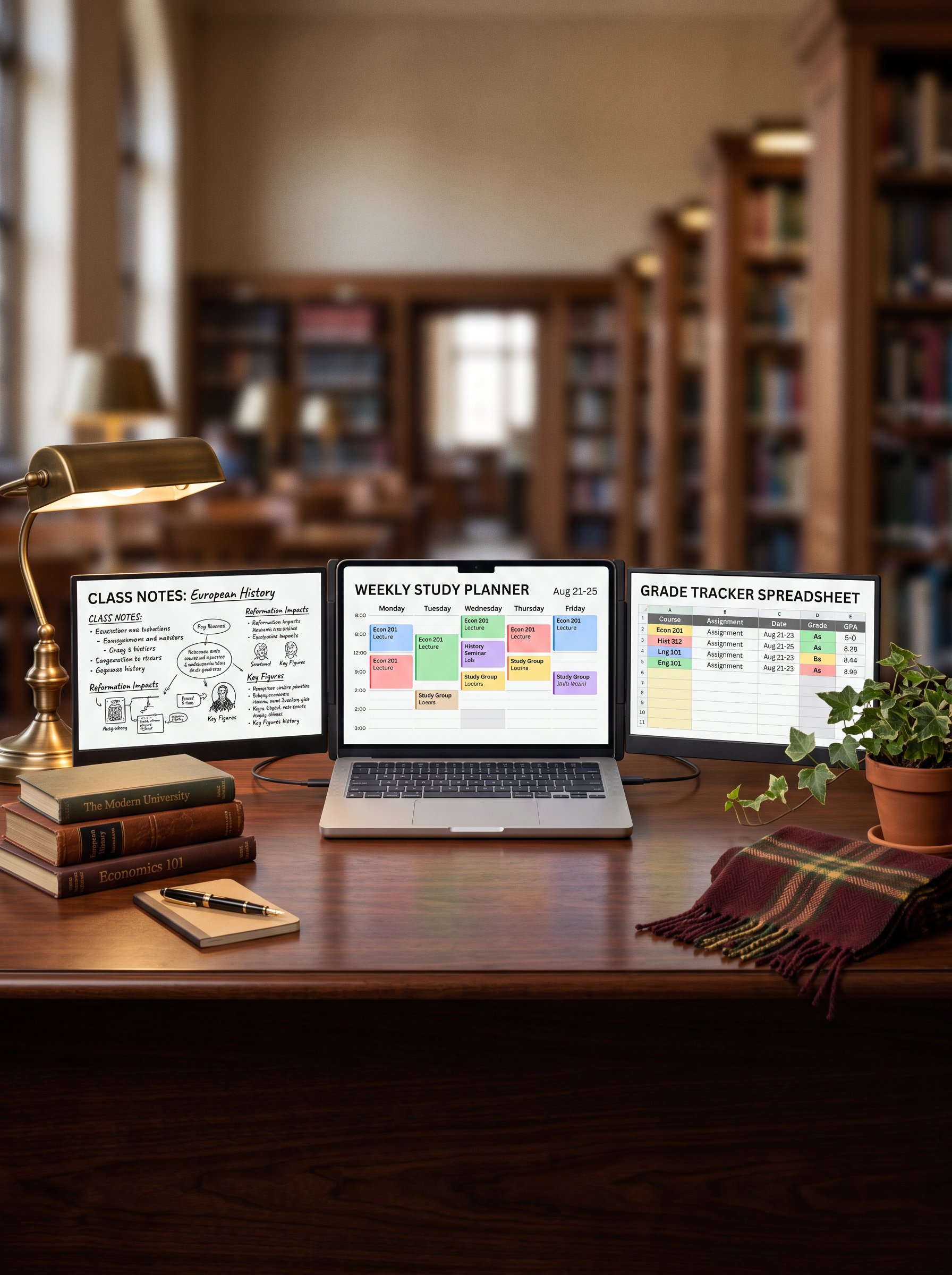
Whether you're a professional, creator, student, or gamer, this monitor adapts to your needs. Built for versatility and everyday productivity, it fits naturally into any workflow.
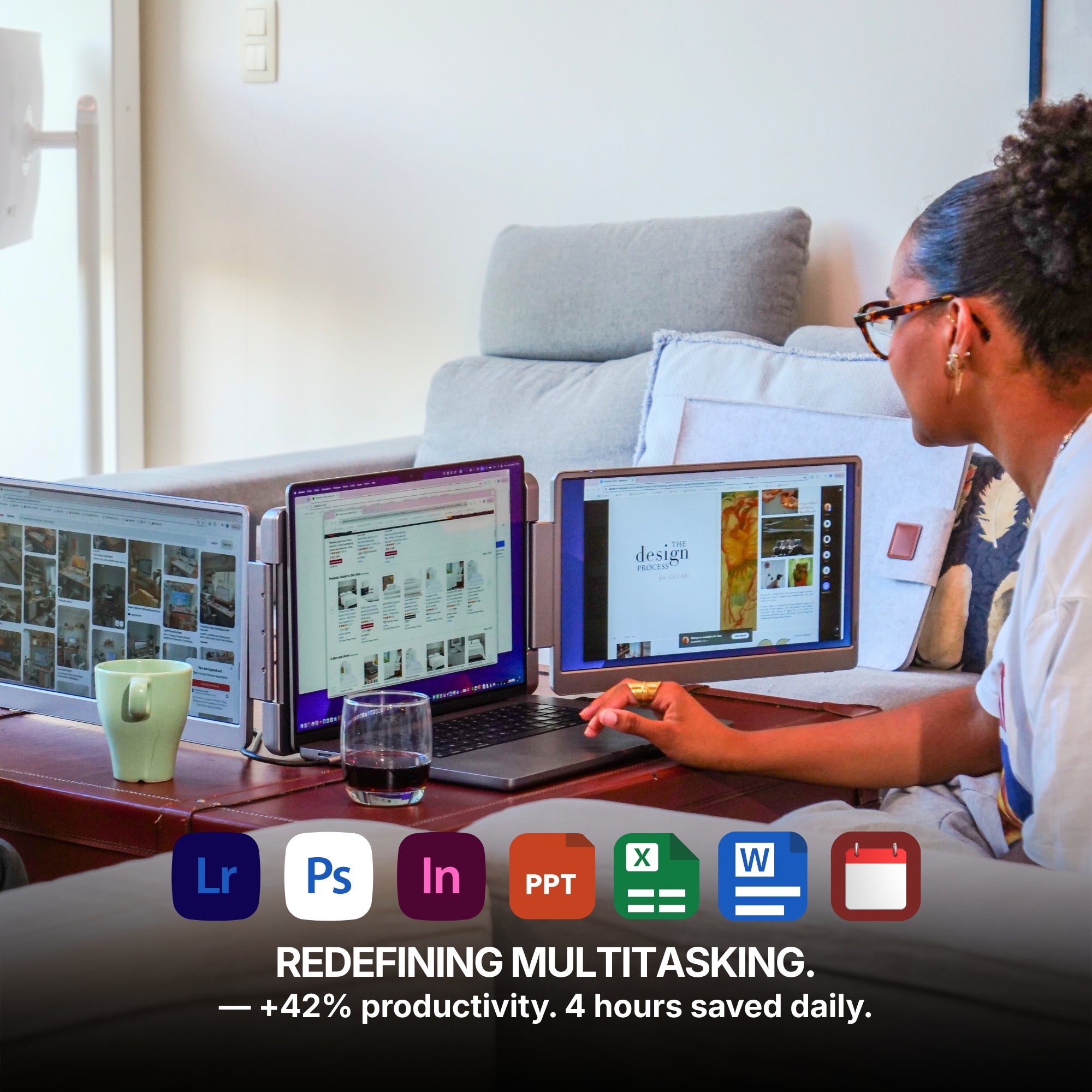
Redefining Multitasking.
With multiple displays working together, your workspace expands so you can manage more tasks, more ideas, and more productivity at the same time. Enjoy up to a 42% boost in productivity, save up to 4 hours each day, and experience 100% working comfort with a workspace designed to help you stay focused, efficient, and organized.
Ultra-Slim Design
Designed to be incredibly thin and lightweight, this monitor fits effortlessly into your workspace and your bag.
With a thickness of just 1.56 inches¹ when closed and a weight of only 3.55 lbs¹, this monitor is designed to travel effortlessly with you — making it easy to take powerful screen space wherever you go.
¹ Weight and size for the Dual Play 14" Plus or Ultra.
Seen up close, our monitor is a mechanical and technological work of art. It is in the details that we see the expertise of the Aura Displays engineering team.
Multi-level Adjustable Foot
Multi-level Adjustable Foot
Durable Pro-Grade Hinges
Durable Pro-Grade Hinges
Composite Aluminum Design
Composite Aluminum Design
Built to last
Built to last
Designed with the planet in mind.
At Aura Displays, we believe innovation should move forward without leaving the planet behind. That’s why our products are thoughtfully engineered to reduce their environmental impact. From responsibly sourced materials to smarter packaging designed to minimize waste and improve recyclability, every detail is considered with sustainability in mind. Because building better technology also means building a better future.
Introducing Dual Play, the most versatile dual-screen extender ever built. Crafted from premium composite materials, it features two anti-glare monitors and an HDMI port for instant, plug-and-play compatibility with virtually any device. The screen smoothly pivots 360 degrees, allowing you to effortlessly share your view for instant collaboration. It is the perfect, portable companion for productivity anywhere.
Product information
Rated 4.75/5 ★★★★★ based on 593 verified reviews. Real people, real results. Explore authentic testimonials from those who have benefited from Dual Play (Gen 3).
Estimated delivery: 5 to 8 days
Product category
Dual monitor
Portable monitor
USB monitor
HDMI monitor
Available color(s)
Spatial Grey
Materials
Composite
Laptop Match
Dual Play 14" Plus and Ultra: 12" to 16"
Dual Play 15.6": 12" to 17.3"
Vesa system
No
Speaker(s)
No
Product size unfolded
Dual Play 14" Plus and Ultra:13.62 x 8.62 x 1.56 inch / 346 x 219 x 39.6 mm
Dual Play 15.6": 15.31 x 9.21 x 1.56 inch / 389 x 23.4 x 39.6 mm mm
Product size folded
Product weight
Dual Play 14" Plus and Ultra: 3.55 LBS / 1.61 KG
Dual Play 15.6": 4.19 LBS / 1.9 KG ( 15.6")
Battery
No built-in battery
Autonomy: /
Software
No Software required
Plug and Play
Certifications
Consumer Electronic (CE)
Federal Communications Commission (FCC)
Restriction of Hazardous Substances in Electrical and Electronic Equipment (ROHS)
Energy Label (A)
Display
Display size
Dual Play 14" Plus and Ultra: 2x 14"
Dual Play 15.6": 2x 15.6"
Display type
Matte
IPS
LED
Resolution
Dual Play 14" Plus: Full HD+ 1920 x 1200 2.2K
Dual Play 14" Ultra: Ultra HD 2560 x 1440 2.5K
Dual Play 15.6": Full HD 1920 x 1080
Brightness
300 Nits
Contrast
1000:1
Colors
16.7 millions colors
72% NTSC
Refresh rate
60hz
Aspect ratio
Dual Play 14" Plus and Ultra: 16:10
Dual Play 15.6": 16:9
Eye care mode
Yes
Visual angle
178°
Display rotation
Panoramic
Rotated (180°)
Portrait
Auto Sensing
Yes
Compatible Operating System
Dual Play (Gen 3) is compatible with virtually any laptop that has a USB port.
Operating systems
MacOS
Windows
Linux
Android
ChromeBook
Surface
Game consoles
iPhone ( with USB-C )
iPad ( with USB-C )
Macos version
MacOS 26 Tahoe and above
MacOS 15 Sequoia
MacOS 14 Sonoma
MacOS 13 Ventura
MacOS 12 Monterey
MacOS 11 Big Sur
MacOS 10.15 Catalina
MacOS 10.14 Mojave
MacOS 10.13 High Sierra
MacOS 10.12 / 10.11 / 10.10
Apple processor
Intel Processor
M1 PRO / M1 MAX
M2 PRO / M2 MAX
M3 PRO / M3 MAX
M4 PRO / M4 MAX
and above
Windows version
Windows 11 and above
Windows 10
Windows 8.1
Windows 7
Gaming
Playstation 5
Playstation 4
Playstation 3
Xbox Series S & X
Xbox One
Nintendo Switch 1
Nintendo Switch 2
All consoles with HDMI connection
The Nintendo Switch 1 and 2 can connect to our portable monitors via USB-C or HDMI.
All other gaming consoles connect via HDMI, ensuring a simple and reliable setup for your gaming sessions.
Depending on the device, the monitor may also need to be connected to a power supply for proper operation.
Connectivity
4x USB-C ports
2x mini HDMI
One Cable to Your Laptop
Only one USB-C cable connected to your laptop is needed to transmit video and activate the screens.
However, the monitors must also be connected to an external power supply to provide the energy required for proper operation.
HDMI Connection
Each screen can also operate using HDMI — simply connect one HDMI cable per display to transmit the video signal.
Since HDMI only carries the image, the monitor must also be powered separately, either through a USB-C connection or an external power supply.
Mixed Connectivity
It is also possible to use different connections for each screen. One display can be connected via USB-C, while the other operates through HDMI. This flexible setup allows you to adapt easily to the ports available on your device.
Power Delivery
Only one USB-C port (by display) required to your laptop
It can work with 2 USB 3.0 ports
No external power source required
Setup & Requirements.
Easy installation (Plug and Play)
This monitor is fully plug and play, meaning no software, no drivers, and no complicated setup are required. Simply connect your device and start using your expanded workspace instantly.
OSD Menu
OSD menu features
Adjustable color
Adjustable brightness
Low Blue Light
Language
Eco-mode
DCR
Source
Timer
Sharpness
Product Guide and Download
Learn how to to set up, use, and care for Dual Play (Gen 3), and get a comprehensive look at all the product’s features.
This portable monitor does not require driver installation to function properly.
All technical specifications can be found at the bottom of the page or here.
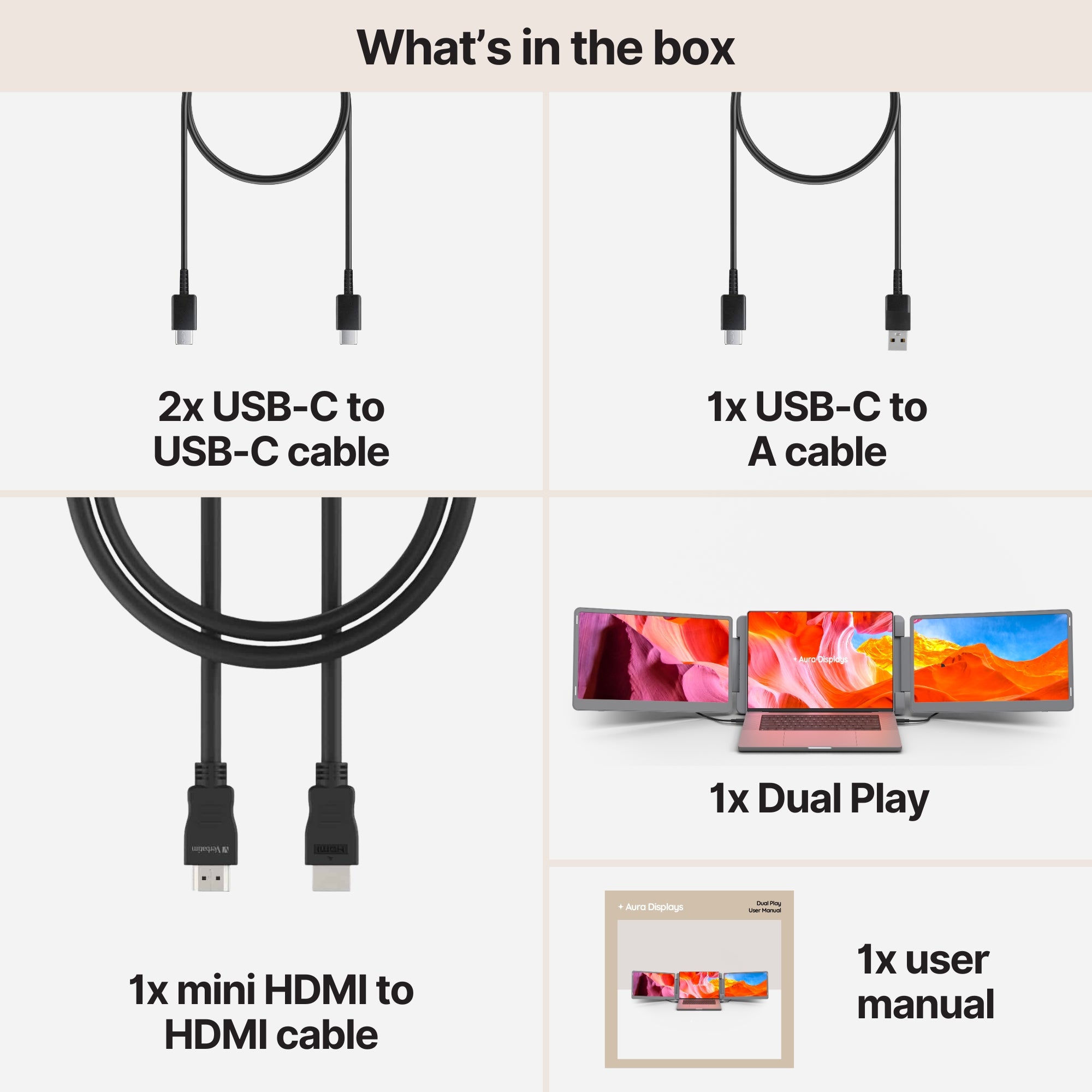
Included in the Box
1x Dual Play (Gen 3)
2x Type-C to Type-C cable
1x mini HDMI to HDMI
1x Type-C to A cable
1x User Manual
Setup & Requirements.
Everything you need to know to get the most out of your device. From setup to connectivity, discover how our monitors are designed to integrate seamlessly into your workspace and deliver a smooth experience from the very first use.
This monitor is fully plug and play, meaning no software, no drivers, and no complicated setup are required. Simply connect your device and start using your expanded workspace instantly.
Plug & Play Collection
Discover all our Plug & Play monitors in this category. Designed for instant setup, these models work without any driver installation — simply connect your device and start using your expanded workspace in seconds.
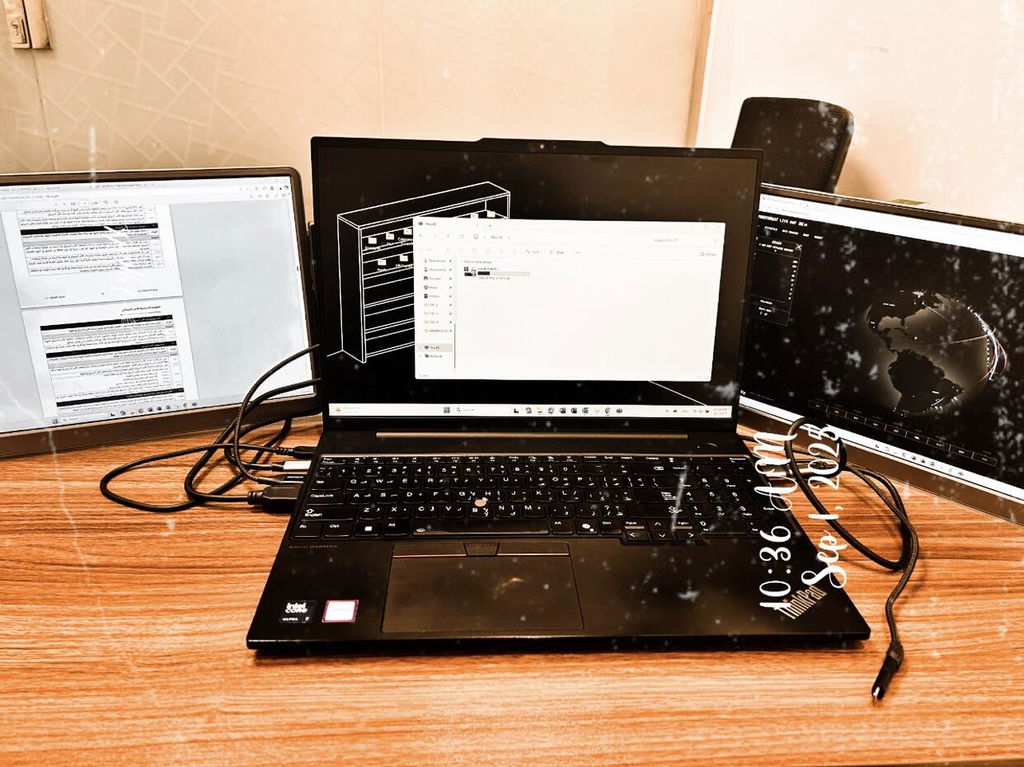
I work from 3 screens in the office & struggled when wfh with just my laptop screen. Decided to treat myself to this & it's a game changer. So easy to set up & stores away easily. I got free screen protectors with mine but not fitted them yet. You can adjust each screens brightness, colour etc to suit your preference. It was a bit pricey but waiting for a sale & treated myself cause I'm worth it
Hi there!
Thank you so much for taking the time to leave a review for the Dual Play (Gen 3). We're thrilled to hear that it has made working from home easier for you. It's great to know that the screen protectors were an added bonus for you. We hope you continue to enjoy the adjustable features and convenience of our product. Thanks for treating yourself - you definitely deserve it! Have a great day. :)
A
Anonymous
I like it
I like it. Thank you from Saudi Arabia ❤️
Thank you for your positive feedback! We are happy to hear that you are enjoying our Dual Play (Gen 2) product. We appreciate your support from Saudi Arabia ❤️ Have a great day!
A
Alfredo P.
Great piece of equipment
It is really useful in the day to day work to have extended displays. I have been using it for a couple of weeks and the quality is good.
Hi Alfredo! Thank you so much for taking the time to leave such a positive review for our Dual Play (Gen 2) product. We're thrilled to hear that it's been a useful addition to your day-to-day work and that you've been enjoying the quality. We appreciate your feedback and hope it continues to serve you well. Thanks for choosing our product!
C
Christopher L.
I love this powerhouse
Great product and really helps to elevate my productivity no matter where I am.
Hi Christopher,
Thank you for your kind words about our Dual Play (Gen 2)! We are thrilled to hear that it has been a valuable asset to your productivity, even on-the-go. We are always here to support you in any way we can. Thanks for choosing our product!
Best, David
Customer Service Team
N
Nguyen M.
Really handy for traveling! I used it on a business trip, and it was a lifesaver for organizing my presentations. Setup was easy, and it fit nicely in my laptop bag.
Hi Nguyen! Thank you so much for taking the time to leave a review for our Dual Play (Gen 2). We are thrilled to hear that it was a handy and lifesaving tool for your business trip. We designed it with easy setup and portability in mind, so we're glad to hear it fit nicely in your laptop bag. Thanks again for the positive feedback, we truly appreciate it! Safe travels.
Choosing a selection results in a full page refresh.
Opens in a new window.
Siavesh M.
Fanatic product
Fanatic product,
High quality materials
Great display quality and bright
Easy connection with single cable
I’m very satisfied with Aura
Refurbished Dual Boost Pro Max 15.6" (Gen 4)
Mark P.
So Good!!!
I absolutely love my aura screens. I can now supercharge my working.
Triple Boost Pro (Gen 2)
Anonymous
Great screens
Great screens. 10/10 recommend for travel screens
Dual Boost Pro Max 15.6" (Gen 4)
Robert O.
Good build quality and easy to use
Good build quality and easy to use.
Triple Aero Pro Max (Gen 2)
Kenny S.
Simple and all was as promised
It delivered as promised and was simple to set up. I unpacked, downloaded the software, and was up and running within a matter of minutes. The graphics are clean and crisp and I am very satisfied with the value!