






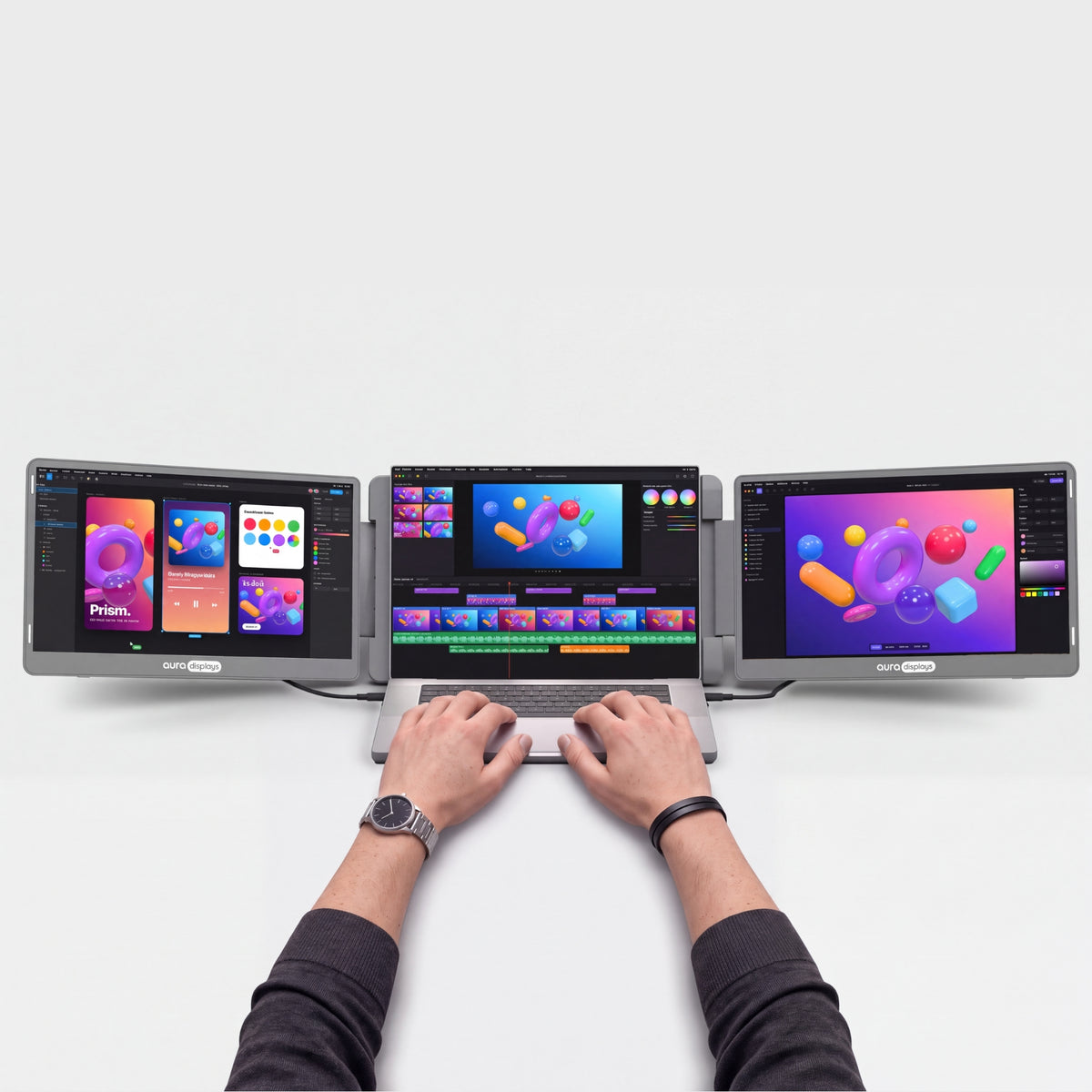


Dual Go 14” Ultra (QHD 2.5K)
Twee QHD-schermen van 14" op een eigen standaard.
Voor je koopt
- Plug & Play, geen driverAansluiten en klaar. Geen installatie, geen beheerdersrechten.
- Geen stopcontact nodigWerkt via de USB-C-poort van je laptop. Geen adapter om mee te nemen.
- Past bij laptops van 10"–16.5"Werkt met Windows, macOS, Android and iOS.Controleer de compatibiliteit in 30 s →
- Weegt 1.61 kg (3.55 lb)Ingeklapt: 346 × 219 × 39.6 mm (13.62 × 8.62 × 1.56 in). Past in: standard laptop backpack.Bekijk lichtere modellen →


Gratis bij je bestelling
Je bespaart €92,90-
 Tempered Glass Screen Protector2x 14" / 16:10
€0,00
€50,95 -
 Hub USB 8-in-1 87W PD
€0,00
€41,95


Wordt automatisch met je monitor aan je winkelwagen toegevoegd.
Overzicht
Overzicht
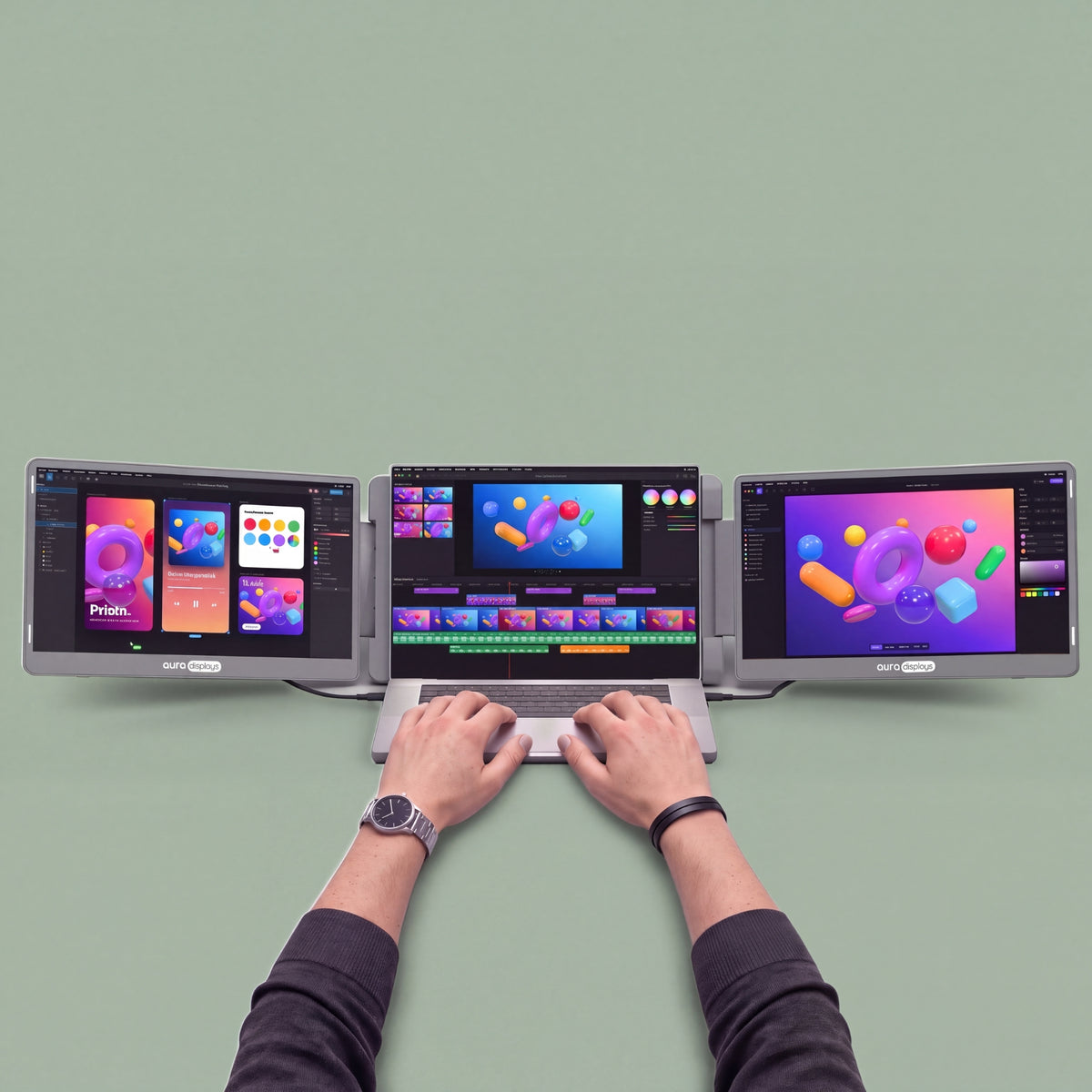
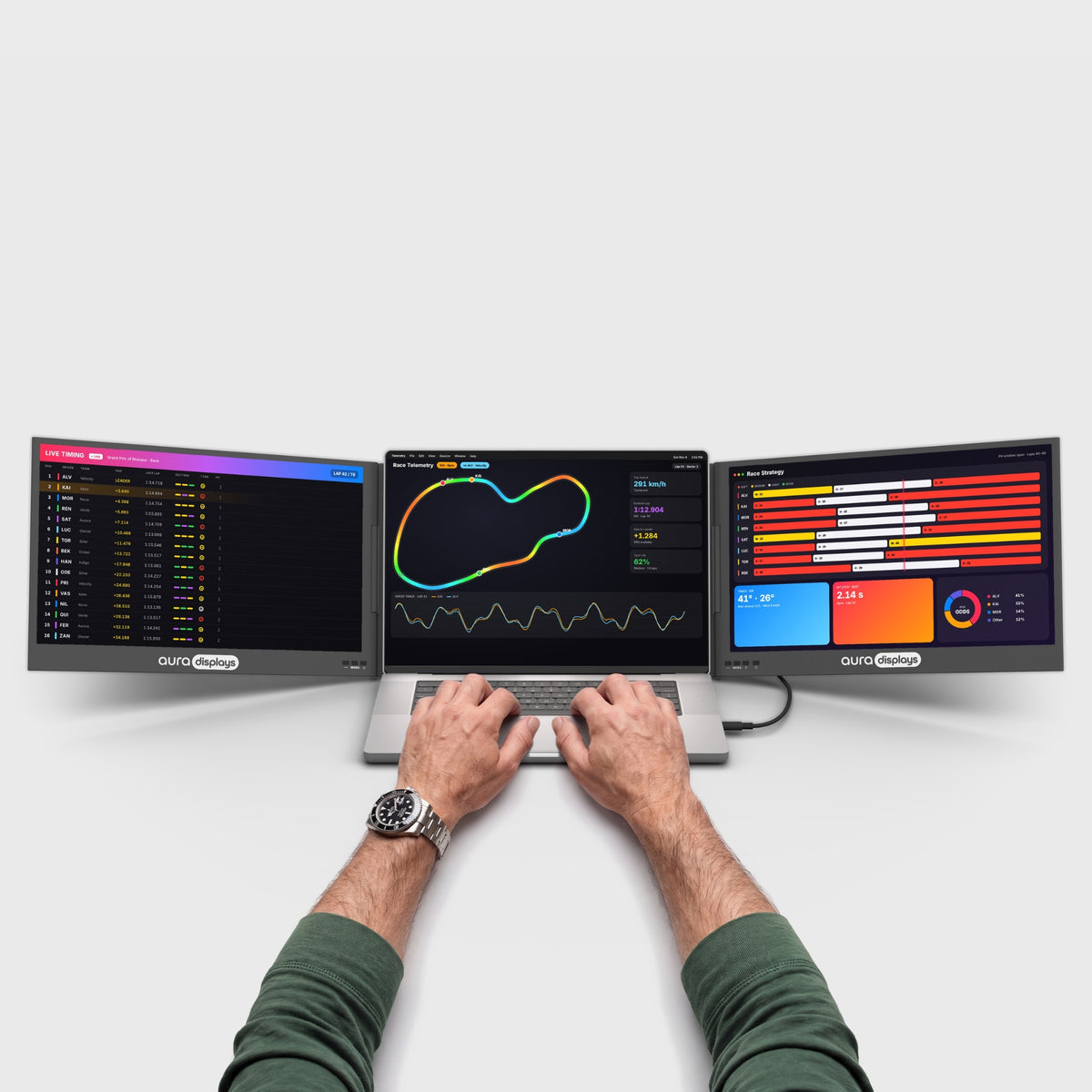
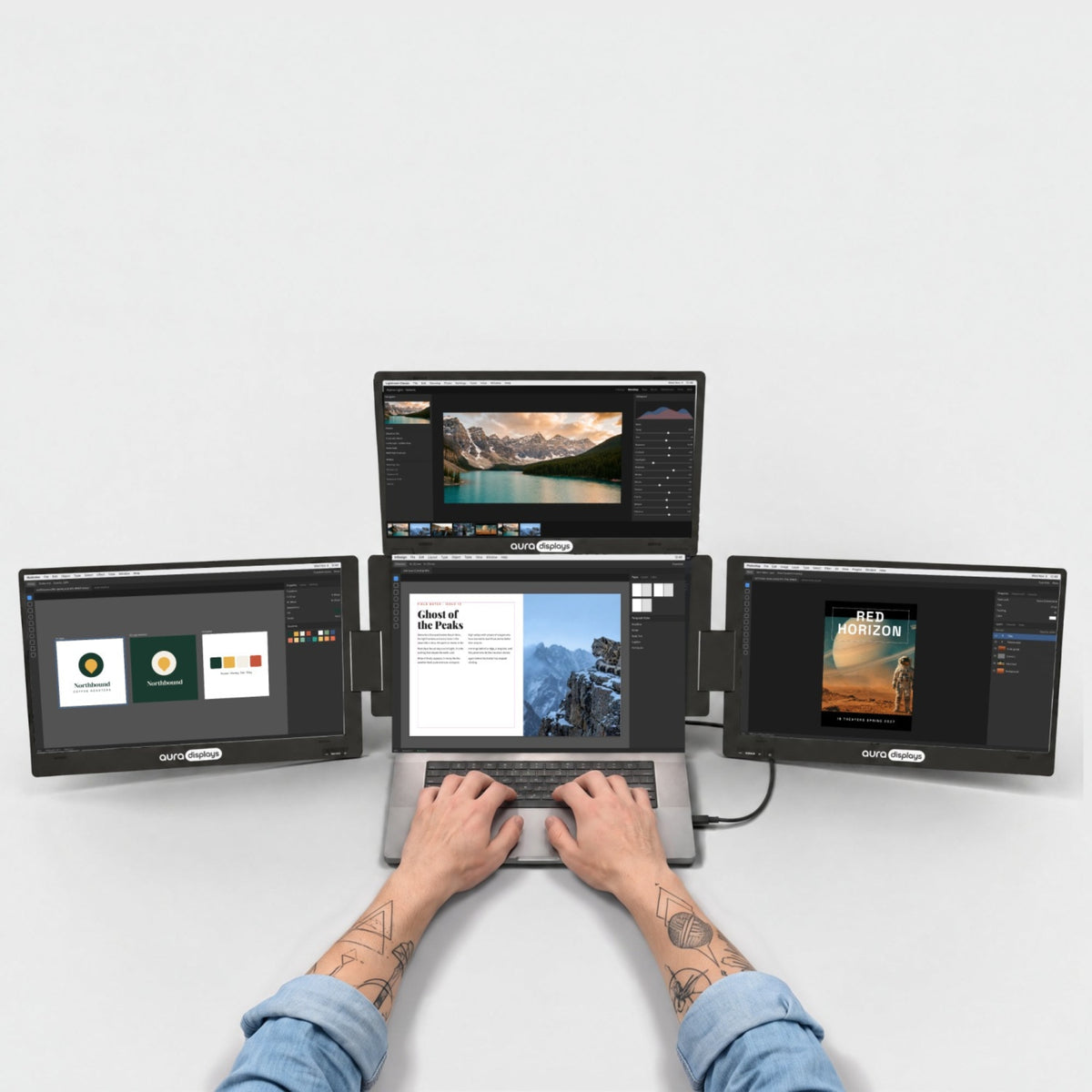
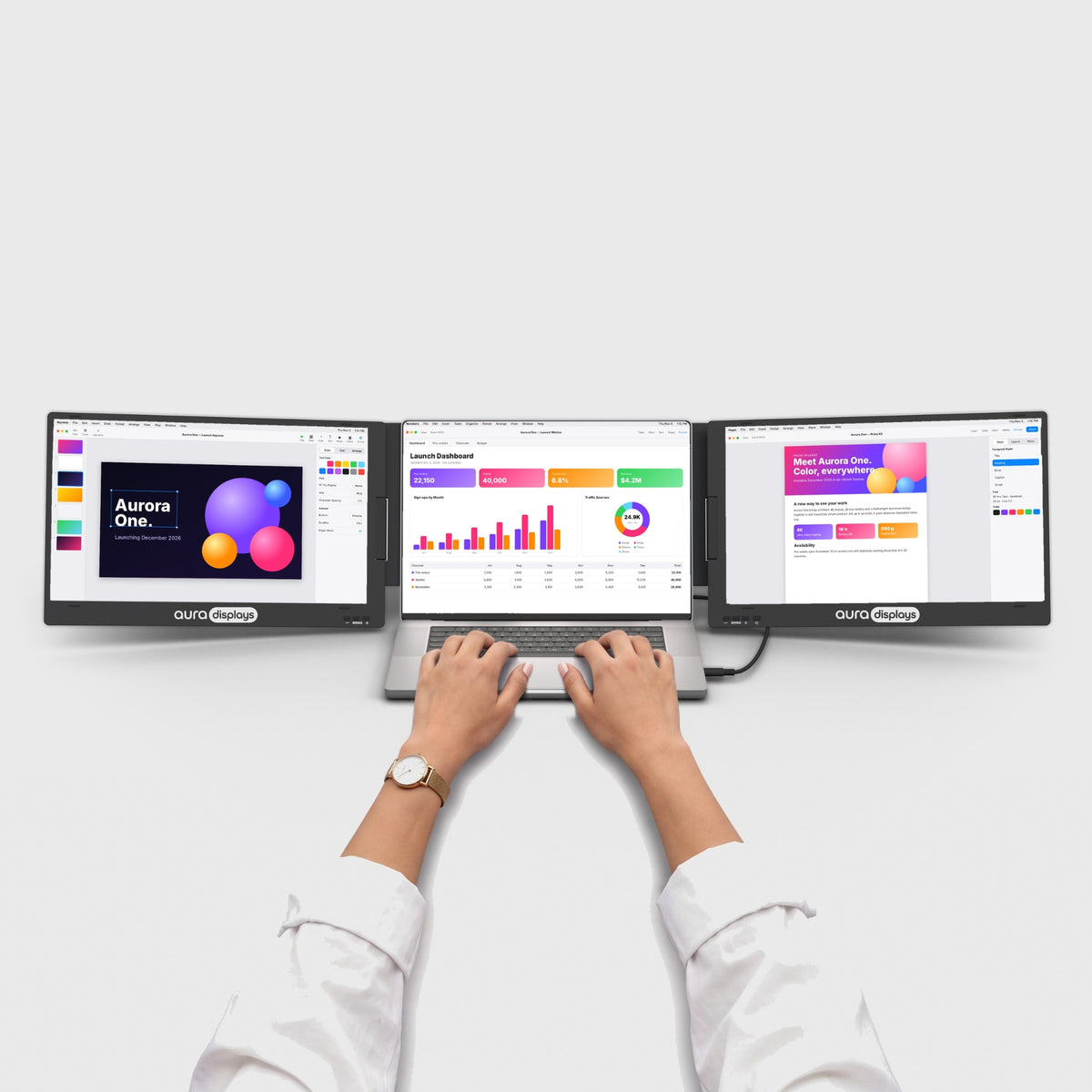
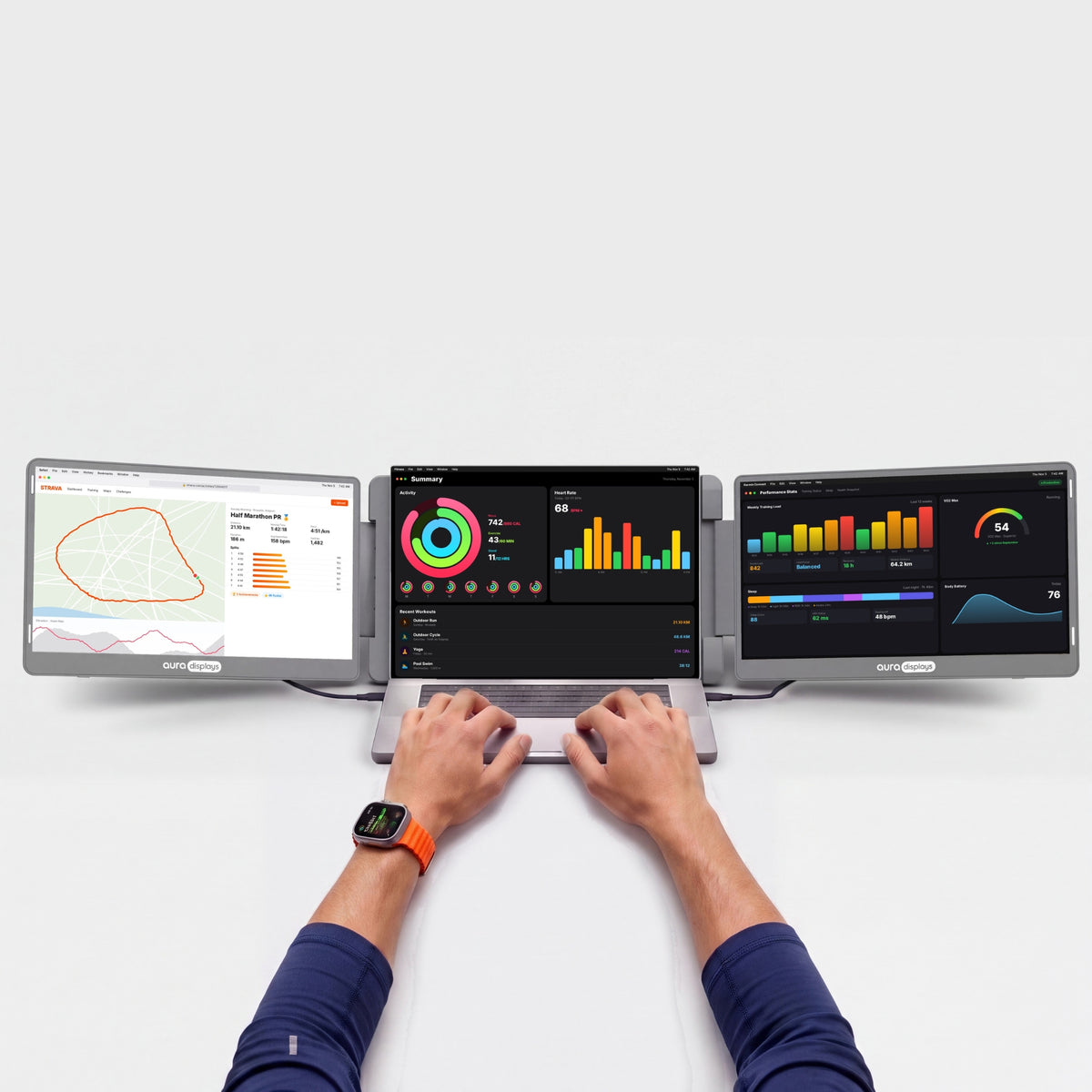
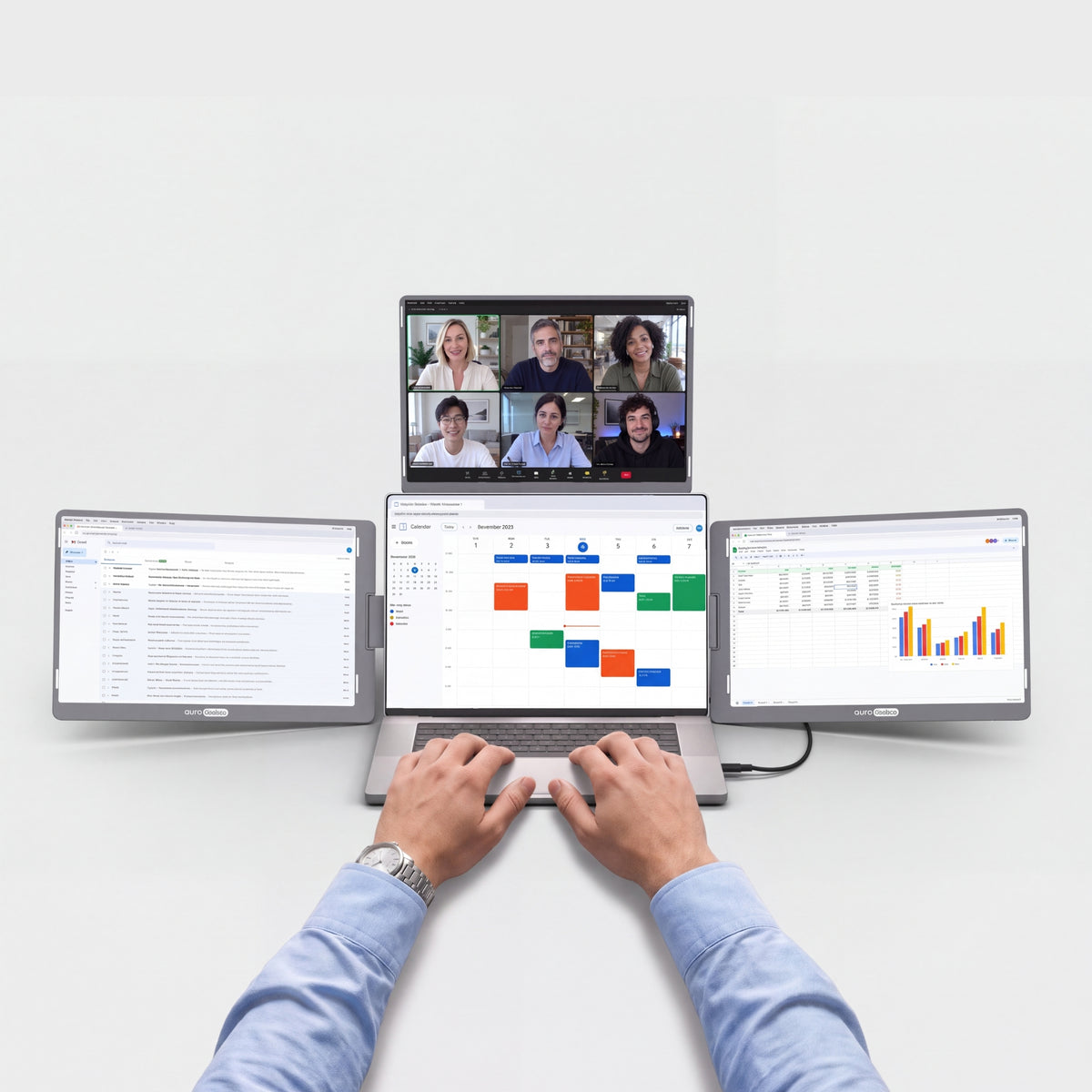
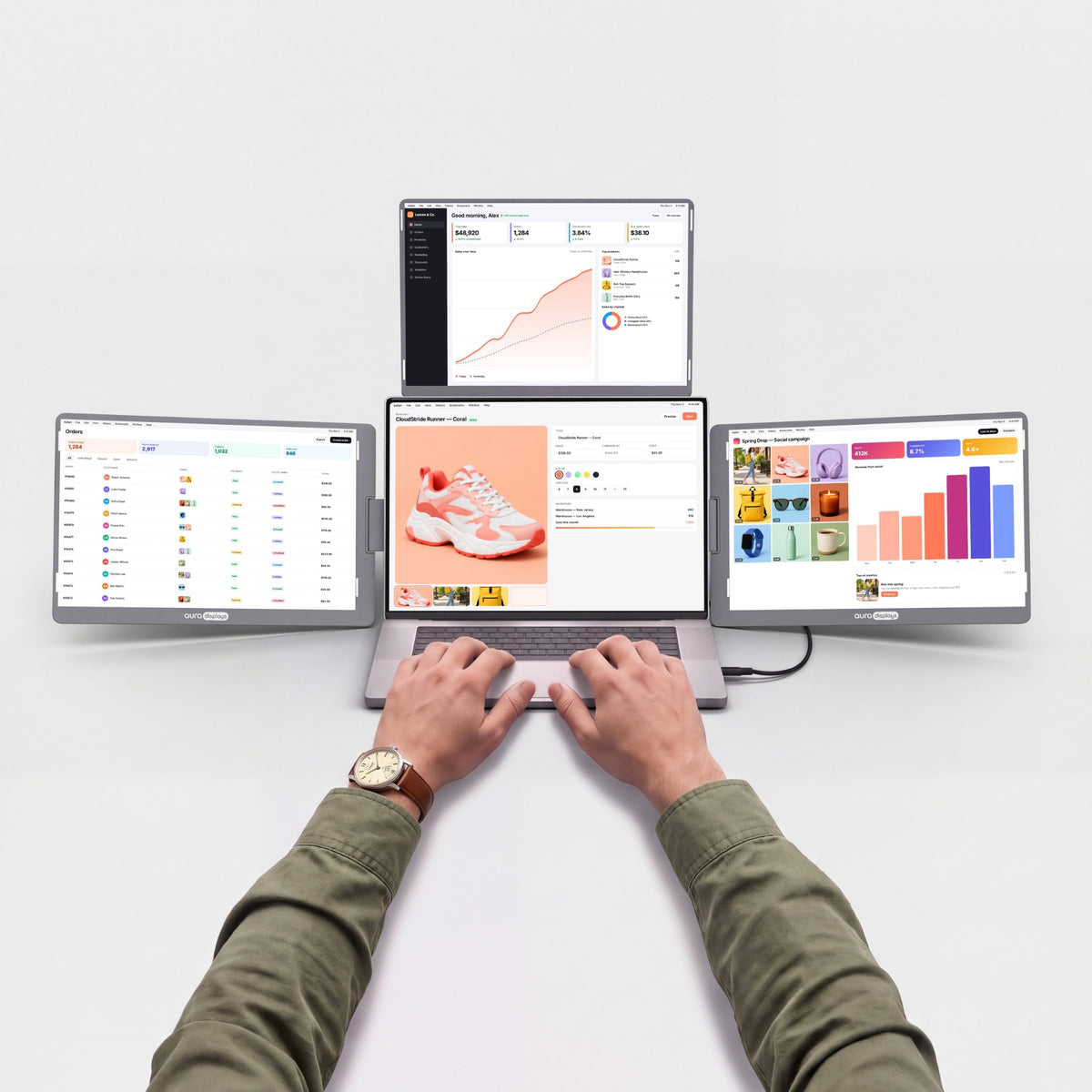
Twee QHD 2.5K-schermen van 14" (2560 × 1600) naast je laptop, op een eigen standaard, zodat er niets aan het scherm van je laptop vastklikt. Scherpere tekst en 100% sRGB-kleur, voor creatief werk, code en lange documenten, en het 16:10-formaat geeft je meer verticale ruimte dan standaardschermen. Ingeklapt zitten de schermen naar binnen voor bescherming, en de hele opstelling glijdt in een standaard laptoprugzak. Past op laptops van 10" tot 16". Elk scherm sluit je aan met een eigen kabel, dus je laptop heeft twee video-uitgangen nodig: twee USB-C-poorten met video, één USB-C en één HDMI, of twee HDMI. Via USB-C werkt hij op de stroom van je laptop, dus je hoeft geen voedingsadapter mee te nemen. Via HDMI sluit je de meegeleverde USB-voedingskabel aan op je laptop of op een willekeurige lader van 15W of meer. Alle kabels zitten in de doos. Het linkerscherm draait tot 245° en het rechter tot 205°, voor een panorama- of staande opstelling, of draai er een om naar de persoon tegenover je. De ingebouwde standaard stel je in op de hoek die je wilt. Matte IPS-panelen met een blauwlichtfilter houden lange dagen comfortabel. Plug & Play, zonder software om te installeren. Werkt met macOS, Windows en Android, en spiegelt je iPhone op één scherm.
Wat zit erbij
Wat zit erbij
- 1x Dual Go 14” Ultra (QHD 2.5K)
- 2x USB-C-naar-USB-C-kabel, video & stroom (60 cm)
- 1x USB-C-kabel met USB-A-adapter, stroom (90 cm)
- 1x mini-HDMI-naar-HDMI-kabel (90 cm)
- 1x handleiding
Drivers & handleiding
Drivers & handleiding
Plug & Play. Geen driver nodig: sluit de kabel aan en hij gaat aan.
Verzending, retouren en garantie
Verzending, retouren en garantie
Verzending. Bestellingen verlaten ons magazijn binnen 1–3 werkdagen en komen gemiddeld binnen 5 tot 8 dagen aan. Dat kan variëren met de voorraad en de bestemming: de actuele levertijd voor dit product staat altijd op deze pagina, net boven de knop In winkelwagen. Gratis verzending vanaf $100. Voor de VS, de EU, het VK en Australië zijn belastingen en invoerrechten inbegrepen: niets te betalen bij levering. De getoonde levertijd is een schatting op basis van onze eerdere zendingen en de huidige voorraad.
Waar is mijn bestelling? Volg je levering realtime met je bestelnummer en e-mailadres.
14 dagen gratis retourneren. Past hij niet bij je? Retourneer of ruil hem gratis binnen 14 dagen na levering: open de doos, test hem en stuur hem compleet terug in de originele verpakking met een voorgefrankeerd label. We betalen terug zodra de vervoerder je pakket scant. Alle voorwaarden staan in ons retourbeleid.
1 jaar garantie. Is je monitor defect, stuur ons dan een foto of video; we repareren of vervangen hem gratis. Klanten in de EU hebben daarnaast de wettelijke garantie van 2 jaar. Zie het garantiegedeelte van ons retourbeleid.
Vragen voor of na je aankoop? hello@aura-displays.com · +1 (213) 845-0774 · Echte mensen, dagelijks van 9.00 tot 16.00 uur ET.
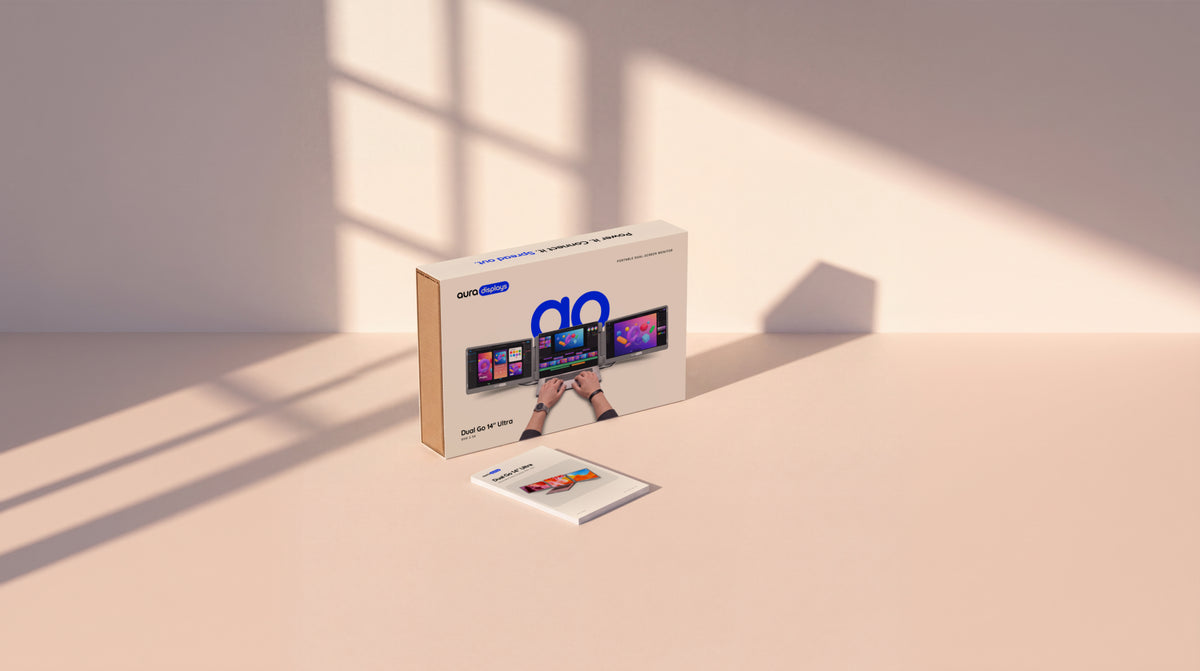
Over onze beelden: 3D-renders dienen ter illustratie en kunnen licht afwijken van het echte product. Alle geverifieerde gegevens staan in de technische specificaties onderaan deze pagina.

Waarom je hem geweldig vindt.


Voor


Na


Twee schermen. Eén brede werkplek.
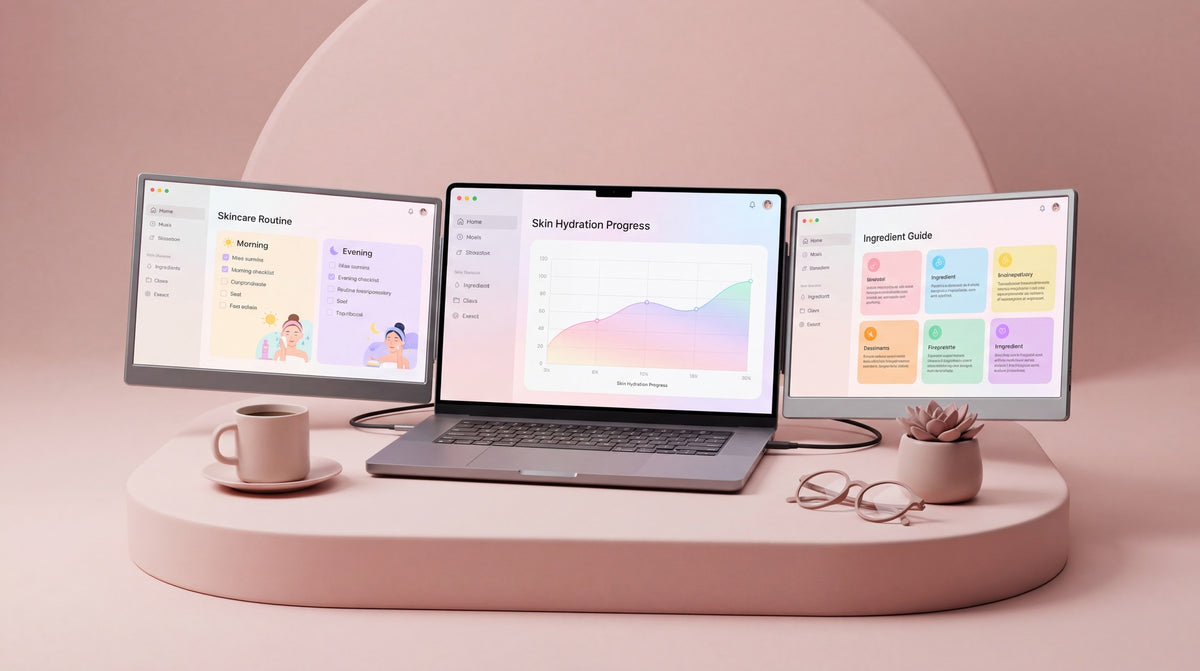
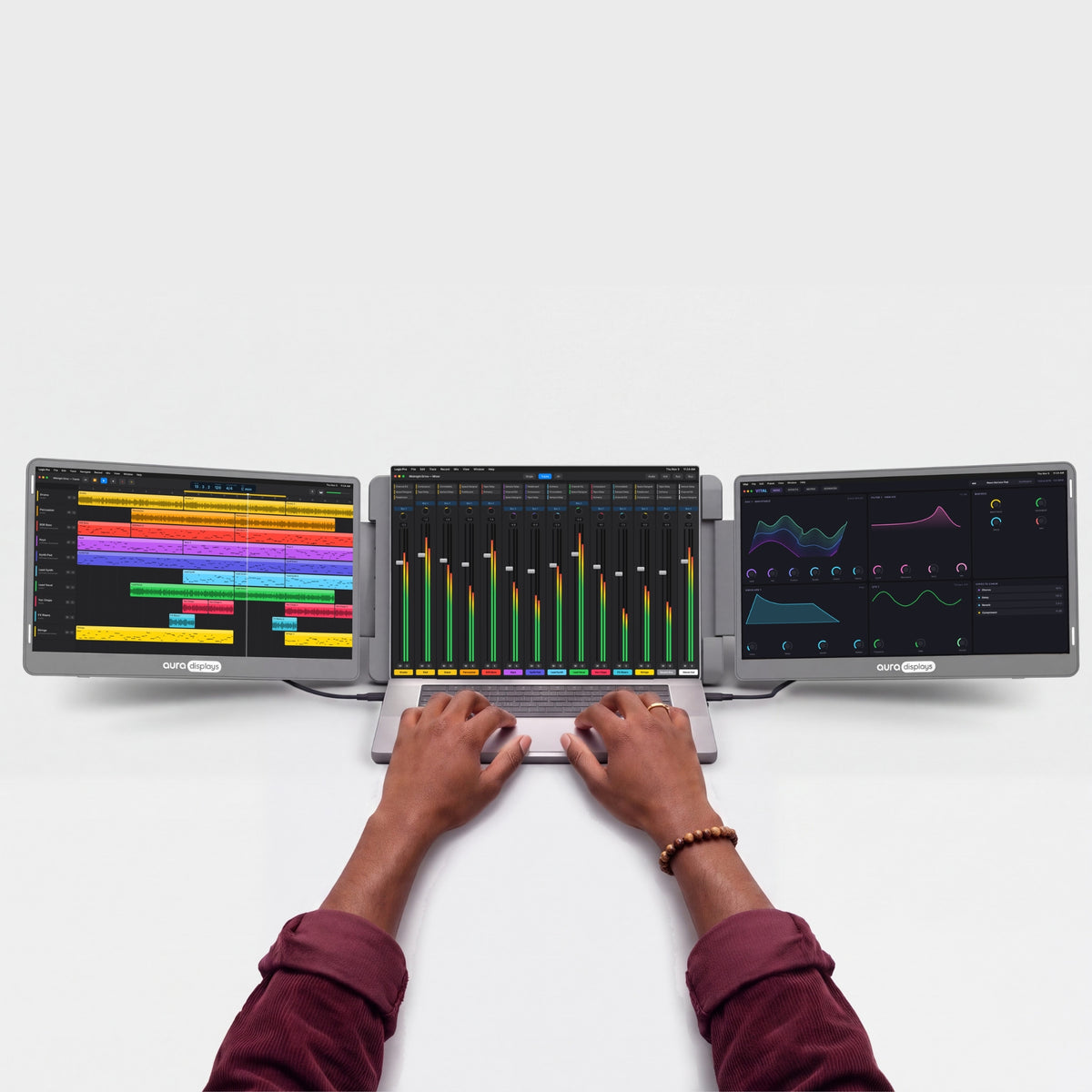
Klap de Dual Go 14" Ultra open naast je laptop voor één brede werkplek. Om te presenteren draai je een scherm naar de persoon tegenover je.


Je laptop was nooit bedoeld om alleen te werken.
Twee extra schermen maken van elk bureau een echte werkplek.

Zit de werkdag erop, dan klappen de schermen weer in en is je tafel gewoon weer een tafel.

Je notities, je teamchat en je videogesprek, allemaal tegelijk in beeld. Geen tabbladen meer wisselen. Gewoon een ochtend waarin je echt iets gedaan krijgt.

Draai een scherm om je werk te laten zien aan de persoon tegenover je. Bespreek een ontwerp of bekijk samen foto's, zonder je laptop om te draaien.
Scherp, helder, levensecht.
Haarscherpe details in elke regel code, elke foto en elke spreadsheet. Nauwkeurige kleuren, prettige helderheid en vloeiende beweging, van je eerste e-mail tot je laatste aanpassing van de dag.


Standaard


Oogzorg


100% sRGB
Volledige dekking van de kleurruimte waarop het web is gebouwd — wat je hier bewerkt, ziet iedereen precies zo.

HDR
High Dynamic Range: fellere highlights, diepere schaduwen en details die aan beide uitersten behouden blijven.

Matte schermen
Een niet-reflecterend oppervlak dat licht van boven verstrooit in plaats van het recht naar je terug te kaatsen.

Weinig blauw licht
Een ingebouwde oogzorgmodus filtert blauw licht, zodat lange sessies comfortabel blijven.

Gemaakt voor hoe jij werkt.
Van thuiskantoor tot hotelkamer: zie hoe mensen met Aura meer gedaan krijgen.


Werkt met wat je al hebt.
MacBook with M1 to M5 chips, Pro and Max included, Windows laptops and phones.
On M1, M2 and M3 MacBooks (non-Pro), an H5T adapter (sold separately) is required.



Jouw opstelling, overal waar een bureau is.
Inklappen, inpakken en bij het volgende bureau weer opzetten. Thuis, op kantoor of in een hotelkamer: elke keer dezelfde werkplek met meerdere schermen.

1.61 kg · 3.55 lb
Licht genoeg om van bureau naar bureau mee te nemen.

10" – 16.5"
Afgestemd op het schermformaat van je laptop.

Standard laptop backpack
Klapt plat in voor onderweg.

Composiet
Metalen scharnieren, gemaakt om keer op keer open en dicht te klappen.
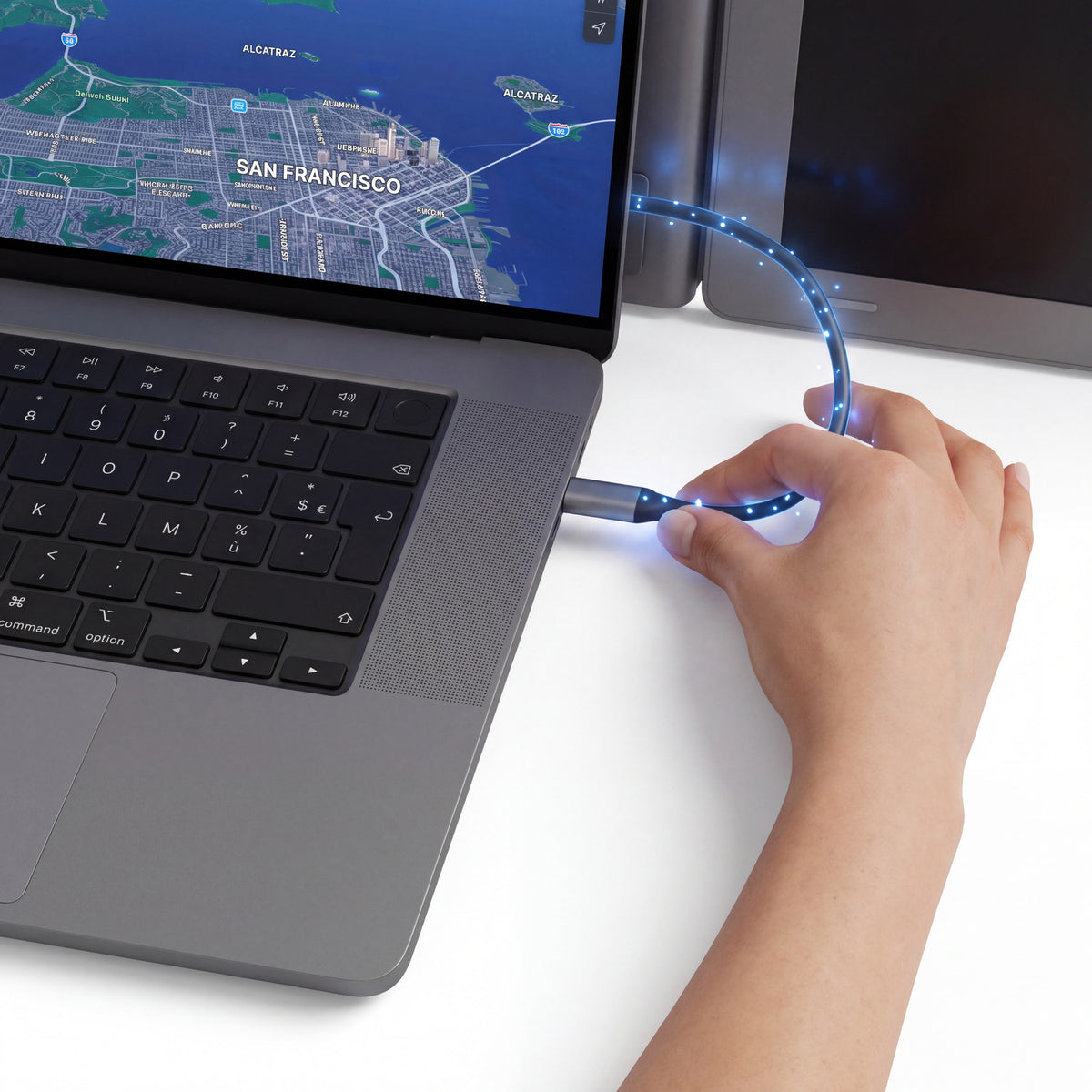
Poorten en voeding.
Wat waar in moet, en wat je laptop nodig heeft om hem aan te sturen.
4x USB-C en 2x mini HDMI op de monitor
Aan de kant van de laptop: 2 video-uitgangen (USB-C of HDMI), één per scherm.
Gevoed door je laptop
Geen stopcontact nodig: de schermen werken op stroom van je laptop.
Laadt ook je laptop op
Sluit je lader aan op de monitor: hij voedt de schermen en laadt tegelijk je laptop bij.

Geen driver nodig
Aansluiten en klaar. Niets te installeren, ook niet op een werklaptop.
Gemaakt om meer te doen.
Ontdek de functies die deze monitor slimmer en veelzijdiger maken, gemaakt om de manier waarop je werkt en creëert naar een hoger niveau te tillen.

Elk scherm toont 2560 × 1600, dus je ziet meer regels code, meer rijen en meer van elke pagina.

De schermen klappen met de voorkant naar binnen, zodat ze beschermd blijven in je tas.

De standaard is ingebouwd: zet hem naast je laptop en stel de hoek in. Niets te monteren, niets extra mee te nemen.

Sleep elk venster van je laptop naar elk scherm en weer terug. Breid je bureaublad uit over alle drie de schermen, of spiegel één scherm om twee keer hetzelfde te tonen.

Elk scherm sluit je aan met een eigen kabel: USB-C met video, of mini-HDMI met de meegeleverde USB-voedingskabel. Gebruik twee USB-C-poorten, of één USB-C- en één HDMI-poort.

Geen driver te installeren: sluit de kabels aan en beide schermen gaan aan, ook op een werklaptop. Op een MacBook met een basis-M1-, -M2- of -M3-chip heeft het tweede scherm de H5T-adapter nodig (apart verkrijgbaar).

Sluit een iPhone of Android-telefoon met een USB-C-poort met video aan om hem op één scherm te spiegelen.

Kantel de schermen tot ze voor jou precies goed staan.

Sluit de lader van je laptop aan op de monitor: hij voedt de schermen en laadt tegelijk je laptop bij.



De Go-serie. Gemaakt om mee te nemen.
De Go Series is onze lichtere reeks met meerdere schermen, met minder te dragen op de dagen dat je ergens anders werkt. Elk scherm draait volledig 180°, zodat je het naar de persoon tegenover je kunt draaien zonder de laptop te verplaatsen.






Productiviteitscalculator
Zie wat meer scherm je oplevert.
Minder vensters om mee te jongleren. Meer tijd voor het werk zelf. Pas de cijfers aan aan jouw week.
Kopiëren tussen documenten, vergelijken, een gesprek naast je notities, code naast de preview.
Alleen schattingen. De winst uit gepubliceerde studies wordt toegepast op het deel van je tijd waarin je met meerdere vensters werkt, en voorzichtig omgerekend naar bespaarde tijd (een taak die 18% efficiënter gaat, kost ongeveer 15% minder tijd). Je resultaten hangen af van je werk.
Bronnen: Wichita State University SURL / IDC voor Dell (2015); Fraunhofer IAO OFFICE 21 voor Fujitsu Siemens; Jon Peddie Research Multi-Monitor Study (2017, zelfgerapporteerd); University of Utah voor NEC (2008); Microsoft Research, Czerwinski et al. (2003); Harvard Business Review (2022).


Is hij iets voor jou?
Is de Dual Go 14” Ultra iets voor jou?
Gemaakt voor jou als
- Je overal wilt kunnen werken, ook zonder stopcontact
- Je Plug & Play wilt, zonder iets te installeren
- Je laptop tussen 10" en 16.5" is
- Je twee extra schermen wilt zonder logge opstelling
Kies een ander model als
- Je vooral op een console gamet — Vergelijk modellen
Display
Connectivity & power
Size & weight
Design & features
Warranty & certifications
Your laptop
Operating systems
Other devices
- 1×Dual Go 14” Ultra (QHD 2.5K)
- 2×USB-C-naar-USB-C-kabel, video & stroom (60 cm)
- 1×USB-C-kabel met USB-A-adapter, stroom (90 cm)
- 1×mini-HDMI-naar-HDMI-kabel (90 cm)
- 1×handleiding
Plug & Play
How to connect
Twee kabels, één per scherm: 2× USB-C met video, of 1× USB-C met video + 1× HDMI, of 2× HDMI. Niet voor laptops met alleen USB-A.
- Plug & Play, no driverPlug it in and it works. No install, no admin rights.
- No power outlet neededRuns from your laptop’s USB-C port. No adapter to carry.
- Fits laptops 10"–16.5"Works with Windows, macOS, Android and iOS.Check compatibility in 30 s →
- Weighs 3.55 lb (1.61 kg)Folded: 13.62 × 8.62 × 1.56 in (346 × 219 × 39.6 mm). Fits in a standard laptop backpack.See lighter models →
Great product and really helps to elevate my productivity no matter where I am.

Hi Christopher,
Thank you for your kind words about our Dual Go 14” Ultra (QHD 2.5K)! We are thrilled to hear that it has been a valuable asset to your productivity, even on-the-go. We are always here to support you in any way we can. Thanks for choosing our product!
Best, David
Customer Service Team
Works as advertised. Plugged it into my laptop, and it just worked—no setup issues. It's great for editing documents.


Hi there,
Thank you for leaving such a positive review for our Dual Go 14” Ultra (QHD 2.5K) product. We are thrilled to hear that it worked seamlessly with your laptop and was helpful for editing documents without any setup issues. We appreciate your feedback and hope to continue providing products that meet your needs. Thank you again for choosing our product!
Best,
David
Customer Service Team
Super clear site that lets us know what we're buying. However, once I received the product I found that it was very large. I couldn't fit it in my backpack, which is a problem.

Hi Dunya, thank you for the great review! We're glad to hear that our website was helpful in informing you about the Dual Go 14” Ultra (QHD 2.5K). We apologize for any inconvenience caused by the size of the product. We value your feedback and will take it into consideration for future improvements. Thank you for choosing our product. Have a great day!
Great extra screen for taking notes while searching for information! Highly recommended.


Hi Amilie, thank you so much for leaving such a positive review for our Dual Go 14” Ultra (QHD 2.5K) product! We are thrilled to hear that it is helping you take notes while searching for information. Thank you for recommending it, we truly appreciate it! Have a great day.
I just wish i would have went with a larger one. Other then that its great!
Hi there,
Thank you for your feedback on our Dual Go 14” Ultra (QHD 2.5K)! We're glad to hear that you're enjoying it overall. If you ever decide to upgrade to a larger one, we have plenty of options available for you to choose from. Thank you for choosing our product!
Best,
David
Customer Support Team
I’m pleased to say it has resolved my mobility issues, It is a great piece of kit, easy to set up, lightweight and convenient to carry around.
Hi Jag,
We're thrilled to hear that the Dual Go 14” Ultra (QHD 2.5K) has resolved your mobility issues and that it's been a great addition to your life. We pride ourselves on creating products that are easy to set up, lightweight, and convenient for our customers to use. Thank you for your kind words and for choosing our product. We hope it continues to serve you well.
Best,
Customer Service Team
Once I was able to get the USB-C dock to have enough USB-C ports to connect everything, it was ok. However, the descriptions for these screens are not written for the 'average' user that is new to technology. It takes way too much power to run the two screens without shorting out the laptop battery. I went through 2 batteries before I realized I needed to buy a 100w charger along with a dock to run everything. My laptop didn't have all the ports needed to run audio and video and wouldn't work with my laptop without buying the extra power supply/dock needed to run everything. After having spent over $700 for the technology (this included the dual screens), I really like the set up.
I travel a lot for business. The Aura Dual Go 14” Ultra (QHD 2.5K) screen enables me to have the same screen set up I have at home when I am on the road.
Thank you Michael for your review of our Dual Go 14” Ultra (QHD 2.5K) product! We're glad to hear that the Aura Dual Go 14” Ultra (QHD 2.5K) screen has been a helpful solution for your business travels. It's great that you're able to have the same set up on the road as you do at home. We appreciate your feedback and hope to continue providing convenience and efficiency for your travels. Safe travels!
Very efficient when working with many reference sites- now I dont have to juggle tabs,
So far my best buy to make my work easy.
Kudos!
Thank you Cameline for your glowing review of our Dual Go 14” Ultra (QHD 2.5K)! We're so happy to hear that it has made your work easier and more efficient. Have you considered sharing a picture or video of how you use it? We would love to see it! Thanks again for choosing us. Happy working!
I’ve been using Aura Dual Go 14” Ultra (QHD 2.5K) monitors for a couple of weeks now. I travel a bit and these monitors are super easy to carry in my tote with my laptop and make a big difference to my productivity when compared to working on a 14” laptop screen only.
When I’m working from home, they allow me to move around the house, so I can enjoy sitting at my dining room table in the mornings (sunny position) rather than at my work desk.
Love, love, love em! High recommend for mobile professionals!
Hi Simeon!
Thank you so much for your kind words about our Dual Go 14” Ultra (QHD 2.5K) monitors. We're thrilled to hear that they have been a helpful tool for your productivity, both while traveling and working from home. We're glad to know that you appreciate the convenience and portability of the monitors, and that they have made a positive impact on your work routine. Thank you for recommending our product to other mobile professionals. We truly appreciate your feedback and support.
Happy working!
Best,
David
Customer Service Team
Nuuuuul
This was easy to unpack. Great instructions on setting it up and items possibly needed. I set it up in about 30 minutes and was using it as a dual screen. Having this triple screen (dual and laptop screen) is the best.
Hi Donna! Thank you for taking the time to leave us such a kind review. We're thrilled to hear that our Dual Go 14” Ultra (QHD 2.5K) has been a great addition to your laptop. We strive to provide easy-to-follow instructions and we're glad to hear that the setup process was a breeze for you. Enjoy your triple screen setup and let us know if you need any further assistance. Happy dual screening!
I wasn’t sure I needed a second monitor until I tried this. I use it in portrait mode while coding and it honestly helps me stay more focused. When I’m done, I switch it back to landscape and watch videos or scroll through PDFs. Build is solid, no lag, no weird flickering, and works seamlessly on both my work PC and Mac.
Absolutely love this. I travel a lot for work and this folds flat into my backpack. Whether I'm at a hotel, airport lounge, or coworking space, I’ve got a full dual-screen setup running in seconds. Clients are always impressed when I pop it out during a call. It feels like something every remote worker should own.
Bought this for my wife but I’ve ended up using it more than her. It’s so convenient for checking emails while watching videos.
Still works great after 2 months. No dead pixels, hinges hold well, and no weird flickering. Very happy.
This thing just simplified my workflow beyond belief. I work in architecture and constantly flip between reference files, renders, and client briefs. With this display, I’ve been able to reduce the mental load and just focus. Easy to travel with, fits in my backpack, and doesn’t require any extra charger.
Stable even on soft surfaces like my couch. Didn’t expect that.
This screen turned out to be way more useful than I thought. I'm a freelance developer and I usually work in cafés — being able to keep VS Code on my main screen and Slack or a browser window on the second makes me feel like I'm working from a full desk setup. No lags, solid build, and extremely portable.
Really easy to set up and works like magic with my Dell XPS. Wasn’t expecting it to be this light.
It’s made my daily Zoom calls a lot easier to manage. I keep my notes open without minimizing the video window.
Nice portable screen. I use it for work and sometimes to keep Netflix open on the side. Works great.
Bought one for work and ended up getting another for home. No issues at all.
Used it on a plane tray table with no issues. Game changer for travel work.
Takes my productivity to another level. Couldn’t go back to a single screen now.
One of the most useful tech purchases I’ve made. Great screen size, great portability, and honestly I’ve had no issues since day one. If you're working remote, this is a game-changer.
Solid screen. I work in customer support and keep Zendesk open on one side, tickets on the other. It's cut my response time down a lot.
Installatie en support
De vragen die ons team het vaakst beantwoordt — van de eerste keer aansluiten tot de
dag dat er iets niet lijkt te kloppen. Staat jouw vraag er niet bij, schrijf ons dan: een echt
mens antwoordt.
Maar enkele schermen werken, of een scherm blijft zwart
Maar enkele schermen werken, of een scherm blijft zwart
Elk Dual Go-scherm heeft een eigen videoverbinding met je laptop nodig.
- Controleer dat beide schermen zijn aangesloten: één USB-C-kabel met video of één HDMI-kabel per scherm.
- Gebruik een USB-C-poort van je laptop die video ondersteunt, of een HDMI-poort — geen hub of dock bij de eerste installatie.
- MacBook met een basis-M1-, -M2- of -M3-chip (geen Pro of Max)? Die stuurt maar één extern scherm aan: het tweede scherm heeft de H5T-adapter nodig (apart verkrijgbaar).
- Controleer dat het zwarte scherm is ingesteld als uitgebreid beeldscherm (zie de vraag over de volgorde van de schermen).
Blijft één scherm zwart? Neem contact met ons op — dat valt onder de garantie.
Alle schermen blijven zwart / er gaat niets aan
Alle schermen blijven zwart / er gaat niets aan
- Sluit de monitor rechtstreeks aan op je laptop — zonder hub of dock.
- Gebruik een USB-C-poort die video doorgeeft (alle MacBooks, de meeste recente Windows-laptops): een USB-C-poort die alleen voor data of laden is, geeft geen beeld.
- Via HDMI sluit je ook de meegeleverde USB-voedingskabel aan op het scherm en op een USB-poort of lader.
- Kan je laptop via USB-C niet genoeg stroom leveren, sluit dan een USB-C-lader van 15 W of meer aan op de monitor.
Nog steeds niets? Neem contact met ons op met een korte video van je opstelling — fabricagefouten vallen 1 jaar onder de garantie.
Hoe sluit ik hem aan op mijn laptop?
Hoe sluit ik hem aan op mijn laptop?
Elk scherm heeft een eigen aansluiting. Heeft je laptop twee USB-C-poorten met video, gebruik dan de twee meegeleverde USB-C-naar-USB-C-kabels, één per scherm: beeld en stroom gaan via elke kabel. Je kunt ook één scherm via HDMI aansluiten met de meegeleverde mini-HDMI-naar-HDMI-kabel en USB-voedingskabel, en het andere via USB-C.
Laptops met alleen USB-A-poorten werken niet. Gebruik bij de eerste installatie geen hubs of docks.
Heb ik een driver nodig?
Heb ik een driver nodig?
Nee. Beide schermen zijn Plug & Play op Mac, Windows en Linux (Ubuntu): sluit de kabels aan en ze gaan aan. De enige uitzondering is een MacBook met een basis-M1-, -M2- of -M3-chip: de H5T-adapter die hij voor het tweede scherm nodig heeft (apart verkrijgbaar), gebruikt de gratis Silicon Motion-app.
Werkt hij met mijn MacBook, ook met een basis-M1, -M2 of -M3?
Werkt hij met mijn MacBook, ook met een basis-M1, -M2 of -M3?
Ja. Met een M1-, M2- of M3-chip in Pro- of Max-uitvoering, of met elke MacBook met M4 of M5, werken beide schermen zonder driver. Een MacBook met een basis-M1-, -M2- of -M3-chip stuurt maar één extern scherm aan, dus werkt er maar één scherm — tenzij je de H5T-adapter toevoegt (apart verkrijgbaar), die de gratis Silicon Motion-app gebruikt. Je hebt macOS 11 Big Sur of nieuwer nodig.
Op mijn werklaptop mag ik geen software installeren
Op mijn werklaptop mag ik geen software installeren
Geen probleem: de Dual Go heeft geen driver nodig, dus hij werkt op beheerde werklaptops. Gewoon aansluiten. Alleen de H5T-adapter voor MacBooks met een basis-M1, -M2 of -M3 heeft een app nodig.
Is hij draagbaar? Hoe zwaar is hij?
Is hij draagbaar? Hoe zwaar is hij?
Ja. Hij klapt in tot één geheel met de schermen naar binnen, weegt ongeveer 1,61 kg (3,55 lb) en past in een standaard laptoprugzak. Bewaar hem onderweg in een sleeve: de behuizing krast makkelijker dan bij onze andere modellen.
Hoe klap ik hem in zonder de scharnieren te beschadigen?
Hoe klap ik hem in zonder de scharnieren te beschadigen?
Open en sluit de schermen één voor één, en forceer een scharnier nooit voorbij zijn aanslag. Bewaar hem in een sleeve of tas als je hem meeneemt.
Waar is mijn screenprotector?
Waar is mijn screenprotector?
Bij dit model is hij niet vooraf aangebracht: je screenprotectors van gehard glas krijg je gratis bij je bestelling, klaar om aan te brengen wanneer jij wilt.
Met welke laptopformaten werkt hij?
Met welke laptopformaten werkt hij?
Laptops van 10" tot 16", ook de 16" MacBook Pro-modellen. De Dual Go staat op zichzelf naast je laptop.
Mijn schermen staan in de verkeerde volgorde, of één ziet er wazig / kleiner uit
Mijn schermen staan in de verkeerde volgorde, of één ziet er wazig / kleiner uit
- Mac: Systeeminstellingen › Beeldschermen › Rangschik. Windows: Instellingen › Systeem › Beeldscherm.
- Sleep de schermen zodat ze overeenkomen met hun echte positie.
- Zet elk Dual Go-scherm op zijn eigen resolutie (2560 × 1600) en dezelfde schaal.
Kan ik Netflix of andere streamingdiensten kijken?
Kan ik Netflix of andere streamingdiensten kijken?
Hij wordt via USB-C of HDMI aangesloten als een standaard extern beeldscherm, zonder displaydriver ertussen. We hebben nog niet elke streamingdienst getest: blijft er een zwart, speel hem dan af op je laptopscherm en neem contact met ons op.