






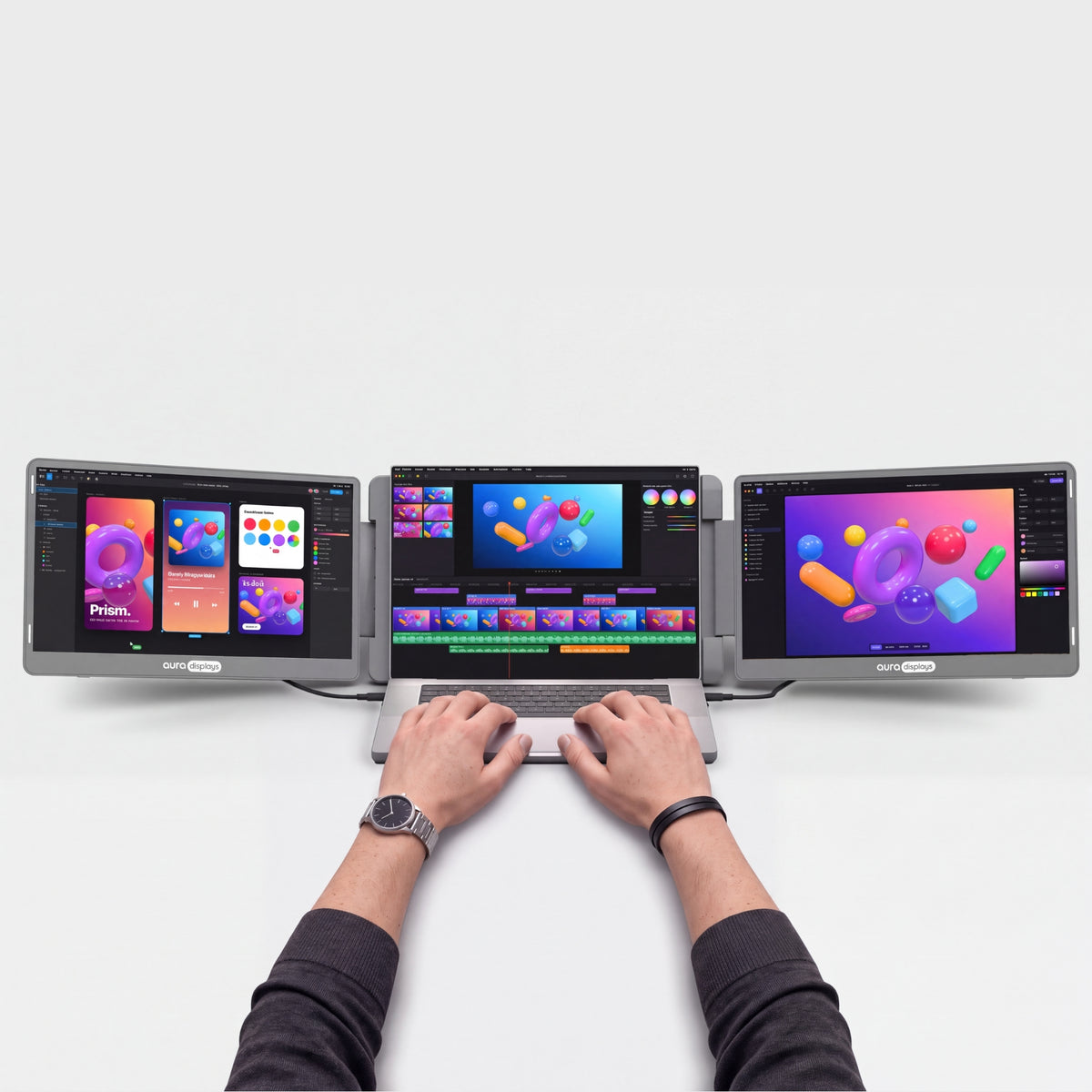


Dual Go 14” Ultra (QHD 2.5K)
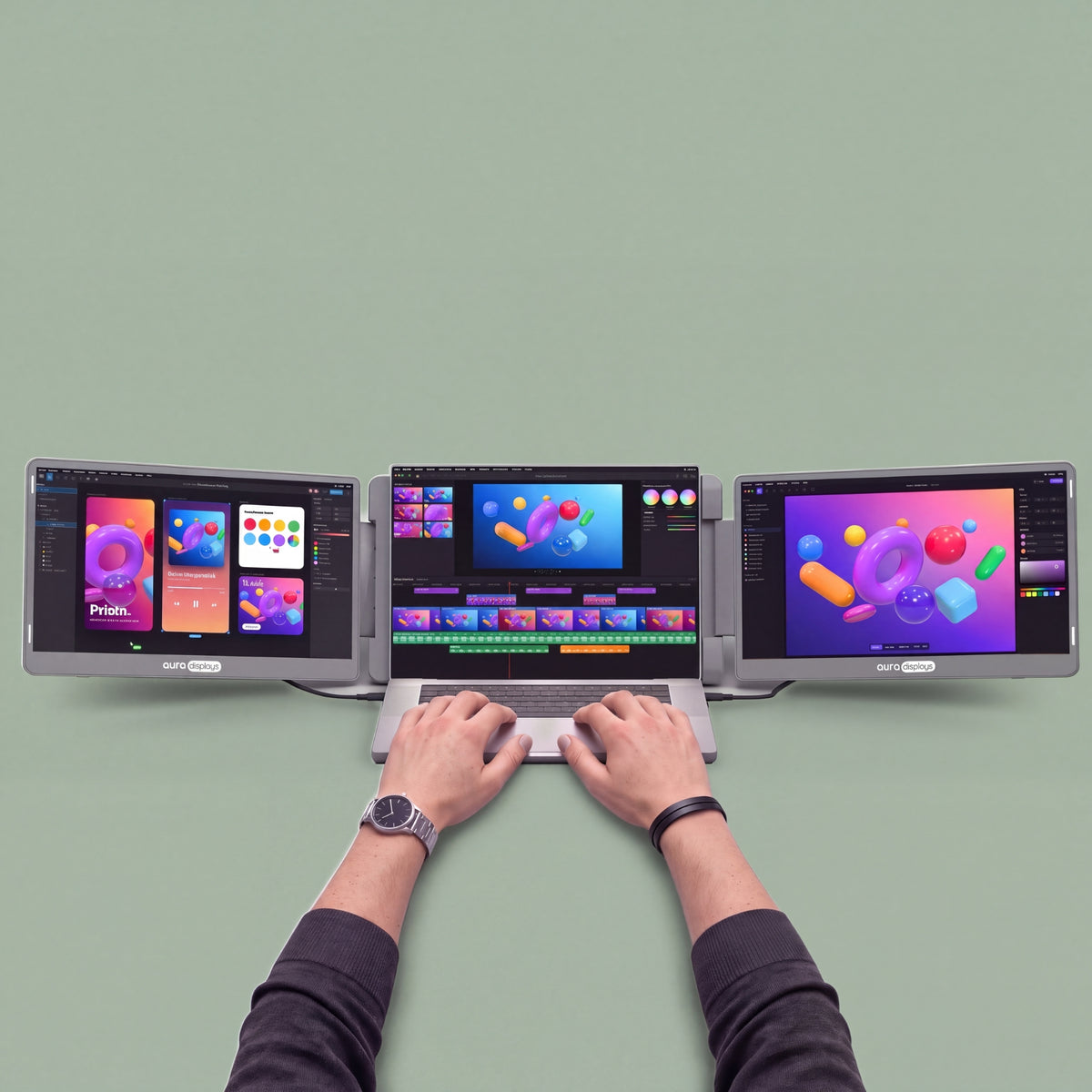
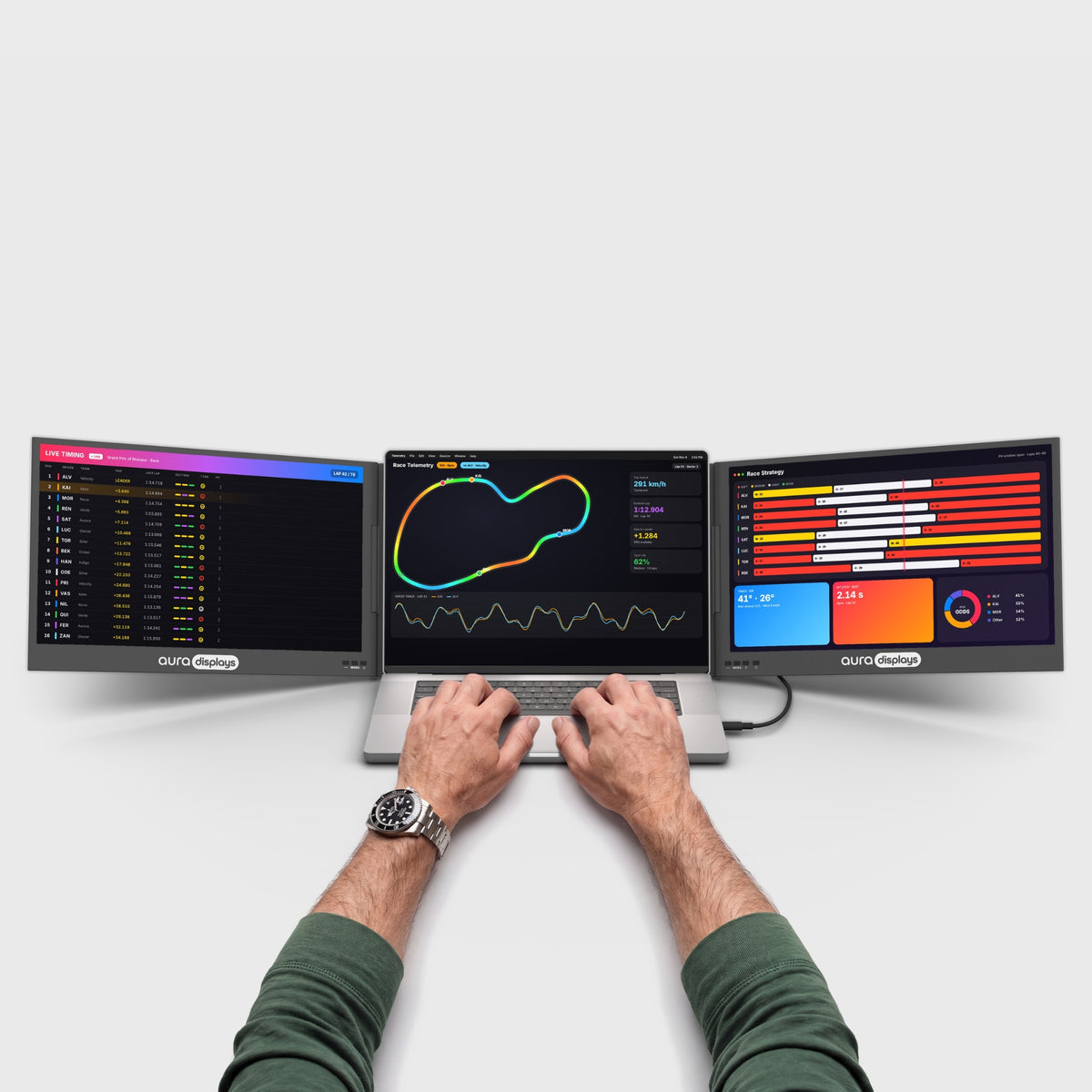
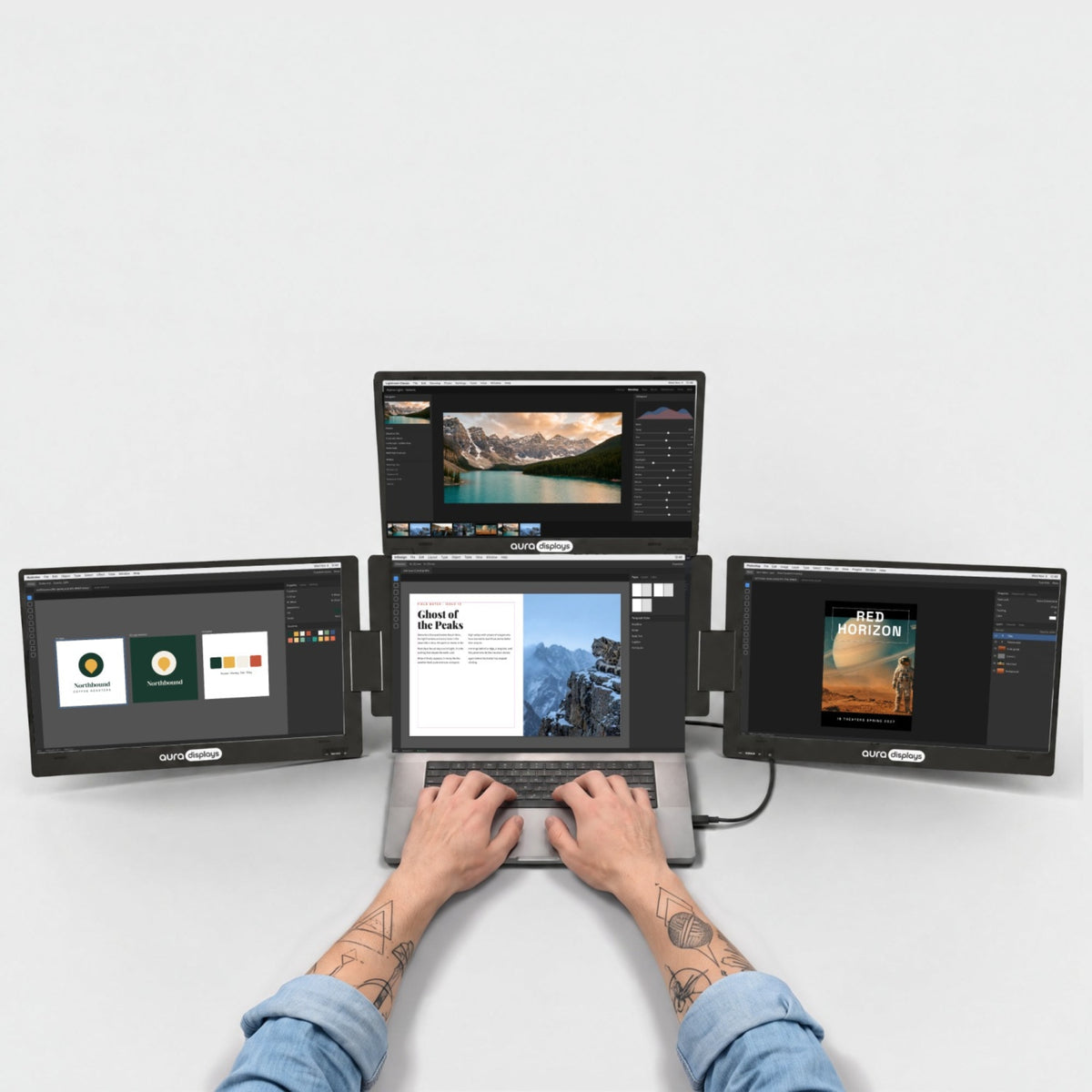
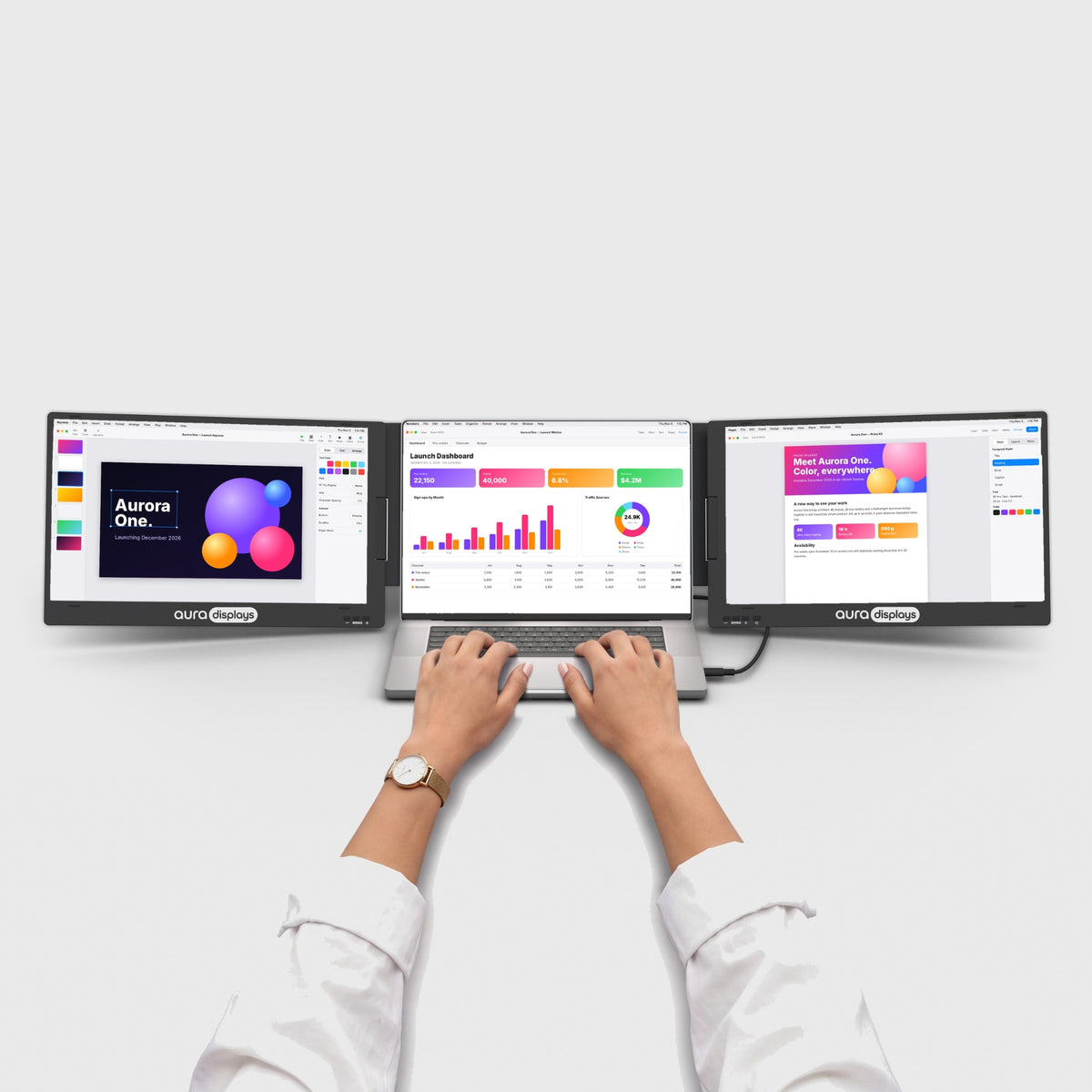
専用スタンド付きの2枚の14" QHD画面。
ご購入前に
- Plug & Play、ドライバー不要つなぐだけで使えます。インストールも管理者権限も不要です。
- コンセント不要ノートPCのUSB-Cポートから給電。アダプターを持ち歩く必要はありません。
- 10"〜16.5"のノートPCに対応Windows, macOS, Android and iOSに対応。30秒で互換性をチェック →
- 重量1.61 kg(3.55 lb)折りたたみ時:346 × 219 × 39.6 mm(13.62 × 8.62 × 1.56 in)。 standard laptop backpackに収まります。より軽いモデルを見る →


ご注文に無料で付属
€92,90お得-
 Tempered Glass Screen Protector2x 14" / 16:10
€0,00
€50,95 -
 Hub USB 8-in-1 87W PD
€0,00
€41,95


モニターと一緒に自動でカートに追加されます。
概要
概要
専用スタンドでノートPCの横に置く2枚の14" QHD 2.5K(2560 × 1600)画面。ノートPCの天板に何も取り付ける必要はありません。よりシャープな文字とsRGB 100%の色域で、クリエイティブ作業、コーディング、長いドキュメントに最適。16:10フォーマットは標準的な画面よりも縦方向に広い表示領域を確保します。折りたたむと画面が内側を向いて保護され、セット全体が標準的なノートPC用リュックに収まります。10"から16"のノートPCに対応。各画面をそれぞれ専用のケーブルで接続するため、ノートPCには映像出力が2つ必要です(映像出力対応のUSB-Cポート2つ、USB-CとHDMIを1つずつ、またはHDMI 2つ)。USB-C接続ならノートPCからの給電で動作するので、電源アダプターを持ち歩く必要はありません。HDMI接続の場合は、付属のUSB電源ケーブルをノートPCまたは15W以上の充電器に接続してください。ケーブルはすべて同梱されています。左の画面は最大245°、右の画面は最大205°回転し、パノラマや縦向きのセットアップにも、向かいの人に画面を向けて見せるのにも対応します。内蔵キックスタンドで好みの角度に調整可能。ブルーライト軽減モード付きのマットなIPSパネルで長時間の作業も快適です。ソフトウェアのインストールは不要で、プラグアンドプレイで使えます。macOS、Windows、Androidに対応し、iPhoneの画面を1つの画面にミラーリングすることもできます。
同梱品
同梱品
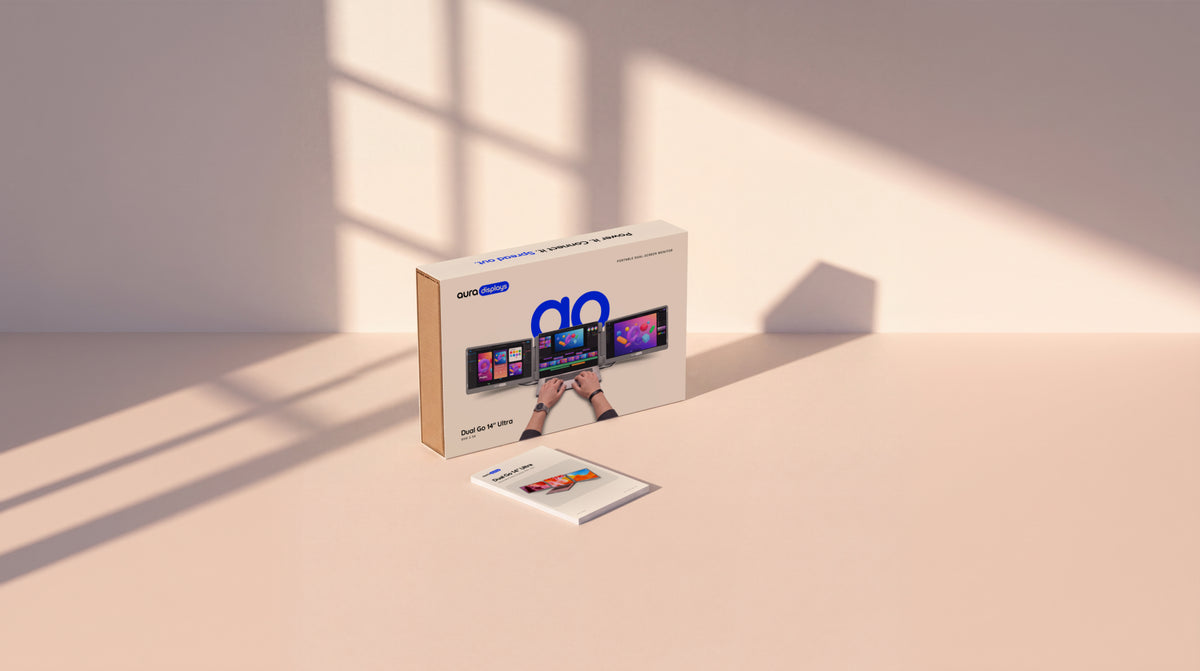
- Dual Go 14” Ultra (QHD 2.5K) ×1
- USB-C - USB-Cケーブル(映像・給電用、60 cm)×2
- USB-Cケーブル(USB-Aアダプター付き、給電用、90 cm)×1
- Mini HDMI - HDMIケーブル(90 cm)×1
- 取扱説明書 ×1
ドライバーとユーザーガイド
ドライバーとユーザーガイド
Plug & Play。 インストールするドライバーはありません。ケーブルを差し込むだけで画面がつきます。
配送・返品・保証
配送・返品・保証
配送。ご注文は1〜3営業日以内に倉庫から発送され、平均5〜8日でお届けします。在庫状況やお届け先によって異なる場合があります。この製品の最新のお届け予定日は、常にこのページの「カートに追加」ボタンのすぐ上に表示されています。$100以上のご注文で送料無料。米国、EU、英国、オーストラリアでは税金と関税が含まれているため、受け取り時のお支払いはありません。表示されるお届け日数は、これまでの発送実績と現在の在庫に基づく目安です。
ご注文はどこですか?ご注文番号とメールアドレスで、配送状況をリアルタイムで追跡できます。
14日間の無料返品。合わなかった場合は、お届けから14日以内なら返品・交換は無料です。箱を開けて試し、元のパッケージにすべて入れて、プリペイドラベルで返送してください。運送業者がお荷物をスキャンした時点で返金します。詳しい条件は返品ポリシーをご覧ください。
1年保証。モニターに不具合がある場合は、写真または動画をお送りください。無償で修理または交換します。EUのお客様は、2年間の法定保証も受けられます。返品ポリシーの保証の項目をご覧ください。
ご購入前後のご質問は:hello@aura-displays.com · +1 (213) 845-0774 · 毎日9 am〜4 pm ET(米国東部時間)、スタッフが直接対応します。
画像について:3Dレンダリングはイメージであり、実際の製品とは若干異なる場合があります。確認済みの詳細はすべて、このページ下部の技術仕様に記載しています。

選ばれる理由。


ビフォー


アフター


2つの画面。1つの広いワークスペース。
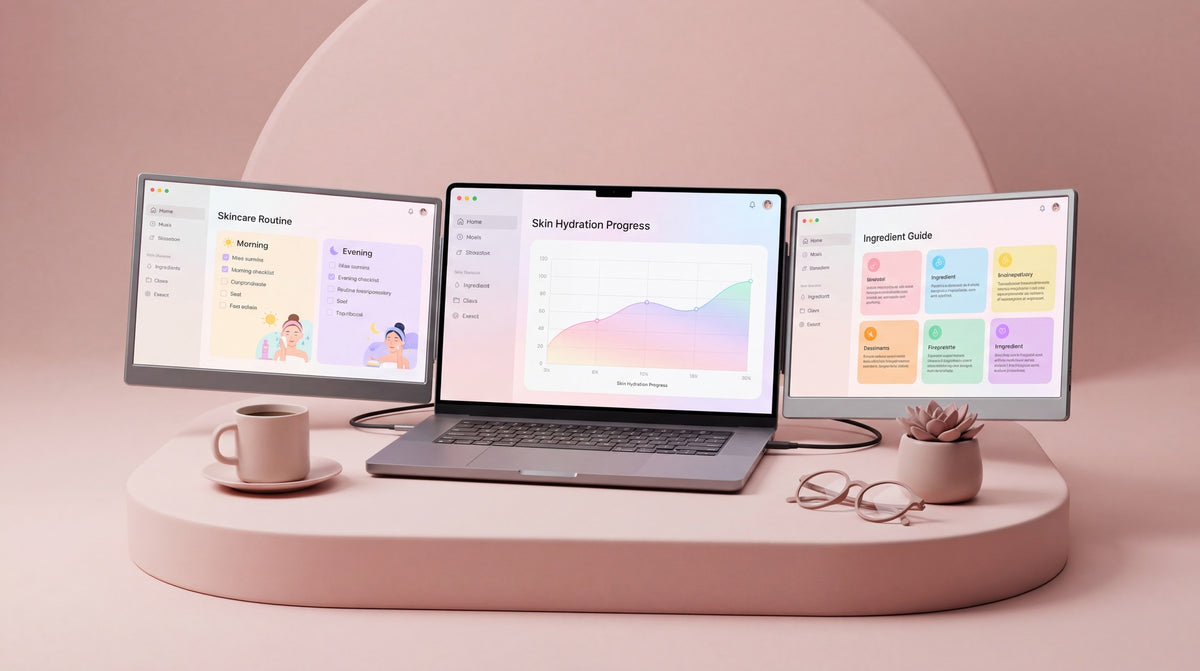
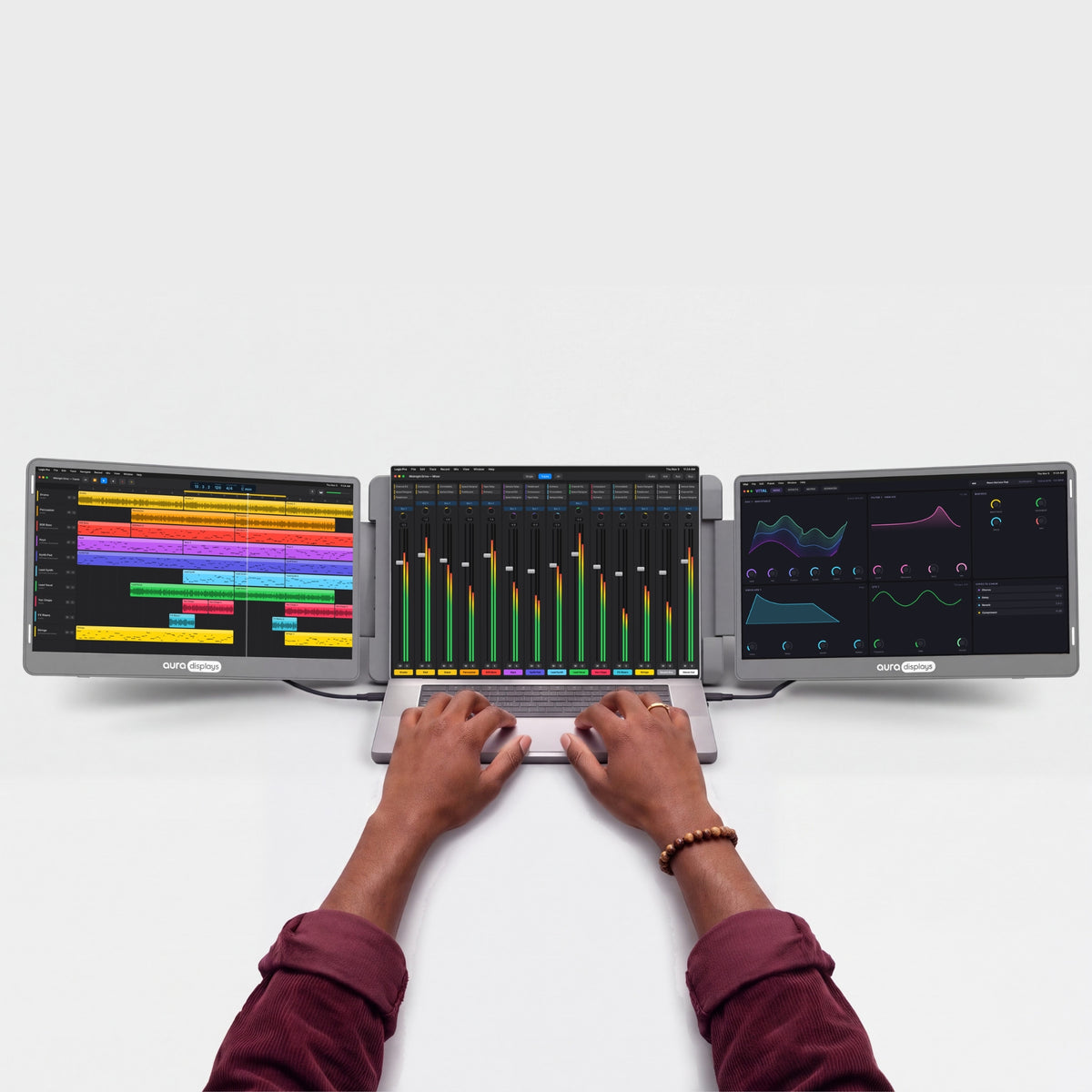
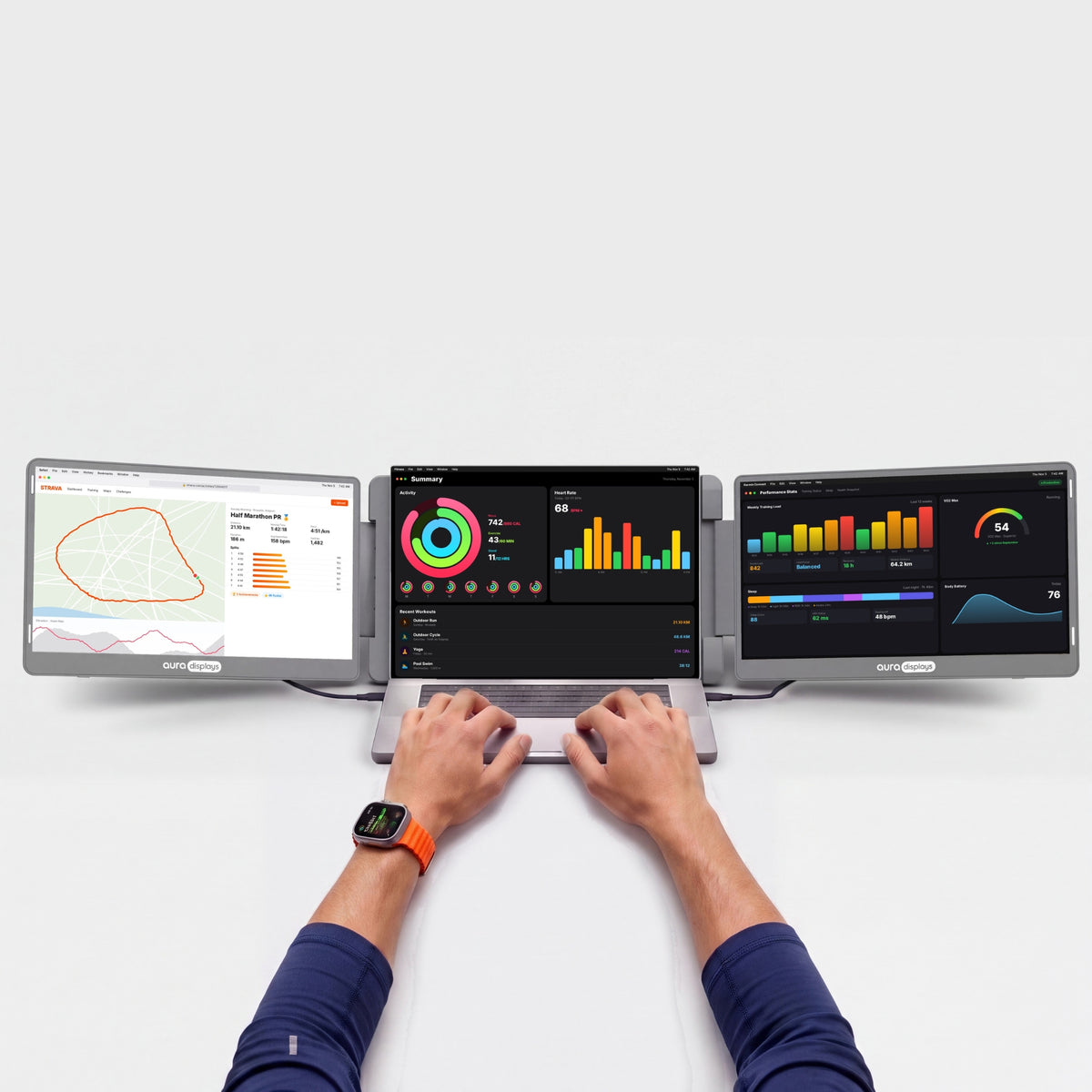
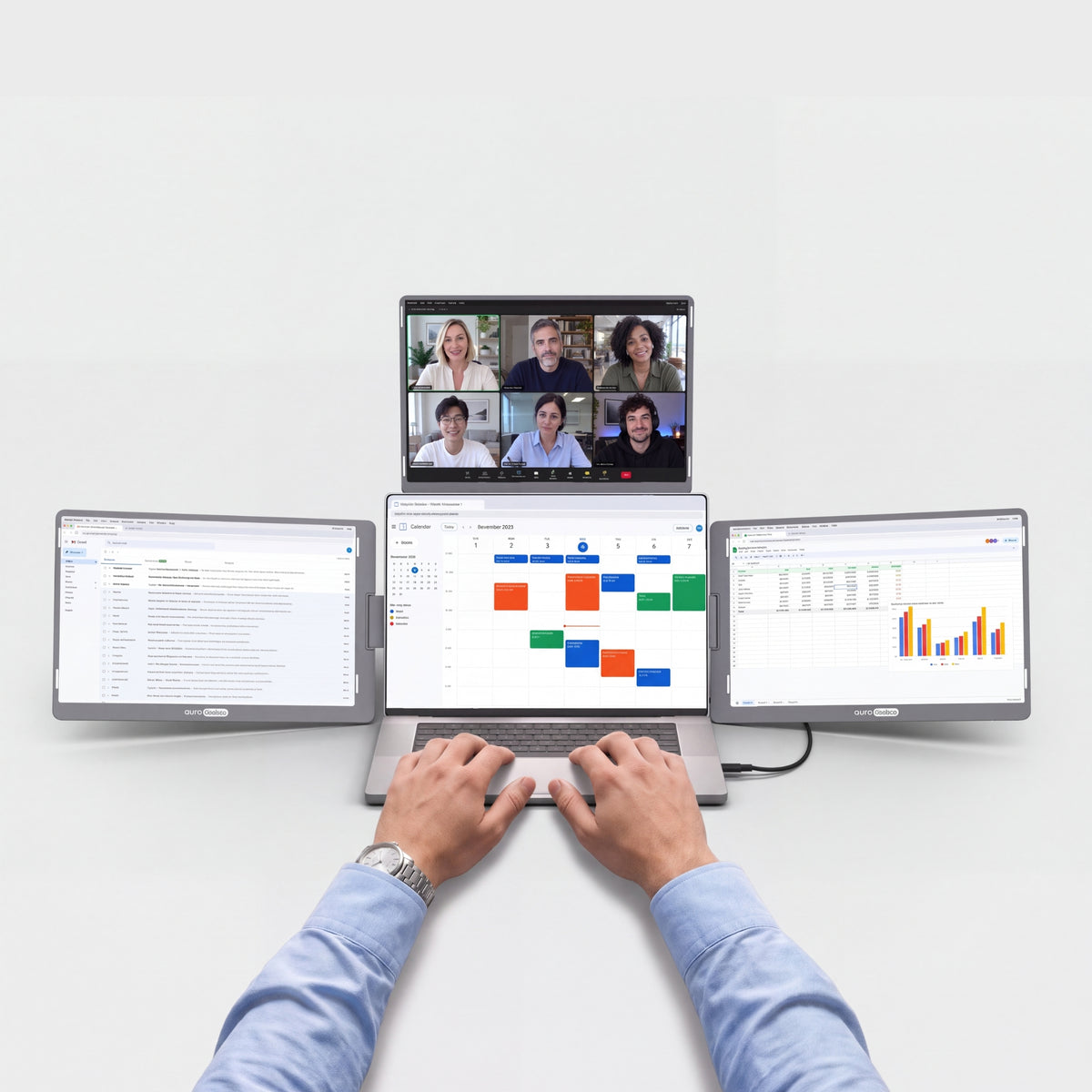
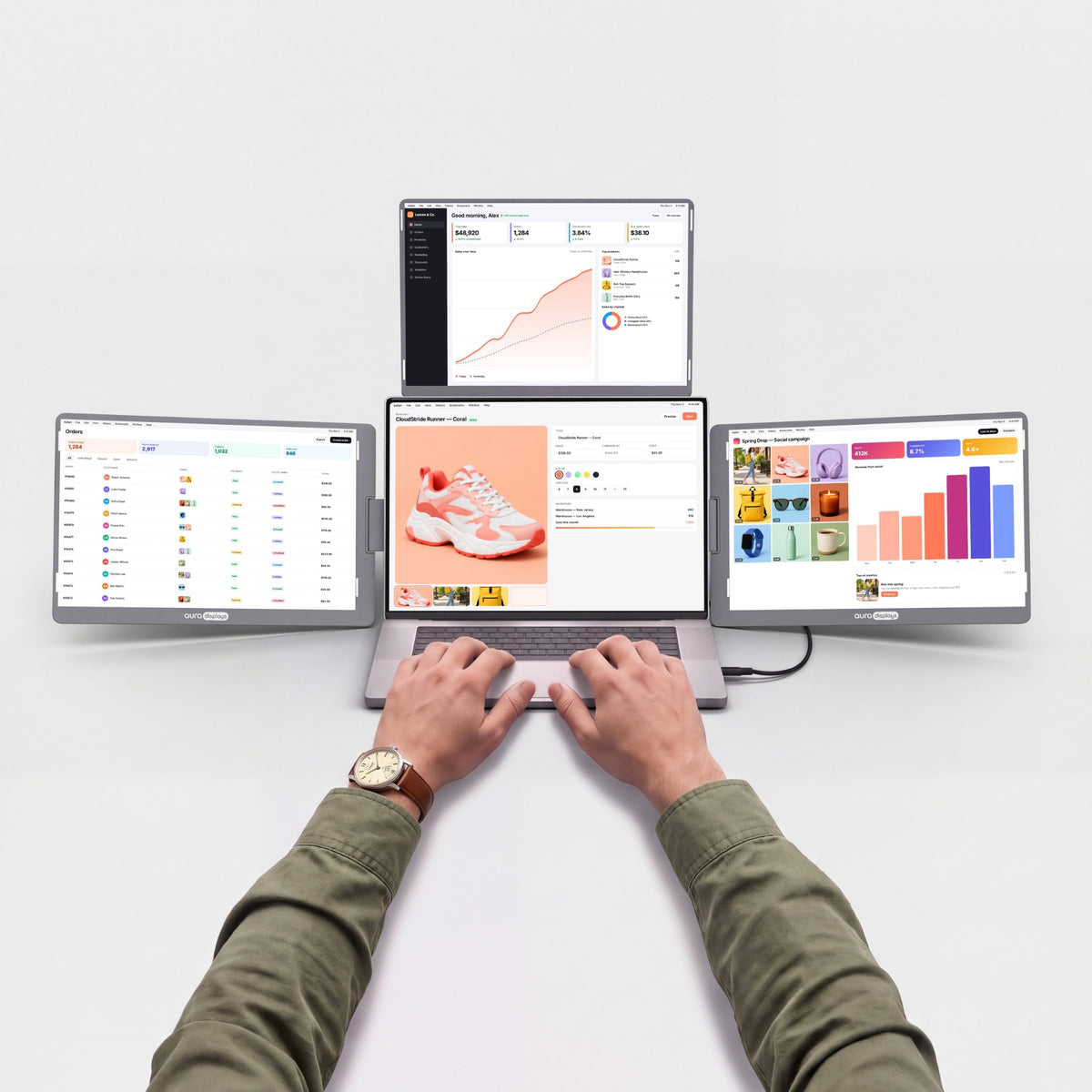
Dual Go 14" UltraをノートPCの横に広げれば、1つの広いワークスペースに。プレゼンテーションでは、画面を回転させてテーブルの向かいの相手に向けられます。


ノートPCは、本来ひとりで働くためのものではありません。
画面が2つ増えれば、どんなデスクも本格的なワークスペースに変わります。

仕事が終われば画面を折りたたんで、テーブルはまたいつものテーブルに戻ります。

メモもチームチャットもビデオ通話も、すべてを一度に表示。タブを切り替える必要はもうありません。本当にはかどる朝を。

画面を回転させて、テーブルの向かいの相手に作業内容を見せられます。ノートPCの向きを変えることなく、デザインを確認したり、写真を一緒に見たりできます。
シャープで明るく、リアルな表示。
コードの1行、写真の1枚、スプレッドシートの1つ1つまで鮮明に。正確な色、目にやさしい明るさ、なめらかな動きで、朝の最初のメールから一日の最後の編集まで快適です。


標準


アイケア


100% sRGB
Webの基準となる色空間を完全にカバー。ここで編集したものが、そのまま誰にでも同じように見えます。

HDR
ハイダイナミックレンジ:より明るいハイライト、より深いシャドウ、そして明暗どちらの端でも失われないディテール。

マットディスプレイ
天井の照明を反射させずに拡散する、映り込みの少ない表面です。

ブルーライト低減
内蔵のアイケアモードがブルーライトをカットし、長時間の作業も快適です。

あなたの働き方に合わせて。
ホームオフィスからホテルの部屋まで、Auraでより多くの成果を上げている人々の使い方をご覧ください。


お手持ちのデバイスで使えます。
MacBook with M1 to M5 chips, Pro and Max included, Windows laptops and phones.
On M1, M2 and M3 MacBooks (non-Pro), an H5T adapter (sold separately) is required.



デスクがあれば、どこでもいつものセットアップ。
折りたたんで、バッグに入れ、次のデスクでまた広げるだけ。自宅でも、オフィスでも、ホテルの部屋でも、いつも同じマルチスクリーンのワークスペースが使えます。

3.55 lb · 1.61 kg
デスクからデスクへ気軽に移動できる軽さです。

10" – 16.5"
お使いのノートPCの画面サイズに合わせた設計です。

Standard laptop backpack
フラットに折りたためて、旅行にも最適です。

複合素材
何度でも開閉できるように作られた金属製ヒンジ。
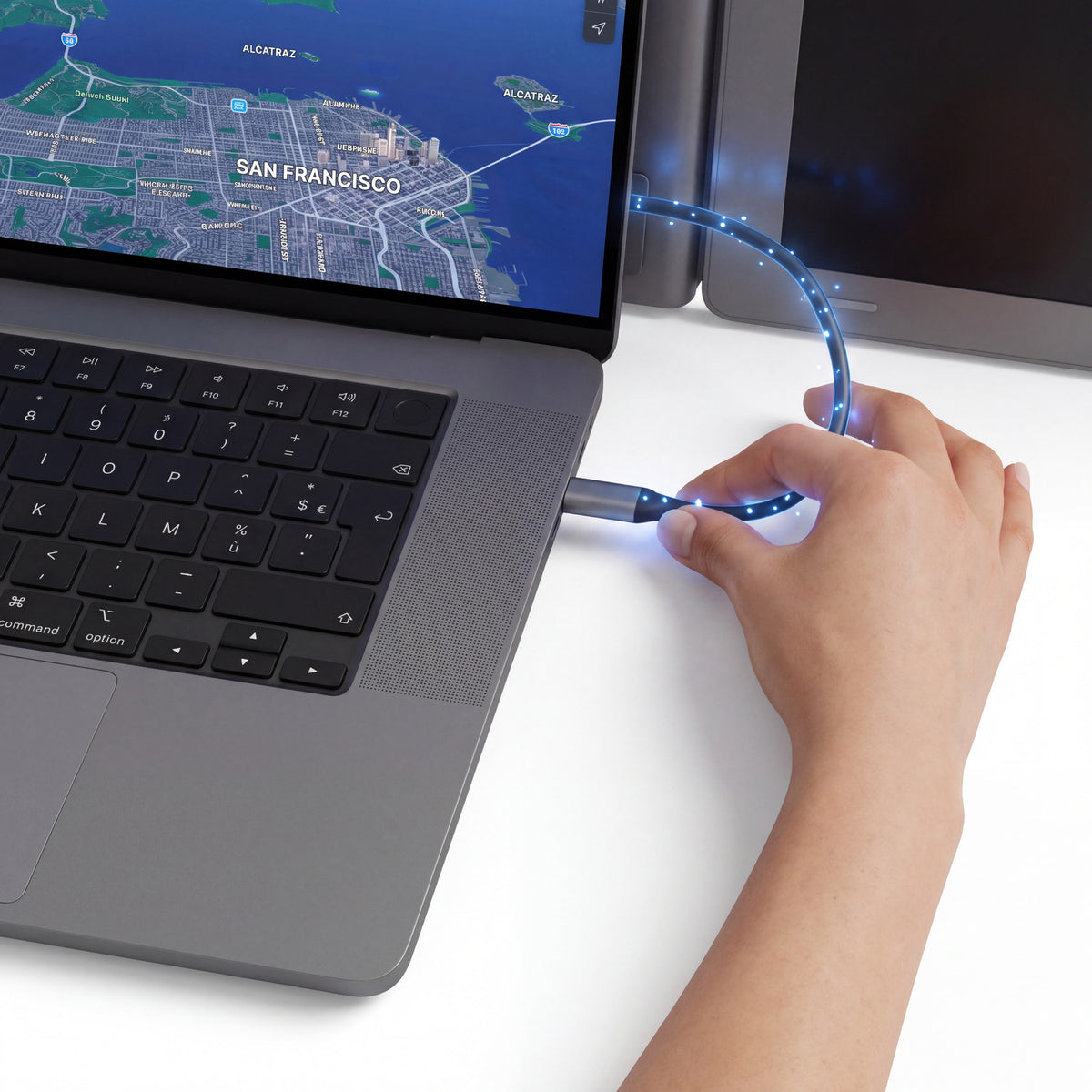
ポートと電源。
どこに何をつなぐのか、そしてノートPCに何が必要なのかをご紹介します。
モニター側:4x USB-C、2x mini HDMI
ノートPC側:映像出力 ×2(USB-CまたはHDMI)、画面ごとに1つ。
ノートPCから給電
コンセントは不要。画面はノートPCからの電力で動作します。
ノートPCも充電
充電器をモニターに接続すれば、画面に電力を供給しながら、同時にノートPCも充電します。

ドライバー不要
つなぐだけで使えます。会社のノートPCでも、インストールは不要です。
もっとできるように設計。
働き方とクリエイティブをレベルアップする、よりスマートで多彩なこのモニターの機能をご覧ください。

各画面の解像度は2560 × 1600。コードの行数も、表の行数も、ページの表示範囲も広がります。

画面は内側に向けて折りたたまれるので、バッグの中でもしっかり保護されます。

スタンドを内蔵。ノートPCの横に置いて角度を調整するだけです。組み立て不要で、余分な荷物もありません。

ノートPCのウインドウを、どの画面へも自由にドラッグして行き来できます。3つの画面すべてにデスクトップを拡張することも、1つの画面をミラーリングして同じ内容を表示することもできます。

各画面はそれぞれのケーブルで接続します。映像出力対応のUSB-C、または付属のUSB電源ケーブルと組み合わせたmini HDMIです。USB-Cポートを2つ、またはUSB-CポートとHDMIポートを1つずつ使用します。

ドライバーのインストールは不要。ケーブルを接続すれば、会社のノートPCでも両方の画面が点灯します。ベースモデルのM1、M2、M3チップ搭載のMacBookでは、2つ目の画面にH5Tアダプター(別売)が必要です。

映像出力対応のUSB-Cポートを備えたiPhoneやAndroidスマートフォンを接続すれば、1つの画面にミラーリングできます。

ちょうどよい位置になるまで、画面の角度を調整できます。

ノートPCの充電器をモニターに接続すれば、画面に電力を供給しながら、同時にノートPCも充電します。



Goシリーズ。出かけるためにつくられました。Go Seriesは、より軽量なマルチスクリーンのラインアップ。新しい場所で働く日も、持ち物が少なくて済みます。各画面は180°回転するので、ノートPCを動かさずに向かいの人へ画面を向けられます。






生産性計算ツール
画面が増えると、何が取り戻せるのかを確かめましょう。
ウインドウのやりくりを減らし、本来の仕事にもっと時間を。数値をあなたの1週間に合わせて調整してください。
ドキュメント間のコピー、比較、メモを見ながらの通話、プレビューを見ながらのコーディングなど。
あくまで推定値です。公表された研究による効率向上を、複数のウインドウを使って作業する時間の割合に適用し、控えめに節約時間へ換算しています(18%効率的に行える作業は、所要時間が約15%短くなります)。実際の結果はお仕事の内容によって異なります。
出典:Wichita State University SURL / IDC for Dell(2015年)、Fraunhofer IAO OFFICE 21 for Fujitsu Siemens、Jon Peddie Research Multi-Monitor Study(2017年、自己申告)、University of Utah for NEC(2008年)、Microsoft Research, Czerwinski et al.(2003年)、Harvard Business Review(2022年)。


あなたに合っていますか?
Dual Go 14” Ultraはあなたに合っていますか?
こんな方におすすめ
- コンセントがない場所でも、どこでも作業したい
- インストール不要のPlug & Playがいい
- ノートPCのサイズが10"〜16.5"
- かさばらずに画面を2つ追加したい
こんな方は別のモデルを
- 主にゲーム機でゲームをする — モデルを比較
Display
Connectivity & power
Size & weight
Design & features
Warranty & certifications
Your laptop
Operating systems
Other devices
- Dual Go 14” Ultra (QHD 2.5K) ×1
- USB-C - USB-Cケーブル(映像・給電用、60 cm)×2
- USB-Cケーブル(USB-Aアダプター付き、給電用、90 cm)×1
- Mini HDMI - HDMIケーブル(90 cm)×1
- 取扱説明書 ×1
Plug & Play
How to connect
画面ごとに1本、計2本のケーブル:映像出力対応USB-C ×2、映像出力対応USB-C ×1+HDMI ×1、またはHDMI ×2。USB-AのみのノートPCには非対応。
- Plug & Play, no driverPlug it in and it works. No install, no admin rights.
- No power outlet neededRuns from your laptop’s USB-C port. No adapter to carry.
- Fits laptops 10"–16.5"Works with Windows, macOS, Android and iOS.Check compatibility in 30 s →
- Weighs 3.55 lb (1.61 kg)Folded: 13.62 × 8.62 × 1.56 in (346 × 219 × 39.6 mm). Fits in a standard laptop backpack.See lighter models →
Great product and really helps to elevate my productivity no matter where I am.

Hi Christopher,
Thank you for your kind words about our Dual Go 14” Ultra (QHD 2.5K)! We are thrilled to hear that it has been a valuable asset to your productivity, even on-the-go. We are always here to support you in any way we can. Thanks for choosing our product!
Best, David
Customer Service Team
Works as advertised. Plugged it into my laptop, and it just worked—no setup issues. It's great for editing documents.


Hi there,
Thank you for leaving such a positive review for our Dual Go 14” Ultra (QHD 2.5K) product. We are thrilled to hear that it worked seamlessly with your laptop and was helpful for editing documents without any setup issues. We appreciate your feedback and hope to continue providing products that meet your needs. Thank you again for choosing our product!
Best,
David
Customer Service Team
Super clear site that lets us know what we're buying. However, once I received the product I found that it was very large. I couldn't fit it in my backpack, which is a problem.

Hi Dunya, thank you for the great review! We're glad to hear that our website was helpful in informing you about the Dual Go 14” Ultra (QHD 2.5K). We apologize for any inconvenience caused by the size of the product. We value your feedback and will take it into consideration for future improvements. Thank you for choosing our product. Have a great day!
Great extra screen for taking notes while searching for information! Highly recommended.


Hi Amilie, thank you so much for leaving such a positive review for our Dual Go 14” Ultra (QHD 2.5K) product! We are thrilled to hear that it is helping you take notes while searching for information. Thank you for recommending it, we truly appreciate it! Have a great day.
I just wish i would have went with a larger one. Other then that its great!
Hi there,
Thank you for your feedback on our Dual Go 14” Ultra (QHD 2.5K)! We're glad to hear that you're enjoying it overall. If you ever decide to upgrade to a larger one, we have plenty of options available for you to choose from. Thank you for choosing our product!
Best,
David
Customer Support Team
I’m pleased to say it has resolved my mobility issues, It is a great piece of kit, easy to set up, lightweight and convenient to carry around.
Hi Jag,
We're thrilled to hear that the Dual Go 14” Ultra (QHD 2.5K) has resolved your mobility issues and that it's been a great addition to your life. We pride ourselves on creating products that are easy to set up, lightweight, and convenient for our customers to use. Thank you for your kind words and for choosing our product. We hope it continues to serve you well.
Best,
Customer Service Team
Once I was able to get the USB-C dock to have enough USB-C ports to connect everything, it was ok. However, the descriptions for these screens are not written for the 'average' user that is new to technology. It takes way too much power to run the two screens without shorting out the laptop battery. I went through 2 batteries before I realized I needed to buy a 100w charger along with a dock to run everything. My laptop didn't have all the ports needed to run audio and video and wouldn't work with my laptop without buying the extra power supply/dock needed to run everything. After having spent over $700 for the technology (this included the dual screens), I really like the set up.
I travel a lot for business. The Aura Dual Go 14” Ultra (QHD 2.5K) screen enables me to have the same screen set up I have at home when I am on the road.
Thank you Michael for your review of our Dual Go 14” Ultra (QHD 2.5K) product! We're glad to hear that the Aura Dual Go 14” Ultra (QHD 2.5K) screen has been a helpful solution for your business travels. It's great that you're able to have the same set up on the road as you do at home. We appreciate your feedback and hope to continue providing convenience and efficiency for your travels. Safe travels!
Very efficient when working with many reference sites- now I dont have to juggle tabs,
So far my best buy to make my work easy.
Kudos!
Thank you Cameline for your glowing review of our Dual Go 14” Ultra (QHD 2.5K)! We're so happy to hear that it has made your work easier and more efficient. Have you considered sharing a picture or video of how you use it? We would love to see it! Thanks again for choosing us. Happy working!
I’ve been using Aura Dual Go 14” Ultra (QHD 2.5K) monitors for a couple of weeks now. I travel a bit and these monitors are super easy to carry in my tote with my laptop and make a big difference to my productivity when compared to working on a 14” laptop screen only.
When I’m working from home, they allow me to move around the house, so I can enjoy sitting at my dining room table in the mornings (sunny position) rather than at my work desk.
Love, love, love em! High recommend for mobile professionals!
Hi Simeon!
Thank you so much for your kind words about our Dual Go 14” Ultra (QHD 2.5K) monitors. We're thrilled to hear that they have been a helpful tool for your productivity, both while traveling and working from home. We're glad to know that you appreciate the convenience and portability of the monitors, and that they have made a positive impact on your work routine. Thank you for recommending our product to other mobile professionals. We truly appreciate your feedback and support.
Happy working!
Best,
David
Customer Service Team
Nuuuuul
This was easy to unpack. Great instructions on setting it up and items possibly needed. I set it up in about 30 minutes and was using it as a dual screen. Having this triple screen (dual and laptop screen) is the best.
Hi Donna! Thank you for taking the time to leave us such a kind review. We're thrilled to hear that our Dual Go 14” Ultra (QHD 2.5K) has been a great addition to your laptop. We strive to provide easy-to-follow instructions and we're glad to hear that the setup process was a breeze for you. Enjoy your triple screen setup and let us know if you need any further assistance. Happy dual screening!
I wasn’t sure I needed a second monitor until I tried this. I use it in portrait mode while coding and it honestly helps me stay more focused. When I’m done, I switch it back to landscape and watch videos or scroll through PDFs. Build is solid, no lag, no weird flickering, and works seamlessly on both my work PC and Mac.
Absolutely love this. I travel a lot for work and this folds flat into my backpack. Whether I'm at a hotel, airport lounge, or coworking space, I’ve got a full dual-screen setup running in seconds. Clients are always impressed when I pop it out during a call. It feels like something every remote worker should own.
Bought this for my wife but I’ve ended up using it more than her. It’s so convenient for checking emails while watching videos.
Still works great after 2 months. No dead pixels, hinges hold well, and no weird flickering. Very happy.
This thing just simplified my workflow beyond belief. I work in architecture and constantly flip between reference files, renders, and client briefs. With this display, I’ve been able to reduce the mental load and just focus. Easy to travel with, fits in my backpack, and doesn’t require any extra charger.
Stable even on soft surfaces like my couch. Didn’t expect that.
This screen turned out to be way more useful than I thought. I'm a freelance developer and I usually work in cafés — being able to keep VS Code on my main screen and Slack or a browser window on the second makes me feel like I'm working from a full desk setup. No lags, solid build, and extremely portable.
Really easy to set up and works like magic with my Dell XPS. Wasn’t expecting it to be this light.
It’s made my daily Zoom calls a lot easier to manage. I keep my notes open without minimizing the video window.
Nice portable screen. I use it for work and sometimes to keep Netflix open on the side. Works great.
Bought one for work and ended up getting another for home. No issues at all.
Used it on a plane tray table with no issues. Game changer for travel work.
Takes my productivity to another level. Couldn’t go back to a single screen now.
One of the most useful tech purchases I’ve made. Great screen size, great portability, and honestly I’ve had no issues since day one. If you're working remote, this is a game-changer.
Solid screen. I work in customer support and keep Zendesk open on one side, tickets on the other. It's cut my response time down a lot.
セットアップとサポート
初めての接続から、何かがおかしいと感じた日まで、当社チームによく寄せられる質問をまとめました。
お探しの質問が見つからない場合はご連絡ください。
スタッフが直接お返事します。
一部の画面しか映らない、または画面が黒いまま
一部の画面しか映らない、または画面が黒いまま
Dual Goの各画面には、ノートPCとの個別の映像接続が必要です。
- 両方の画面が接続されているか確認してください。画面ごとに映像出力対応のUSB-Cケーブル1本、またはHDMIケーブル1本が必要です。
- 映像出力に対応したノートPCのUSB-Cポート、またはHDMIポートを使用してください。初回のセットアップでは、ハブやドックは使用しないでください。
- ベースモデルのM1、M2、M3チップ搭載のMacBook(ProやMaxではないモデル)をお使いですか?外部ディスプレイは1台しか使えないため、2つ目の画面にはH5Tアダプター(別売)が必要です。
- 映らない画面が拡張ディスプレイとして設定されているか確認してください(画面の並び順に関する質問を参照)。
それでも1画面が映らない場合はお問い合わせください。保証の対象となります。
すべての画面が真っ暗なまま/電源が入らない
すべての画面が真っ暗なまま/電源が入らない
- モニターをノートPCに直接接続してください。ハブやドックは使用しないでください。
- 映像出力に対応したUSB-Cポート(すべてのMacBook、最近のほとんどのWindowsノートPC)を使用してください。データ転送や充電専用のUSB-Cポートでは映像が表示されません。
- HDMIで接続する場合は、付属のUSB電源ケーブルも画面とUSBポートまたは充電器に接続してください。
- ノートPCからUSB-C経由で十分な電力を供給できない場合は、15 W以上のUSB-C充電器をモニターに接続してください。
それでも何も映らない場合は、セットアップの短い動画を添えてお問い合わせください。製造上の欠陥は1年間保証されます。
ノートPCとはどのように接続しますか?
ノートPCとはどのように接続しますか?
各画面はそれぞれ個別に接続します。ノートPCに映像出力対応のUSB-Cポートが2つある場合は、付属のUSB-C to USB-Cケーブル2本を画面ごとに1本ずつ使用します。映像と電源は各ケーブルで伝送されます。付属のmini HDMI to HDMIケーブルとUSB電源ケーブルで1つの画面をHDMI接続し、もう1つの画面をUSB-Cで接続することもできます。
USB-AポートしかないノートPCでは使用できません。初回のセットアップでは、ハブやドックの使用は避けてください。
ドライバーは必要ですか?
ドライバーは必要ですか?
いいえ。Mac、Windows、Linux(Ubuntu)で両方の画面がPlug & Playで使えます。ケーブルを接続するだけで点灯します。唯一の例外は、ベースモデルのM1、M2、M3チップ搭載のMacBookです。2つ目の画面に必要なH5Tアダプター(別売)では、無料のSilicon Motionアプリを使用します。
MacBookで使えますか?ベースモデルのM1、M2、M3でも使えますか?
MacBookで使えますか?ベースモデルのM1、M2、M3でも使えますか?
はい。M1、M2、M3のProまたはMaxチップ搭載モデル、およびすべてのM4、M5 MacBookでは、ドライバーなしで両方の画面が使えます。ベースモデルのM1、M2、M3チップ搭載のMacBookは外部ディスプレイを1台しか使えないため、1画面のみ動作します。ただし、無料のSilicon Motionアプリを使用するH5Tアダプター(別売)を追加すれば、両方使えます。macOS 11 Big Sur以降が必要です。
会社のノートPCにソフトウェアをインストールできません
会社のノートPCにソフトウェアをインストールできません
問題ありません。Dual Goはドライバー不要なので、管理された会社のノートPCでも使えます。接続するだけです。アプリが必要なのは、ベースモデルのM1、M2、M3 MacBook用のH5Tアダプターのみです。
持ち運べますか?重さはどれくらいですか?
持ち運べますか?重さはどれくらいですか?
はい。画面を内側に向けて折りたたむと一体になり、重さは約3.55 lb / 1.61 kgで、標準的なノートPC用リュックに収まります。持ち運ぶ際はスリーブに入れてください。シェルはほかのモデルより傷がつきやすくなっています。
ヒンジを傷めずに折りたたむにはどうすればよいですか?
ヒンジを傷めずに折りたたむにはどうすればよいですか?
画面は1枚ずつ開閉し、ヒンジをストッパーより先に無理に動かさないでください。持ち運ぶ際はスリーブやバッグに入れてください。
画面保護フィルムはどこにありますか?
画面保護フィルムはどこにありますか?
このモデルでは、あらかじめ貼られていません。強化ガラス保護フィルムはご注文に無料で付属しており、お好きなときに貼ることができます。
どのサイズのノートPCに対応していますか?
どのサイズのノートPCに対応していますか?
10"から16"までのノートPCに対応し、16"のMacBook Proにも対応します。Dual GoはノートPCの横に単独で自立します。
画面の並び順が違う、または1画面がぼやける/小さく見える
画面の並び順が違う、または1画面がぼやける/小さく見える
- Mac:システム設定 › ディスプレイ › 配置。Windows:設定 › システム › ディスプレイ。
- 画面を実際の位置に合わせてドラッグします。
- Dual Goの各画面をネイティブ解像度(2560 × 1600)に設定し、拡大縮小も同じ値にそろえます。
Netflixなどの動画配信サービスは見られますか?
Netflixなどの動画配信サービスは見られますか?
USB-CまたはHDMIで標準的な外部ディスプレイとして接続され、間にディスプレイドライバーを介しません。すべての動画配信サービスはまだテストしていません。黒いままのサービスがあれば、ノートPCの画面で再生し、当社までお問い合わせください。