






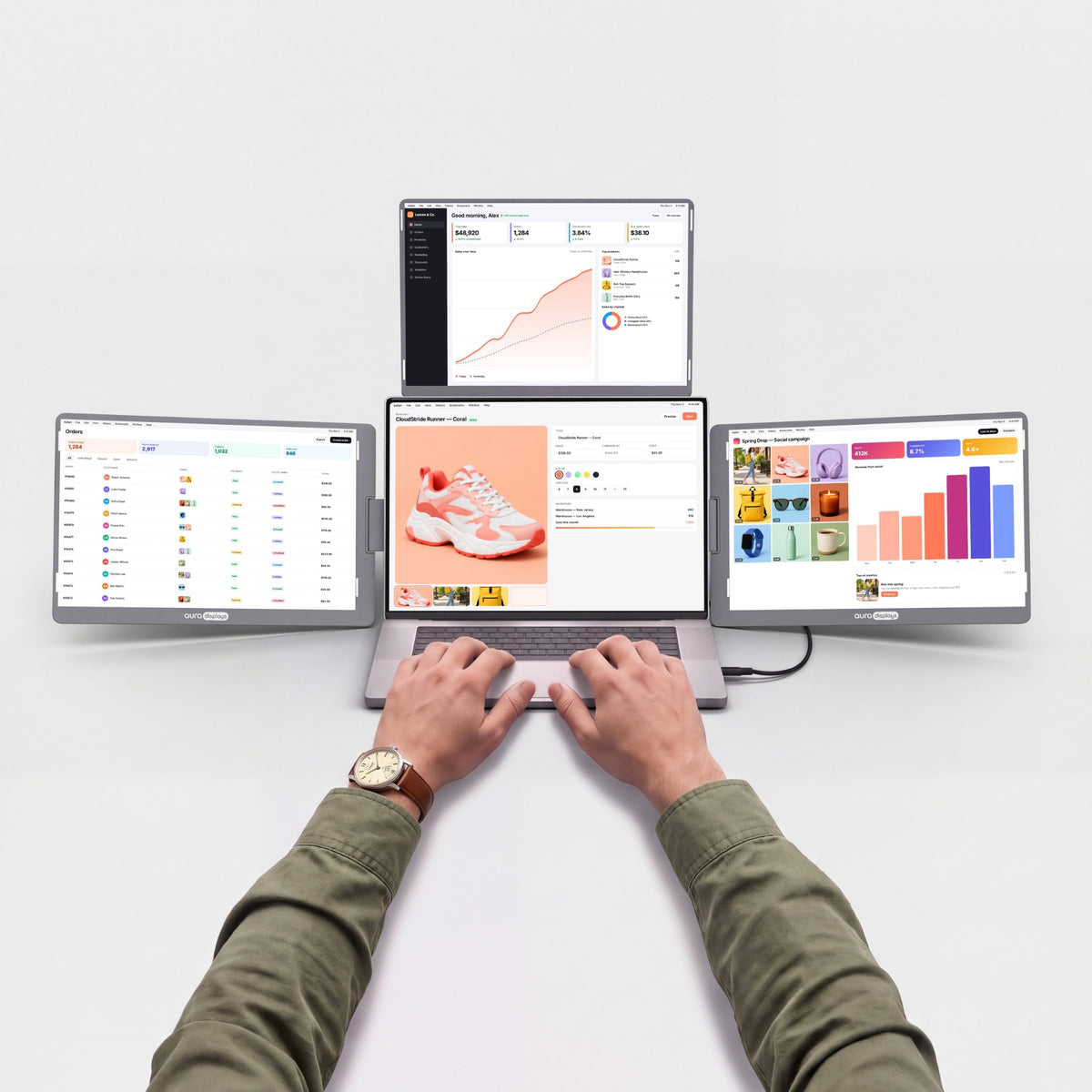

Triple Go Studio 18.5" (Full HD)
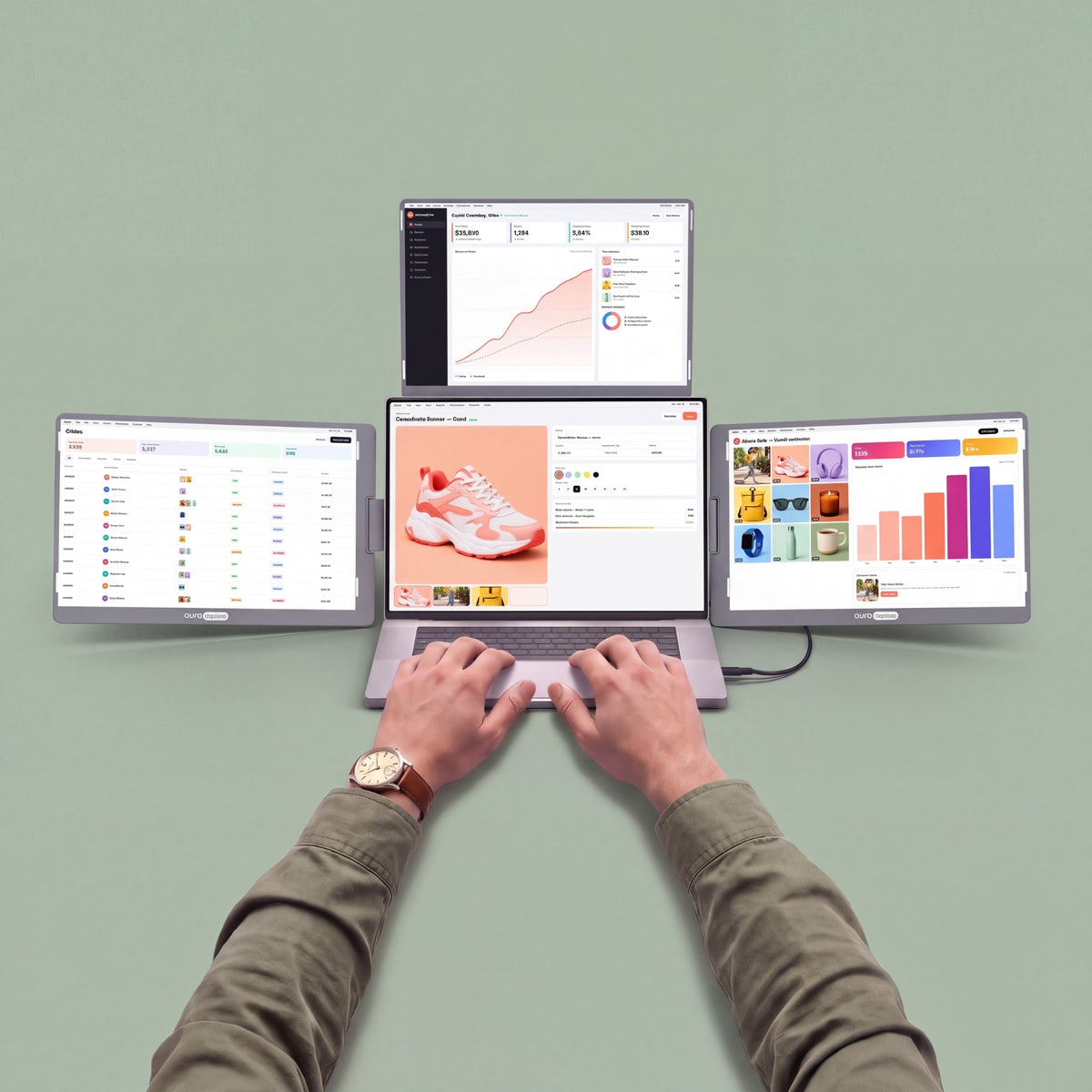
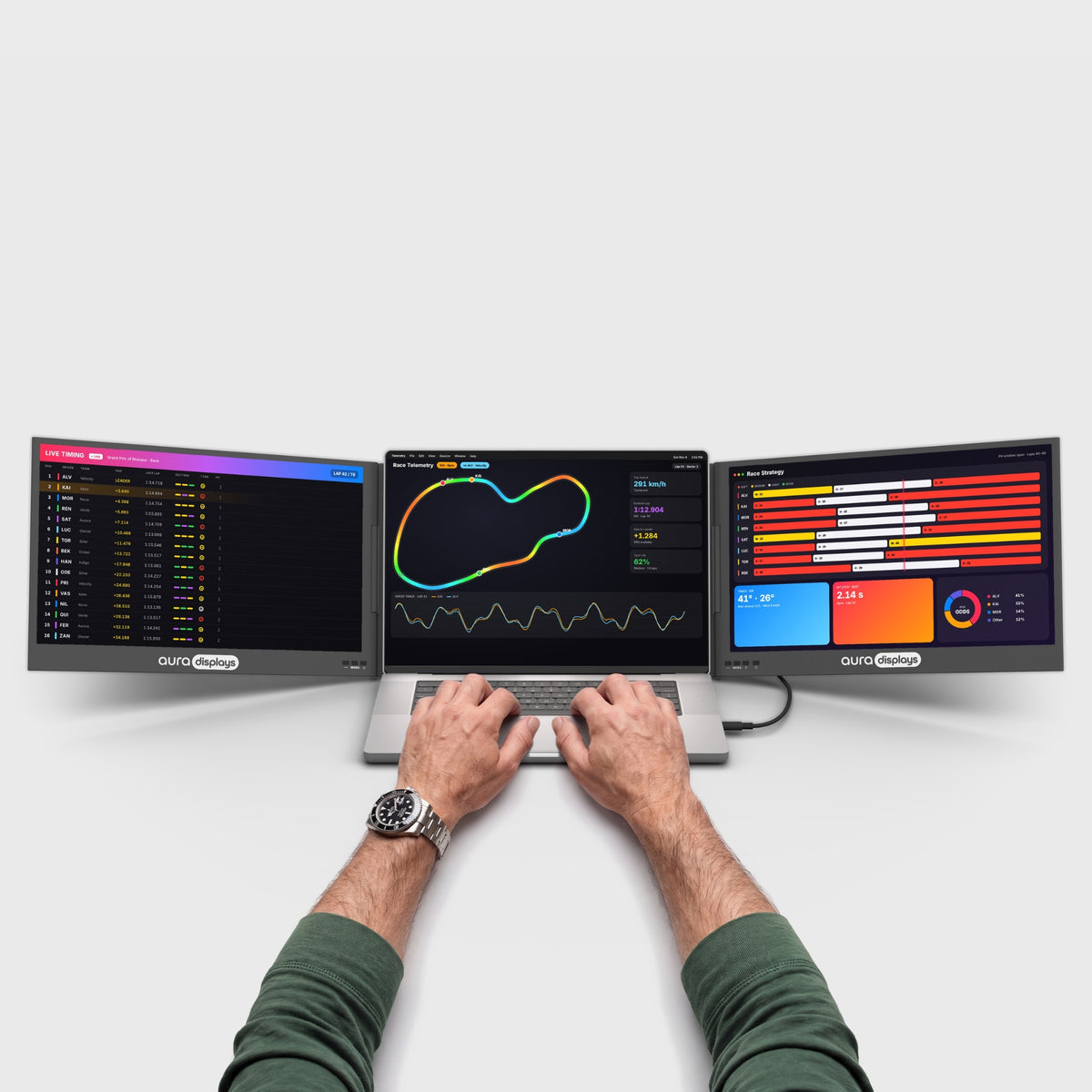
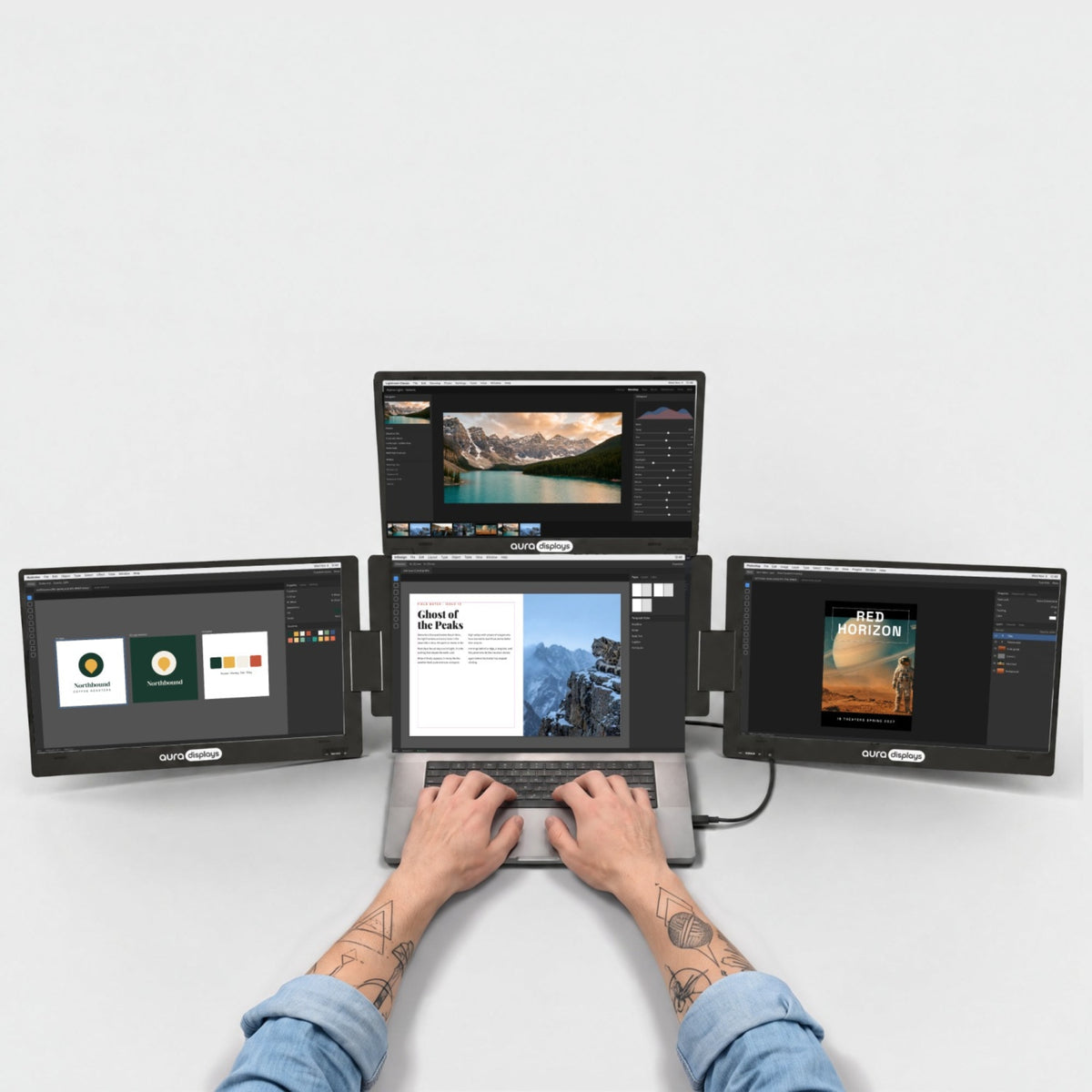
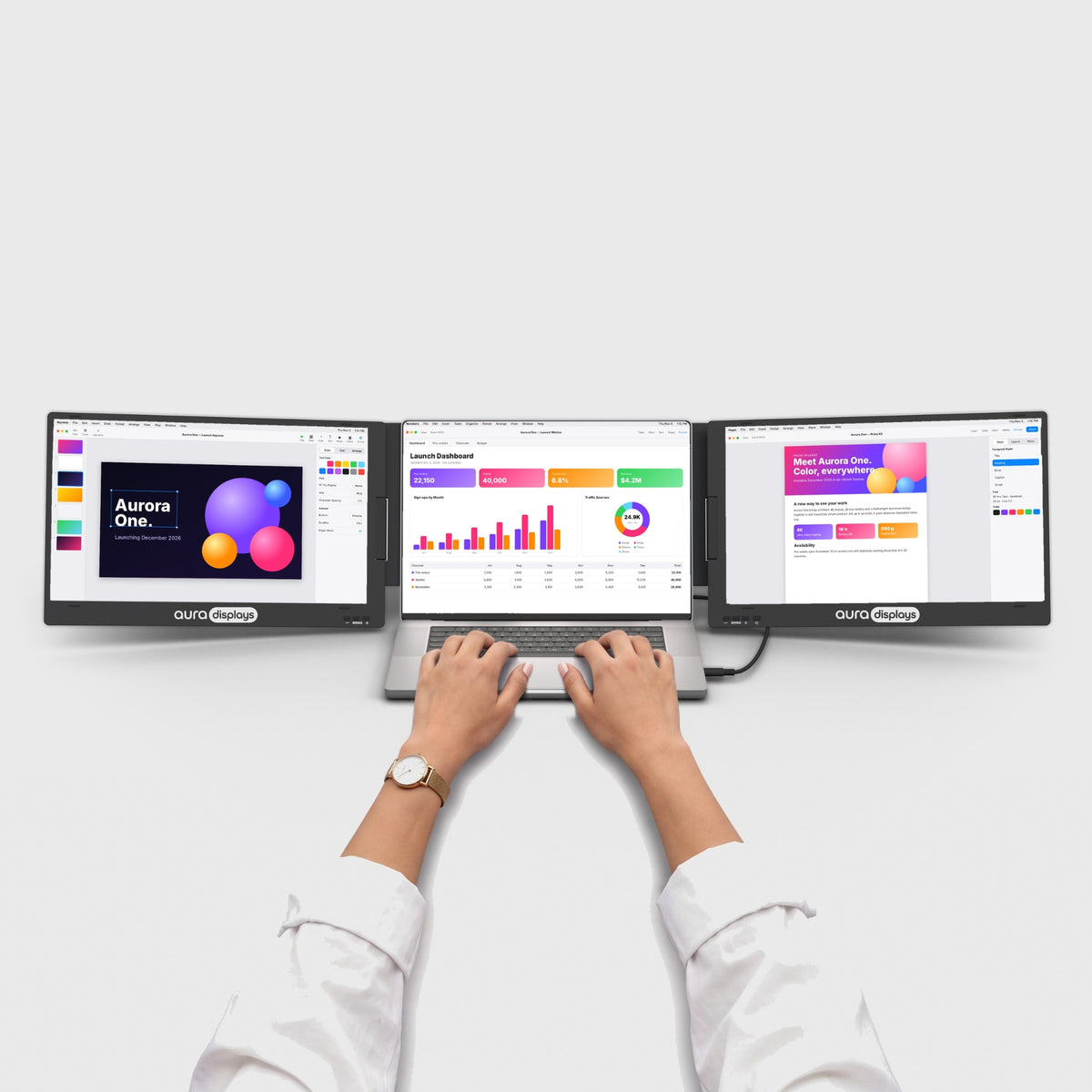
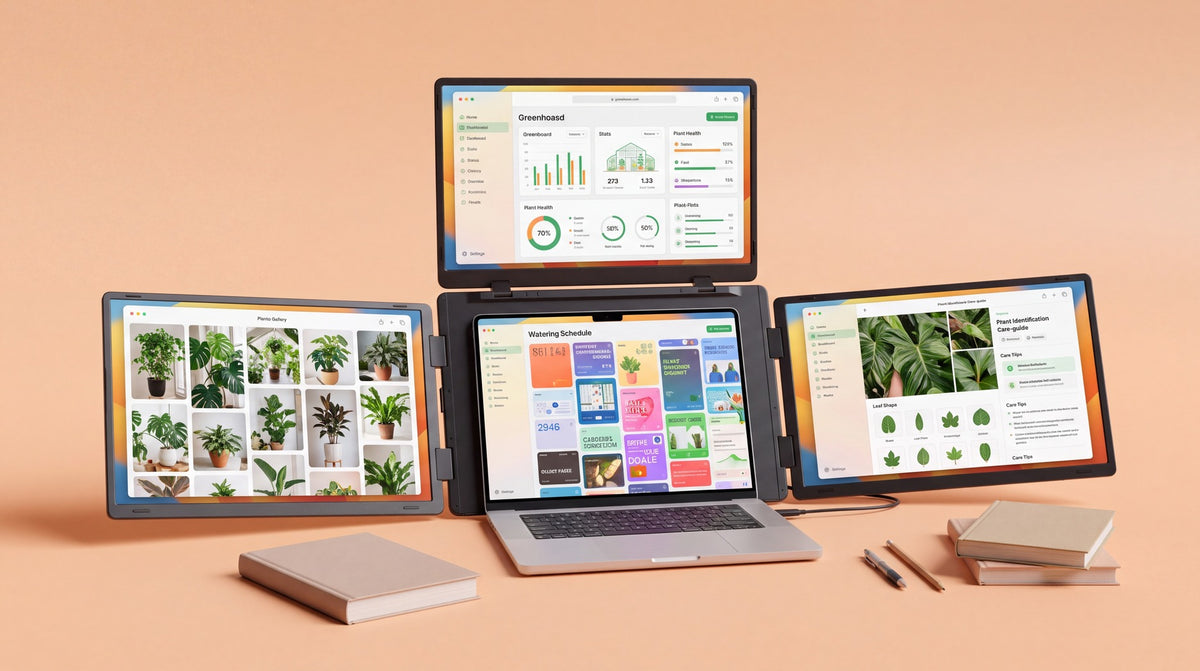
ノートPCの上と横に、3枚の18.5"画面。
ご購入前に
- ドライバーのインストールが必要管理者権限が必要です。会社のノートPCの場合はIT部門にご確認ください。Plug & Playモデルを見る →
- コンセントが必要45Wの電源アダプターが付属します。アダプター不要のモデルを見る →
- 10"〜18.5"のノートPCに対応Windows and macOSに対応。30秒で互換性をチェック →
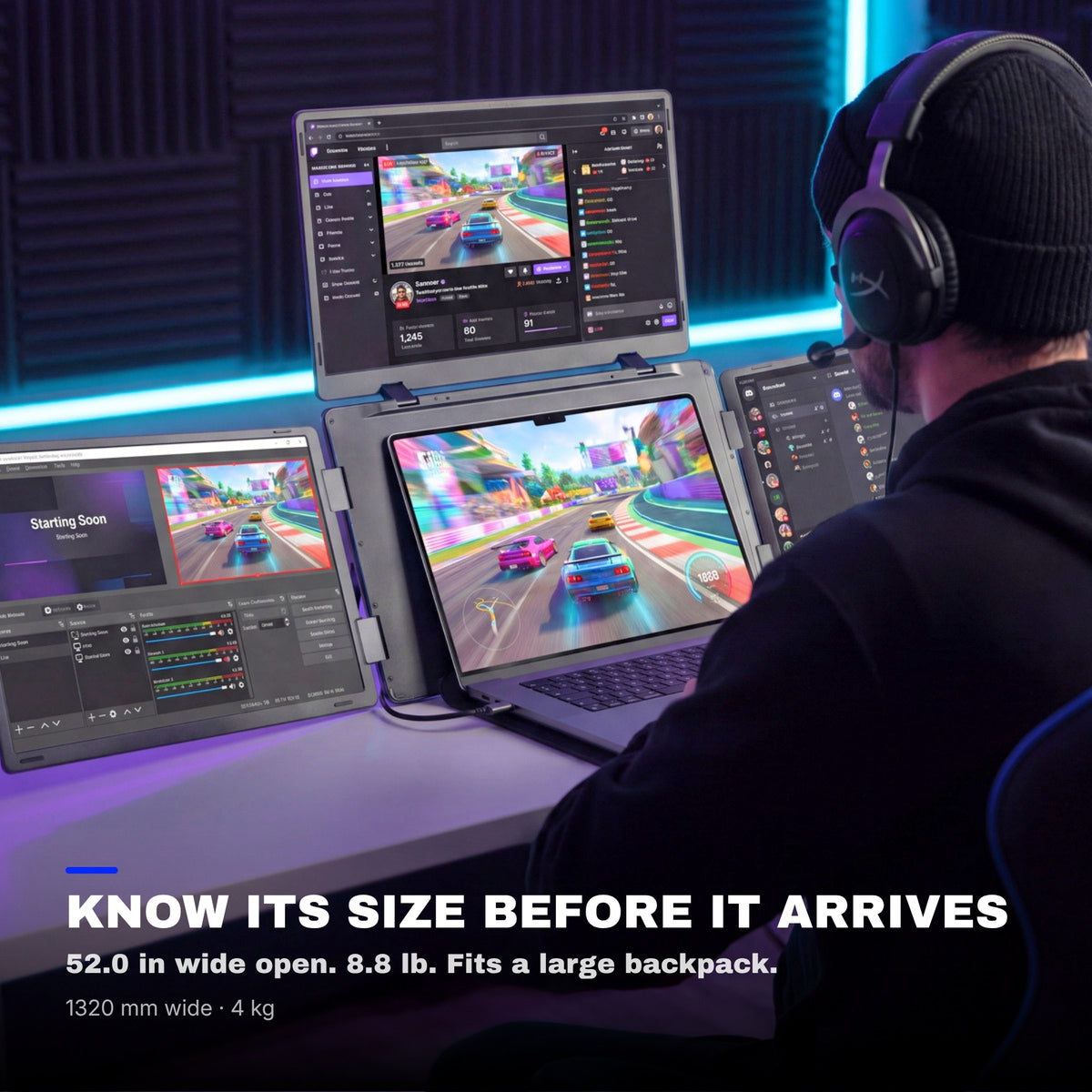
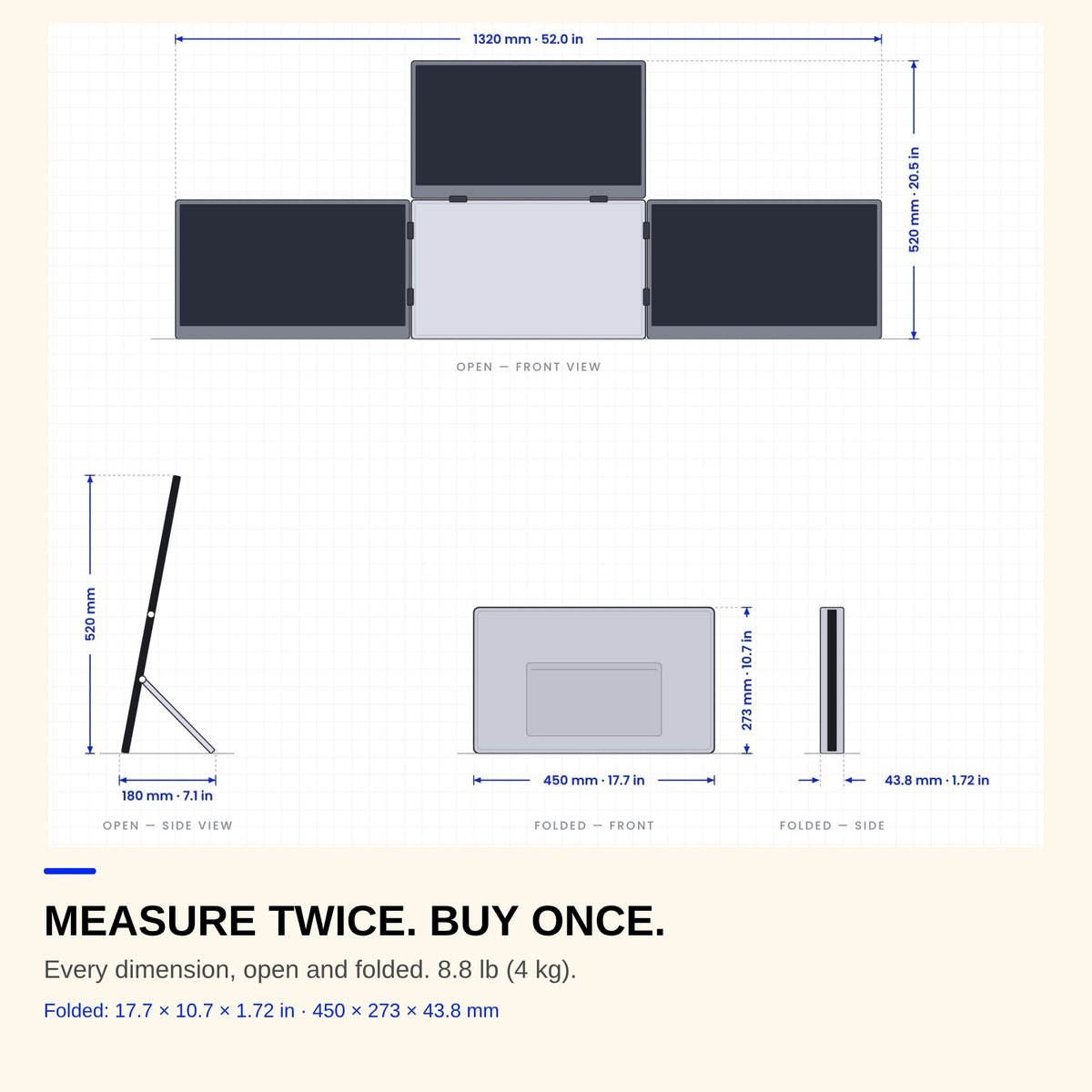
- 重量4 kg(8.82 lb)折りたたみ時:450 × 273 × 43.8 mm(17.72 × 10.75 × 1.72 in)。 large backpack or carry-onに収まります。より軽いモデルを見る →


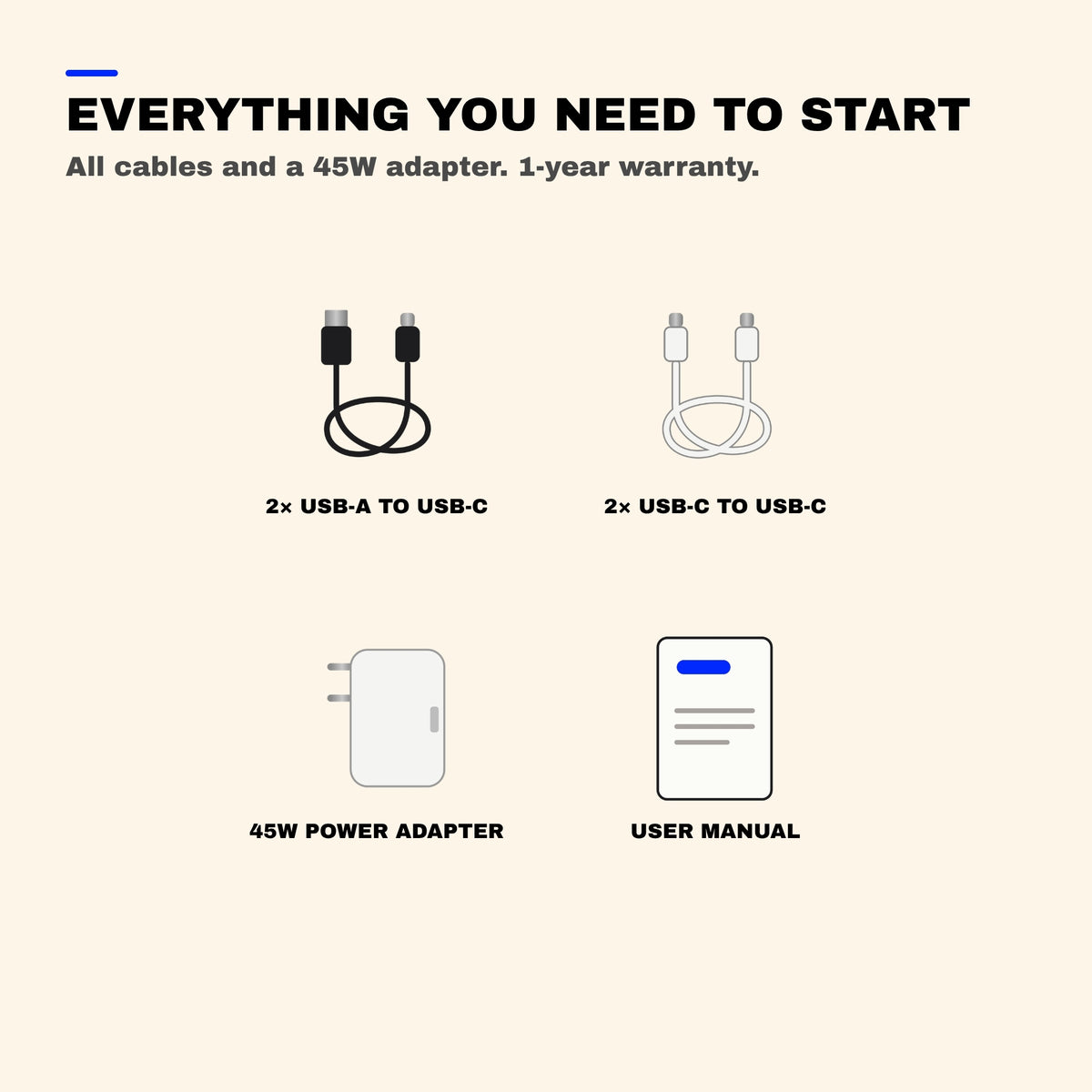
ご注文に無料で付属
Dhs. 429.00お得-
 Tempered Glass Screen Protector4x 18.5" / 16:9
Dhs. 0.00
Dhs. 261.00 -
 Hub USB 8-in-1 87W PD
Dhs. 0.00
Dhs. 168.00


モニターと一緒に自動でカートに追加されます。
当サイトが最もお得:当サイトなら価格がより安く、14日間の無料返品も可能です。
概要
概要
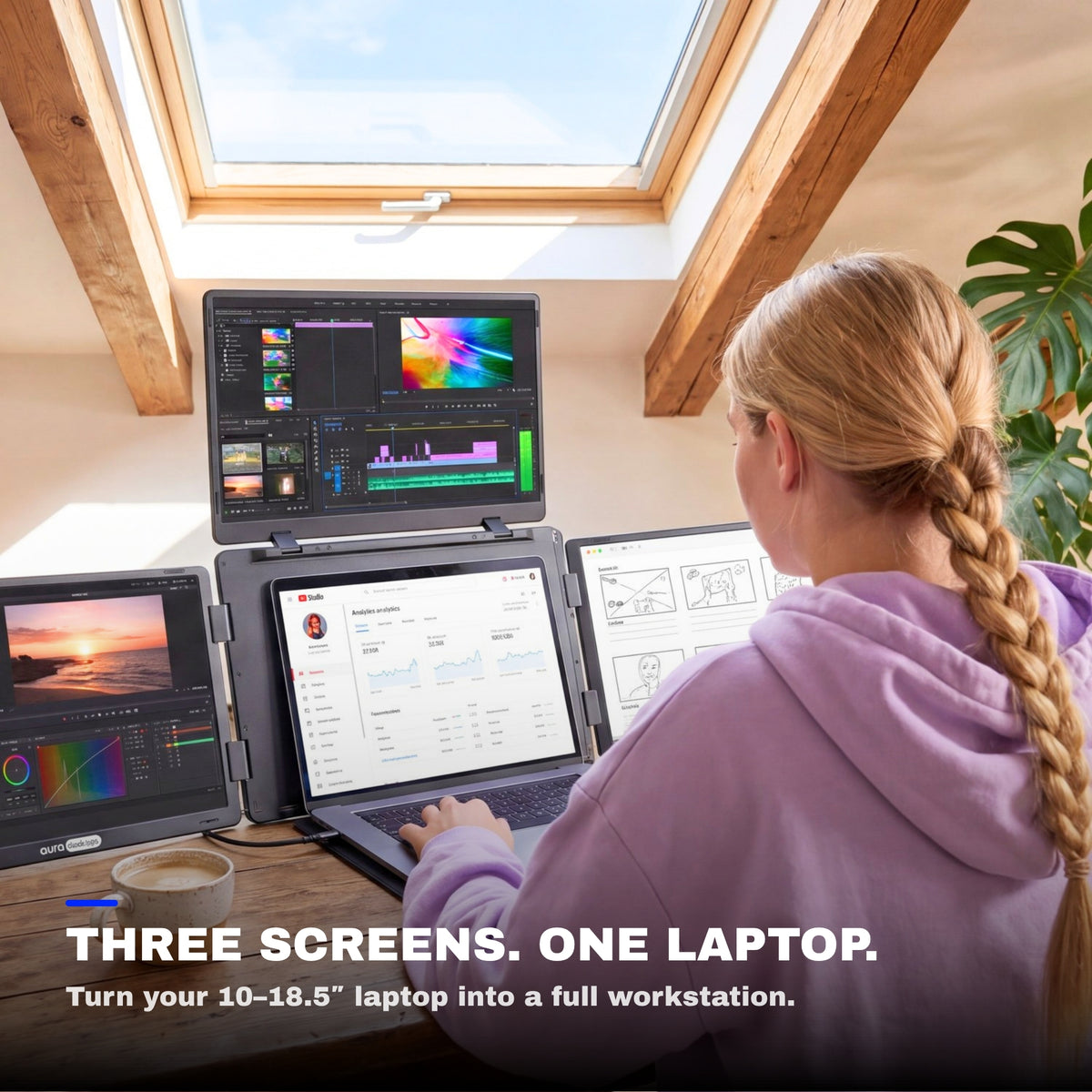
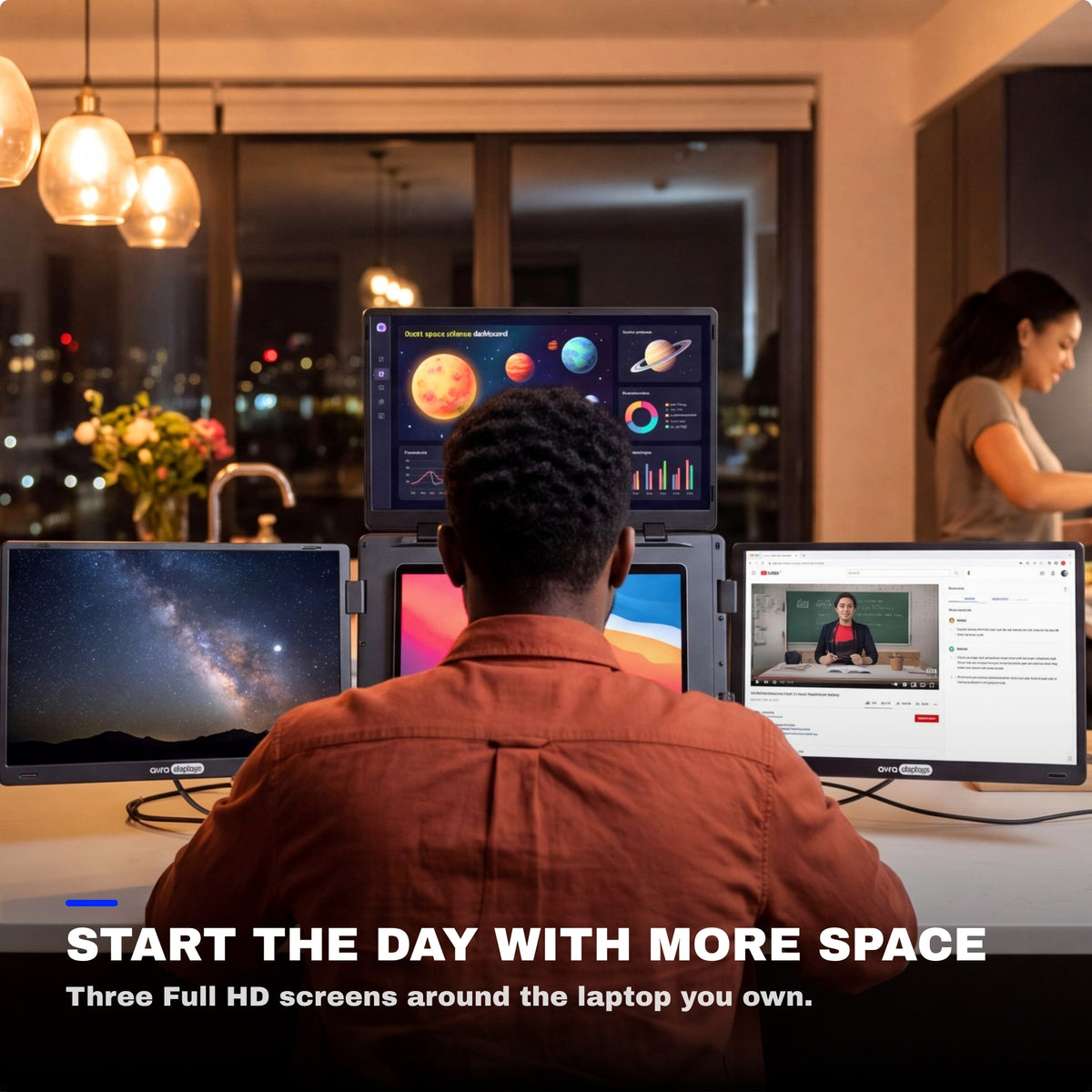
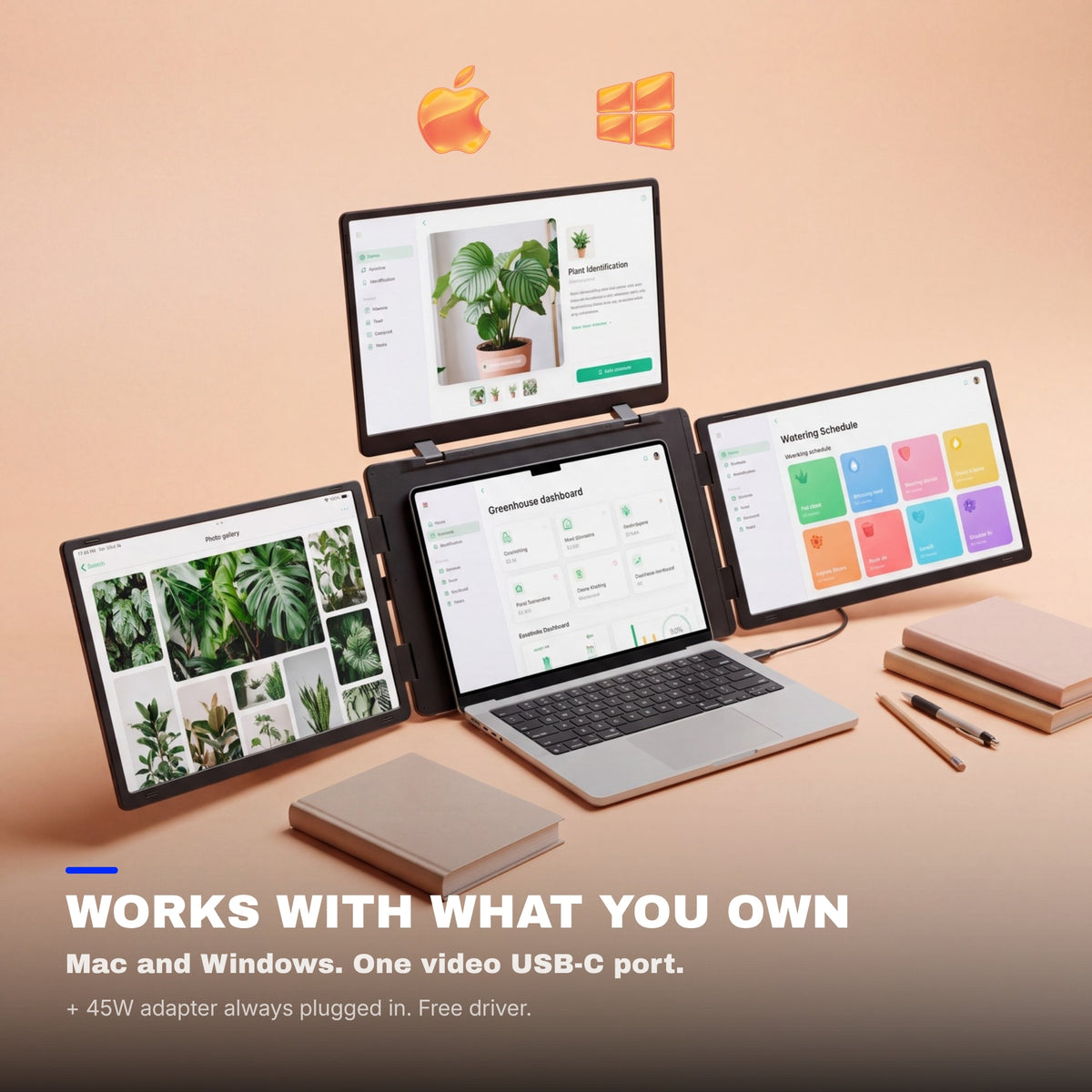
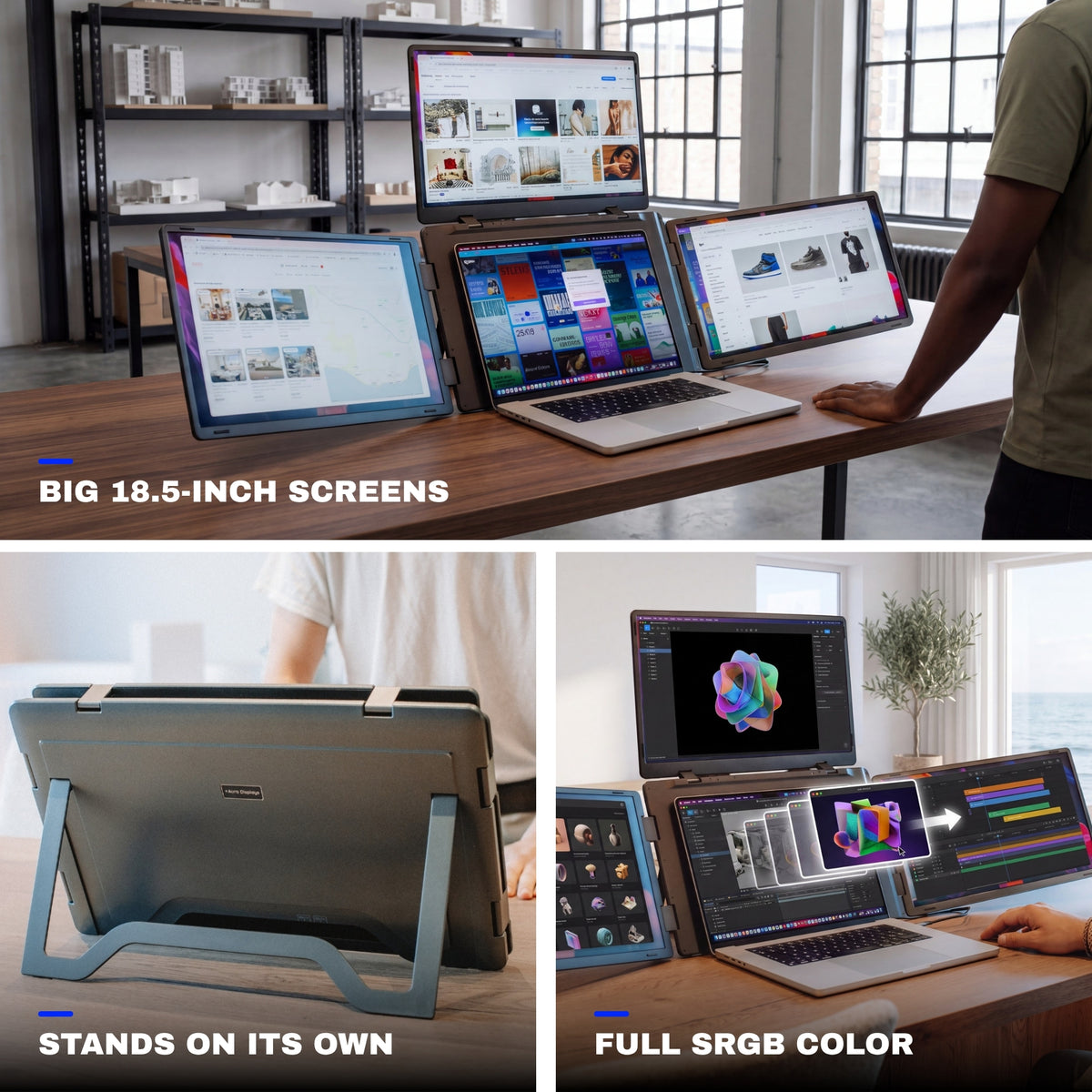
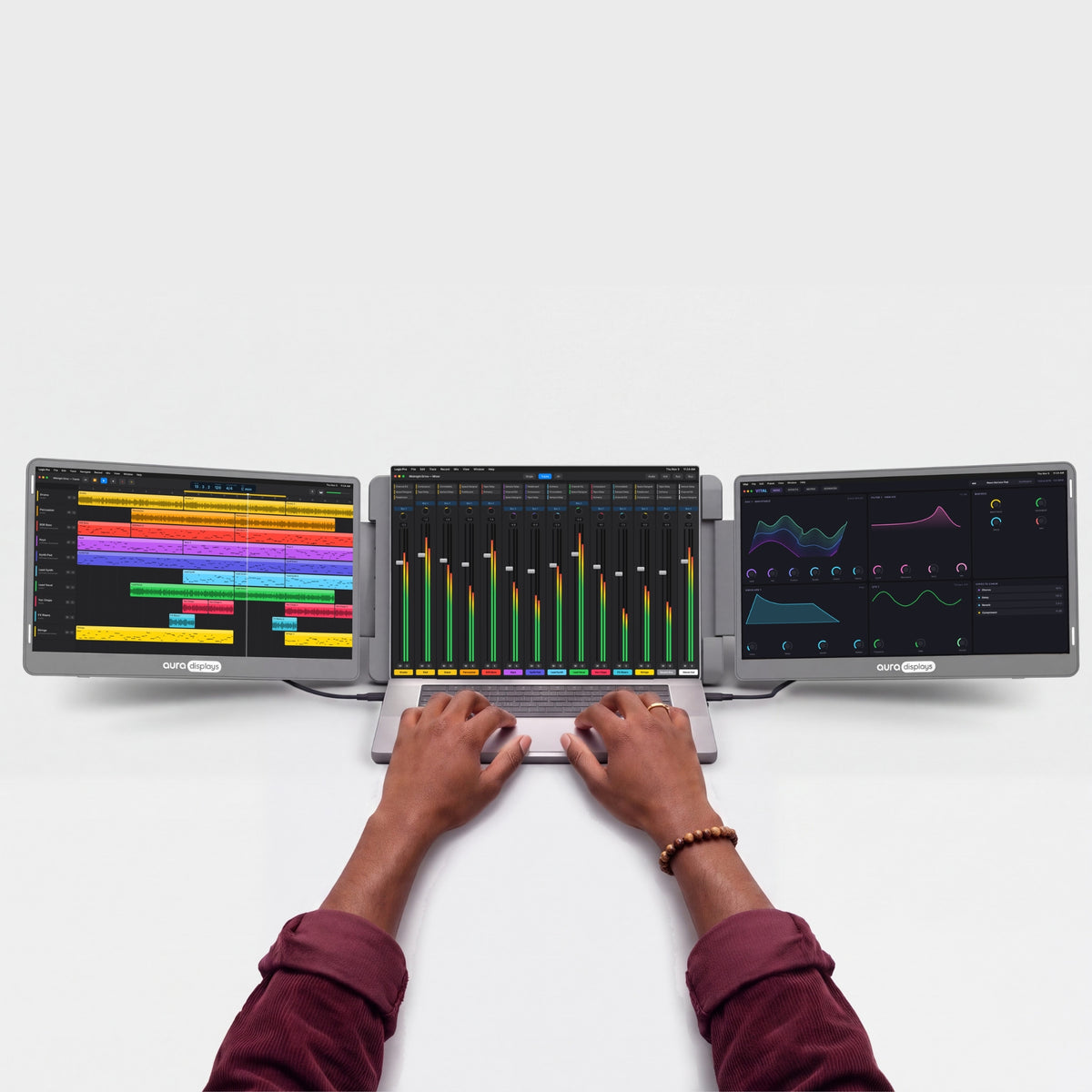
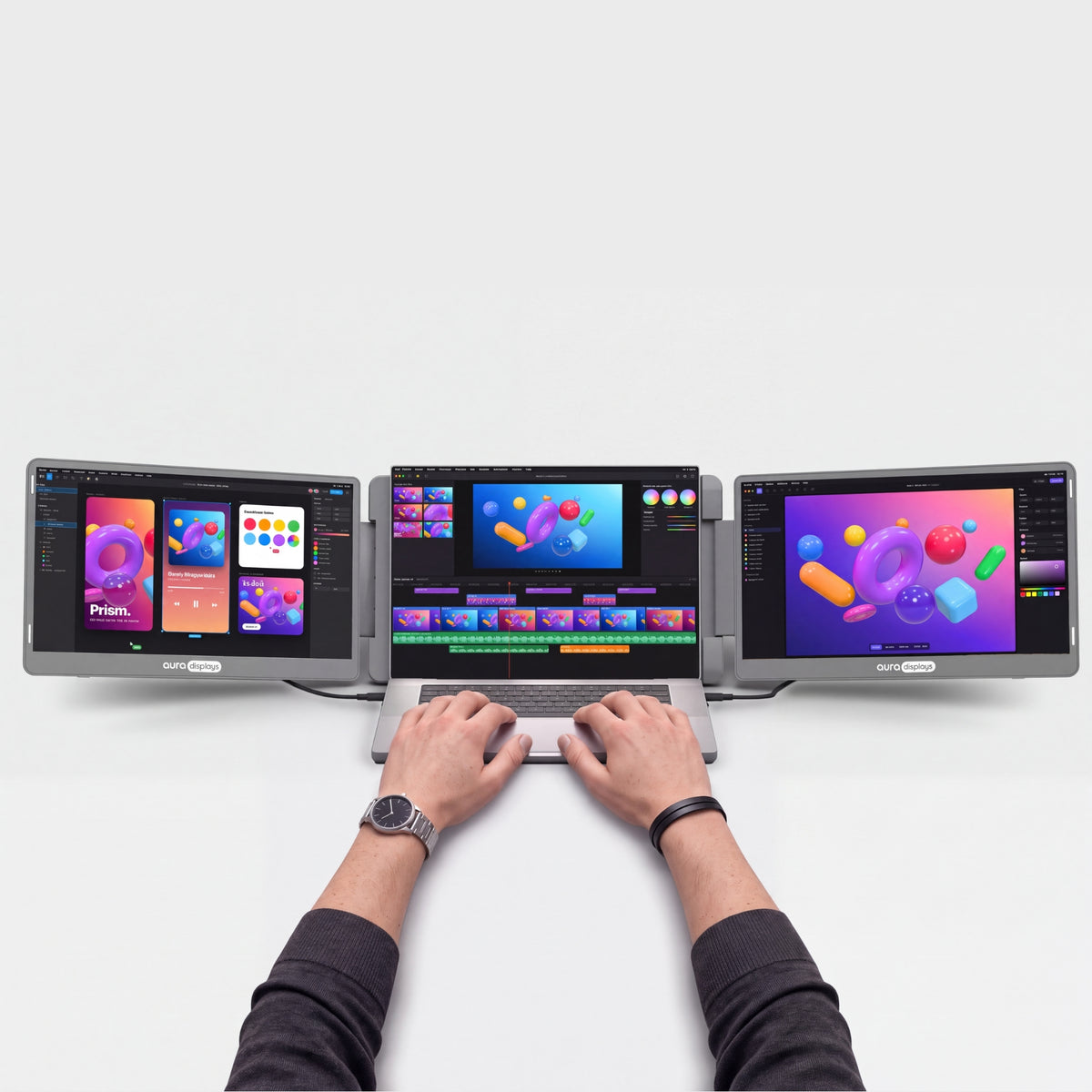
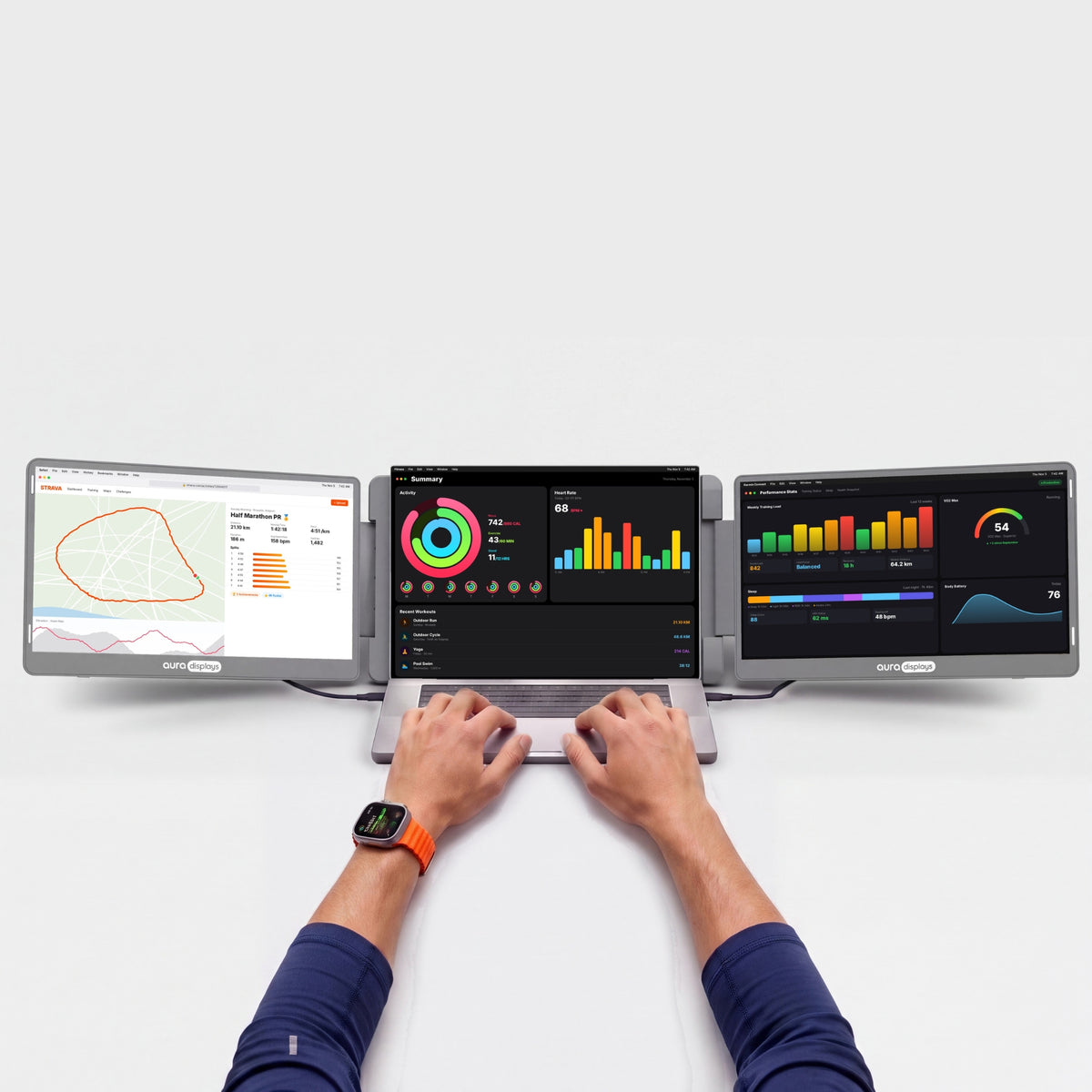
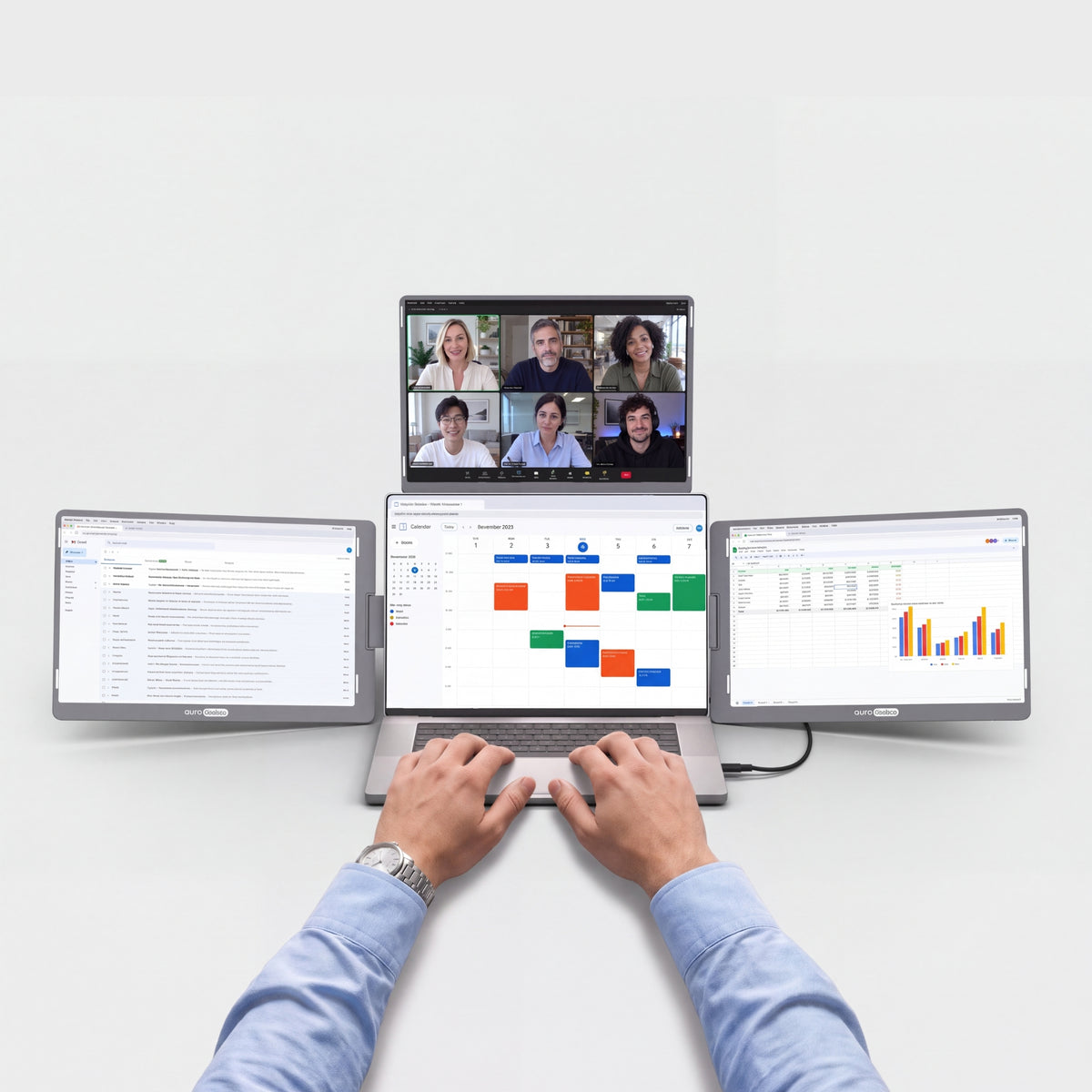
ノートPCを囲む3枚の18.5" Full HD画面。左右に1枚ずつ、上に1枚を配置し、Goシリーズ最大のパノラマワークスペースを実現します。sRGB 100%の色域とマット仕上げで映り込みを抑えます。最大18.5"まで、あらゆるサイズのノートPCに対応。USB-Cで接続し(ノートPCには映像出力対応のUSB-Cポートが必要です)、付属の45W電源アダプターで3つの画面すべてを駆動。45W以上のUSB-C PD対応充電器やモバイルバッテリーも使えます。ノートPCへの給電は行わないため、ノートPC本体の充電器は接続したままにしてください。左右の画面は360°回転するので、向かいの人に画面を向けて見せることもでき、上の画面は最大300°まで開きます。折りたたむと画面が内側を向いて保護され、セット全体が大きめのリュックや機内持ち込み手荷物に収まります。初回にドライバーを一度インストールするだけで、あとは毎回すぐに使えます。macOSとWindowsに対応。
同梱品
同梱品
- Triple Go Studio 18.5" (Full HD) ×1
- Type-C - Type-Cケーブル ×2
- USB-C - USB Aケーブル ×2
- ソフトウェア入りUSBメモリ ×1
- PD AC充電器 45W ×1
- 取扱説明書 ×1
ドライバーとユーザーガイド
ドライバーとユーザーガイド
ドライバーが必要です。 追加の画面は小さなディスプレイドライバーで動作します。インストールは一度だけ、約2分で完了します。会社が管理するノートPCでは、IT部門の承認が必要な場合があります。
ドライバー:RacerUSB。
配送・返品・保証
配送・返品・保証
配送。ご注文は1〜3営業日以内に倉庫から発送され、平均5〜8日でお届けします。在庫状況やお届け先によって異なる場合があります。この製品の最新のお届け予定日は、常にこのページの「カートに追加」ボタンのすぐ上に表示されています。$100以上のご注文で送料無料。米国、EU、英国、オーストラリアでは税金と関税が含まれているため、受け取り時のお支払いはありません。表示されるお届け日数は、これまでの発送実績と現在の在庫に基づく目安です。
ご注文はどこですか?ご注文番号とメールアドレスで、配送状況をリアルタイムで追跡できます。
14日間の無料返品。合わなかった場合は、お届けから14日以内なら返品・交換は無料です。箱を開けて試し、元のパッケージにすべて入れて、プリペイドラベルで返送してください。運送業者がお荷物をスキャンした時点で返金します。詳しい条件は返品ポリシーをご覧ください。
1年保証。モニターに不具合がある場合は、写真または動画をお送りください。無償で修理または交換します。EUのお客様は、2年間の法定保証も受けられます。返品ポリシーの保証の項目をご覧ください。
ご購入前後のご質問は:hello@aura-displays.com · +1 (213) 845-0774 · 毎日9 am〜4 pm ET(米国東部時間)、スタッフが直接対応します。
画像について:3Dレンダリングはイメージであり、実際の製品とは若干異なる場合があります。確認済みの詳細はすべて、このページ下部の技術仕様に記載しています。

選ばれる理由。


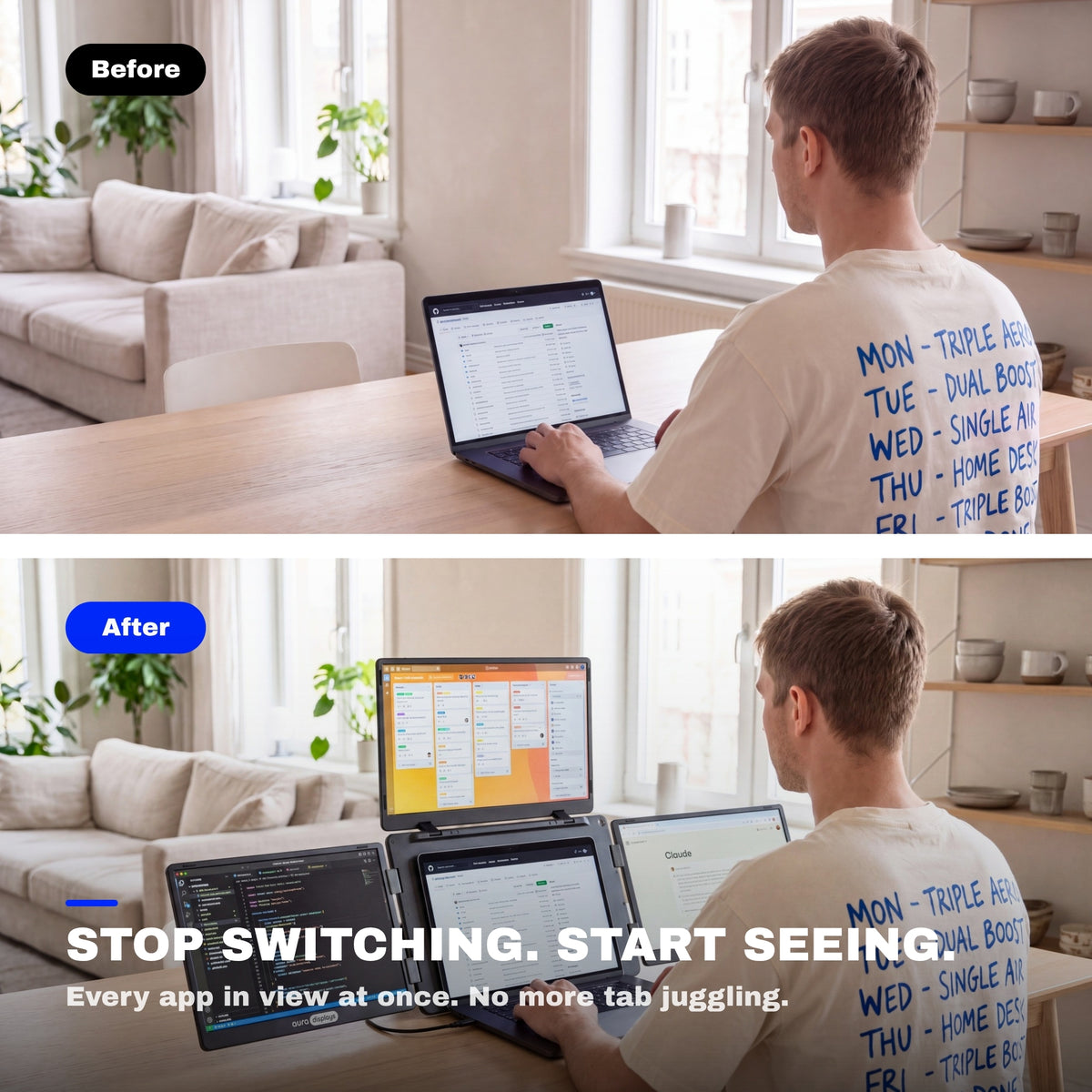
ビフォー


アフター


3つの画面。1つの広いワークスペース。
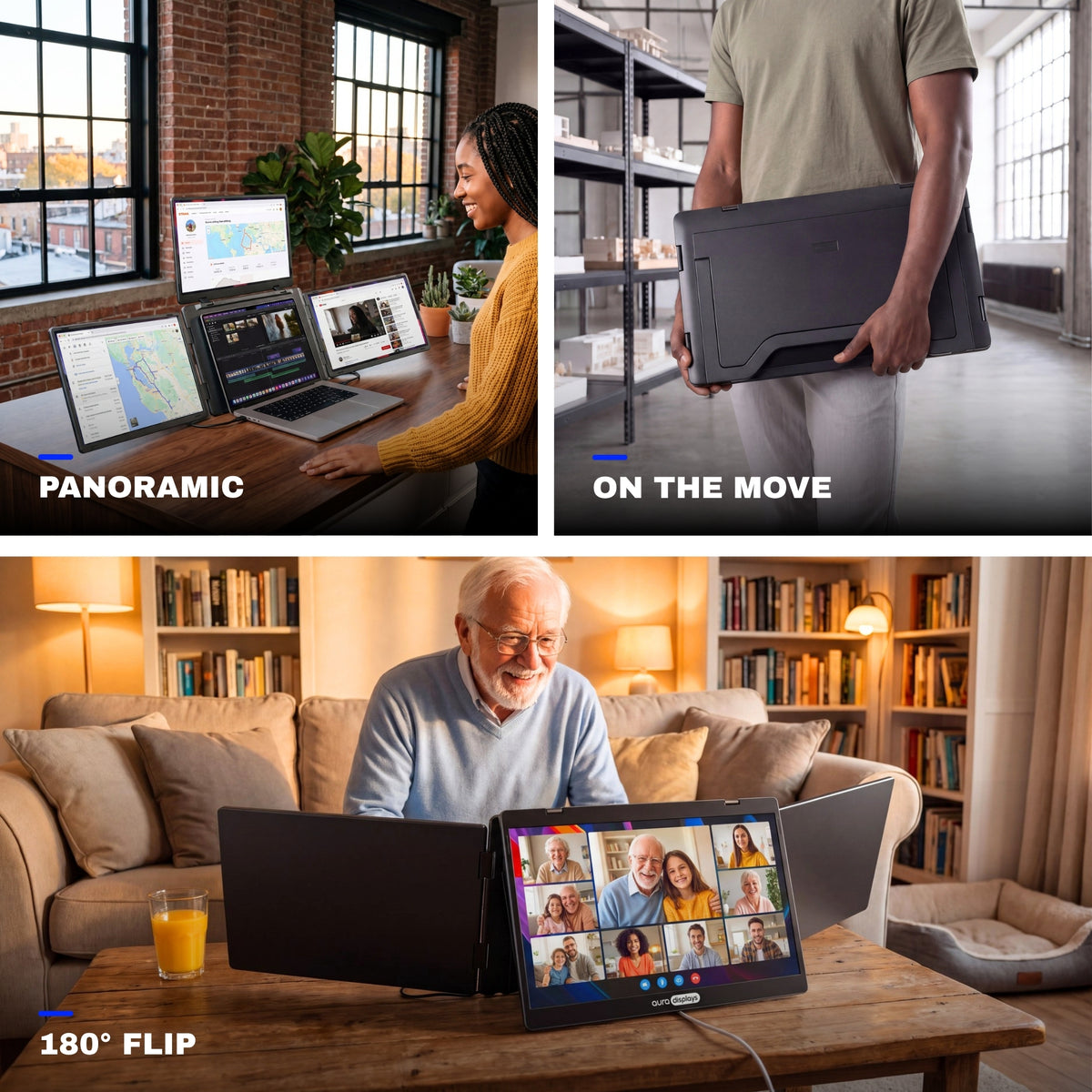
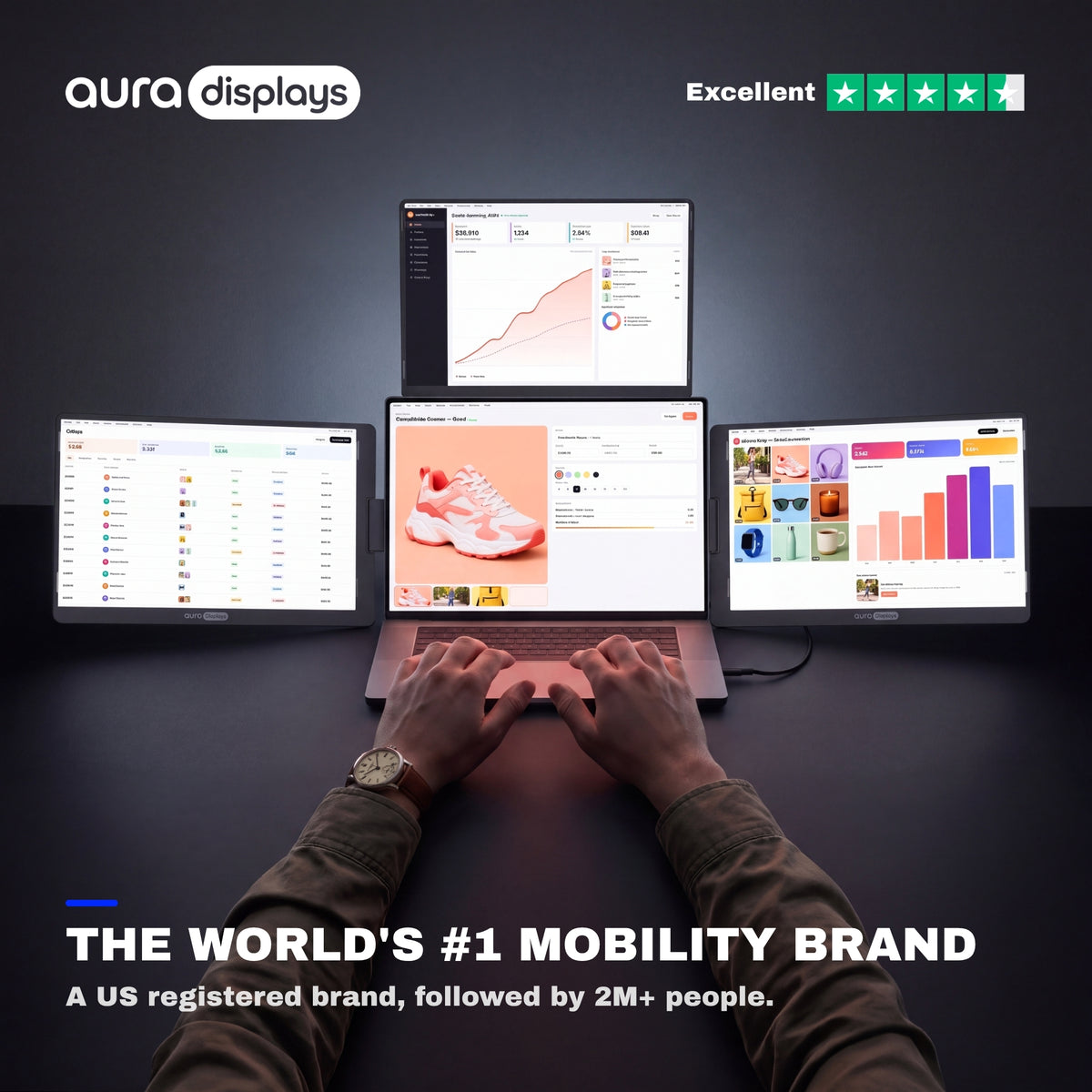
Triple Go Studio 18.5"をノートPCの周りに広げます。上に1画面、左右に1画面ずつ。プレゼンテーションでは、横の画面を180°回転させるか、上の画面を後ろに倒してテーブルの向かいの相手に向けられます。


ノートPCは、本来ひとりで働くためのものではありません。
画面が3つ増えれば、どんなデスクも本格的なワークスペースに変わります。

仕事が終われば画面を折りたたんで、テーブルはまたいつものテーブルに戻ります。

メモもチームチャットもビデオ通話も、すべてを一度に表示。タブを切り替える必要はもうありません。本当にはかどる朝を。

横の画面を180°回転させるか、上の画面を後ろに倒せば、テーブルの向かいの相手に作業内容を見せられます。ノートPCの向きを変えることなく、デザインを確認したり、写真を一緒に見たりできます。
シャープで明るく、リアルな表示。
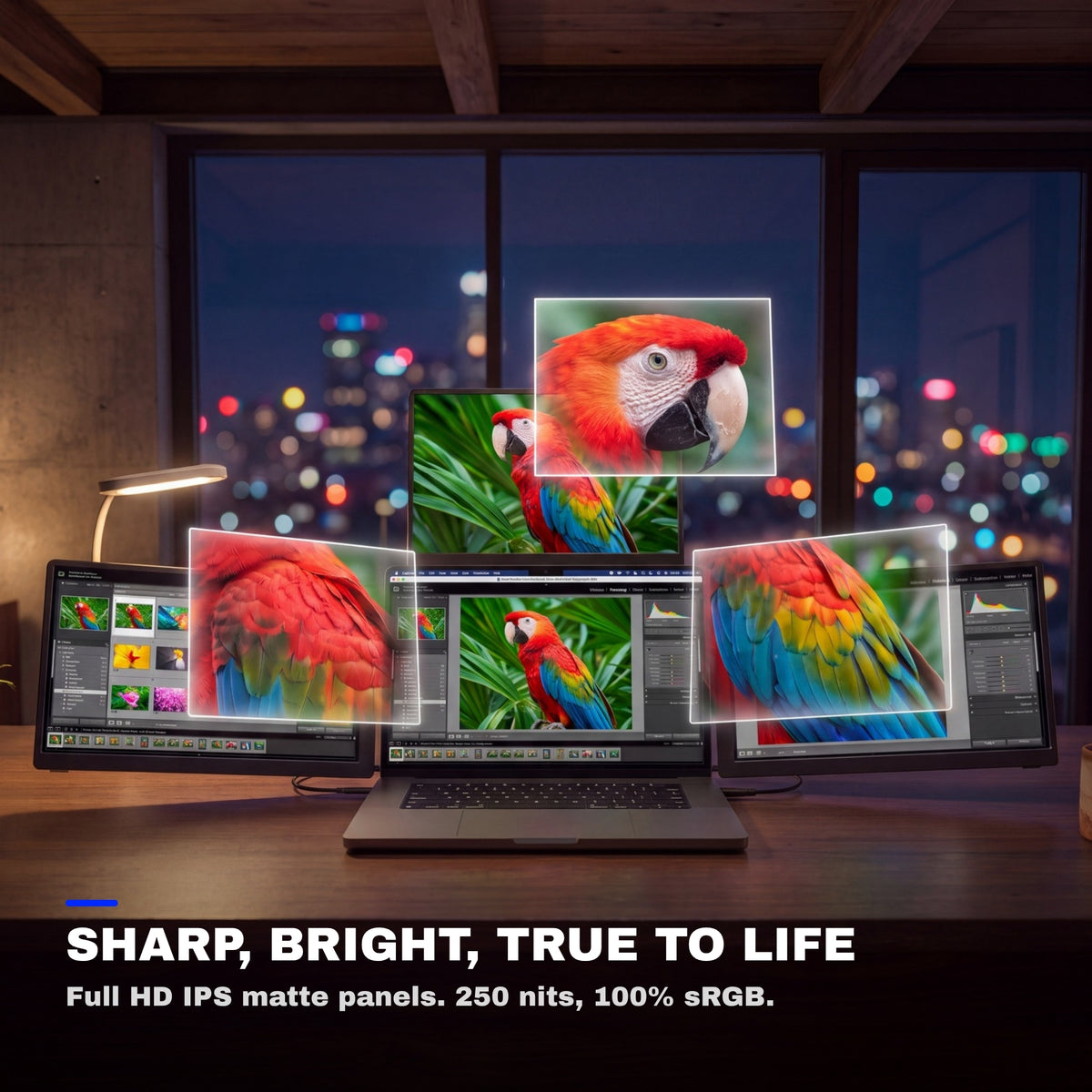
コードの1行、写真の1枚、スプレッドシートの1つ1つまで鮮明に。正確な色、目にやさしい明るさ、なめらかな動きで、朝の最初のメールから一日の最後の編集まで快適です。


全体を見渡そう。
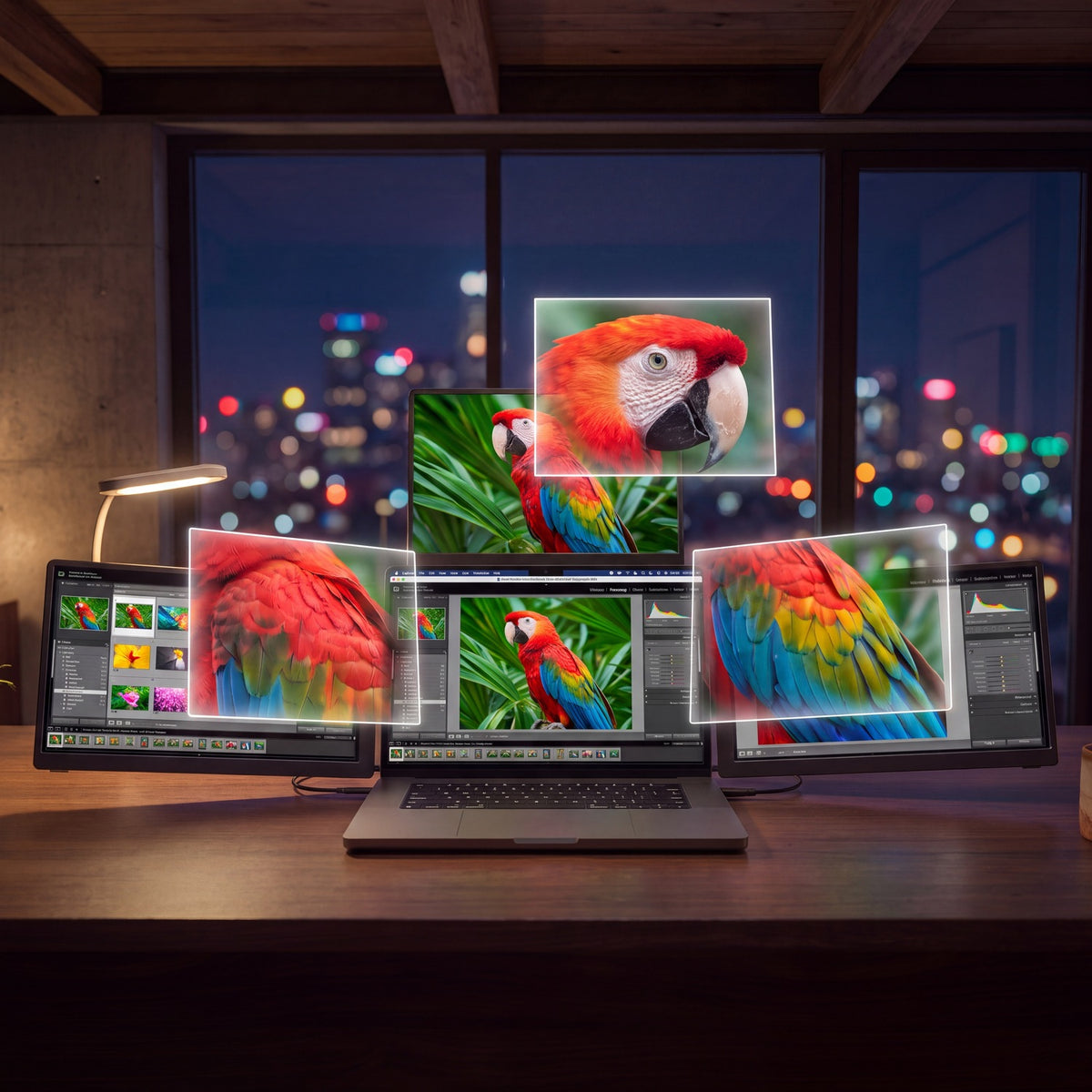
ノートPCの周りに3つの大きな画面。ようやく作業にゆとりが生まれます。片側にライブラリ、中央に編集画面、もう片側にツールを開いたまま、タブに邪魔されることはありません。

100% sRGB
Webの基準となる色空間を完全にカバー。ここで編集したものが、そのまま誰にでも同じように見えます。

マットディスプレイ
天井の照明を反射させずに拡散する、映り込みの少ない表面です。

178°の視野角
横から見ても色とコントラストが変わらないため、デスクを囲む全員が同じ映像を見られます。

16:9
標準的なワイドスクリーン比率。映画も通話もタイムラインも、黒帯なしで画面いっぱいに表示されます。

あなたの働き方に合わせて。
ホームオフィスからホテルの部屋まで、Auraでより多くの成果を上げている人々の使い方をご覧ください。


お手持ちのデバイスで使えます。
MacBook with M1 to M5 chips, Pro and Max included and Windows laptops.


デスクがあれば、どこでもいつものセットアップ。
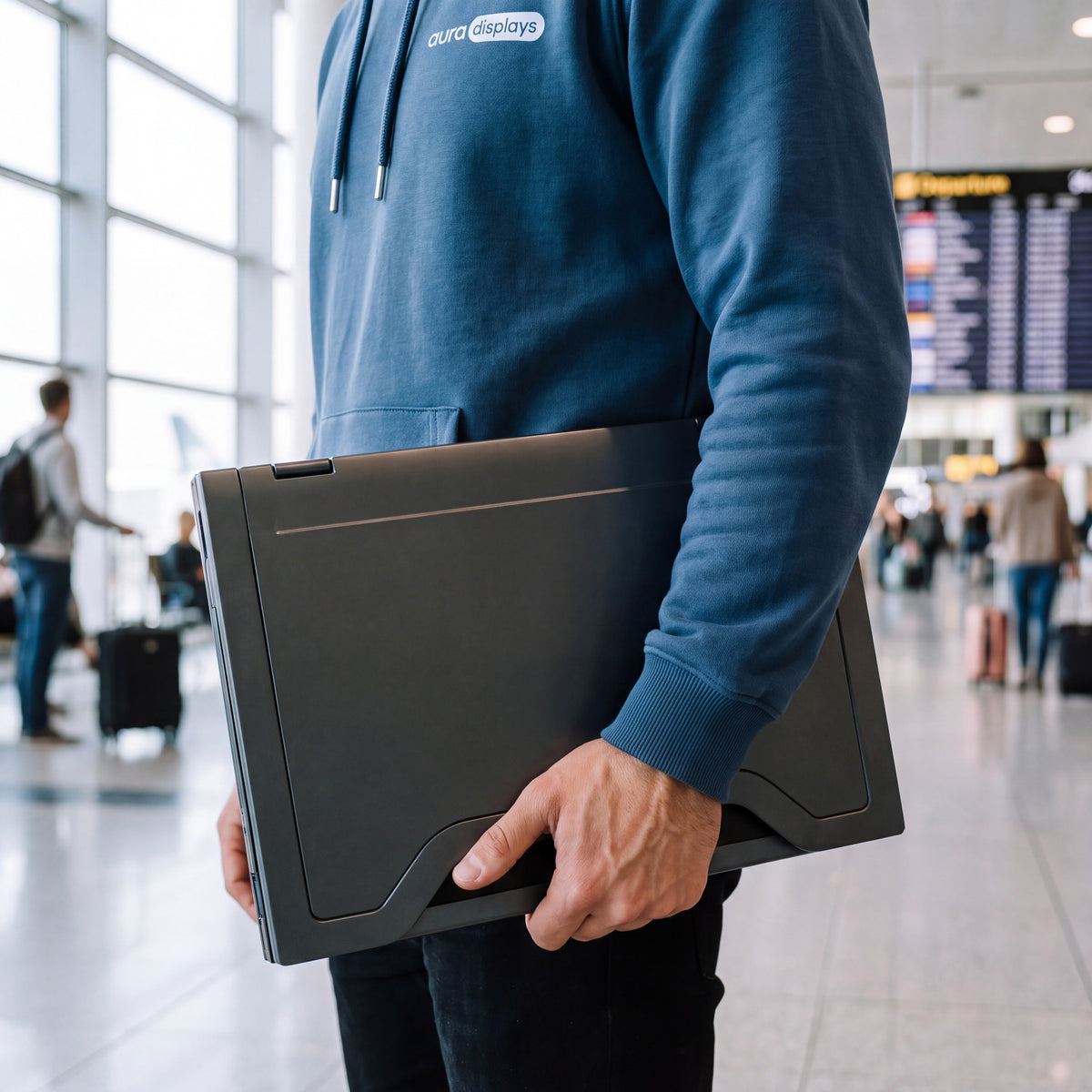
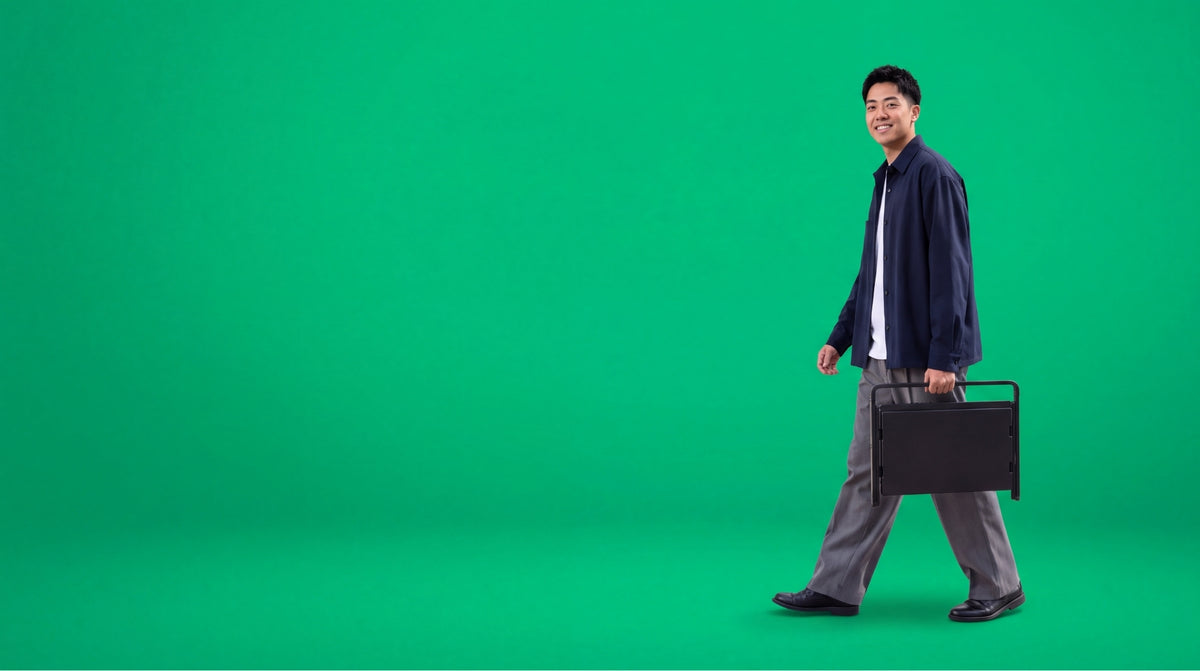
折りたたんで、バッグに入れ、次のデスクでまた広げるだけ。自宅でも、オフィスでも、ホテルの部屋でも、いつも同じマルチスクリーンのワークスペースが使えます。

8.82 lb · 4.0 kg
ひとまとめに折りたたんで、デスクからデスクへ移動できます。

10" – 18.5"
お使いのノートPCの画面サイズに合わせた設計です。

Large backpack or carry-on
フラットに折りたためて、旅行にも最適です。

複合素材
何度でも開閉できるように作られた金属製ヒンジ。
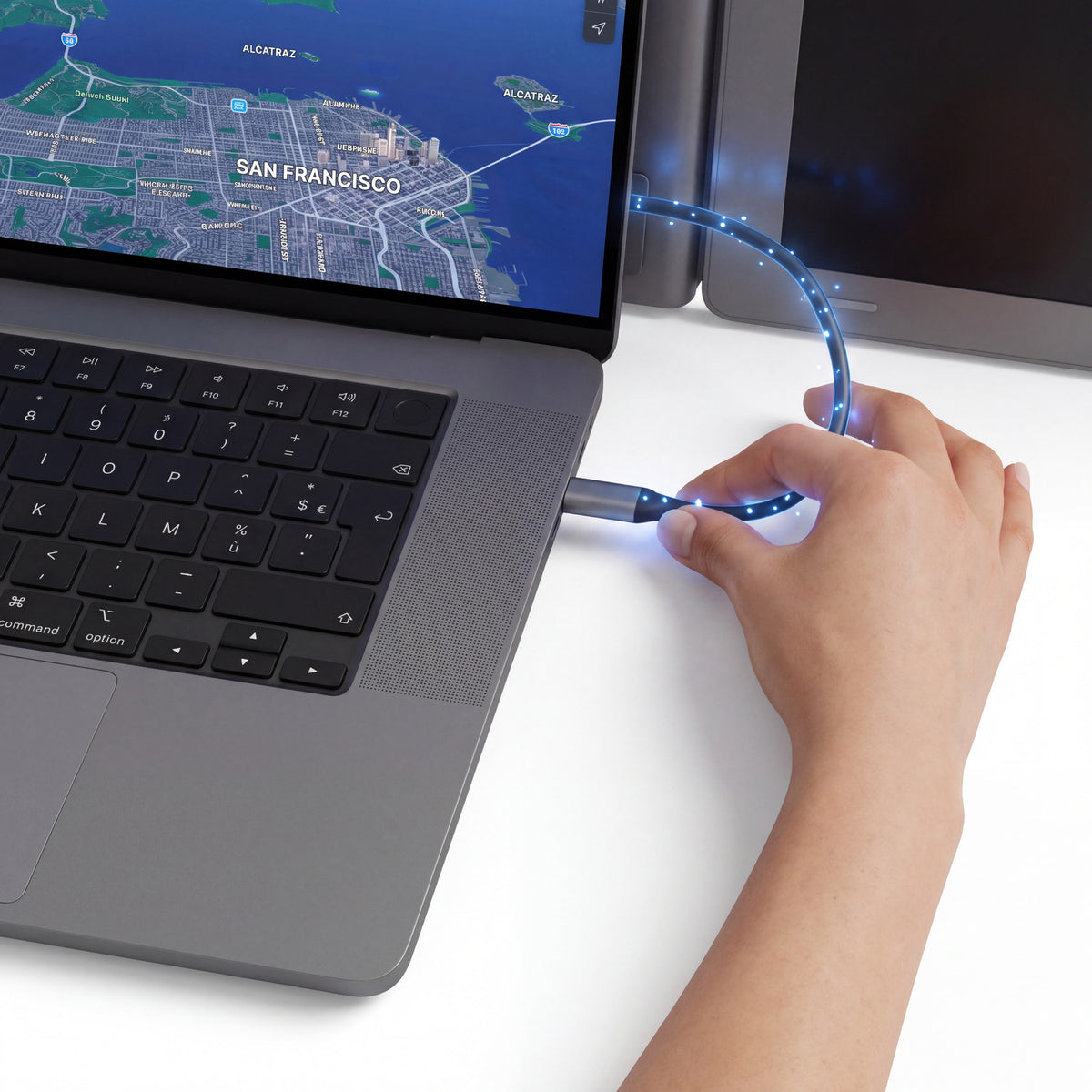
ポートと電源。
どこに何をつなぐのか、そしてノートPCに何が必要なのかをご紹介します。
モニター側:2x USB-C
ノートPC側:映像出力対応USB-C ×1が必要。
45Wの電源アダプター付属
コンセントからの給電が必要です。電源タップではなく、壁のコンセントに直接差し込んでください。

ドライバーが必要
一度インストールして再起動すれば、すべての画面が点灯します。

会社のノートPCの場合は、まずIT部門にご確認を
管理されたノートPCでは、ドライバーのインストールがブロックされることがよくあります。ドライバー不要のモデルを探す。
もっとできるように設計。
働き方とクリエイティブをレベルアップする、よりスマートで多彩なこのモニターの機能をご覧ください。

18.5"の画面が3つあれば、どのウインドウもゆったり表示。実寸大のドキュメント、タイムライン、ダッシュボードを並べて表示できます。

ノートPCのウインドウを、どの画面へも自由にドラッグして行き来できます。4つの画面すべてにデスクトップを拡張することも、1つの画面をミラーリングして同じ内容を表示することもできます。

スタンドを内蔵し、ノートPCのすぐ後ろに設置できます。組み立て不要で、余分な荷物もありません。

画面は内側に向けて折りたたまれるので、バッグの中でもしっかり保護されます。

各画面がsRGBを100%カバー。写真やデザインが本来の色で表示されます。
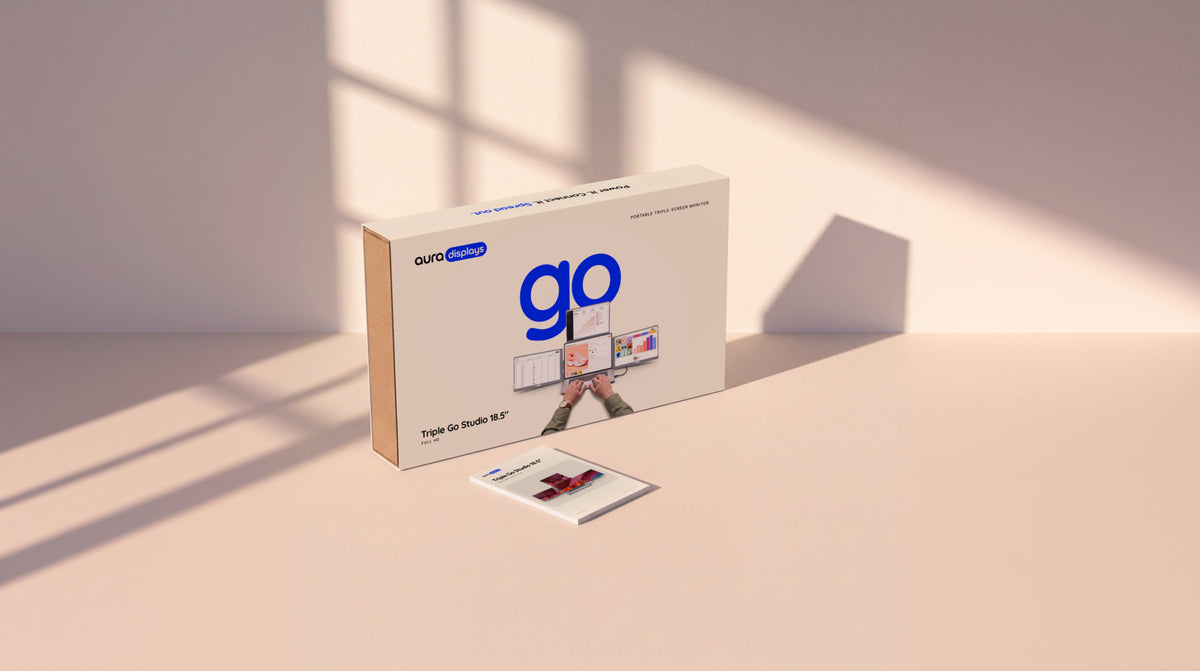

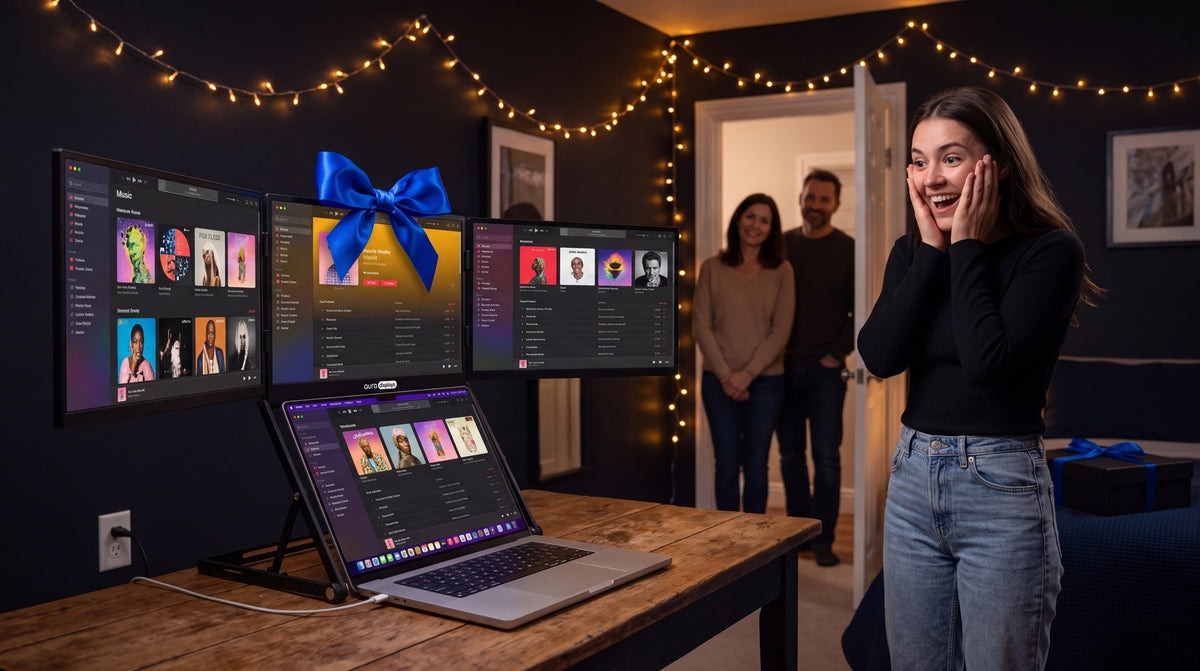

Goシリーズ。出かけるためにつくられました。Go Seriesは、より軽量なマルチスクリーンのラインアップ。新しい場所で働く日も、持ち物が少なくて済みます。各画面は180°回転するので、ノートPCを動かさずに向かいの人へ画面を向けられます。





生産性計算ツール
画面が増えると、何が取り戻せるのかを確かめましょう。
ウインドウのやりくりを減らし、本来の仕事にもっと時間を。数値をあなたの1週間に合わせて調整してください。
ドキュメント間のコピー、比較、メモを見ながらの通話、プレビューを見ながらのコーディングなど。
あくまで推定値です。公表された研究による効率向上を、複数のウインドウを使って作業する時間の割合に適用し、控えめに節約時間へ換算しています(18%効率的に行える作業は、所要時間が約15%短くなります)。実際の結果はお仕事の内容によって異なります。
出典:Wichita State University SURL / IDC for Dell(2015年)、Fraunhofer IAO OFFICE 21 for Fujitsu Siemens、Jon Peddie Research Multi-Monitor Study(2017年、自己申告)、University of Utah for NEC(2008年)、Microsoft Research, Czerwinski et al.(2003年)、Harvard Business Review(2022年)。


あなたに合っていますか?
Triple Go Studio 18.5"はあなたに合っていますか?
こんな方におすすめ
- コンセントのあるデスク、ホームオフィス、ホテルの部屋で作業する
- ノートPCにソフトウェアをインストールできる
- ノートPCのサイズが10"〜18.5"
- 持ち運べる範囲で、できるだけ広い画面スペースがほしい
こんな方は別のモデルを
- 会社のノートPCでソフトウェアのインストールがブロックされている — Plug & Playモデル
- コンセントがない場所で作業する必要がある — Air Series
- 毎日の移動に、最も軽いセットアップがほしい — 超軽量モデル
- 主にゲーム機でゲームをする — モデルを比較
Display
Connectivity & power
Size & weight
Design & features
Warranty & certifications
Your laptop
Operating systems
Other devices
- Triple Go Studio 18.5" (Full HD) ×1
- Type-C - Type-Cケーブル ×2
- USB-C - USB Aケーブル ×2
- ソフトウェア入りUSBメモリ ×1
- PD AC充電器 45W ×1
- 取扱説明書 ×1
ドライバーが必要
How to connect
USB-Cケーブル1本+電源アダプター。
- Driver install requiredNeeds admin rights. Check with IT on a work laptop.See Plug & Play models →
- Needs a power outlet45W adapter included.See models without adapter →
- Fits laptops 10"–18.5"Works with Windows and macOS.Check compatibility in 30 s →
- Weighs 8.82 lb (4 kg)Folded: 17.72 × 10.75 × 1.72 in (450 × 273 × 43.8 mm). Fits in a large backpack or carry-on.See lighter models →
Dont get me wrong....this aura displays specially on 16" make my work much much easier, but there is something I have to tell you, the third monitor (top) seems like its loose, I dont know if its the hinge or a part inside, but is not as sturdy as the other monitors....do you have any advice to fix it?

Se instala en pocos minutos. Estoy muy satisfecho en general.
Text stays crisp on all three panels, even at small sizes. A good fit for my daily routine.
Il montaggio ha richiesto pochi minuti. Sono molto soddisfatto nel complesso.
L’image est correcte, mais la luminosité est un peu juste en plein soleil. Bon rapport qualité-prix, avec quelques réserves.
The product itself is wonderful. It has great clarity, easy to setup and operate. Would recommend for someone with limited space and travels.
Hi Krista, thank you for your kind words! We're glad you love the Triple Go Studio 18.5' (Full HD) and find it perfect for your needs. We appreciate your recommendation!
J’ai essayé de l’utiliser sur une toute petite table, mauvaise idée. Par contre à la maison, le confort est top. Le Triple Go Studio 18.5" (Full HD) est plutôt fait pour une vraie session de travail qu’un café rapide.
I rushed the tempered glass and trapped dust on one corner. My fault, but still frustrating. The screens themselves look good, and the OSD menu made it easy to lower brightness in the evening.
The 18.5 Max is big, no question, but I wanted the screen space. I use Netsuite in one window, a margin sheet in another, and supplier portals on the third. The matte finish helps under bright office lights.
ใช้กับโน้ตบุ๊ก Windows เวลาทำรายงานยอดขาย หน้าจอซ้ายเปิดกราฟ ตรงกลางเป็นเอกสาร ส่วนขวาเปิดอีเมล ต้องใช้พื้นที่โต๊ะพอสมควร แต่ทำงานเร็วขึ้นมาก
I chose the 18.5 Max because I wanted the largest setup possible. It is not something I would carry every day, but for longer sessions the workspace is amazing. The composite frame feels sturdy.
I missed the part about the included power supply for the top monitor and was confused for ten minutes. Once connected properly, everything worked. Maybe my fault, but the first setup could be clearer.
I chose the 18.5 Max because I wanted maximum screen space. It is not something I would carry for a quick coffee run, but for longer work sessions it is excellent. The build feels solid.
Je n’avais pas vu qu’il fallait installer le logiciel avant de l’utiliser. Avec les droits de mon employeur ça a été réglé, mais j’ai perdu un peu de temps au début. Après installation, le Triple Go Studio 18.5" (Full HD) fonctionne bien.
J’ai fait des bulles au début en mettant la protection, donc j’ai dû recommencer doucement. Rien de grave, mais un peu agaçant. Après installation, l’écran est net et le setup marche bien.
मैं इसे घर से काम करते समय इस्तेमाल करता हूँ। एक स्क्रीन पर CRM, दूसरी पर ईमेल और तीसरी पर रिपोर्ट रहती है। सेटअप पहली बार थोड़ा समय लेता है, फिर ठीक चलता है।
I’m a photographer and use Lightroom Classic in the center, Bridge on the left and client comments on the right. The 100% sRGB claim was why I tried it. For quick selects and edits while traveling, it’s really handy.
The workspace is amazing, but don’t expect it to feel like a tiny tablet. With the laptop, charger and power supply, the bag gets heavy. Still worth it for longer work sessions.
The composite frame feels sturdy and the aluminum accents make it look more premium than I expected. I chose the 18.5 Max because I wanted the biggest possible workspace, and it definitely feels huge when opened.
As a freelance project manager, I used to lose track of tabs during calls. Now I can keep Monday.com, a shared doc, and the budget sheet visible. Pat answered my compatibility question before I ordered, which helped.
처음에는 드라이버 설치 권한 때문에 걱정했는데, IT팀에서 허용해 준 뒤에는 잘 작동했습니다. 세 화면에 자료, 메일, 회의 메모를 나눠 놓으니 훨씬 편합니다.
ホテルで仕事する時に使っています。メール、資料、ブラウザを3つの画面に分けられるので便利です。少し大きいですが、仕事用なら十分価値があります。
I use DaVinci Resolve on the main screen, bins on one side and messages or notes on the other. The 60Hz screens are fine for travel edits and the anti-glare panels help in bright Airbnb rooms.
Nice Screens , very happy no complaints
Hi there, thanks for leaving a review for Triple Go Studio 18.5' (Full HD)! We're so glad to hear that you're happy with the screens. If you ever have any questions or concerns, please don't hesitate to reach out. Have a great day!
lo compré para días de cierre financiero. Tengo Holded abierto, el banco en otro monitor y una hoja de cálculo en el tercero. Al principio parece exagerado, pero se vuelve natural después de una mañana.
this product quality is awesome I'm very happy with the resolution of screens, traveling very easy, two thumbs up.
Thank you for your kind words! We're thrilled to hear that you're enjoying the quality and convenience of our Triple Go Studio 18.5' (Full HD). Your satisfaction is our top priority and we appreciate your two thumbs up. Happy travels!
I handle customer support queues most of the day. The Triple Go Studio 18.5" (Full HD) lets me keep tickets in the center, order info on one side and internal notes on the other. It sounds simple, but the day feels much less messy.
lo uso con un portátil HP para trabajo remoto. Al inicio pensé que tres pantallas era demasiado, pero para navegador, Excel y correo al mismo tiempo es muy cómodo.
lo uso con un portátil HP para trabajo remoto. La instalación del driver fue rápida, y después puedo dejar Excel, correo y navegador abiertos sin cambiar ventanas todo el tiempo.
Trabajo con campañas y reportes. Dejo Meta Ads Manager en una pantalla, Looker Studio en otra y los comentarios del cliente en la tercera. Al principio parece demasiado, pero para análisis largos ayuda muchísimo.
With PDFs on the left, Word in the middle and Zotero on the right, this is probably the most useful thing I bought during my final semester. My friends at university laughed at the setup, then asked to try it.
セットアップとサポート
初めての接続から、何かがおかしいと感じた日まで、当社チームによく寄せられる質問をまとめました。
お探しの質問が見つからない場合はご連絡ください。
スタッフが直接お返事します。
一部の画面しか映らない、または画面が黒いまま
一部の画面しか映らない、または画面が黒いまま
Triple Goの3画面はすべてドライバー経由で映像を受け取ります。
- RacerUSBアプリが起動していることを確認し、ノートPCを再起動してください。
- 電源アダプターを接続してください。3画面すべてに必要です。
- 付属のUSB-C to USB-Cケーブルで、映像出力に対応したノートPCのUSB-Cポートにモニターを直接接続してください。ハブやドックは使用しないでください。
- 映らない画面が拡張ディスプレイとして設定されているか確認してください(画面の並び順に関する質問を参照)。
それでも1画面が映らない場合はお問い合わせください。保証の対象となります。
すべての画面が真っ暗なまま/電源が入らない
すべての画面が真っ暗なまま/電源が入らない
- 付属の電源アダプターを壁のコンセントに直接(電源タップではなく)差し込み、モニターのPD(電源)ポートに接続してください。
- モニターをノートPCに直接接続してください。ハブやドックは使用しないでください。
- USBケーブルを抜き差しし、ドライバーアプリが起動していることを確認してください。
- ほかにUSB-C PD充電器(45 W以上)をお持ちの場合は、そちらもお試しください。
それでも何も映らない場合は、セットアップの短い動画を添えてお問い合わせください。製造上の欠陥は1年間保証されます。
ノートPCとはどのように接続しますか?
ノートPCとはどのように接続しますか?
必ず最初に電源アダプターを接続してください。Triple Goには45 Wの電源(付属のアダプター、または45 W以上のUSB-C PD充電器やモバイルバッテリー)が必要です。次に、付属のUSB-C to USB-Cケーブルを映像出力に対応したノートPCのUSB-Cポート(すべてのMacBook、最近のほとんどのWindowsノートPC)に接続し、ドライバーをインストールしてください(質問4を参照)。
HDMI入力はないため、ノートPCには映像出力対応のUSB-Cポートが必要です。初回のセットアップでは、ハブやドックの使用は避けてください。
ドライバーは必要ですか?どのドライバーですか?
ドライバーは必要ですか?どのドライバーですか?
はい。ドライバーがないと、どの画面も点灯しません。
RacerUSBドライバーをインストールしてください。同梱のUSBメモリに収録されており、MacとWindows向けの最新版は当社のドライバーページにあります。インストール後、再起動してください。Macでは、確認画面で画面収録を許可し、ログイン時に開くように設定してください。設定しないと、再起動後に画面が復帰しません。
MacBookで使えますか?ベースモデルのM1、M2、M3でも使えますか?
MacBookで使えますか?ベースモデルのM1、M2、M3でも使えますか?
はい。MacBookの画面とTriple Goの3画面すべてが使えます。通常は外部ディスプレイを1台しかサポートしないMチップ搭載のMacBook Airベースモデルでも、ドライバーが対応します。macOS 12 Monterey以降が必要です。
会社のノートPCにソフトウェアをインストールできません
会社のノートPCにソフトウェアをインストールできません
3画面すべてがドライバー経由で動作するため、ドライバーがないとどの画面も点灯しません。IT部門にインストールを依頼してください(質問4を参照)。それが難しい場合は、ドライバー不要のPlug & Playモデルをお選びください。
持ち運べますか?重さはどれくらいですか?
持ち運べますか?重さはどれくらいですか?
画面を内側に向けて折りたたむと一体になりますが、本格的な3画面ワークステーションです。重さは約8.82 lb / 4 kgで、大きめのリュックや機内持ち込み手荷物向けです。持ち運ぶ際はスリーブに入れてください。シェルはほかのモデルより傷がつきやすくなっています。
ヒンジを傷めずに折りたたむにはどうすればよいですか?
ヒンジを傷めずに折りたたむにはどうすればよいですか?
画面は1枚ずつ開閉し、ヒンジをストッパーより先に無理に動かさないでください。マグネットはないため、持ち運ぶ際はスリーブやバッグに入れてください。
画面保護フィルムはどこにありますか?
画面保護フィルムはどこにありますか?
このモデルでは、あらかじめ貼られていません。強化ガラス保護フィルムはご注文に無料で付属しており、お好きなときに貼ることができます。
ノートPCは上の画面の下に収まりますか?
ノートPCは上の画面の下に収まりますか?
はい。10"から18.5"までのノートPCに対応し、16"のMacBook Proにも対応します。ノートPCは上の画面の下、左右の画面の間に置きます。
画面の並び順が違う、または1画面がぼやける/小さく見える
画面の並び順が違う、または1画面がぼやける/小さく見える
- Mac:システム設定 › ディスプレイ › 配置。Windows:設定 › システム › ディスプレイ。
- 画面を実際の位置に合わせてドラッグします。
- Triple Goの各画面をネイティブ解像度(1920 × 1080)に設定し、拡大縮小も同じ値にそろえます。
Netflixなどの動画配信サービスは見られますか?
Netflixなどの動画配信サービスは見られますか?
Triple Goの画面では視聴できません。保護された動画(Netflix、Disney+、Apple TVなど)は、USBディスプレイドライバー経由で接続した画面では黒いままです。代わりにノートPCの画面で再生してください。