







Triple Go Max 16" (Full HD+)
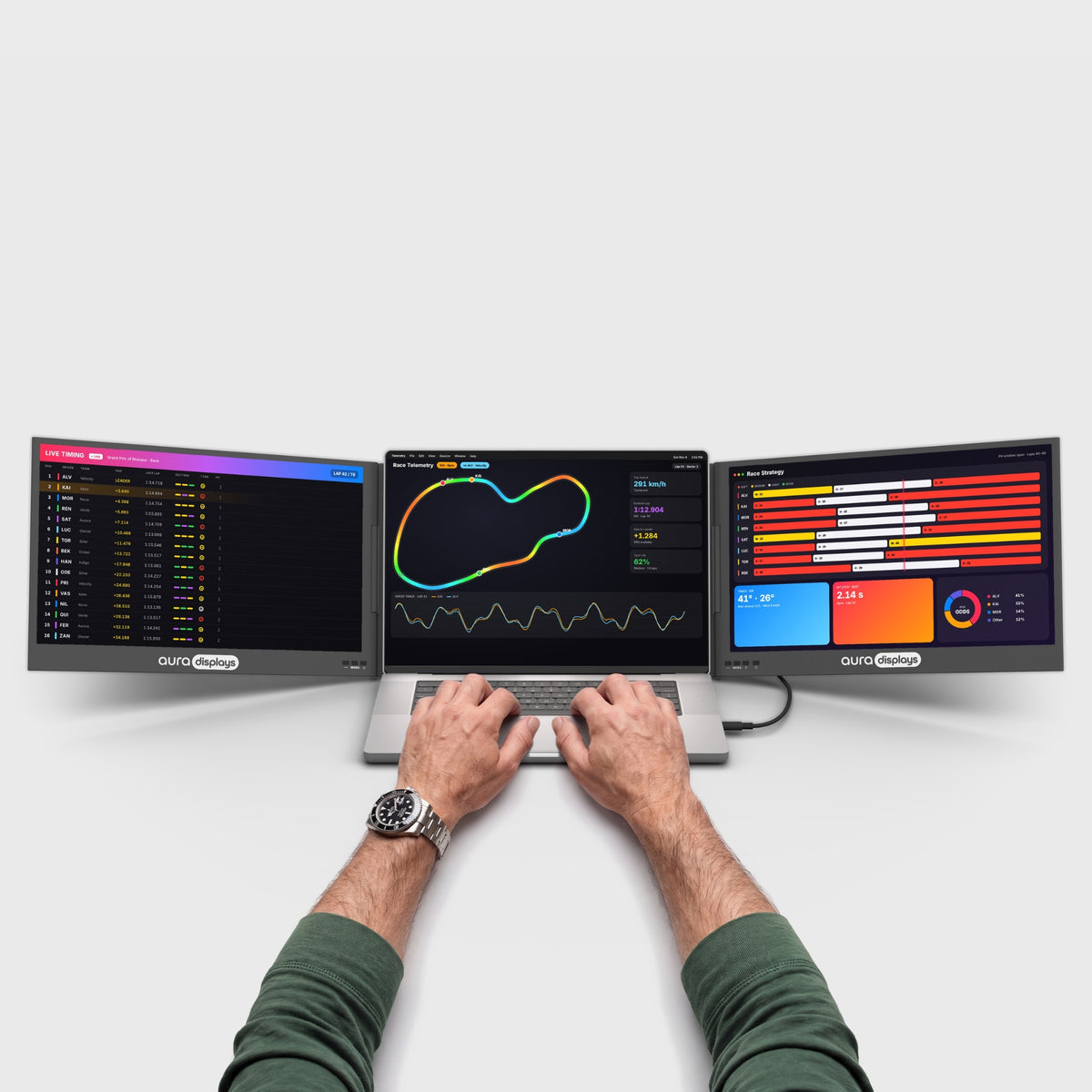
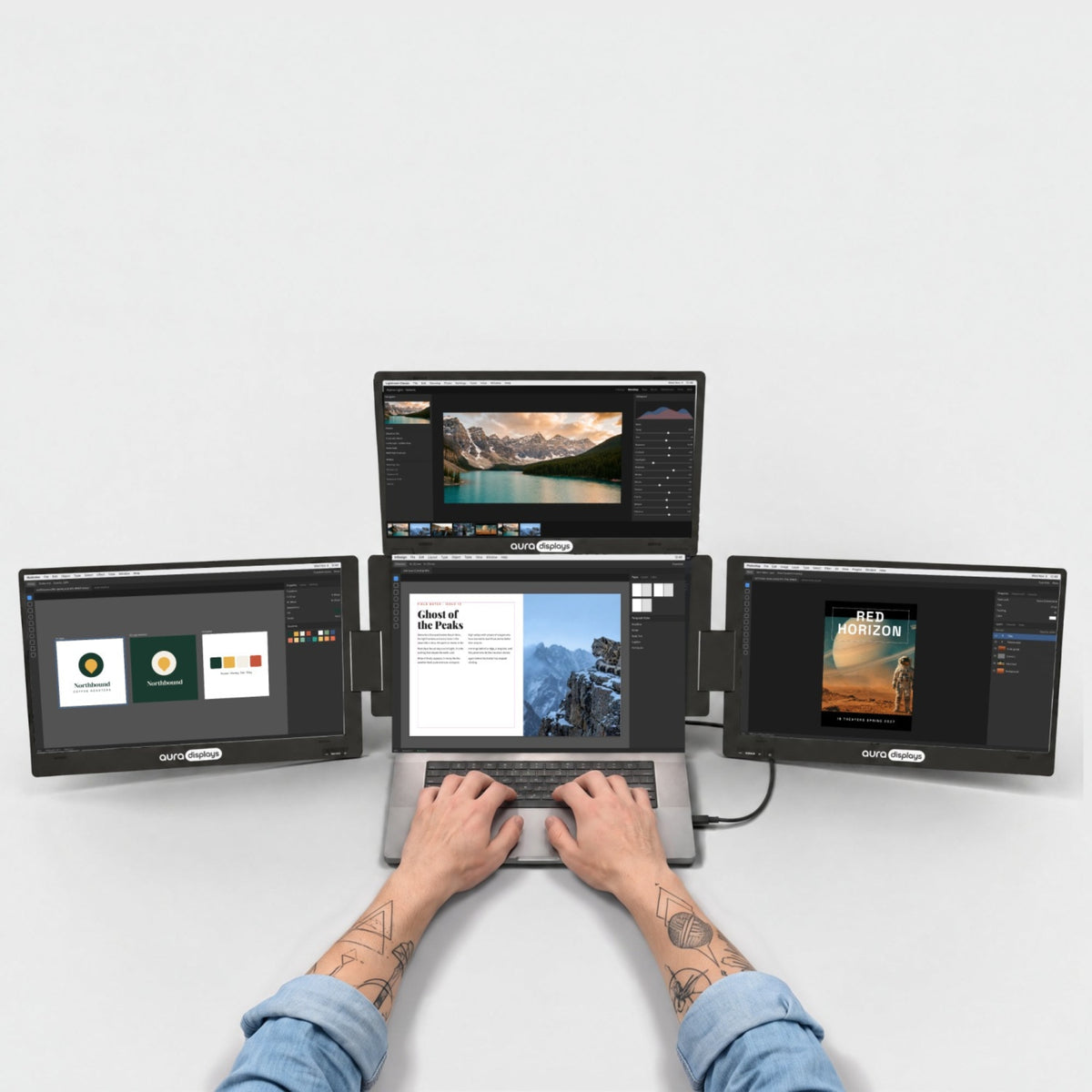
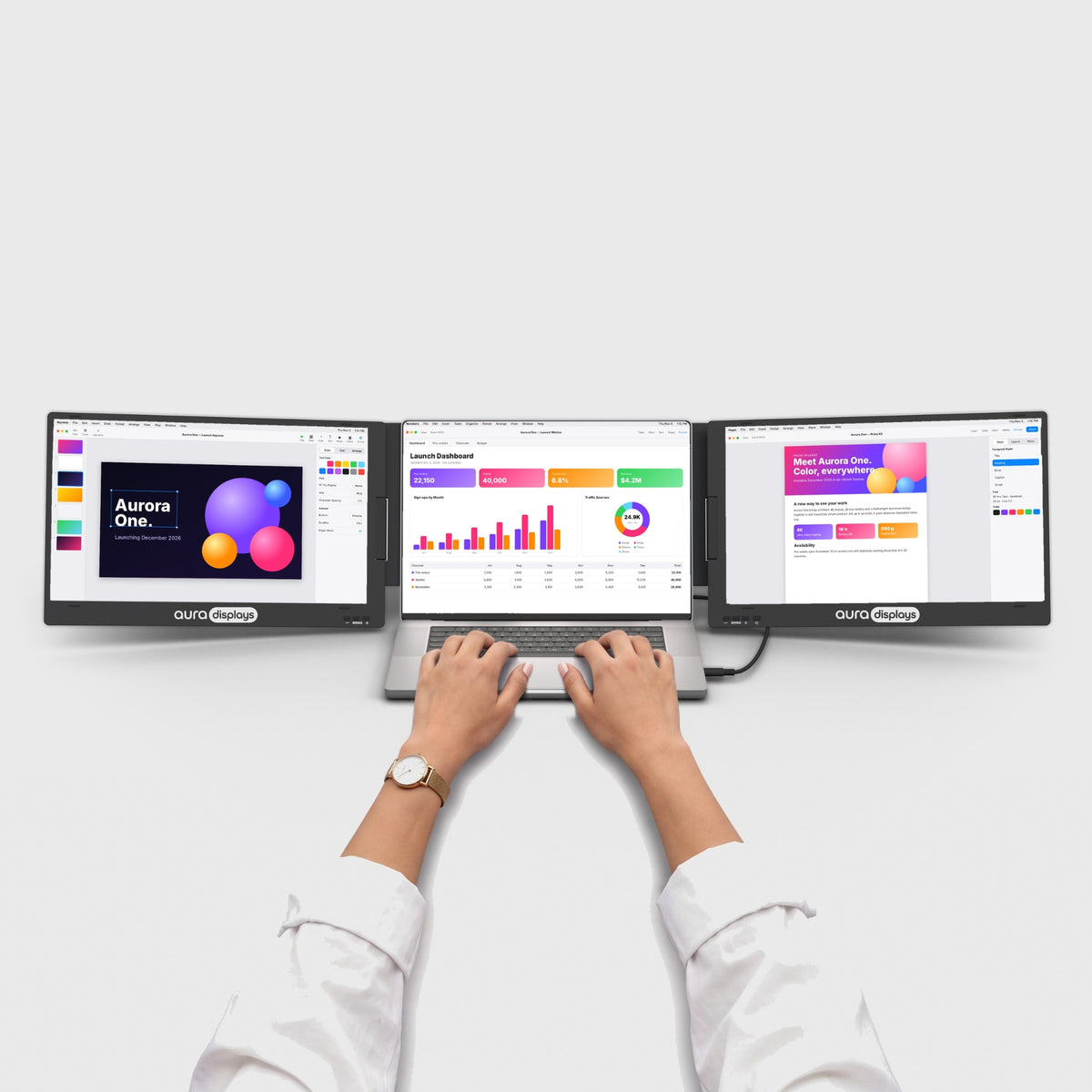
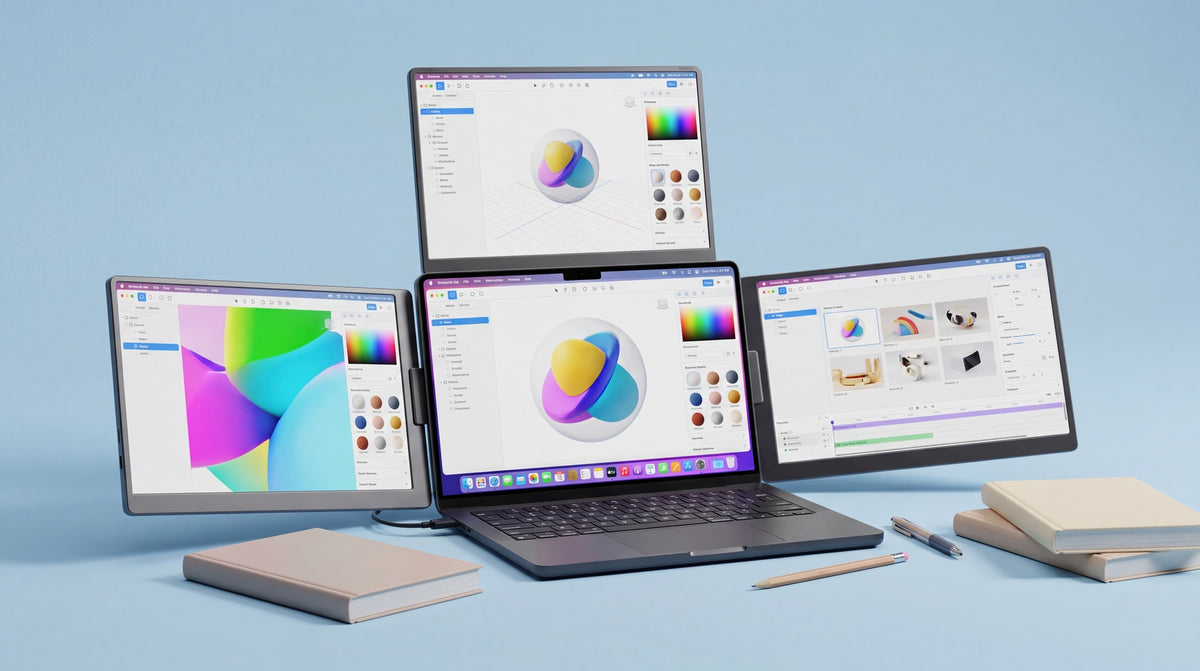
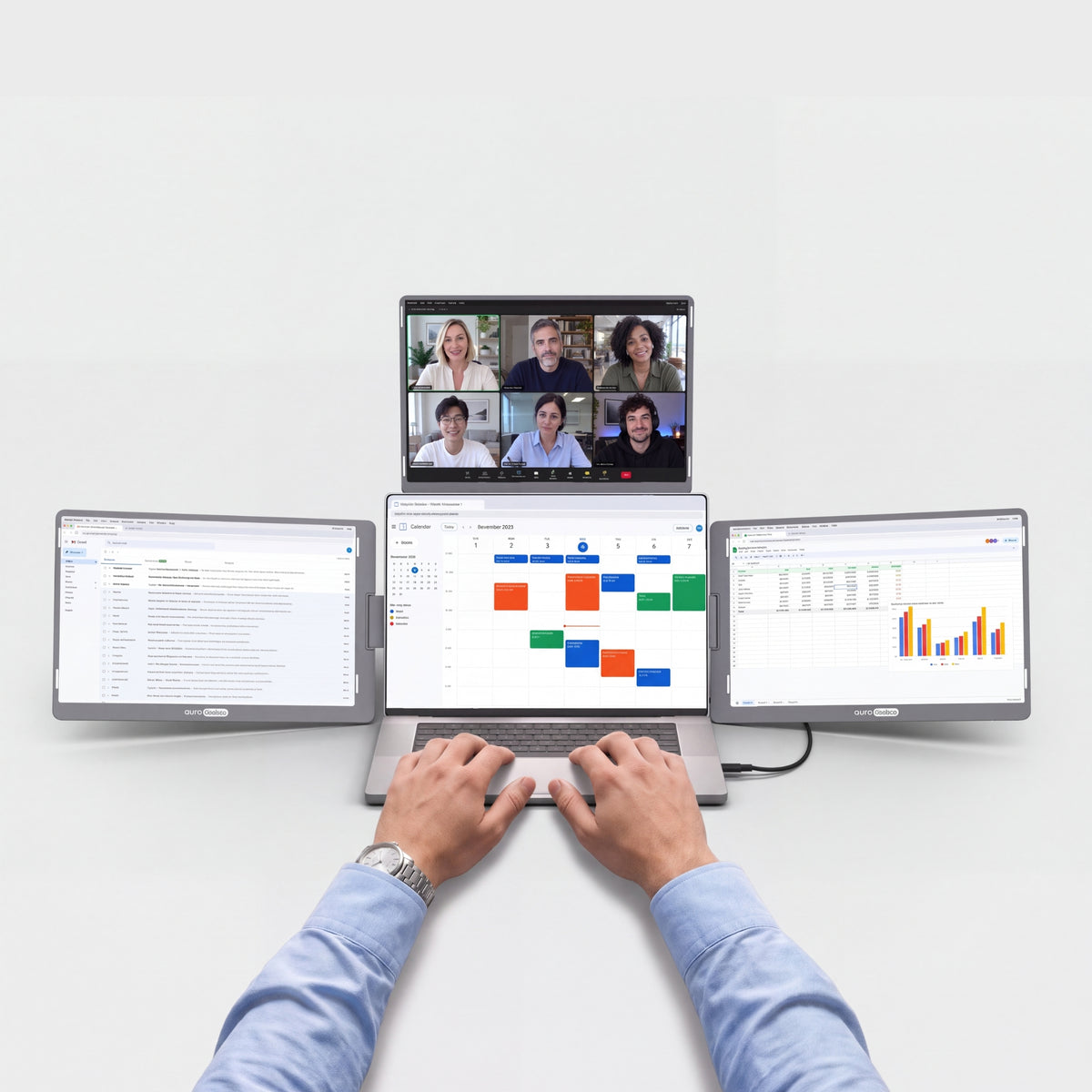
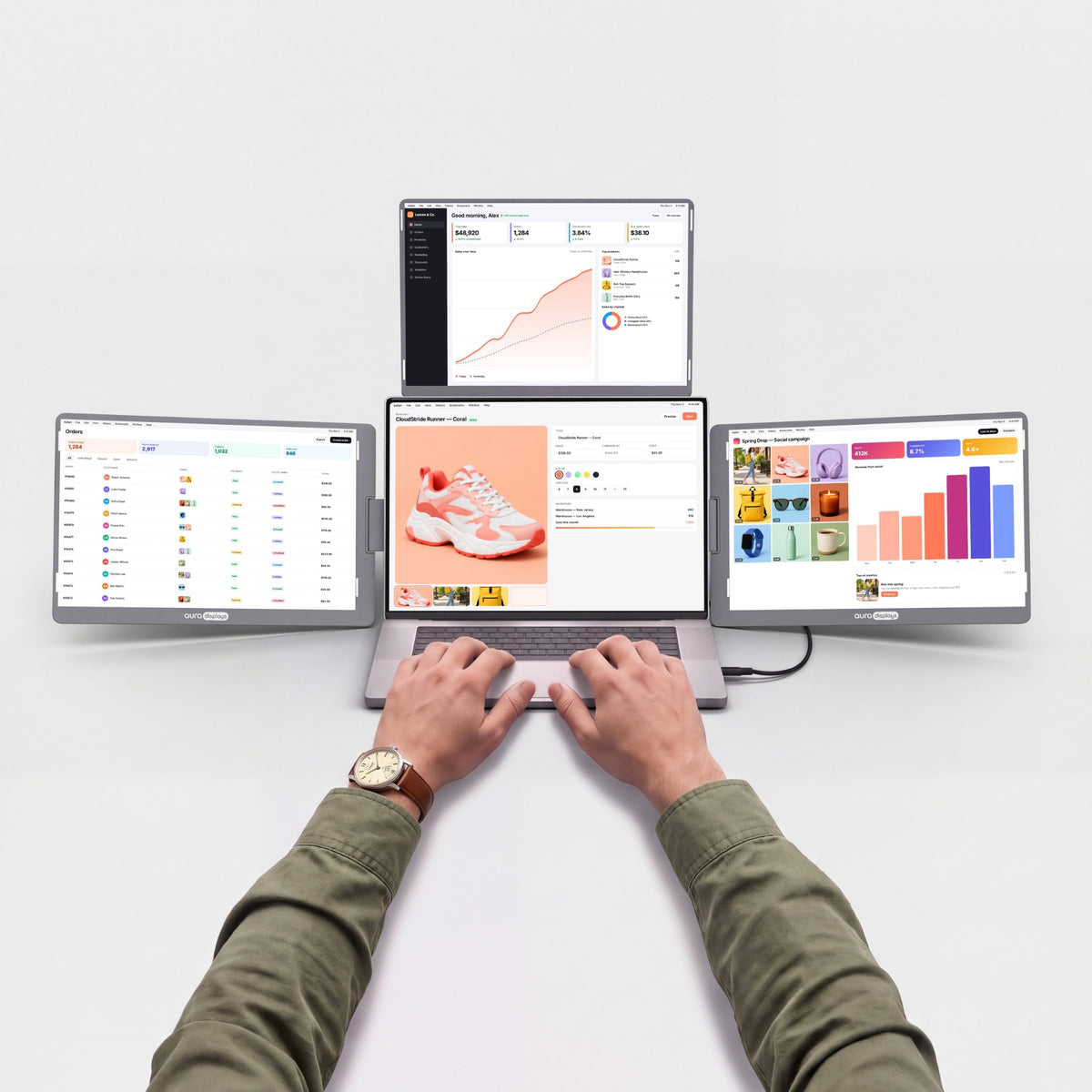
Three 16" screens above and beside your laptop.
Before you buy
- Driver install requiredNeeds admin rights. Check with IT on a work laptop.See Plug & Play models →
- Needs a power outlet30W adapter included.See models without adapter →
- Fits laptops 12"–18.5"Works with Windows and macOS.Check compatibility in 30 s →
- Weighs 5.51 lb (2.5 kg)Folded: 15.08 × 10.2 × 1.54 in (383 × 259 × 39 mm). Fits in a large backpack or carry-on.See lighter models →


Included free with your order
You save 1 618,00 kr-
 Tempered Glass Screen Protector4x 16" / 16:10
0,00 kr
1 148,00 kr -
 Hub USB 8-in-1 87W PD
0,00 kr
470,00 kr


Added to your cart automatically with your monitor.
Choose a store
Best deal here: lower prices on our website and free 14-day returns.
Overview
Overview
Three 16" Full HD+ screens around your laptop: one on each side and one above, for a full panoramic workspace. The 16:10 panels give you more vertical room than standard screens, with 100% sRGB color and a matte finish that keeps reflections down. Fits laptops from 12" to 18.5". Connects over USB-C (your laptop needs a USB-C port with video output), and the included 30W power adapter runs all three screens. Any USB-C PD wall charger or power bank of 30W or more works too. The side screens rotate 360° and the top screen flips up to 300°, so you can angle each one the way you work. Folded, the screens face inward for protection, and the whole setup fits a large backpack or a carry-on. One quick driver install on first use, then it's ready every time. Works with macOS and Windows.
What's in the box
What's in the box
- 1x Triple Go Max 16" (Full HD+)
- 2x Type-C to Type-C cable
- 2x USB-C to USB A cable
- 1x USB KEY with Software
- 1x PD power charger 30W
- 1x User Manual
Drivers & user guide
Drivers & user guide
Driver required. A small display driver runs the extra screens. Install it once, it takes about two minutes. On a company-managed laptop, your IT team may need to approve it.
Driver: RacerUSB.
Shipping, returns & warranty
Shipping, returns & warranty
Shipping. Orders leave our warehouse within 1–3 business days and arrive in 5 to 8 days on average. This can vary with stock and destination: the up-to-date delivery estimate for this product is always shown on this page, just above the Add to cart button. Free shipping on orders over $100. For the US, the EU, the UK and Australia, taxes and duties are included: nothing to pay on delivery. The delivery time shown is an estimate based on our previous shipments and current stock.
Where’s my order? Track your delivery in real time with your order number and email.
14-day free returns. Not the right fit? Return or exchange it free within 14 days of delivery: open the box, test it, and send it back complete in its original packaging with a prepaid label. We refund as soon as the carrier scans your parcel. Full conditions in our return policy.
1-year warranty. If your monitor is faulty, send us a photo or video; we repair or replace it free of charge. EU customers also benefit from the 2-year legal guarantee. See the warranty section of our return policy.
Questions before or after you buy? hello@aura-displays.com · +1 (213) 845-0774 · Real people, daily 9 am–4 pm ET.
A note on our visuals: 3D renders are for illustration and may differ slightly from the actual product. All verified details are in the tech specs at the bottom of this page.

Why you’ll love it.


Before


After


Three screens. One wide workspace.
Unfold the Triple Go Max around your laptop: one screen above, one on each side. To present, turn a side screen 180° or flip the top screen back toward the person across the table.


Laptop & Portable Monitor Sleeve
Your laptop was never meant to work alone.
Three more screens turn any desk into a real workspace.

When the workday ends, the screens fold back in and your table is a table again.

Your notes, your team chat and your video call, all in view at once. No more switching tabs. Just a morning that actually gets things done.

Turn a side screen 180° or flip the top screen back to show your work to the person across the table. Review a design or walk through photos together, with no need to turn your laptop around.
Sharp, bright, true to life.
Crisp detail for every line of code, every photo and every spreadsheet. Accurate colors, comfortable brightness and smooth motion, from your first email to your last edit of the day.


100% sRGB
Full coverage of the colour space the web was built on — what you edit here is what everyone else sees.

Matte displays
A non-reflective surface that scatters overhead light instead of mirroring it straight back at you.

178° viewing angles
Colors and contrast stay true from the side, so everyone around the desk sees the same picture.

16:10
The standard widescreen ratio — films, calls and timelines fill the panel edge to edge, no black bars.

Built for the way you work.
From home offices to hotel rooms, see how people use Aura to get more done.


Works with what you already own.
MacBook with M1 to M5 chips, Pro and Max included and Windows laptops.



Your setup, wherever there’s a desk.
Fold it, pack it and set it up again at the next desk. Home, office or hotel room, you get the same multi-screen workspace every time.

5.51 lb · 2.5 kg
Moves from desk to desk, folded in one piece.

12" – 18.5"
Made to match your laptop’s screen size.

Large backpack or carry-on
Folds flat for the trip.

Composite
Metal hinges, built to be opened and folded again and again.
Ports and power.
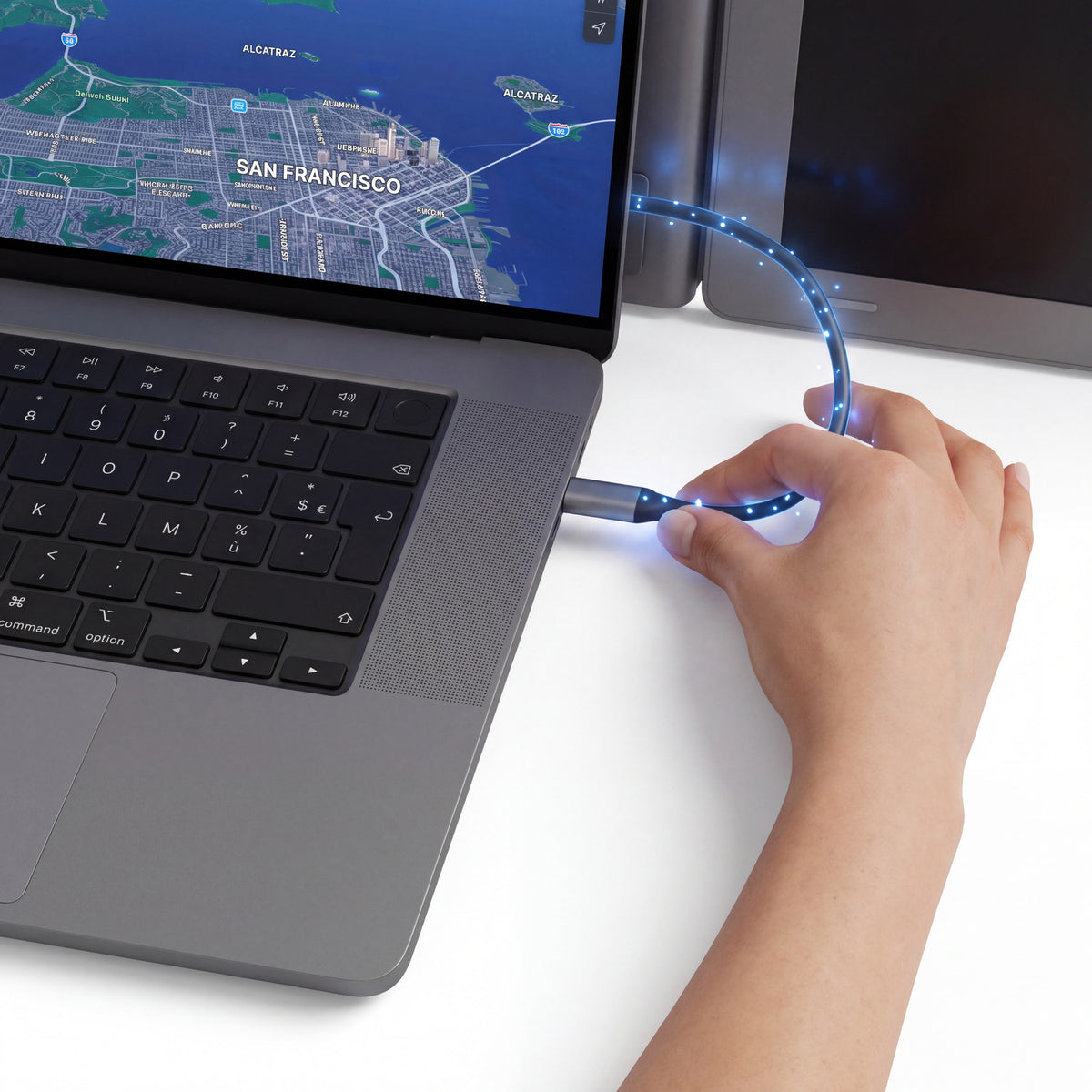
Here's what goes where, and what your laptop needs to drive it.
2x USB-C on the monitor
Laptop side: 1 video USB-C required.
30W power adapter included
Mains power is required — plug it into a wall outlet, not a strip.

Driver required
Install it once and restart, then every screen turns on.

Work laptop? Ask IT first
Managed laptops often block driver installs. Find a model that needs none.
Designed to Do More.
Explore the features that make this monitor smarter, more versatile, and built to elevate the way you work and create.

Your laptop sits under the top screen, between the two side screens. Any laptop from 12 to 18.5 inches fits, including 16-inch MacBook Pro models.

Drag any window from your laptop to any screen and back. Extend your desktop across all four screens, or mirror one screen to show the same thing twice.

The stand is built in and sits right behind your laptop. Nothing to assemble, nothing extra to carry.

The screens fold face-in, so they stay protected in your bag.

Each screen shows 1920 × 1200, so you see more lines of code, more rows and more of every page.
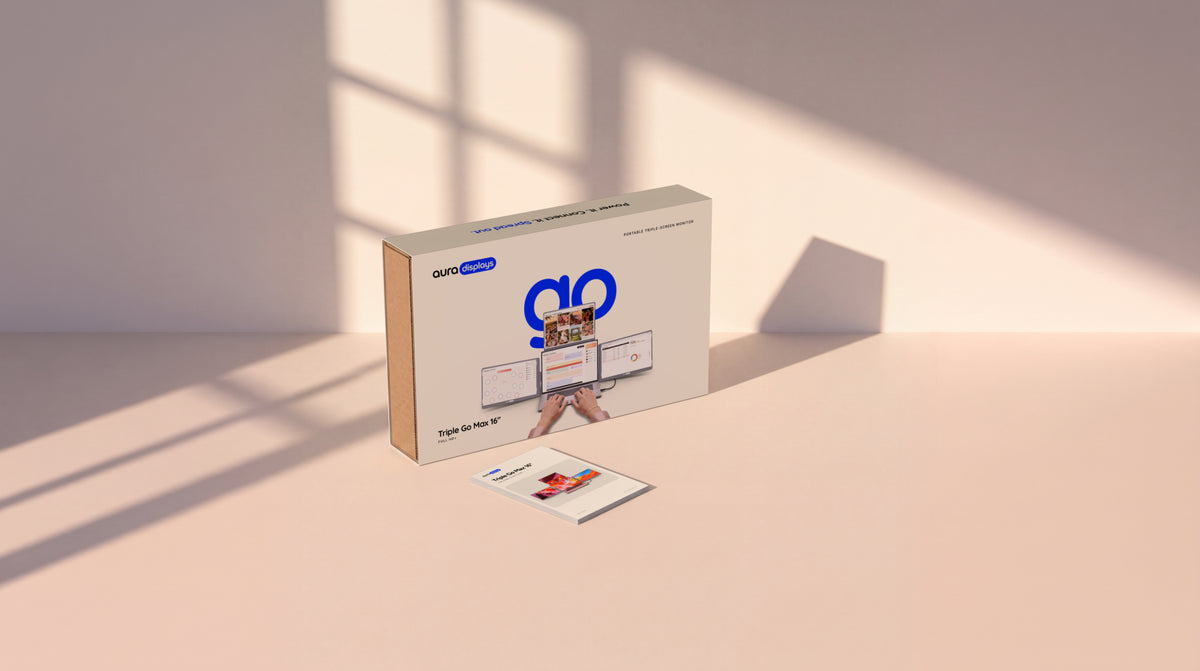

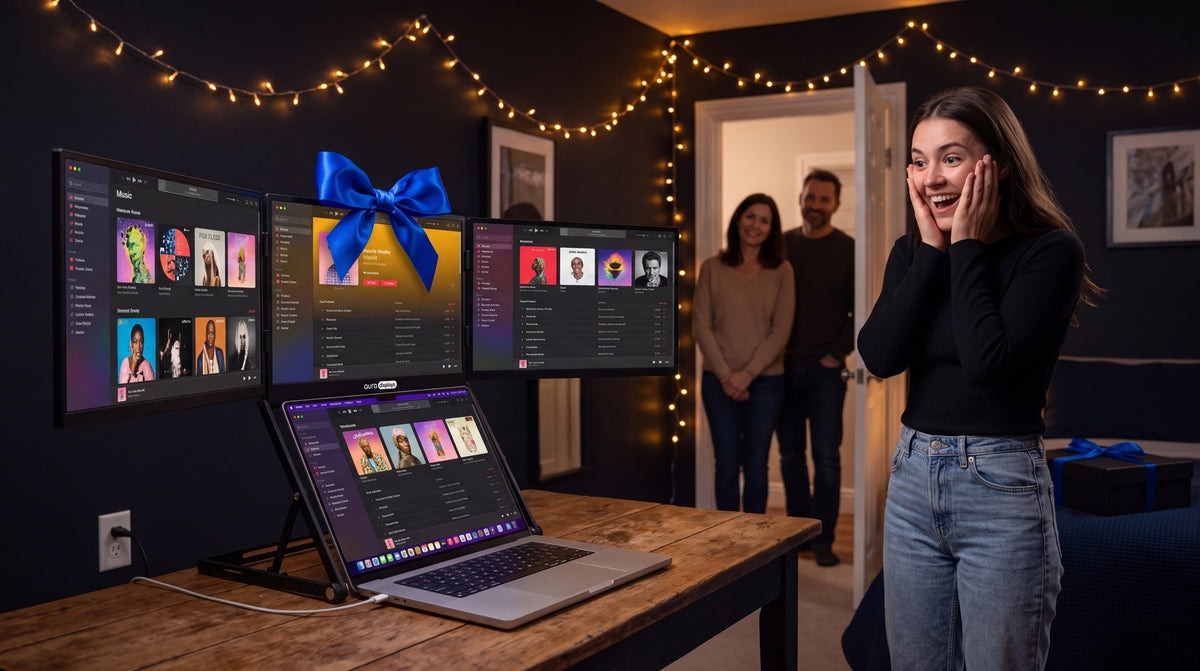


The Go series. Made to leave.
The Go Series is our lighter multi-screen range, with less to carry on the days you work somewhere new. Each screen swivels a full 180°, so you can turn it toward the person opposite without moving the laptop.
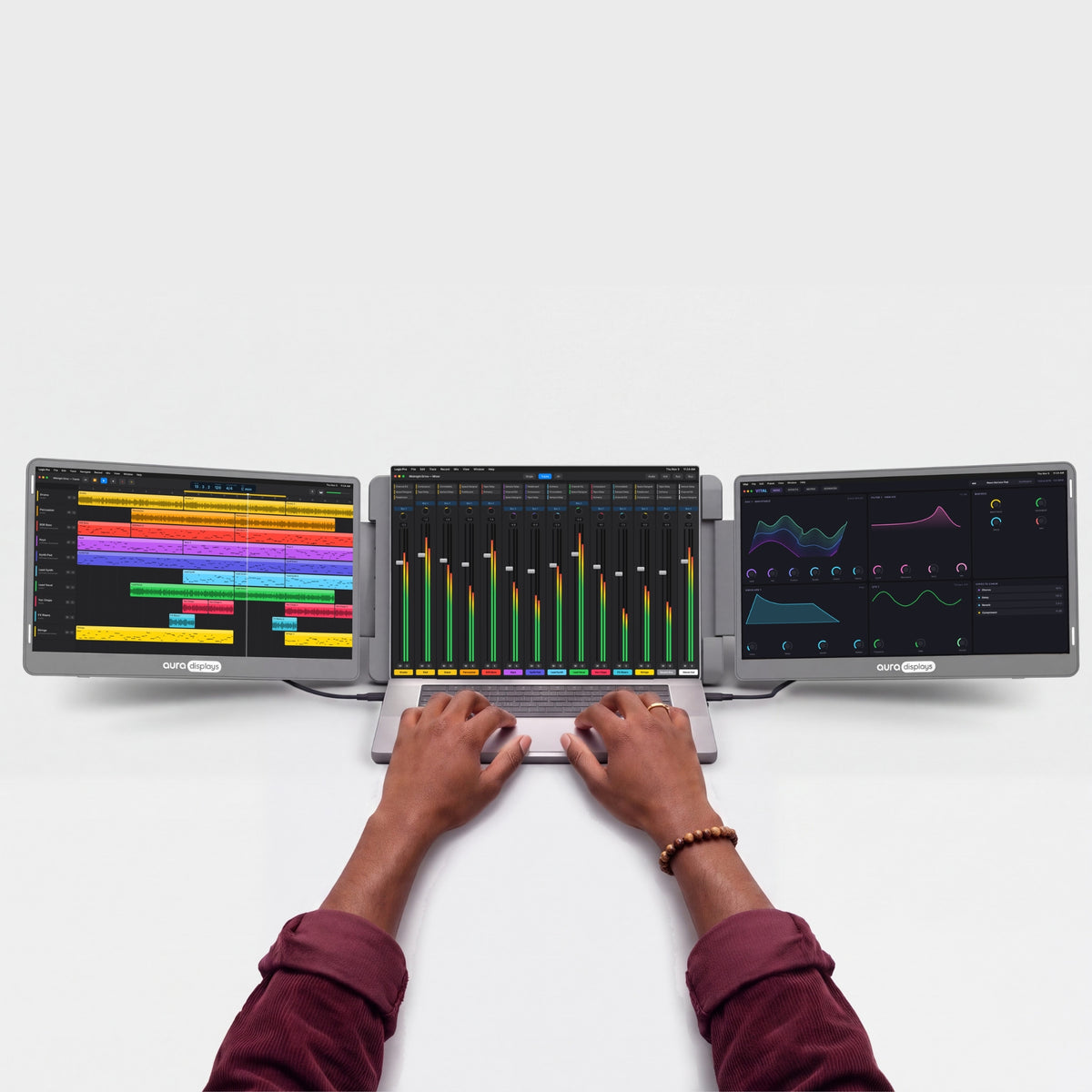

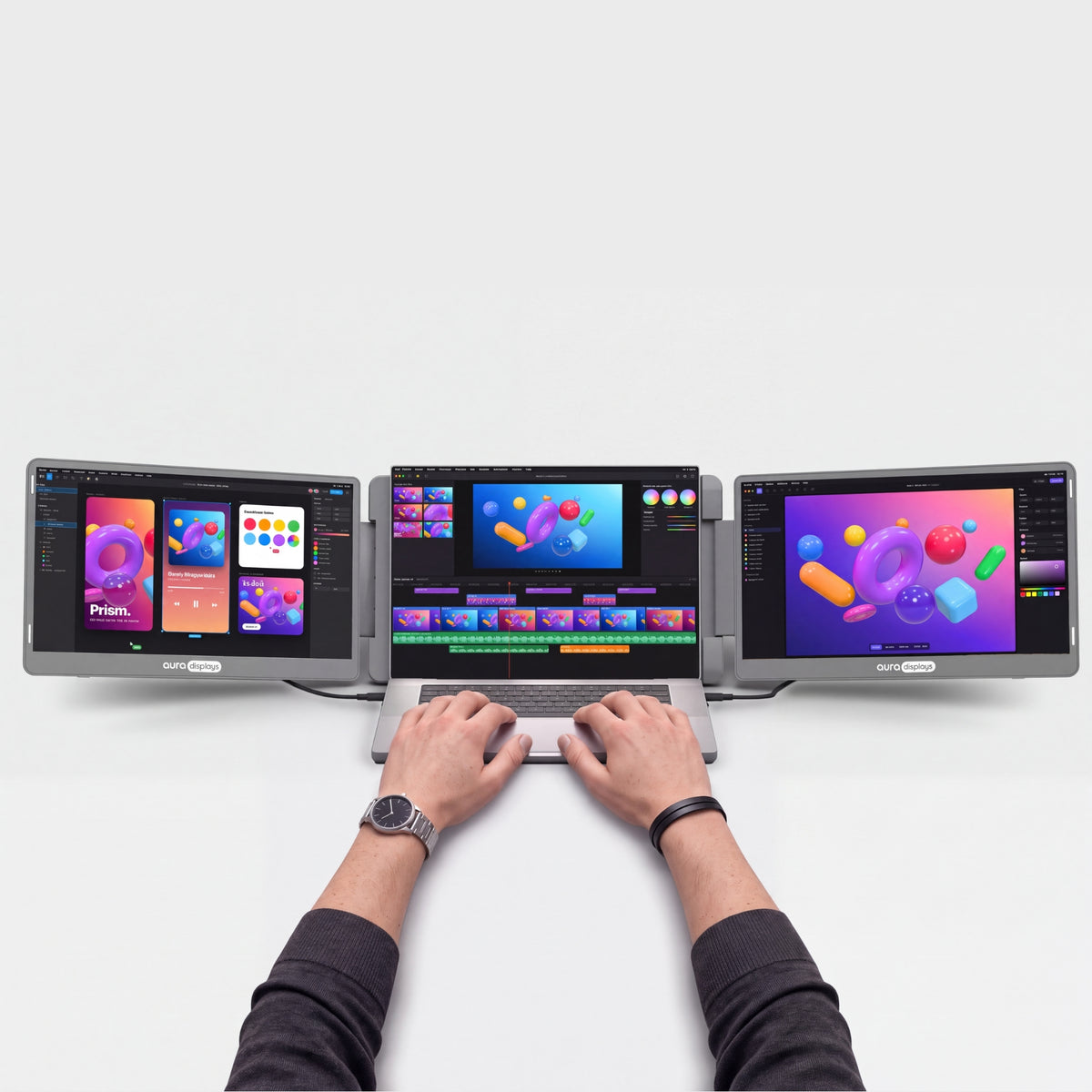

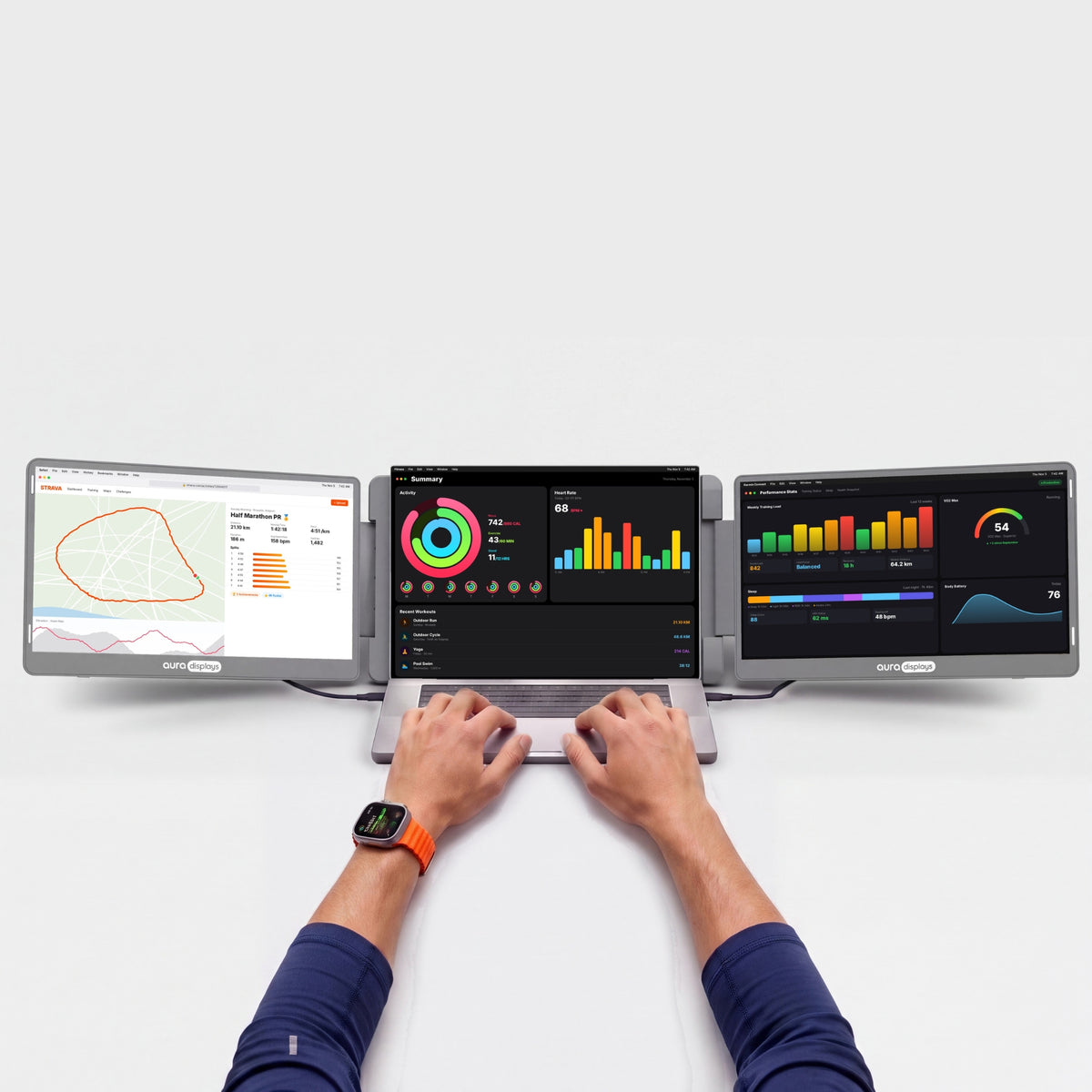




Productivity calculator
See what more screen gives you back.
Fewer windows to juggle. More time for the work itself. Adjust the numbers to your week.
Copying between docs, comparing, a call next to your notes, code next to the preview.
Estimates only. Gains from published studies are applied to the share of time you spend working across several windows, and converted conservatively into time saved (a task done 18% more efficiently takes about 15% less time). Your results will depend on your work.
Sources: Wichita State University SURL / IDC for Dell (2015); Fraunhofer IAO OFFICE 21 for Fujitsu Siemens; Jon Peddie Research Multi-Monitor Study (2017, self-reported); University of Utah for NEC (2008); Microsoft Research, Czerwinski et al. (2003); Harvard Business Review (2022).


Is it right for you?
Is the Triple Go Max 16" right for you?
Made for you if
- You work from a desk, home office or hotel room with a power outlet
- You can install software on your laptop
- Your laptop is between 12" and 18.5"
- You want the most screen space you can carry
Choose another model if
- Your work laptop blocks software installs — Plug & Play models
- You need to work without a power outlet — Air Series
- You want the lightest setup for daily travel — Ultralight models
- You mainly game on console — Compare models
Display
Connectivity & power
Size & weight
Design & features
Warranty & certifications
Your laptop
Operating systems
Other devices
- 1×Triple Go Max 16" (Full HD+)
- 2×Type-C to Type-C cable
- 2×USB-C to USB A cable
- 1×USB KEY with Software
- 1×PD power charger 30W
- 1×User Manual
Driver required
How to connect
One USB-C cable + the power adapter.
- Driver install requiredNeeds admin rights. Check with IT on a work laptop.See Plug & Play models →
- Needs a power outlet30W adapter included.See models without adapter →
- Fits laptops 12"–18.5"Works with Windows and macOS.Check compatibility in 30 s →
- Weighs 5.51 lb (2.5 kg)Folded: 15.08 × 10.2 × 1.54 in (383 × 259 × 39 mm). Fits in a large backpack or carry-on.See lighter models →
Very happy with my purchase. Not cheap but worth the money.

Hi Jonah,
Thank you for your kind feedback on our product, Triple Go Max 16' (Full HD+). We're glad to hear that you're happy with your purchase and that it was worth the investment. We strive to provide high-quality products for our customers. If you ever need any assistance, please don't hesitate to reach out to us.
Best regards,
David
What an incredible tool for productivity. Works perfectly with my 16-inch Macbook. Always 2 screens connectable with a single USB-C and the 3rd if I really need it on the go I plug it into my powerbank. Very happy with the product, I highly recommend!!!!
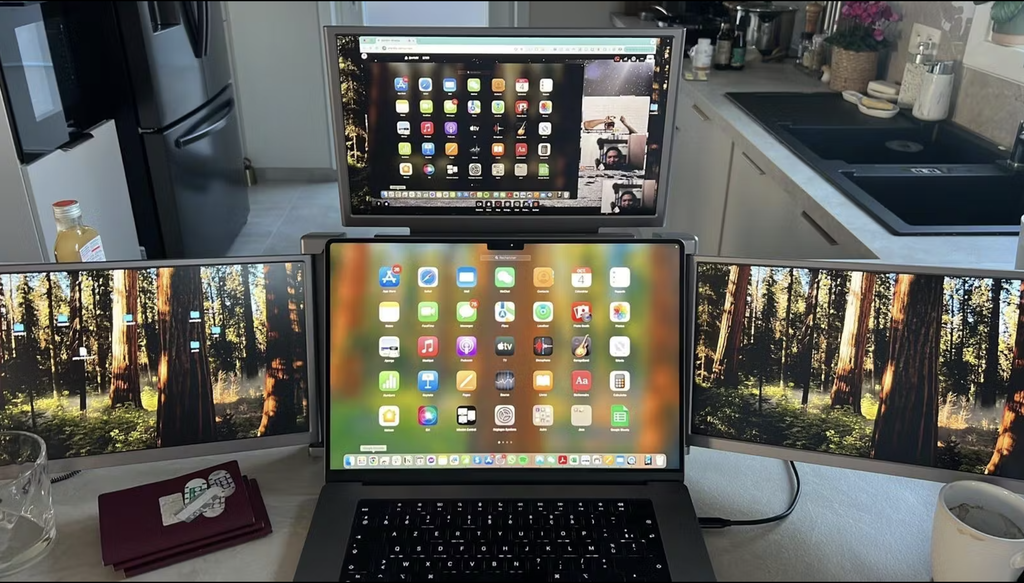
Hi Ryan! Thank you so much for taking the time to leave such a positive review for our Triple Go Max 16' (Full HD+) product. We're thrilled to hear that it's helping you with your productivity and that it's working perfectly with your Macbook. It's great to know that you're able to easily connect 2 screens with just one USB-C and even have the option for a 3rd screen on the go with your powerbank. We truly appreciate your recommendation and we're happy to have you as a satisfied customer. Thanks again!
Video calls are easier with the meeting on one screen and my notes on another. The extra room for documents makes a real difference.
The hinges hold their position well once adjusted. It's been reliable since the first day.
Le texte reste net sur les trois écrans. Je l’utilise tous les jours pour mes tableaux et mes mails.
Setup took only a few minutes and the cables were long enough. Switching between windows is far less of a chore now.
It feels sturdy for the price. Long sessions are comfortable and I notice less eye strain.
Text stays crisp on all three panels, even at small sizes. It has changed how I organise my working day.
Looks very good. Hopefully it’s going to be used for a couple years
Die Schrift bleibt auf allen drei Displays scharf. Die Scharniere halten die Position zuverlässig.
I run weekly ops calls and used to lose windows constantly. Now the agenda, the warehouse dashboard and the call notes all stay visible. I still wouldn’t carry it for casual work, but for meeting-heavy days it’s brilliant.
My laptop used to feel like a bottleneck. Now I can leave HubSpot, call notes and a pricing sheet open together. I still pack it only for serious workdays, not casual browsing, but for those days it’s a big upgrade.
We do stock checks every week, and this lets me keep the WMS, barcode export, and supplier email thread open together. It is more portable workstation than casual accessory, which is exactly what I needed.
Saya pakai untuk kerja freelance di rumah. Tiga layar membantu saat membuka Canva, chat klien, dan folder gambar sekaligus. Perlu sedikit waktu untuk setup pertama, tapi setelah itu lancar.
At first I thought the included power adapter was an extra complication. After using all three displays for a full day, I get why it’s there. The 16 Plus panels stayed stable while I had Tableau, Chrome and email open.
I made bubbles under one screen protector and had to redo it slowly. Not a disaster, just annoying. Once everything was set, the 16 Plus model looked sharp and worked well with my Windows laptop.
Lo uso con un MacBook per fatture e report. Dopo il driver, i tre schermi funzionano bene. Tengo email a sinistra, Excel al centro e documenti a destra.
Quand je l’ai sorti au bureau, tout le monde a regardé. Ce n’est pas un accessoire discret, mais pour comparer des campagnes Meta Ads, Shopify Analytics et un brief créatif, les trois écrans changent vraiment la journée.
I’m a part-time photographer and use it after events. Lightroom on the center screen, Finder with folders on one side, client selections on the other. Color is good enough for selects and basic edits while away from my main monitor.
Je l’ai utilisé au bureau pour une journée de réunions. Le format cockpit attire forcément l’attention, mais pour garder CRM, devis et agenda ouverts en même temps, c’est très efficace.
Je l’ai amené au bureau une seule fois et tout le monde m’a demandé ce que c’était. Le style cockpit est voyant, mais pour CRM, devis et emails en même temps, c’est vraiment efficace.
I build Looker Studio reports, and presenting them with three screens is easier than expected. One panel for the live dashboard, one for notes, one for the source sheet. My client asked if I had brought a tiny control room.
I use DaVinci Resolve with the main timeline in the center, folders on the left and chat on the right. The Triple Go Max 16" (Full HD+) does not replace my studio display, but for hotel edits it is a massive upgrade from one laptop screen.
Je l’ai apporté une fois au bureau et mes collègues sont venus voir. Le style cockpit est assez voyant, mais pour CRM, devis et mails en même temps c’est franchement utile.
Używam go z laptopem Windows do raportów sprzedaży. Trzy ekrany pozwalają mieć CRM, arkusz i pocztę otwarte jednocześnie. Nie jest mały, ale do biurka sprawdza się bardzo dobrze.
회사 노트북에 설치 권한을 받아야 했지만, 설치 후에는 화면 3개가 잘 나왔습니다. 회의록, 브라우저, 자료 파일을 따로 열어 두니 훨씬 덜 답답해요.
I keep charts on the left and right, news in the middle, and the laptop below for notes. The 60Hz refresh is fine for my use, and the matte IPS panels are easier to read than my old glossy monitor.
Gorgias, tracking portal and internal inventory sheet can finally stay open at the same time. I’m not saying it answers tickets for me, but the constant jumping between tabs is mostly gone. The matte finish also helps under office lights.
I use DaVinci Resolve on the center screen, bins on the left and chat or notes on the right. The 60Hz panels are fine for quick travel edits. It won’t replace my studio setup, but it is way better than one laptop display.
처음 설치할 때 드라이버 때문에 조금 헤맸지만, 이후에는 안정적으로 작동했습니다. 회의 자료, 메신저, 내부 대시보드를 나눠서 볼 수 있어요.
I work in customer support and usually have too many tabs open. With this setup I keep Gorgias in the center, Shopify admin on the left and order tracking on the right. It saves a surprising amount of time.
Set-up and support
The questions our team answers most — from the first plug-in to the
day something looks off. If yours isn't here, write to us: a real
person replies.
Only some screens work, or a screen stays black
Only some screens work, or a screen stays black
All three Triple Go screens get their picture through the driver.
- Make sure the RacerUSB app is open, then restart your laptop.
- Plug in the power adapter: all three screens need it.
- Connect the monitor directly to a laptop USB-C port that supports video, with the included USB-C to USB-C cable — no hub or dock.
- Check that the dark screen is set as an extended display (see the question on screen order).
Still one screen dark? Contact us — it's covered by warranty.
All screens stay black / nothing turns on
All screens stay black / nothing turns on
- Plug the included power adapter directly into a wall outlet (not a power strip) and into the monitor's PD (power) port.
- Connect the monitor directly to your laptop — no hub or dock.
- Unplug and replug the USB cable, then make sure the driver app is open.
- If you have another USB-C PD charger (30 W or more), try it.
Still nothing? Contact us with a short video of your setup — manufacturing defects are covered for 1 year.
How do I connect it to my laptop?
How do I connect it to my laptop?
Always connect the power adapter first: the Triple Go needs a 30 W power source (the included adapter, or any USB-C PD charger or power bank of 30 W or more). Then plug the included USB-C to USB-C cable into a laptop USB-C port that carries video (all MacBooks, most recent Windows laptops) and install the driver (see question 4).
There is no HDMI input, so your laptop needs a USB-C port with video. For the first setup, avoid hubs and docks.
Do I need a driver? Which one?
Do I need a driver? Which one?
Yes — without it none of the screens turn on.
Install the RacerUSB driver: it's on the USB key in the box, and the latest version for Mac and Windows is on our Drivers page. Install, then restart. On Mac, allow Screen Recording when asked and set it to open at login, or the screens won't come back after a restart.
Does it work with my MacBook, even a base M1, M2 or M3?
Does it work with my MacBook, even a base M1, M2 or M3?
Yes. Your MacBook screen + all 3 Triple Go screens work, even on base M-chip MacBook Air models that normally support only one external display — the driver handles it. You need macOS 12 Monterey or newer.
My work laptop doesn’t let me install software
My work laptop doesn’t let me install software
All three screens run through the driver, so without it none of them turn on. Ask your IT team to install it (see question 4). If that's not possible, choose one of our plug-and-play models that need no driver.
Is it portable? How heavy is it?
Is it portable? How heavy is it?
It folds into one unit with the screens facing in, but it's a full 3-screen workstation: about 5.51 lb / 2.5 kg, for a large backpack or a carry-on. Keep it in a sleeve when you travel: the shell scratches more easily than our other models.
How do I fold it without damaging the hinges?
How do I fold it without damaging the hinges?
Open and close the screens one at a time, and never force a hinge past its stop. There are no magnets, so keep it in a sleeve or a bag when you carry it.
Where is my screen protector?
Where is my screen protector?
It isn't pre-installed on this model: your tempered glass screen protectors come free with your order, ready to apply whenever you want.
Will my laptop fit under the top screen?
Will my laptop fit under the top screen?
Yes for laptops from 12" to 18.5", including 16" MacBook Pro models. The laptop sits under the top screen, between the two side screens.
My screens are in the wrong order, or one looks blurry / smaller
My screens are in the wrong order, or one looks blurry / smaller
- Mac: System Settings › Displays › Arrange. Windows: Settings › System › Display.
- Drag the screens to match their real positions.
- Set each Triple Go screen to its native resolution (1920 × 1200) and the same scaling.
Can I watch Netflix or other streaming services?
Can I watch Netflix or other streaming services?
Not on the Triple Go screens: protected video (Netflix, Disney+, Apple TV…) stays black on screens connected through a USB display driver. Play it on your laptop screen instead.


