


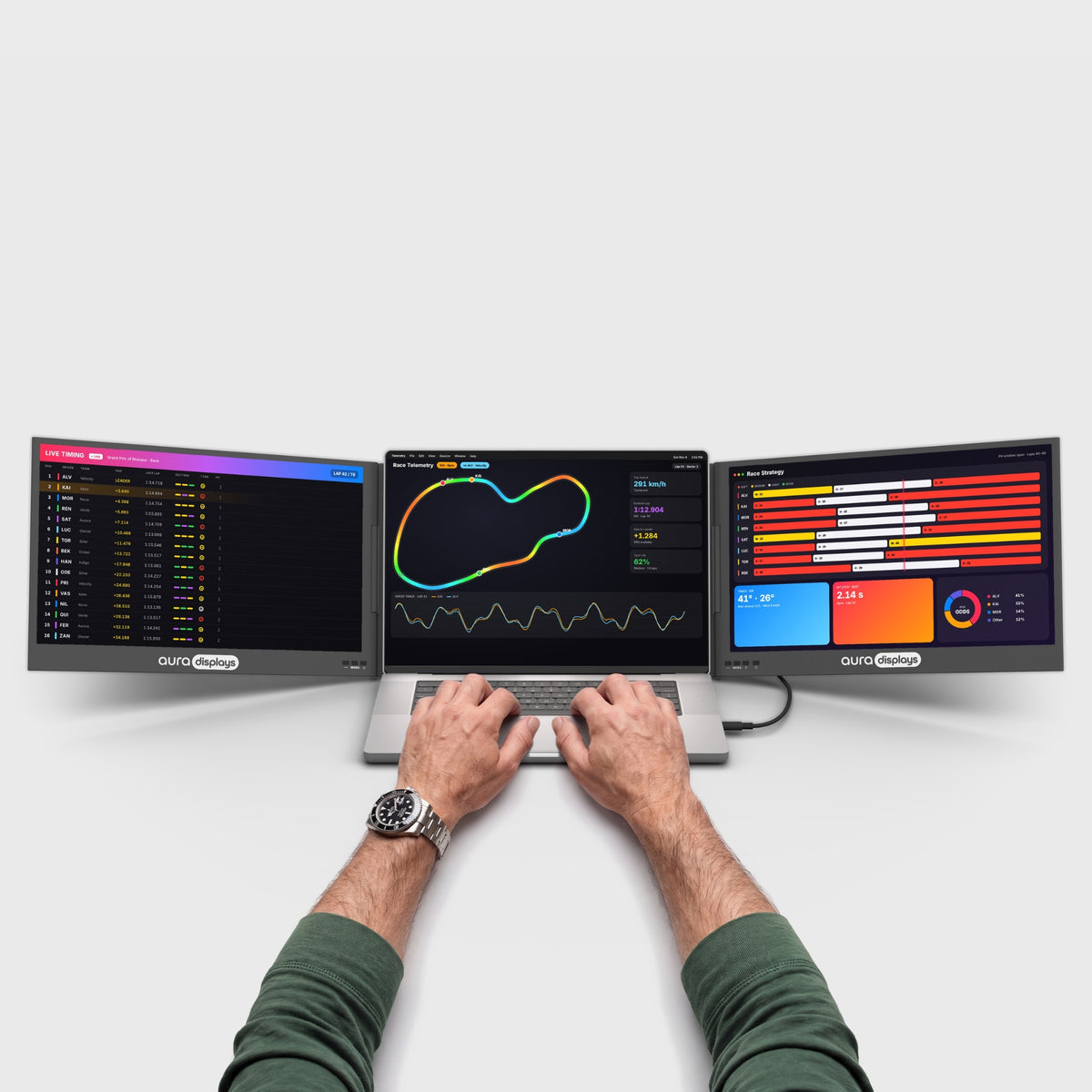

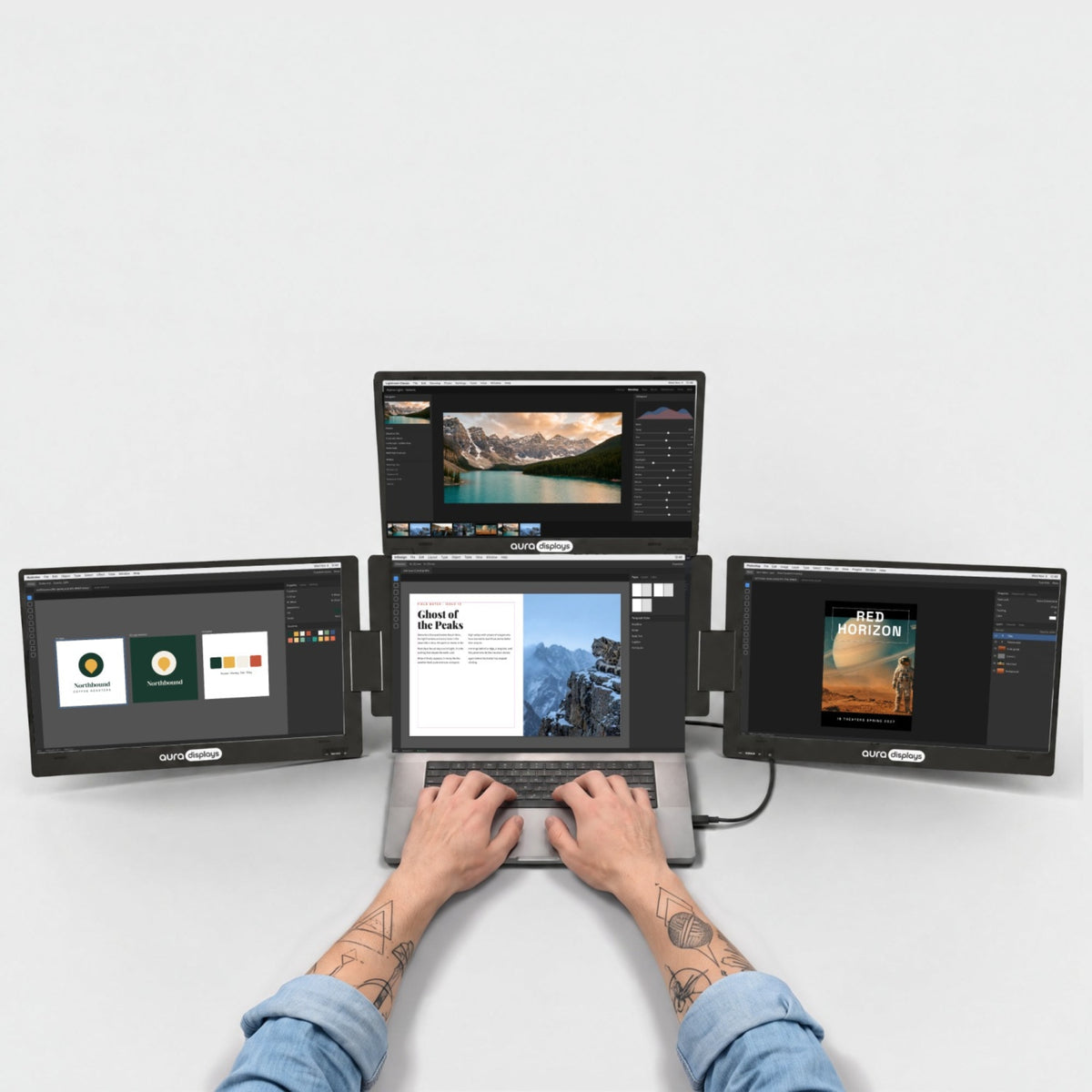

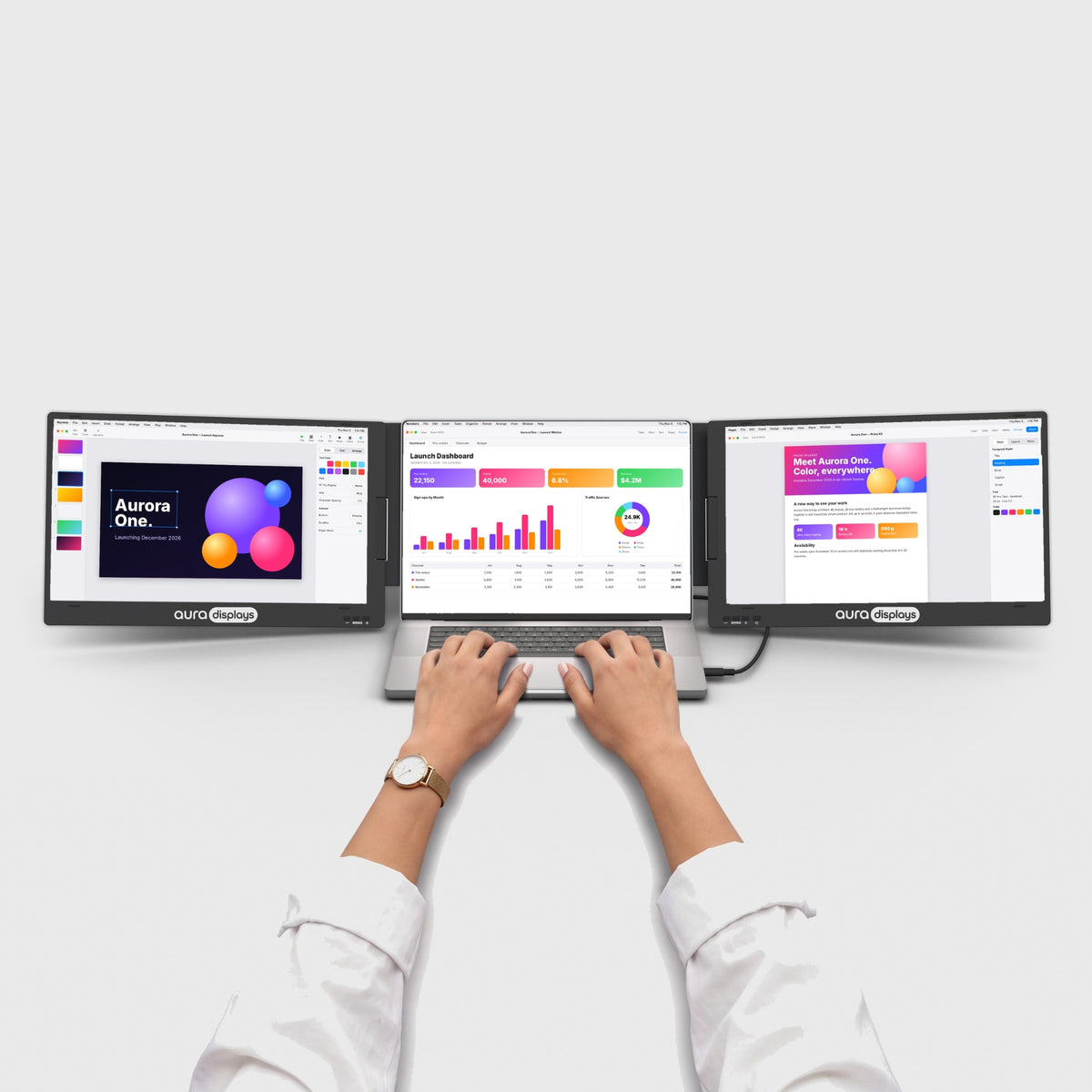


Triple Aero Pro Max 15.6" (Full HD)
Three 15.6" screens. One portable workspace.
Before you buy
- Driver install requiredNeeds admin rights. Check with IT on a work laptop.See Plug & Play models →
- Needs a power outlet65W adapter included.See models without adapter →
- Fits laptops 12"–18.5"Works with macOS, Windows, Linux, Android, iOS and iPadOS.Check compatibility in 30 s →
- Weighs 6.5 lb (2.95 kg)Folded: 16.3 × 12.4 × 1.06 in (414 × 315 × 27 mm). Fits in a large backpack or carry-on.See lighter models →


Included free with your order
You save CHF 138.00-
 Tempered Glass Screen Protector4x 15.6" / 16:9
CHF 0.00
CHF 60.00 -
 Felt Sleeve for the Aero Series16-inch
CHF 0.00
CHF 39.00 -
 Hub USB 8-in-1 87W PD
CHF 0.00
CHF 39.00


Added to your cart automatically with your monitor.
Choose a store
Best deal here: lower prices on our website and free 14-day returns.
Overview
Overview
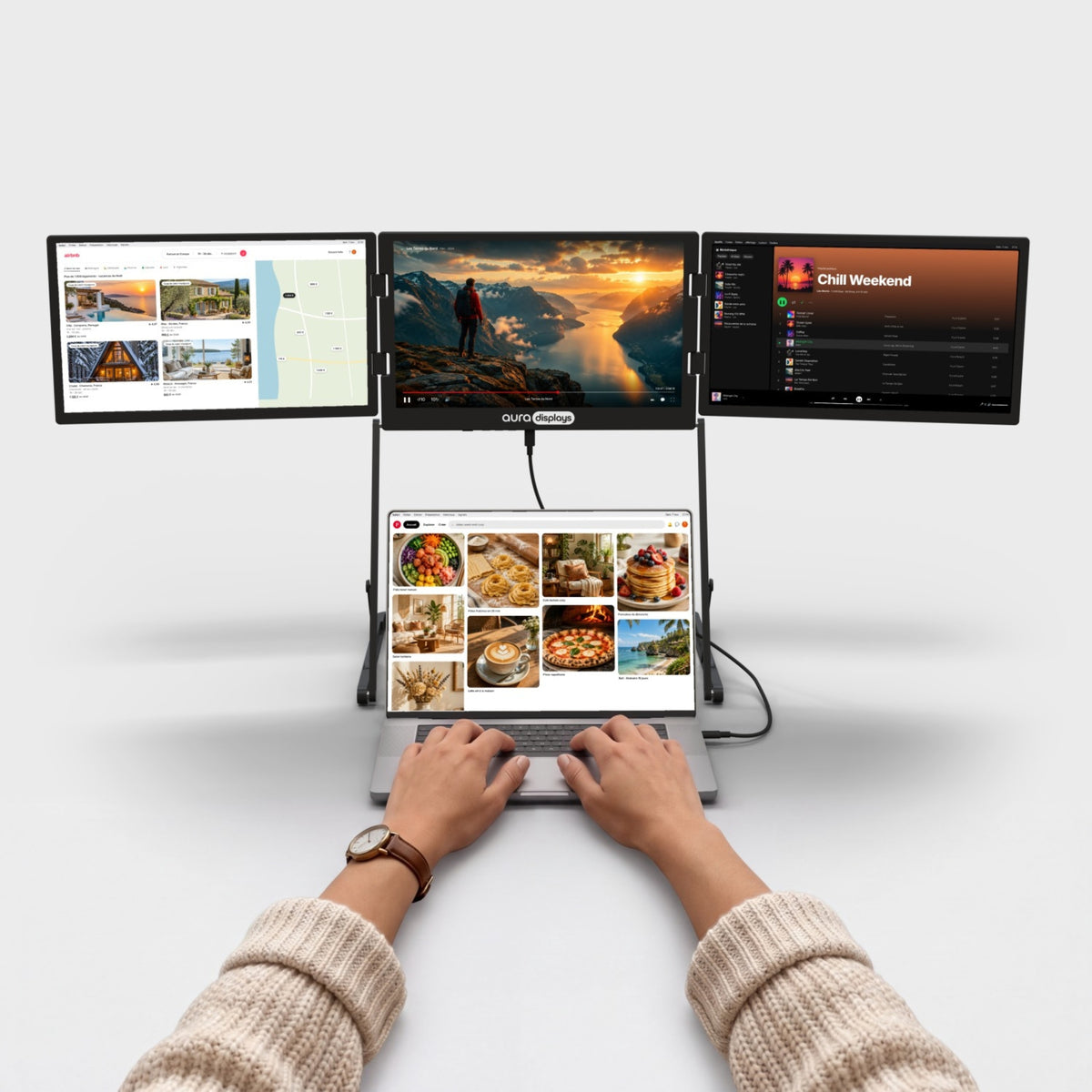
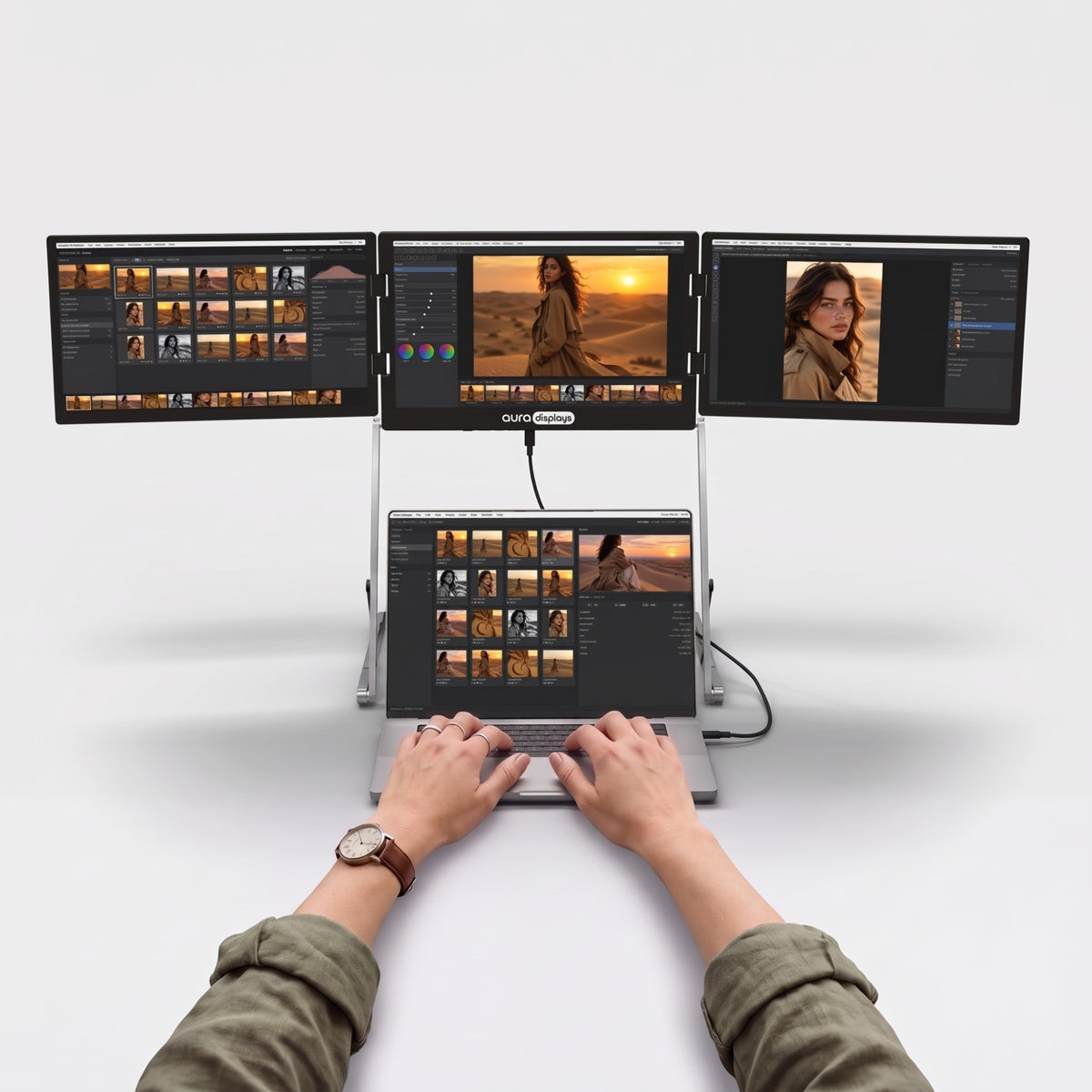
Three 15.6" Full HD panels that mount above your laptop instead of beside it — full multi-screen width, laptop-width footprint. Fits laptops up to 18.5", with a full aluminum chassis that holds its position after a hundred set-ups, then folds flat and travels in the same bag. One display cable to your laptop, USB-C or HDMI, and the included 65W power supply runs all three screens while charging your laptop at the same time. Three viewing modes: panoramic, rotated 180° to show a screen to the person opposite, and triangle for meetings. One driver install on first use, then it's ready every time. Works with macOS, Windows and game consoles.
What's in the box
What's in the box
- 1x Triple Aero Pro Max 15.6" (Full HD)
- 1x USB-C to USB-C cable, full-featured, for video (1 m)
- 1x USB-C to USB-C cable for the power adapter (2 m)
- 1x USB-A to USB-C cable (1 m)
- 1x Mini HDMI to HDMI cable (1 m)
- 1x 65W power adapter with interchangeable plug tips
- 3x Tempered glass screen protector (pre-installed)
- 1x User manual
Drivers & user guide
Drivers & user guide
Driver required. A small display driver runs the extra screens. Install it once, it takes about two minutes. On a company-managed laptop, your IT team may need to approve it.
Driver: DisplayLink or Silicon Motion (depends on batch).
Shipping, returns & warranty
Shipping, returns & warranty
Shipping. Orders leave our warehouse within 1–3 business days and arrive in 5 to 8 days on average. This can vary with stock and destination: the up-to-date delivery estimate for this product is always shown on this page, just above the Add to cart button. Free shipping on orders over $100. For the US, the EU, the UK and Australia, taxes and duties are included: nothing to pay on delivery. The delivery time shown is an estimate based on our previous shipments and current stock.
Where’s my order? Track your delivery in real time with your order number and email.
14-day free returns. Not the right fit? Return or exchange it free within 14 days of delivery: open the box, test it, and send it back complete in its original packaging with a prepaid label. We refund as soon as the carrier scans your parcel. Full conditions in our return policy.
1-year warranty. If your monitor is faulty, send us a photo or video; we repair or replace it free of charge. EU customers also benefit from the 2-year legal guarantee. See the warranty section of our return policy.
Questions before or after you buy? hello@aura-displays.com · +1 (213) 845-0774 · Real people, daily 9 am–4 pm ET.
A note on our visuals: 3D renders are for illustration and may differ slightly from the actual product. All verified details are in the tech specs at the bottom of this page.

Why it’s our best-seller.


Before


After


Three screens. Endless setups.
Rotate, flip and fold the Triple Aero Pro Max into the layout your work needs, from a wide workspace to a triangle that faces the whole table.


Your laptop was never meant to work alone.
Three more screens turn any desk into a real workspace.

When the workday ends, the screens fold back in and your table is a table again.

Your notes, your team chat and your video call, all in view at once. No more switching tabs. Just a morning that actually gets things done.

Flip a side screen 180° and show your work to the person across the table. Review a design or walk through photos together, with no need to turn your laptop around.
Sharp, bright, true to life.
Crisp detail for every line of code, every photo and every spreadsheet. Accurate colors, comfortable brightness and smooth motion, from your first email to your last edit of the day.


Standard


Eye care


100% sRGB
Full coverage of the colour space the web was built on — what you edit here is what everyone else sees.

Matte displays
A non-reflective surface that scatters overhead light instead of mirroring it straight back at you.

Low blue light
A built-in eye care mode filters blue light, so long sessions stay comfortable.

178° viewing angles
Colors and contrast stay true from the side, so everyone around the desk sees the same picture.

Built for the way you work.
From home offices to hotel rooms, see how people use Aura to get more done.


Works with what you already own.
MacBook with M1 to M5 chips, Pro and Max included, Windows laptops, phones and consoles.


Your setup, wherever there’s a desk.
Fold it, pack it and set it up again at the next desk. Home, office or hotel room, you get the same multi-screen workspace every time.

6.5 lb · 2.95 kg
Light enough to move from desk to desk.

12" – 18.5"
Made to match your laptop’s screen size.

Large backpack or carry-on
Folds flat for the trip.

Aluminum
Rigid and durable, built to be packed again and again.

Ports and power.
Here's what goes where, and what your laptop needs to drive it.

2x USB-C and 3x mini HDMI on the monitor
Laptop side: 1 video USB-C, or HDMI + USB as fallback.

65W power adapter included
Mains power is required — plug it into a wall outlet, not a strip.

30W sent back to your laptop
It powers the screens and tops up your laptop at the same time.

Driver required
Install it once and restart, then every screen turns on.

Work laptop? Ask IT first
Managed laptops often block driver installs. Find a model that needs none.
Designed to Do More.
Explore the features that make this monitor smarter, more versatile, and built to elevate the way you work and create.

The display passes up to 30W back to your laptop over USB-C while you work.

Calls, music and videos play straight from the display. No extra speakers on your desk.

The stand is built in and sits right behind your laptop. Nothing to assemble, nothing extra to carry.

Drag any window from your laptop to any screen and back. Extend your desktop across all four screens, or mirror one screen to show the same thing twice.

Raise or lower the screens until they sit right for you.

Turn a side screen all the way around and magnets hold it in place, steady enough to present across the table.

Fold the screens in and the stand becomes a handle. Pick it up and move it from room to room, or from your desk to your bag.


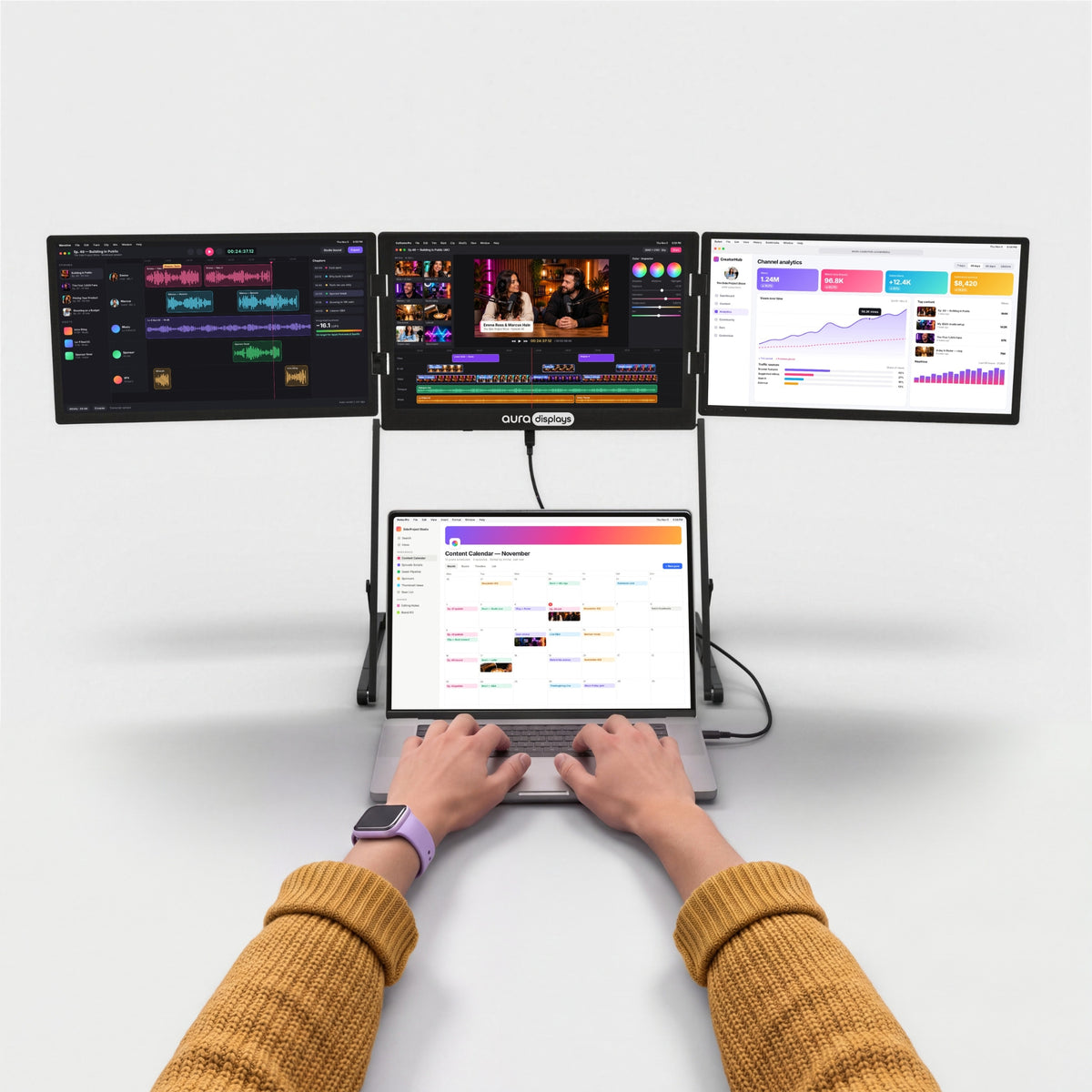
The Aero series. Look up, not sideways.
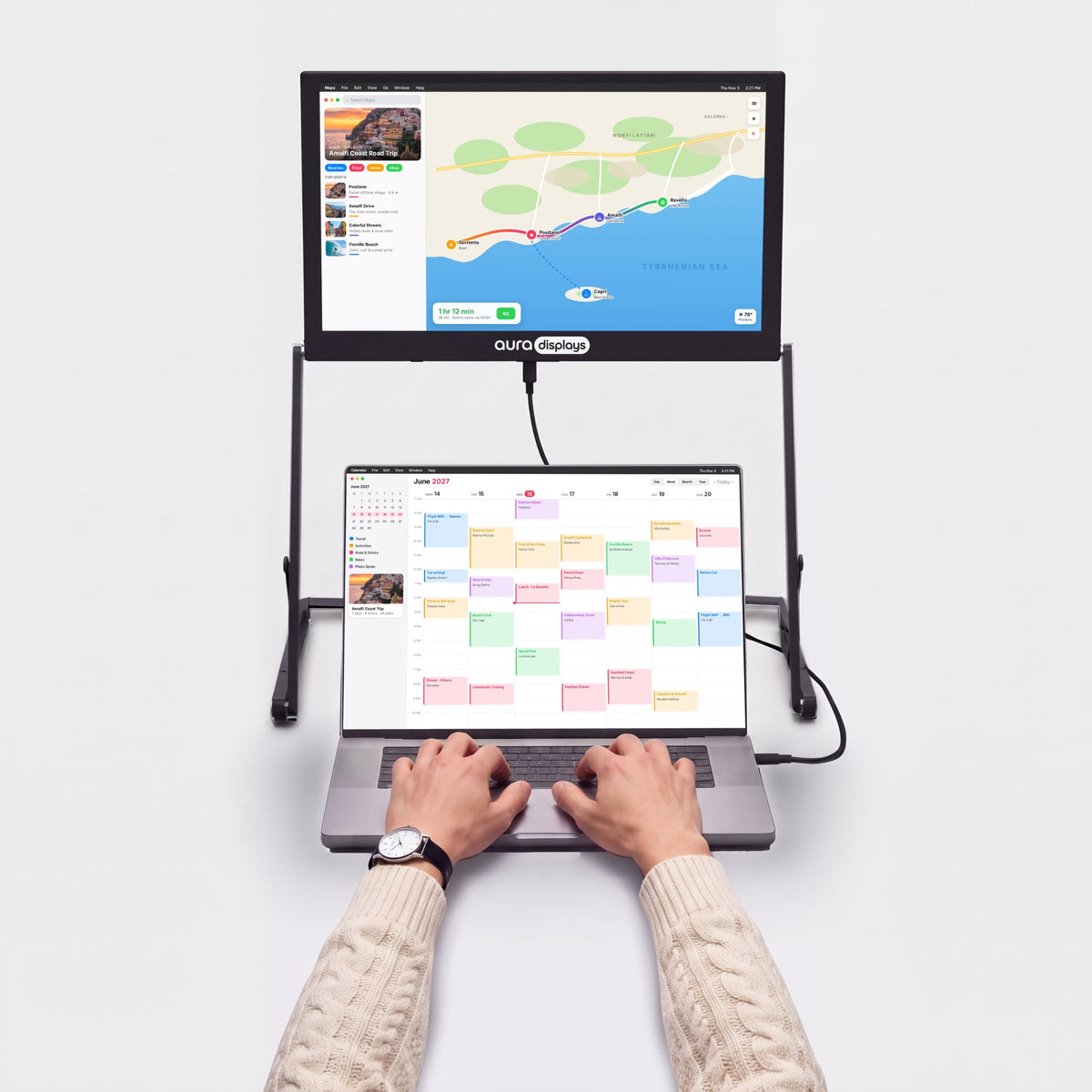
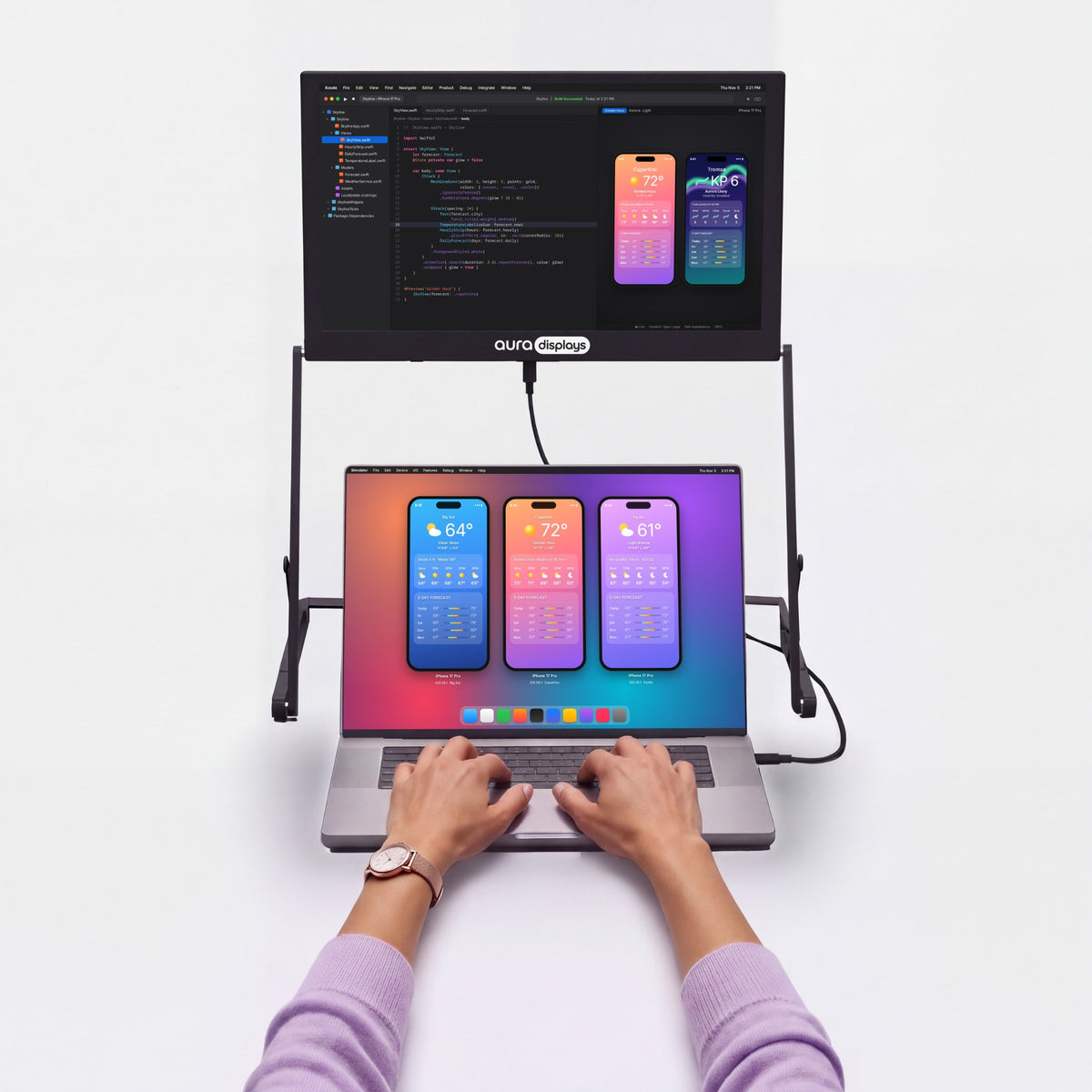
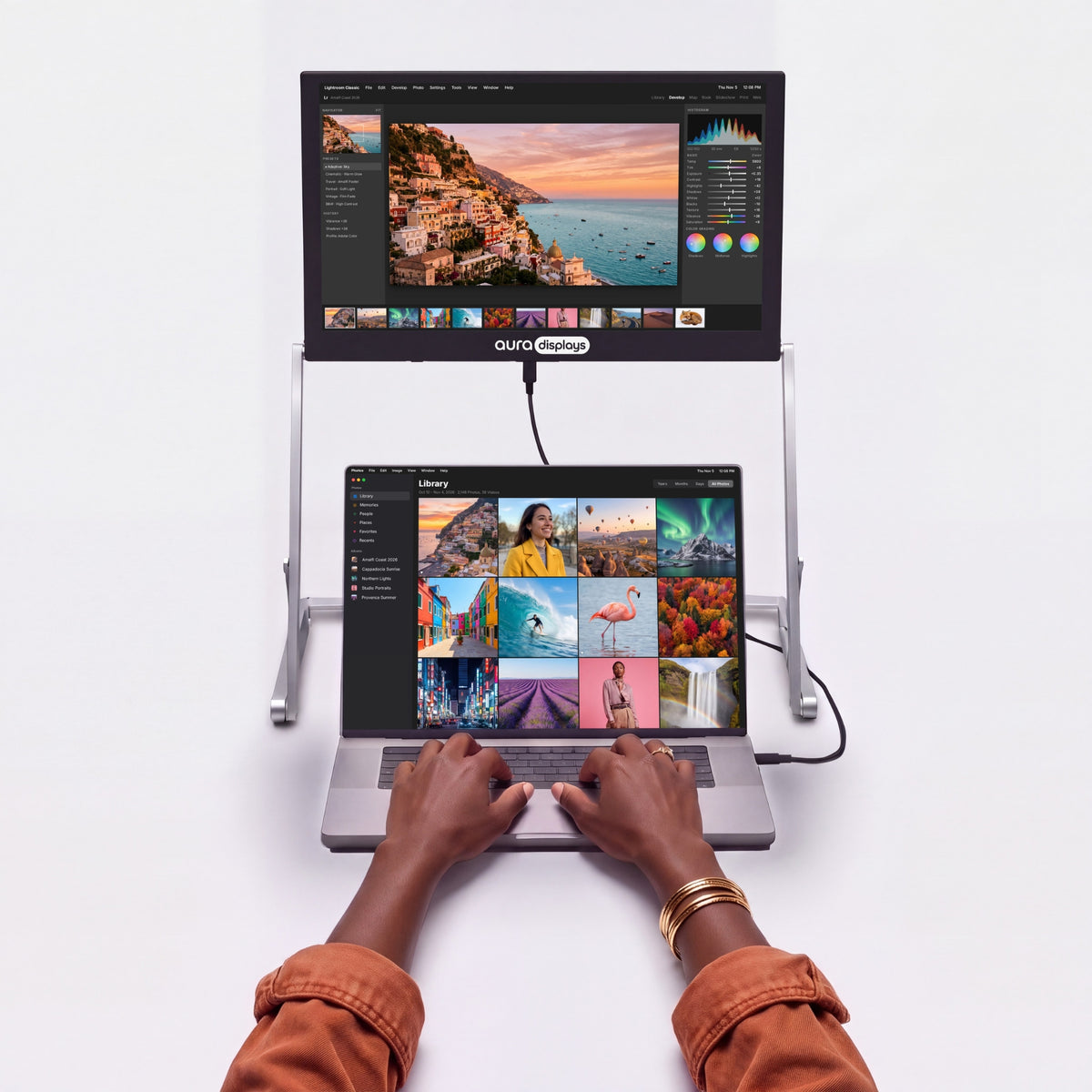
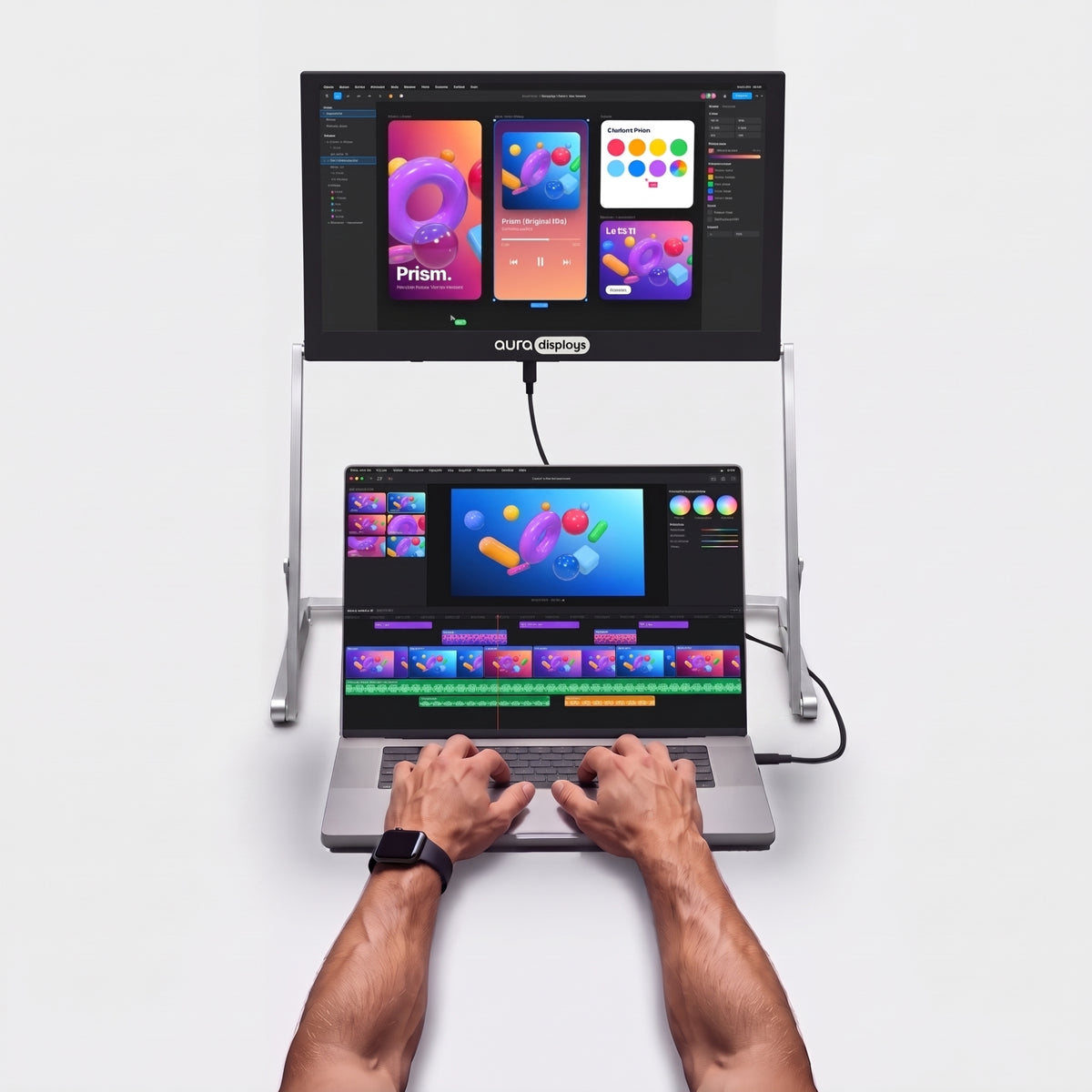
The Aero Series mounts your screens above the laptop rather than out to the sides — full multi-screen width, with the footprint of the machine itself. It fits where a side-mounted setup doesn't: a tray table, a hot desk, a crowded café table.








Productivity calculator
See what more screen gives you back.
Fewer windows to juggle. More time for the work itself. Adjust the numbers to your week.
Copying between docs, comparing, a call next to your notes, code next to the preview.
Estimates only. Gains from published studies are applied to the share of time you spend working across several windows, and converted conservatively into time saved (a task done 18% more efficiently takes about 15% less time). Your results will depend on your work.
Sources: Wichita State University SURL / IDC for Dell (2015); Fraunhofer IAO OFFICE 21 for Fujitsu Siemens; Jon Peddie Research Multi-Monitor Study (2017, self-reported); University of Utah for NEC (2008); Microsoft Research, Czerwinski et al. (2003); Harvard Business Review (2022).


Is it right for you?
Is the Triple Aero Pro Max 15.6" right for you?
Made for you if
- You work from a desk, home office or hotel room with a power outlet
- You can install software on your laptop
- Your laptop is between 12" and 18.5"
- You want the most screen space you can carry
Choose another model if
- Your work laptop blocks software installs — Plug & Play models
- You need to work without a power outlet — Air Series
- You want the lightest setup for daily travel — Ultralight models

Display
Connectivity & power
Size & weight
Design & features
Warranty & certifications
Your laptop
Operating systems
Other devices
- 1×Triple Aero Pro Max 15.6" (Full HD)
- 1×USB-C to USB-C cable, full-featured, for video (1 m)
- 1×USB-C to USB-C cable for the power adapter (2 m)
- 1×USB-A to USB-C cable (1 m)
- 1×Mini HDMI to HDMI cable (1 m)
- 1×65W power adapter with interchangeable plug tips
- 3×Tempered glass screen protector (pre-installed)
- 1×User manual
Driver required
How to connect
Laptop with video USB-C: 1 USB-C cable. Without video USB-C: 1 USB cable + 1 HDMI cable. Plus the power adapter in both cases.
Setup video
- Driver install requiredNeeds admin rights. Check with IT on a work laptop.See Plug & Play models →
- Needs a power outlet65W adapter included.See models without adapter →
- Fits laptops 12"–18.5"Works with macOS, Windows, Linux, Android, iOS and iPadOS.Check compatibility in 30 s →
- Weighs 6.5 lb (2.95 kg)Folded: 16.3 × 12.4 × 1.06 in (414 × 315 × 27 mm). Fits in a large backpack or carry-on.See lighter models →
I bought this set up because I work away from home for months at a time. I needed three large screens to work as fast as possible. The screens are so clear and the 18 1/2 inch is perfect size. You can adjust the height depending on your seating arrangement. I feel like I’m working from home. They’re very sturdy and a little hard to set up at first because they’re very heavy, but if you have help, it works so much quicker. They fold up nicely and fit in my suitcase easily. Well worth the money.

Hi Jessica, thank you for sharing such a thoughtful review! We’re delighted the Triple Aero Pro Max 15.6' (Full HD) helps you work comfortably while away from home, and that the clear screens, adjustable height, and foldable design suit your travels. Thanks for the helpful setup tip, too—we really appreciate your support!
It delivered as promised and was simple to set up. I unpacked, downloaded the software, and was up and running within a matter of minutes. The graphics are clean and crisp and I am very satisfied with the value!

Hi Herbert, thank you for your wonderful review! We're thrilled to hear you had a smooth setup and are satisfied with the product. Enjoy your Aero Pro Max!
This is well made. Aura has thought of everything. Best extended screens I’ve ever used and owned. Don’t hesitate buy!! They also give you a screen protector which helps. the height ,functionality of this and sharpness on screen is stellar.

Thank you so much for your positive review! We're thrilled to hear that you're loving our Triple Aero Pro Max 15.6' (Full HD). We put a lot of thought and effort into creating a high-quality product, so it's great to know that it's meeting your expectations. We appreciate your support and are happy to hear that our extended screens and included screen protector are adding to your experience. Enjoy your new device and thank you for choosing Aura!
I was apprehensive about buying this product cause I had been scammed prior to this purchase.
Your product is absolutely fantastic for & what you said it can do is spot on!! The quality is truly amazing too!!
We use it all the time as we are on the road travelling full time. So setting up with our Apple Mac Mini is extremely easy.
We all purchase a folding keyboard with a mouse in its own case which works like a dream with theses monitors and for our constant set up and pack up.
I would highly recommend the Triple Aero Pro Max 15.6" (Full HD) and the your single monitor as this combination is perfect to everyone anywhere.
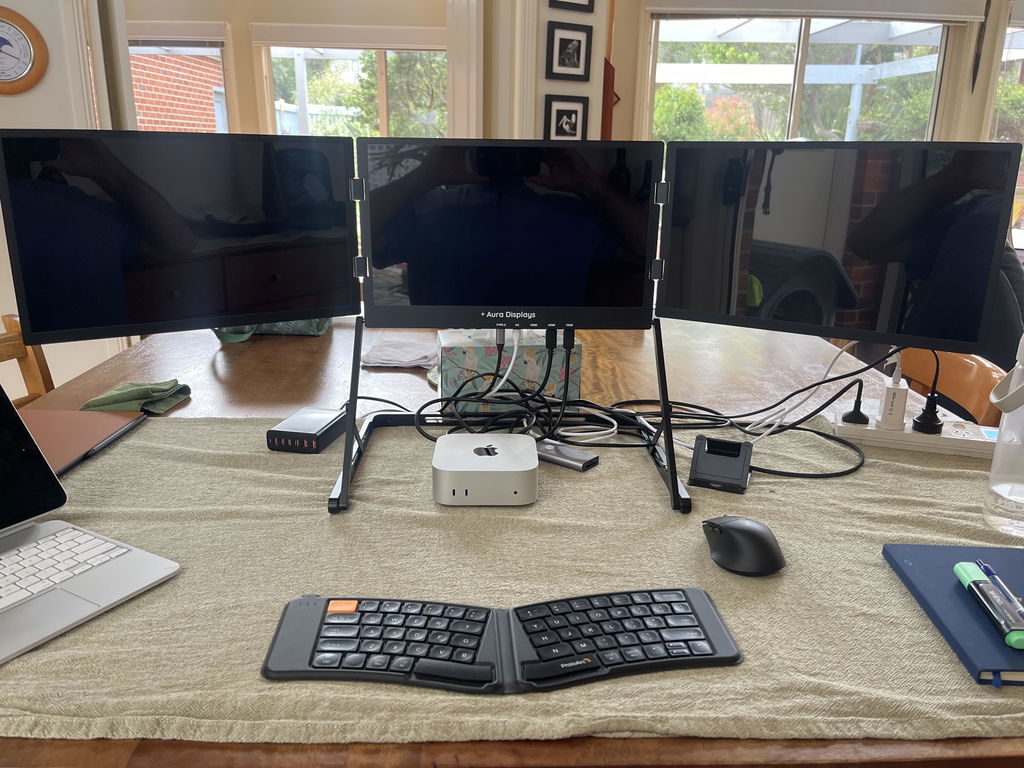
Thank you so much for your kind review! We are thrilled to hear that our Triple Aero Pro Max 15.6' (Full HD) has exceeded your expectations and has been a valuable asset for your travels. We strive to provide high-quality products that deliver on their promises. Thank you for recommending our products to others. Happy travels!
Absolutely the best extended monitor I’ve ever purchased. Solidly built, Great resolution and love the carry case. Highly recommend!

Hi Bod,
Thank you for your amazing review of our Triple Aero Pro Max 15.6' (Full HD)! We are thrilled to hear that it is the best extended monitor you have ever purchased and that you are impressed with its solid build, great resolution, and carry case. We truly appreciate your recommendation and we hope it continues to meet all your expectations. Thank you for choosing our product!
Best, David
Best decision ever made! That brings home office to the next level and even traveling and working is so convenient
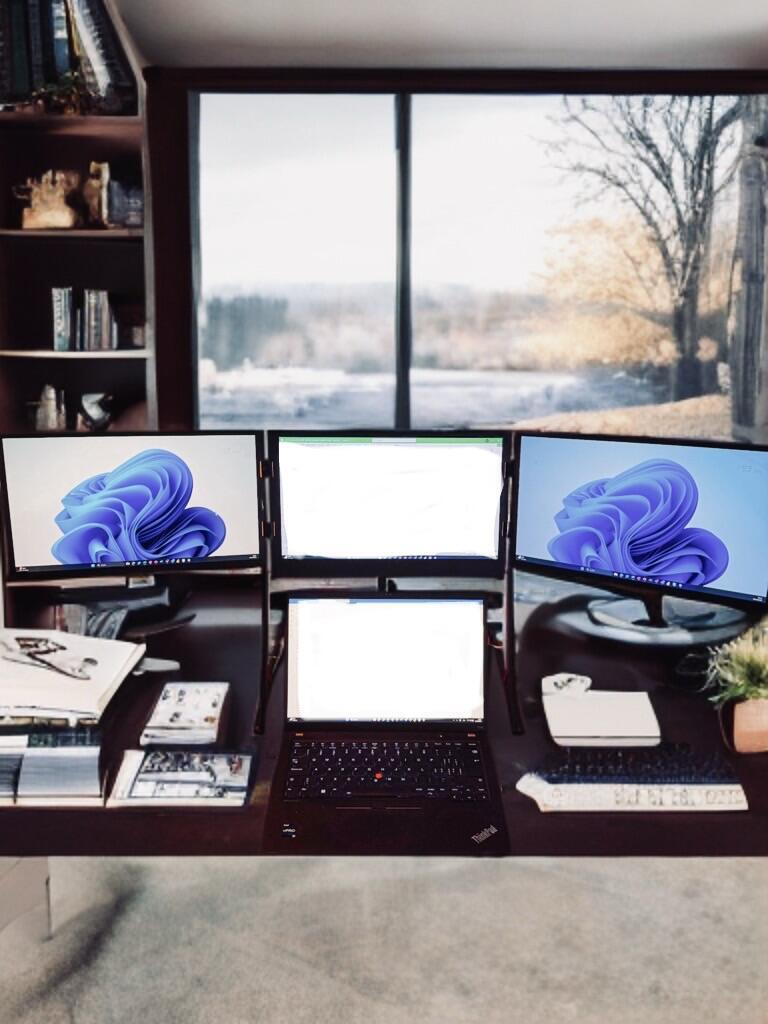
Thank you for your kind words! We are thrilled to hear that the Triple Aero Pro Max 15.6' (Full HD)' Pro Max has made your home office and travel experience more convenient. We strive to provide top-of-the-line products that enhance our customers' work productivity. Thank you for choosing our product and we hope it continues to serve you well.
Зборка и материалы, отличные. Заказ пришёл вовремя и в сохранности. Но есть одно но, как мне показалось 3 екрана показывают разные цветовые тона.


Thank you for your review! We're glad to hear that you are satisfied with the build quality and materials of the Triple Aero Pro Max 15.6' (Full HD)' Pro Max. Our team is constantly working to improve our products and we will take your feedback into consideration. We appreciate your support and hope you continue to enjoy your product.
I received the product, unpacked it, installed the screen protectors, installed the driver, powered it up, set up the screens and it worked perfectly. I love it, this is just what I was looking for to be mobile and enhance my work experience. Both the monitor and my laptop fit in my computer bag for easy transport. I highly recommend it!

Hi Jack! Thank you so much for taking the time to leave such a positive review for our Triple Aero Pro Max 15.6' (Full HD)' Pro Max. We're thrilled to hear that it met all your expectations and is enhancing your work experience as a digital nomad. We take pride in creating products that are both functional and convenient for our customers. Happy travels!
The Triple Aero Pro Max 15.6" (Full HD) makes great working on a DAW so much easier. Being able to have items on its own perfect size screen is great.
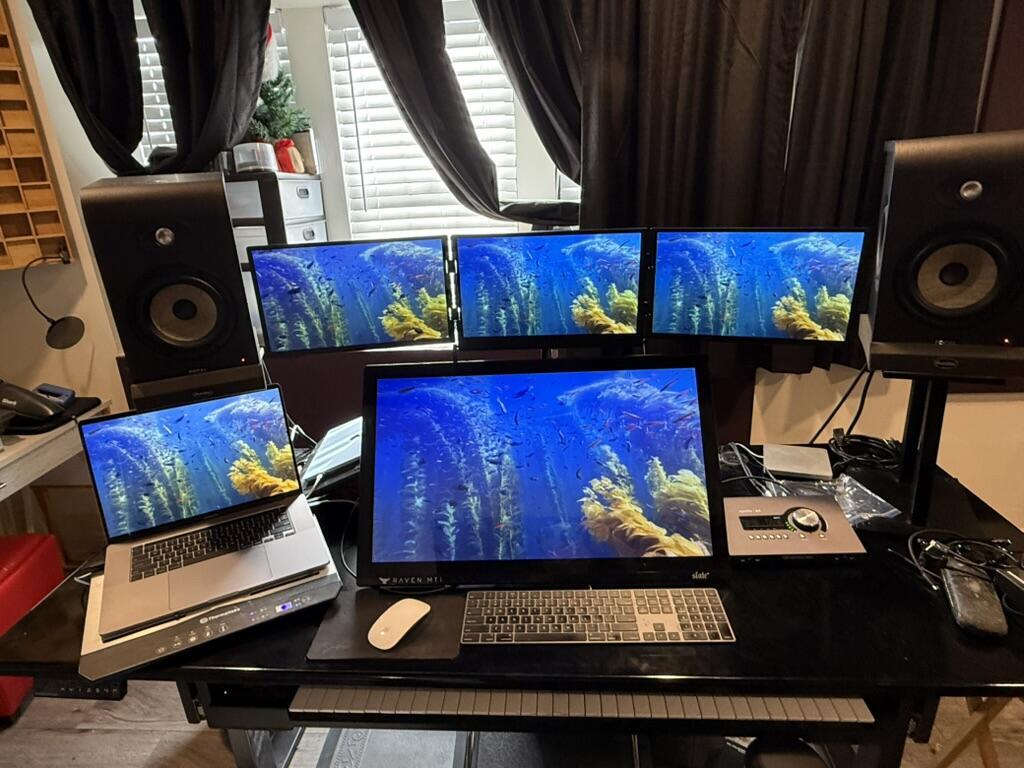
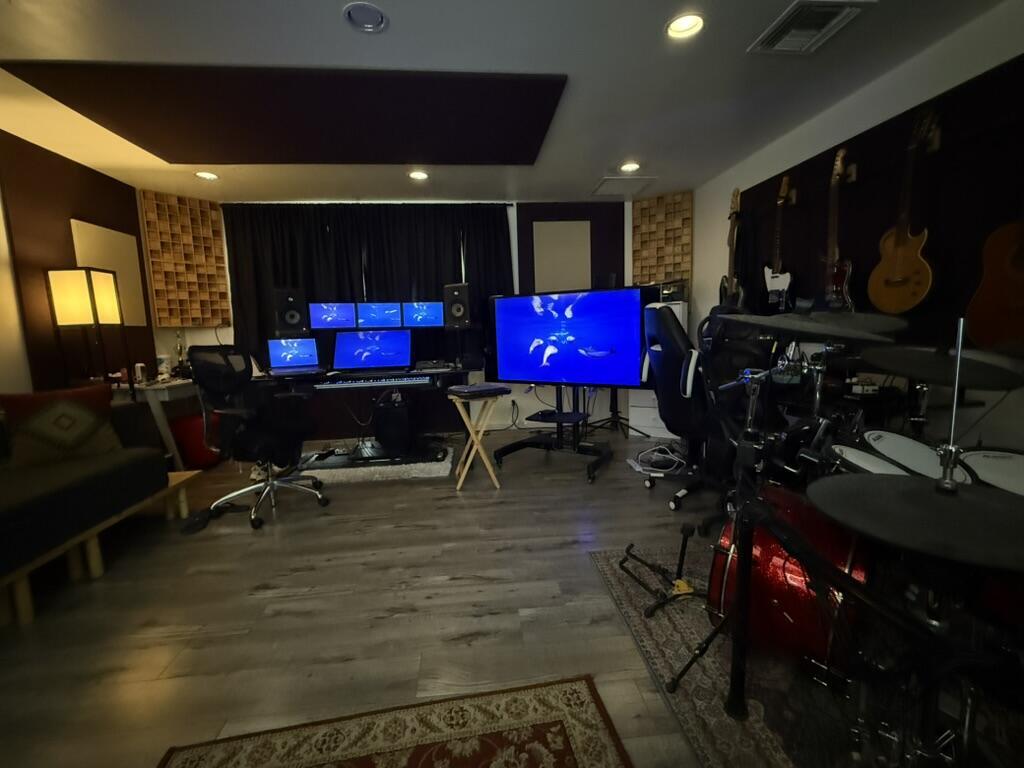
Thank you for leaving a review for the Triple Aero Pro Max 15.6' (Full HD)! We are thrilled to hear that it has made your work on a DAW much easier. We designed it with convenience and efficiency in mind, so we're glad it's meeting your needs. Happy creating!
Great quality!
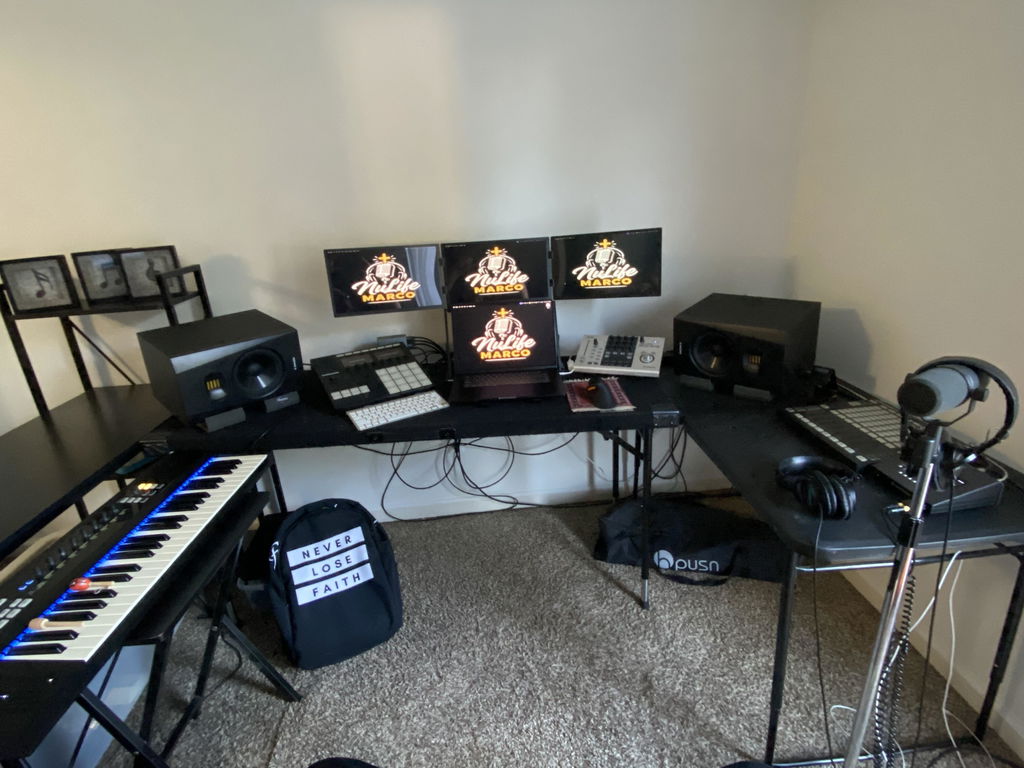
Thank you for your kind words! We're glad to hear that you're enjoying the quality of our product. If you ever need any assistance, please don't hesitate to reach out to us. Happy flying with your Triple Aero Pro Max 15.6' (Full HD)' Pro Max!
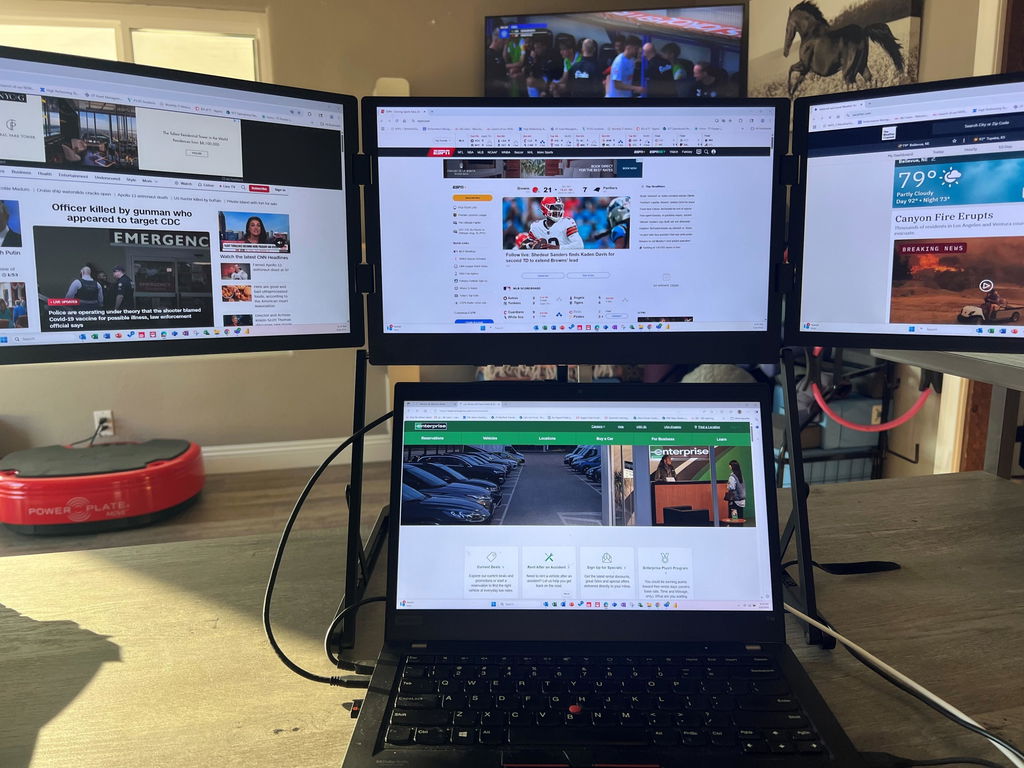
October 2025 Update: My update is not a positive as my initial review. Yes I still love the design and concept when it works. It has been very unstable over the past 4+ weeks. Randomly the screens all go black and go through a cycle of all screens going on/off for a couple of minutes. Eventually it stabilizes and may work fine for a couple of hours or may only work for 10 minutes and the process repeats. Extremely frustrating especially when presenting in meetings. I have to quicky disconnect to continue presenting. I have a Lenovo ThinkPad T14 running Windows 11.
Overall, I love the Triple Aero Pro Max 15.6" (Full HD). I have been using it for 3-4 weeks so far. It meets all of my needs and helps me increase my productivity. I tried other extended displays and returned them.
The Pro Max is built with high quality and appears to be very reliable.
There is a small defect (an off color dot) in the middle screen but I do not really notice it when I am actively using the display. It is usually only visible when the monitor is off.
Dear Brad,
Thank you for taking the time to share your experience with the Triple Aero Pro Max 15.6' (Full HD)' Pro Max. We are thrilled to hear that you are satisfied with its quality and that it has helped increase your productivity. We apologize for the small defect you have encountered, but we are glad that it does not affect the functionality of the display. If you ever have any further concerns, please do not hesitate to reach out to us. Thank you for choosing our product.
Best regards,
David
Customer Service Team
Looking for best setup, monitors are one of the important tools I needed. After drivers installation works perfectly with a thinkpad (Windows). There's an opportunity with my MacBook pro M2, I'm having some troubles making work the three monitors, hope support can help me to fix it.
At the end I'm totally recomend the invesment

Dear Yuzz,
Thank you for your review of our Triple Aero Pro Max 15.6' (Full HD)' Pro Max. We are thrilled to hear that it has been a great addition to your setup. We understand the importance of having reliable and high-quality monitors, and we are glad to know that our product has met your expectations.
We apologize for any inconvenience you have experienced with setting up the three monitors on your MacBook Pro M2. Our customer support team is here to assist you and we are confident that we can find a solution together. Please reach out to us and we will do our best to resolve the issue for you.
Thank you for recommending our product and for choosing us for your setup needs. We appreciate your support and we look forward to serving you again in the future.
Best regards,
David
Customer Service Team
I would keep a simple workspace like this for spreadsheets and video calls.
Ein aufgeräumter Arbeitsplatz ist mir wichtiger als eine komplizierte Einrichtung.
Un espace de travail plus compact correspond bien à mes habitudes.
I would keep a simple workspace like this for spreadsheets and video calls.
Uma disposição simples combina com a minha rotina de trabalho. Gosto de deixar as notas ao lado do documento principal sem trocar de janela o tempo todo.
A compact setup is useful when I move between the desk and another room.
J’aime avoir mes notes à côté du document principal. Le poste de travail paraît plus simple à organiser.
I like having a little more room for documents and messages without constantly switching windows. There is enough detail here for me to compare the layout with my usual workspace.
Ein aufgeräumter Arbeitsplatz ist mir wichtiger als eine komplizierte Einrichtung. Ein aufgeräumter Arbeitsplatz ist mir wichtiger als eine komplizierte Einrichtung.
The screen layout suits the way I organise my working day. Keeping notes beside the main task feels convenient.
Set-up and support
The questions our team answers most — from the first plug-in to the
day something looks off. If yours isn't here, write to us: a real
person replies.
Only two screens work, or the left screen says “No signal”
Only two screens work, or the left screen says “No signal”
The left screen gets its picture directly from your laptop's video output. The middle and right screens get theirs through the driver.
Middle + right work, left says "No signal": your laptop isn't sending video to the left screen.
- Use a laptop USB-C port that supports video (DisplayPort / Thunderbolt). On many laptops only one USB-C port does — try the other one.
- Use the included USB-C cable; many USB-C cables only charge.
- If your laptop has no video USB-C port, connect the left screen with the mini HDMI cable: laptop HDMI → the monitor's HDMI port closest to the power port.
Only the left screen works: the driver isn't running. Install it (see question 4), open it, then restart. On Mac you should see its icon in the menu bar.
Still one screen dark? Test that screen alone over HDMI. If it shows nothing, contact us — it's covered by warranty.
All screens stay black / nothing turns on
All screens stay black / nothing turns on
- Plug the included power adapter directly into a wall outlet (not a power strip) and into the monitor's PD (power) port.
- Connect the monitor directly to your laptop — no hub or dock.
- Unplug and replug the USB cable, then make sure the driver app is open.
- If you have another USB-C PD charger (65 W or more), try it.
Still nothing, or the LED blinks red? Contact us with a short video of your setup — manufacturing defects are covered for 1 year.
How do I connect it to my laptop?
How do I connect it to my laptop?
Always connect the power adapter first — the Triple Aero needs mains power. Then:
- Laptop with a USB-C port that carries video (all MacBooks, most recent Windows laptops): 1 USB-C cable to the laptop. That's it — no HDMI needed.
- Laptop with only USB-A, or USB-C without video: the included USB-A to USB-C cable + the mini HDMI cable from your laptop's HDMI port to the monitor's HDMI port closest to the power port. For the first setup, avoid hubs and docks.
Do I need a driver? Which one?
Do I need a driver? Which one?
Yes — without it only the left screen works.
- DisplayLink version (red tab): DisplayLink Manager (Mac) or DisplayLink driver (Windows).
- Silicon Motion version (no red tab): macOS InstantView (Mac) or the Silicon Motion driver (Windows). Download the latest version from our Drivers page, install, then restart. On Mac, allow Screen Recording when asked and turn on "Launch at login", or the screens won't come back after a restart.
Does it work with my MacBook, even a base M1, M2 or M3?
Does it work with my MacBook, even a base M1, M2 or M3?
Yes. Your MacBook screen + all 3 Triple Aero screens work, even on base M-chip MacBook Air models that normally support only one external display — the driver handles it.
- DisplayLink version: macOS 14 Sonoma or newer.
- Silicon Motion version: macOS 12 Monterey or newer.
My work laptop doesn’t let me install software
My work laptop doesn’t let me install software
Without the driver, only screens fed directly by your laptop's video ports will work: the left screen via USB-C video, plus possibly one more via your laptop's HDMI port. That's usually 1 screen, 2 at most — not 3. To use all three, ask your IT team to install the driver (see question 4). If that's not possible, choose one of our plug-and-play models that need no driver.
Is it portable? How heavy is it?
Is it portable? How heavy is it?
It folds into one unit, but it's a full 3-screen workstation: about 6.5 lb / 2.95 kg for the 15.6". The 18.5" is heavier and best kept on a desk. If you travel every day, the lighter Dual Boost range may suit you better.
How do I fold it without damaging the hinges?
How do I fold it without damaging the hinges?
Open and close the side screens one at a time, in any order. Never fold both side screens forward or backward at the same time. Magnets hold them in place when folded.
Where is my screen protector?
Where is my screen protector?
Look closely — on most units a tempered glass protector is already installed at the factory. On DisplayLink units, the red tab says so: just peel off the tab.
Will my laptop fit in the middle?
Will my laptop fit in the middle?
Yes for laptops from 12" to 18.5", including 16" MacBook Pro models. The laptop sits in front of the center screen.
My screens are in the wrong order, or one looks blurry / smaller
My screens are in the wrong order, or one looks blurry / smaller
- Mac: System Settings › Displays › Arrange. Windows: Settings › System › Display.
- Drag the screens to match their real positions.
- Set each Triple Aero screen to its native resolution (1920 × 1080 on Full HD models) and the same scaling. If the left screen shows a lower resolution, select 1920 × 1080 for it.
Can I watch Netflix or other streaming services?
Can I watch Netflix or other streaming services?
On Windows, yes, on all 3 screens. On Mac, protected video (Netflix, Disney+, Apple TV…) plays on the left screen and over HDMI, but stays black on the driver screens — a macOS limitation for USB display drivers. Tip: on Mac, drag the video to the left screen.


