


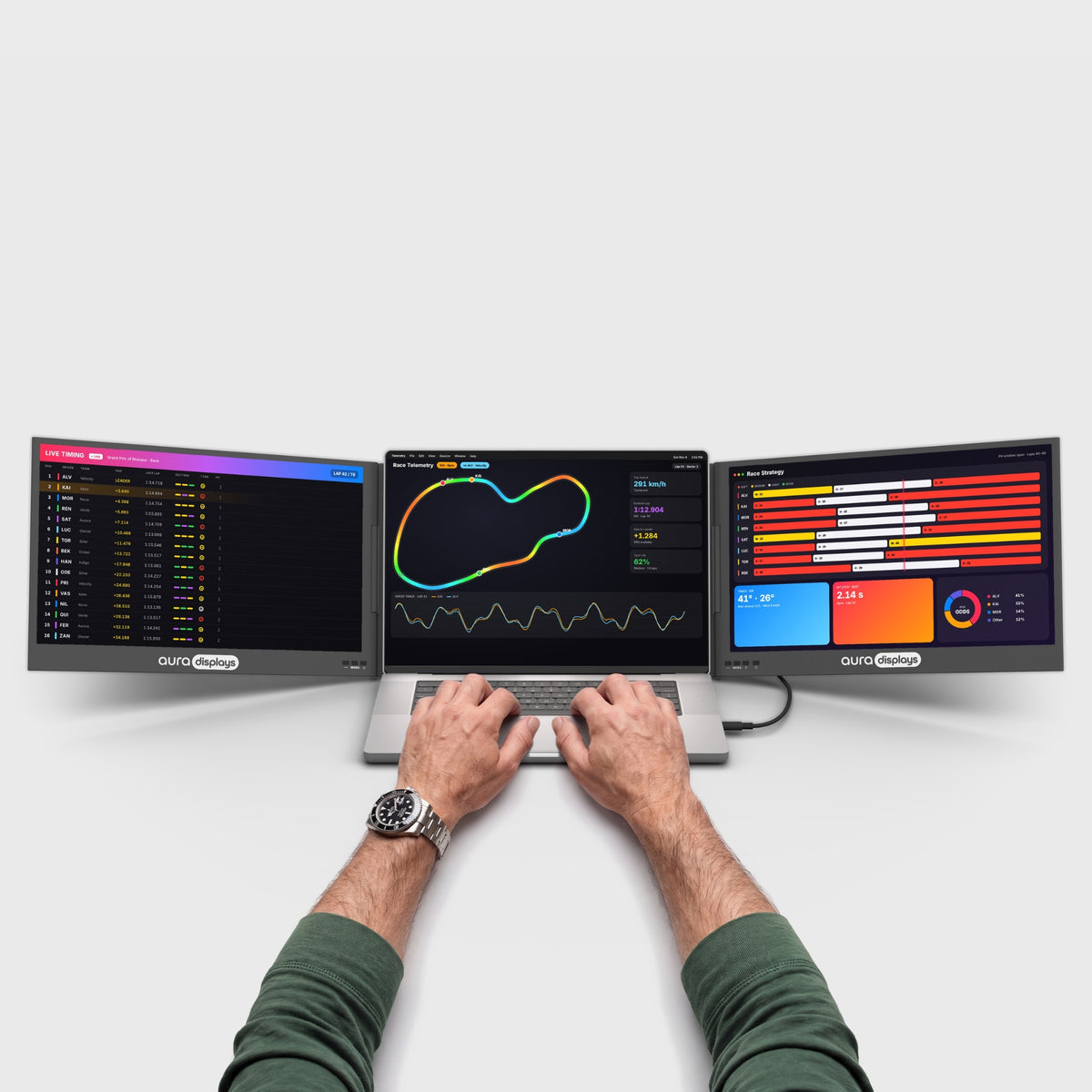

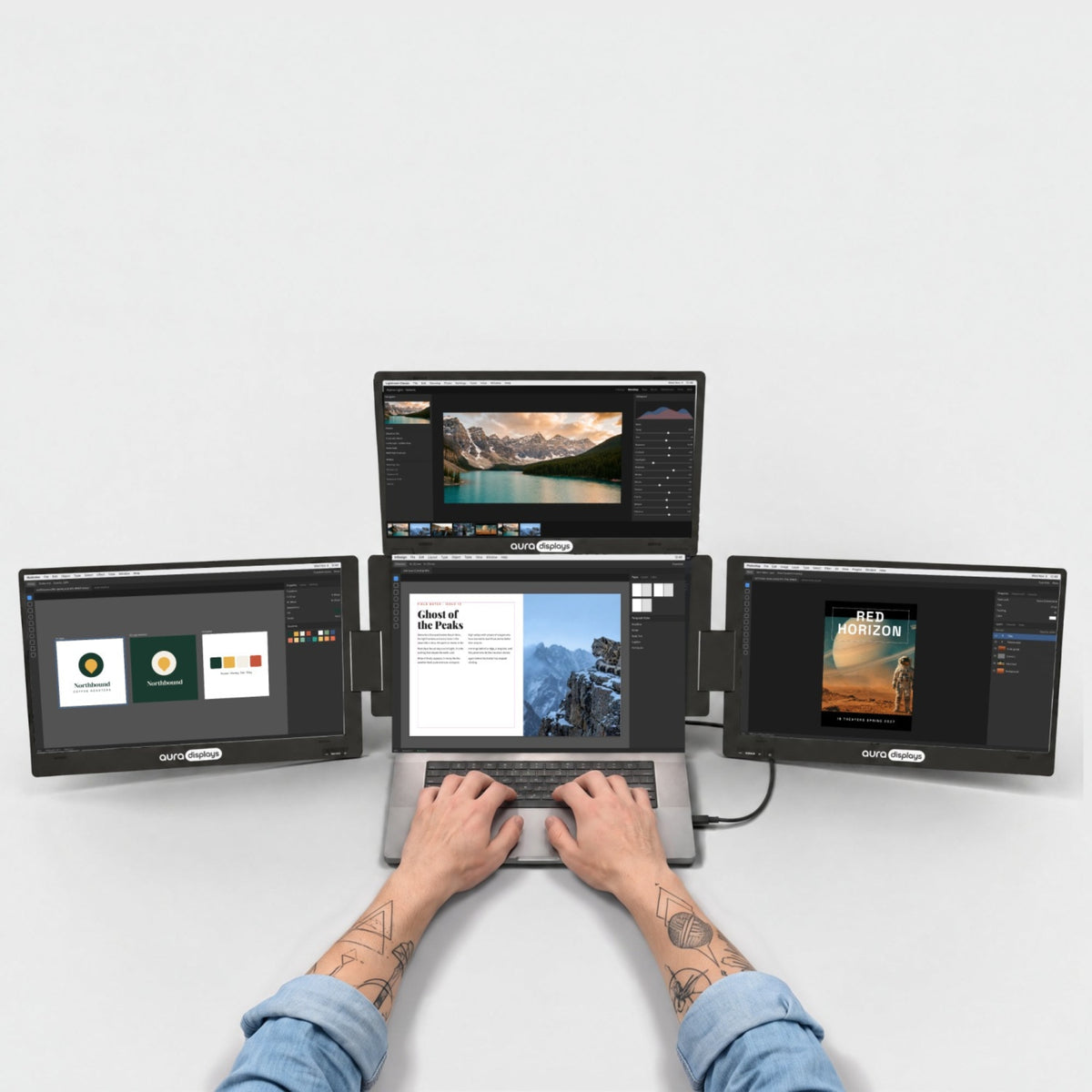

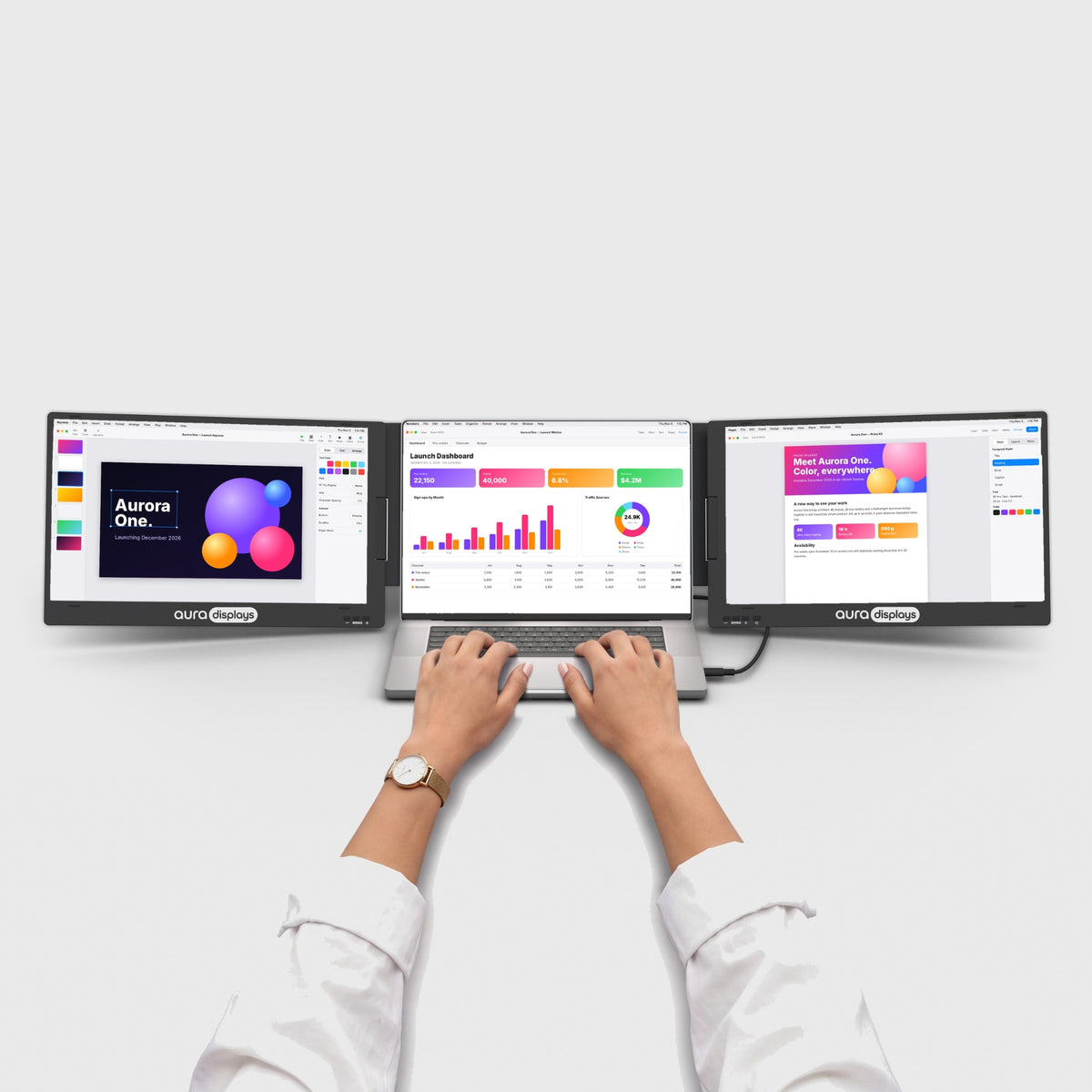

Little secrets. Hidden in plain sight.
We hid a few surprises across the site. Here is where to find them, and what they do.
Lights on

Lights off

The site dresses up for the occasion.
During our biggest moments, like Black Friday, Cyber Monday, Christmas or New Year, you can switch the whole store into the mood of the day. It's off by default. One tap turns it on.
Good to know
How do I get the Hard style?
How do I get the Hard style?
Press and hold the event switch next to the Aura logo (or right-click it on a computer). A small menu opens: tap Hard for the full theme, Soft for decorations only.
Why can't I see the event switch?
Why can't I see the event switch?
Event mode only exists while an event is live. Between events, the switch is gone. It comes back with the next one.
Does event mode change prices or offers?
Does event mode change prices or offers?
No. It only changes how the site looks. Prices and offers are the same with or without it.
Is Lights off available on every product?
Is Lights off available on every product?
On most of our monitors. If you don't see the moon, that product doesn't have its night photo yet.
Is the night photo the same product?
Is the night photo the same product?
Yes. Same monitor, same setup, same angle. Only the light changes.
Are my choices remembered?
Are my choices remembered?
Event mode, your Soft or Hard choice and ‘98 mode stay on for the rest of your visit. Lights off goes back to day when you leave the page.
Now go find them.
Start with a monitor that fits your laptop. The moon is waiting on its first photo.


