





Frequently asked questions
Everything you need to choose, set up and enjoy your Aura Displays workspace. Need help with your model? Visit our help center. Can’t find your answer? Contact us.
Choosing your setup
Which Aura Displays model is right for me?
Which Aura Displays model is right for me?
It depends on your laptop, how many extra screens you want and how you work. Our Help me choose guide recommends the right setup in under a minute. Our size guide shows which screen size fits your laptop, and the compare page puts models side by side. On most of our collection pages, filters also help you narrow down by number of screens, resolution, weight, and whether a model needs software or is plug and play, useful if you can’t install anything on your computer.
What's the difference between Single, Dual and Triple?
What's the difference between Single, Dual and Triple?
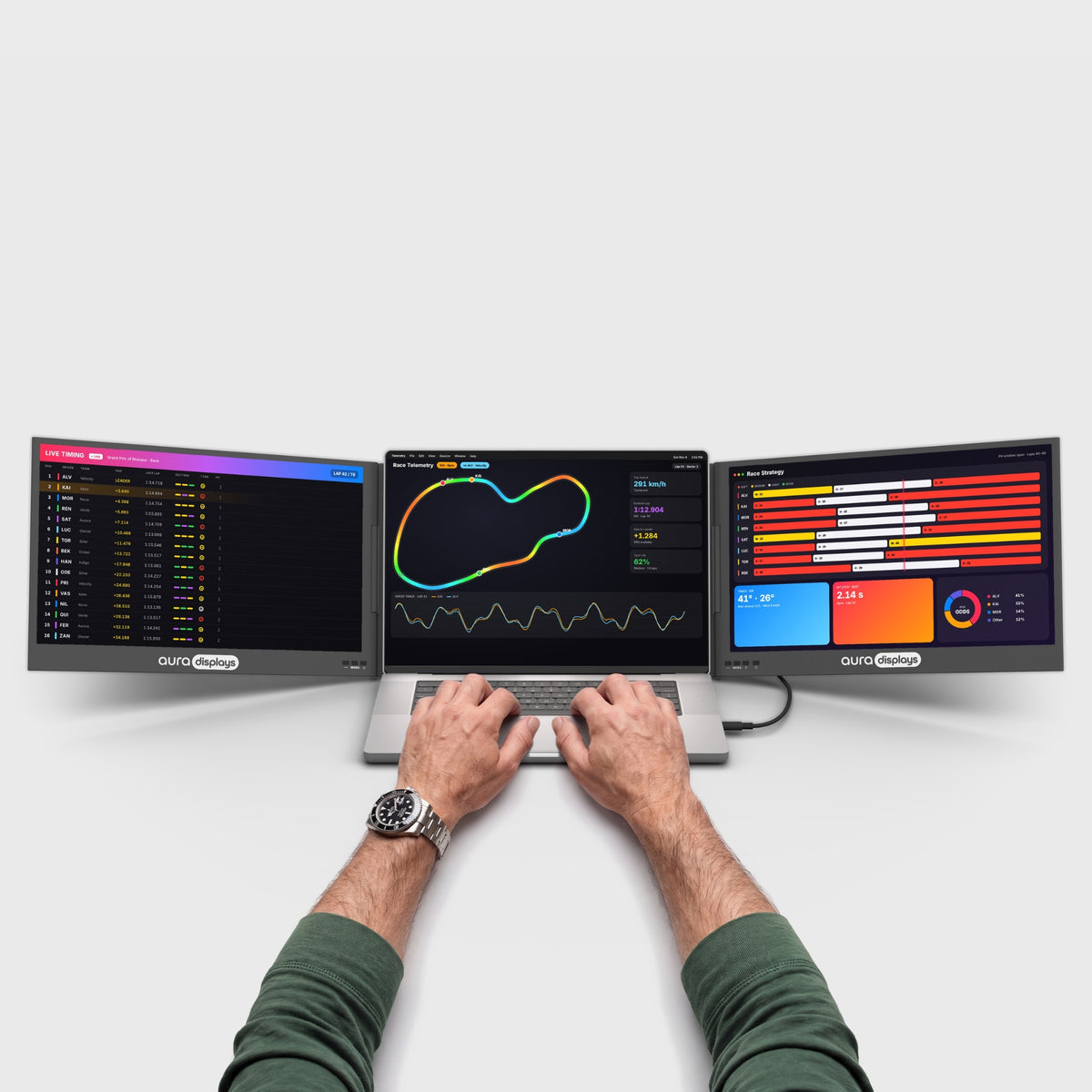
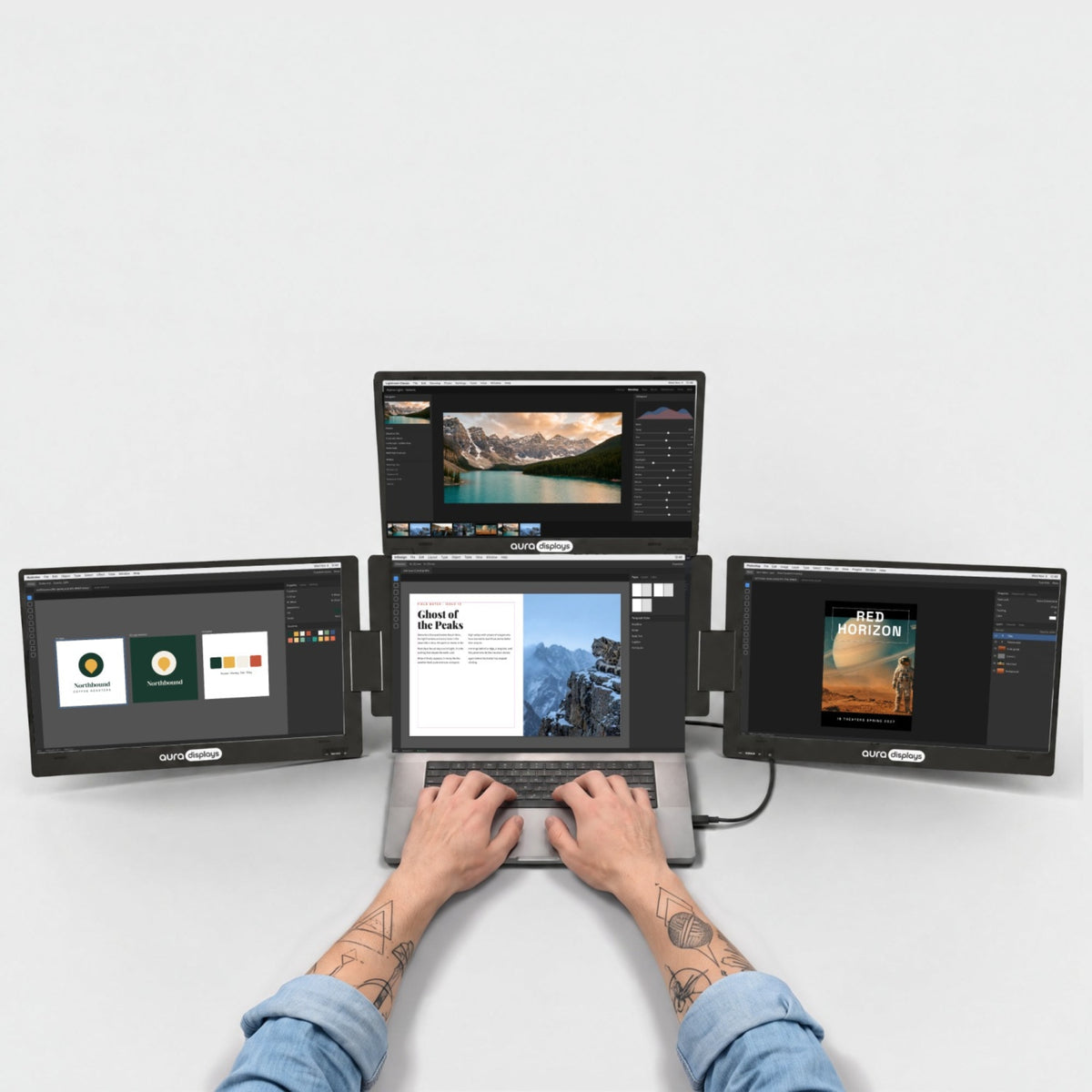
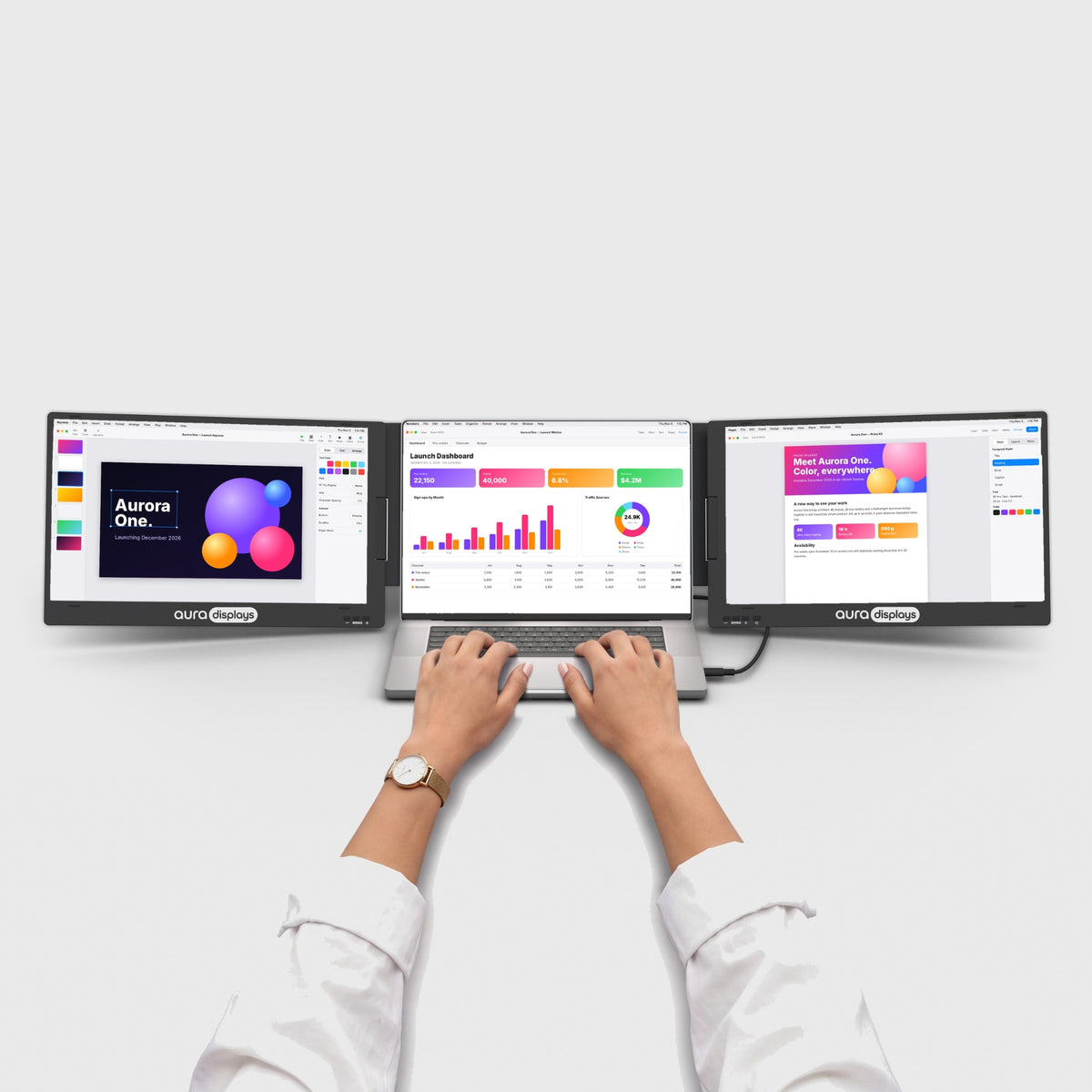
The name tells you how many screens you add to your laptop. Single: one extra screen. Dual: two screens. Triple: three screens around your laptop, for a complete workstation.
Will it fit my laptop size?
Will it fit my laptop size?
Each model is designed for a range of laptop sizes. Our size guide shows which models fit your laptop. You’ll also find the ideal laptop size in the tech specs of each product and in its “Before you buy” section.
What do Pro, Max, Studio and Ultra mean?
What do Pro, Max, Studio and Ultra mean?
Pro models are built in aluminum. Max means a larger 15.3" to 16" size class. Studio means 18.5" and Ultra means QHD 2.5K resolution. See how we name our monitors for every term.
Can I use it with a game console, a phone or a tablet?
Can I use it with a game console, a phone or a tablet?
Some models work with PlayStation, Xbox, Nintendo Switch and USB-C devices that support video output. Check the “Compatibility” section of the product's tech specs before you buy.
What is Official Refurbished?
What is Official Refurbished?
Selected returned units, inspected, tested and restored by our technical team, then offered at a lower price in a clearly labeled collection. See the product page for details.
Compatibility
Is it compatible with my laptop?
Is it compatible with my laptop?
Our monitors work with most Windows laptops and MacBooks, including Apple Silicon models, as well as Dell, HP, Lenovo, Asus, Acer, Microsoft Surface, Samsung, MSI and more. What matters is your laptop's ports. Each product page lists exactly which connection it needs in its “Before you buy” section.
Do I need to install a driver?
Do I need to install a driver?
Some models are plug and play. Others use display software to run several screens over a single cable. You'll see “Software required” or “Plug and play” on every product page, and you can download drivers on our Drivers & Manuals page.
I use a work laptop with IT restrictions. What should I choose?
I use a work laptop with IT restrictions. What should I choose?
If you can’t install software on your computer, choose a model marked “No software required”. On most collection pages, you can filter models by software requirement. If you’re not sure, ask your IT team, or ask us before ordering.
I have a MacBook with a base M1, M2 or M3 chip. Will all screens work?
I have a MacBook with a base M1, M2 or M3 chip. Will all screens work?
Base Apple chips support a limited number of external displays natively. Some of our models use display software to run more screens; others need a specific setup. The “Before you buy” section of each product tells you exactly what your Mac needs.
Do I need a power adapter?
Do I need a power adapter?
It depends on the model and your laptop. Some setups run on your laptop's power; larger setups need a USB-C wall adapter. Check “Power” and “In the box” in the tech specs.
I have a MacBook with a base M1, M2 or M3 chip. Will all screens work?
I have a MacBook with a base M1, M2 or M3 chip. Will all screens work?
Base M1, M2 and M3 chips (not Pro or Max) support a limited number of external displays natively, usually one. Models that use display software run all their screens on these Macs. Driver-free dual models need a small USB to HDMI adapter, included with some models and sold separately for others. A few models can only mirror or show one large screen on these Macs. The “Before you buy” section of each product and our help center tell you exactly what your Mac needs.
Setup & use
How do I set it up?
How do I set it up?
If your model needs software, install it first. Then place or attach the screens next to your laptop and connect the cable. If a power adapter came in the box, always plug it in. Your user manual is available on the Drivers & Manuals page.
My screens appear in the wrong order
My screens appear in the wrong order
Your computer decides the order the first time you connect. Open your display settings (System Settings > Displays on Mac, Settings > Display on Windows) and drag the screens into place. Most models remember the layout next time.
One screen isn't detected or flickers
One screen isn't detected or flickers
- Check that the driver is installed (for models that need one) and up to date.
- On Mac, allow the driver app under System Settings > Privacy & Security > Screen Recording.
- Plug the power adapter in if your setup needs one.
- Try another USB-C port and the original cable.
Still not working? Contact us with a short video of the issue.
Can I adjust brightness and color on each screen?
Can I adjust brightness and color on each screen?
On most models, yes: use the buttons on each screen to open its on-screen menu and adjust brightness, contrast and color. A few models have no on-screen menu. Check your model’s page in our help center.
Orders & shipping
Where do you ship, and how much does it cost?
Where do you ship, and how much does it cost?
We ship to more than 100 countries. Shipping is free on orders of $100 or more; below that amount, the shipping cost is shown at checkout before you pay. See the full list on our Worldwide Shipping page.
How long does delivery take?
How long does delivery take?
5 to 8 days on average, with DHL, FedEx or UPS. Remote areas, customs and peak periods can add a few days.
How can I track my order?
How can I track my order?
You'll receive an email with your tracking number as soon as your order ships. Follow it on our Track my order page or on the courier's website. Don't see the email? Check your spam folder.
Can I change or cancel my order?
Can I change or cancel my order?
You can cancel or edit your order from your account > My orders for about 3 hours after ordering, while the option is shown. After that, write to us with your order number as soon as possible. If your parcel has already been handed to the carrier, an interception may cost $49 (£49 in the UK).
Which payment methods do you accept?
Which payment methods do you accept?
Major credit and debit cards (Visa, Mastercard, American Express, Discover), Apple Pay, Google Pay, Shop Pay and local methods depending on your country. Payments are processed securely.
Where can I download my invoice?
Where can I download my invoice?
In your account, under My orders.
Returns & warranty
What is your return policy?
What is your return policy?
You can return any product for a full refund within 14 days of delivery, for any reason, free of charge. Between days 15 and 30, you can exchange it for another Aura model for free, or return it for a refund with a restocking fee ($59, €49 in the EU, £49 in the UK). Your product must be complete, with all items and accessories from the original order. Start your return on our returns portal. Full details in our refund policy.
What does the warranty cover?
What does the warranty cover?
Every product is covered by a 1-year warranty against manufacturing defects. If our team confirms a defect, we repair or replace your product. In the EU, you also benefit from the 2-year legal guarantee of conformity; in the UK, from your rights under the Consumer Rights Act 2015.
How do I make a warranty claim?
How do I make a warranty claim?
Write to hello@aura-displays.com with your order number, a short description and a photo or video of the issue. It helps us diagnose faster and get you back to work sooner.
My product arrived damaged
My product arrived damaged
We’re sorry. Contact us as soon as possible after delivery, with photos of the product and the packaging. Damage on arrival is covered free of charge under our warranty.
I bought on Amazon. Who do I contact?
I bought on Amazon. Who do I contact?
Returns for Amazon orders go through your Amazon account, under Amazon’s rules. For technical help with your product, see our Amazon technical support page.
Business & programs
Do you offer business or volume pricing?
Do you offer business or volume pricing?
Yes. Companies, schools, resellers and distributors can request a quote from our business team on our Marketing & B2B page.
Do you have student, teacher or military discounts?
Do you have student, teacher or military discounts?
Yes. See our Students & Teachers and Veterans & Military pages.
Can I become an affiliate?
Can I become an affiliate?
Yes. Earn up to 8% commission by sharing Aura Displays. Join the affiliate program.
Still need help?
Real people, ready to help, Monday to Friday, 9 AM to 5 PM (CET, following European summer and winter time).
Search our help center, contact us or write to hello@aura-displays.com.


