



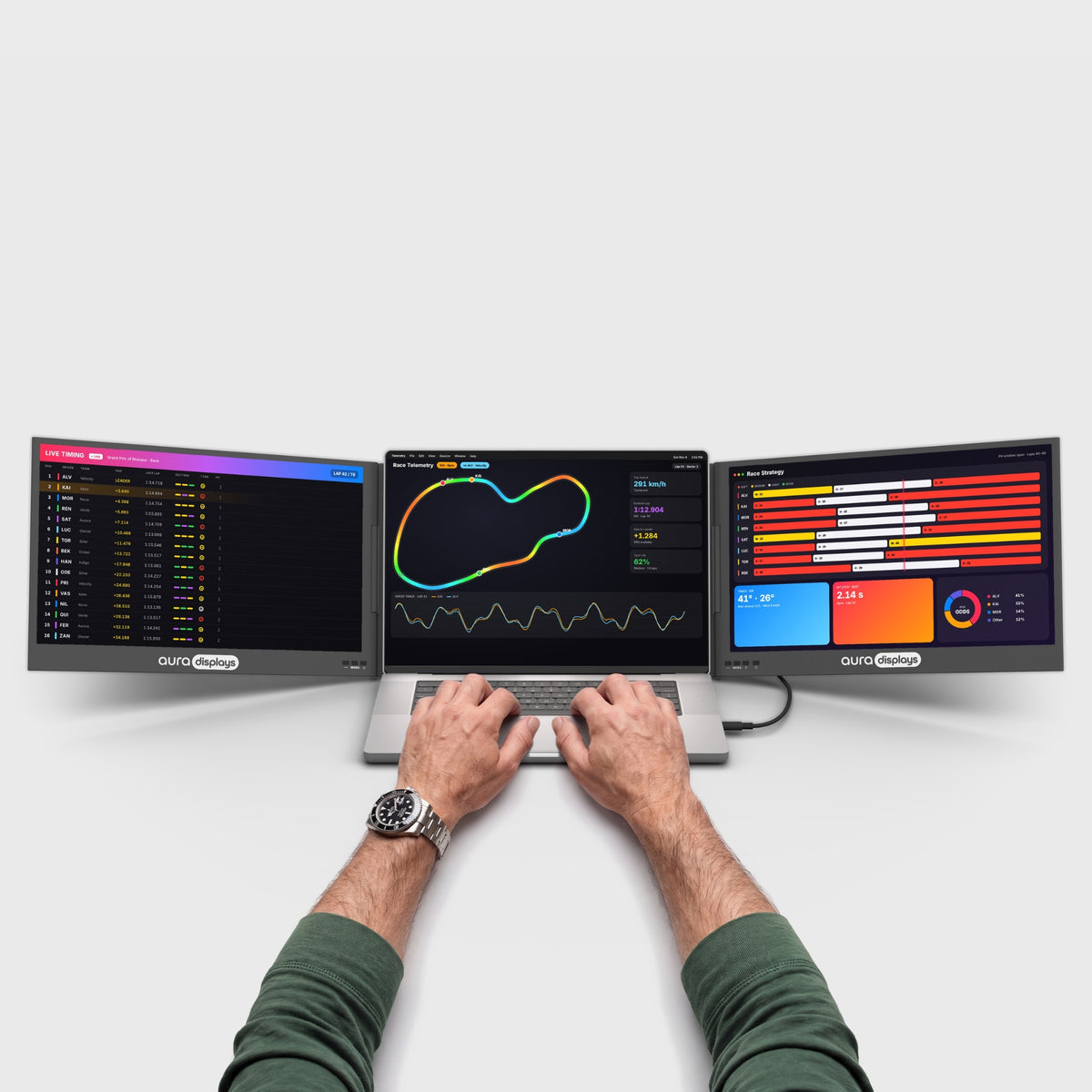

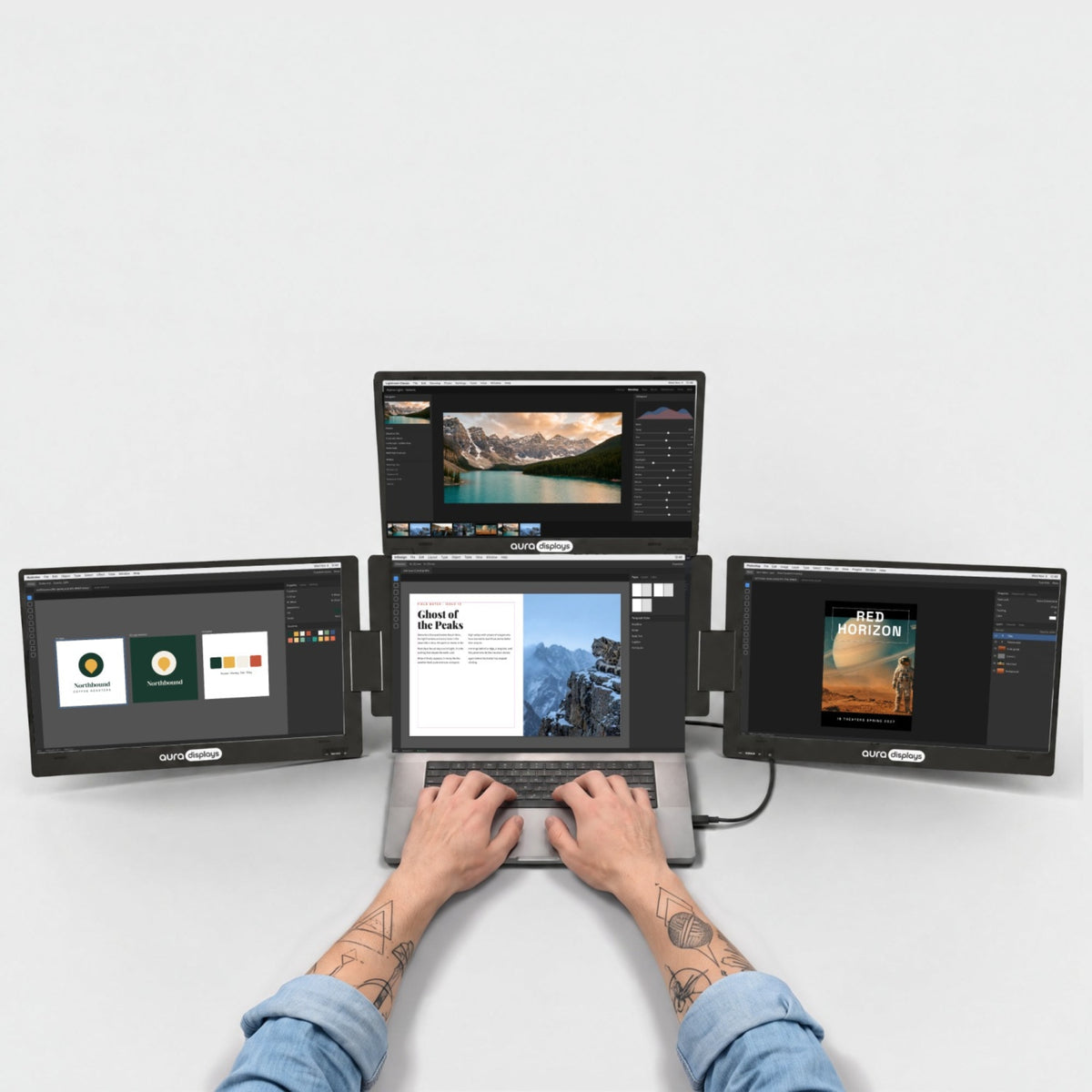

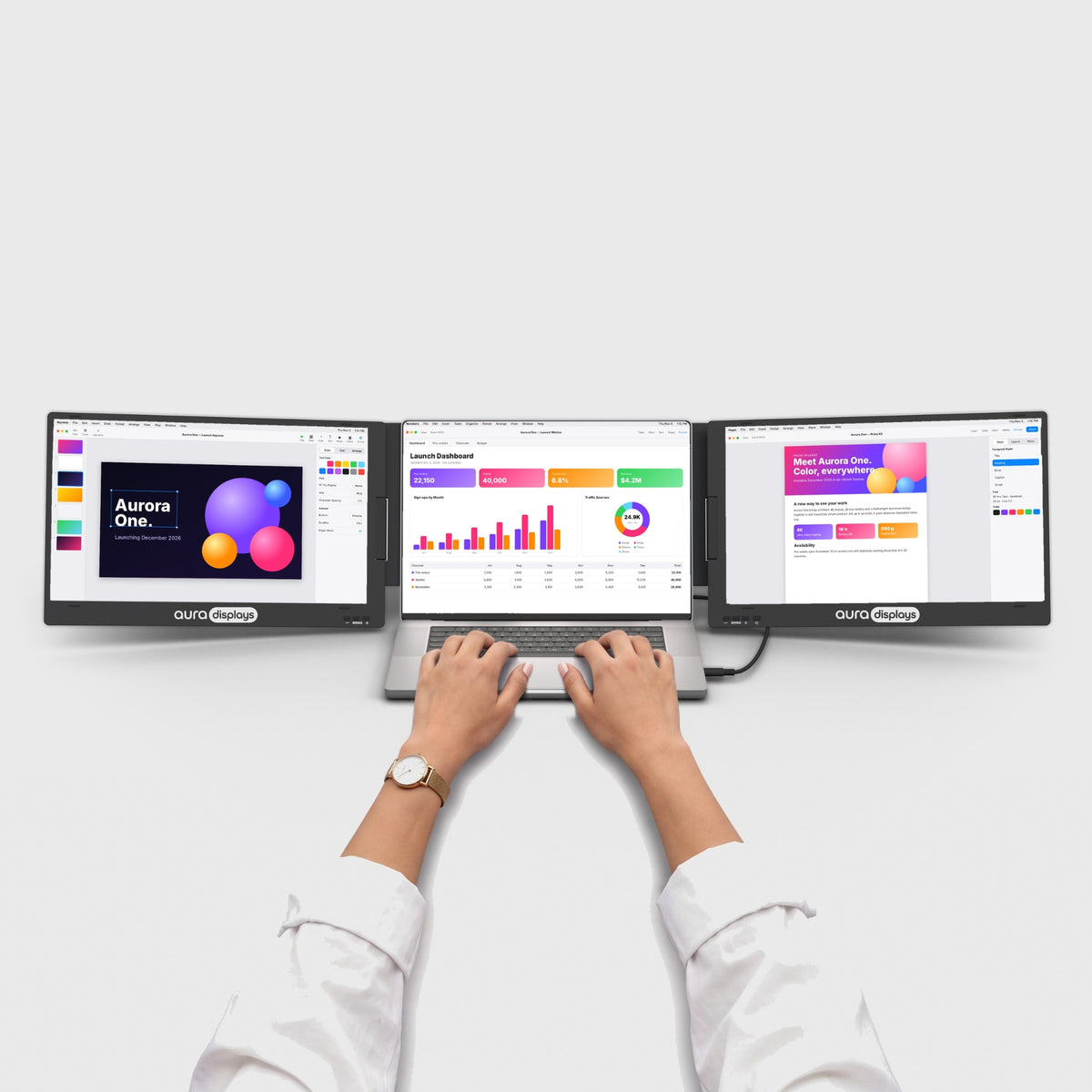


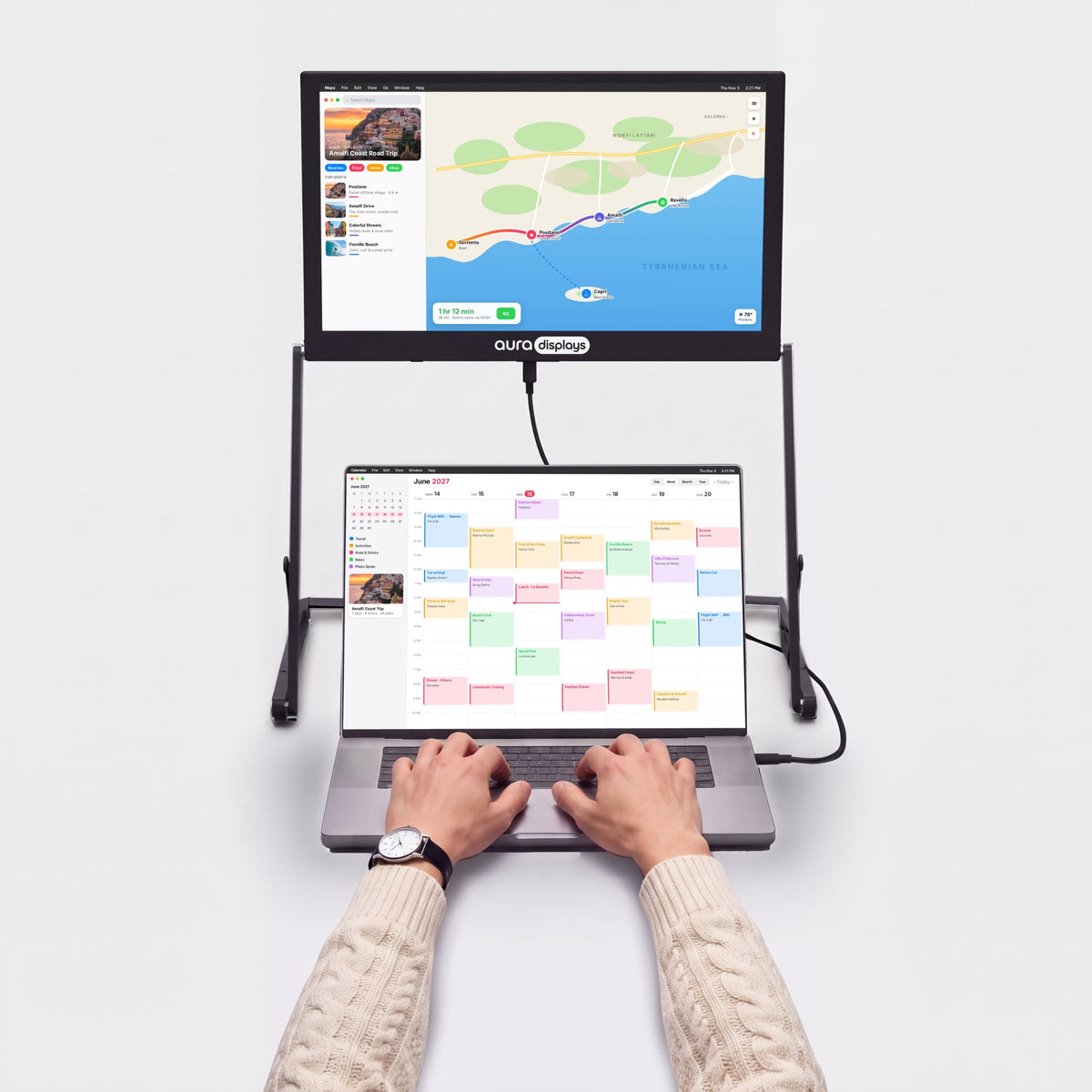


Single Aero Pro Studio 18.5” Ultra (QHD 2.5K)
One 18.5" QHD screen. Desk-sized, still portable.
Before you buy
- Plug & Play, no driverPlug it in and it works. No install, no admin rights.
- Needs a power outlet45W adapter included.See models without adapter →
- Fits laptops 10"–19"Works with Windows, Windows on ARM, macOS, Linux, ChromeOS, Android, iPadOS and iOS.Check compatibility in 30 s →
- Weighs 4.3 lb (1.95 kg)Folded: 19.19 × 13.48 × 0.59 in (487.5 × 342.5 × 15 mm). Fits in a dedicated Aura 18.5" bag only.See lighter models →


Included free with your order
You save Dhs. 560.00-
 Tempered Glass Screen Protector2x 18.5" / 16:9
Dhs. 0.00
Dhs. 205.00 -
 Hub USB 8-in-1 87W PD
Dhs. 0.00
Dhs. 168.00 -
 Felt Sleeve for the Aero Series18.5-inch
Dhs. 0.00
Dhs. 187.00


Added to your cart automatically with your monitor.
Overview
Overview
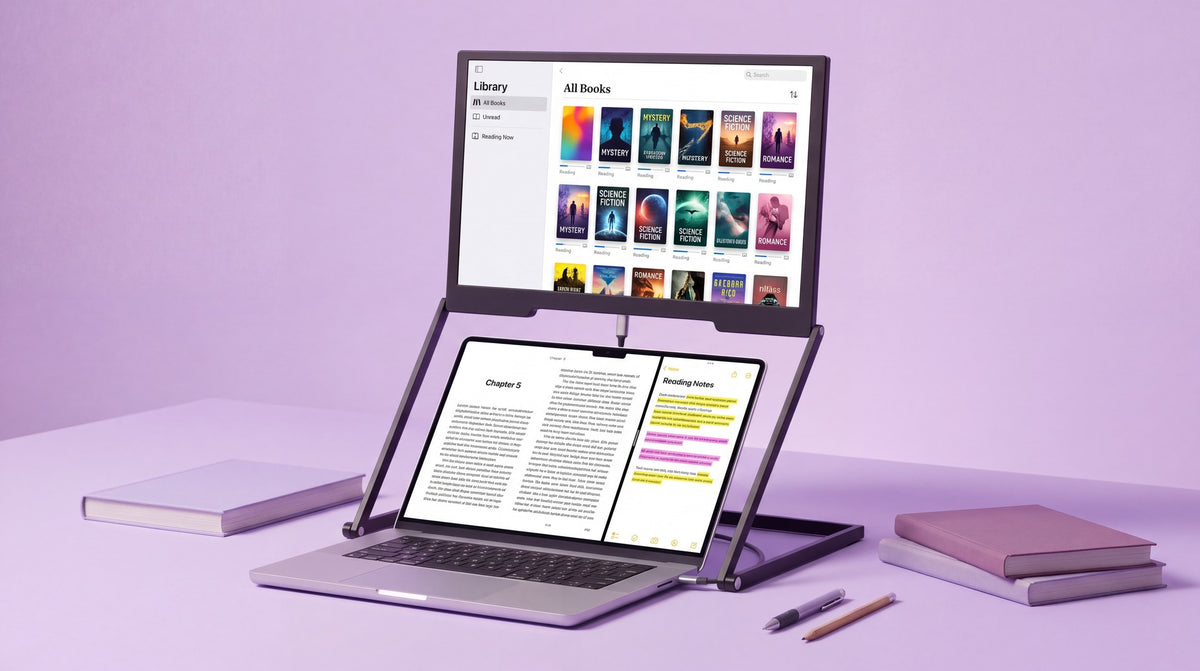
One 18.5" QHD 2.5K screen that rises above your laptop: desk-sized, still portable, in a Midnight Black aluminum frame just 0.59 in (15 mm) thin. Sharper text, 100% sRGB color and a bright 380-nit panel for creative work, code and long documents, with a 120Hz refresh rate that keeps scrolling, video and games smooth. The built-in stand adjusts in height and angle, then rotates a full 360° for portrait. Folded, the screen faces inward for protection and slips into our 18.5" felt sleeve or an extra-large backpack. Works with any laptop size. Connects over USB-C on a laptop with a video-capable port, or over the included mini HDMI cable, and the included 45W power adapter runs the screen. Any USB-C PD wall charger or power bank of 45W or more works too. It doesn't charge your laptop, so keep your laptop's own charger plugged in. Matte, anti-glare IPS panel with a low blue light mode and built-in speakers. Plug and play: no driver to install. Works with macOS, Windows, Linux, ChromeOS and Android, and with your iPhone or iPad over USB-C.
What's in the box
What's in the box
- 1x Single Aero Pro Studio 18.5" Ultra (QHD 2.5K)
- 1x USB-C to USB-C cable, full-featured, for video
- 1x USB-C to USB-C cable for the power adapter
- 1x Mini HDMI to HDMI cable
- 1x 45W power adapter with interchangeable plug tips
- 1x User manual
Drivers & user guide
Drivers & user guide
Plug & Play. No driver to install: plug in the cable and it turns on.
Shipping, returns & warranty
Shipping, returns & warranty
Shipping. Orders leave our warehouse within 1–3 business days and arrive in 5 to 8 days on average. This can vary with stock and destination: the up-to-date delivery estimate for this product is always shown on this page, just above the Add to cart button. Free shipping on orders over $100. For the US, the EU, the UK and Australia, taxes and duties are included: nothing to pay on delivery. The delivery time shown is an estimate based on our previous shipments and current stock.
Where’s my order? Track your delivery in real time with your order number and email.
14-day free returns. Not the right fit? Return or exchange it free within 14 days of delivery: open the box, test it, and send it back complete in its original packaging with a prepaid label. We refund as soon as the carrier scans your parcel. Full conditions in our return policy.
1-year warranty. If your monitor is faulty, send us a photo or video; we repair or replace it free of charge. EU customers also benefit from the 2-year legal guarantee. See the warranty section of our return policy.
Questions before or after you buy? hello@aura-displays.com · +1 (213) 845-0774 · Real people, daily 9 am–4 pm ET.
A note on our visuals: 3D renders are for illustration and may differ slightly from the actual product. All verified details are in the tech specs at the bottom of this page.

Why you’ll love it.


Before


After


One screen, your way.
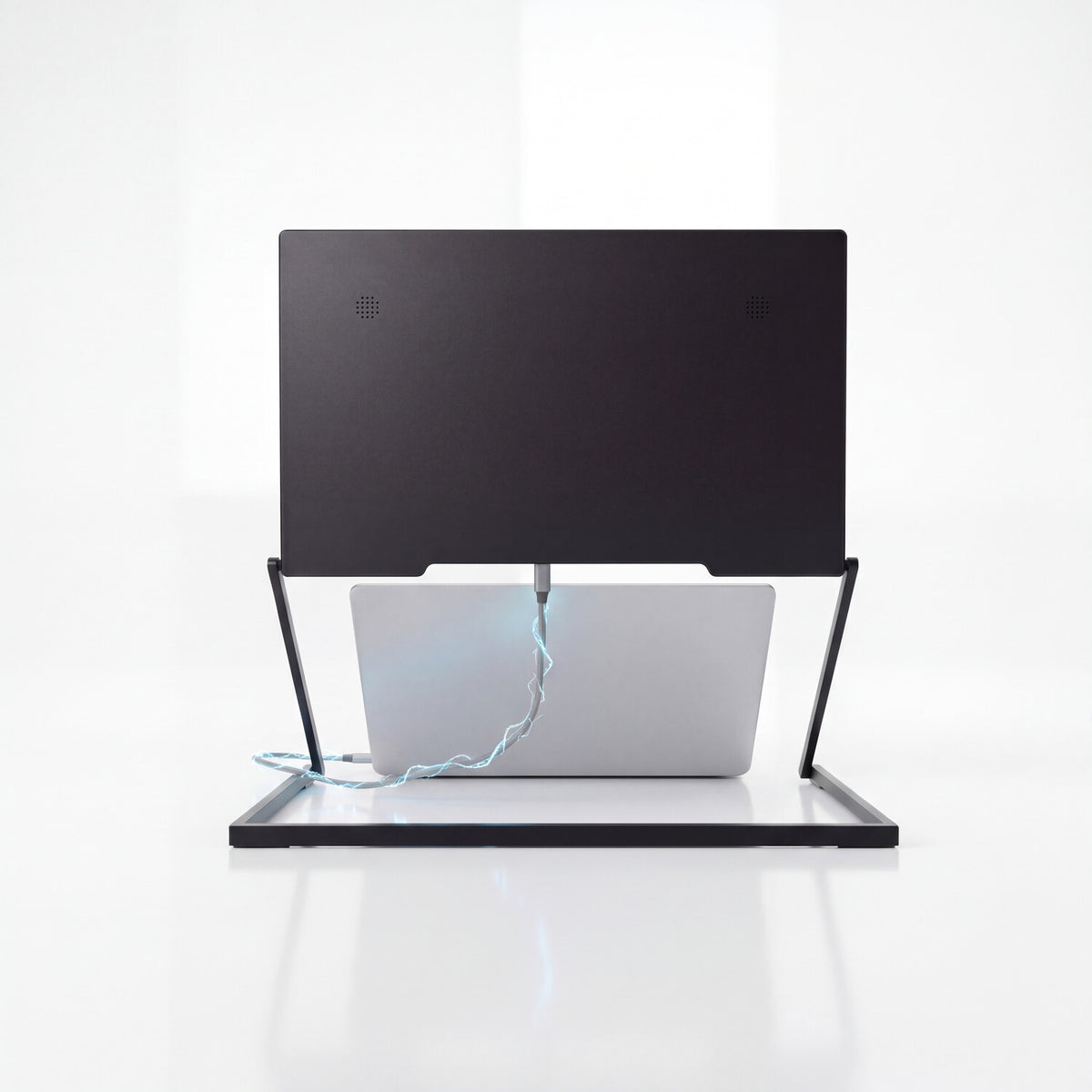
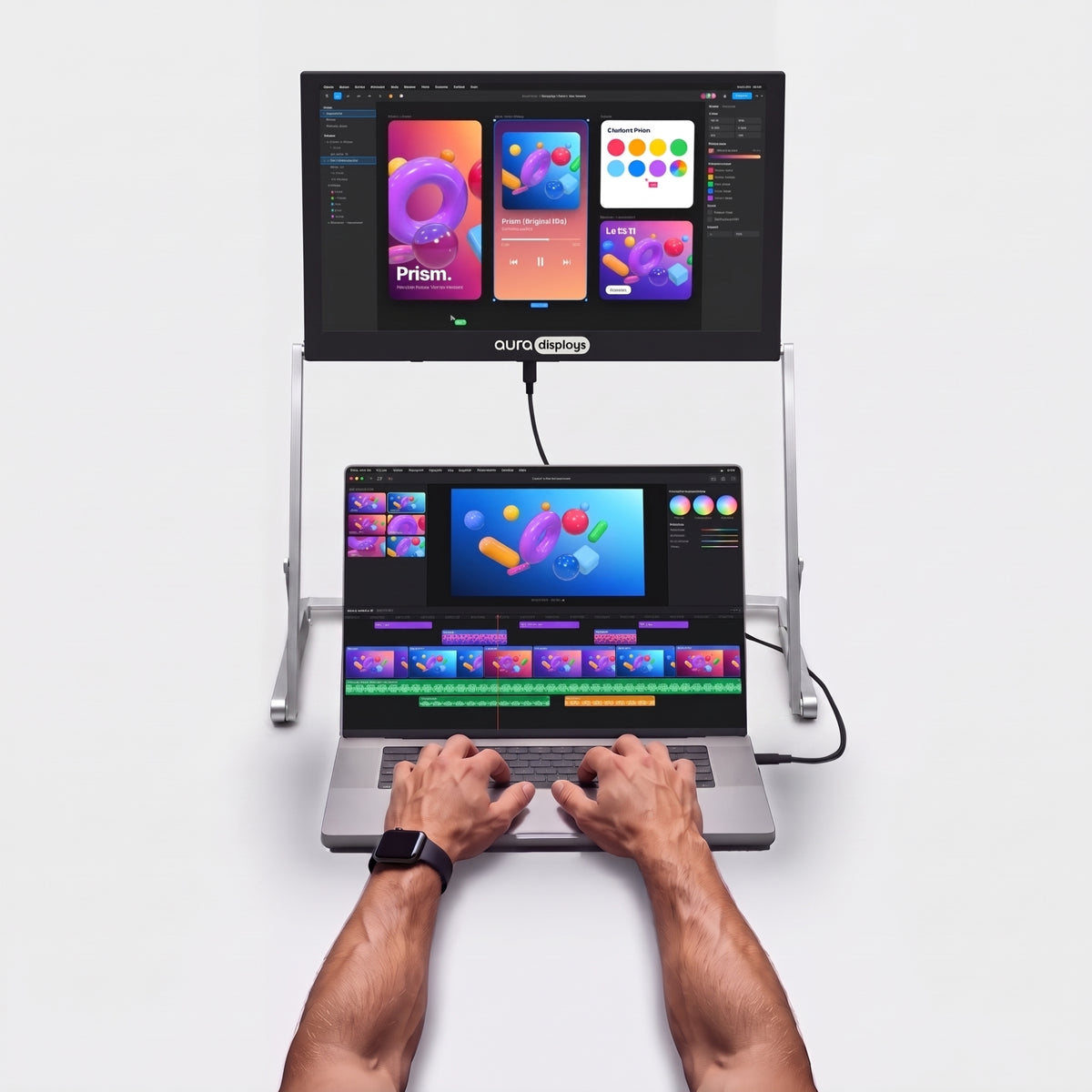
Set the Single Aero Pro Studio 18.5" Ultra right above your laptop on its built-in stand, then raise it and tilt it until it sits right for you.


Felt Sleeve for the Aero Series
Your laptop was never meant to work alone.
One more screen turns any desk into a real workspace.

When the workday ends, the stand folds flat and your table is a table again.

Lift the screen above your laptop to the height that suits you, so you look straight ahead instead of down.

Your notes, your team chat and your video call, all in view at once. No more switching tabs. Just a morning that actually gets things done.
Sharp, bright, true to life.
Crisp detail for every line of code, every photo and every spreadsheet. Accurate colors, comfortable brightness and smooth motion, from your first email to your last edit of the day.


Standard


Eye care


100% sRGB
Full coverage of the colour space the web was built on — what you edit here is what everyone else sees.

Matte displays
A non-reflective surface that scatters overhead light instead of mirroring it straight back at you.

Low blue light
A built-in eye care mode filters blue light, so long sessions stay comfortable.

178° viewing angles
Colors and contrast stay true from the side, so everyone around the desk sees the same picture.

Built for the way you work.
From home offices to hotel rooms, see how people use Aura to get more done.


Works with what you already own.
MacBook with M1 to M5 chips, Pro and Max included, Windows laptops, Chromebooks and phones.



Your setup, wherever there’s a desk.
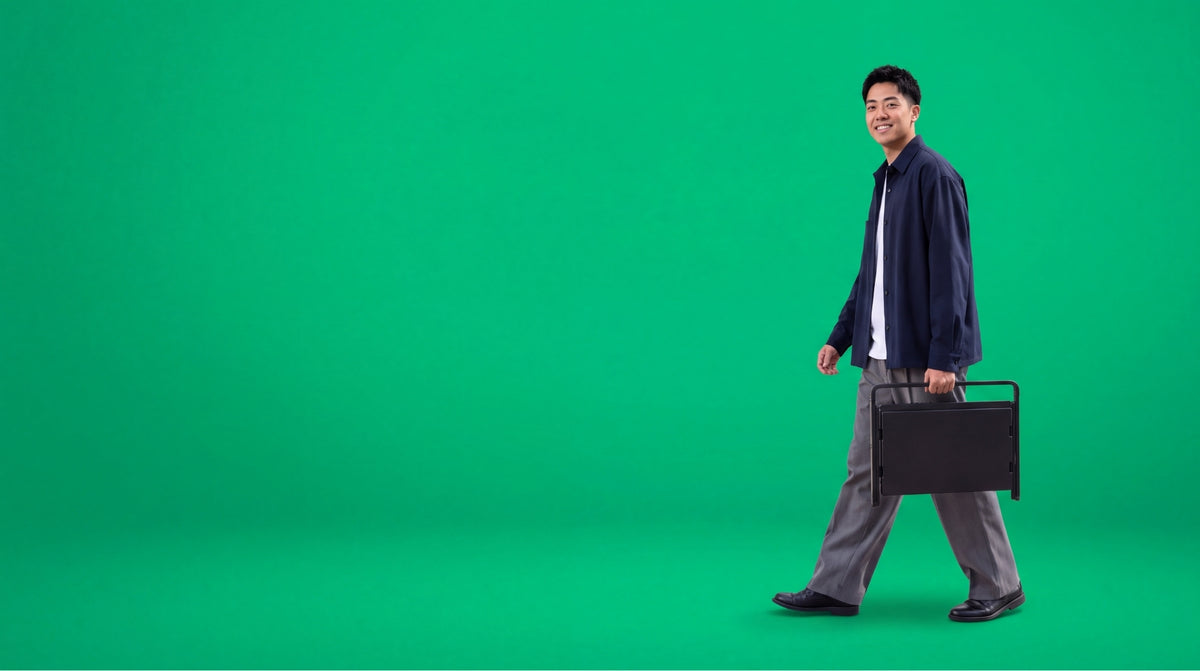
Fold it, pack it and set it up again at the next desk. Home, office or hotel room, you get the same two-screen workspace every time.

4.3 lb · 1.95 kg
Light enough to move from desk to desk.

10" – 19"
Stands above any laptop in this range.

Dedicated Aura 18.5" bag only
Slim and flat for the trip.

Aluminum
Rigid and durable, built to be packed again and again.
Ports and power.
Here's what goes where, and what your laptop needs to drive it.
2x USB-C and 1x mini HDMI on the monitor
Laptop side: 1 video USB-C, or HDMI + USB as fallback.
45W power adapter included
Mains power is required — plug it into a wall outlet, not a strip.

No driver needed
Plug it in and it works. Nothing to install, even on a work laptop.
Designed to Do More.
Explore the features that make this monitor smarter, more versatile, and built to elevate the way you work and create.

2560 × 1440 pixels on an 18.5" screen: crisper text, finer detail in every photo, and colors that cover 100% of sRGB.

Drag any window from your laptop to the screen and back. Extend your desktop across both screens, or mirror your laptop to show the same thing twice.

Sound plays straight from the screen. Set the volume in the on-screen menu.

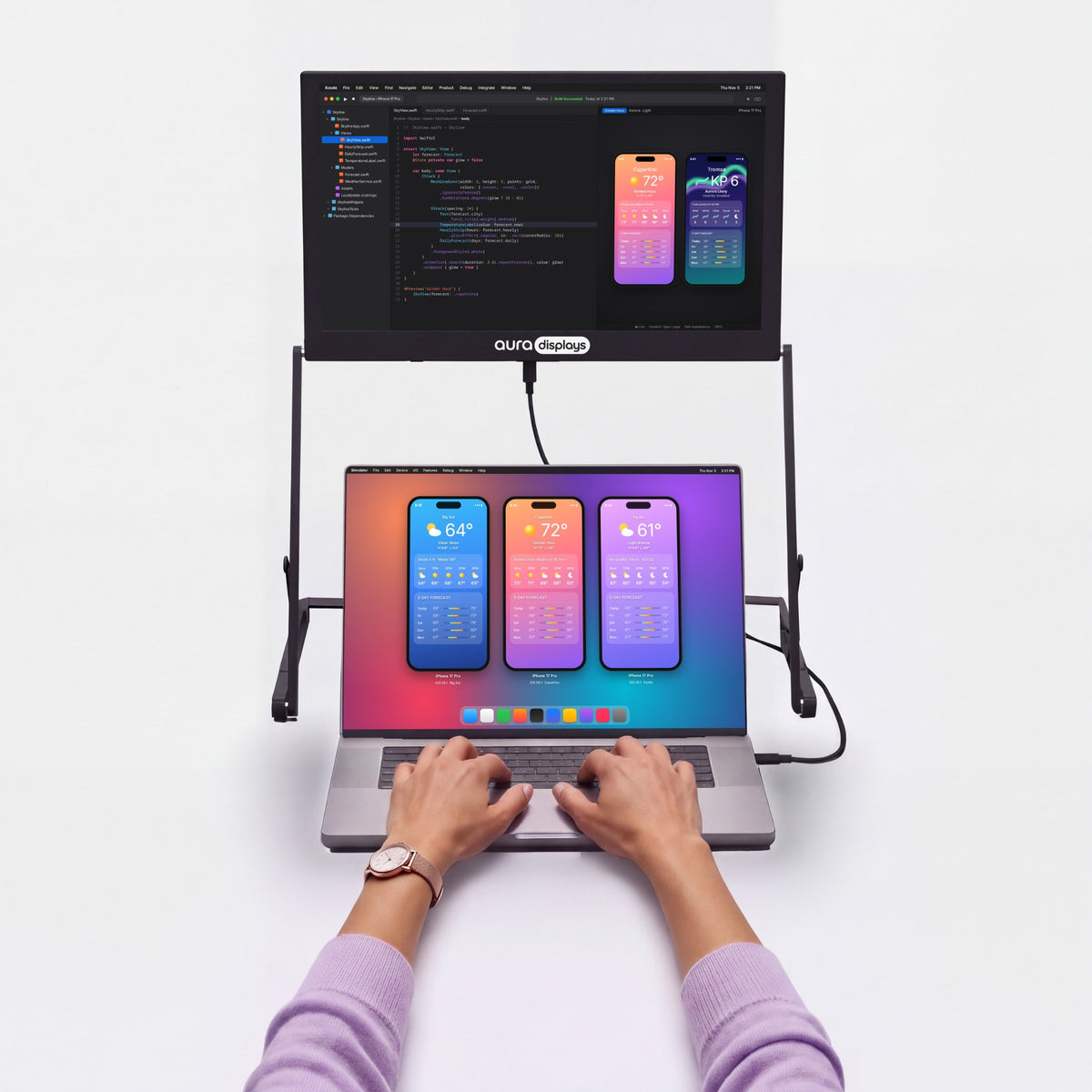
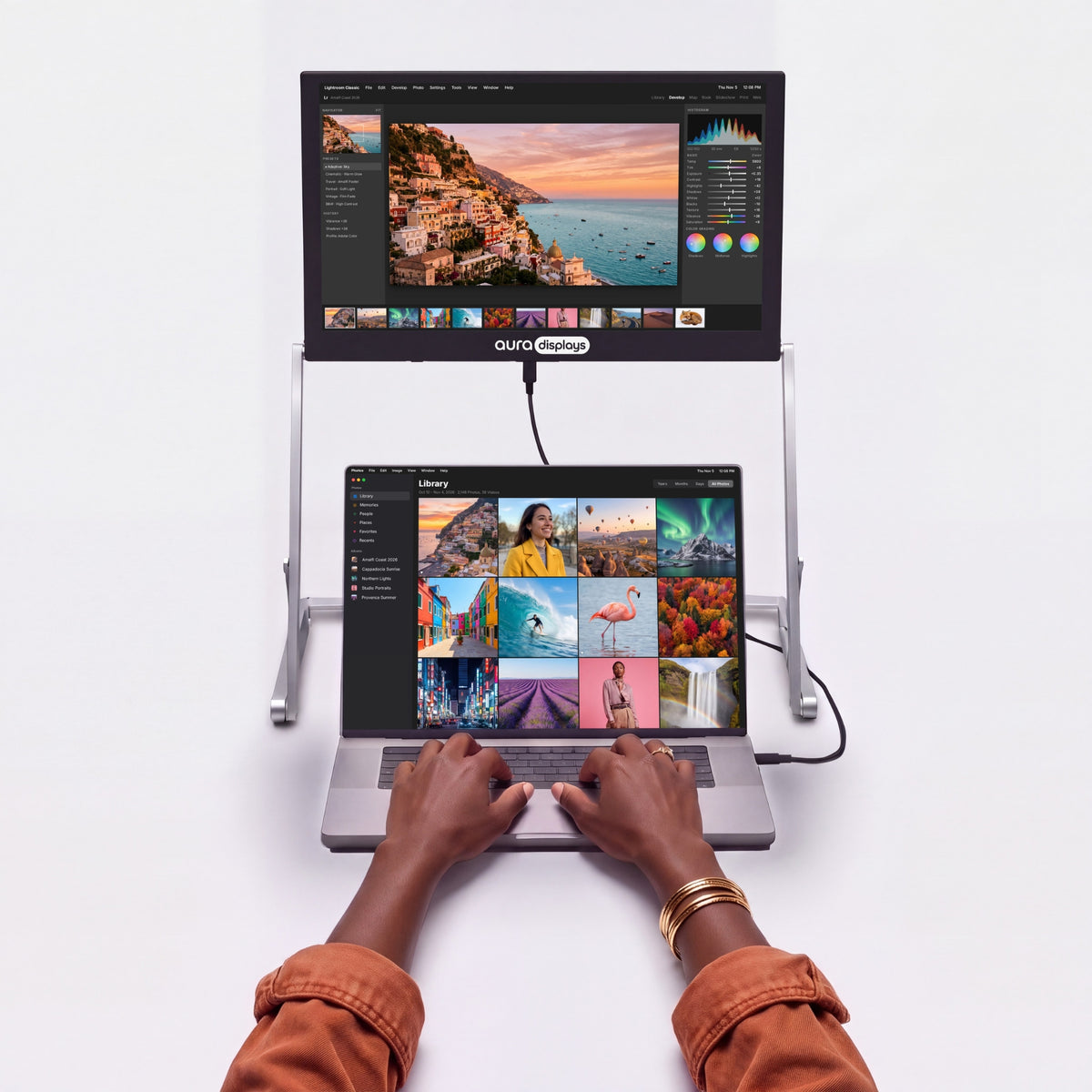
The stand is built in: set the screen right above your laptop, then adjust its height and angle. Nothing to assemble, nothing extra to carry.

Adjust brightness, color, sharpness and low blue light from the on-screen menu, and switch the input source.

Folded, it is 0.59 in thin and 4.3 lb. Carry it in our 18.5" felt sleeve or an extra-large backpack.
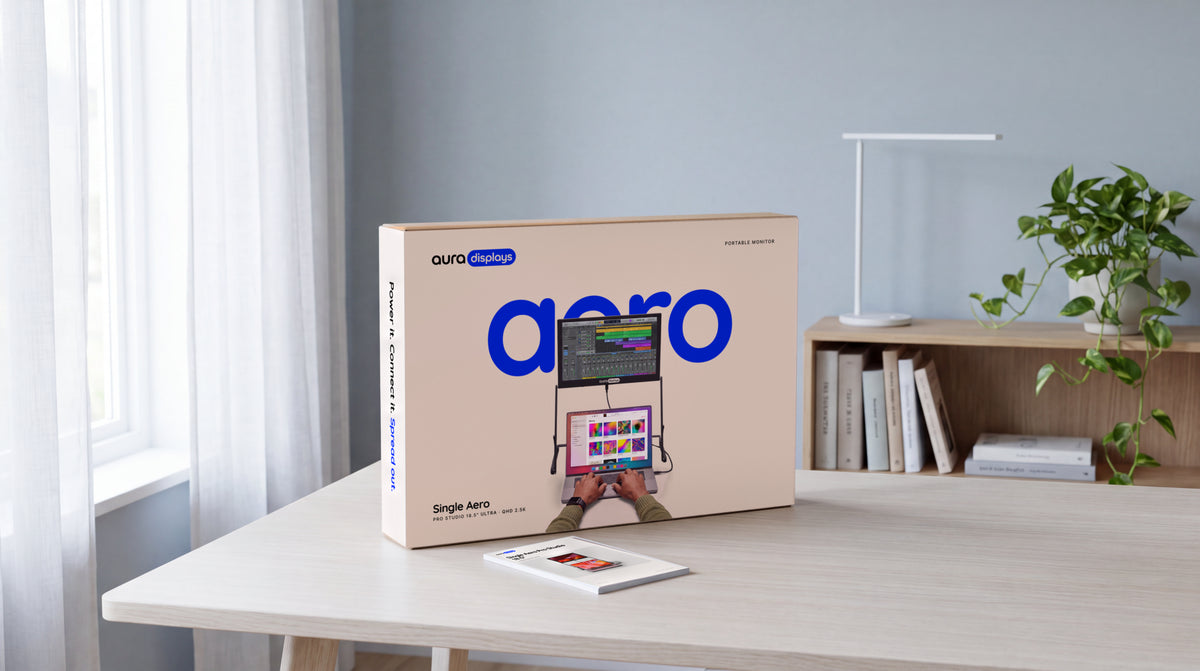

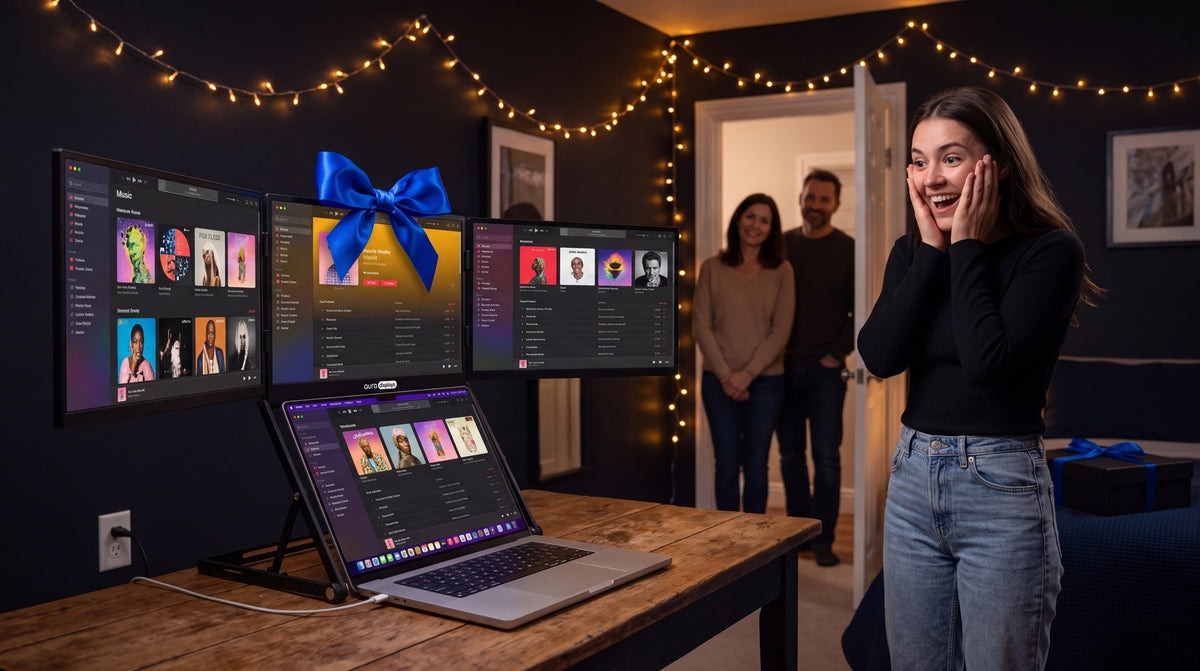

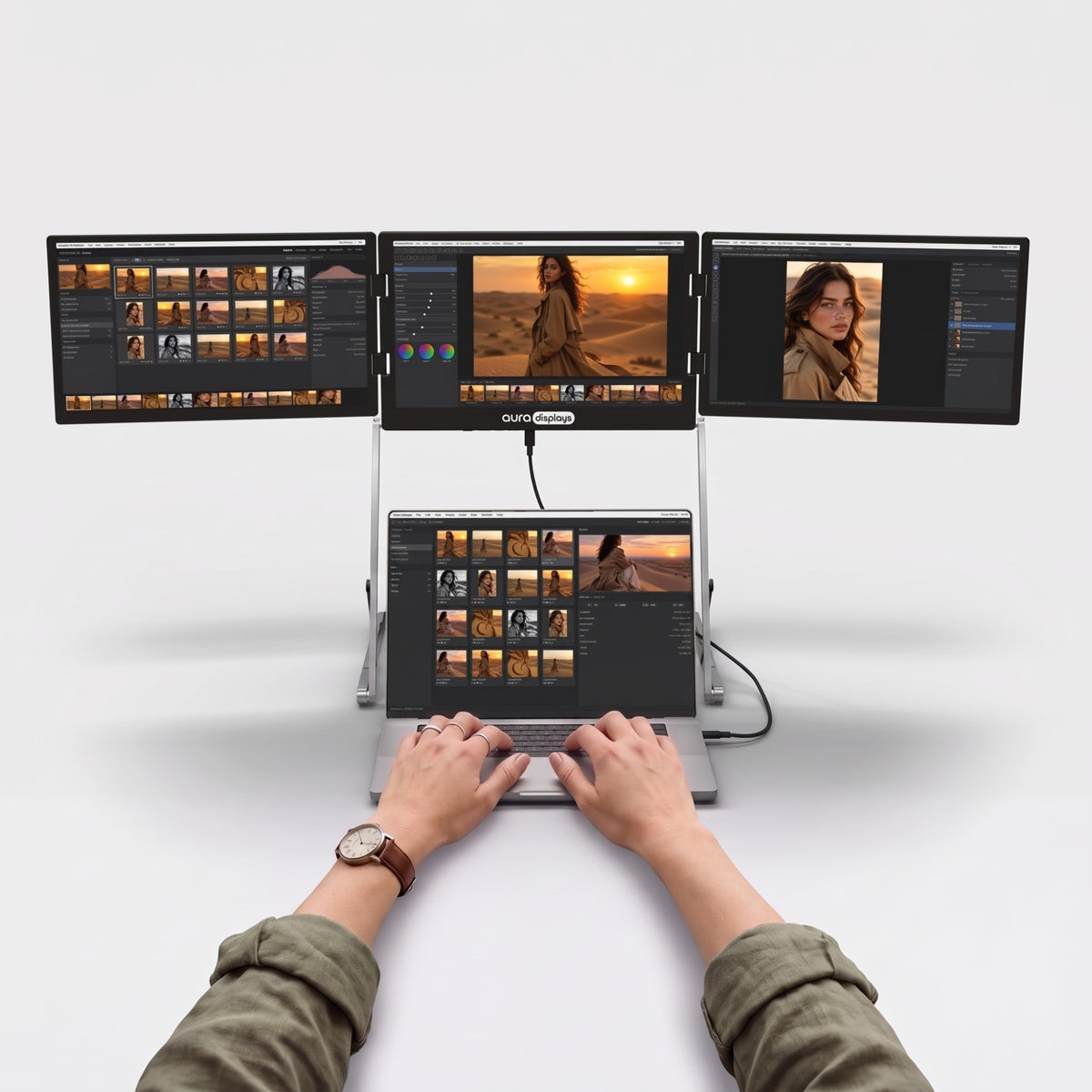
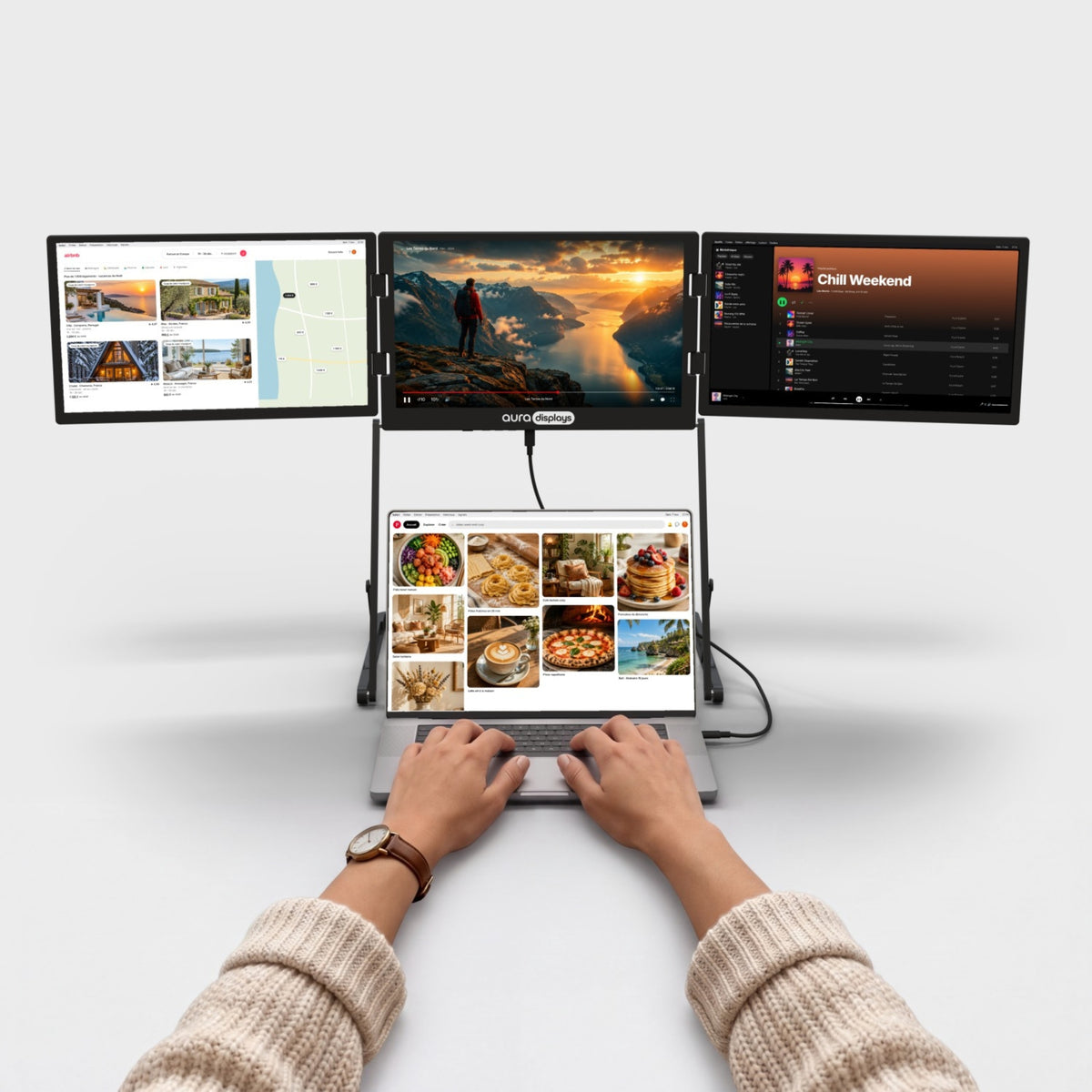
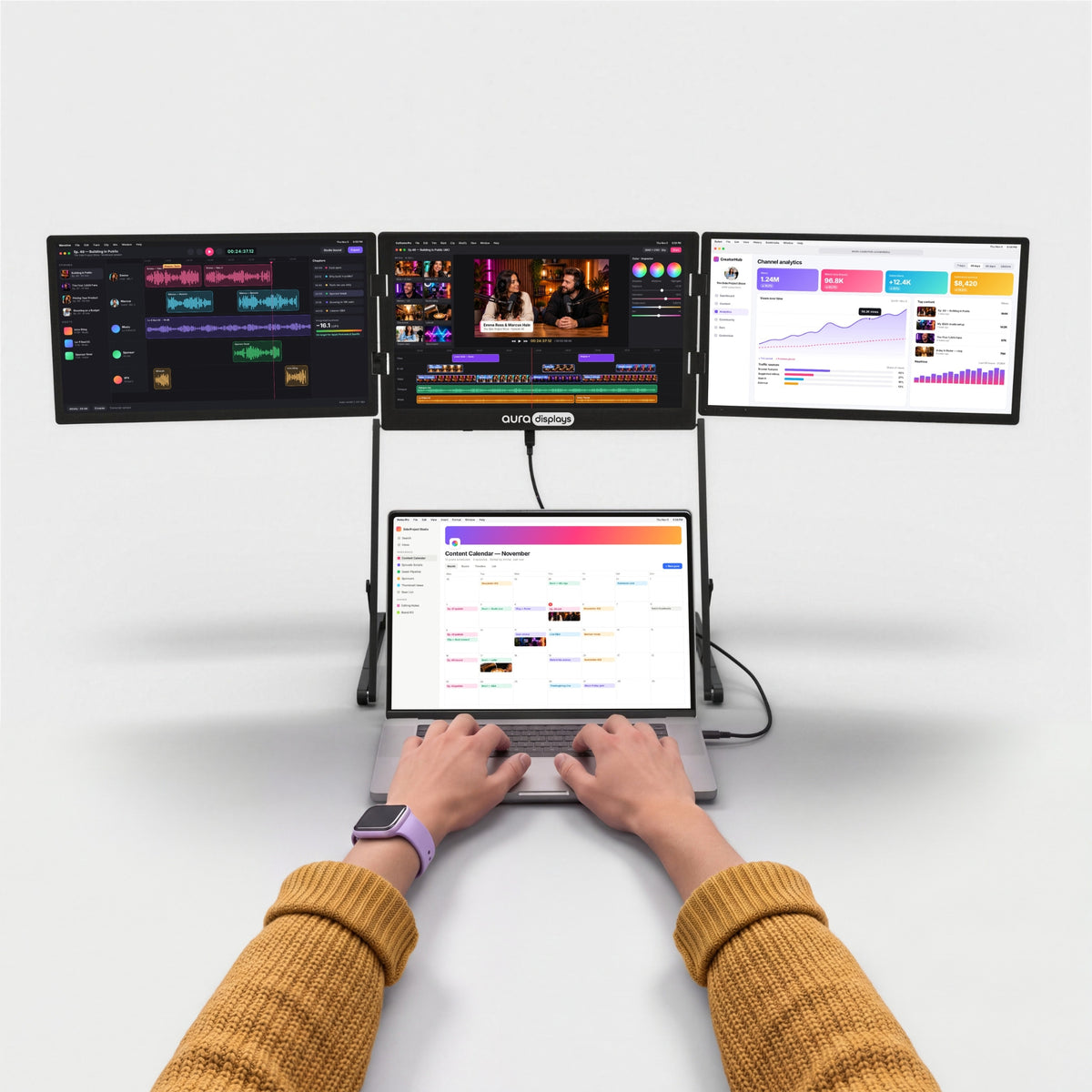
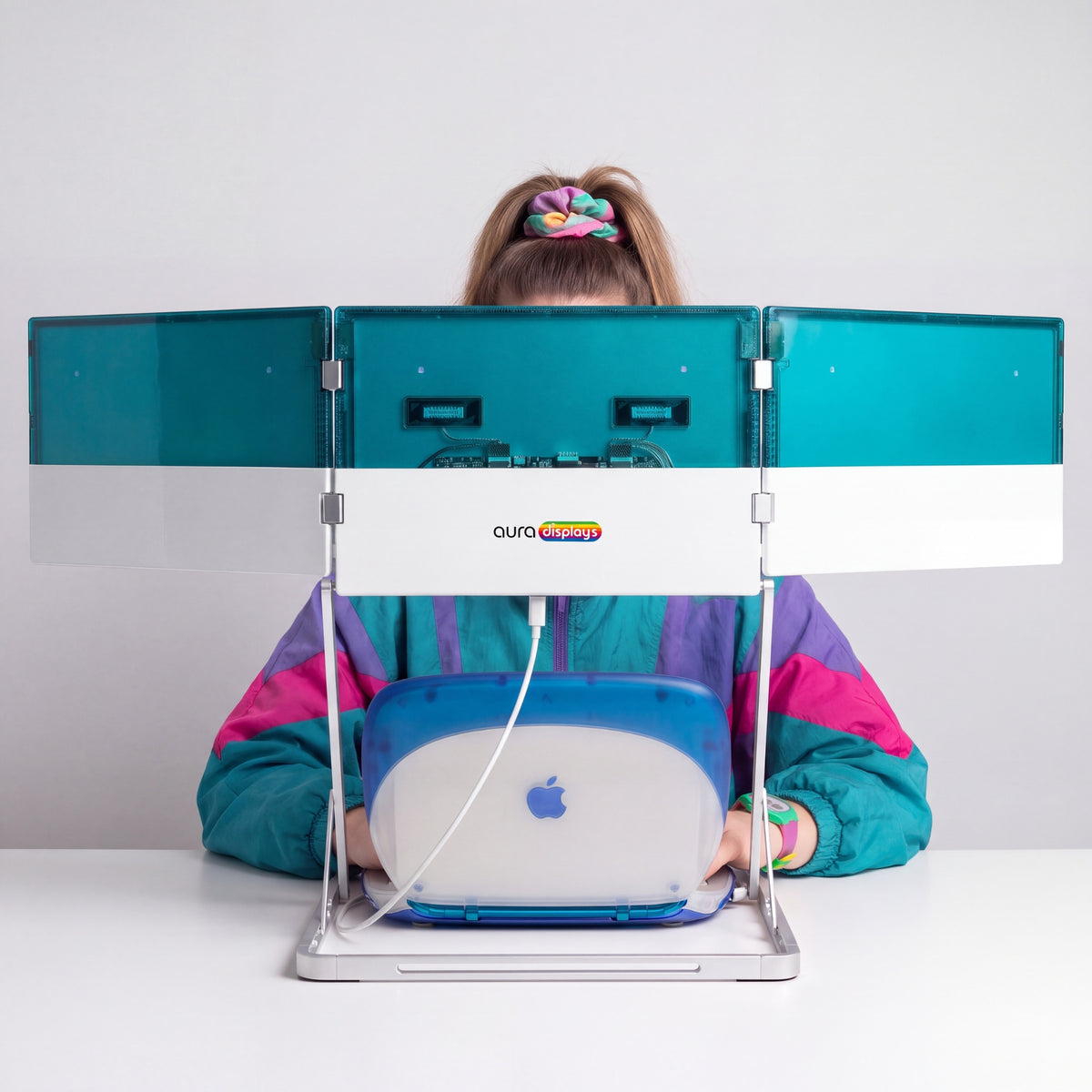
The Aero series. Look up, not sideways.
The Aero Series mounts your screens above the laptop rather than out to the sides — full multi-screen width, with the footprint of the machine itself. It fits where a side-mounted setup doesn't: a tray table, a hot desk, a crowded café table.








Productivity calculator
See what more screen gives you back.
Fewer windows to juggle. More time for the work itself. Adjust the numbers to your week.
Copying between docs, comparing, a call next to your notes, code next to the preview.
Estimates only. Gains from published studies are applied to the share of time you spend working across several windows, and converted conservatively into time saved (a task done 18% more efficiently takes about 15% less time). Your results will depend on your work.
Sources: Wichita State University SURL / IDC for Dell (2015); Fraunhofer IAO OFFICE 21 for Fujitsu Siemens; Jon Peddie Research Multi-Monitor Study (2017, self-reported); University of Utah for NEC (2008); Microsoft Research, Czerwinski et al. (2003); Harvard Business Review (2022).


Is it right for you?
Is the Single Aero Pro Studio 18.5” Ultra right for you?
Made for you if
- You work from a desk, home office or hotel room with a power outlet
- You want plug & play, nothing to install
- Your laptop is between 10" and 19"
- You want one extra screen that's easy to carry
Choose another model if
- You need to work without a power outlet — Air Series
- You mainly game on console — Compare models
Display
Connectivity & power
Size & weight
Design & features
Warranty & certifications
Your laptop
Operating systems
Other devices
- 1×Single Aero Pro Studio 18.5" Ultra (QHD 2.5K)
- 1×USB-C to USB-C cable, full-featured, for video
- 1×USB-C to USB-C cable for the power adapter
- 1×Mini HDMI to HDMI cable
- 1×45W power adapter with interchangeable plug tips
- 1×User manual
Plug & Play
How to connect
Laptop with video USB-C: 1 USB-C cable + the 45W adapter. Without video USB-C: 1 mini HDMI cable + the 45W adapter on the PD port.
- Plug & Play, no driverPlug it in and it works. No install, no admin rights.
- Needs a power outlet45W adapter included.See models without adapter →
- Fits laptops 10"–19"Works with Windows, Windows on ARM, macOS, Linux, ChromeOS, Android, iPadOS and iOS.Check compatibility in 30 s →
- Weighs 4.3 lb (1.95 kg)Folded: 19.19 × 13.48 × 0.59 in (487.5 × 342.5 × 15 mm). Fits in a dedicated Aura 18.5" bag only.See lighter models →
Set-up and support
The questions our team answers most — from the first plug-in to the
day something looks off. If yours isn't here, write to us: a real
person replies.
The screen stays black
The screen stays black
- Use the included USB-C cable, in a USB-C port of your laptop that carries video (look for the Thunderbolt or DisplayPort icon next to it).
- Connect the monitor directly to your laptop — no hub or dock.
- Plug the included 45W adapter into the monitor's power port: it's needed over USB-C and over HDMI.
- No video USB-C port? Use the mini HDMI to HDMI cable.
- Press the power button, then check the input source in the on-screen menu.
Still black? Contact us — it's covered by warranty.
It turns off or flickers
It turns off or flickers
The screen isn't getting enough power.
- Over USB-C, connect the monitor directly to your laptop — no hub or dock.
- Check that the included 45W adapter is plugged into the monitor's power port and a wall outlet. Using another charger? It must be USB-C PD and deliver at least 45 W.
- Unplug and replug both cables.
Still flickering? Contact us with a short video of your setup — manufacturing defects are covered for 1 year.
How do I connect it to my laptop?
How do I connect it to my laptop?
- Laptop with a video USB-C port (all MacBooks, most recent Windows laptops): 1 USB-C cable to the laptop, plus the included 45W adapter on the monitor's power port.
- Laptop without video USB-C: the mini HDMI to HDMI cable for the picture, plus the included 45W adapter on the monitor's power port.
Nothing to install: it works as soon as it's plugged in. For the first setup, avoid hubs and docks.
Do I need a driver?
Do I need a driver?
No. It's plug and play: no driver, no app, nothing to install.
Does it work with my MacBook, even a base M1, M2 or M3?
Does it work with my MacBook, even a base M1, M2 or M3?
Yes. Your MacBook screen + the Single Aero screen work on every M-chip MacBook, including base MacBook Air models: one external display is all they need. Plug it into a USB-C / Thunderbolt port, with the included 45W adapter plugged into the monitor.
My work laptop doesn’t let me install software
My work laptop doesn’t let me install software
No problem: there is nothing to install. It works like any external monitor, over USB-C or HDMI.
Is it portable? How heavy is it?
Is it portable? How heavy is it?
Yes. Folded, it is 0.59 in / 15 mm thick and about 4.3 lb / 1.95 kg. At 18.5", it fits our 18.5" felt sleeve or an extra-large backpack, not a standard laptop backpack.
How do I set up the stand?
How do I set up the stand?
Unfold the built-in stand and set it behind your laptop, so the screen sits right above it. Adjust the height and the angle, then fold it flat again before packing it.
Where is my screen protector?
Where is my screen protector?
It isn't pre-installed on this model: your tempered glass screen protectors come free with your order, ready to apply whenever you want.
Will it fit above my laptop?
Will it fit above my laptop?
Yes, for any laptop from 10" to 19". It stands on its own behind your laptop, with the screen right above it.
The screen is on the wrong side, or looks blurry / smaller
The screen is on the wrong side, or looks blurry / smaller
- Mac: System Settings › Displays › Arrange. Windows: Settings › System › Display.
- Drag the screen to match its real position.
- Set it to its native resolution (2560 × 1440).
Can I watch Netflix or other streaming services?
Can I watch Netflix or other streaming services?
Yes. It connects as a standard external display over USB-C or HDMI, with no display driver in between, so Netflix, Disney+ and other streaming services play on it.


