









Dual Go Max 15.6” (Full HD)
Zwei 15,6"-Bildschirme auf eigenem Ständer.
Vor dem Kauf
- Plug & Play, kein TreiberEinstecken und loslegen. Keine Installation, keine Administratorrechte.
- Keine Steckdose nötigLäuft über den USB-C-Anschluss Ihres Laptops. Kein Netzteil zum Mitnehmen.
- Passt zu Laptops von 10" bis 17"Funktioniert mit Windows, macOS, Android and iOS.Kompatibilität in 30 s prüfen →
- Wiegt 1.9 kg (4.19 lb)Zusammengeklappt: 389 × 234 × 39.6 mm (15.31 × 9.21 × 1.56 in). Passt in: standard laptop backpack.Leichtere Modelle ansehen →


Kostenlos zu Ihrer Bestellung
Sie sparen €92,90-
 Tempered Glass Screen Protector2x 15.6" / 16:9
€0,00
€50,95 -
 Hub USB 8-in-1 87W PD
€0,00
€41,95


Wird mit Ihrem Monitor automatisch in den Warenkorb gelegt.
Überblick
Überblick
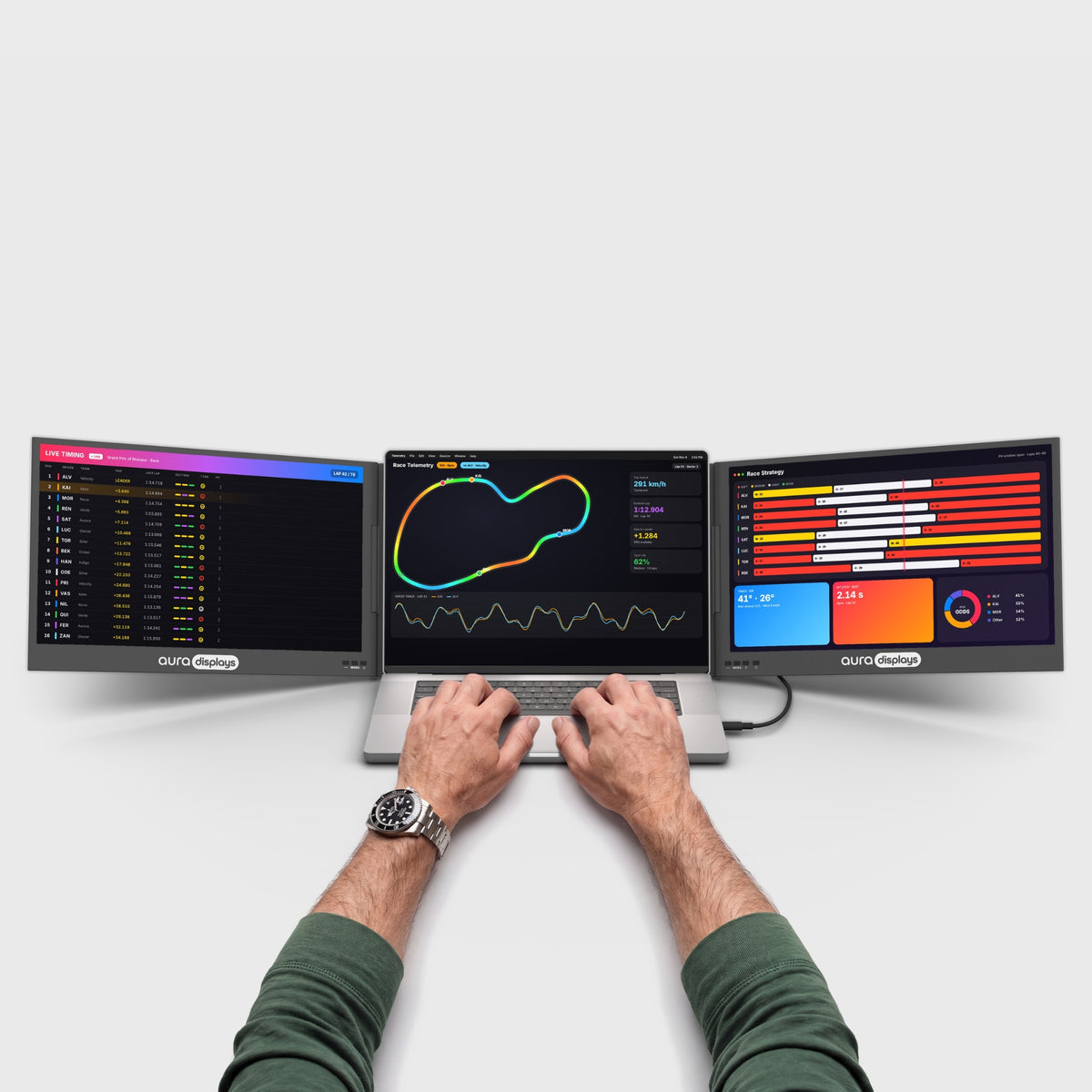
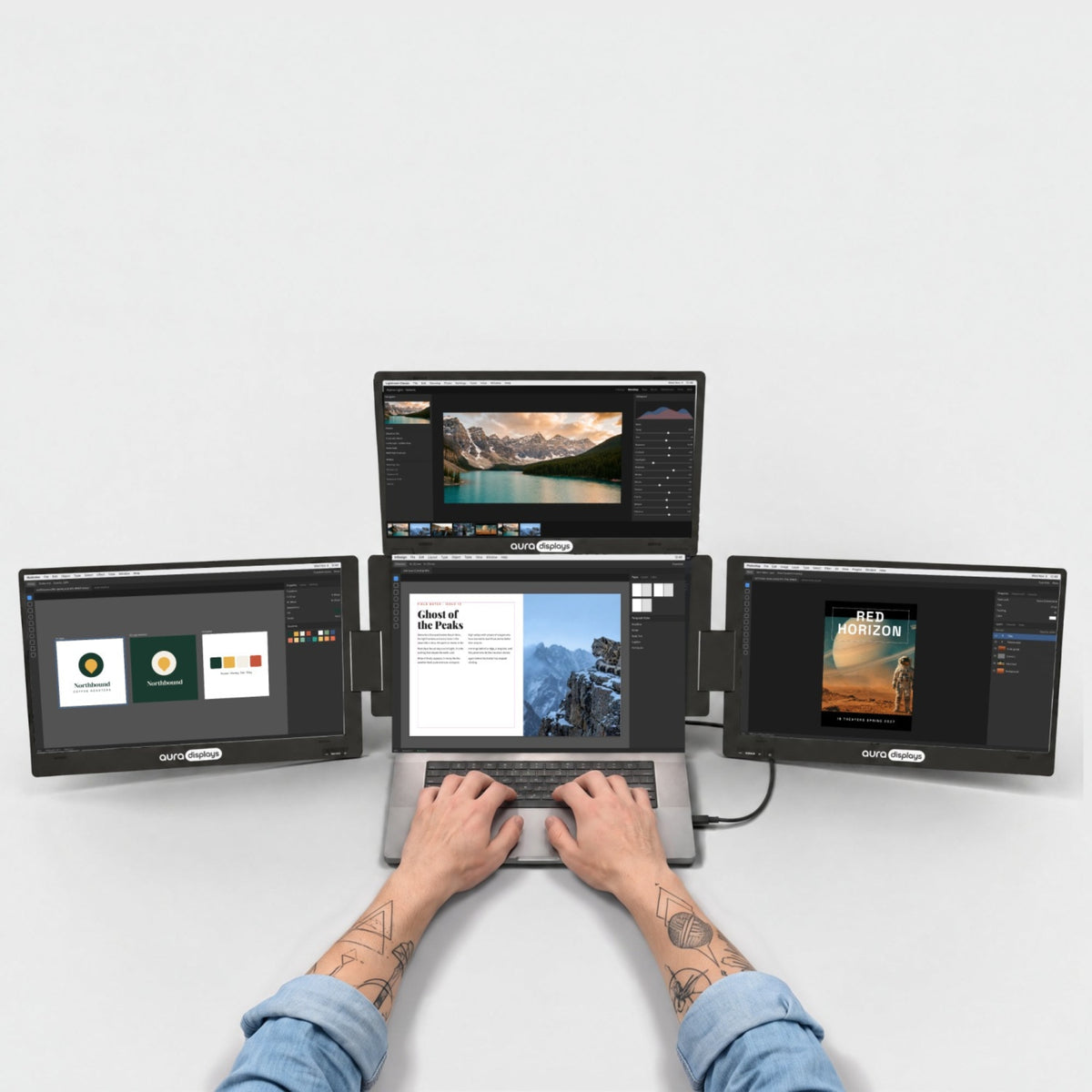
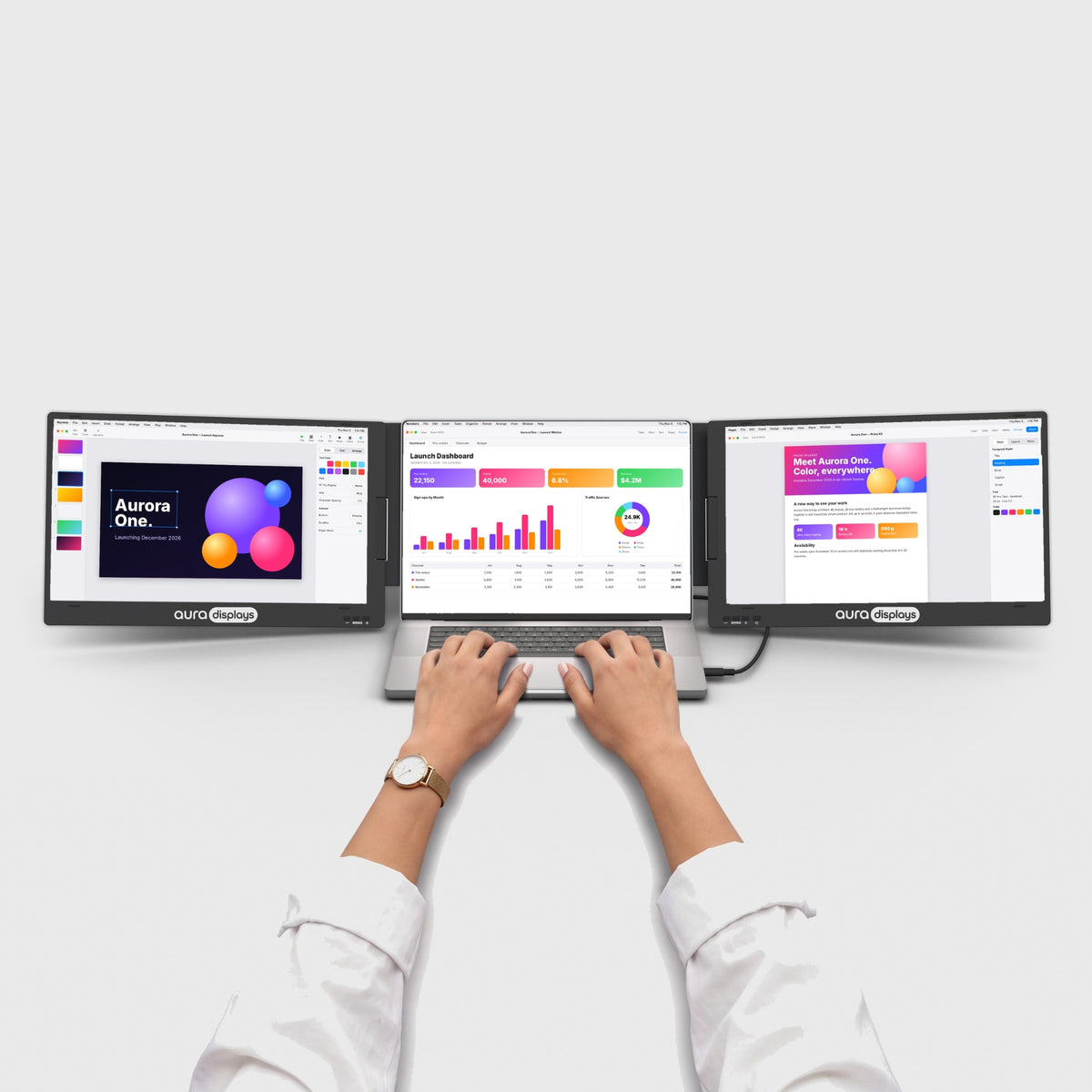
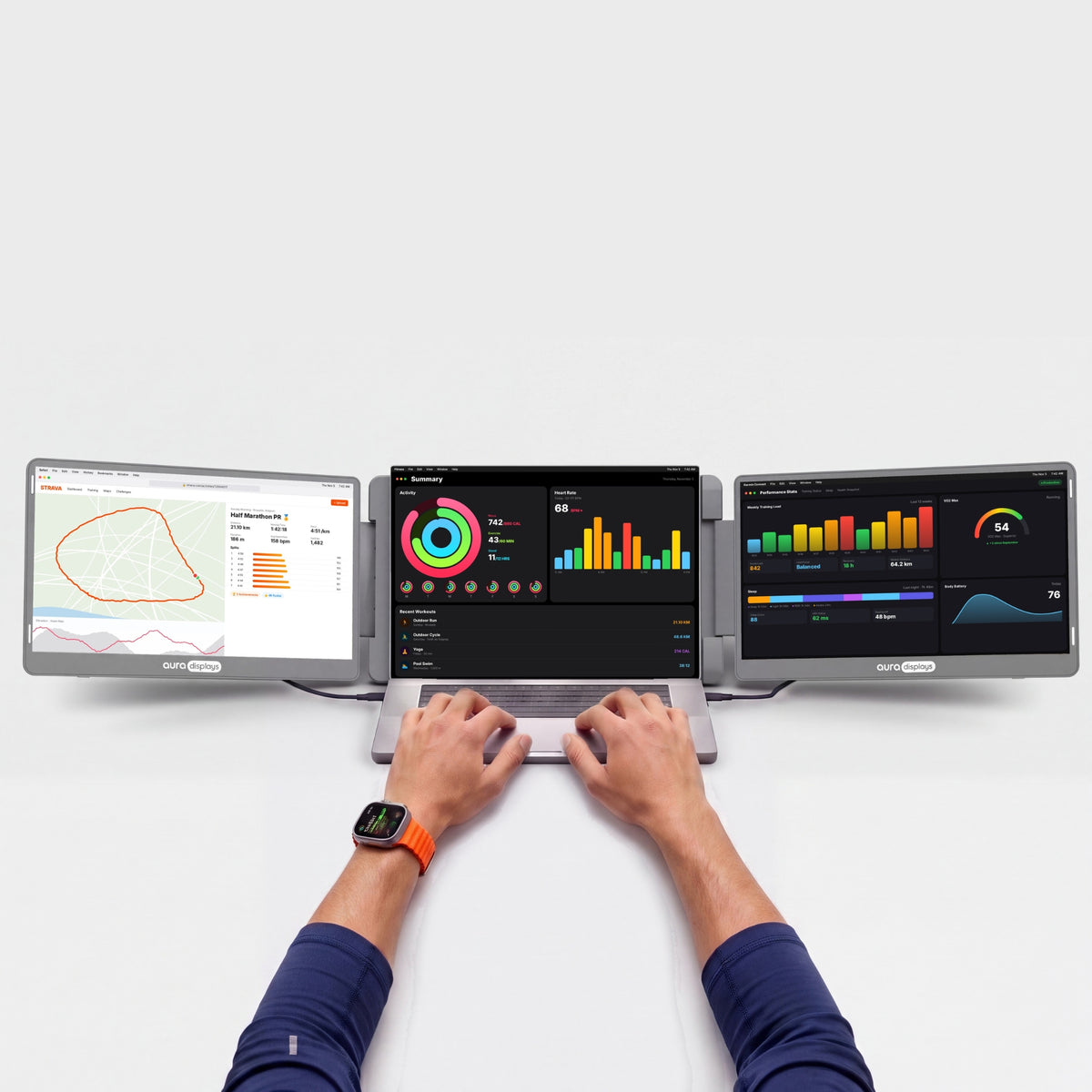
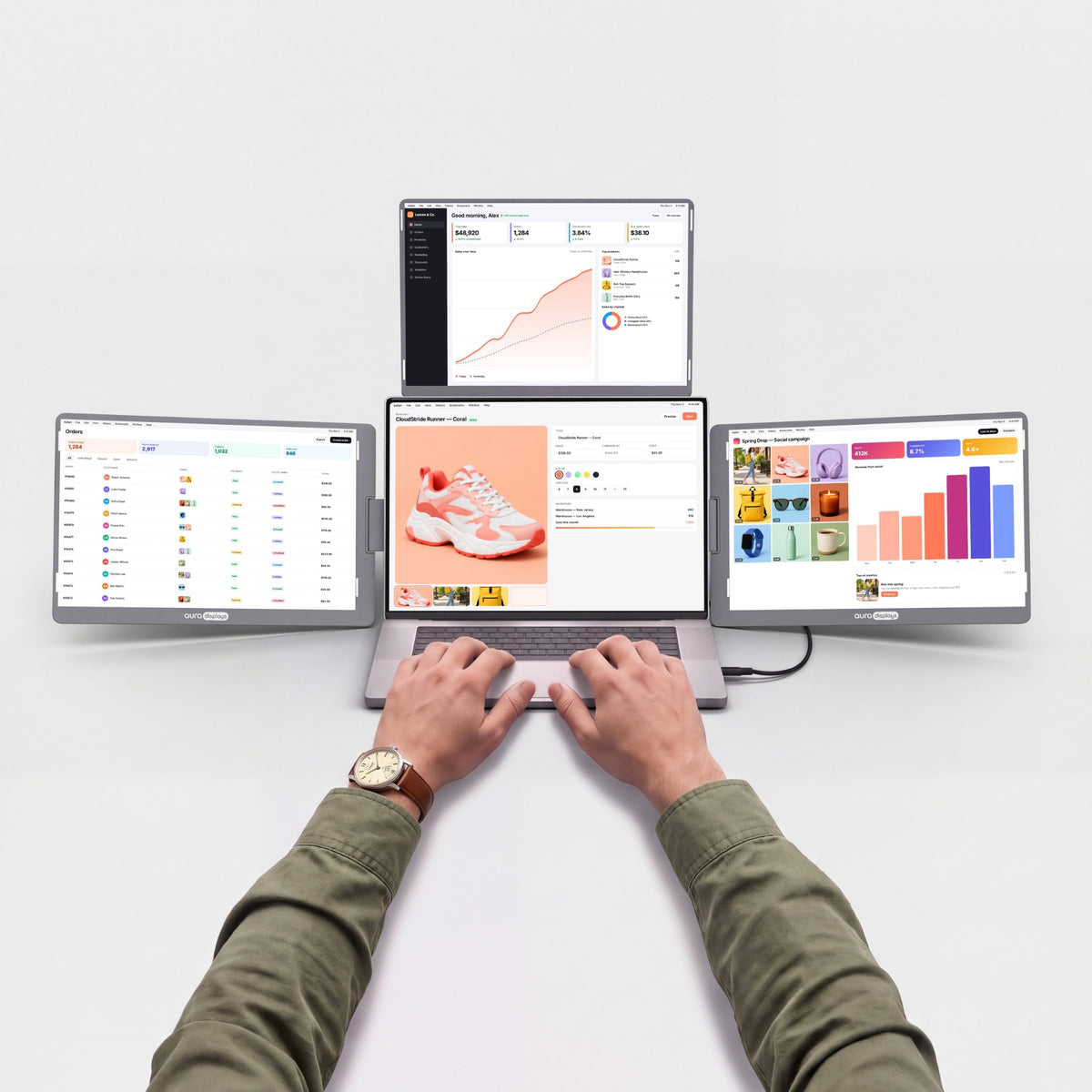
Zwei 15,6"-Full-HD-Bildschirme neben Ihrem Laptop auf eigenem Ständer – nichts wird an den Laptopdeckel geklemmt. Die größten Bildschirme der Dual-Go-Reihe, mit viel Platz für Tabellen, Timelines und lange Dokumente. Zusammengeklappt zeigen die Bildschirme zum Schutz nach innen, und das ganze Setup passt in einen Standard-Laptoprucksack. Passt für Laptops von 10" bis 17". Jeder Bildschirm wird mit einem eigenen Kabel angeschlossen, Ihr Laptop braucht also zwei Videoausgänge: zwei USB-C-Anschlüsse mit Video, einen USB-C und einen HDMI oder zwei HDMI. Über USB-C läuft er mit dem Strom Ihres Laptops – kein Netzteil zum Mitnehmen. Über HDMI schließen Sie das mitgelieferte USB-Stromkabel an Ihren Laptop oder ein beliebiges Ladegerät ab 15W an. Alle Kabel sind im Lieferumfang. Der linke Bildschirm dreht sich um bis zu 245°, der rechte um bis zu 205° – für Panorama oder Hochformat, oder drehen Sie einen davon zu Ihrem Gegenüber. Der integrierte Standfuß lässt sich auf den gewünschten Winkel einstellen. Matte IPS-Panels mit Blaulichtfilter-Modus machen lange Arbeitstage angenehm. Plug & Play, keine Software zu installieren. Funktioniert mit macOS, Windows und Android und spiegelt Ihr iPhone auf einen Bildschirm.
Lieferumfang
Lieferumfang
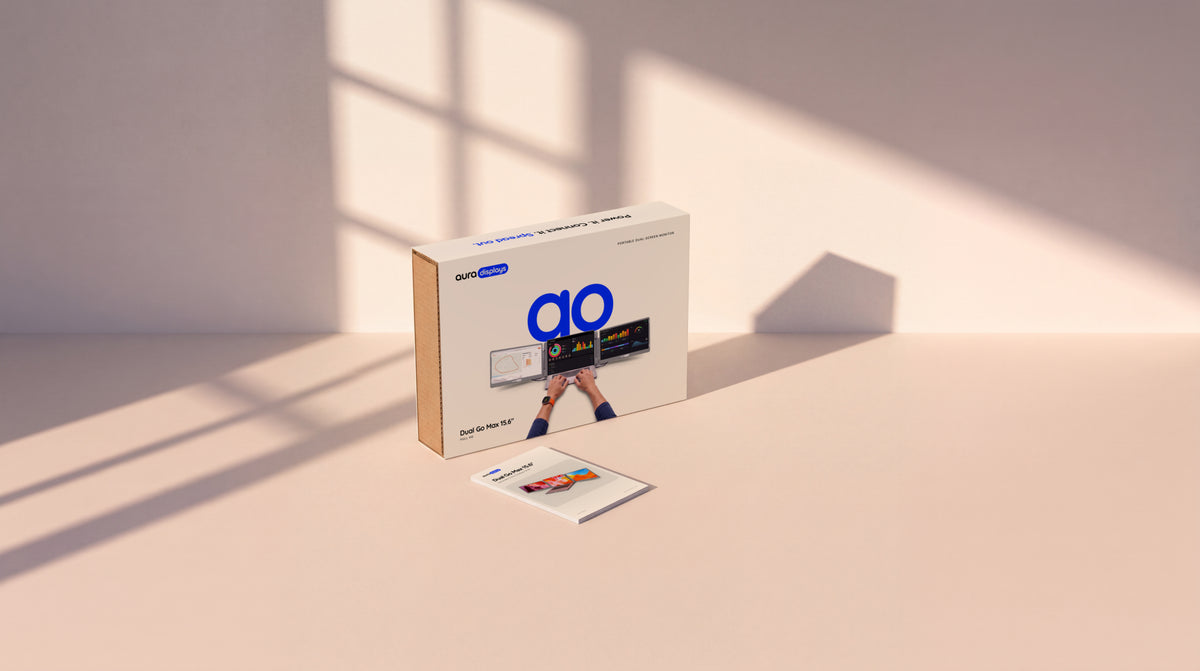
- 1x Dual Go Max 15.6” (Full HD)
- 2x USB-C-auf-USB-C-Kabel, Video & Strom (60 cm)
- 1x USB-C-Kabel mit USB-A-Adapter, Strom (90 cm)
- 1x Mini-HDMI-auf-HDMI-Kabel (90 cm)
- 1x Bedienungsanleitung
Treiber & Bedienungsanleitung
Treiber & Bedienungsanleitung
Plug & Play. Kein Treiber nötig: Kabel einstecken, und er geht an.
Versand, Rückgabe und Garantie
Versand, Rückgabe und Garantie
Versand. Bestellungen verlassen unser Lager innerhalb von 1–3 Werktagen und kommen im Schnitt in 5 bis 8 Tagen an. Das kann je nach Lagerbestand und Zielland variieren: Die aktuelle Lieferschätzung für dieses Produkt finden Sie immer auf dieser Seite, direkt über dem Button „In den Warenkorb“. Kostenloser Versand ab 100 $. Für die USA, die EU, das Vereinigte Königreich und Australien sind Steuern und Zölle inklusive: Bei Lieferung ist nichts zu zahlen. Die angezeigte Lieferzeit ist eine Schätzung auf Basis unserer bisherigen Sendungen und des aktuellen Lagerbestands.
Wo ist meine Bestellung? Verfolgen Sie Ihre Lieferung in Echtzeit mit Bestellnummer und E-Mail-Adresse.
14 Tage kostenlose Rücksendung. Passt nicht? Senden Sie ihn innerhalb von 14 Tagen nach Lieferung kostenlos zurück oder tauschen Sie ihn um: Packen Sie ihn aus, testen Sie ihn und schicken Sie ihn vollständig in der Originalverpackung mit einem vorfrankierten Etikett zurück. Wir erstatten den Betrag, sobald der Versanddienstleister Ihr Paket scannt. Alle Bedingungen finden Sie in unserer Rückgaberichtlinie.
1 Jahr Garantie. Ist Ihr Monitor defekt, senden Sie uns ein Foto oder Video; wir reparieren oder ersetzen ihn kostenlos. Kunden in der EU profitieren zusätzlich von der 2-jährigen gesetzlichen Gewährleistung. Siehe den Garantieabschnitt unserer Rückgaberichtlinie.
Fragen vor oder nach dem Kauf? hello@aura-displays.com · +1 (213) 845-0774 · Echte Menschen, täglich 9–16 Uhr ET.
Hinweis zu unseren Bildern: 3D-Renderings dienen der Veranschaulichung und können leicht vom tatsächlichen Produkt abweichen. Alle geprüften Details finden Sie in den technischen Daten unten auf dieser Seite.

Darum werden Sie ihn lieben.


Vorher


Nachher


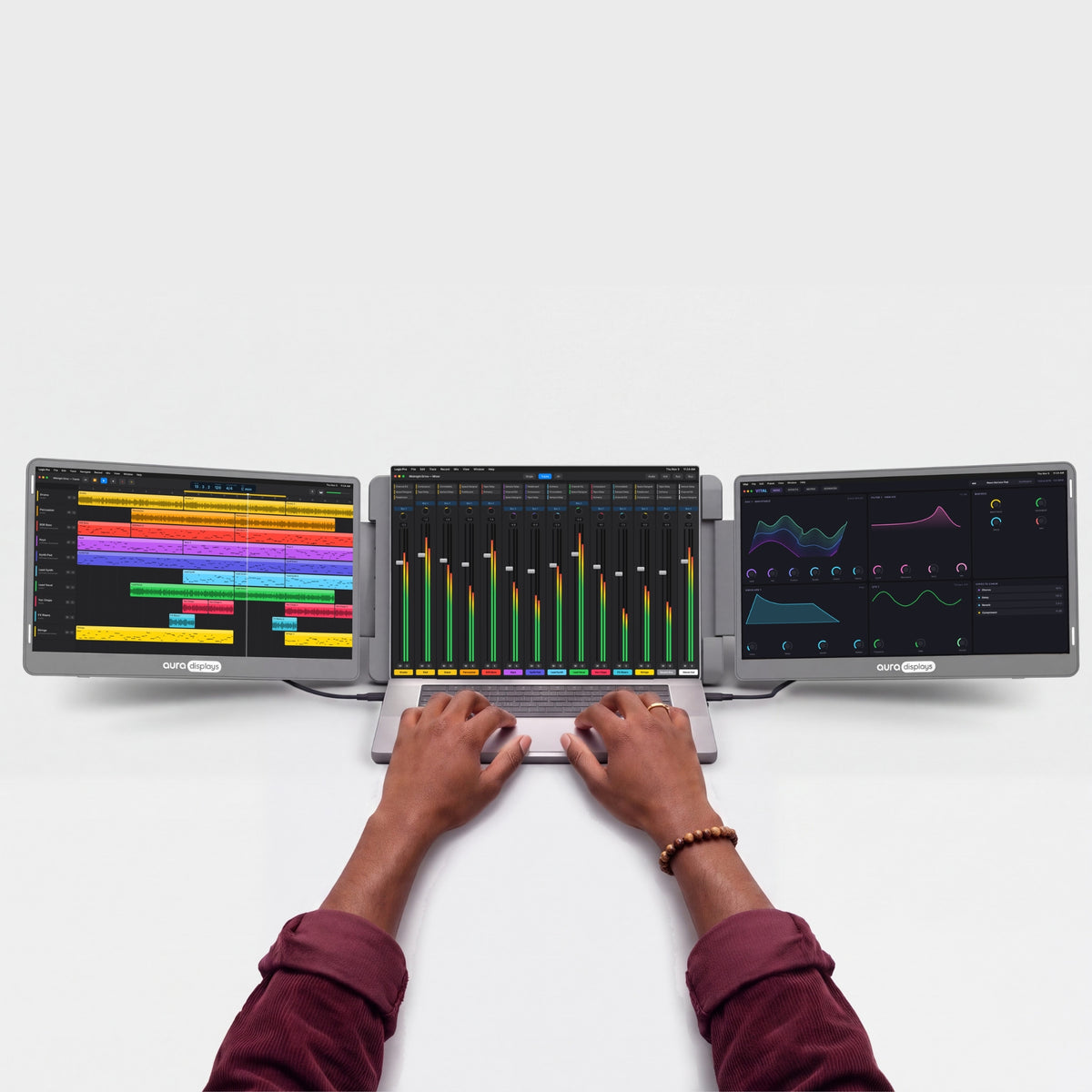
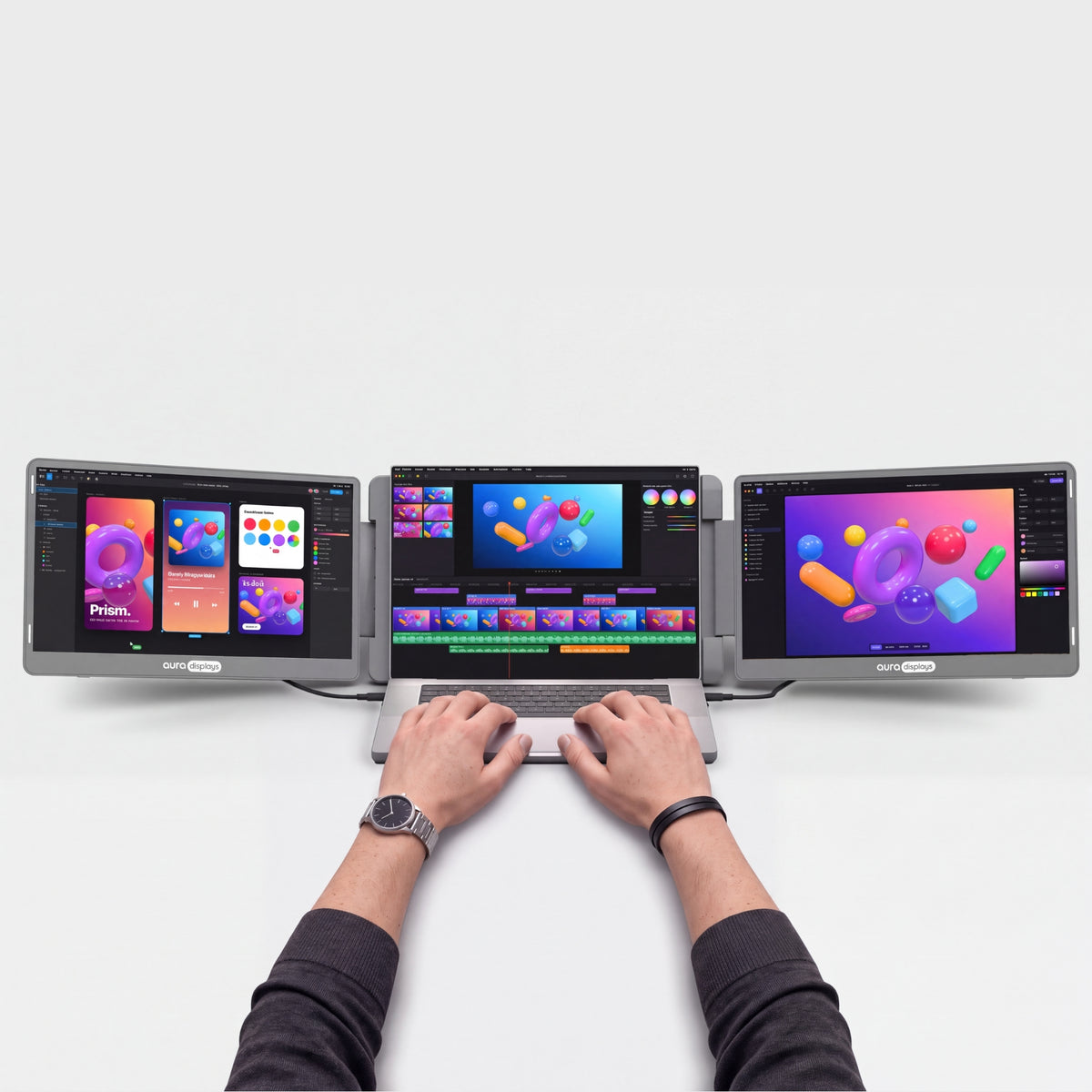
Zwei Bildschirme. Ein breiter Arbeitsplatz.
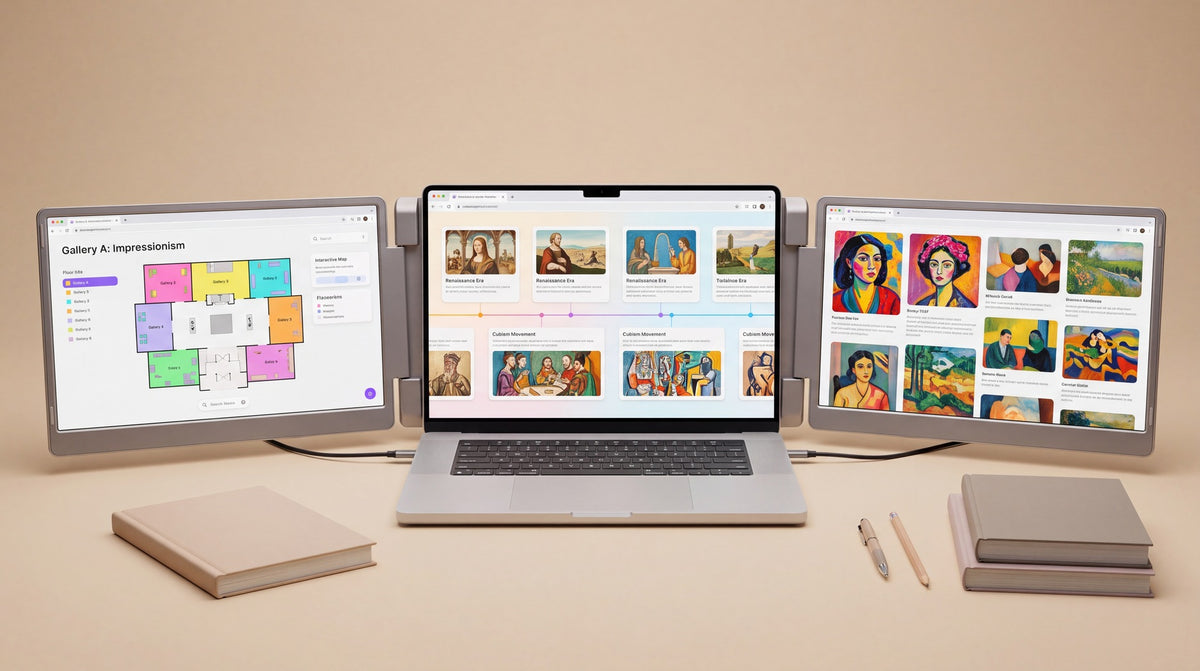
Klappen Sie den Dual Go Max 15.6" neben Ihrem Laptop auf – für einen breiten Arbeitsplatz. Zum Präsentieren drehen Sie einen Bildschirm zur Person gegenüber.


Ihr Laptop war nie dafür gedacht, allein zu arbeiten.
Zwei zusätzliche Bildschirme machen jeden Schreibtisch zu einem echten Arbeitsplatz.

Wenn der Arbeitstag endet, klappen die Bildschirme wieder ein und Ihr Tisch ist wieder ein Tisch.

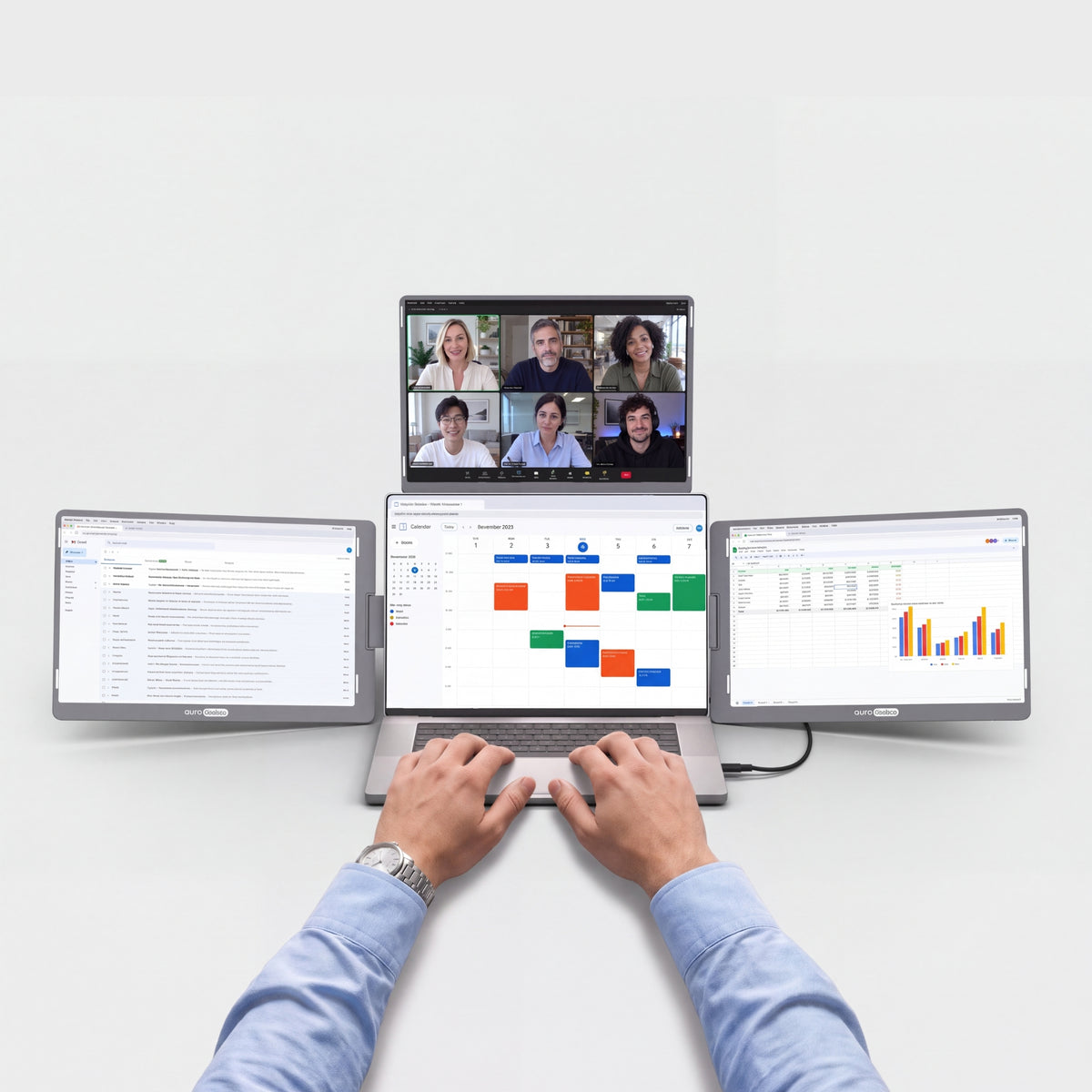
Ihre Notizen, Ihr Team-Chat und Ihr Videocall – alles gleichzeitig im Blick. Kein Wechseln zwischen Tabs mehr. Einfach ein Morgen, an dem Sie wirklich etwas schaffen.

Drehen Sie einen Bildschirm um, um der Person gegenüber Ihre Arbeit zu zeigen. Besprechen Sie ein Design oder sehen Sie sich gemeinsam Fotos an, ohne Ihren Laptop umdrehen zu müssen.
Scharf, hell und lebensecht.
Gestochen scharfe Details für jede Codezeile, jedes Foto und jede Tabelle. Präzise Farben, angenehme Helligkeit und flüssige Bewegungen – von Ihrer ersten E-Mail bis zur letzten Änderung des Tages.


Standard


Augenschutz


HDR
High Dynamic Range: hellere Lichter, tiefere Schatten und Details, die an beiden Enden erhalten bleiben.

Matte Displays
Eine nicht spiegelnde Oberfläche, die Deckenlicht streut, statt es direkt zu Ihnen zurückzuwerfen.

Wenig Blaulicht
Ein integrierter Augenschutzmodus filtert Blaulicht, damit lange Sessions angenehm bleiben.

178° Blickwinkel
Farben und Kontrast bleiben auch von der Seite präzise, sodass alle am Schreibtisch dasselbe Bild sehen.

Gemacht für die Art, wie Sie arbeiten.
Vom Homeoffice bis zum Hotelzimmer: So nutzen Menschen Aura, um mehr zu schaffen.


Funktioniert mit dem, was Sie schon haben.
MacBook with M1 to M5 chips, Pro and Max included, Windows laptops and phones.
On M1, M2 and M3 MacBooks (non-Pro), an H5T adapter (sold separately) is required.



Ihr Setup, überall, wo ein Schreibtisch ist.
Zusammenklappen, einpacken und am nächsten Schreibtisch wieder aufbauen. Zu Hause, im Büro oder im Hotelzimmer – Sie haben jedes Mal denselben Arbeitsplatz mit mehreren Bildschirmen.

1.9 kg · 4.19 lb
Leicht genug, um von Schreibtisch zu Schreibtisch mitzukommen.

10" – 17"
Abgestimmt auf die Bildschirmgröße Ihres Laptops.

Standard laptop backpack
Flach zusammengeklappt für unterwegs.

Verbundmaterial
Metallscharniere, gebaut, um immer wieder aufgeklappt und zusammengeklappt zu werden.
Anschlüsse und Strom.
Was wohin gehört und was Ihr Laptop braucht, um ihn zu betreiben.

4x USB-C und 2x mini HDMI am Monitor
Am Laptop: 2 Videoausgänge (USB-C oder HDMI), einer pro Bildschirm.
Strom vom Laptop
Keine Steckdose nötig: Die Bildschirme laufen mit Strom von Ihrem Laptop.
Lädt auch Ihren Laptop
Stecken Sie Ihr Ladegerät in den Monitor: Er versorgt die Bildschirme und lädt gleichzeitig Ihren Laptop.

Kein Treiber nötig
Einstecken und loslegen. Nichts zu installieren, auch nicht auf einem Firmen-Laptop.
Gemacht für mehr.
Entdecken Sie die Funktionen, die diesen Monitor smarter und vielseitiger machen – gebaut, um die Art, wie Sie arbeiten und gestalten, auf ein neues Level zu heben.

Jeder Bildschirm ist so groß wie ein 15,6"-Laptop-Display, in Full HD 1920 × 1080: Platz für Fenster in voller Größe nebeneinander.

Die Bildschirme klappen nach innen zusammen und bleiben so in Ihrer Tasche geschützt.

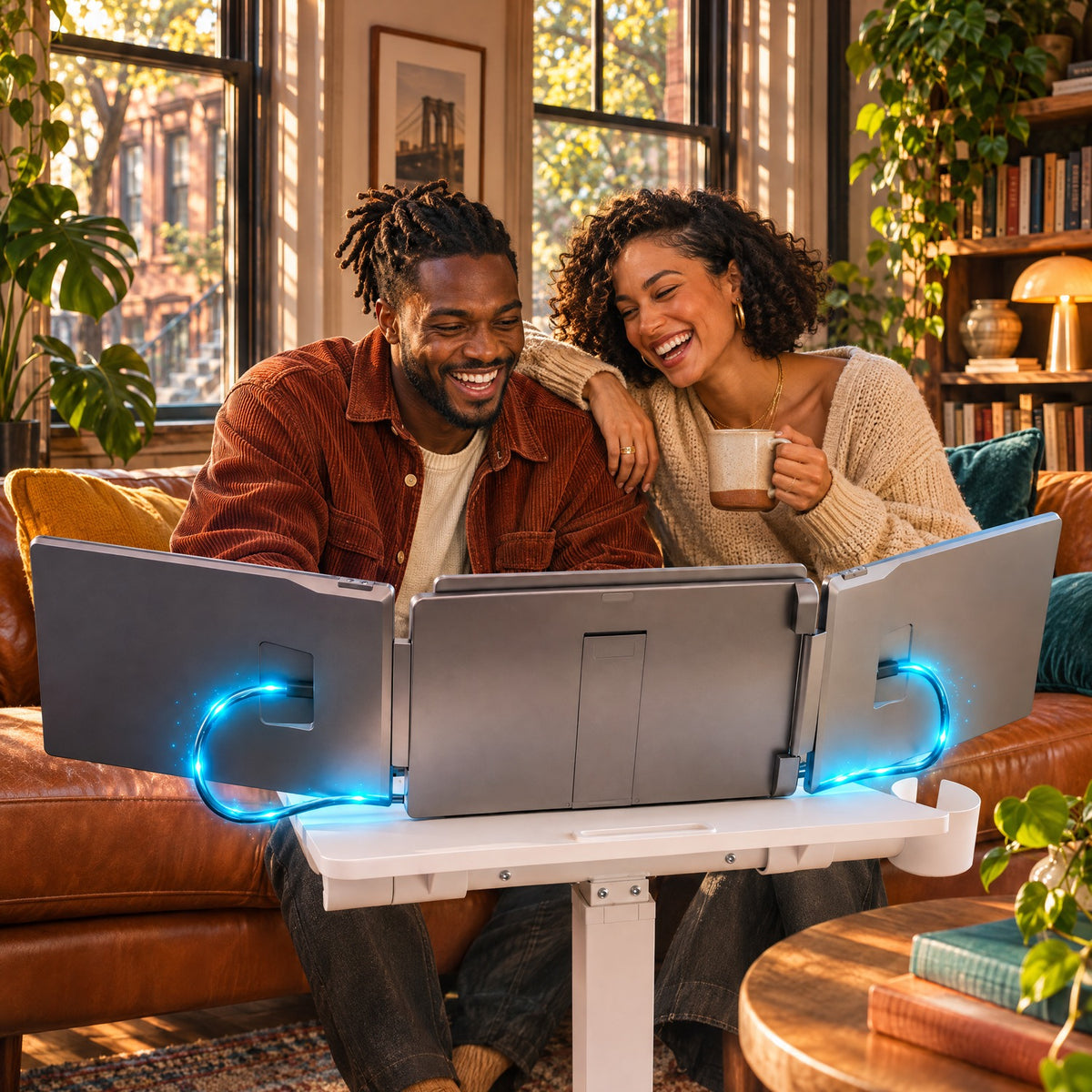
Der Ständer ist integriert: Stellen Sie ihn neben Ihren Laptop und passen Sie den Winkel an. Nichts zu montieren, nichts zusätzlich mitzunehmen.

Ziehen Sie jedes Fenster von Ihrem Laptop auf jeden Bildschirm und zurück. Erweitern Sie Ihren Desktop über alle drei Bildschirme oder spiegeln Sie einen Bildschirm, um dasselbe doppelt zu zeigen.

Jeder Bildschirm wird mit einem eigenen Kabel angeschlossen: Video-USB-C oder Mini-HDMI mit dem mitgelieferten USB-Stromkabel. Nutzen Sie zwei USB-C-Anschlüsse oder einen USB-C- und einen HDMI-Anschluss.

Kein Treiber zu installieren: Kabel einstecken, und beide Bildschirme gehen an – auch auf einem Firmen-Laptop. Bei einem MacBook mit Basis-Chip M1, M2 oder M3 braucht der zweite Bildschirm den H5T-Adapter (separat erhältlich).

Schließen Sie ein iPhone oder Android-Smartphone mit Video-USB-C-Anschluss an, um es auf einem Bildschirm zu spiegeln.

Neigen Sie die Bildschirme, bis sie für Sie genau richtig stehen.

Stecken Sie Ihr Laptop-Ladegerät in den Monitor: Er versorgt die Bildschirme und lädt gleichzeitig Ihren Laptop.

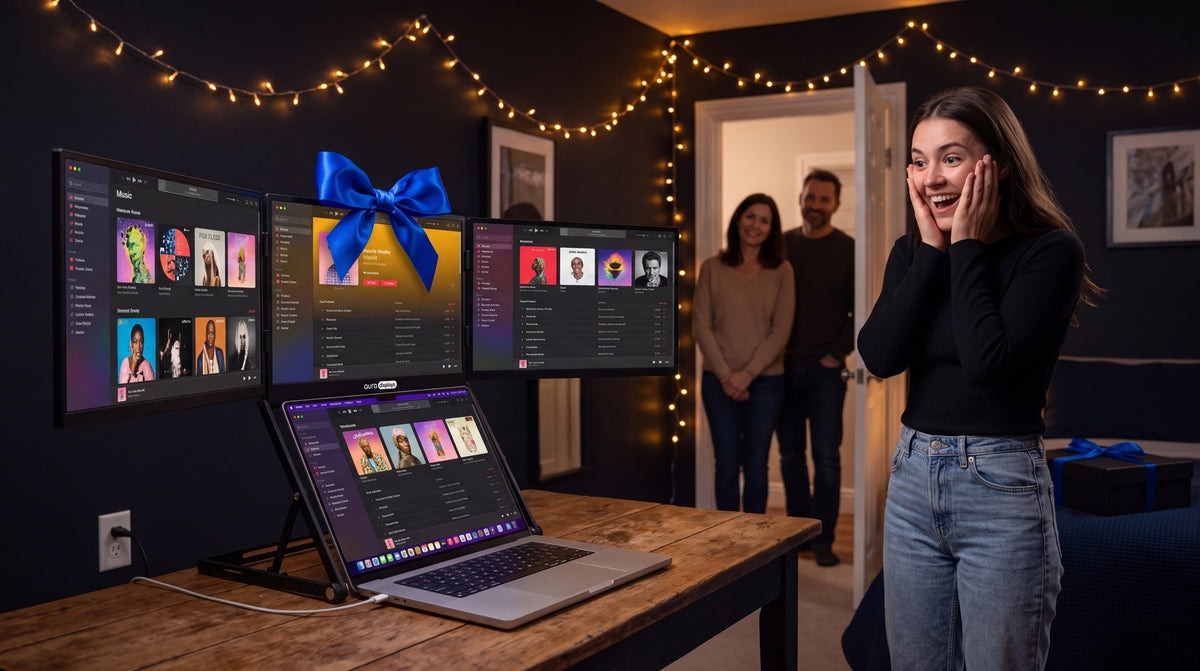


Die Go Series. Gemacht zum Mitnehmen.
Die Go Series ist unsere leichtere Multi-Screen-Reihe – weniger Gewicht an Tagen, an denen Sie woanders arbeiten. Jeder Bildschirm dreht sich um volle 180°, sodass Sie ihn Ihrem Gegenüber zuwenden können, ohne den Laptop zu bewegen.






Produktivitätsrechner
Sehen Sie, was Ihnen mehr Bildfläche zurückgibt.
Weniger Fenster jonglieren. Mehr Zeit für die eigentliche Arbeit. Passen Sie die Zahlen an Ihre Woche an.
Zwischen Dokumenten kopieren, vergleichen, ein Call neben Ihren Notizen, Code neben der Vorschau.
Nur Schätzungen. Die Zugewinne aus veröffentlichten Studien werden auf den Anteil Ihrer Zeit angewendet, in dem Sie mit mehreren Fenstern arbeiten, und vorsichtig in eingesparte Zeit umgerechnet (eine Aufgabe, die 18 % effizienter erledigt wird, dauert etwa 15 % weniger lang). Ihre Ergebnisse hängen von Ihrer Arbeit ab.
Quellen: Wichita State University SURL / IDC für Dell (2015); Fraunhofer IAO OFFICE 21 für Fujitsu Siemens; Jon Peddie Research Multi-Monitor Study (2017, Selbstauskunft); University of Utah für NEC (2008); Microsoft Research, Czerwinski et al. (2003); Harvard Business Review (2022).


Passt er zu Ihnen?
Passt der Dual Go Max 15.6” zu Ihnen?
Ideal für Sie, wenn
- Sie überall arbeiten möchten, auch ohne Steckdose
- Sie Plug & Play möchten, ohne etwas zu installieren
- Ihr Laptop zwischen 10" und 17" groß ist
- Sie zwei zusätzliche Bildschirme ohne sperriges Setup möchten
Wählen Sie ein anderes Modell, wenn
- Sie hauptsächlich auf der Konsole spielen — Modelle vergleichen
Display
Connectivity & power
Size & weight
Design & features
Warranty & certifications
Your laptop
Operating systems
Other devices
- 1×Dual Go Max 15.6” (Full HD)
- 2×USB-C-auf-USB-C-Kabel, Video & Strom (60 cm)
- 1×USB-C-Kabel mit USB-A-Adapter, Strom (90 cm)
- 1×Mini-HDMI-auf-HDMI-Kabel (90 cm)
- 1×Bedienungsanleitung
Plug & Play
How to connect
Zwei Kabel, eines pro Bildschirm: 2× Video-USB-C oder 1× Video-USB-C + 1× HDMI oder 2× HDMI. Keine Laptops nur mit USB-A.
- Plug & Play, no driverPlug it in and it works. No install, no admin rights.
- No power outlet neededRuns from your laptop’s USB-C port. No adapter to carry.
- Fits laptops 10"–17"Works with Windows, macOS, Android and iOS.Check compatibility in 30 s →
- Weighs 4.19 lb (1.9 kg)Folded: 15.31 × 9.21 × 1.56 in (389 × 234 × 39.6 mm). Fits in a standard laptop backpack.See lighter models →
I work from 3 screens in the office & struggled when wfh with just my laptop screen. Decided to treat myself to this & it's a game changer. So easy to set up & stores away easily. I got free screen protectors with mine but not fitted them yet. You can adjust each screens brightness, colour etc to suit your preference. It was a bit pricey but waiting for a sale & treated myself cause I'm worth it

Hi there!
Thank you so much for taking the time to leave a review for the Dual Go Max 15.6” (Full HD). We're thrilled to hear that it has made working from home easier for you. It's great to know that the screen protectors were an added bonus for you. We hope you continue to enjoy the adjustable features and convenience of our product. Thanks for treating yourself - you definitely deserve it! Have a great day. :)
I like it. Thank you from Saudi Arabia ❤️

Thank you for your positive feedback! We are happy to hear that you are enjoying our Dual Go Max 15.6” (Full HD) product. We appreciate your support from Saudi Arabia ❤️ Have a great day!
It is really useful in the day to day work to have extended displays. I have been using it for a couple of weeks and the quality is good.

Hi Alfredo! Thank you so much for taking the time to leave such a positive review for our Dual Go Max 15.6” (Full HD) product. We're thrilled to hear that it's been a useful addition to your day-to-day work and that you've been enjoying the quality. We appreciate your feedback and hope it continues to serve you well. Thanks for choosing our product!
Really handy for traveling! I used it on a business trip, and it was a lifesaver for organizing my presentations. Setup was easy, and it fit nicely in my laptop bag.

Hi Nguyen! Thank you so much for taking the time to leave a review for our Dual Go Max 15.6” (Full HD). We are thrilled to hear that it was a handy and lifesaving tool for your business trip. We designed it with easy setup and portability in mind, so we're glad to hear it fit nicely in your laptop bag. Thanks again for the positive feedback, we truly appreciate it! Safe travels.
The online process was smooth and easy to follow, and I appreciated the transparency of information on product availability and delivery times.
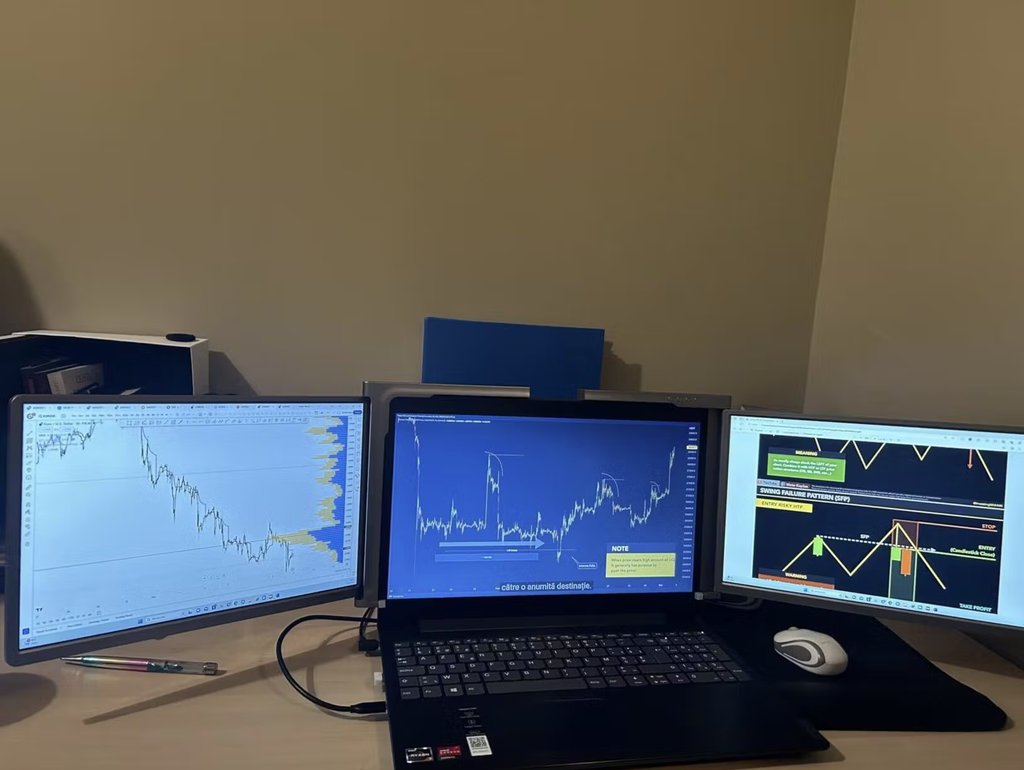
Thank you for your kind review! We're glad to hear that you had a smooth experience with our online process and that you appreciated the transparency of information. We hope you continue to enjoy our Dual Go Max 15.6” (Full HD) product. Thanks for choosing us!
Excellent product. A little difficult at first setup to find the correct outputs on my Elitebook laptop but once everything plugged in correctly all works well and is a huge improvement in productivity over a single small laptop screen.
Thank you for your positive review of our Dual Go Max 15.6” (Full HD) product! We're happy to hear that you were able to overcome any initial difficulties and that the setup is now working well for you. We appreciate your feedback and are glad to hear that the product has improved your productivity. Happy dual screening!
انا لا ارغب في احباطكم اولا ارى جودة تصنيع وتغليف المنتج جيدة لكن شرح طريقة ربطه غير واضحة بالمرة وحاولت ربط الشاشات باللاب توب لم استطع الا ربط شاشة واحدة ولعل المشكلة لدي انا او من لاب توبي linovo i7
Super convenient
Hi Sheryl! Thank you for leaving a review for our Dual Go Max 15.6” (Full HD). We're thrilled to hear that you find it super convenient. That's exactly what we strive for with our products. Let us know if you ever need any assistance. Happy gaming!
Very Cool and as advertised. I wish it could work on my 17" laptops!
Hi Lisa! We're glad to hear that you're enjoying the Dual Go Max 15.6” (Full HD). We strive to deliver high quality products that live up to their advertised features. We appreciate your feedback and will definitely consider expanding compatibility for 17' laptops in the future. Thank you for choosing our product!
The communication was slow to begin with but once I got in touch with the correct people the process went faster. A little challenging figuring out how to power the monitors but figured that out eventually.
Hi there! Thank you for taking the time to leave a review for our Dual Go Max 15.6” (Full HD) product. We apologize for any delay in communication and are glad to hear that you were able to get in touch with the right people to speed up the process. We are very sorry for the delay but we were in a particular moment due to the strong increase of sales in the month of May. We understand that powering the monitors can be challenging, but we're happy to hear that you were able to figure it out eventually. Please don't hesitate to reach out to us if you need any further assistance. Thank you for choosing our product!
My son uses it for schoolwork, and I use it for work. We fight over it. Probably buying a second one.
Compact and reliable, just what I needed for my small home office setup.
Fantastic tool. Took it on a 2-week business trip and used it in hotel lobbies, cafés, and coworking spaces. It folds neatly and connects with one cable — no stress. Would 100% recommend for remote workers or anyone who switches desks a lot.
I do a lot of photo editing and retouching, and having a second screen to keep my toolbars and extra panels makes a huge difference. I didn’t realize how much screen real estate mattered until I used this. The brightness is good, the colors are solid, and it hasn’t caused me any eye strain even after long sessions. Totally worth it.
Bought it mainly for work but ended up using it for Netflix too. Super versatile and looks great next to my Mac.
I keep my code editor on one screen and live preview on the other. Productivity doubled. Easy to carry, super reliable.
I use this monitor daily with my laptop for video editing and managing emails. It's super versatile and performs well with all my editing software. What surprised me most is how light it is despite feeling premium. The matte finish helps reduce glare, and the cable connection is stable — no screen drops or weird resets like I had with a cheaper model before.
Perfect for students. I use it in the library to keep research open while I type. 100% recommend.
Lightweight, packs flat, and performs like a full-size monitor. I was genuinely surprised at how sturdy it felt for something this thin.
So convenient for managing social media tools and emails at the same time. I used to struggle with tab overload.
Set it up in under 60 seconds and haven’t touched it since. Just works.
I use it in portrait mode for reading long research papers. Life saver.
Great for people who work in spreadsheets all day. I can now view multiple sheets without resizing every tab. Bonus: the colors look nicer than my laptop.
Great companion for mobile workers. I’ve used it on trains, cafés, and at coworking spaces.
Supports vertical mode, which I use for coding. Love that flexibility.
I’m a graphic designer and use this to view client feedback on one side while making live edits. The screen quality is surprisingly sharp and the finish feels premium.
Great color rendering and very little glare. Use it in direct light sometimes with no problem.
Best setup for meetings. I keep Google Meet on one side, my notes on the other. No more Alt+Tab struggle.
I use it to stream movies while keeping my work open on the main screen. It’s honestly the best setup for productivity and chill.
Einrichtung und Support
Die Fragen, die unser Team am häufigsten beantwortet – vom ersten Einstecken bis zu dem
Tag, an dem etwas nicht stimmt. Ist Ihre nicht dabei, schreiben Sie uns: Ein echter
Mensch antwortet.
Nur einige Bildschirme funktionieren oder ein Bildschirm bleibt schwarz
Nur einige Bildschirme funktionieren oder ein Bildschirm bleibt schwarz
Jeder Bildschirm des Dual Go braucht eine eigene Videoverbindung zu Ihrem Laptop.
- Prüfen Sie, ob beide Bildschirme angeschlossen sind: ein Video-USB-C-Kabel oder ein HDMI-Kabel pro Bildschirm.
- Nutzen Sie einen USB-C-Anschluss Ihres Laptops, der Video unterstützt, oder einen HDMI-Anschluss – bei der ersten Einrichtung ohne Hub oder Dock.
- MacBook mit Basis-Chip M1, M2 oder M3 (nicht Pro oder Max)? Es steuert nur einen externen Bildschirm an: Der zweite Bildschirm braucht den H5T-Adapter (separat erhältlich).
- Prüfen Sie, ob der dunkle Bildschirm als erweiterter Bildschirm eingestellt ist (siehe die Frage zur Bildschirmreihenfolge).
Bleibt ein Bildschirm weiterhin dunkel? Kontaktieren Sie uns – das ist durch die Garantie abgedeckt.
Alle Bildschirme bleiben schwarz / nichts schaltet sich ein
Alle Bildschirme bleiben schwarz / nichts schaltet sich ein
- Schließen Sie den Monitor direkt an Ihren Laptop an – ohne Hub oder Dock.
- Nutzen Sie einen USB-C-Anschluss mit Videoausgabe (alle MacBooks, die meisten aktuellen Windows-Laptops): Ein USB-C-Anschluss nur für Daten oder zum Laden zeigt kein Bild.
- Stecken Sie bei HDMI zusätzlich das mitgelieferte USB-Stromkabel in den Bildschirm und in einen USB-Anschluss oder ein Ladegerät.
- Kann Ihr Laptop über USB-C nicht genug Strom liefern, schließen Sie ein USB-C-Ladegerät mit 15 W oder mehr an den Monitor an.
Immer noch nichts? Kontaktieren Sie uns mit einem kurzen Video Ihres Setups – Herstellungsfehler sind 1 Jahr lang abgedeckt.
Wie schließe ich ihn an meinen Laptop an?
Wie schließe ich ihn an meinen Laptop an?
Jeder Bildschirm hat seine eigene Verbindung. Hat Ihr Laptop zwei USB-C-Anschlüsse mit Video, verwenden Sie die beiden mitgelieferten USB-C-auf-USB-C-Kabel, eines pro Bildschirm: Bild und Strom laufen über jedes Kabel. Sie können auch einen Bildschirm über HDMI mit dem mitgelieferten Mini-HDMI-auf-HDMI-Kabel und dem USB-Stromkabel anschließen und den anderen über USB-C.
Laptops nur mit USB-A-Anschlüssen funktionieren nicht. Vermeiden Sie bei der ersten Einrichtung Hubs und Docks.
Brauche ich einen Treiber?
Brauche ich einen Treiber?
Nein. Beide Bildschirme sind Plug & Play unter Mac, Windows und Linux (Ubuntu): Kabel einstecken, und sie gehen an. Die einzige Ausnahme ist ein MacBook mit Basis-Chip M1, M2 oder M3: Der H5T-Adapter, den es für den zweiten Bildschirm braucht (separat erhältlich), nutzt die kostenlose Silicon Motion-App.
Funktioniert er mit meinem MacBook, auch mit einem Basis-M1, -M2 oder -M3?
Funktioniert er mit meinem MacBook, auch mit einem Basis-M1, -M2 oder -M3?
Ja. Mit einem M1-, M2- oder M3-Pro- oder -Max-Chip oder mit jedem MacBook mit M4 oder M5 funktionieren beide Bildschirme ohne Treiber. Ein MacBook mit Basis-Chip M1, M2 oder M3 steuert nur einen externen Bildschirm an, daher funktioniert nur ein Bildschirm – es sei denn, Sie ergänzen den H5T-Adapter (separat erhältlich), der die kostenlose Silicon Motion-App nutzt. Sie benötigen macOS 11 Big Sur oder neuer.
Auf meinem Firmen-Laptop darf ich keine Software installieren
Auf meinem Firmen-Laptop darf ich keine Software installieren
Kein Problem: Der Dual Go braucht keinen Treiber und funktioniert daher auf verwalteten Firmen-Laptops. Einfach einstecken. Nur der H5T-Adapter für MacBooks mit Basis-M1, -M2 oder -M3 braucht eine App.
Ist er tragbar? Wie schwer ist er?
Ist er tragbar? Wie schwer ist er?
Ja. Er lässt sich mit den Bildschirmen nach innen zu einer Einheit zusammenklappen, wiegt rund 1,9 kg (4,19 lb) und passt in einen Standard-Laptop-Rucksack. Bewahren Sie ihn auf Reisen in einer Hülle auf: Das Gehäuse verkratzt leichter als bei unseren anderen Modellen.
Wie klappe ich ihn zusammen, ohne die Scharniere zu beschädigen?
Wie klappe ich ihn zusammen, ohne die Scharniere zu beschädigen?
Öffnen und schließen Sie die Bildschirme nacheinander und drücken Sie ein Scharnier nie über seinen Anschlag hinaus. Bewahren Sie ihn beim Transport in einer Hülle oder Tasche auf.
Wo ist meine Displayschutzfolie?
Wo ist meine Displayschutzfolie?
Bei diesem Modell ist sie nicht vorinstalliert: Ihre Displayschutzfolien aus gehärtetem Glas erhalten Sie kostenlos zu Ihrer Bestellung – bereit zum Anbringen, wann immer Sie möchten.
Mit welchen Laptopgrößen funktioniert er?
Mit welchen Laptopgrößen funktioniert er?
Laptops von 10" bis 17", einschließlich der 16"-MacBook-Pro-Modelle. Der Dual Go steht eigenständig neben Ihrem Laptop.
Meine Bildschirme sind in der falschen Reihenfolge oder einer wirkt unscharf / kleiner
Meine Bildschirme sind in der falschen Reihenfolge oder einer wirkt unscharf / kleiner
- Mac: Systemeinstellungen › Displays › Anordnen. Windows: Einstellungen › System › Anzeige.
- Ziehen Sie die Bildschirme so, dass sie ihrer tatsächlichen Position entsprechen.
- Stellen Sie jeden Bildschirm des Dual Go auf seine native Auflösung (1920 × 1080) und dieselbe Skalierung ein.
Kann ich Netflix oder andere Streamingdienste ansehen?
Kann ich Netflix oder andere Streamingdienste ansehen?
Er wird als normaler externer Bildschirm über USB-C oder HDMI angeschlossen, ohne Display-Treiber dazwischen. Wir haben noch nicht jeden Streamingdienst getestet: Bleibt einer schwarz, spielen Sie ihn auf Ihrem Laptop-Bildschirm ab und kontaktieren Sie uns.


