







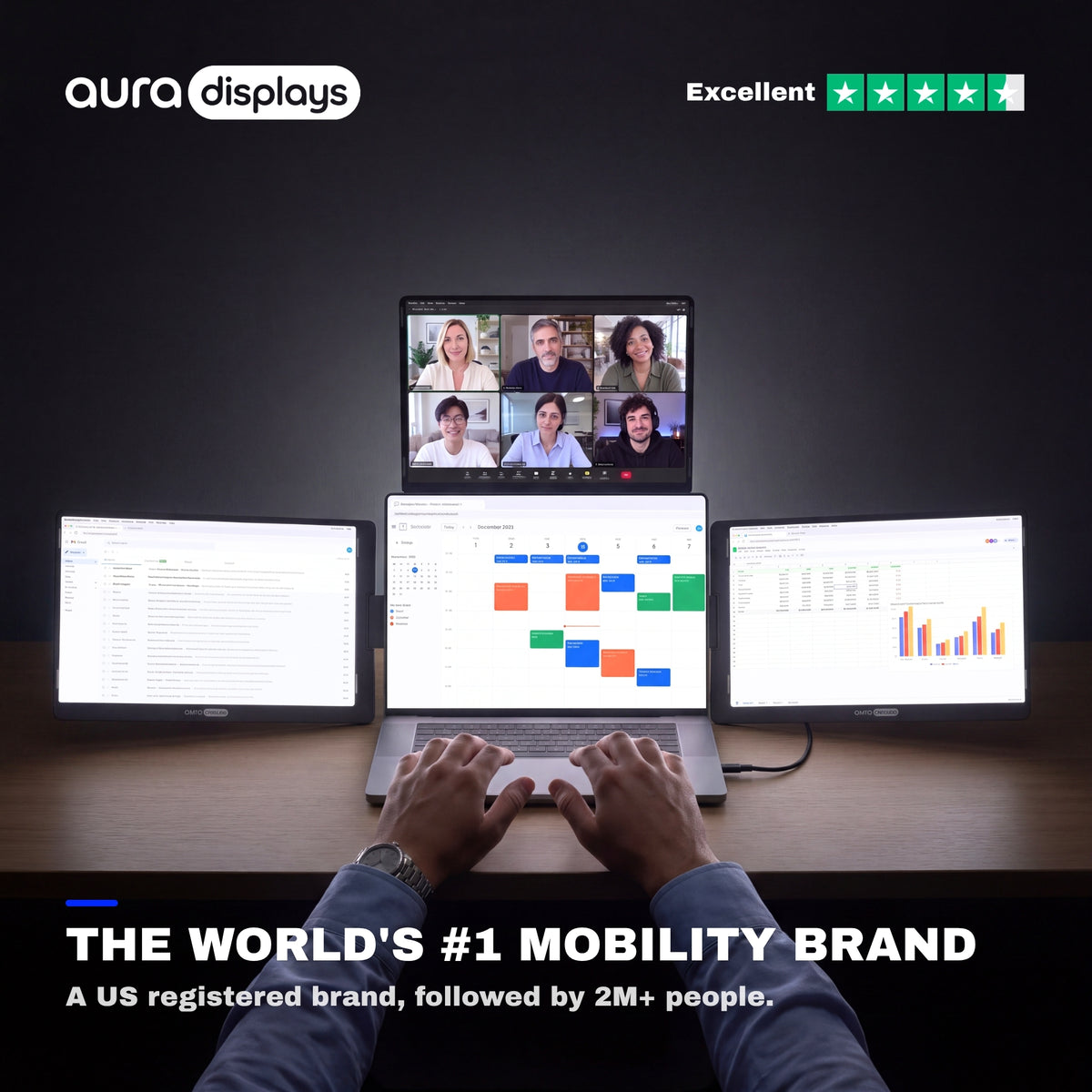


Triple Go 14" (Full HD+)
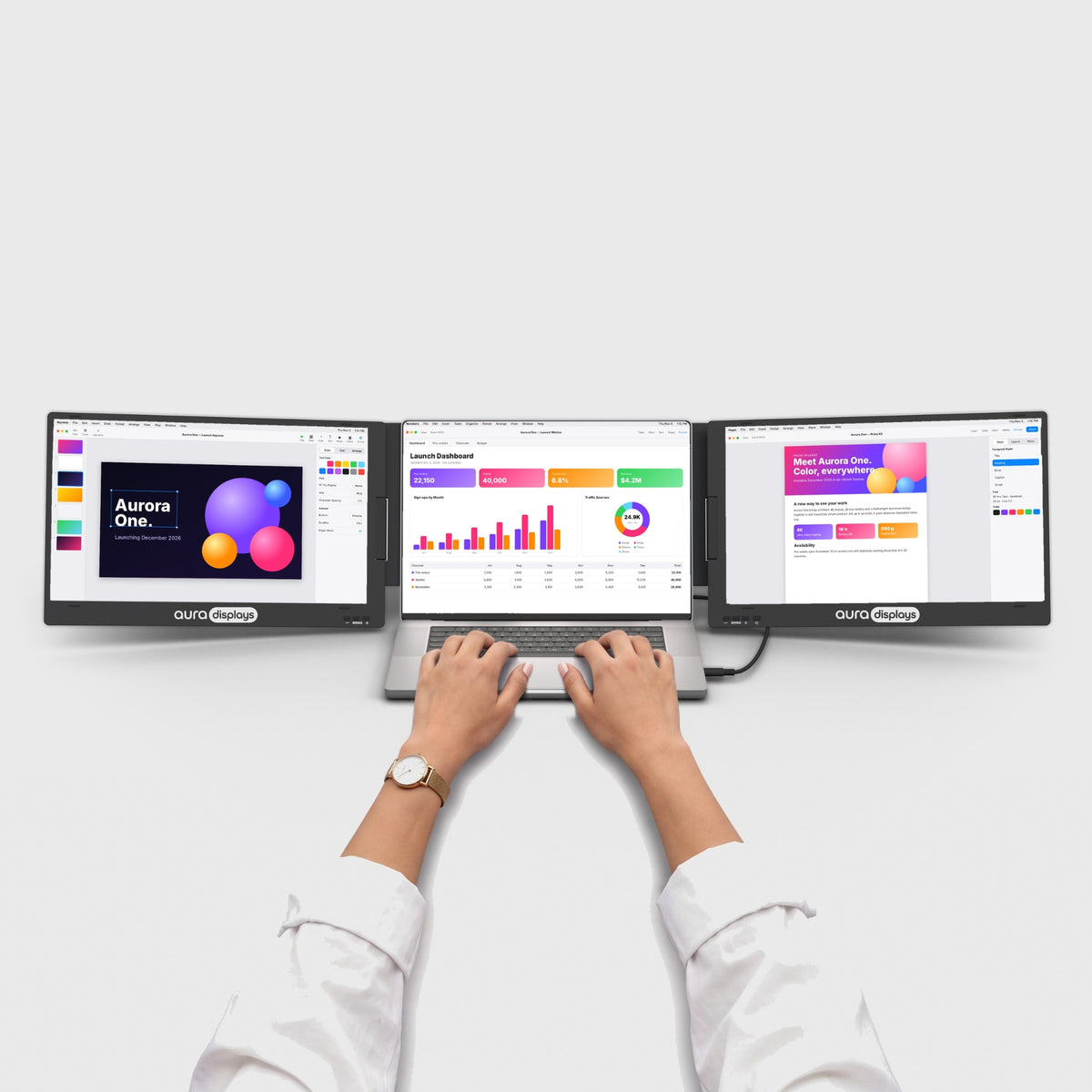
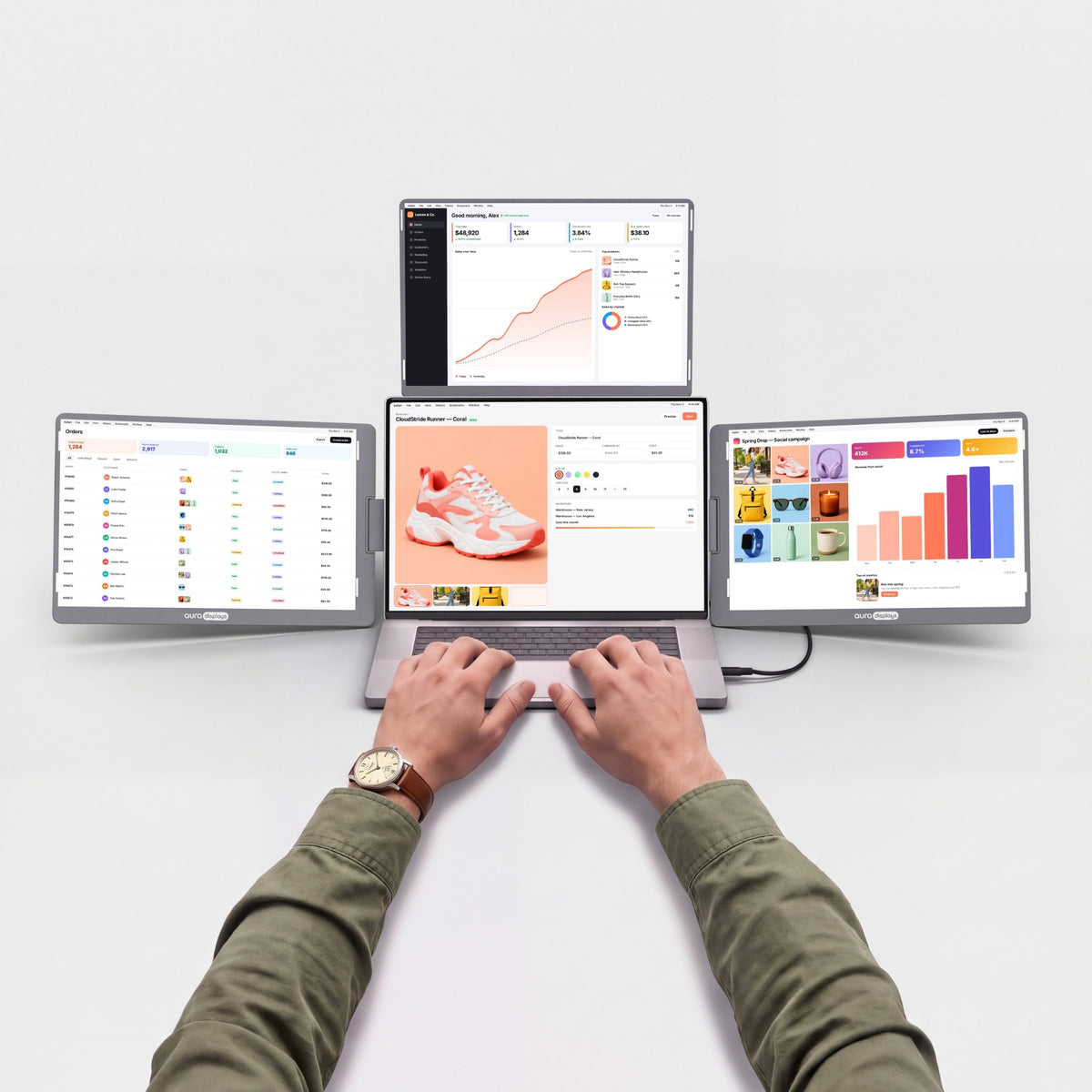
Three 14" screens above and beside your laptop.
Before you buy
- Driver install requiredNeeds admin rights. Check with IT on a work laptop.See Plug & Play models →
- Needs a power outlet30W adapter included.See models without adapter →
- Fits laptops 12"–17.3"Works with Windows and macOS.Check compatibility in 30 s →
- Weighs 4.85 lb (2.2 kg)Folded: 13.35 × 8.9 × 1.54 in (339 × 226 × 39 mm). Fits in a standard laptop backpack.See lighter models →


Included free with your order
You save €106,90-
 Tempered Glass Screen Protector4x 14" / 16:10
€0,00
€64,95 -
 Hub USB 8-in-1 87W PD
€0,00
€41,95


Added to your cart automatically with your monitor.
Choose a store
Best deal here: lower prices on our website and free 14-day returns.
Overview
Overview
Three 14" Full HD+ screens around your laptop: one on each side and one above, for a full panoramic workspace. The 16:10 panels give you more vertical room than standard screens, with a matte finish that keeps reflections down. Fits laptops from 12" to 17.3". Connects over USB-C (your laptop needs a USB-C port with video output), and the included 30W power adapter runs all three screens. Any USB-C PD wall charger or power bank of 30W or more works too. The side screens rotate 360°, so you can turn one around to show the person across from you, and the top screen flips up to 300°. Folded, the screens face inward for protection, and the whole setup fits a standard laptop backpack. One quick driver install on first use, then it's ready every time. Works with macOS and Windows.
What's in the box
What's in the box
- 1x Triple Go 14" (Full HD+)
- 2x Type-C to Type-C cable
- 2x USB-C to USB A cable
- 1x USB KEY with Software
- 1x PD power charger 30W
- 1x User Manual
Drivers & user guide
Drivers & user guide
Driver required. A small display driver runs the extra screens. Install it once, it takes about two minutes. On a company-managed laptop, your IT team may need to approve it.
Driver: RacerUSB.
Shipping, returns & warranty
Shipping, returns & warranty
Shipping. Orders leave our warehouse within 1–3 business days and arrive in 5 to 8 days on average. This can vary with stock and destination: the up-to-date delivery estimate for this product is always shown on this page, just above the Add to cart button. Free shipping on orders over $100. For the US, the EU, the UK and Australia, taxes and duties are included: nothing to pay on delivery. The delivery time shown is an estimate based on our previous shipments and current stock.
Where’s my order? Track your delivery in real time with your order number and email.
14-day free returns. Not the right fit? Return or exchange it free within 14 days of delivery: open the box, test it, and send it back complete in its original packaging with a prepaid label. We refund as soon as the carrier scans your parcel. Full conditions in our return policy.
1-year warranty. If your monitor is faulty, send us a photo or video; we repair or replace it free of charge. EU customers also benefit from the 2-year legal guarantee. See the warranty section of our return policy.
Questions before or after you buy? hello@aura-displays.com · +1 (213) 845-0774 · Real people, daily 9 am–4 pm ET.
A note on our visuals: 3D renders are for illustration and may differ slightly from the actual product. All verified details are in the tech specs at the bottom of this page.

Why you’ll love it.


Before


After


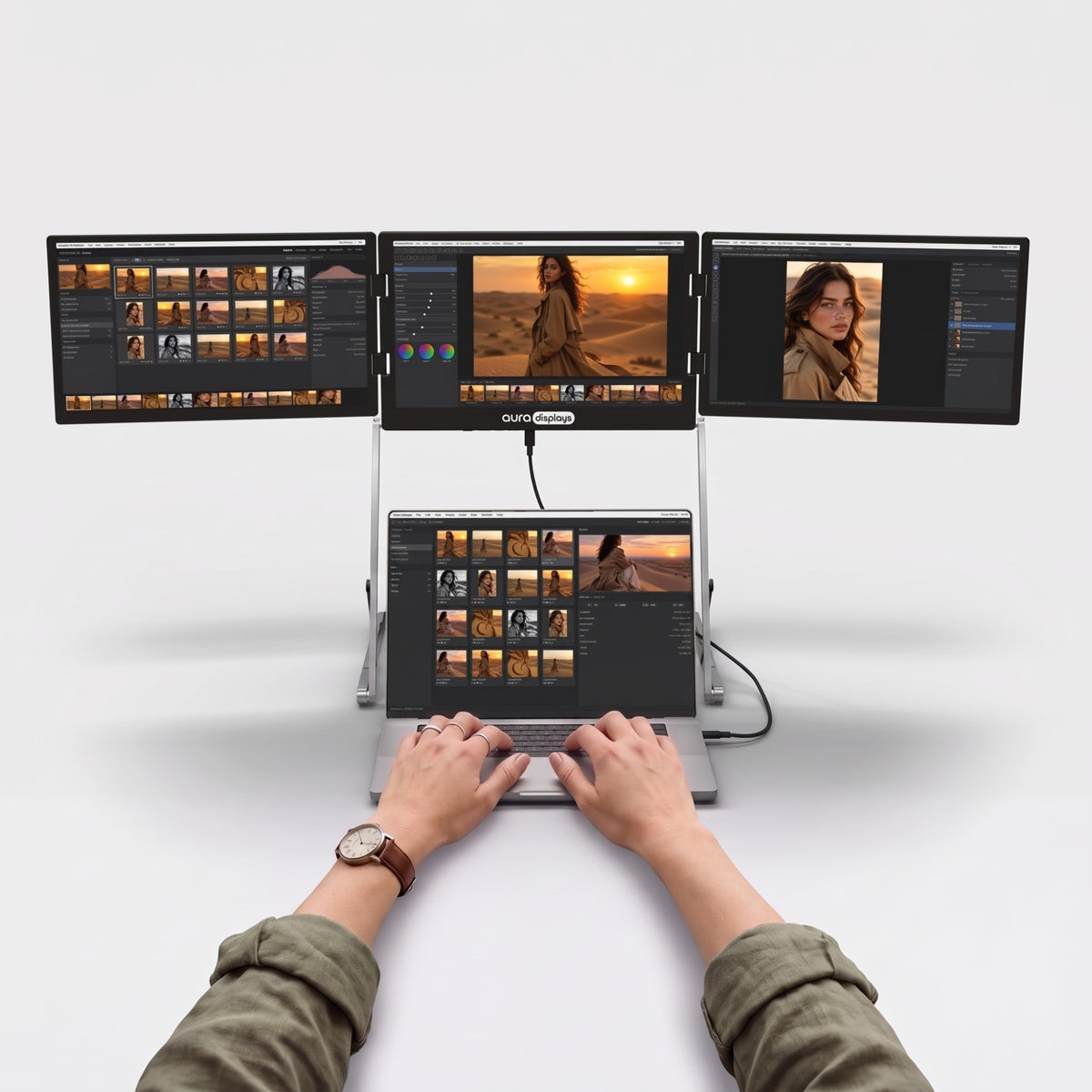
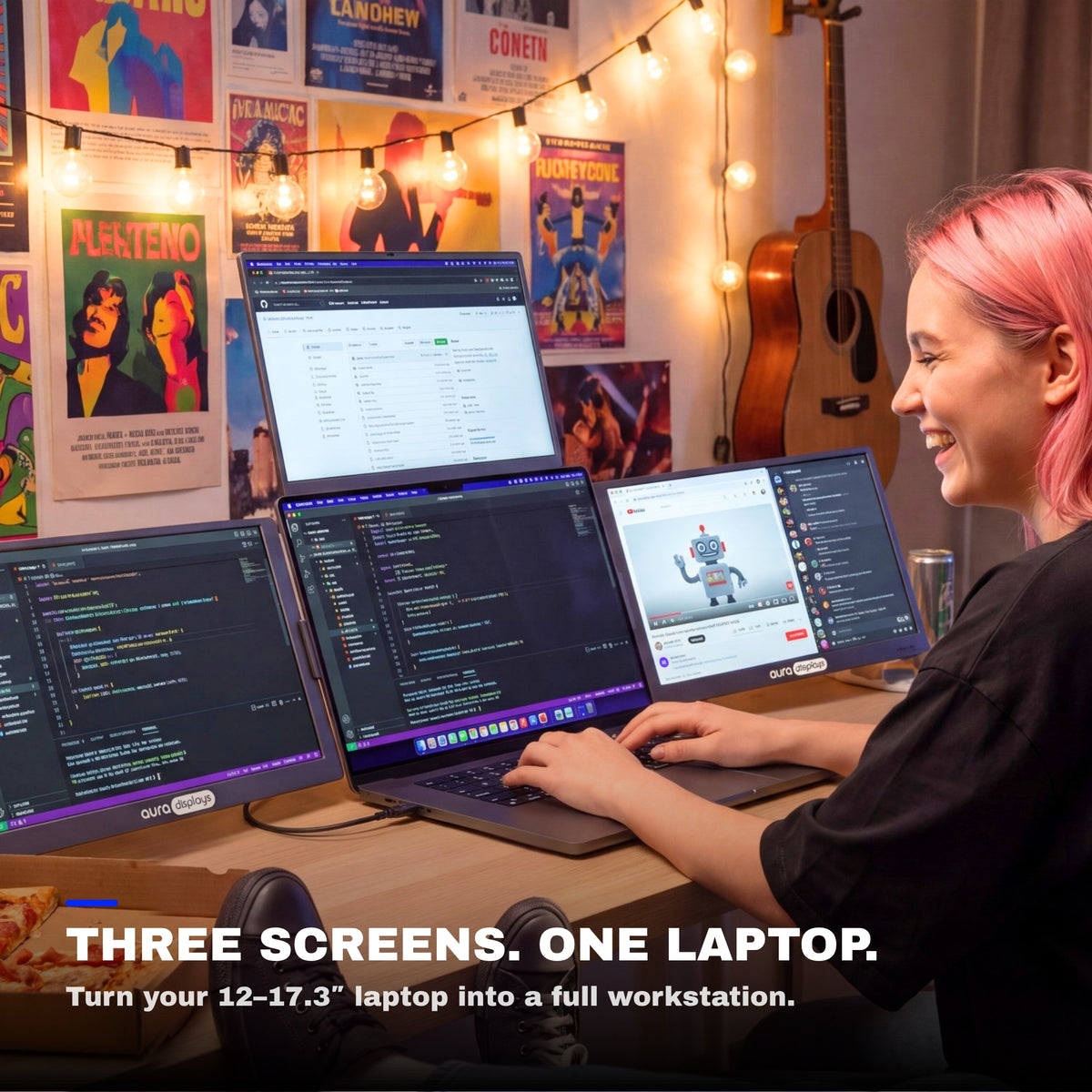
Three screens. One wide workspace.
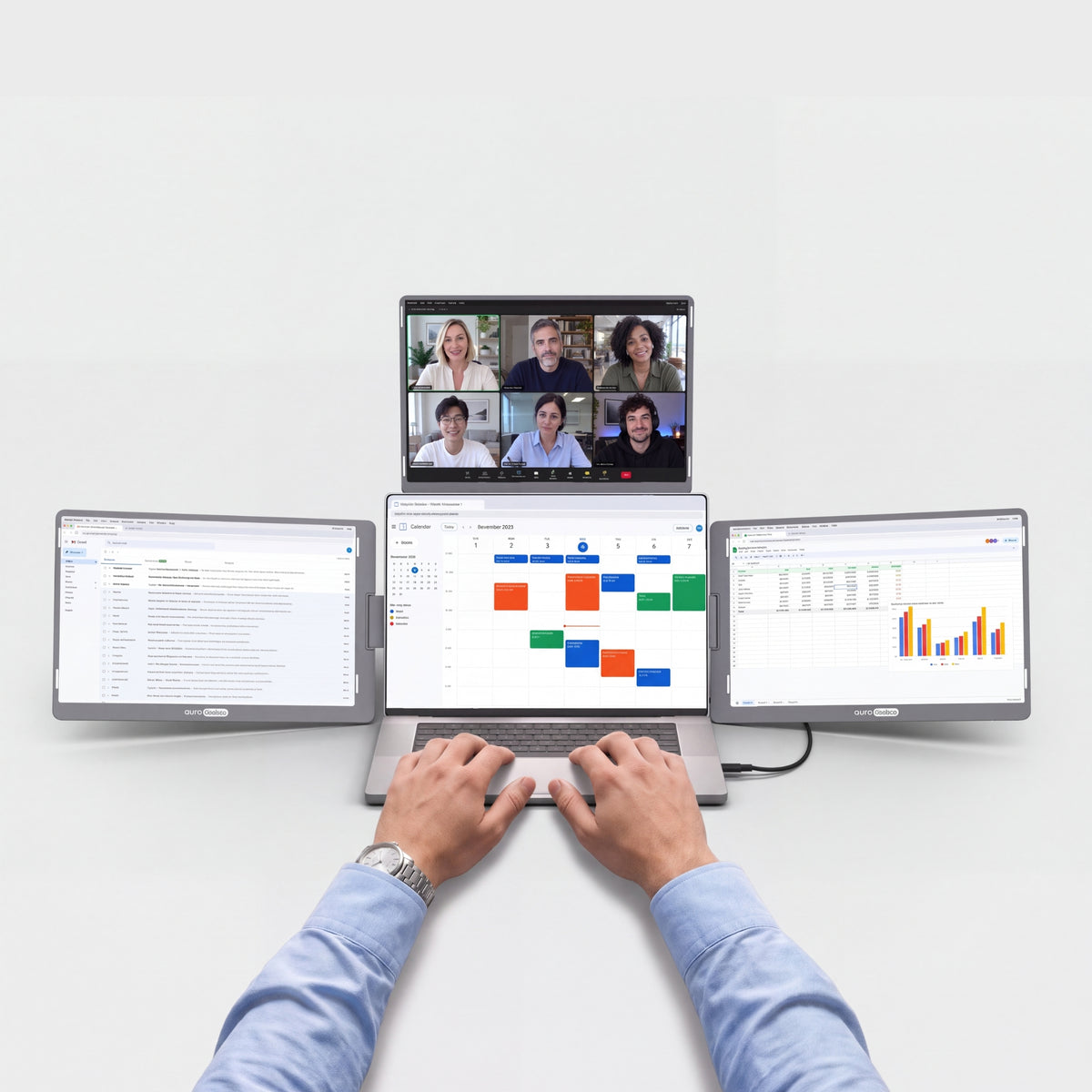
Unfold the Triple Go 14" around your laptop: one screen above, one on each side. To present, turn a side screen 180° or flip the top screen back toward the person across the table.


Your laptop was never meant to work alone.
Three more screens turn any desk into a real workspace.

When the workday ends, the screens fold back in and your table is a table again.

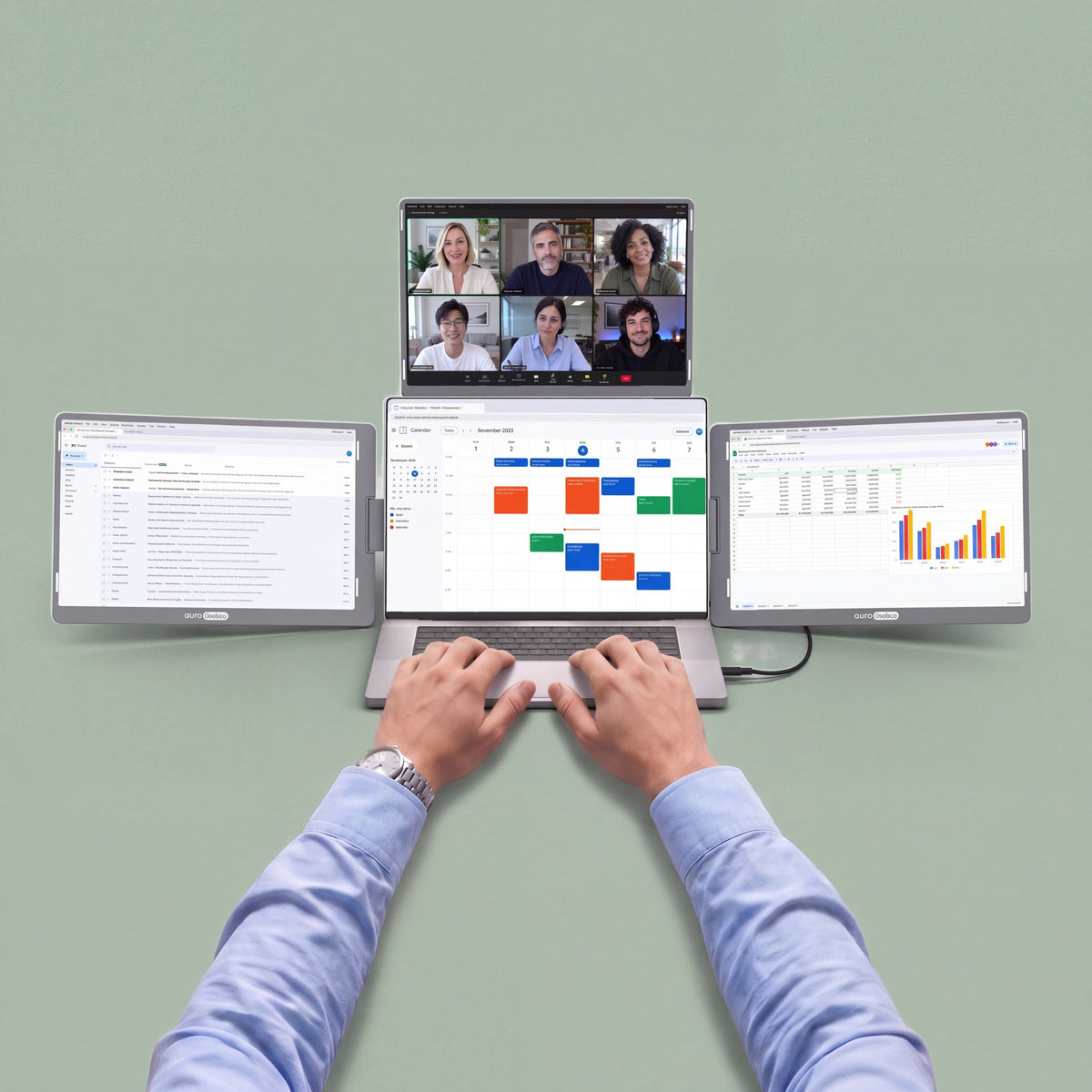
Your notes, your team chat and your video call, all in view at once. No more switching tabs. Just a morning that actually gets things done.

Turn a side screen 180° or flip the top screen back to show your work to the person across the table. Review a design or walk through photos together, with no need to turn your laptop around.
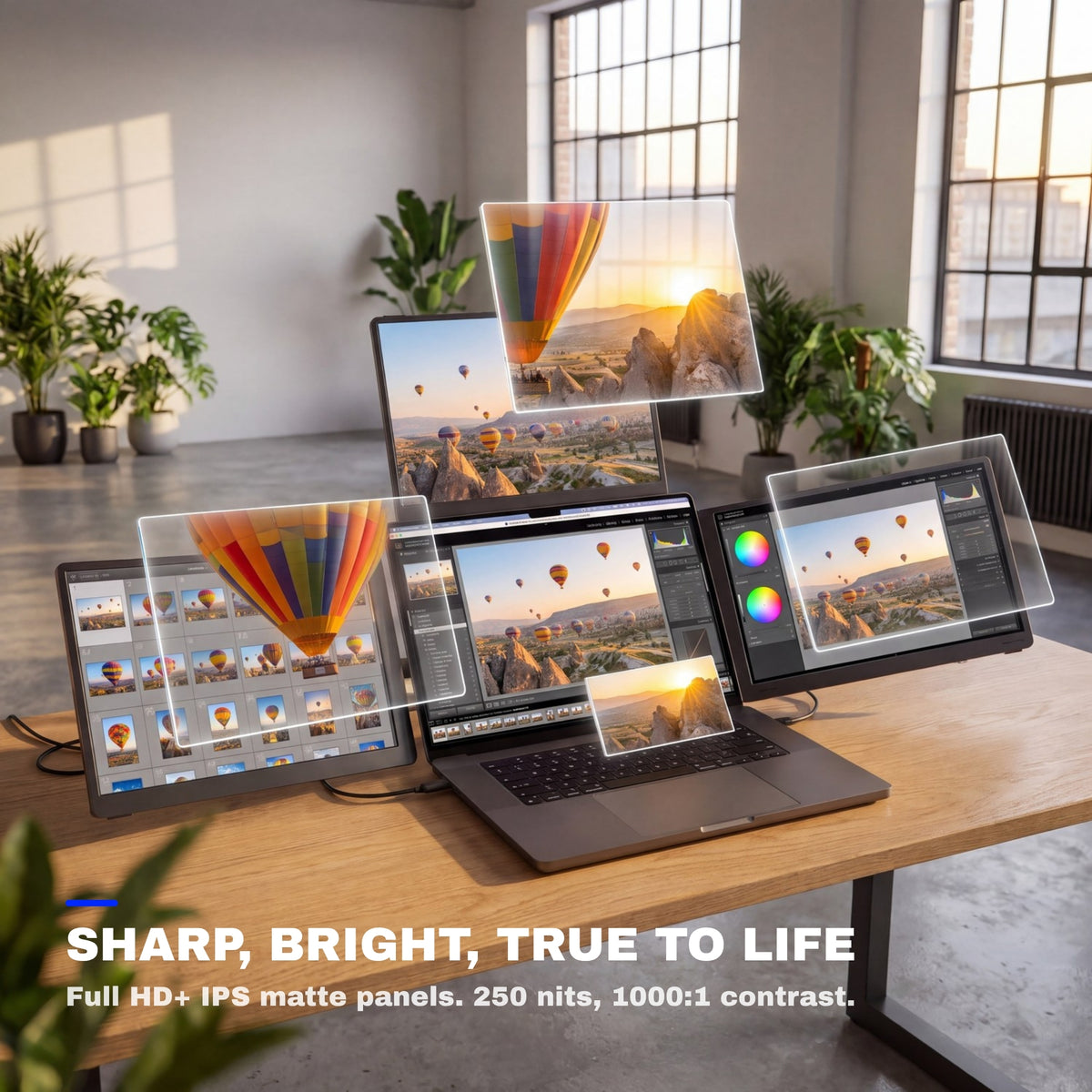
Sharp, bright, true to life.
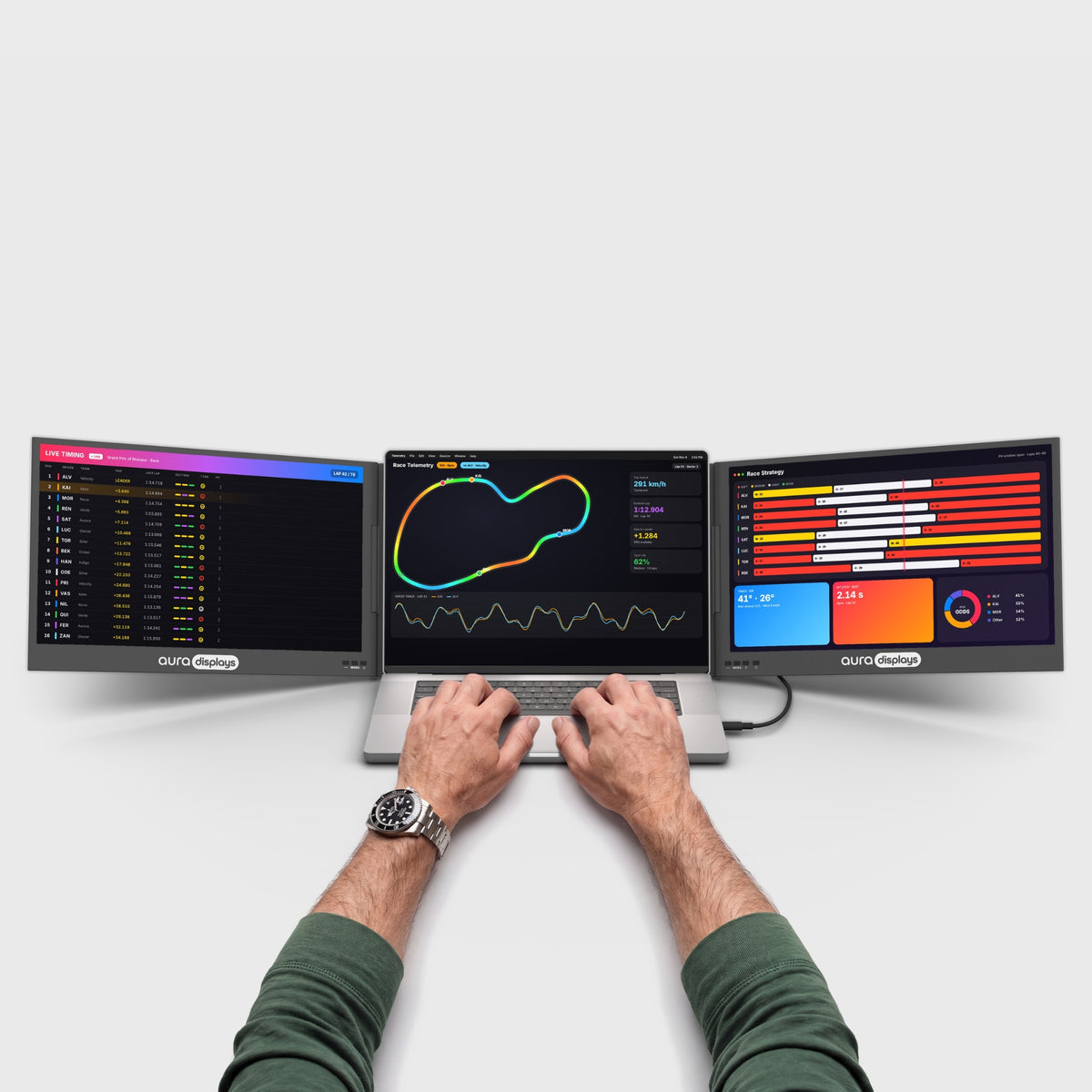
Crisp detail for every line of code, every photo and every spreadsheet. Accurate colors, comfortable brightness and smooth motion, from your first email to your last edit of the day.


Matte displays
A non-reflective surface that scatters overhead light instead of mirroring it straight back at you.

178° viewing angles
Colors and contrast stay true from the side, so everyone around the desk sees the same picture.

16:10
The standard widescreen ratio — films, calls and timelines fill the panel edge to edge, no black bars.
Built for the way you work.
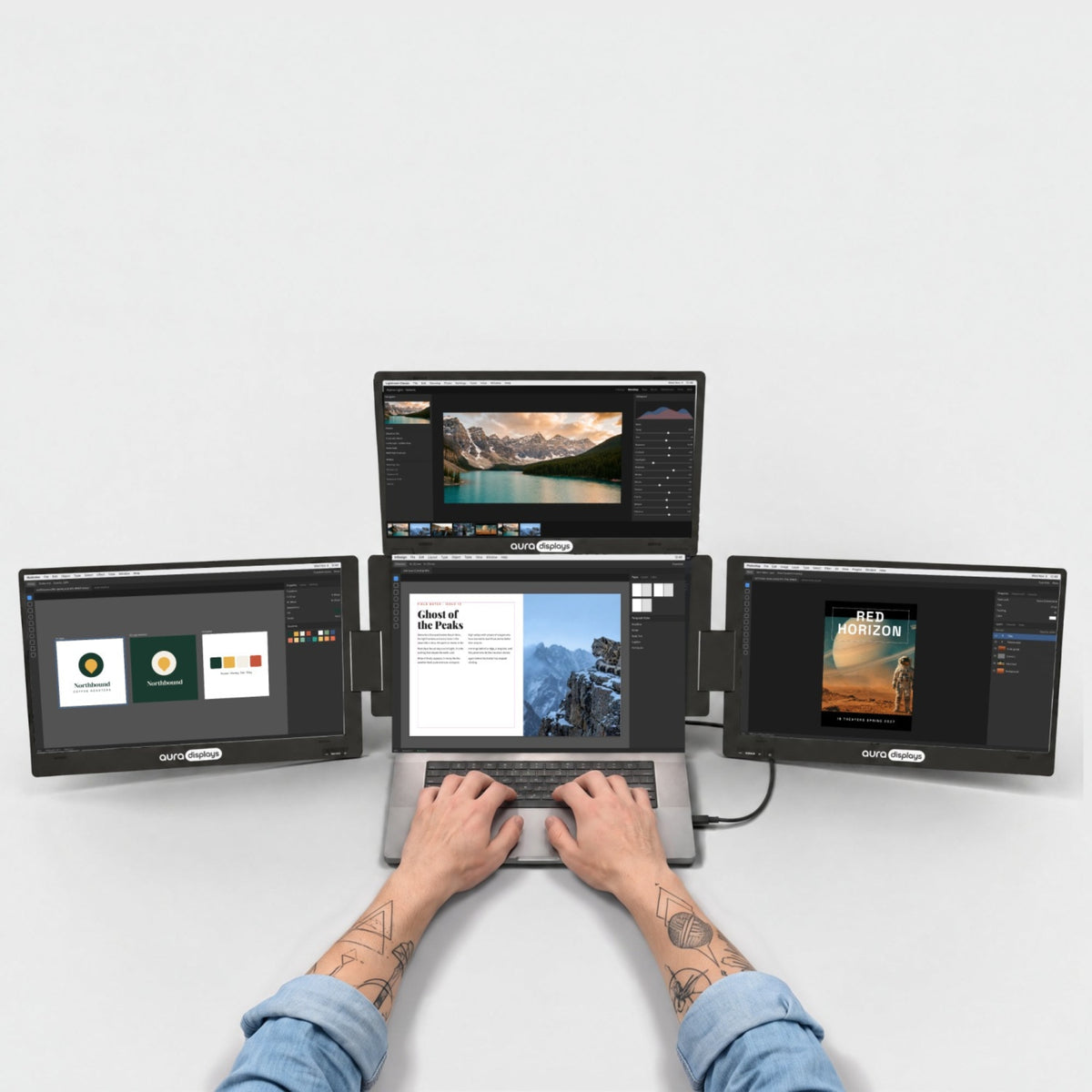
From home offices to hotel rooms, see how people use Aura to get more done.


Works with what you already own.
MacBook with M1 to M5 chips, Pro and Max included and Windows laptops.


Your setup, wherever there’s a desk.
Fold it, pack it and set it up again at the next desk. Home, office or hotel room, you get the same multi-screen workspace every time.

4.85 lb · 2.2 kg
Light enough to move from desk to desk.

12" – 17.3"
Made to match your laptop’s screen size.

Standard laptop backpack
Folds flat for the trip.

Composite
Metal hinges, built to be opened and folded again and again.

Ports and power.
Here's what goes where, and what your laptop needs to drive it.

2x USB-C on the monitor
Laptop side: 1 video USB-C required.

30W power adapter included
Mains power is required — plug it into a wall outlet, not a strip.

Driver required
Install it once and restart, then every screen turns on.

Work laptop? Ask IT first
Managed laptops often block driver installs. Find a model that needs none.
Designed to Do More.
Explore the features that make this monitor smarter, more versatile, and built to elevate the way you work and create.

Each screen shows 1920 × 1200, so you see more lines of code, more rows and more of every page.

The screens fold face-in, so they stay protected in your bag.

The stand is built in and sits right behind your laptop. Nothing to assemble, nothing extra to carry.

Drag any window from your laptop to any screen and back. Extend your desktop across all four screens, or mirror one screen to show the same thing twice.

Your laptop sits under the top screen, between the two side screens. Any laptop from 12 to 17.3 inches fits, including 16-inch MacBook Pro models.


The Go series. Made to leave.
The Go Series is our lighter multi-screen range, with less to carry on the days you work somewhere new. Each screen swivels a full 180°, so you can turn it toward the person opposite without moving the laptop.
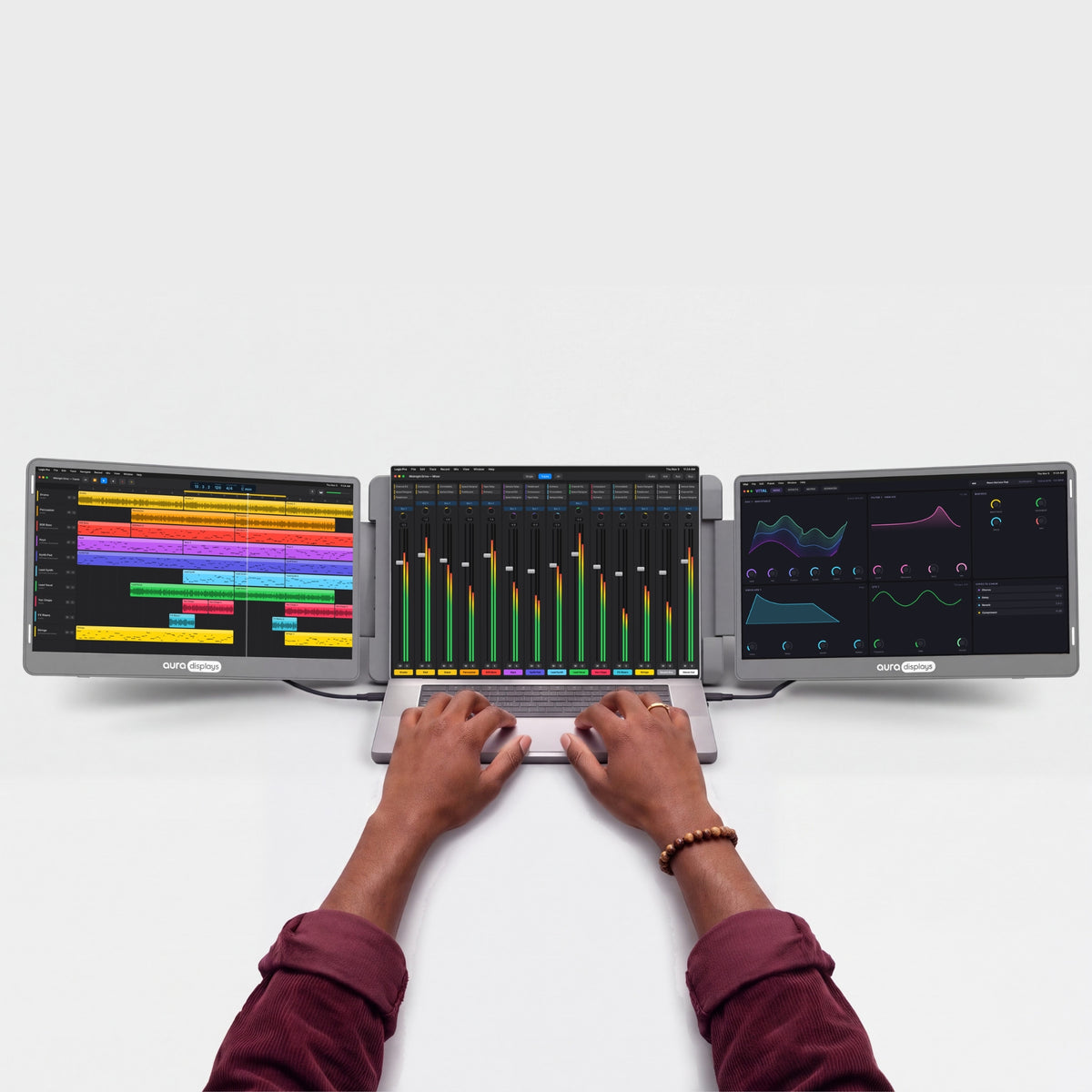

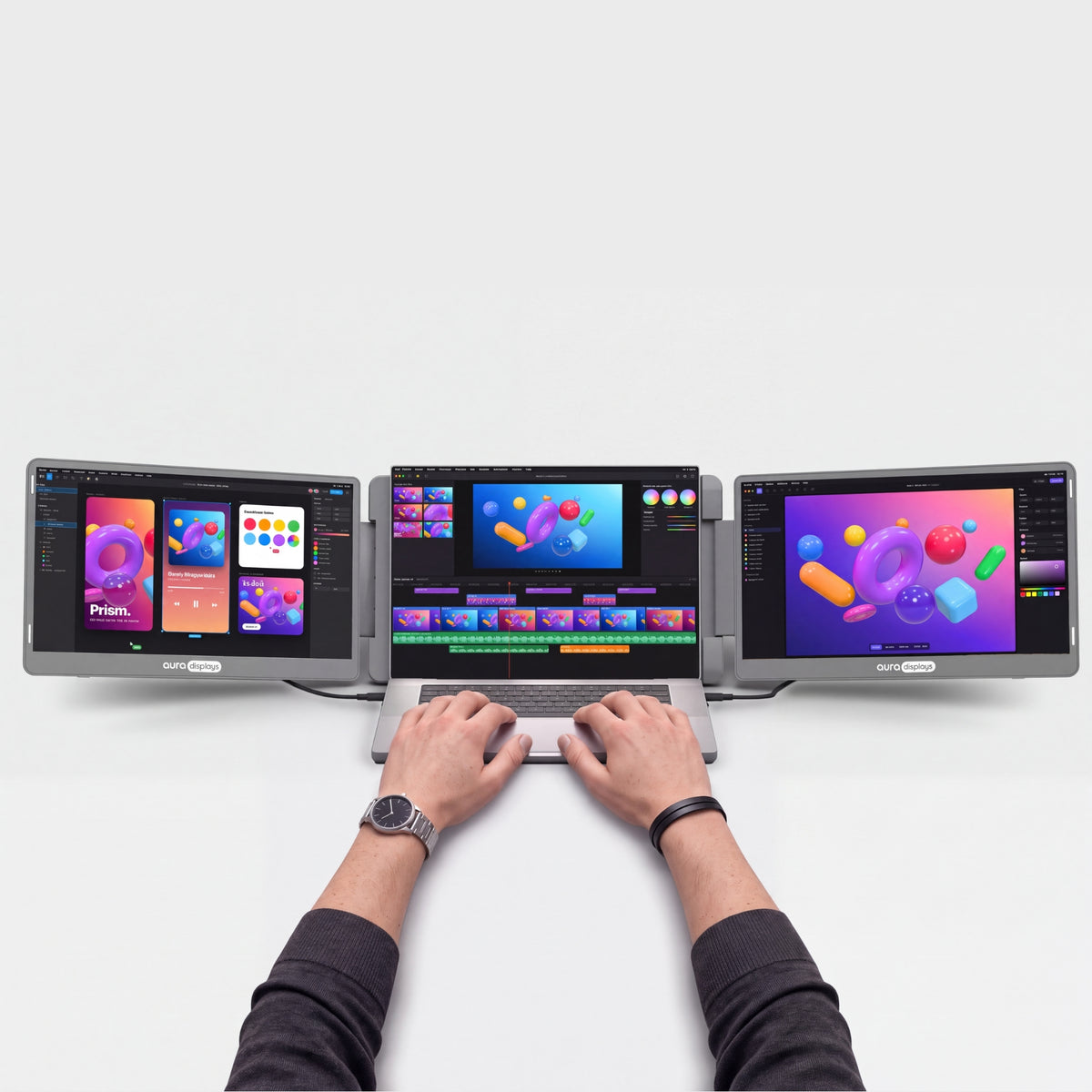

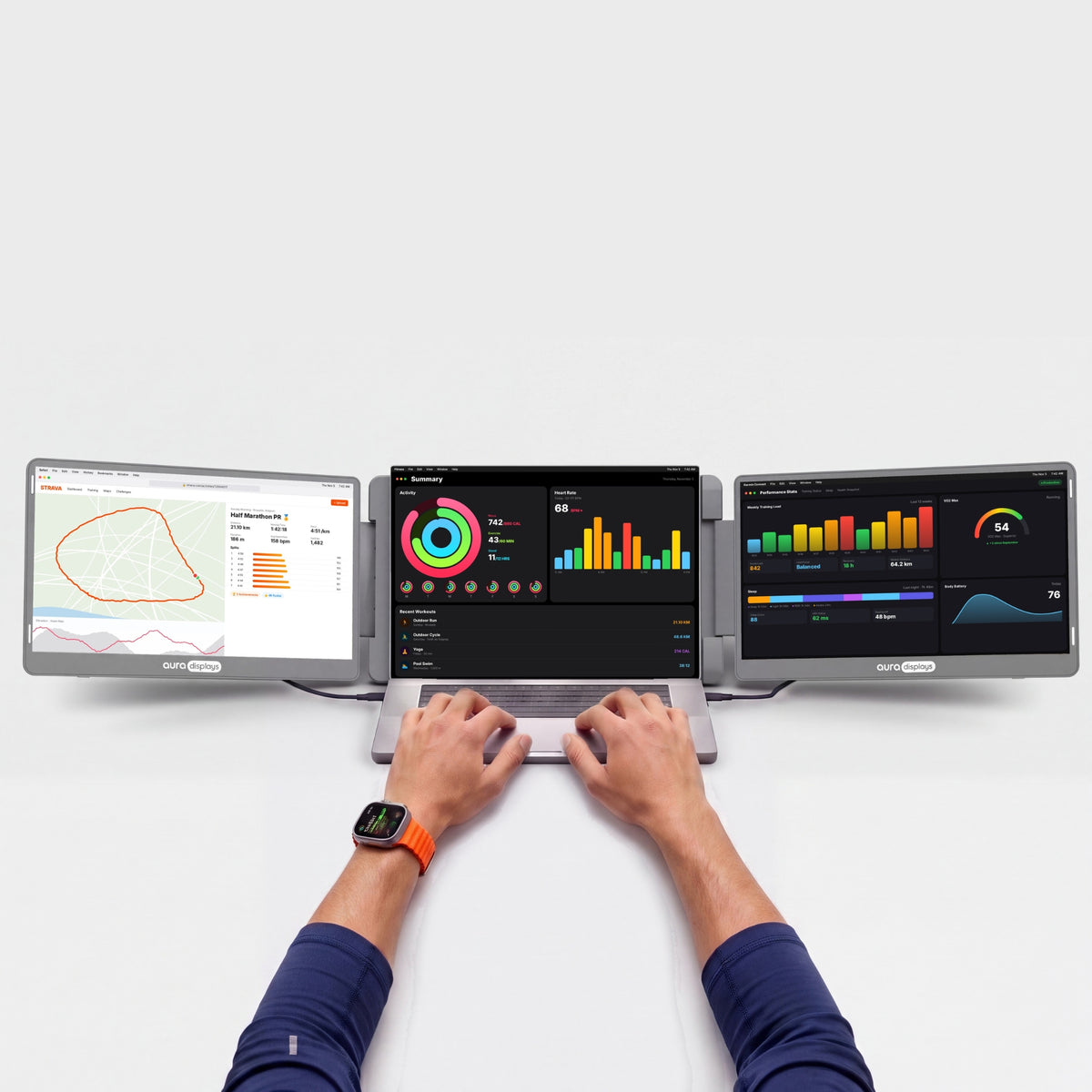



Productivity calculator
See what more screen gives you back.
Fewer windows to juggle. More time for the work itself. Adjust the numbers to your week.
Copying between docs, comparing, a call next to your notes, code next to the preview.
Estimates only. Gains from published studies are applied to the share of time you spend working across several windows, and converted conservatively into time saved (a task done 18% more efficiently takes about 15% less time). Your results will depend on your work.
Sources: Wichita State University SURL / IDC for Dell (2015); Fraunhofer IAO OFFICE 21 for Fujitsu Siemens; Jon Peddie Research Multi-Monitor Study (2017, self-reported); University of Utah for NEC (2008); Microsoft Research, Czerwinski et al. (2003); Harvard Business Review (2022).


Is it right for you?
Is the Triple Go 14" right for you?
Made for you if
- You work from a desk, home office or hotel room with a power outlet
- You can install software on your laptop
- Your laptop is between 12" and 17.3"
- You want the most screen space you can carry
Choose another model if
- Your work laptop blocks software installs — Plug & Play models
- You need to work without a power outlet — Air Series
- You mainly game on console — Compare models
Display
Connectivity & power
Size & weight
Design & features
Warranty & certifications
Your laptop
Operating systems
Other devices
- 1×Triple Go 14" (Full HD+)
- 2×Type-C to Type-C cable
- 2×USB-C to USB A cable
- 1×USB KEY with Software
- 1×PD power charger 30W
- 1×User Manual
Driver required
How to connect
One USB-C cable + the power adapter.
- Driver install requiredNeeds admin rights. Check with IT on a work laptop.See Plug & Play models →
- Needs a power outlet30W adapter included.See models without adapter →
- Fits laptops 12"–17.3"Works with Windows and macOS.Check compatibility in 30 s →
- Weighs 4.85 lb (2.2 kg)Folded: 13.35 × 8.9 × 1.54 in (339 × 226 × 39 mm). Fits in a standard laptop backpack.See lighter models →
I love the Gen 3 triple monitor system!! It was a solution to having to bring along extra monitors in our camper as we traveled full time. Easy to set up, sturdy, and great resolution. I wish I had bought these sooner, now everything can be packed into my backpack for easy storage and saving room. I would buy these again in a heartbeat!

Hi Michael, we're thrilled to hear you're enjoying the Gen 3 triple monitor system! It's great to know they make travel and storage so much easier for you. Thanks for sharing your experience!
I always need to be running multiple tabs and this makes things so much more streamlined for me, no more hunting for that tab I had a moment ago. Love it.
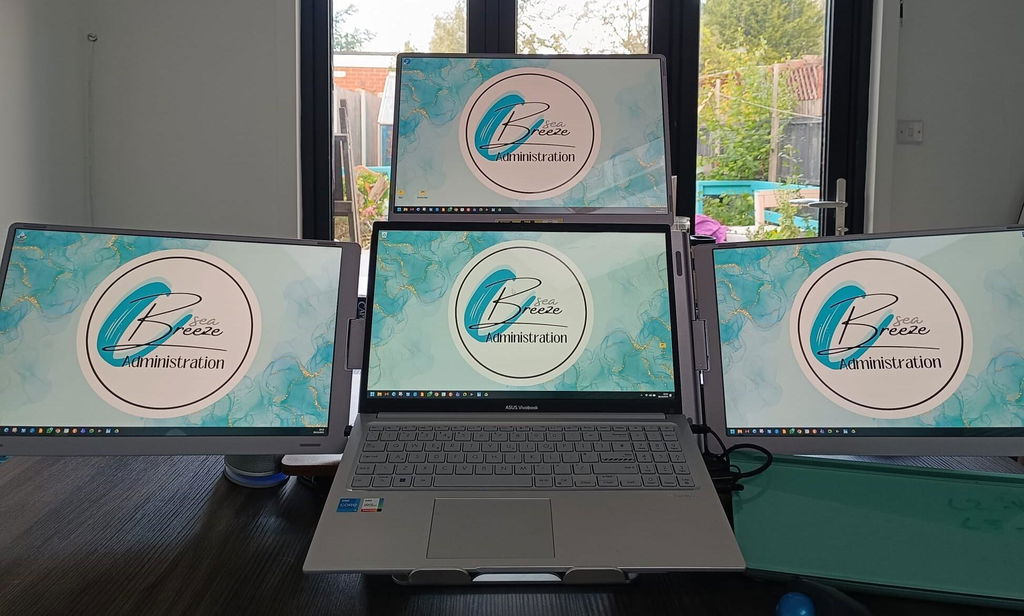
Hi there! Thank you for taking the time to share your positive experience with our Triple Go 14' (Full HD+). We're thrilled to hear that it has helped level up your workspace and make multitasking easier. We're all about streamlining tasks and we're glad it's making a difference for you. Keep enjoying the convenience and thank you for choosing our product!
I keep my notes on one side and the main task in the middle. A good fit for my daily routine.
Deixo as notas de um lado e a tarefa principal no centro. Ajuda a manter a mesa organizada.
It feels sturdy for the price. It's been reliable since the first day.
Text stays crisp on all three panels, even at small sizes. Overall I'm very happy with it.
It packs down flat, so it's easy to put away. It's been reliable since the first day.
Der Aufbau dauerte nur wenige Minuten. Ich bin insgesamt sehr zufrieden.
Great quality - super easy installation -works like a dream
Hi John, we're thrilled to hear you're happy with the Triple Go 14' (Full HD+)! Thanks for sharing your positive experience. Enjoy your product!
great product, fits description and works perectly
Hi Reza, we're thrilled to hear you love the Triple Go 14' (Full HD+)! Thanks for sharing your positive experience. Enjoy using it!
I used to jump between Slack, dashboards, email and internal tools constantly. Now everything stays visible. First setup took a little patience with the driver and power supply, but after that it became normal.
I use the 14 Plus version because I still wanted something I could carry. It gives me three extra displays without feeling as crazy as the bigger one. For writing proposals and checking references, it’s been worth it.
Before this I was constantly switching windows. Now I can leave Slack, dashboards and my main browser visible. First setup took some patience because of the driver, but after that it became part of my routine.
Before this I was constantly alt-tabbing. Now I can keep Slack, dashboards and the main browser visible at once. Setup took a bit the first day because of the driver, then it became routine.
I used to jump between Slack, dashboards, email and browser tabs all day. With this setup everything stays visible. First setup took a little patience because of the driver, then it became routine.
Non lo apro per controllare due email, ma quando devo fare lavoro serio è fantastico. Tengo HubSpot, calendario e preventivi separati. Dopo il software iniziale non ho avuto problemi.
I don’t open it for quick emails, but for deep work it’s excellent. The composite frame feels rigid and the 100% sRGB panels are nicer than I expected for a portable triple monitor.
Xero, a PDF viewer and our approval tool can stay visible at once. That’s all I wanted. The frame feels rigid and the top display stayed stable after I connected the included power supply.
I messed up one protector and got dust under it. Annoying, but not the monitor’s fault. Once I slowed down and cleaned the panel properly, the screens looked great and the 14 Plus size fits my backpack better than I expected.
Quand je l’ai sorti à la bibliothèque, deux personnes ont demandé ce que c’était. Ça prend de la place, oui, mais pour mon mémoire avec Mendeley, Word et des scans ouverts en même temps, c’est le jour et la nuit.
Lo uso con un MacBook per report e fatture. Dopo aver installato il software, i tre schermi funzionano bene. Tengo email a sinistra, Excel al centro e documenti a destra.
I made bubbles when applying the tempered glass and had to redo one side. Not the end of the world, just annoying. The actual monitors are good and the 14 Plus size is easier to carry than I expected.
I use After Effects in the center, asset folders on one side and client notes on the other. It is not my studio setup, but for quick changes while traveling, the extra screens make it way less annoying.
Je l’ai amené une fois au bureau et tout le monde est venu voir. Le style cockpit est assez unique. Pour moi qui travaille souvent avec CRM, devis et emails, les trois écrans sont vraiment utiles.
出張中にホテルで使っています。メール、資料、ブラウザを分けて表示できるので便利です。少し大きいけど、仕事用なら持って行く価値があります。
ホテルで使うと本当に作業が楽です。メール、資料、ブラウザを3つの画面に分けられます。少し大きいですが、仕事用ならかなり便利です。
ホテルで使うと本当に作業しやすいです。3つの画面にメール、資料、ブラウザを分けられます。少し大きいですが、仕事用なら便利です。
El monitor funciona bien, pero tuve que leer la guía porque esperaba algo totalmente plug and play. Después de instalar el driver, pude usar las tres pantallas con mi Lenovo sin problema.
I edit product photos while traveling, and this setup is weirdly helpful. Lightroom goes on one screen, file browser on another, and the client brief stays visible instead of buried behind windows. It takes more space than a normal monitor, but it saves my patience.
Con il mio MacBook uso Trello su uno schermo, il gestionale ordini su un altro e il browser al centro. Pensavo fosse complicato, invece dopo il software iniziale è diventato abbastanza semplice.
Lo uso con un MacBook per fatture e report. Dopo aver installato il software, i tre monitor funzionano bene. Email a sinistra, fogli al centro e documenti a destra.
Set-up and support
The questions our team answers most — from the first plug-in to the
day something looks off. If yours isn't here, write to us: a real
person replies.
Only some screens work, or a screen stays black
Only some screens work, or a screen stays black
All three Triple Go screens get their picture through the driver.
- Make sure the RacerUSB app is open, then restart your laptop.
- Plug in the power adapter: all three screens need it.
- Connect the monitor directly to a laptop USB-C port that supports video, with the included USB-C to USB-C cable — no hub or dock.
- Check that the dark screen is set as an extended display (see the question on screen order).
Still one screen dark? Contact us — it's covered by warranty.
All screens stay black / nothing turns on
All screens stay black / nothing turns on
- Plug the included power adapter directly into a wall outlet (not a power strip) and into the monitor's PD (power) port.
- Connect the monitor directly to your laptop — no hub or dock.
- Unplug and replug the USB cable, then make sure the driver app is open.
- If you have another USB-C PD charger (30 W or more), try it.
Still nothing? Contact us with a short video of your setup — manufacturing defects are covered for 1 year.
How do I connect it to my laptop?
How do I connect it to my laptop?
Always connect the power adapter first: the Triple Go needs a 30 W power source (the included adapter, or any USB-C PD charger or power bank of 30 W or more). Then plug the included USB-C to USB-C cable into a laptop USB-C port that carries video (all MacBooks, most recent Windows laptops) and install the driver (see question 4).
There is no HDMI input, so your laptop needs a USB-C port with video. For the first setup, avoid hubs and docks.
Do I need a driver? Which one?
Do I need a driver? Which one?
Yes — without it none of the screens turn on.
Install the RacerUSB driver: it's on the USB key in the box, and the latest version for Mac and Windows is on our Drivers page. Install, then restart. On Mac, allow Screen Recording when asked and set it to open at login, or the screens won't come back after a restart.
Does it work with my MacBook, even a base M1, M2 or M3?
Does it work with my MacBook, even a base M1, M2 or M3?
Yes. Your MacBook screen + all 3 Triple Go screens work, even on base M-chip MacBook Air models that normally support only one external display — the driver handles it. You need macOS 12 Monterey or newer.
My work laptop doesn’t let me install software
My work laptop doesn’t let me install software
All three screens run through the driver, so without it none of them turn on. Ask your IT team to install it (see question 4). If that's not possible, choose one of our plug-and-play models that need no driver.
Is it portable? How heavy is it?
Is it portable? How heavy is it?
Yes. It folds into one unit with the screens facing in, about 4.85 lb / 2.2 kg, and fits a standard laptop backpack. Keep it in a sleeve when you travel: the shell scratches more easily than our other models.
How do I fold it without damaging the hinges?
How do I fold it without damaging the hinges?
Open and close the screens one at a time, and never force a hinge past its stop. There are no magnets, so keep it in a sleeve or a bag when you carry it.
Where is my screen protector?
Where is my screen protector?
It isn't pre-installed on this model: your tempered glass screen protectors come free with your order, ready to apply whenever you want.
Will my laptop fit under the top screen?
Will my laptop fit under the top screen?
Yes for laptops from 12" to 17.3", including 16" MacBook Pro models. The laptop sits under the top screen, between the two side screens.
My screens are in the wrong order, or one looks blurry / smaller
My screens are in the wrong order, or one looks blurry / smaller
- Mac: System Settings › Displays › Arrange. Windows: Settings › System › Display.
- Drag the screens to match their real positions.
- Set each Triple Go screen to its native resolution (1920 × 1200) and the same scaling.
Can I watch Netflix or other streaming services?
Can I watch Netflix or other streaming services?
Not on the Triple Go screens: protected video (Netflix, Disney+, Apple TV…) stays black on screens connected through a USB display driver. Play it on your laptop screen instead.